- Cyber Security
Cyber Essentials Plus for Small Businesses: Is It Worth It?
13 Jun, 2026
£502.42 inc. VAT
AI-generated summary
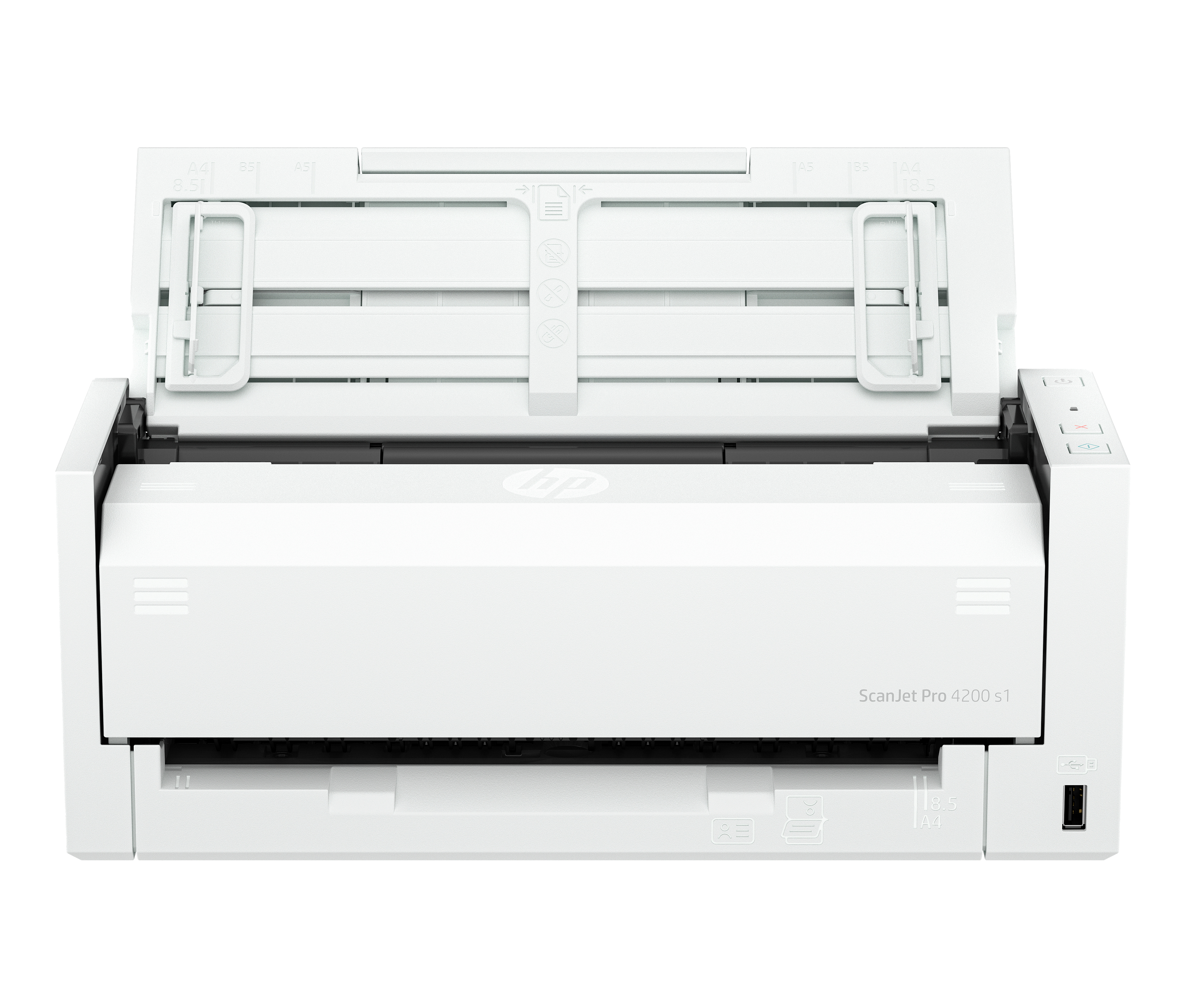
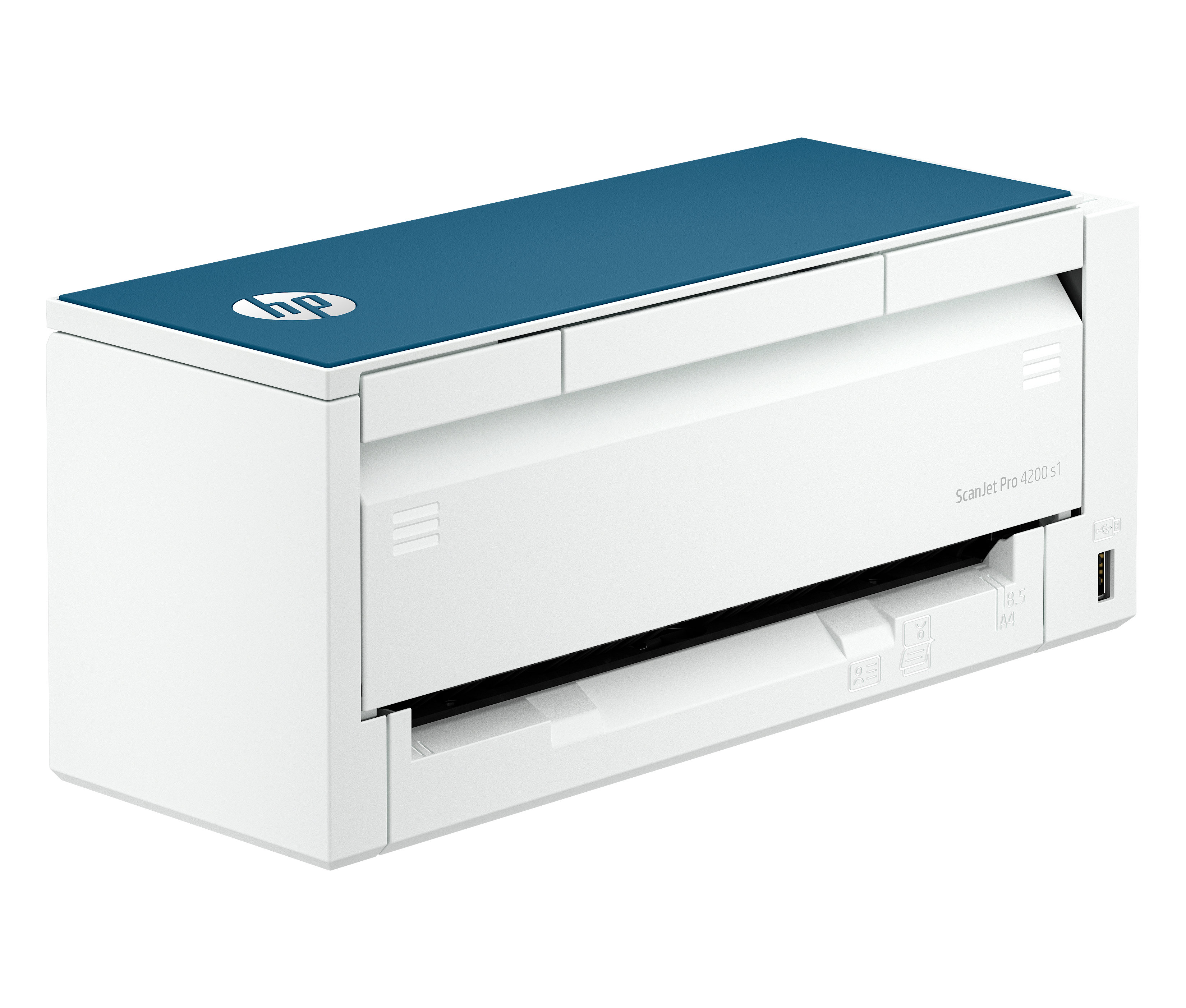
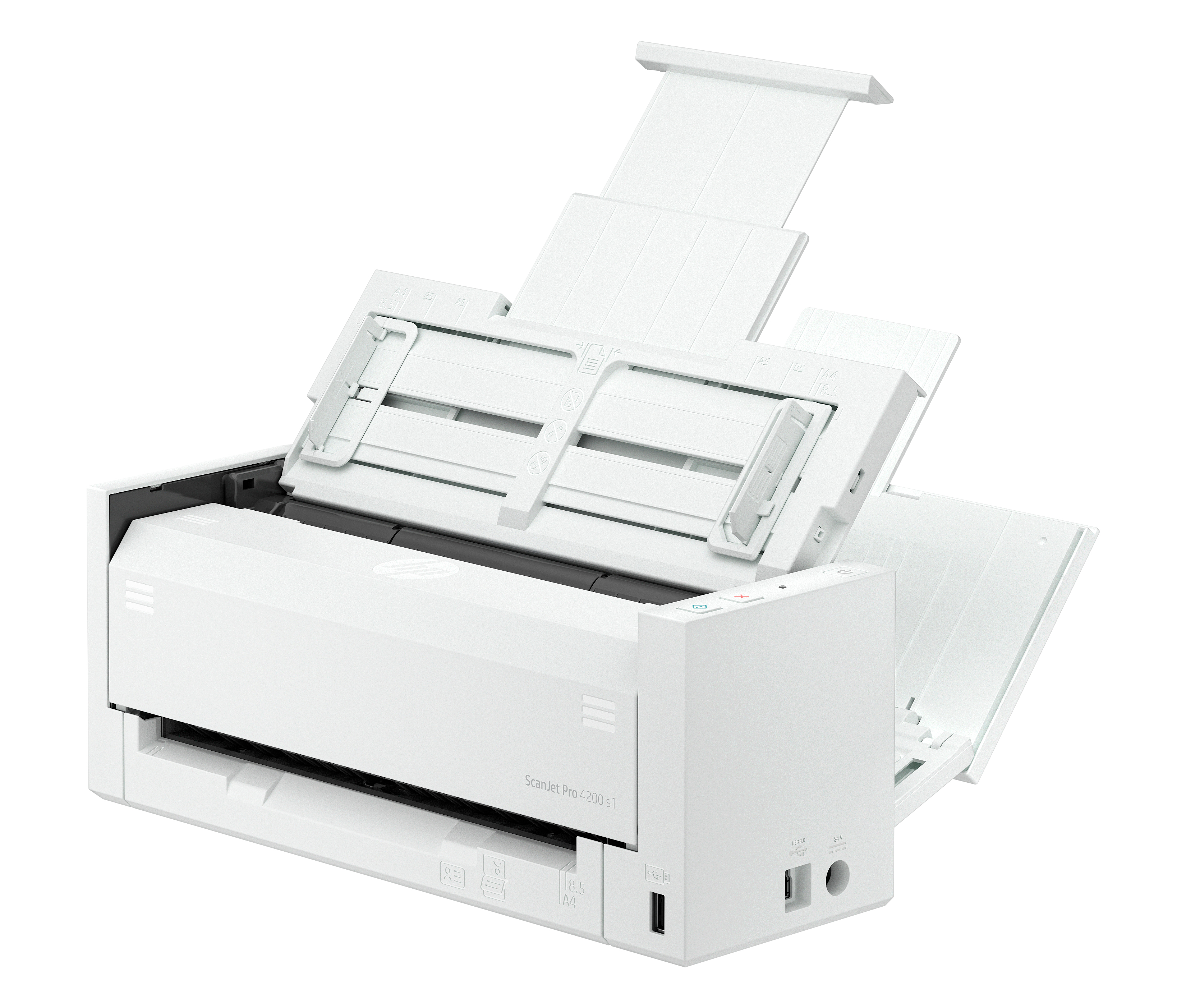
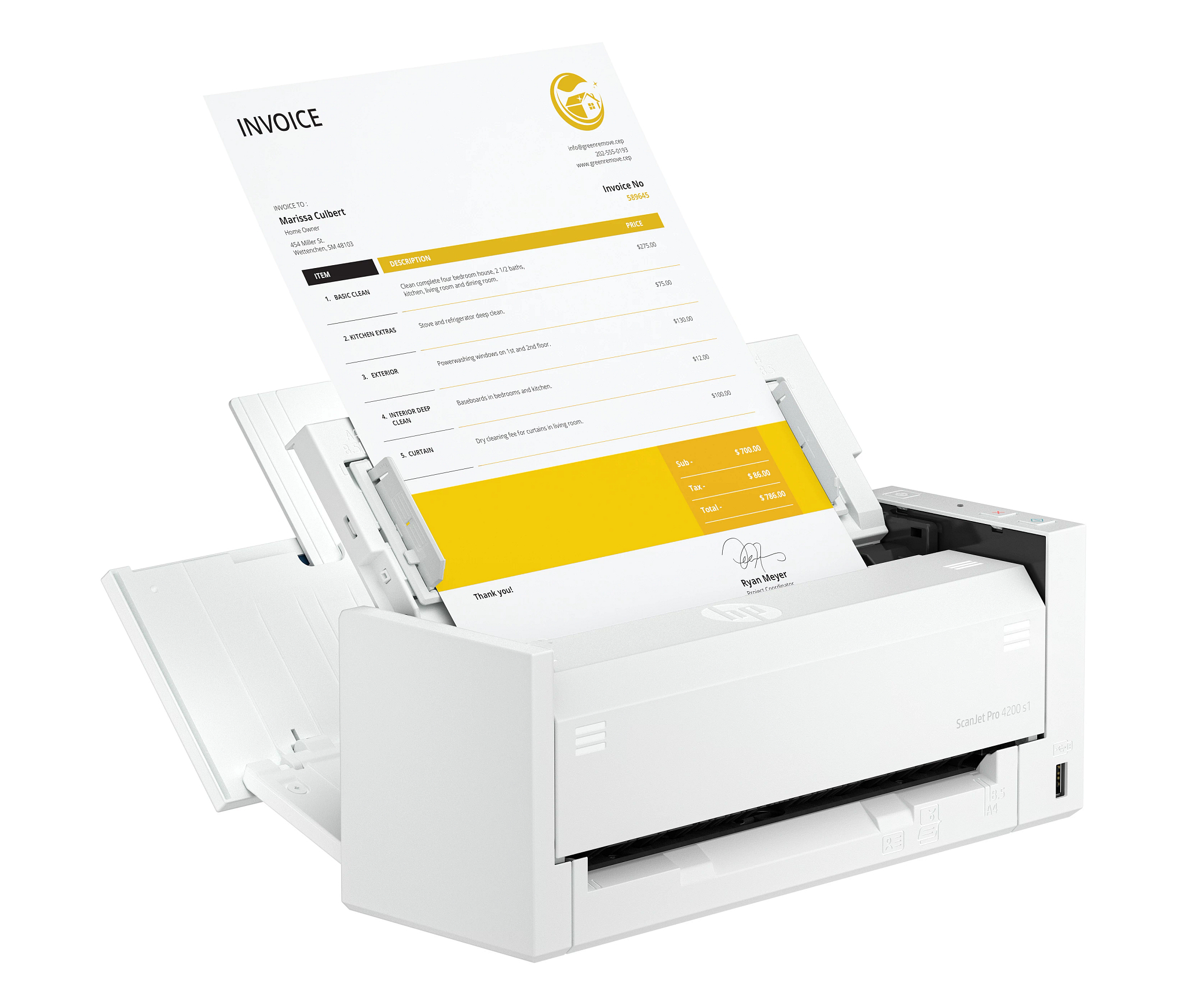
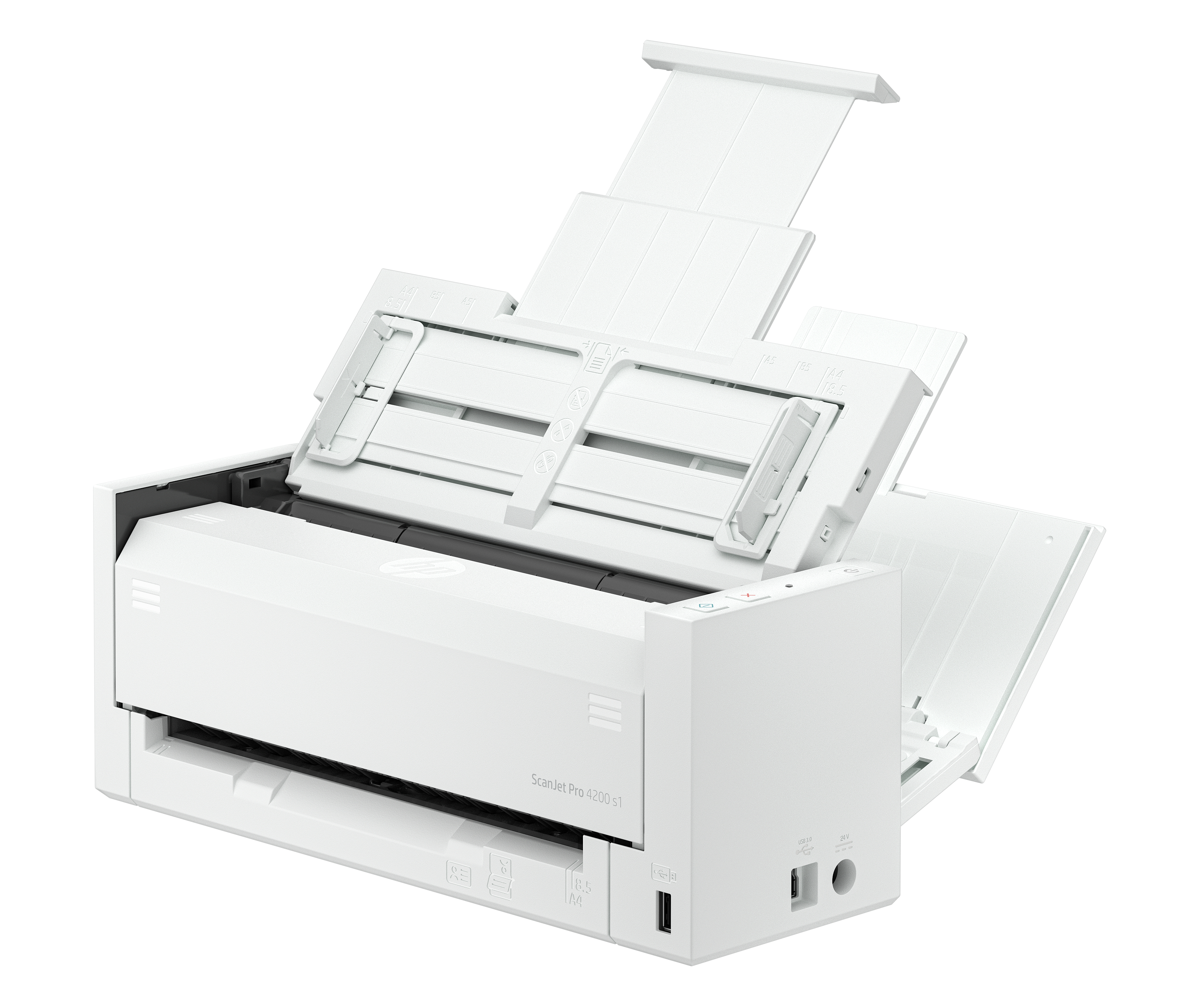
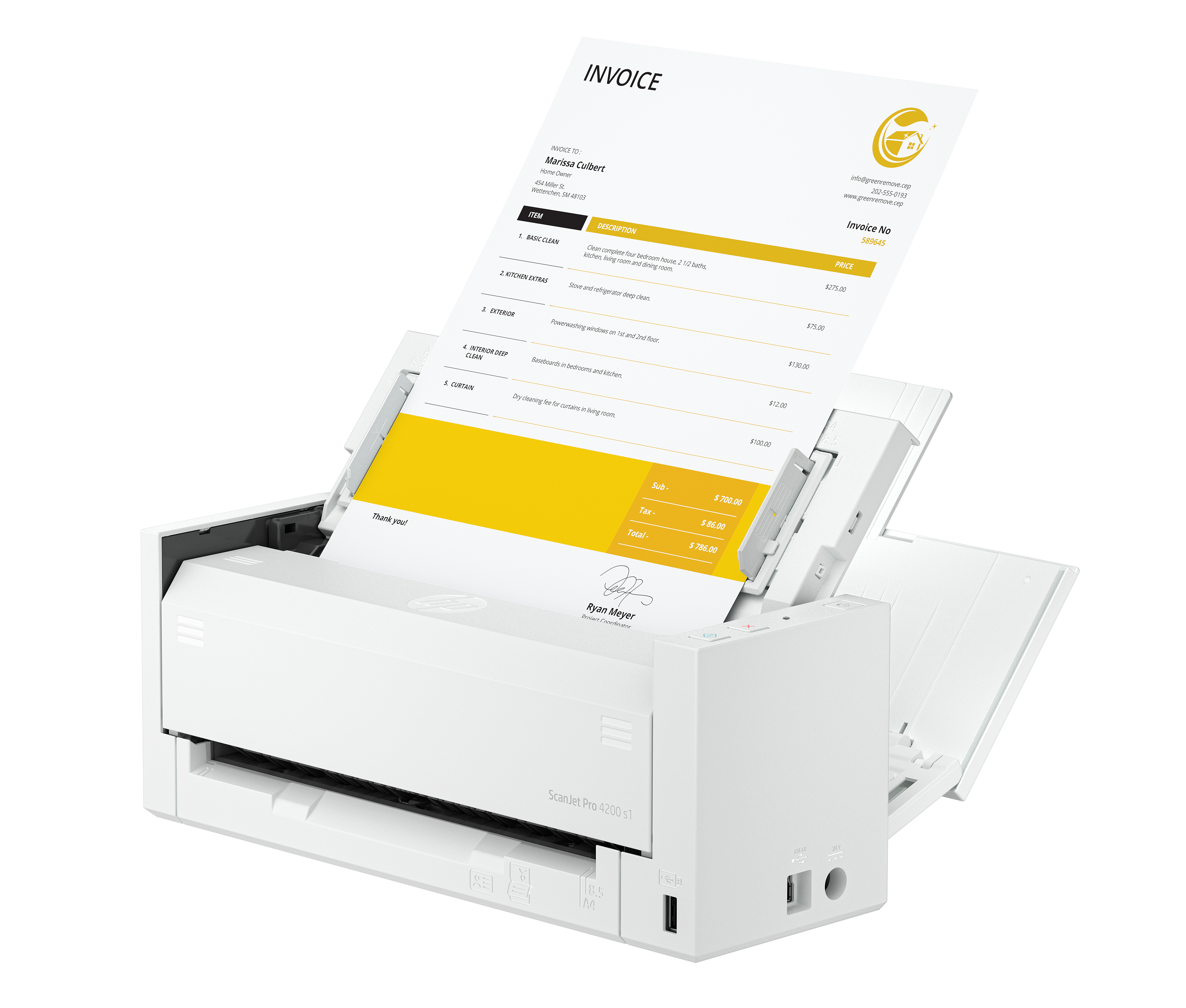
The HP ScanJet Pro 4200 s1 ADF is a solid “get on with it” office scanner if your day-to-day is document-heavy—think invoices, forms, onboarding packs, and anything that benefits from automated feeding. HP has a good track record for reliable scanning in real workplaces, and the ADF is the big deal here: it cuts down the faff of feeding pages manually and keeps throughput steady. At £418.68 ex-VAT, it’s priced like a mid-range business tool, so it makes sense if you’ll actually use scanning consistently rather than just occasionally batch a few documents.
That said, I wouldn’t buy it for a team that only scans rarely or mostly needs ultra-specialist output (very colour-critical work, odd media, or complex workflows). If you’re scanning small volumes, you can usually find cheaper options that won’t feel like a waste of budget. Also, make sure it fits your workflow in practice—advice from experience: the scanner is only half the story; the real cost is how painless the software and file handling are for your people. If your users already have a defined process for PDF/searchable files and indexing, this will feel like good value. If not, you might end up spending more time wrestling with setup than scanning.
Get easy passport and ID scans without having to use a carrier sheet.
Get ease of use, with direct, front-enabled passport and ID scans, without having to use a carrier sheet.
Instant extraction of key data with Passport MRZ OCR.
Passport MRZ OCR directly extracts key data like name, passport number, nationality, and issue date.
Two-sided scanning captures all your data in a single pass.
Save time and reduce waste with two-sided scanning that captures all your data in a single pass.

Automatic file naming based on extracted information.
Save yourself the effort of naming files, with auto naming based on information such as invoice numbers.

Designed to handle up to 4500 sheets per day.
Load your documents for scanning and go about your day with the fast, 50-page Automatic Document Feeder.
Easily scan passports and documents of all types
Get ease of use, with direct, front-enabled passport and ID scans, without having to use a carrier sheet. Keep fragile documents preserved, with the Low-speed mode, which protects thin papers while...
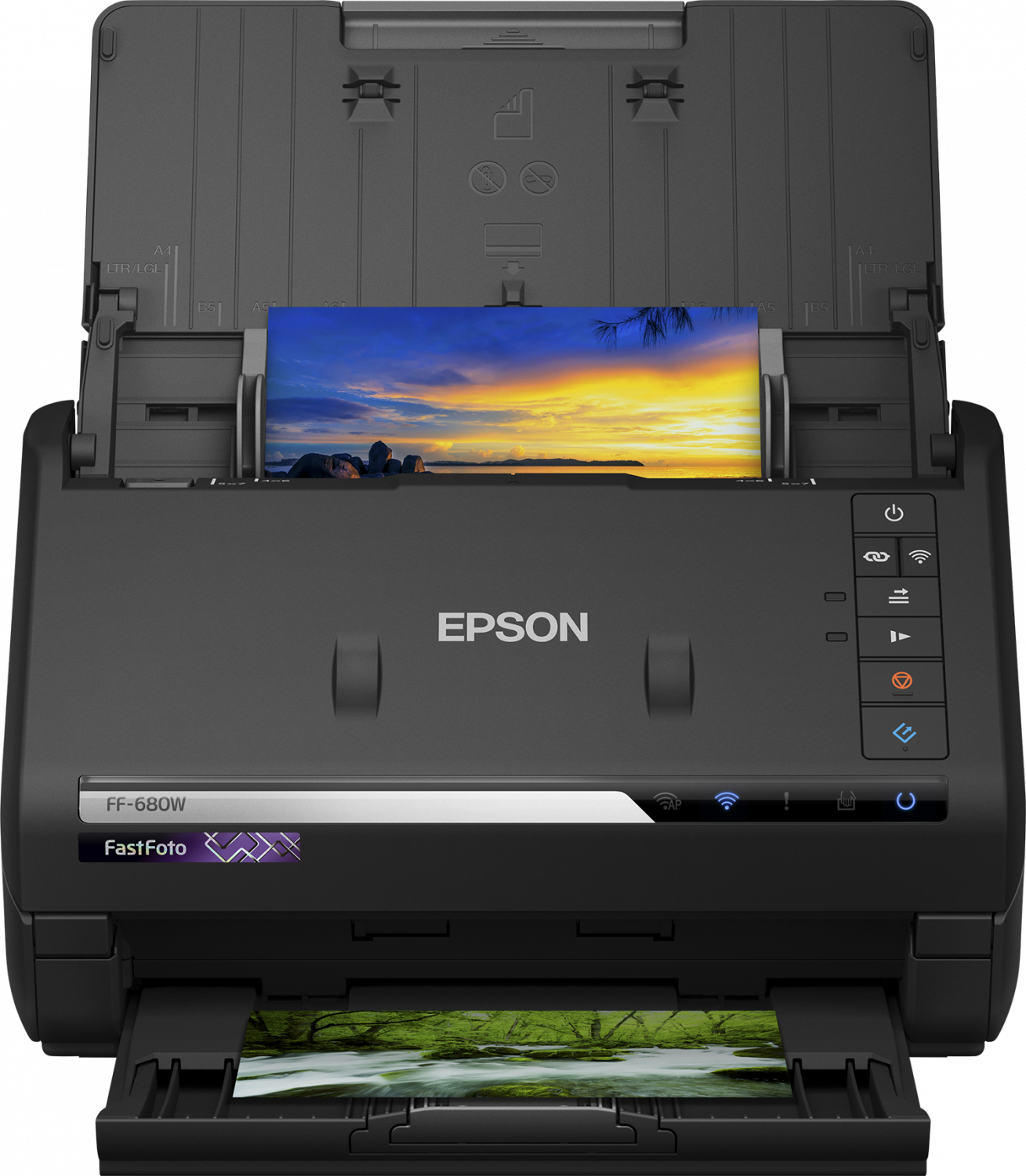
Epson
Epson FastFoto FF-680W - Document scanner - Contact Image Sensor (CIS) - Duplex - A4 - 600 dpi x 600 dpi - up to 45 ppm (mono) / up to 45 ppm (colour) - ADF (100 sheets) - USB 3.0, Wi-Fi(n)
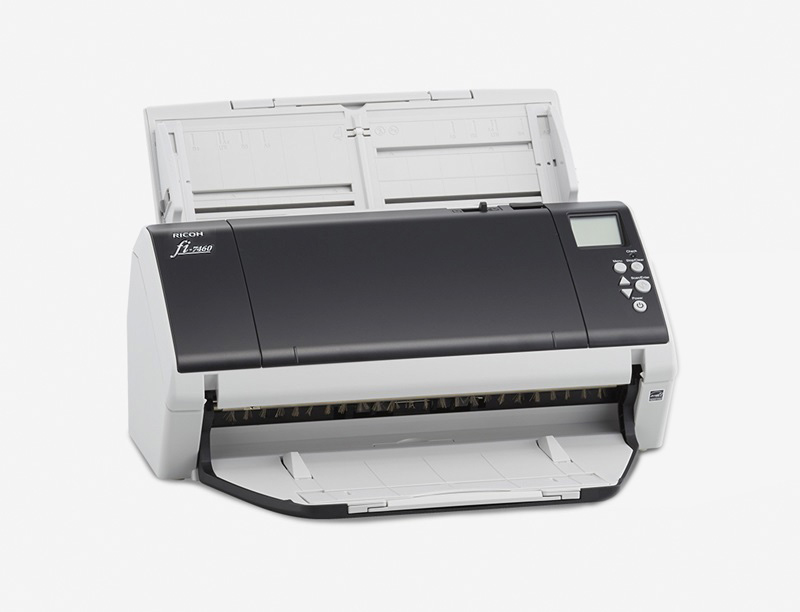
RICOH
Ricoh fi 7460 - Document scanner - Dual CCD - Duplex - 304.8 x 431.8 mm - 600 dpi x 600 dpi - up to 60 ppm (mono) / up to 60 ppm (colour) - ADF (100 sheets) - USB 3.0
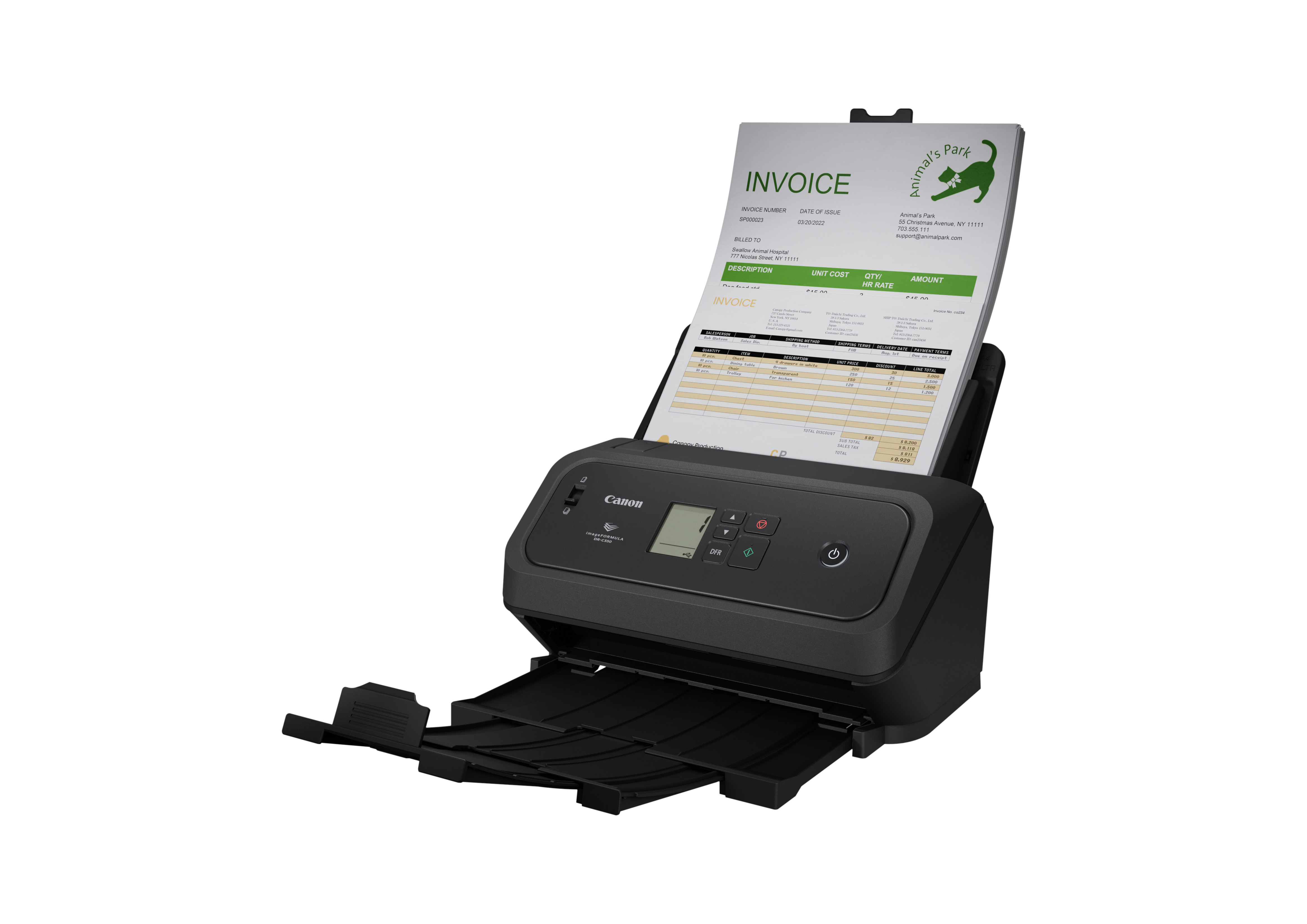
Canon
Canon imageFORMULA DR-C340 - Document scanner - CMOS / CIS - Duplex - Legal - 600 dpi - up to 40 ppm (mono) / up to 40 ppm (colour) - ADF (100 sheets) - up to 7000 scans per day - USB 2.0
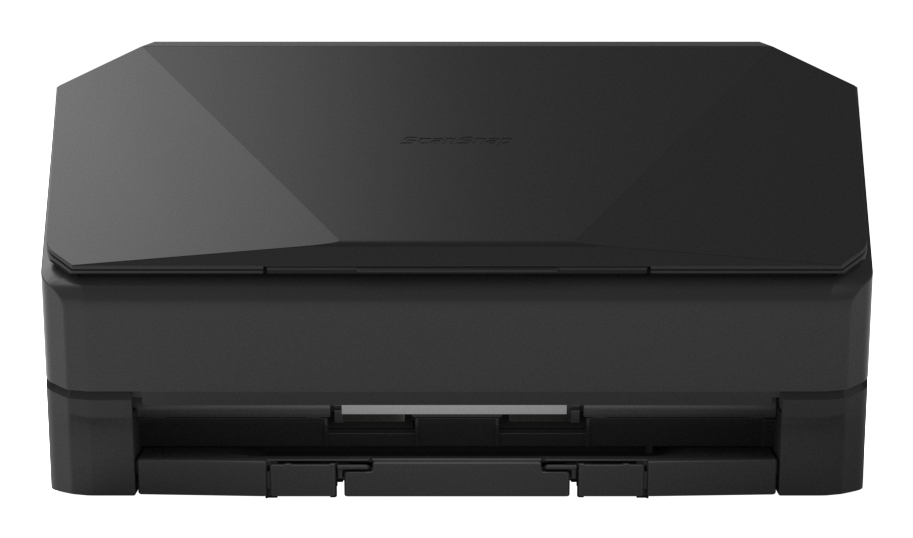
RICOH
Ricoh ScanSnap iX2500 - Document scanner - Dual CIS - Duplex - 279 x 432mm - 600 dpi x 600 dpi - up to 45 ppm (mono) / up to 45 ppm (colour) - ADF (100 sheets) - USB 3.2 Gen 1x1, Wi-Fi(ax), Bluetooth 5.2