- IT Support
How to Get the Most Out of Your IT Support Provider
10 Feb, 2026
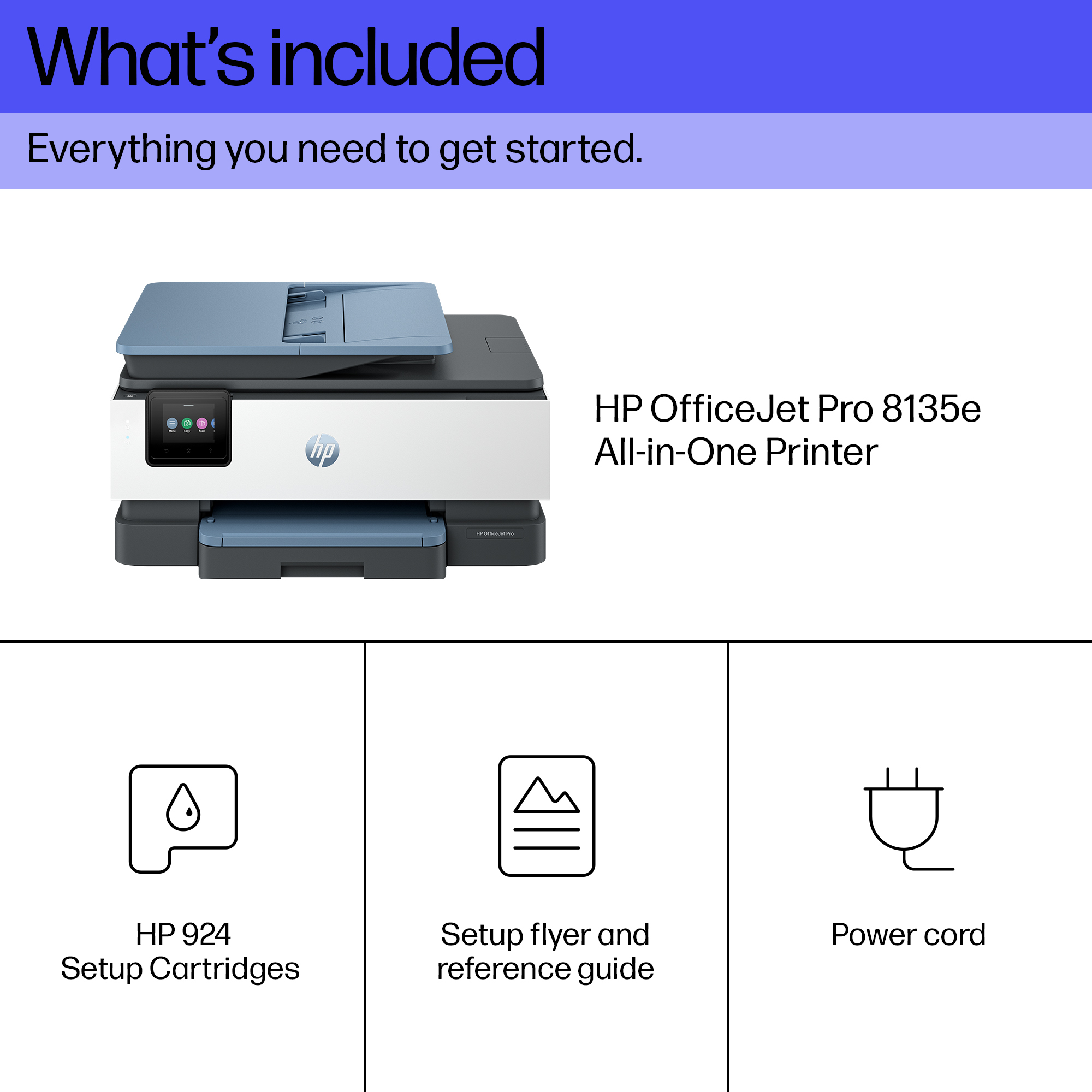

£143.35 inc. VAT
AI-generated summary
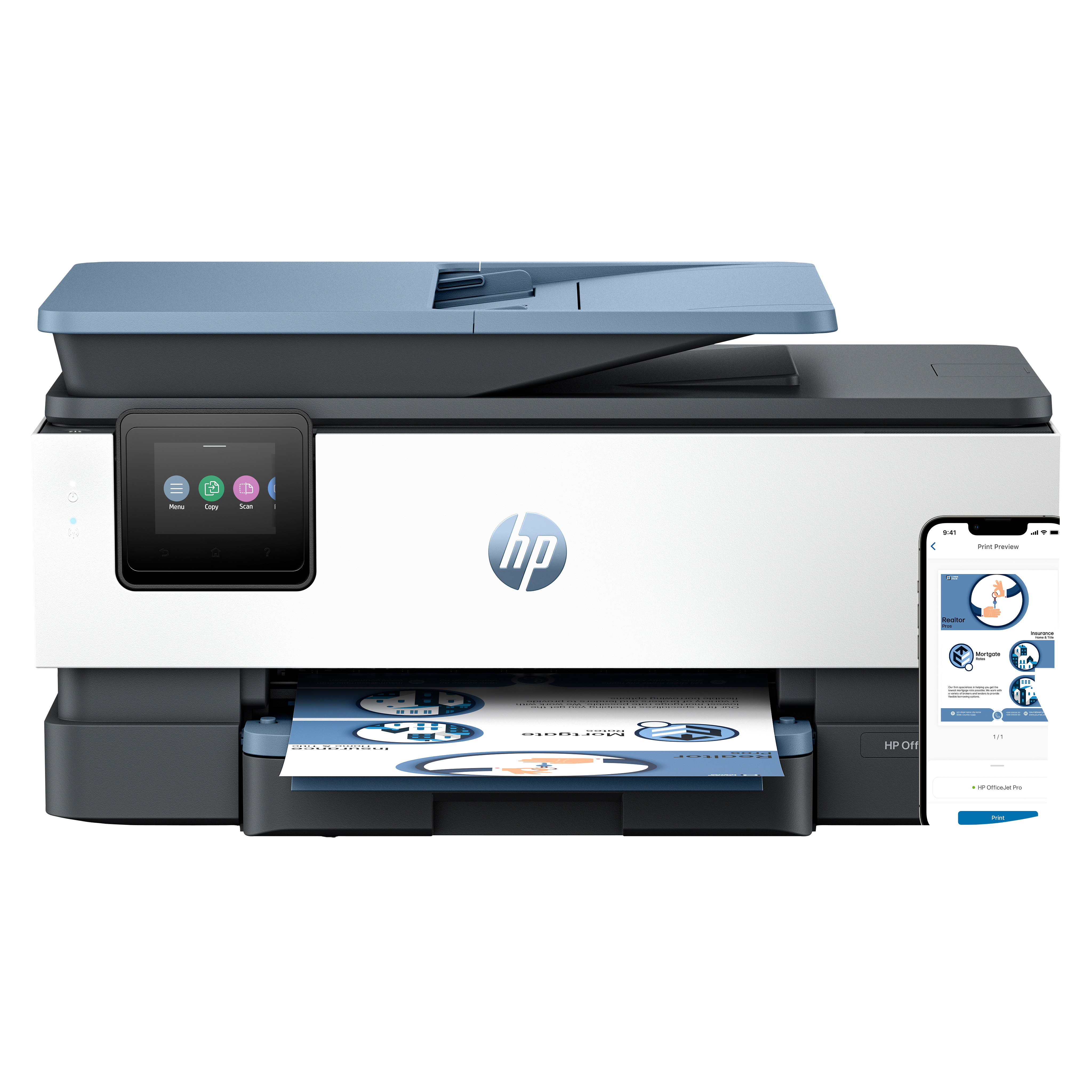
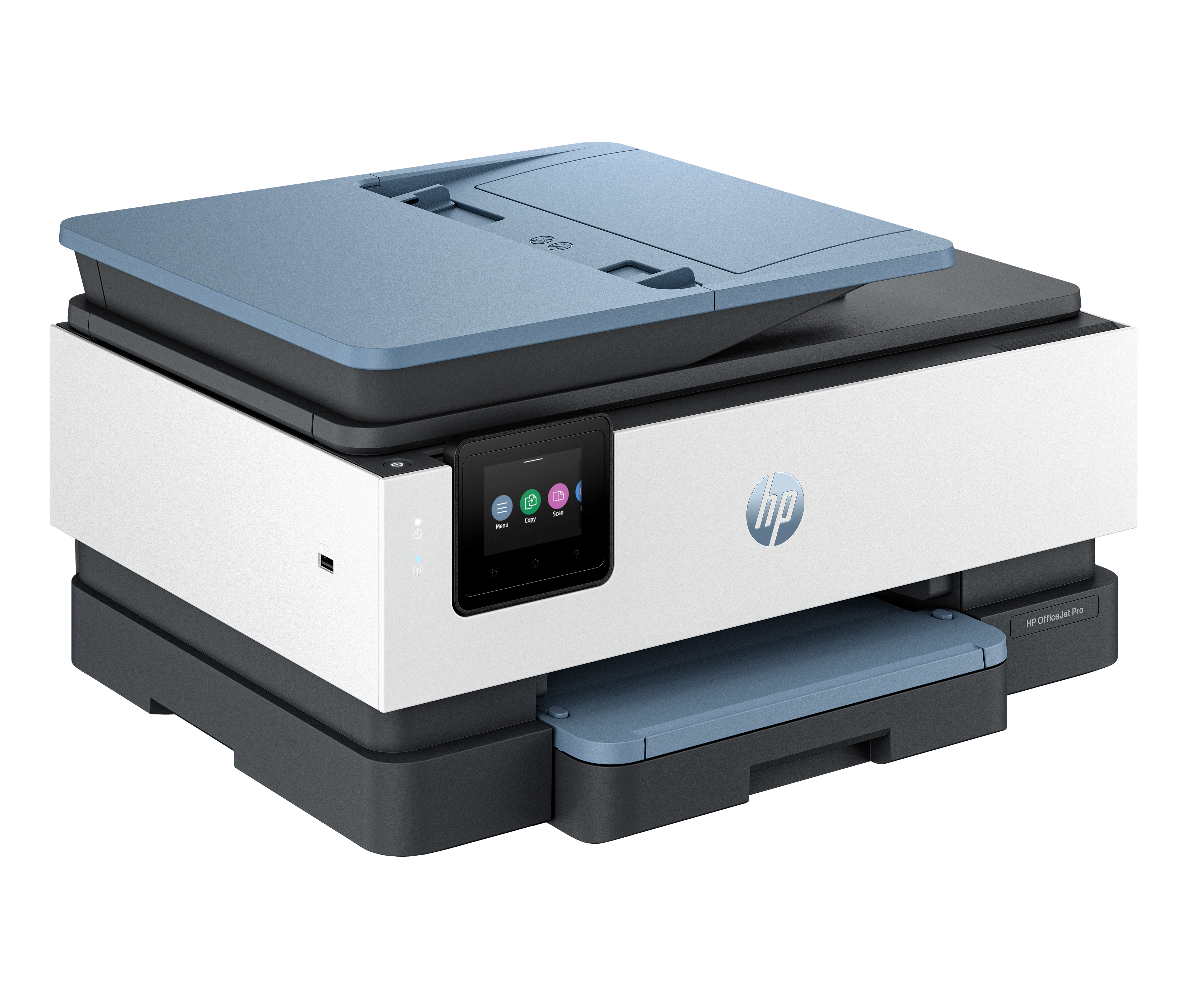
The HP OfficeJet Pro 8135e is a decent “get on with it” all‑in‑one for small offices that print regularly and want reasonably low hassle. The big thing here is the Instant Ink angle: if you’re willing to manage toner-style subscriptions (and you don’t print in huge bursts only once in a while), it can genuinely help with budgeting and avoiding the “we’re out of ink again” problem. Two‑sided printing is also the kind of everyday feature that saves time and paper without thinking about it.
That said, I wouldn’t call this a bargain for cost-per-page if you print very lightly or irregularly. Instant Ink can end up costing you if you consistently underuse cartridges, and inkjets—even solid ones—are still not the fastest/cleanest option for heavy mono document workloads that an office cranks out every day. If your use is mostly coloured docs, occasional scanning, and moderate volume, this will feel like good value; if you need high-volume printing, quick turnaround, or you print mostly black text, you’d be better off looking at something different than an inkjet subscription MFP.
Reliable technology uniquely built to work at home
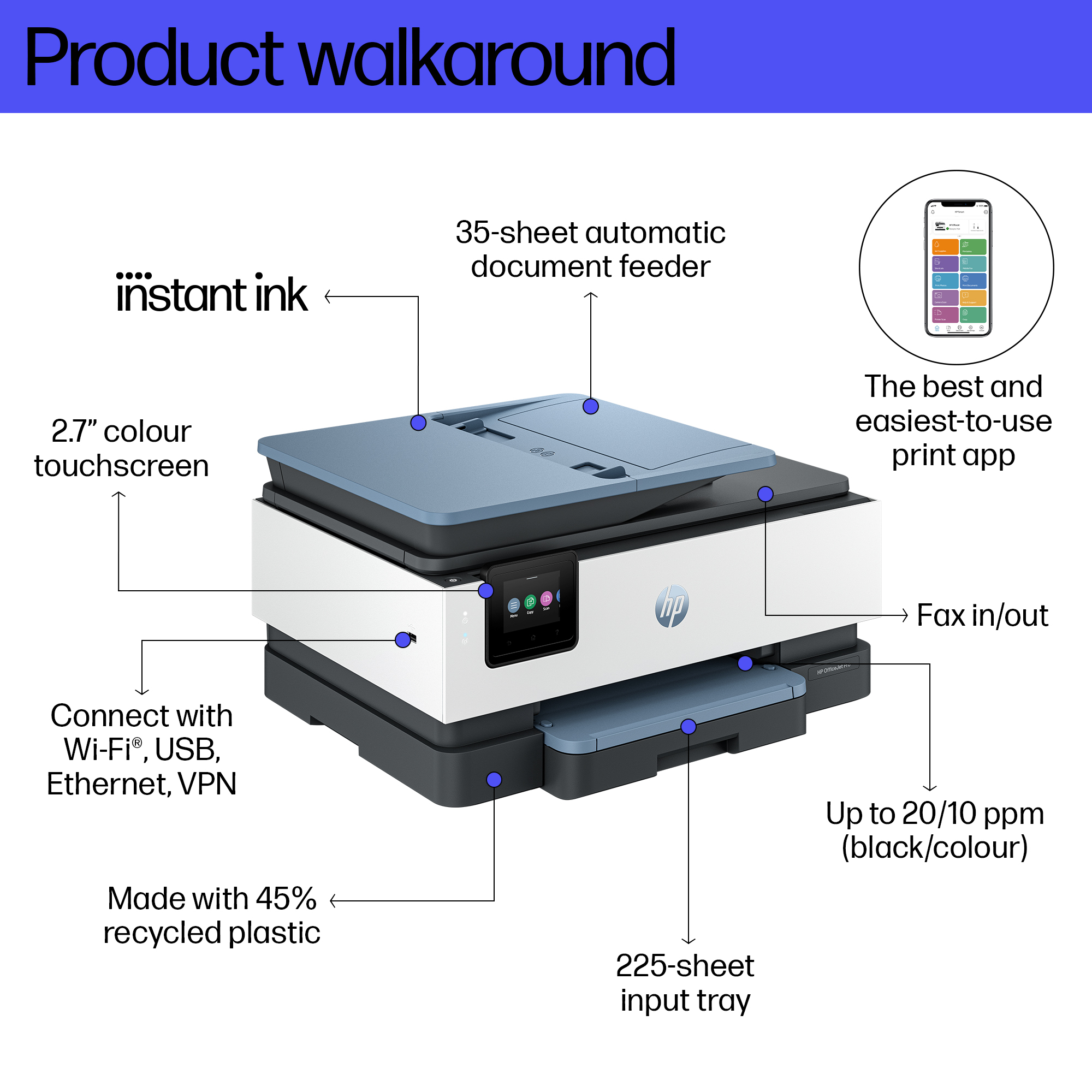
Say goodbye to noisy printing and stay focused on your work with quiet mode. Stay connected with our most reliable Wi-Fi® - dual-band, self-healing - that automatically reconnects.[3] Print confide...
Print from your couch with the best print app[2]
Print, scan, copy, or fax right from your smartphone with the best and easiest-to-use print app.[2] Compatible with your favorite cloud storages like Google Drive, OneDrive, Dropbox, and more. Scan...
Always be ready to print. Never run out of ink.[6]
With an Instant Ink subscription, you can get ink delivered directly to your door before you run out.[6] Save up to 70% with Instant Ink. Enroll to get ink with automatic delivery starting at £ 1.7...
Driving innovation with 45% recycled plastic[9]
Choose printers made with at least 45% recycled plastic.[9] For every page you print, HP protects, restores and manages forests in equal measure.[10] Recycle your Original HP ink cartridges after u...
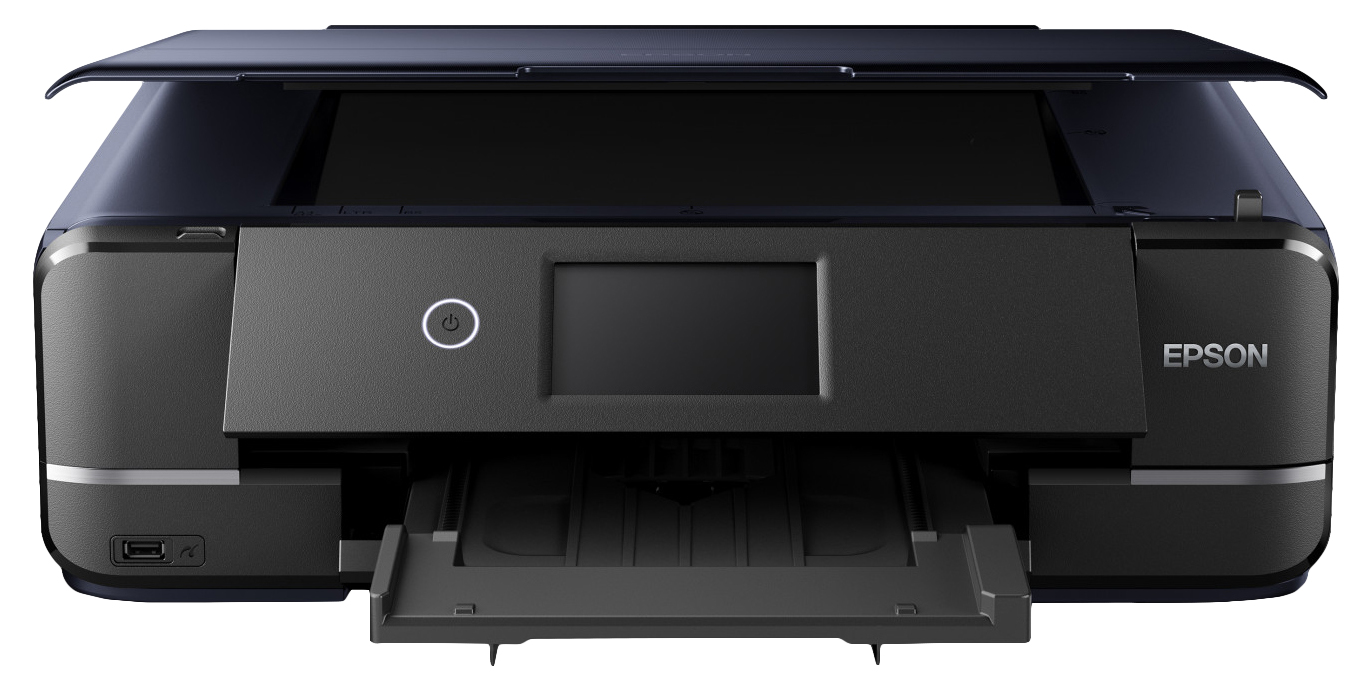
Epson
Epson Expression Photo XP-970 XP 970 XP970 - Multifunction printer - colour - ink-jet - 216 x 297 mm (original) - up to 8.5 ppm (printing) - 100 sheets - USB 2.0, LAN, Wi-Fi(n), USB host
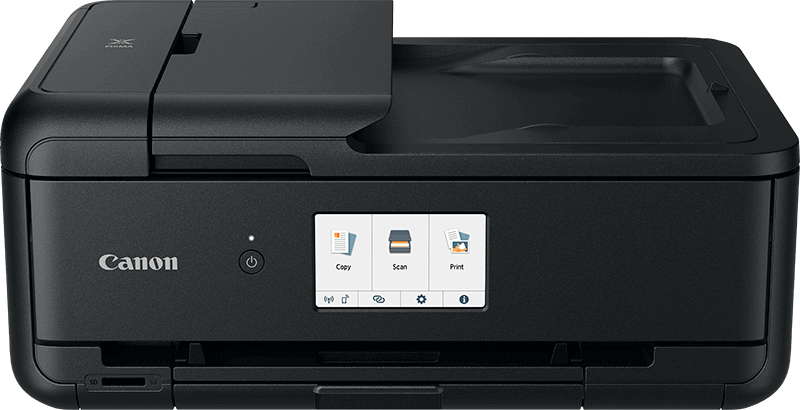
Canon
Canon TS9550a A3/A4 Colour MFP. A3 Printing, A4 scanning. 20 Page ADF, Up to 4800 x 1200 dpi. Auto Duplex Print (A4, A5, B5, Letter - Plain Paper). CD/DVD disc printing. USB, LAN, WIFI. Windows/MacOS, Android, IOS
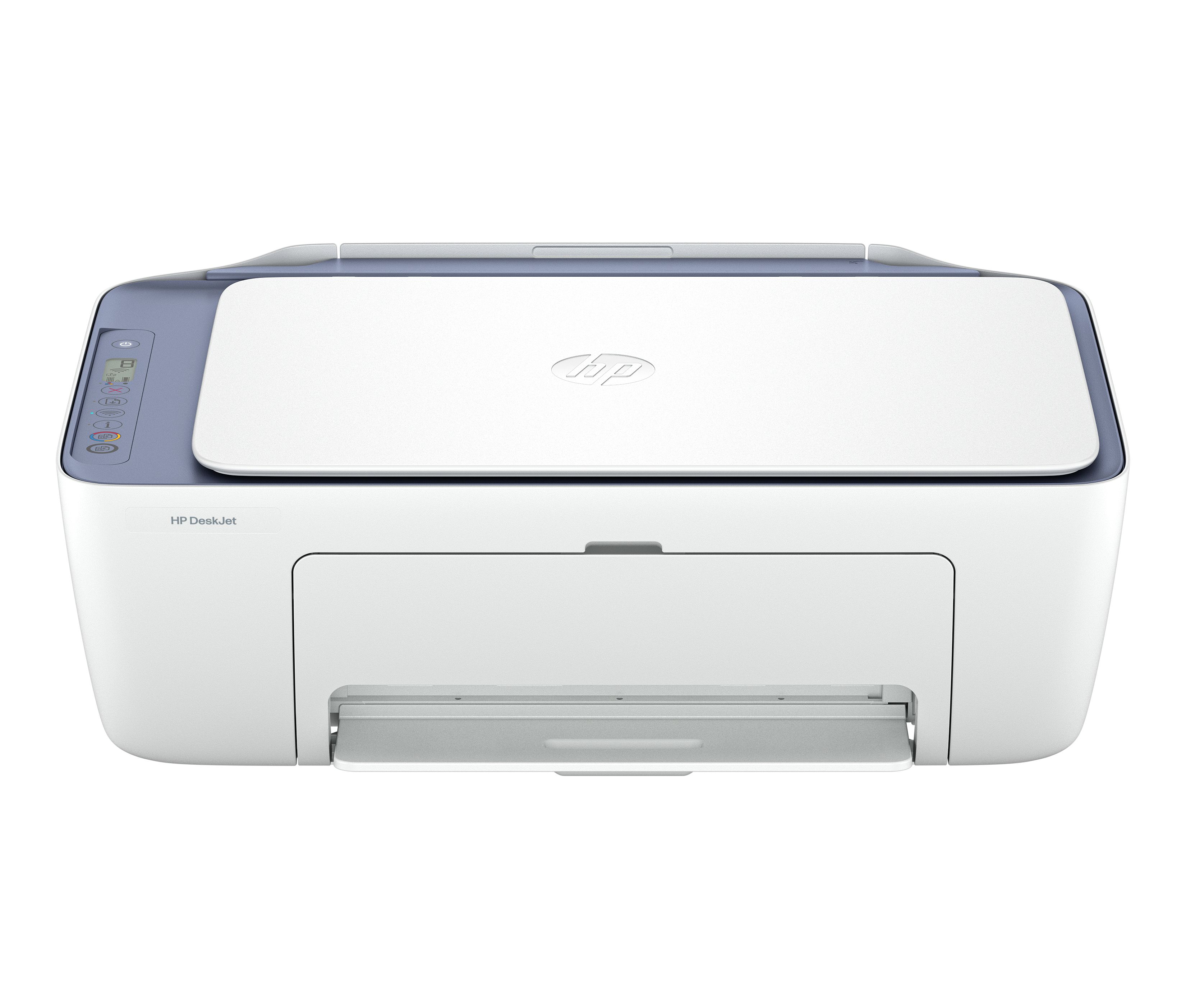
HP
HP Deskjet 2922 All-in-One - Multifunction printer - colour - ink-jet - 216 x 297 mm (original) - A4/Legal (media) - up to 6 ppm (copying) - up to 7.5 ppm (printing) - 60 sheets - USB 2.0, Wi-Fi(n) - OOV white with evening fog accents
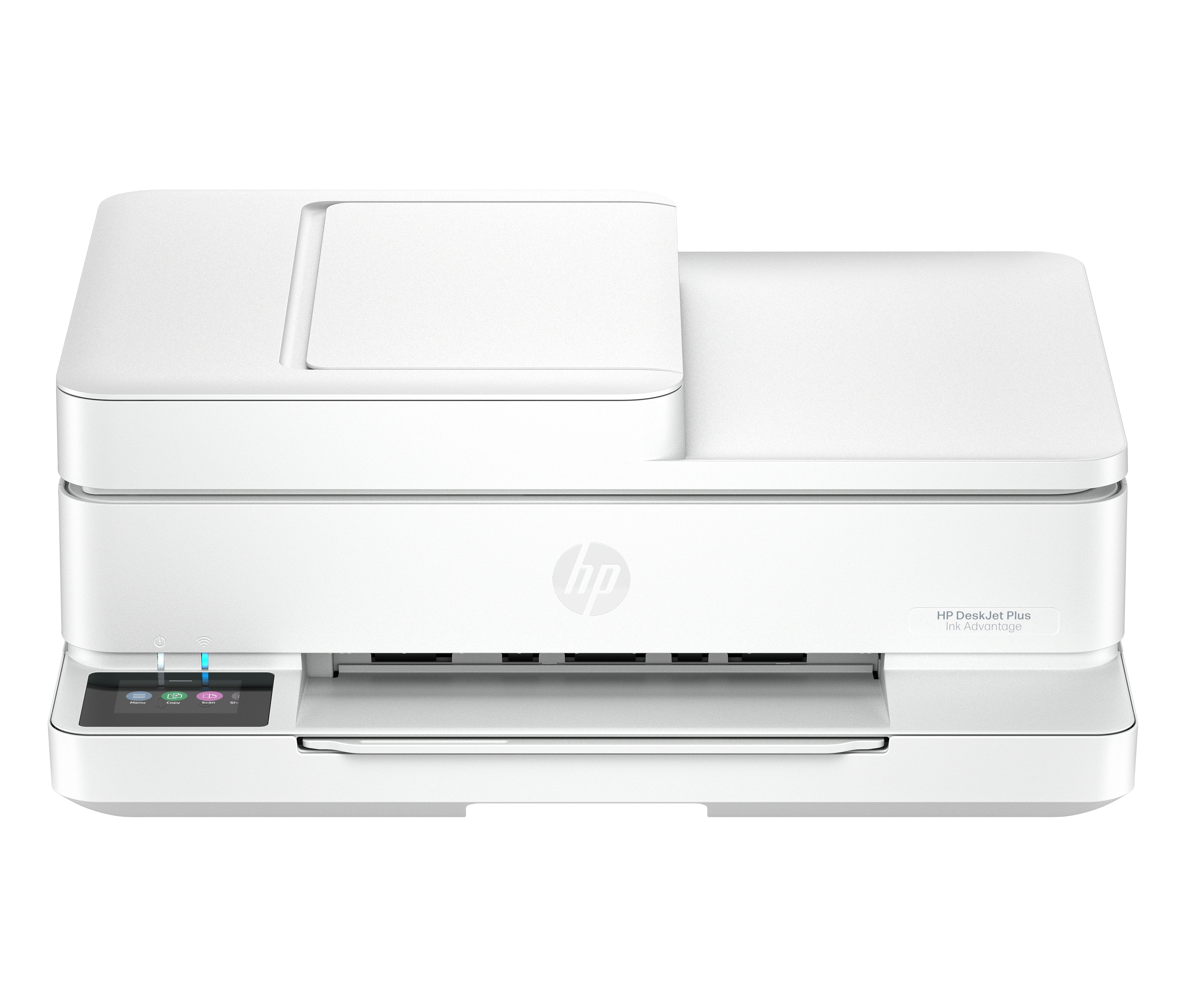
HP
HP ENVY 6530e All-in-One - Multifunction printer - colour - ink-jet - 216 x 297 mm (original) - A4/Letter (media) - up to 8 ppm (copying) - up to 10 ppm (printing) - 100 sheets - Wi-Fi(ac), USB 2.0 - white