- Virtual CIO
What is a Virtual CIO and Does Your Business Need One?
22 Jan, 2026

£68.18 inc. VAT
AI-generated summary
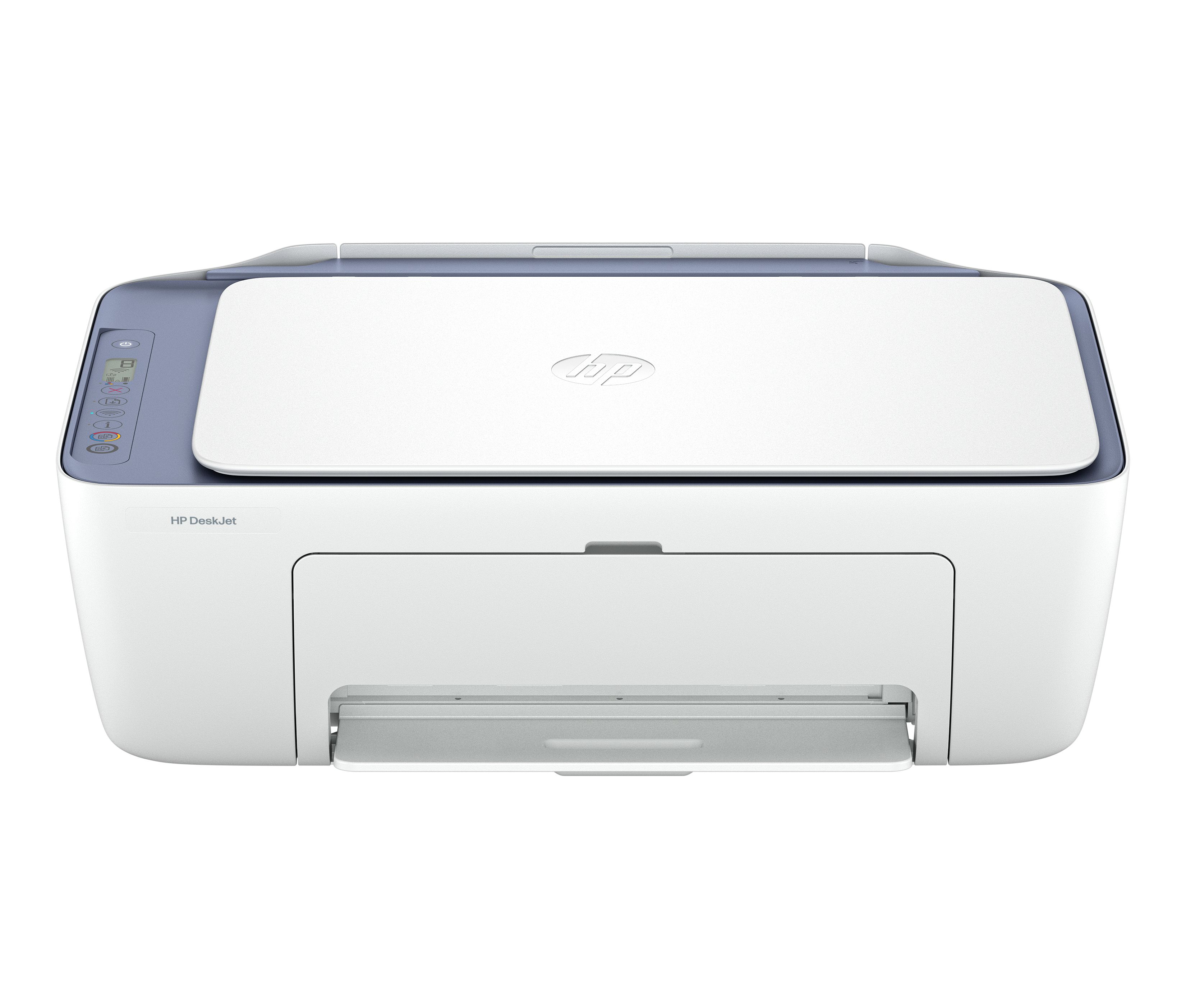
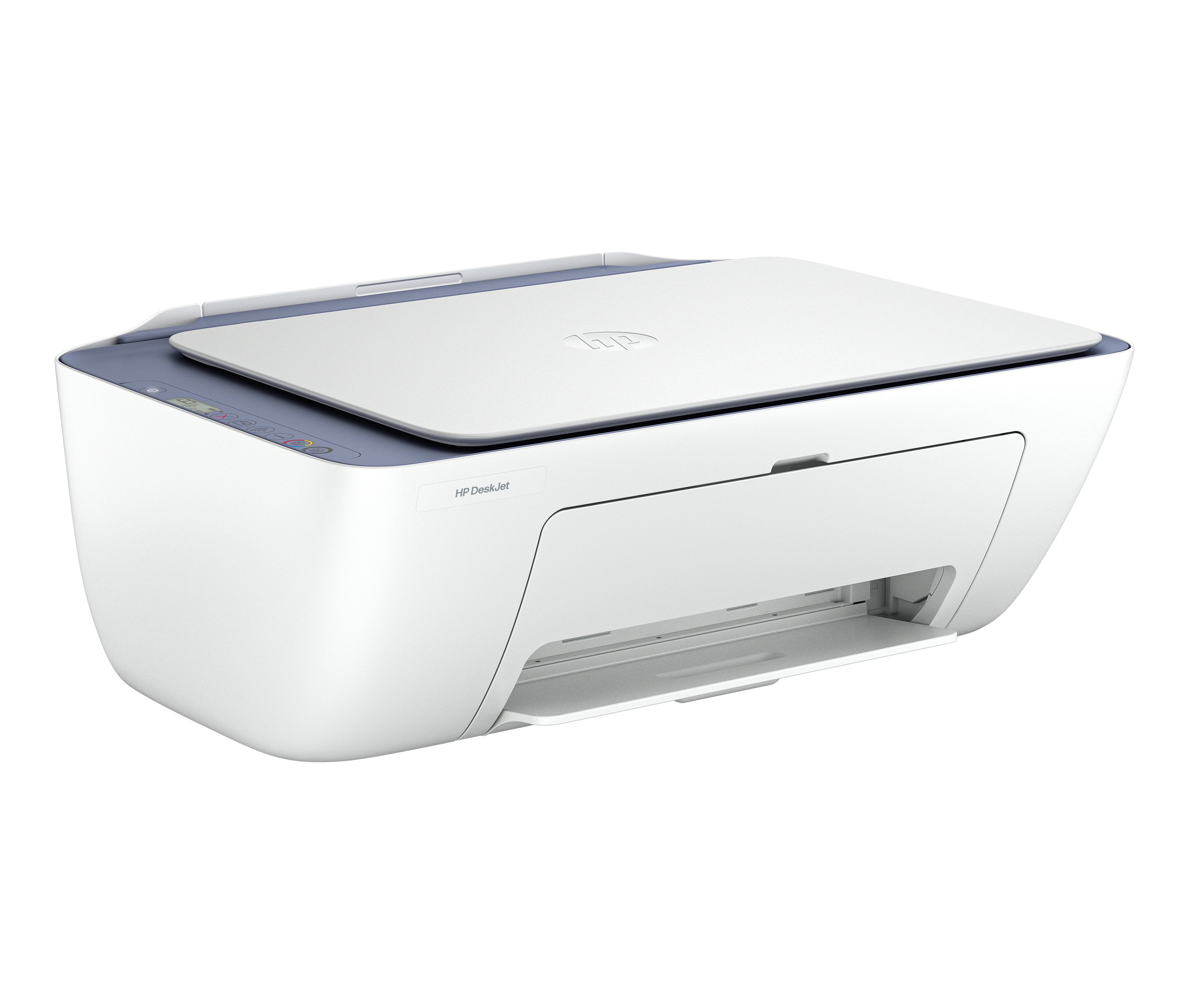
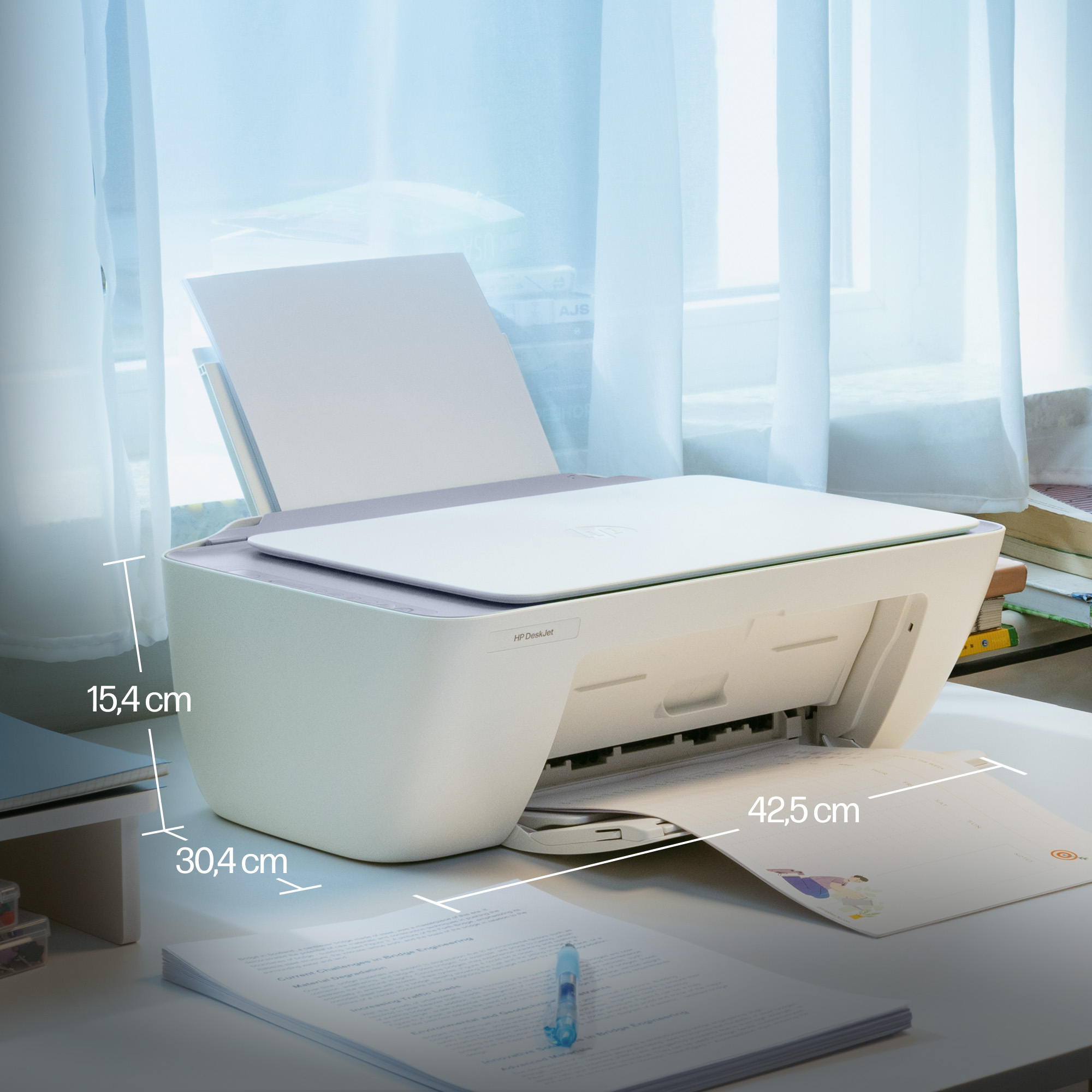
The HP DeskJet 2922 is one of those “cheap to buy, but don’t expect it to be a workhorse” type of all-in-ones. If you just need occasional colour printing/scanning from home or a small office—quotes, forms, a few pages a week—it’ll do the job without fuss. The wireless setup is generally straightforward, and as a low-cost entry into printing it’s good value, especially at ~£56 ex-VAT. It’s also fine for basic scanning when you don’t need production-level quality or speed.
Where I’d push back: if you’re printing regularly or you care about low running costs, inkjets like this can get pricey because the cost per page can creep up fast—especially with colour. Also, for teams that rely on consistent paper handling and faster throughput, this isn’t the category you want; you’ll feel the limitations compared with newer “business” inkjets or even entry-level laser for monochrome. My honest take: buy it if your printing volume is light and mixed (colour occasionally), and you want a budget all-in-one. Don’t buy it if you’re trying to minimise long-term printing spend or need dependable daily output.
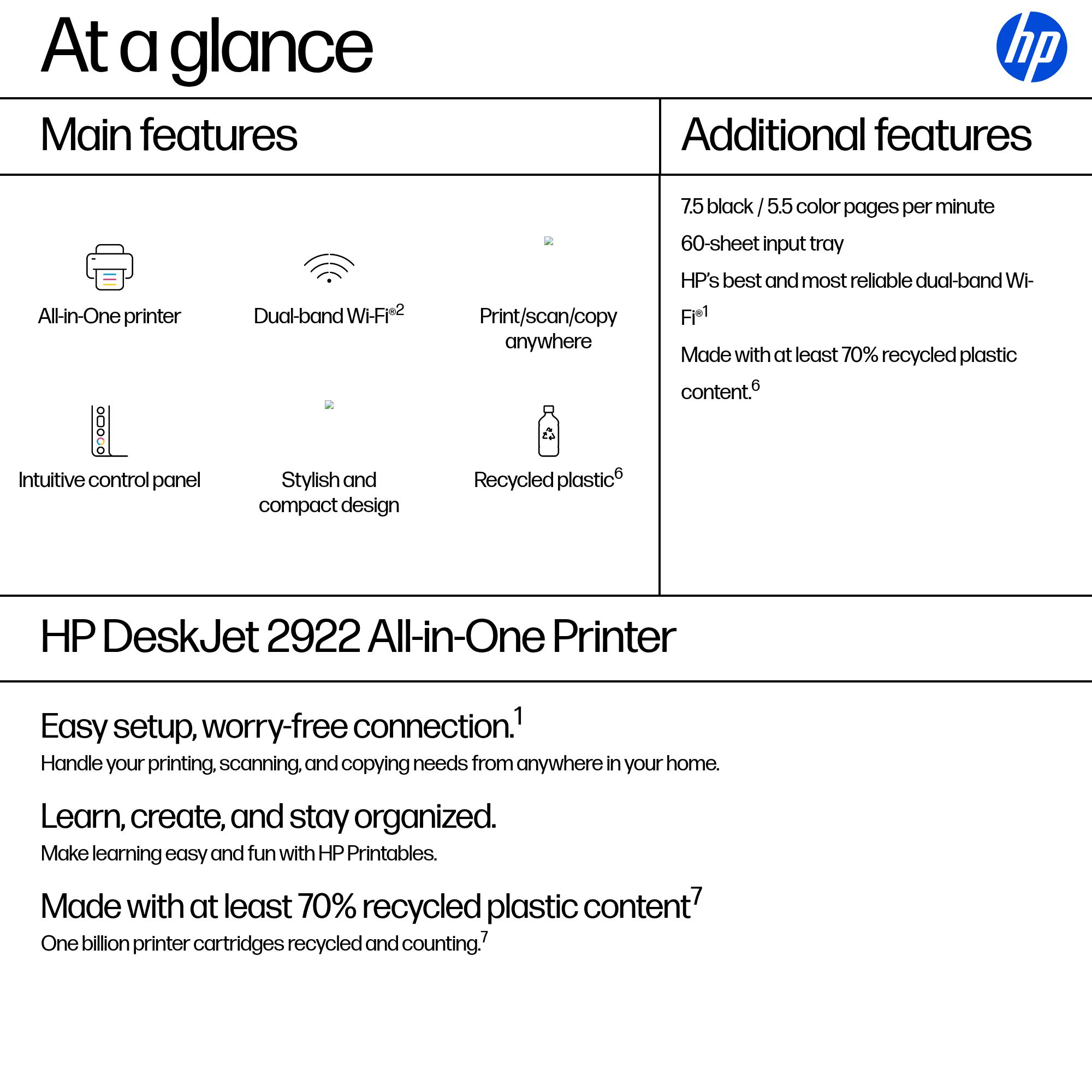
Easy setup, worry-free connection.[1]
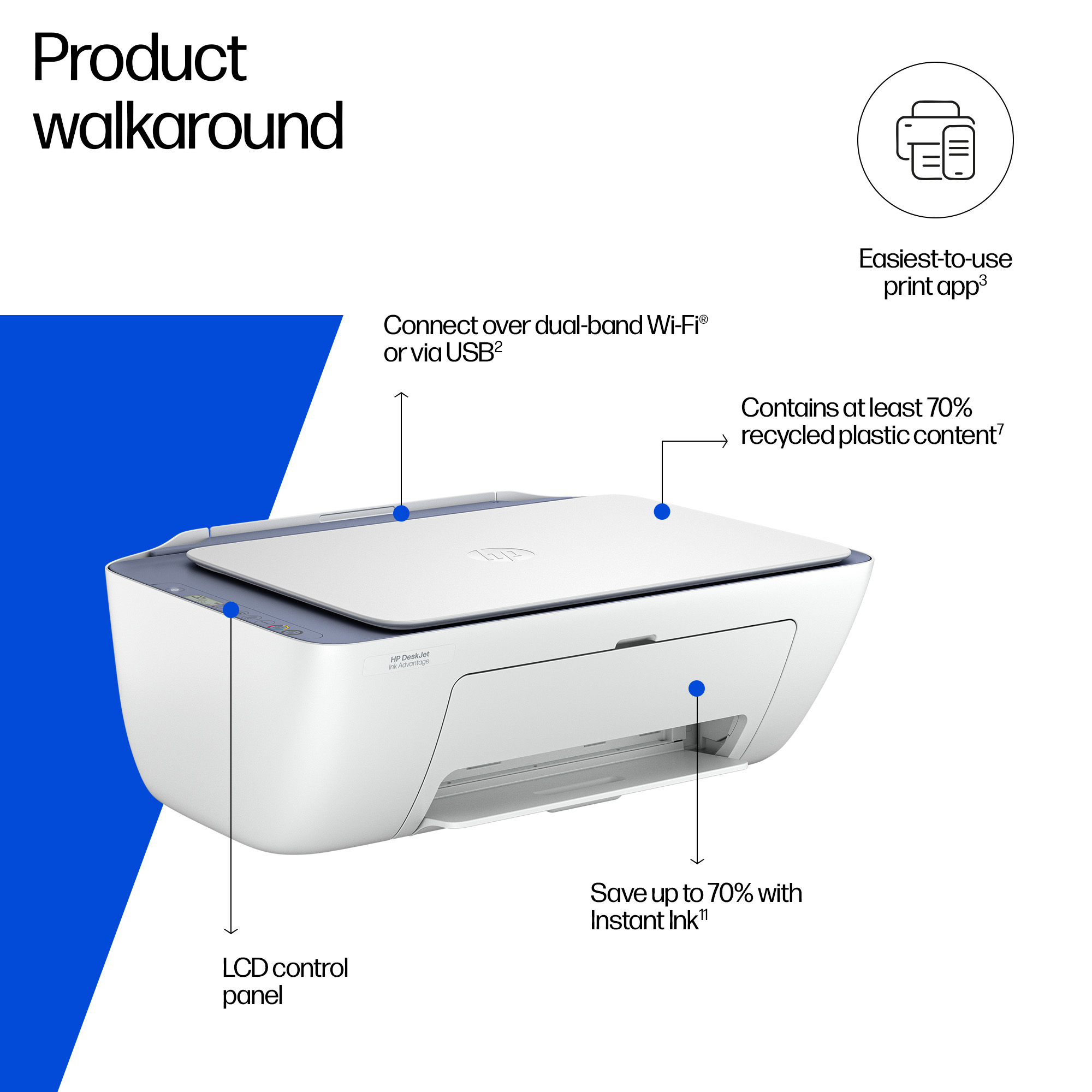
Handle your printing, scanning, and copying needs from anywhere in your home. Reliable connection with dual-band Wi-Fi® that reconnects automatically.[1,2] Print from anywhere with HP's easiest-to-...
Learn, create, and stay organized.
Make learning easy and fun with HP Printables. Discover an extensive collection of educational worksheets on the HP Printables website or through the HP app.[3]
Made with at least 70% recycled plastic content[7]
One billion printer cartridges recycled and counting.[7] Return used cartridges for free via the HP Planet Partners Program.[5] Contains at least 70% recycled plastic content.[6]

Canon
Canon PIXMA TS4150i - Multifunction printer - colour - ink-jet - A4 (210 x 297 mm), Legal (216 x 356 mm) (original) - up to 14 ipm (printing) - 100 sheets - USB 2.0, Wi-Fi(n)

HP
HP Officejet Pro 9125e All-in-One - Multifunction printer - colour - ink-jet - Legal (216 x 356 mm) (original) - A4/Legal (media) - up to 21 ppm (copying) - up to 22 ppm (printing) - 250 sheets - 33.6 Kbps - Wi-Fi(ac), LAN, USB 2.0, USB 2.0 host, Bluetooth - cement

Epson
Epson WorkForce Pro WF-C4810DTWF C4810DTWF wf 4810DTWF 4810DTWF wf 4810 4810 A4, 4 Ink Cartridges, Print, Scan, Copy, Fax, 22 pages/min Colour, 4,800 x 2,400 DPI, Wi-Fi Direct , 802.11b/g/n, USB 2.0, 10/100. Windows 7/8/10/11/Server. 1 Year OSS
Canon
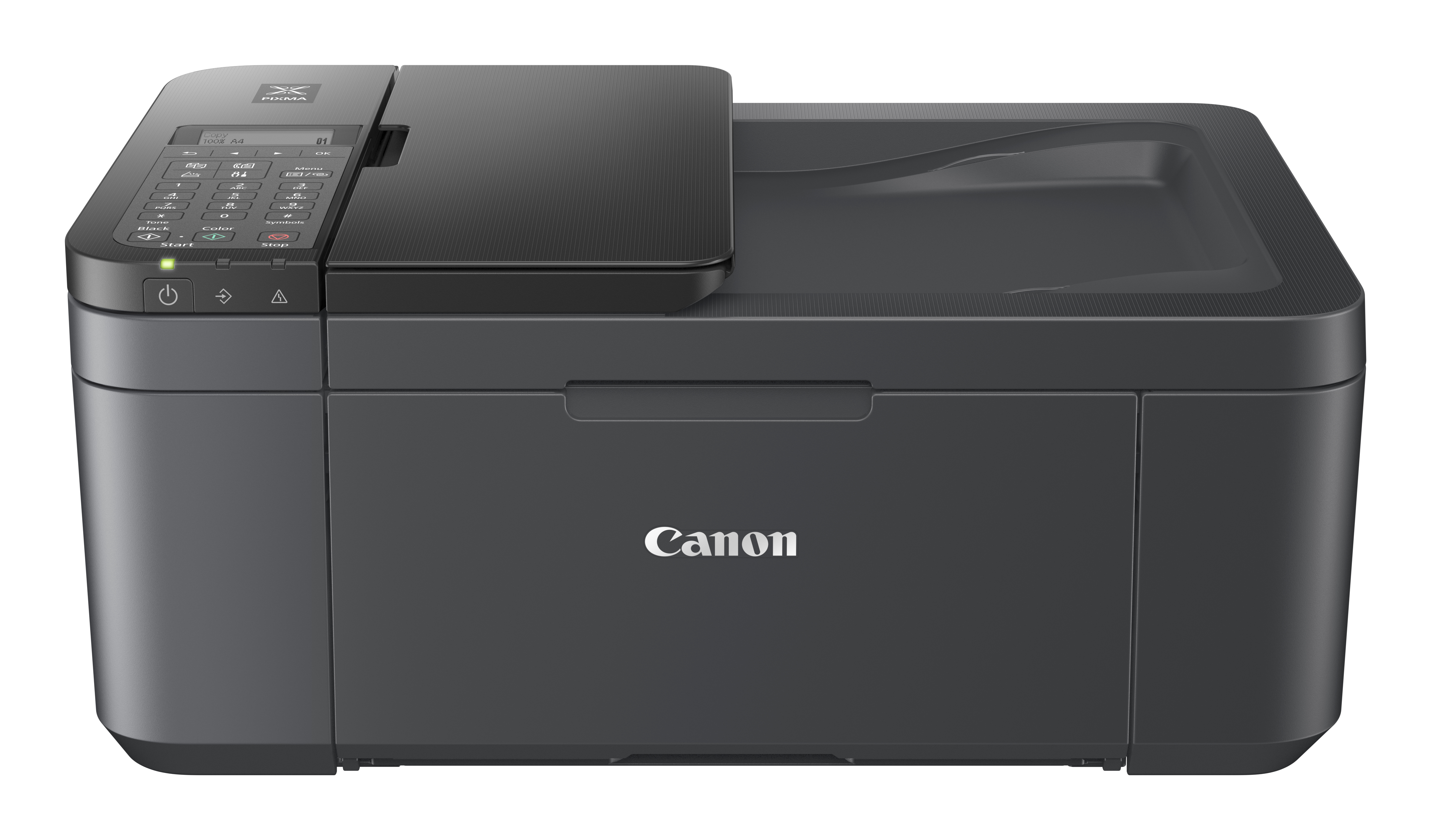
Canon PIXMA TR4755i - Multifunction printer - colour - ink-jet - A4 (210 x 297 mm), Legal (216 x 356 mm) (original) - A4/Legal (media) - up to 6.4 ppm (copying) - up to 8.8 ipm (printing) - 100 sheets - 33.6 Kbps - USB 2.0, Wi-Fi(n) - black