- Cloud Backup
How to Create a Data Recovery Plan for Your Business
21 Aug, 2025
£121.56 inc. VAT
AI-generated summary
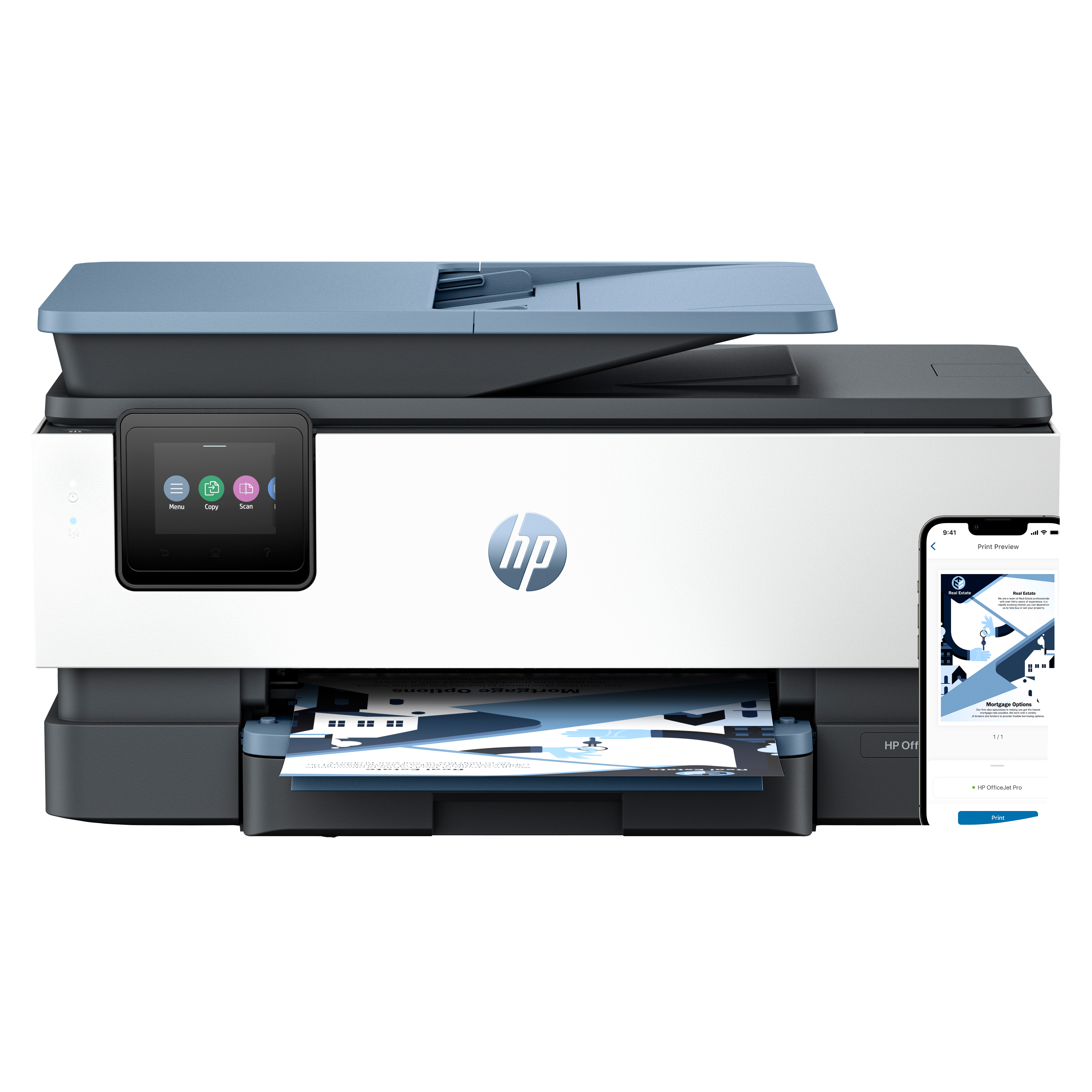
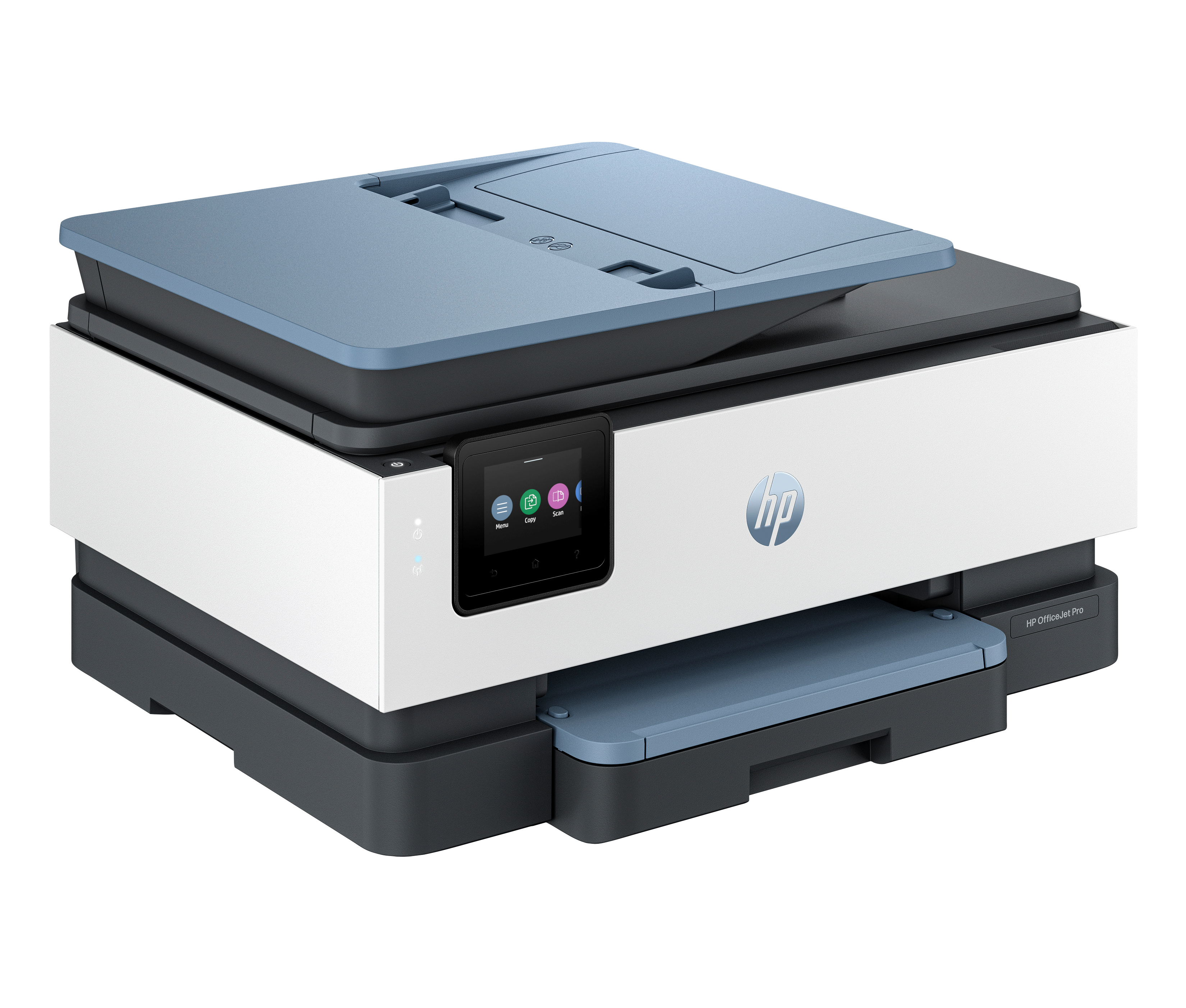
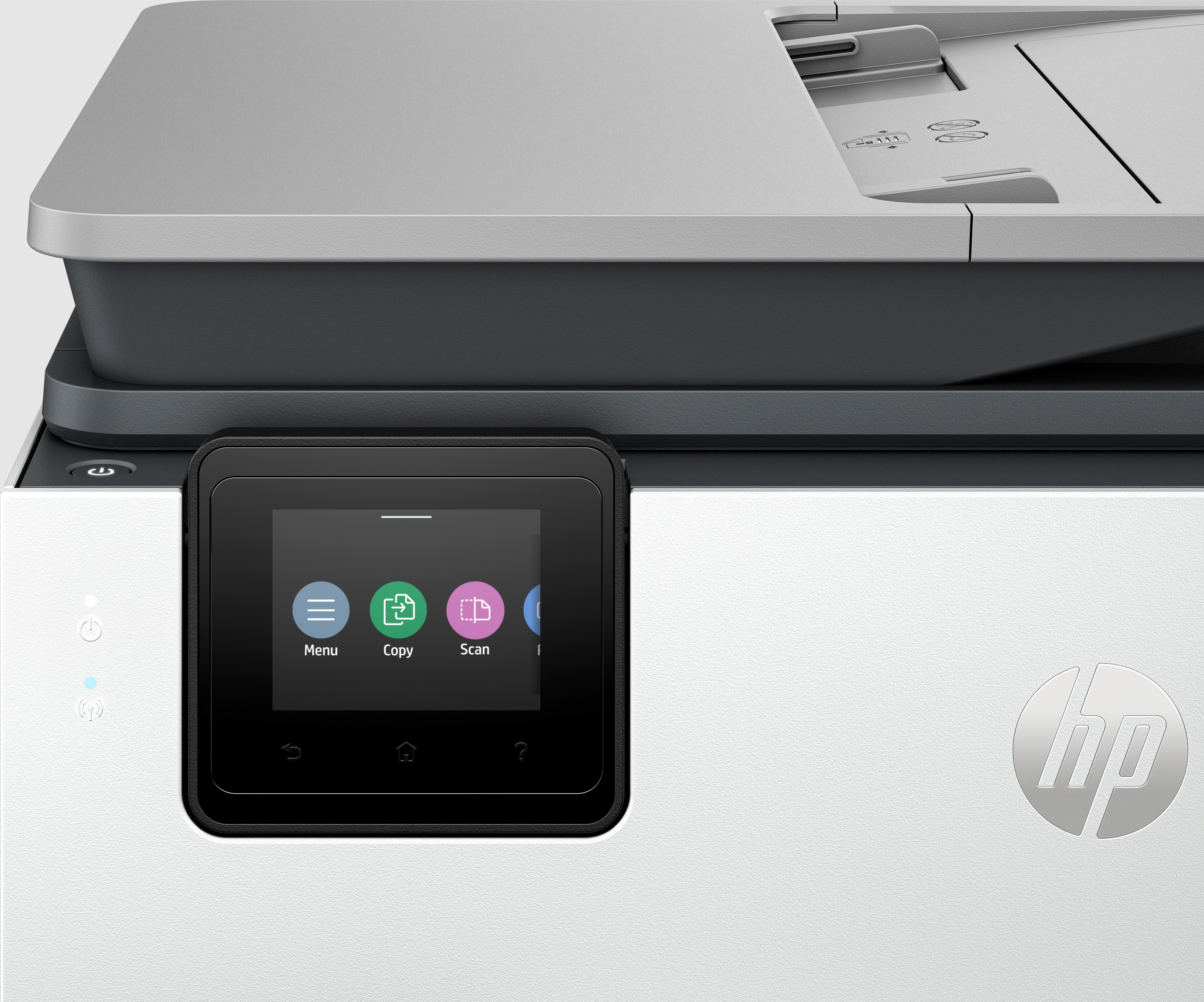
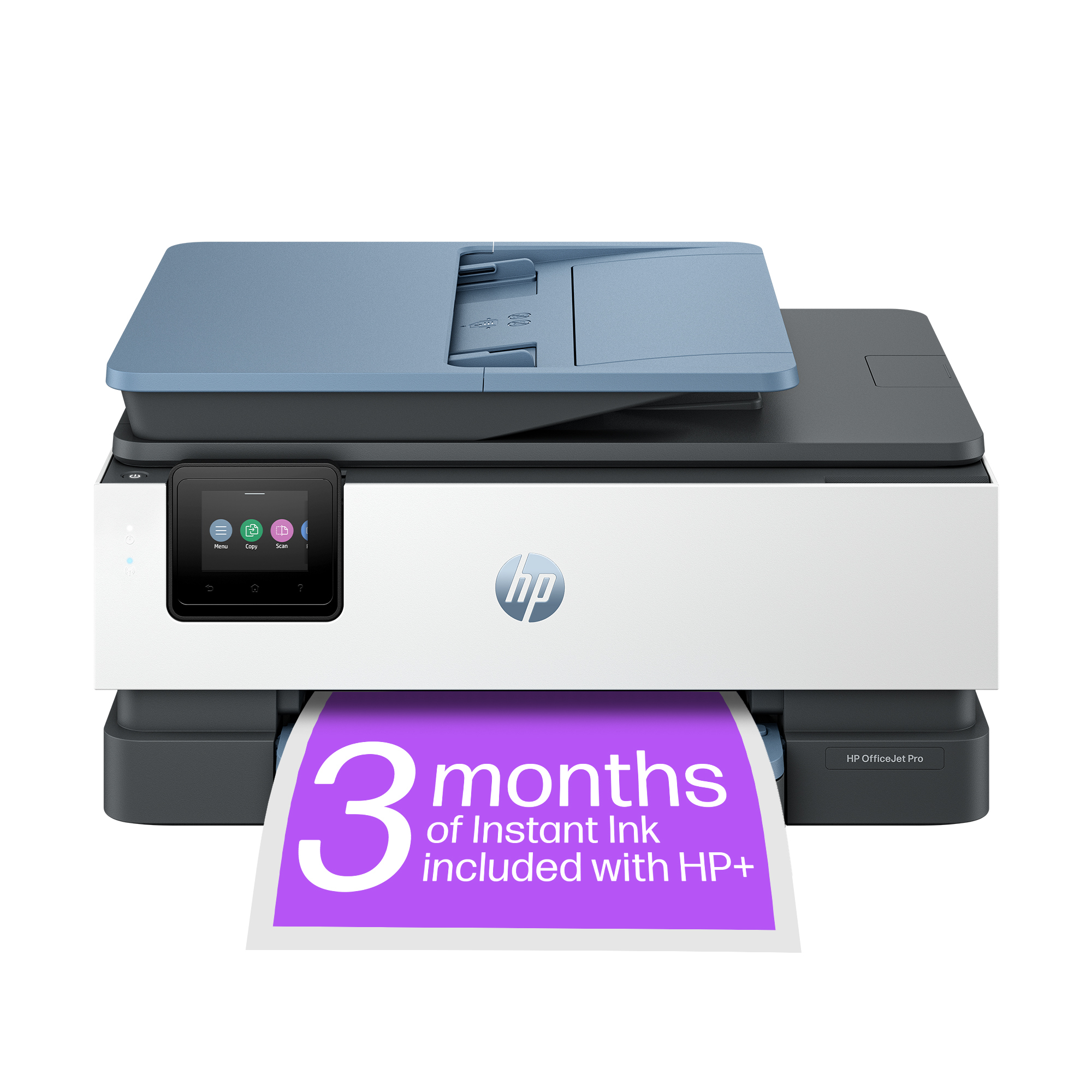
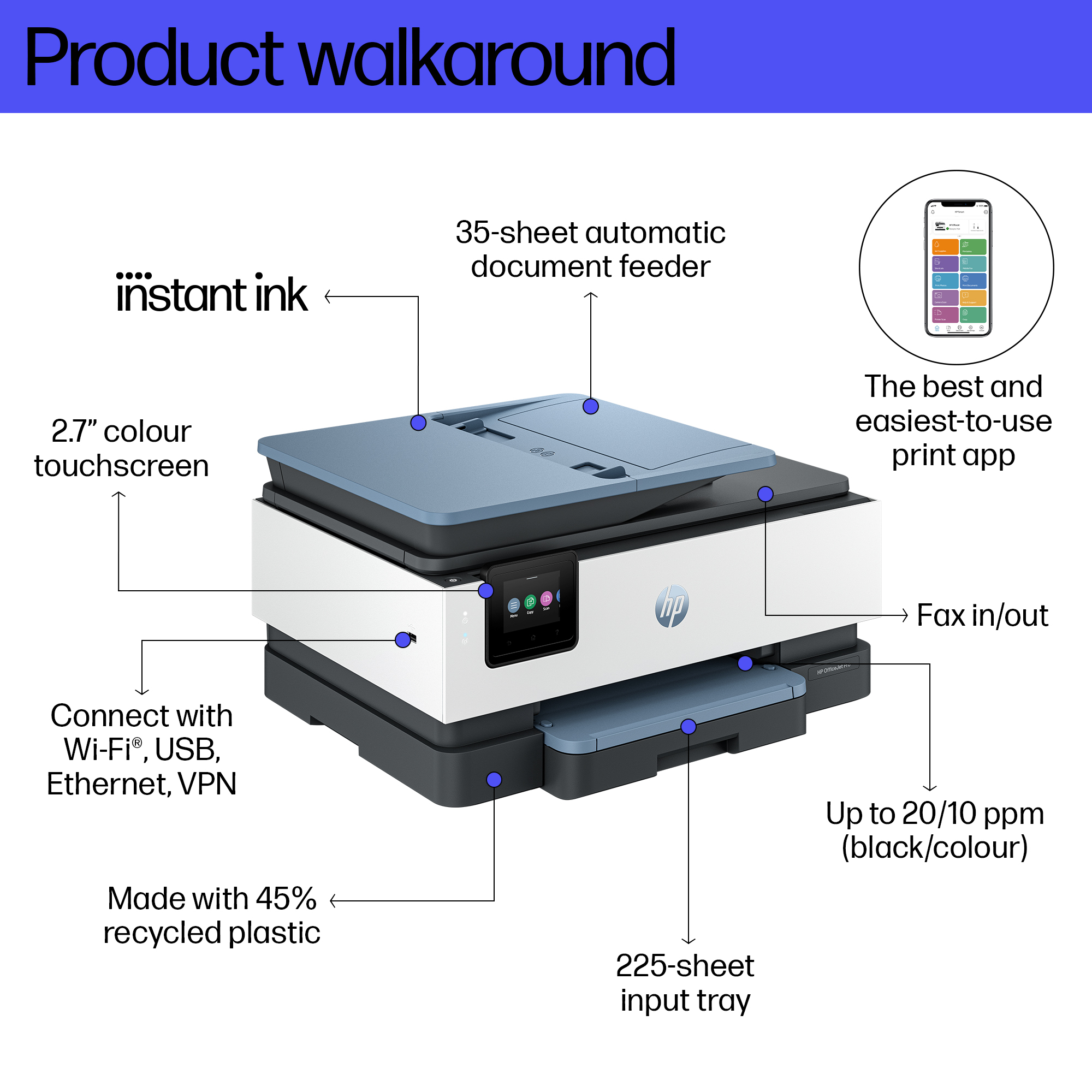
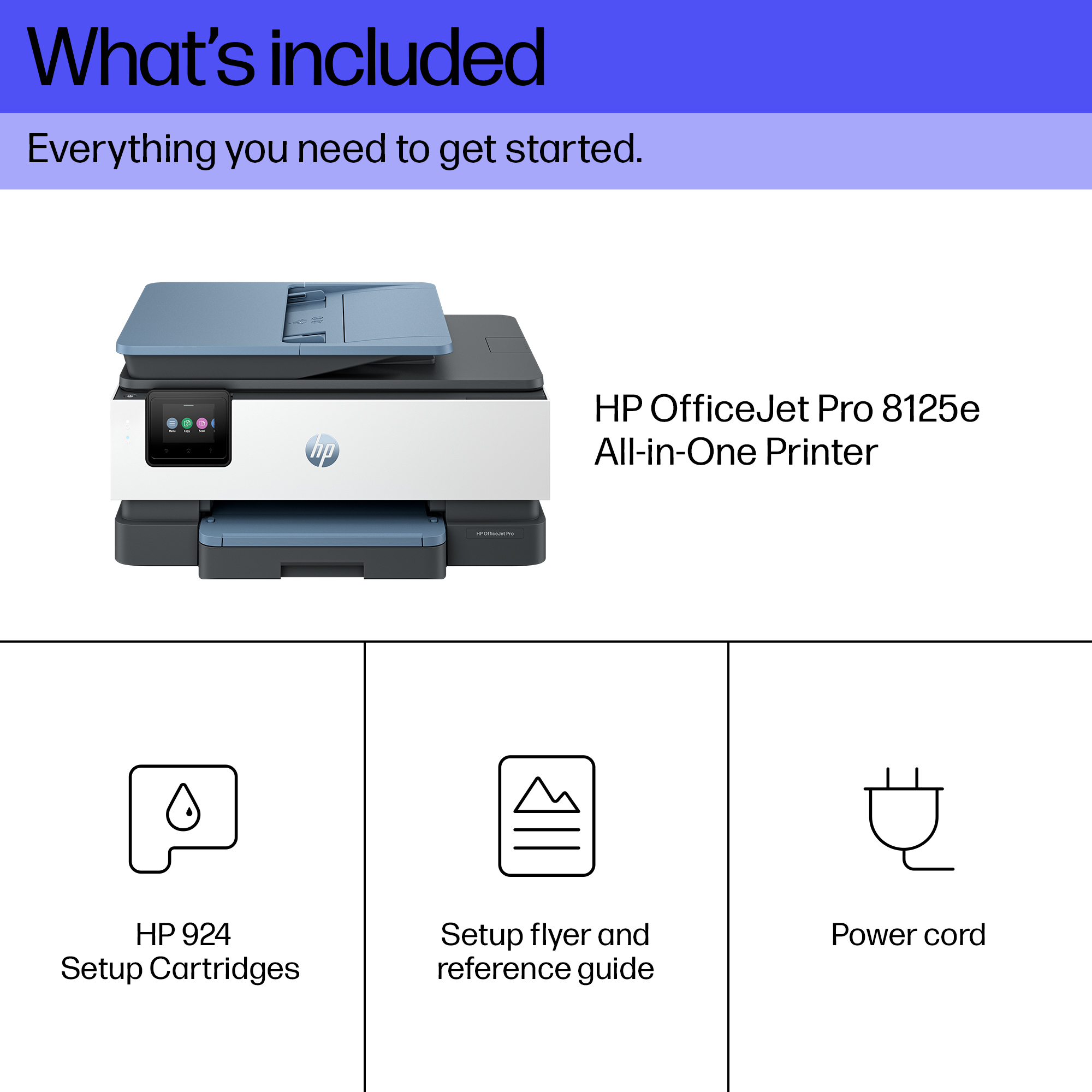
The HP OfficeJet Pro 8125e is one of those “good for the office, not for obsessive print geeks” printers. At **£101.30 ex‑VAT**, it’s decent value for a small team that wants an all‑in‑one without spending on a higher-end workhorse. The **two-sided printing** is genuinely useful in day-to-day admin, and wireless + all‑in‑one functionality means fewer devices and less faff. That said, the headline “Instant Ink” is the bit you really need to think about: if your monthly print volume is inconsistent, ink subscriptions can be a pain—either you don’t get the savings, or you’re effectively paying for something you’re not using. If your usage is steady and you like predictable costs, then it makes sense.
Who it *should* suit: small offices, home offices with light-to-medium workloads, and anyone mainly printing documents, invoices, letters, or scanning/colour copies occasionally. Who should *avoid* it: teams with very low print volumes (you’ll risk ink/subscription mismatch), anyone printing lots of high-yield jobs frequently, or businesses that need ultra-low running costs without being tied to subscription behaviour. Also worth noting: inkjets are usually not the “set and forget” option like some laser setups—if the printer sits idle, you can end up paying for cleaning/maintenance in time or consumables. If you tell me roughly how many pages per month you print and whether you mainly do black or colour, I can give a clearer “buy/not buy” call.
Reliable technology uniquely built to work at home
Say goodbye to noisy printing and stay focused on your work with quiet mode. Stay connected with our most reliable Wi-Fi® - dual-band, self-healing - that automatically reconnects.[3] Print confide...
Print from your couch with the best print app[2]
Print, scan, copy, or fax right from your smartphone with the best and easiest-to-use print app.[2] Compatible with your favorite cloud storages like Google Drive, OneDrive, Dropbox, and more. Scan...
Always be ready to print. Never run out of ink.[6]
With an Instant Ink subscription, you can get ink delivered directly to your door before you run out.[6] Save up to 70% with Instant Ink. Enroll to get ink with automatic delivery starting at £ 1.7...
Driving innovation with 45% recycled plastic[9]
Choose printers made with at least 45% recycled plastic.[9] For every page you print, HP protects, restores and manages forests in equal measure.[10] Recycle your Original HP ink cartridges after u...
Epson
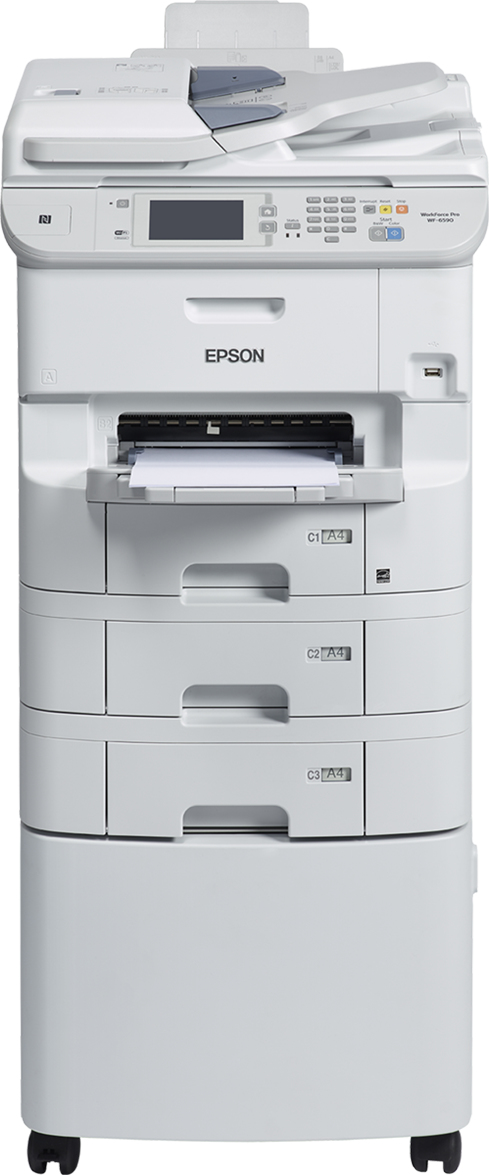
Epson WorkForce Pro WF-6590DT wf 6590DT wf WF6590DT wf 6590DT wf WF6590 DT wf 6590 DT wf - Multifunction printer - colour - ink-jet - A4 (210 x 297 mm) (original) - A4/Legal (media) - up to 24 ppm (printing) - 1080 sheets - 33.6 Kbps - USB 2.0, Gigabit L
Epson
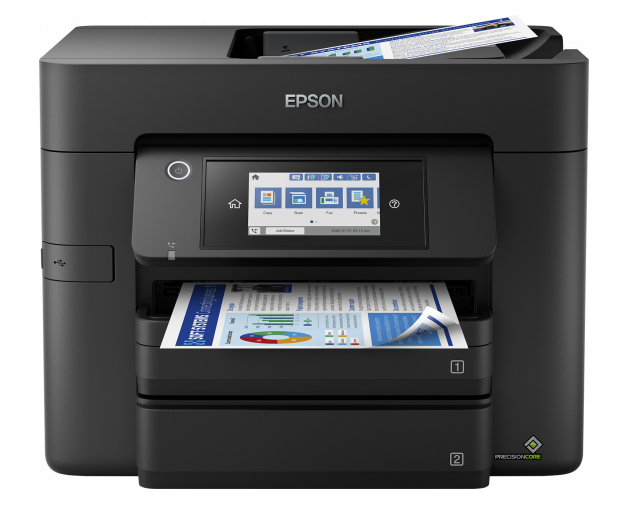
Epson WorkForce Pro WF-4830DTWF 4830DTWF WF4830DTWF 4830DTWF WF4830 4830 - Multifunction printer - colour - ink-jet - A4 (210 x 297 mm) (original) - A4/Legal (media) - up to 25 ppm (printing) - 500 sheets - USB 2.0, LAN, Wi-Fi(n), USB host, NFC
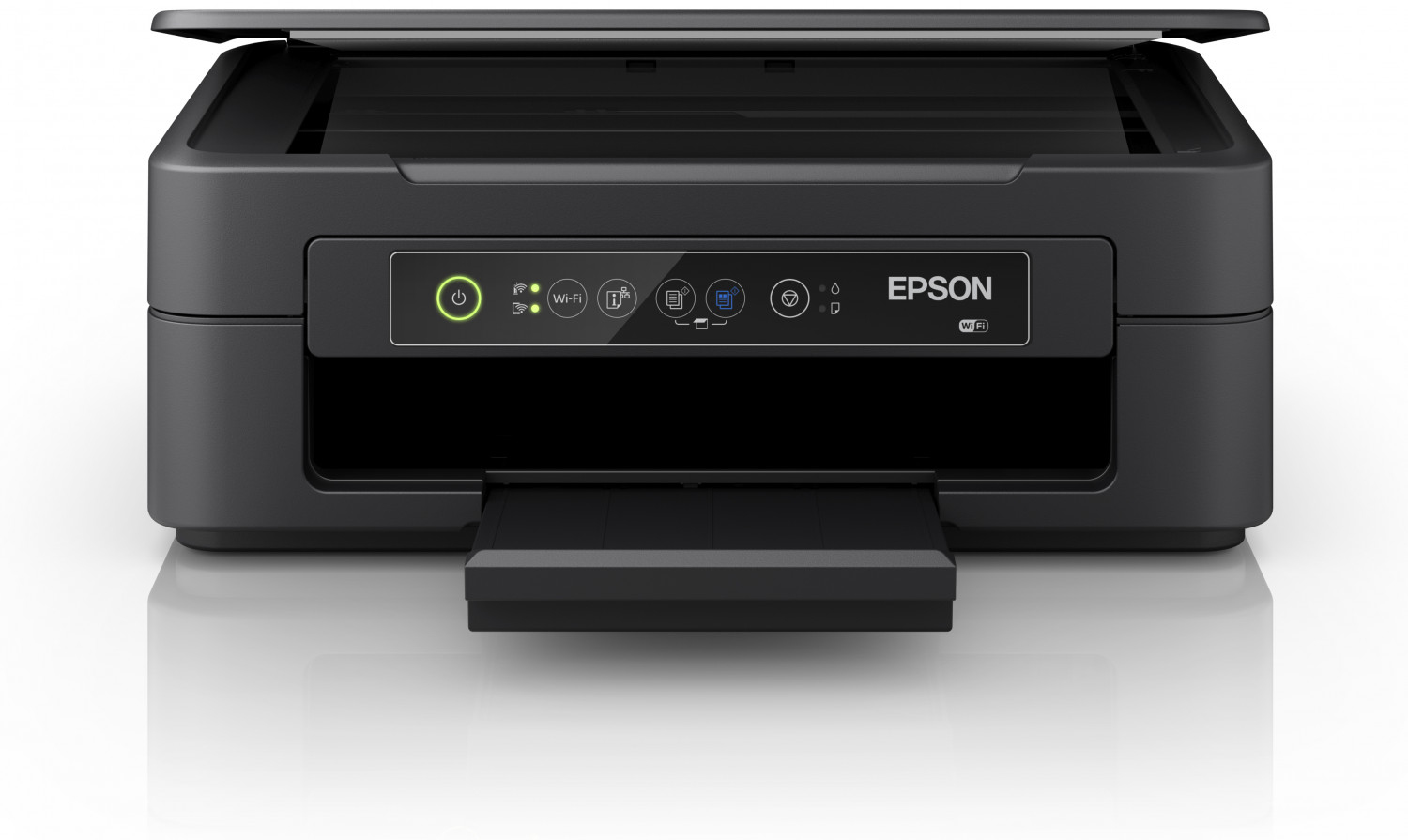
Epson
Epson Expression Home XP-2150 XP 2150 XP2150 - Multifunction printer - colour - ink-jet - A4/Legal (media) - up to 8 ppm (printing) - 100 sheets - USB, Wi-Fi - black
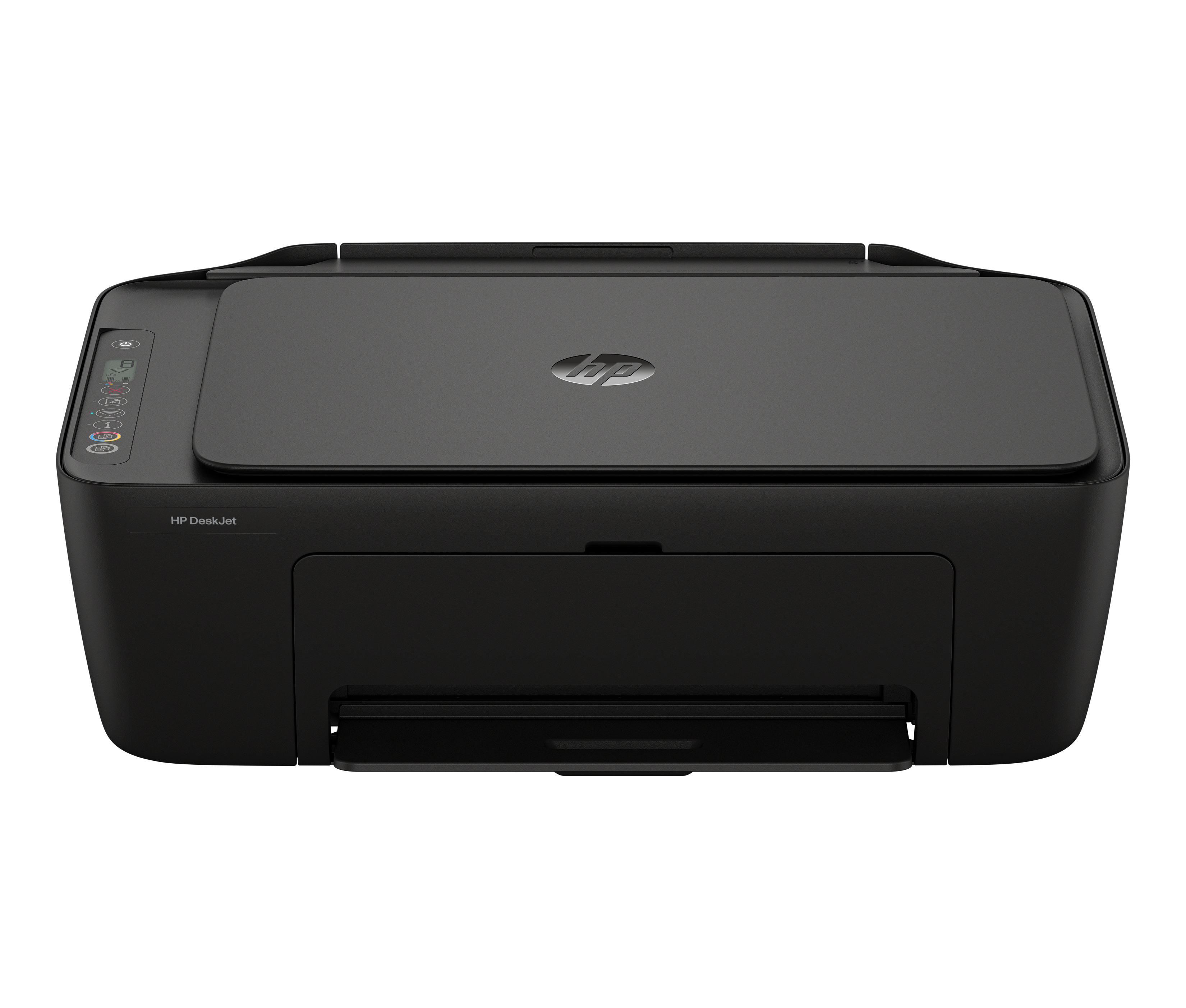
HP
HP Deskjet 2910 All-in-One - Multifunction printer - colour - ink-jet - 216 x 297 mm (original) - A4/Legal (media) - up to 6 ppm (copying) - up to 7.5 ppm (printing) - 60 sheets - USB 2.0, Wi-Fi(n) - black cement with black cement accent