- Network Admin
How to Set Up Zero Trust Network Architecture
18 Mar, 2026
£56.22 inc. VAT
AI-generated summary
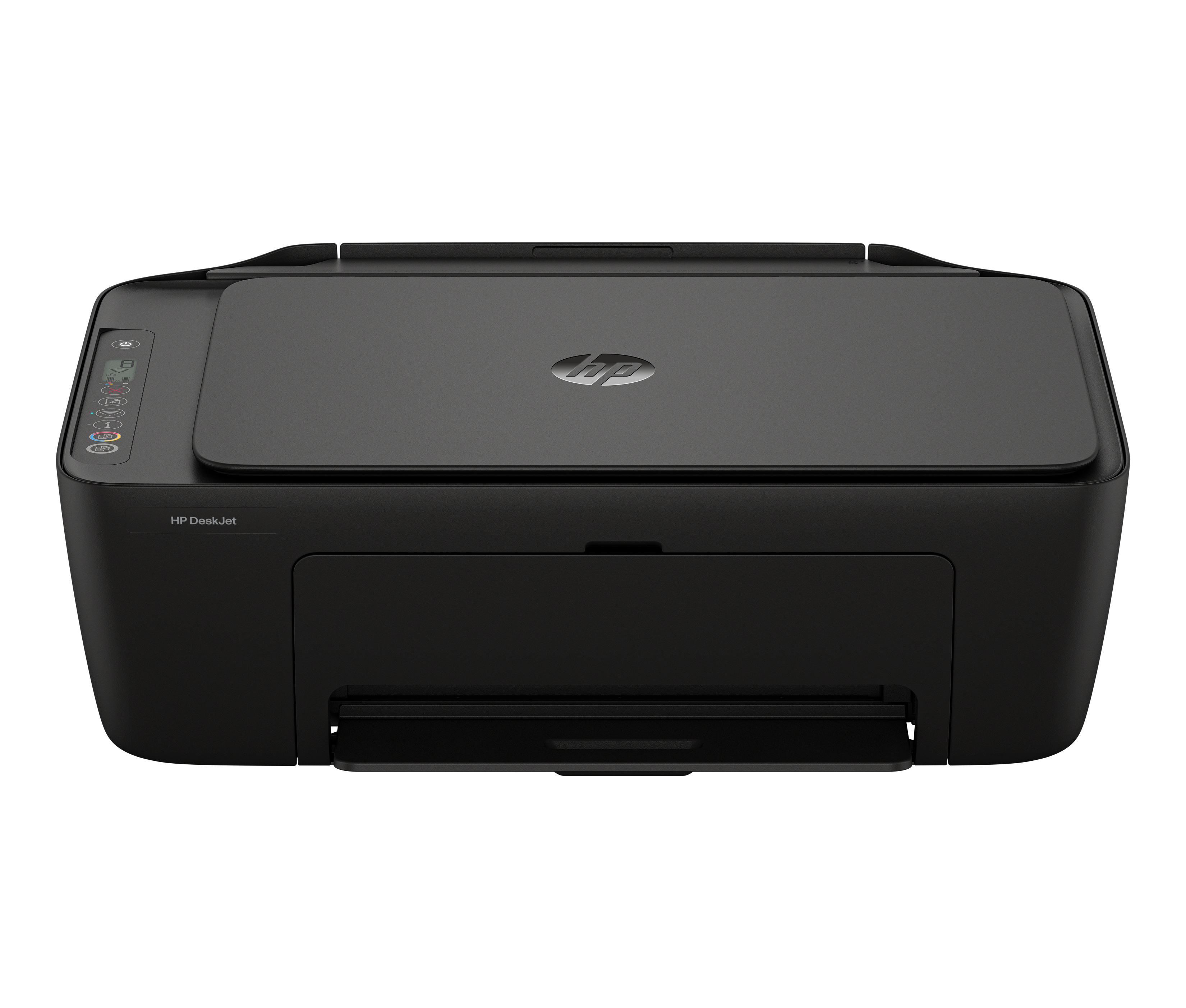
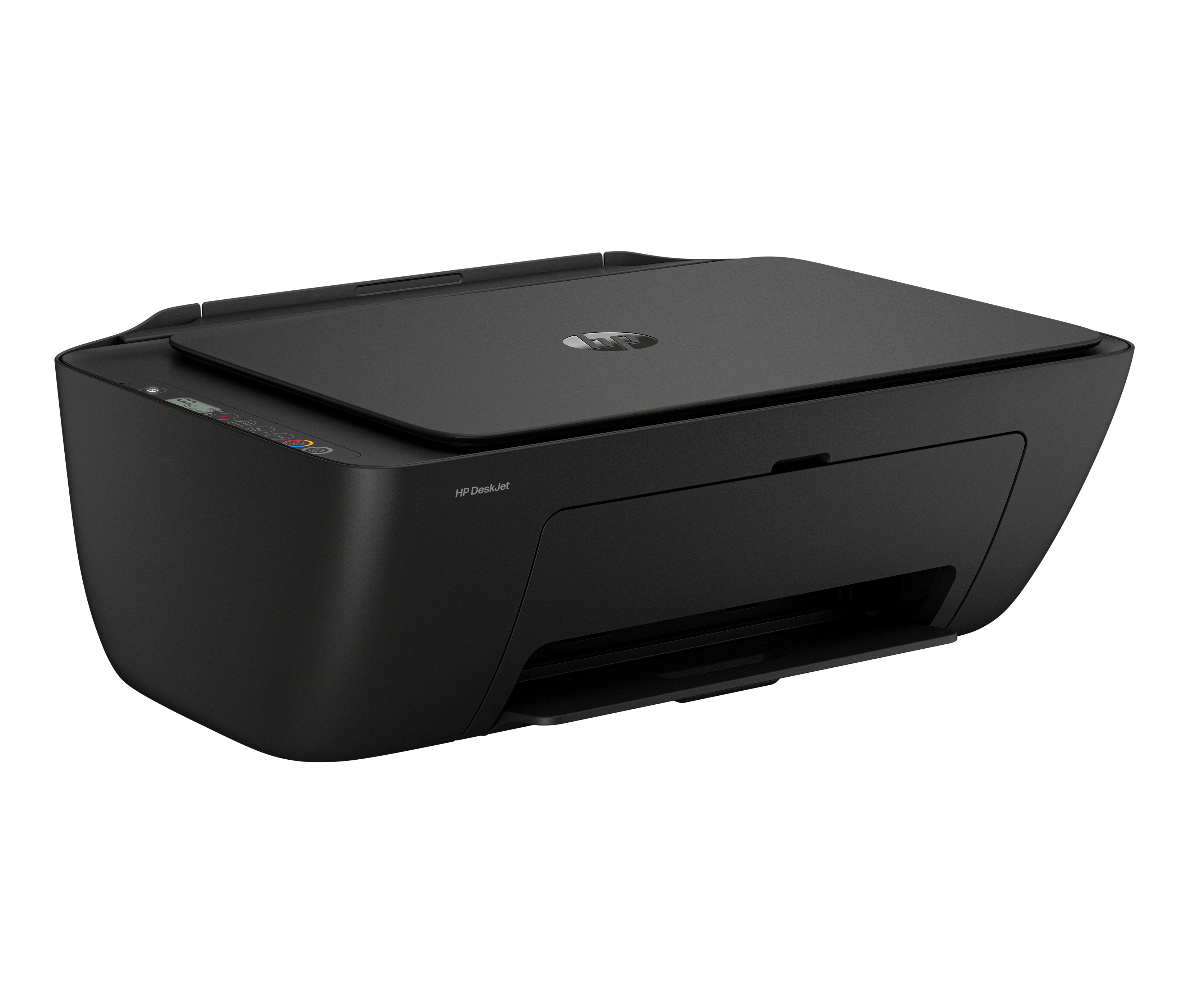
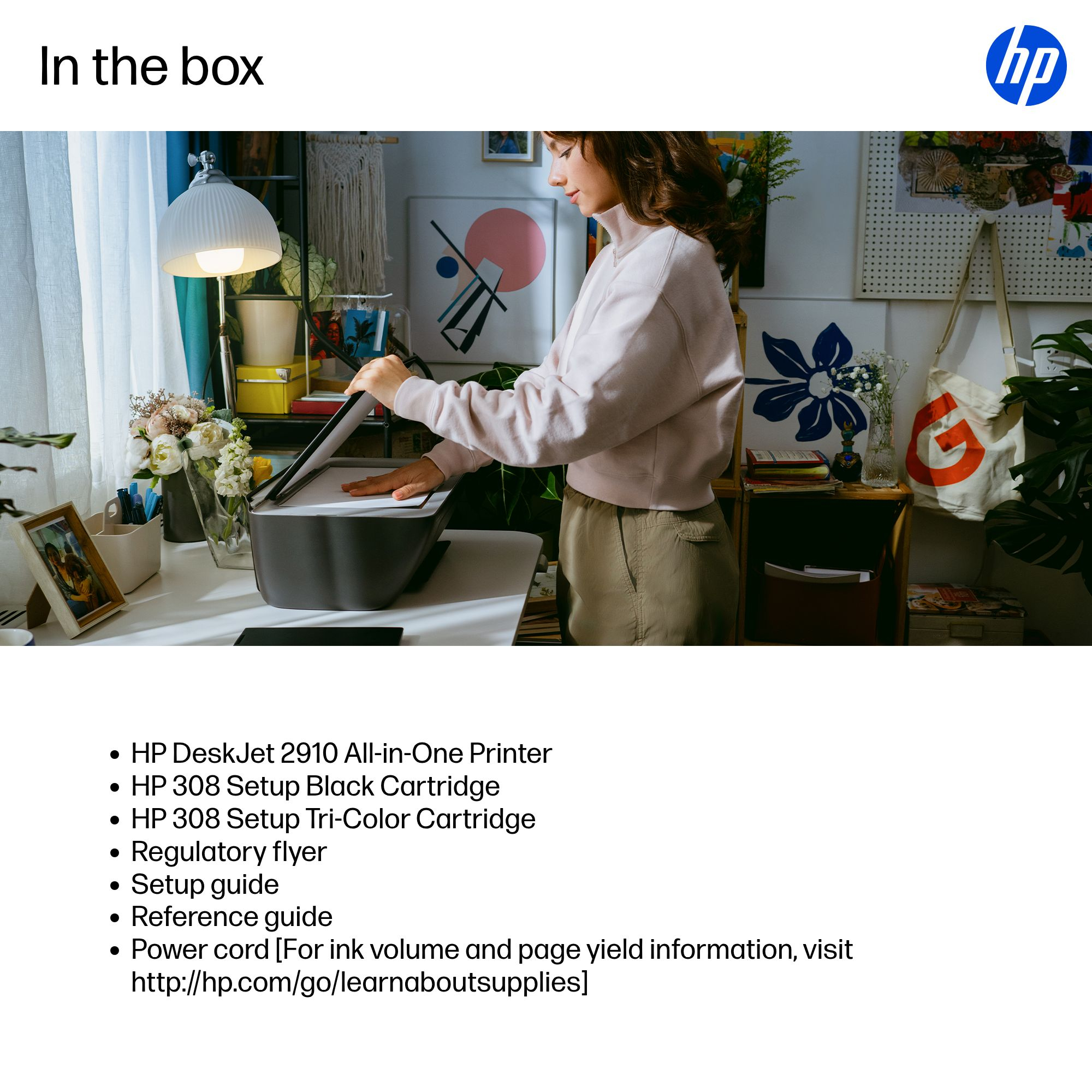
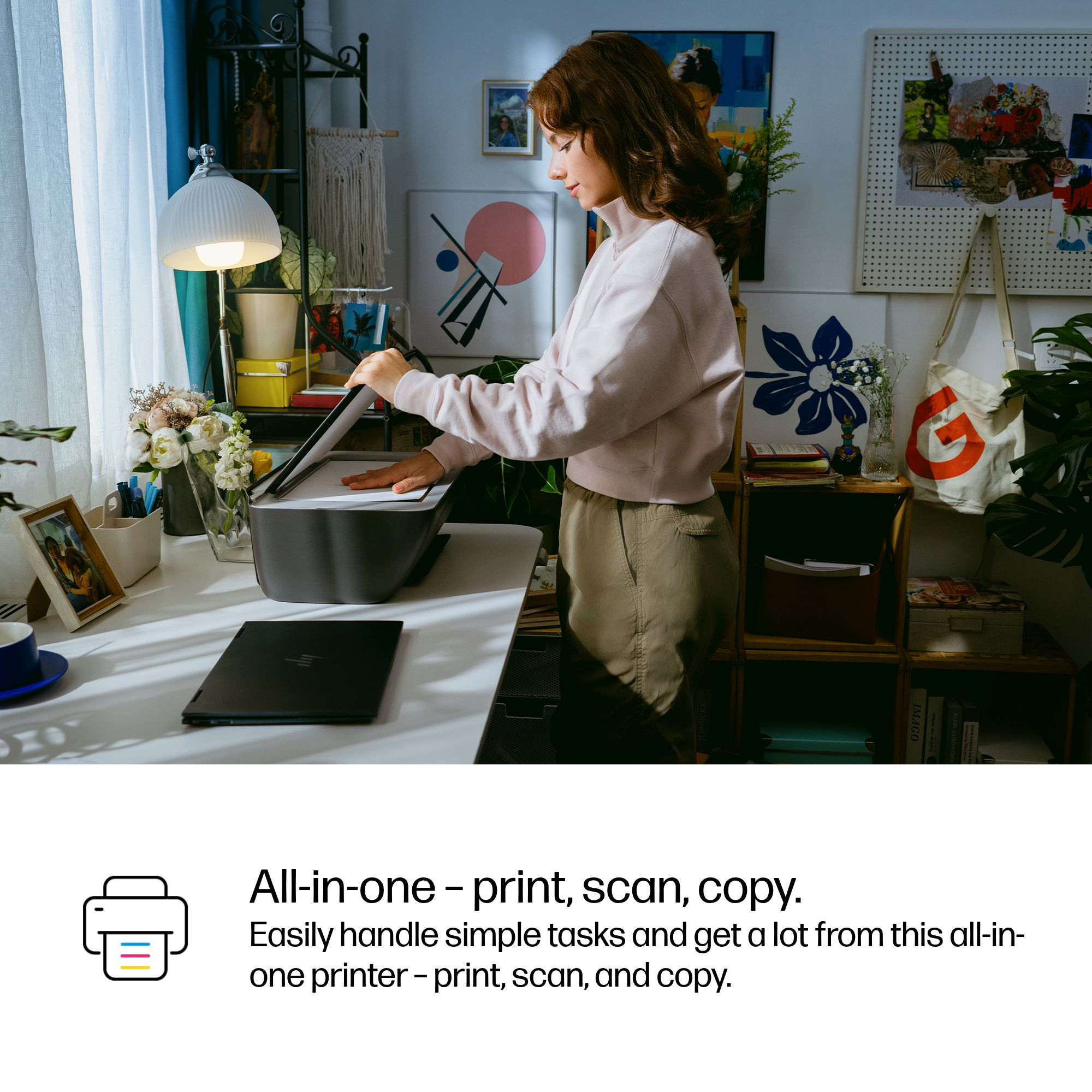
For £46.85 ex-VAT, the HP DeskJet 2910 is the kind of “good enough” inkjet that makes sense for very light office use—think occasional printing, scans you don’t need to be fussy about, and basic A4 documents like forms, simple proposals, or internal paperwork. The wireless setup is typically painless, and if you mainly print and don’t run big volumes, it can feel like a low-cost entry into having an all-in-one without committing to a higher-priced machine.
That said, I wouldn’t buy it for a busy team or anything approaching “proper” office throughput. Inkjets in this class tend to cost more over time, especially if printing is sporadic (cartridges can dry out, clog, and you end up wasting time/ink on cleaning cycles). Print quality is fine for everyday colour, but for crisp text at speed or frequent colour pages, you’ll likely get better value from a laser or an inkjet model designed for higher duty cycles. If your use is low-volume and you’re happy to manage ink costs, it’s a sensible budget pick; if you expect frequent printing, it’s probably the wrong kind of cheap.
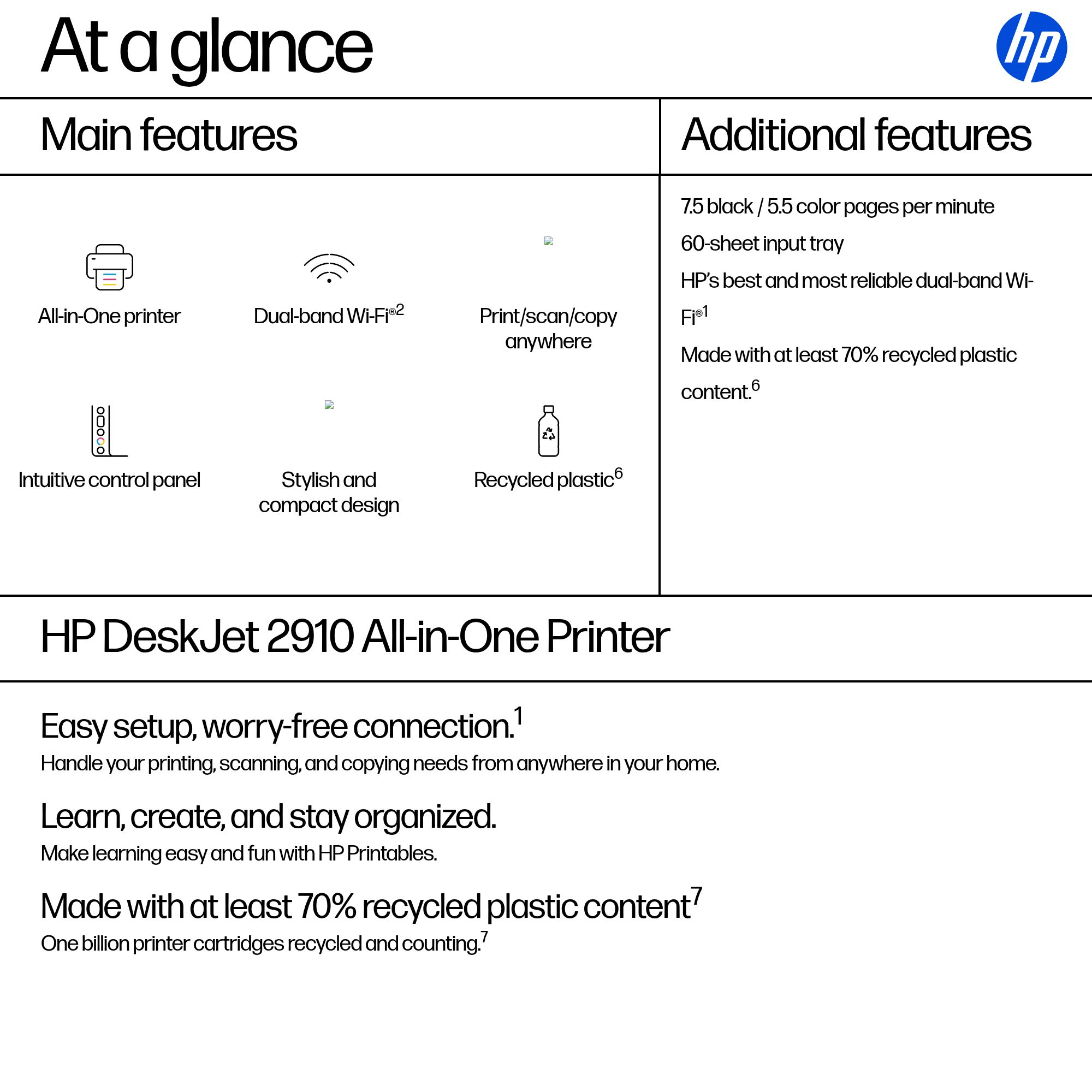
Easy setup, worry-free connection.[1]
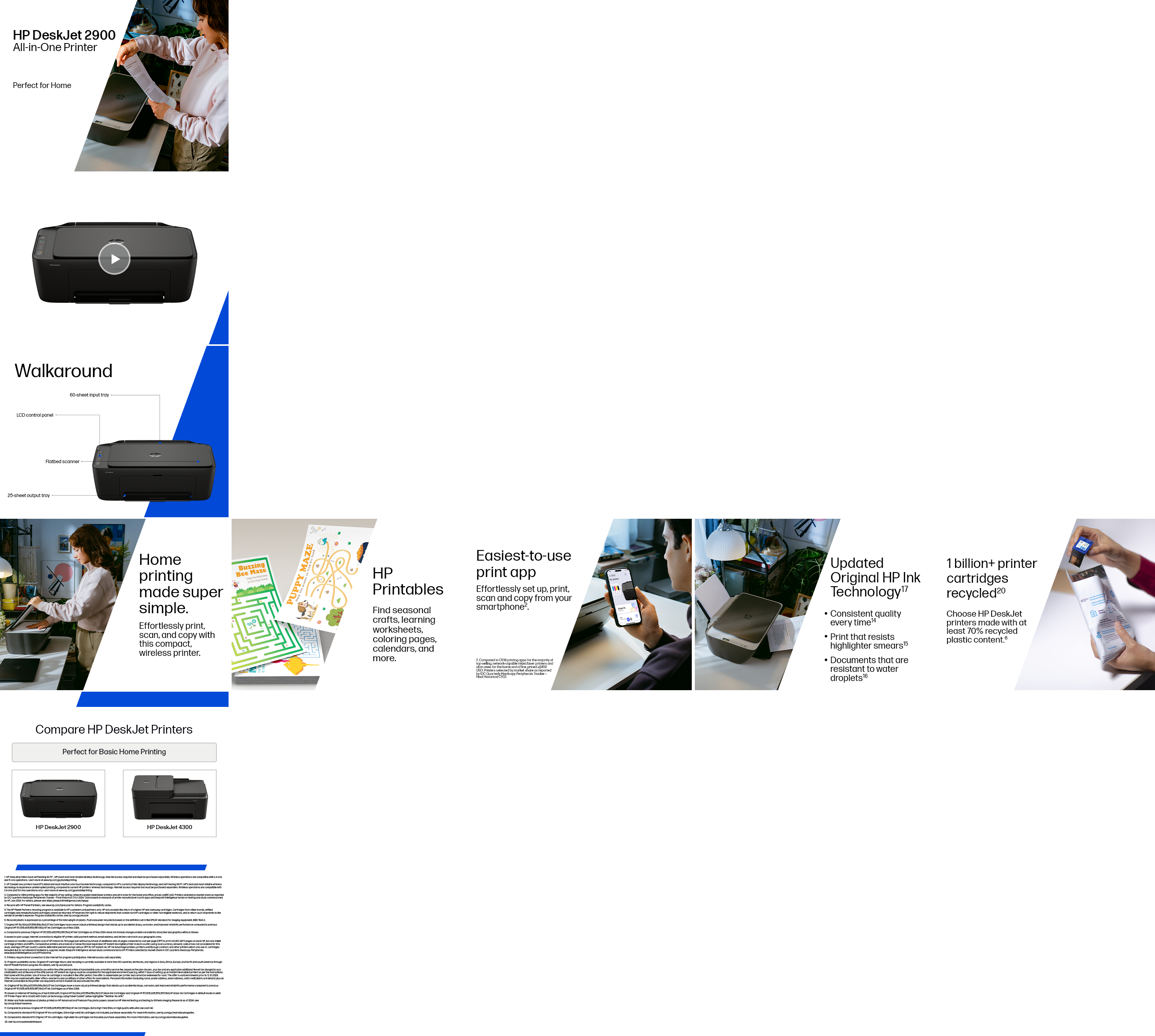
Handle your printing, scanning, and copying needs from anywhere in your home. Reliable connection with dual-band Wi-Fi® that reconnects automatically.[1,2] Print from anywhere with HP's easiest-to-...
Learn, create, and stay organized.
Make learning easy and fun with HP Printables. Discover an extensive collection of educational worksheets on the HP Printables website or through the HP app.[3]
Made with at least 70% recycled plastic content[7]
One billion printer cartridges recycled and counting.[7] Return used cartridges for free via the HP Planet Partners Program.[5] Contains at least 70% recycled plastic content.[6]
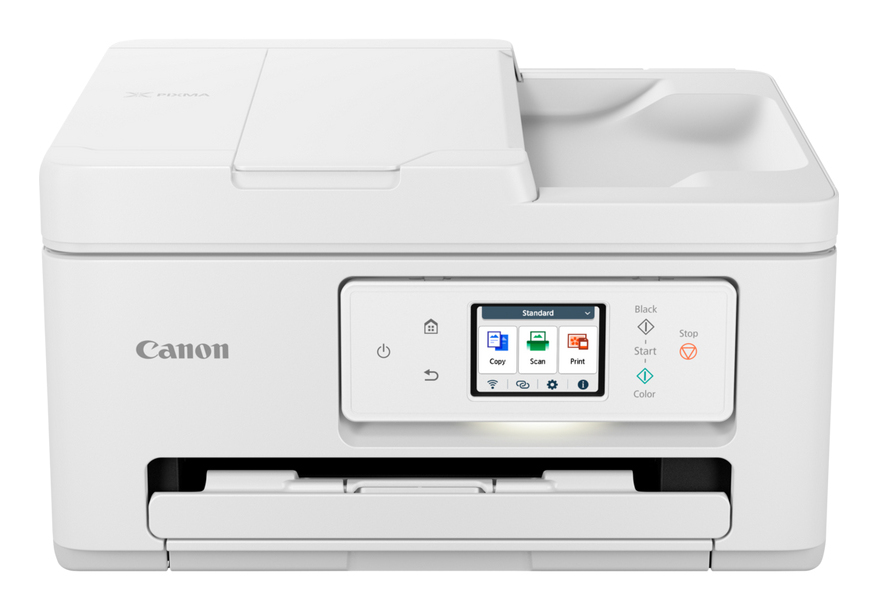
Canon
Canon PIXMA TS7750i A4 Print, ADF, Copy, Scan, Cloud. Up to 12001 x 1200 dpi 15ipm (mono), 10ipm (colour). Duplex, USB/WIFI. AirPrint/MacOS/Windows/(Mopria)Andriod/WIFI Dire
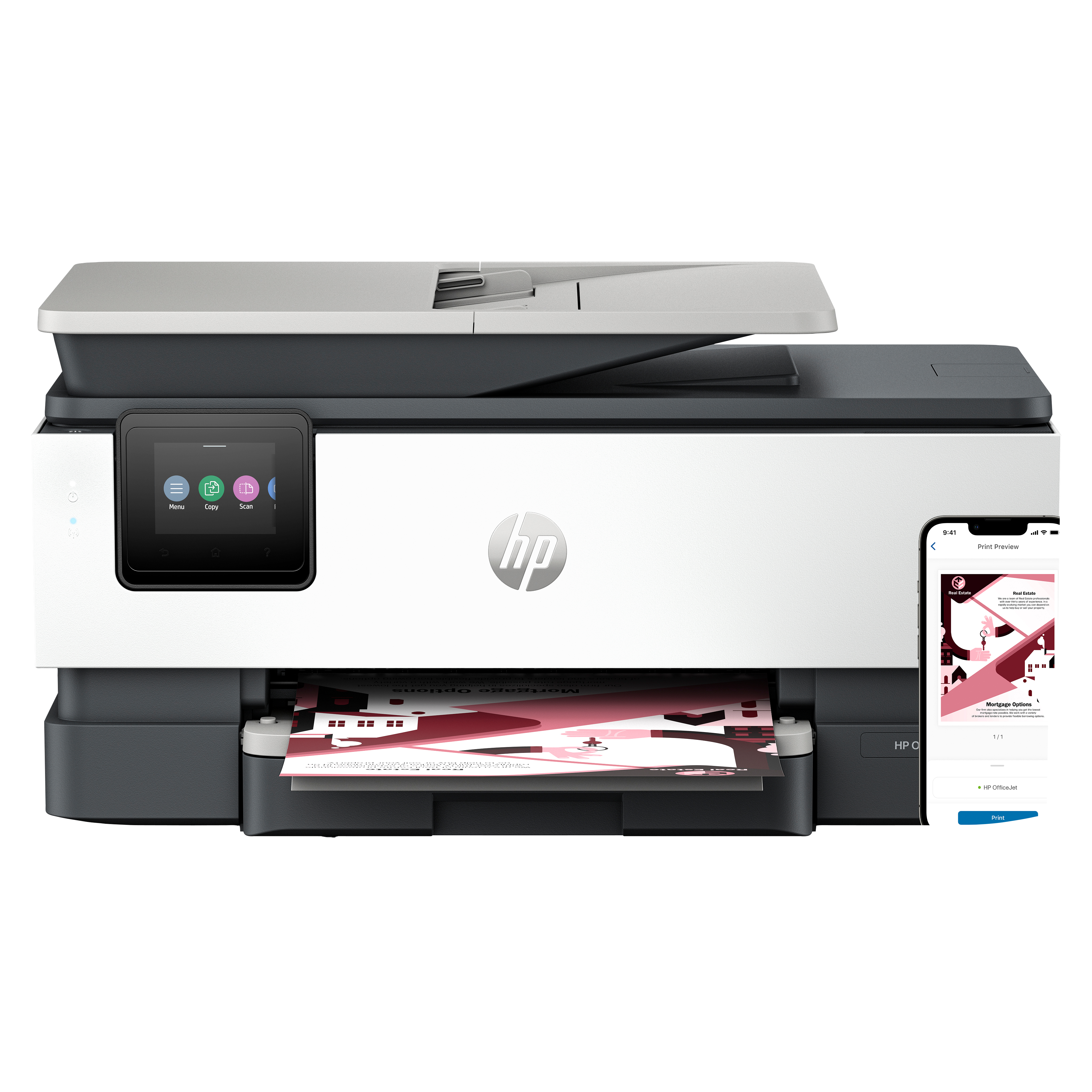
HP
HP Officejet Pro 8122e All-in-One - Multifunction printer - colour - ink-jet - Legal (216 x 356 mm) (original) - A4/Legal (media) - up to 12 ppm (copying) - up to 20 ppm (printing) - 225 sheets - 33.6 Kbps - USB host, Wi-Fi(ac) - light cement
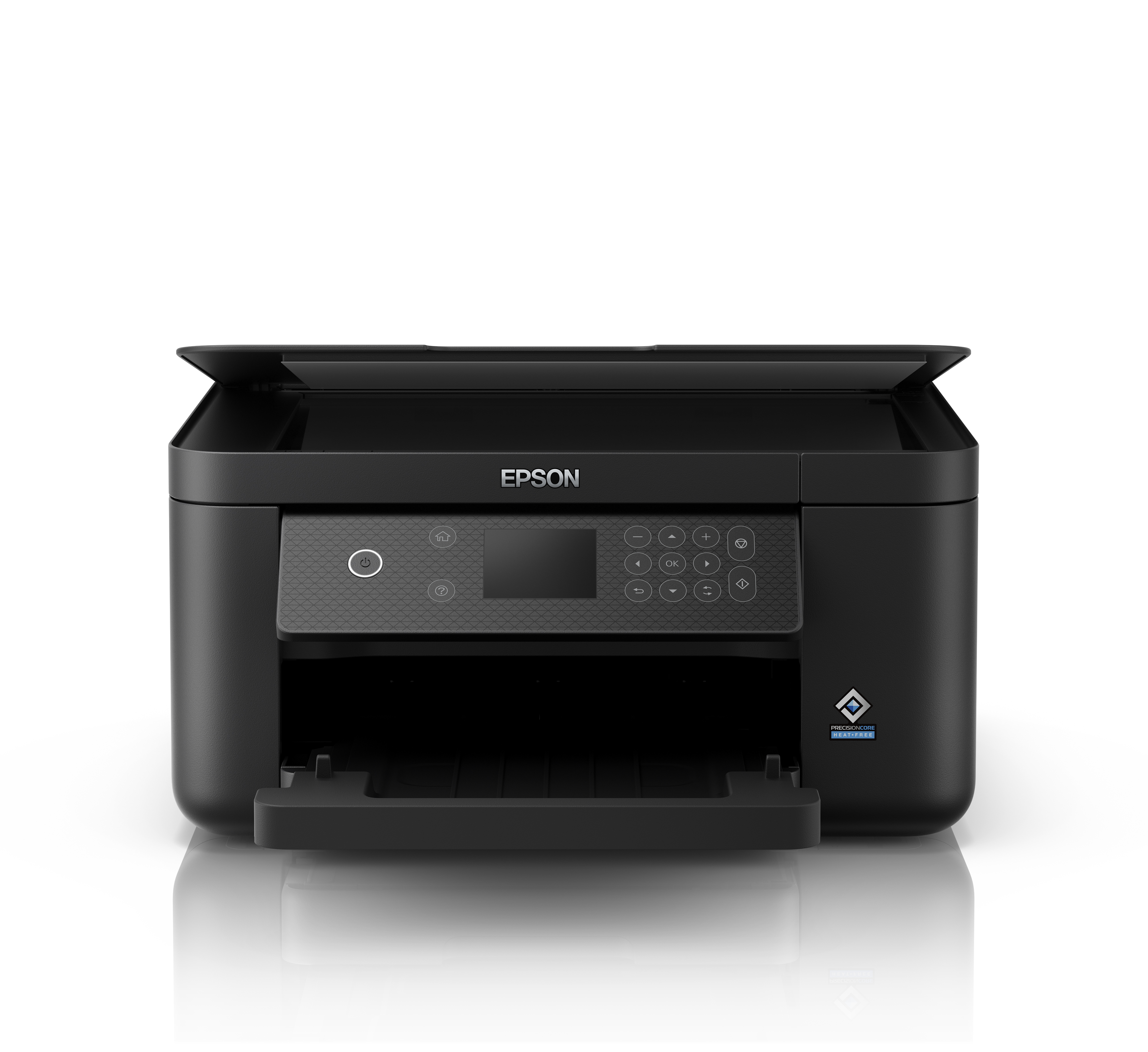
Epson
Epson Expression Home XP-5200 XP 5200 XP5200 - Multifunction printer - colour - ink-jet - A4/Legal (media) - up to 14 ppm (printing) - 150 sheets - USB, Wi-Fi(n) - black
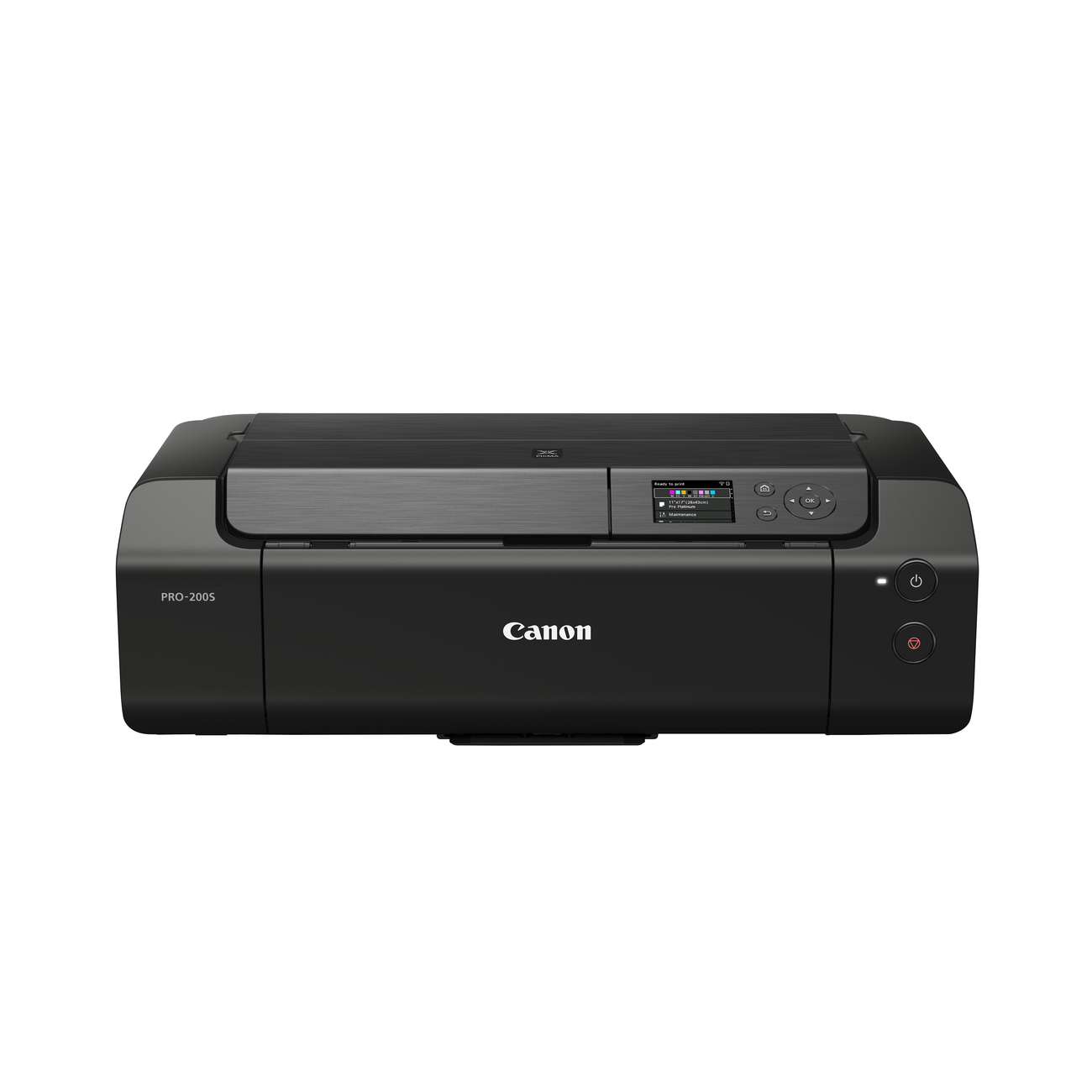
Canon
Canon PIXMA PRO-200S - Printer - colour - ink-jet - A3 Plus up to 1.5 min/page (colour) - capacity: 100 sheets - LAN, Wi-Fi(n), USB 2.0