- Web Development
Headless CMS: What It Is and When Your Business Needs It
18 Mar, 2026

£473.60 inc. VAT
AI-generated summary
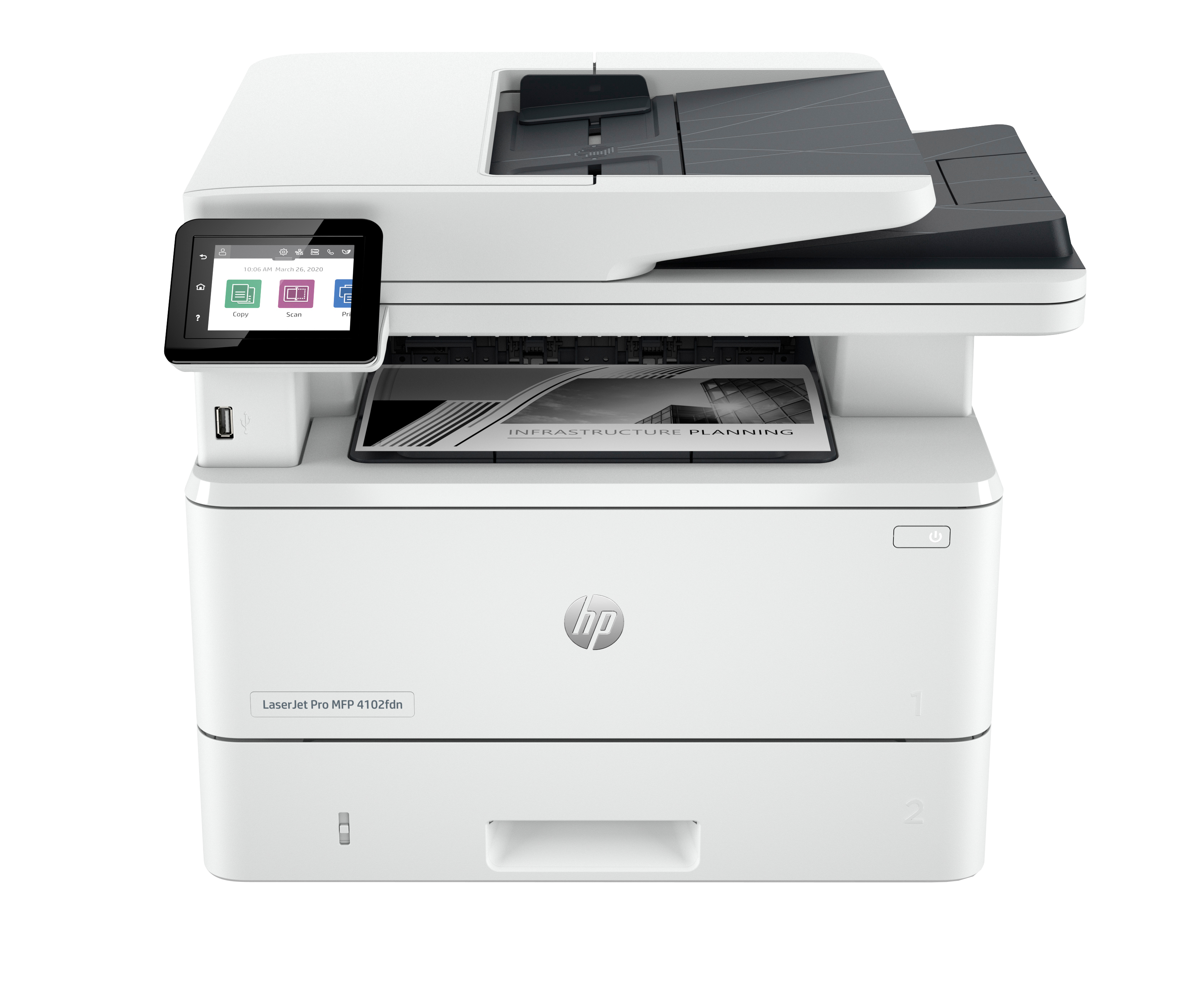
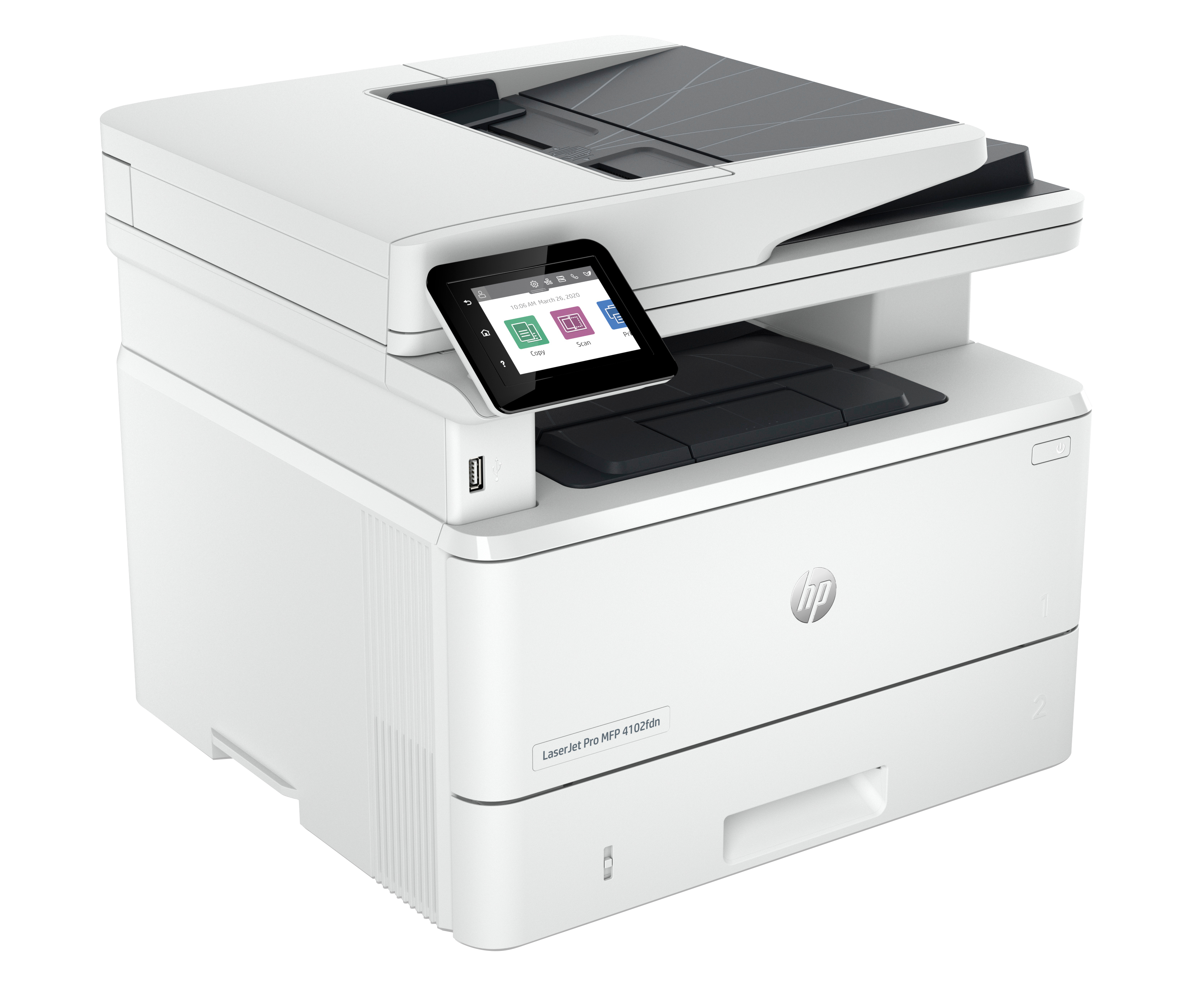
If you’re buying a **small-office B/W laser MFP with Ethernet**, the HP LaserJet Pro 4102fdn is a pretty sensible choice—**as long as you’re happy to keep things wired**. The total cost at **£394.67 ex‑VAT** feels justified for the class: you get the “set it up and forget it” reliability HP is known for, plus network printing and the copier/scanner side that actually gets used in day-to-day admin. It’s the kind of unit that suits offices with a handful of workstations and shared workflows: scanning documents to a folder/email (depending on your setup), printing forms, invoices, and anything that benefits from consistent B/W quality.
That said, I wouldn’t recommend it if your environment needs **Wi‑Fi or easy mobile printing**—the “Ethernet only” angle matters more than people think, because it can force workarounds and frustrate users. Also, if your print volumes are low and you only occasionally scan/copy, you might be overpaying versus a cheaper single-function laser; multi-function only pays off when it’s actually in regular use. In short: **buy it if you want a dependable wired B/W office workhorse**. Skip it if your priority is wireless flexibility or occasional printing.
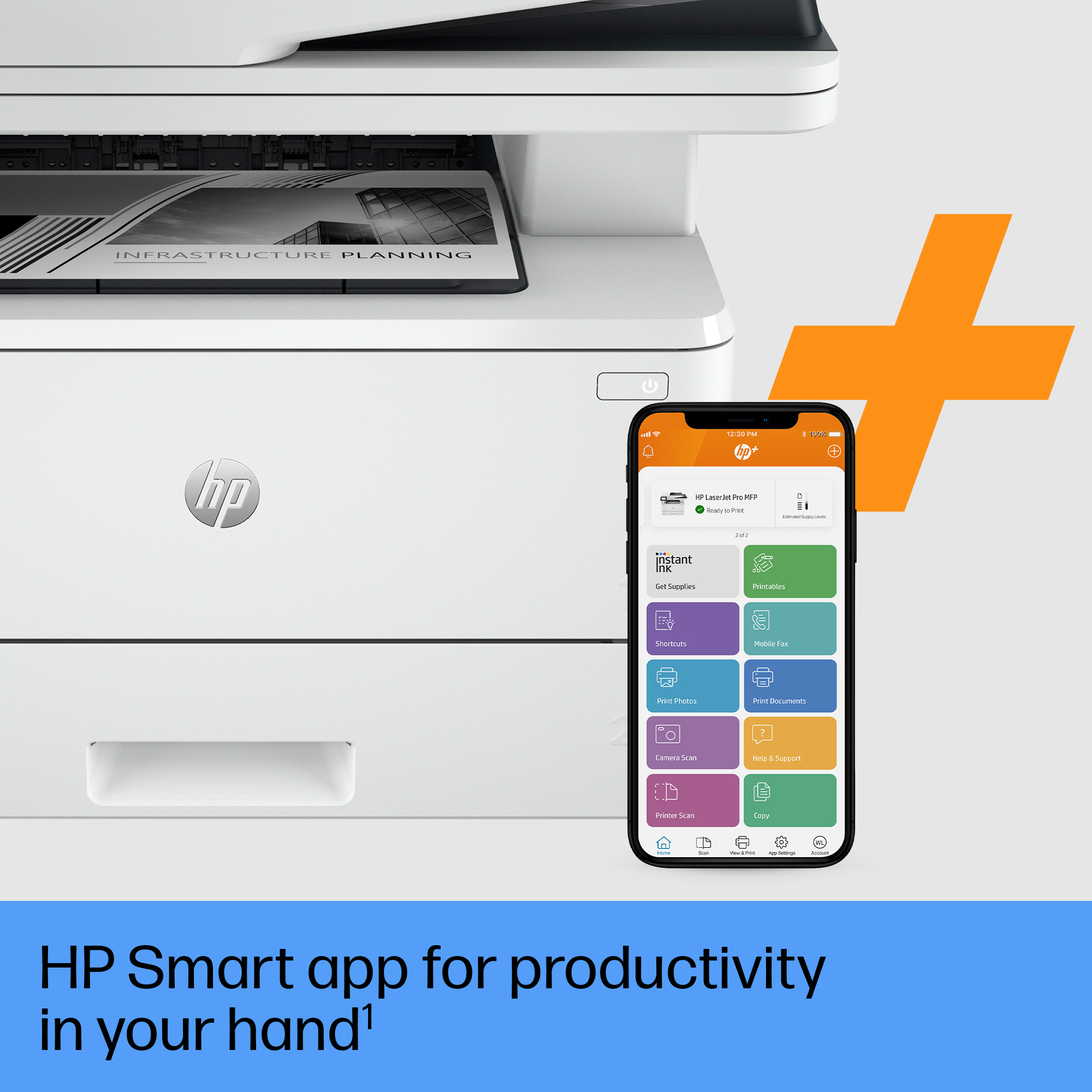
Maximum productivity
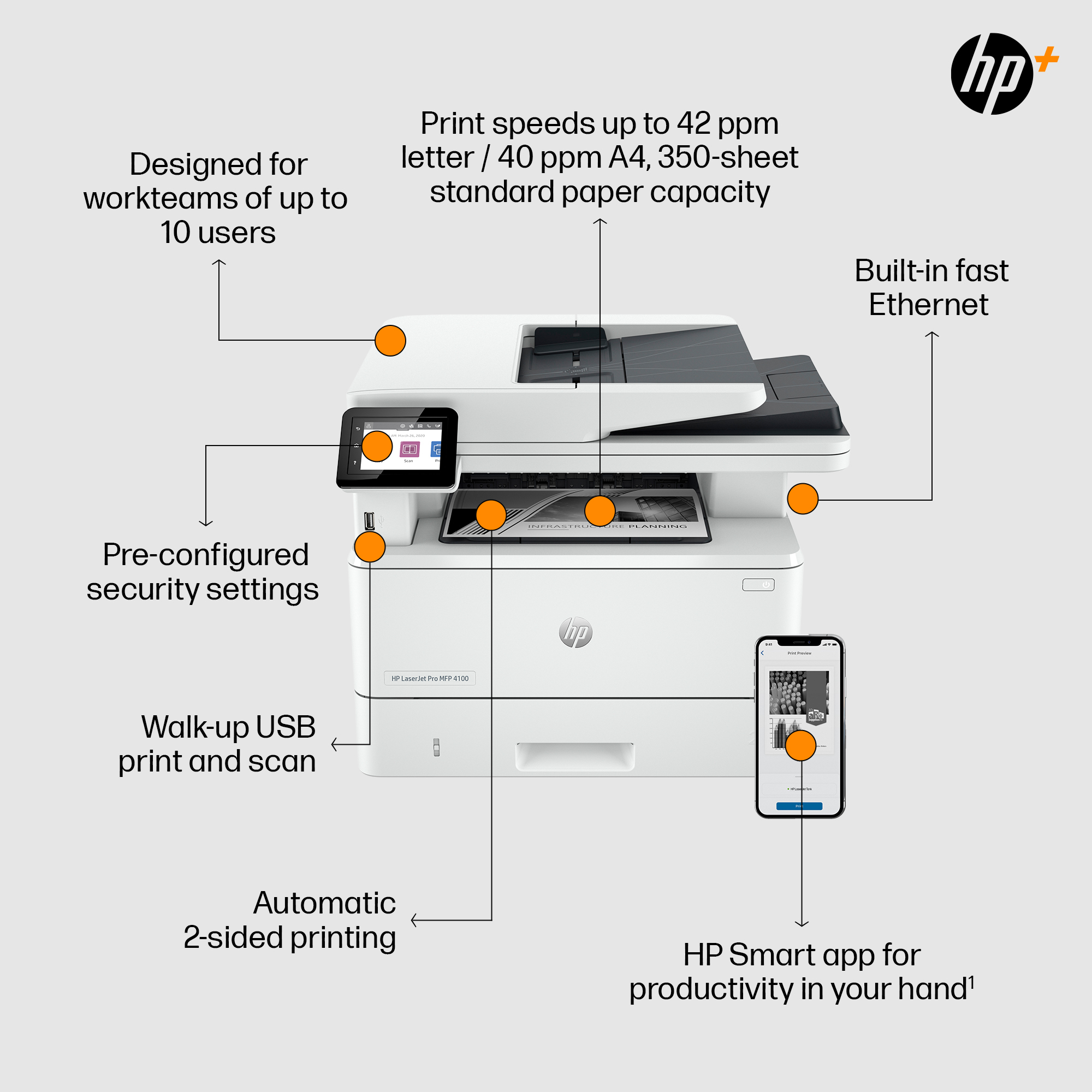
Support your dynamic workteam with this high-speed printer, ideal for up to 10 users. Step up your workflow. HP Pro-class print speed reaches up to 42 ppm to meet high-demand environments.[1] Scan ...
Seamless management
Centralise your print management. HP Web Jetadmin makes it easy with its suite of features.[3] Set up your printers quickly. Streamlined setup makes it easy to set up and get back to business.
HP Wolf Pro Security
Get printer security out of the box. Preconfigured settings mean it's ready when you are.
Sustainable printing
Save up to 20% energy. EcoSmart toner with JetIntelligence balances premium quality with sustainability. [5] Start saving paper right out of the box. The default duplex setting prints on both sides...

HP
HP Color LaserJet Enterprise MFP M776dn - Multifunction printer - colour - laser - 297 x 864 mm (original) - A3 (media) - up to 46 ppm (copying) - up to 46 ppm (printing) - 650 sheets - USB 2.0, Gigabit LAN, USB 2.0 host
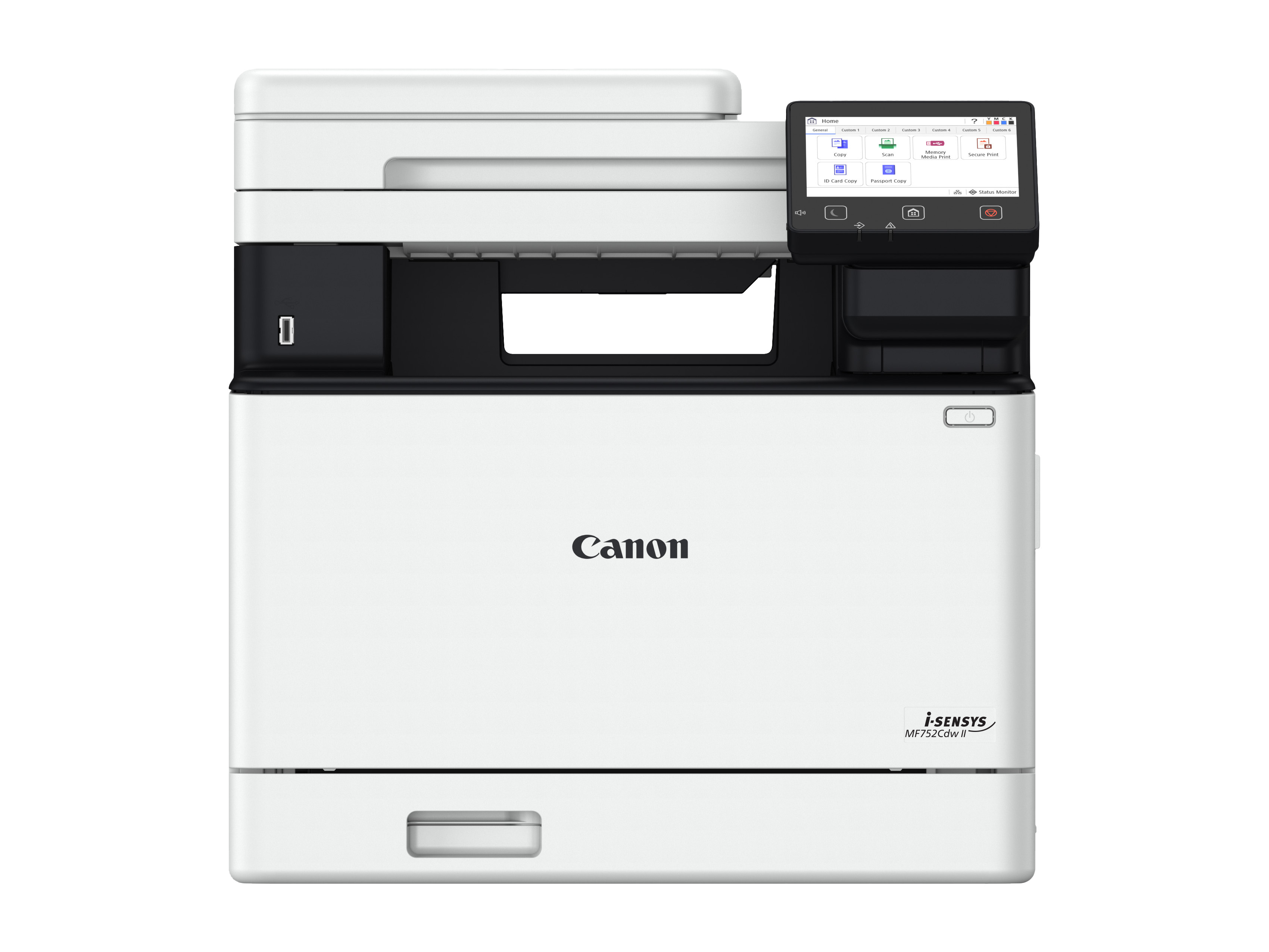
Canon
Canon i-SENSYS MF752Cdw II - Multifunction printer - colour - laser - A4 (210 x 297 mm), Legal (216 x 356 mm) (original) - A4/Legal (media) - up to 33 ppm (copying) - up to 33 ppm (printing) - 300 sheets - USB 2.0, Gigabit LAN, Wi-Fi(n), USB host
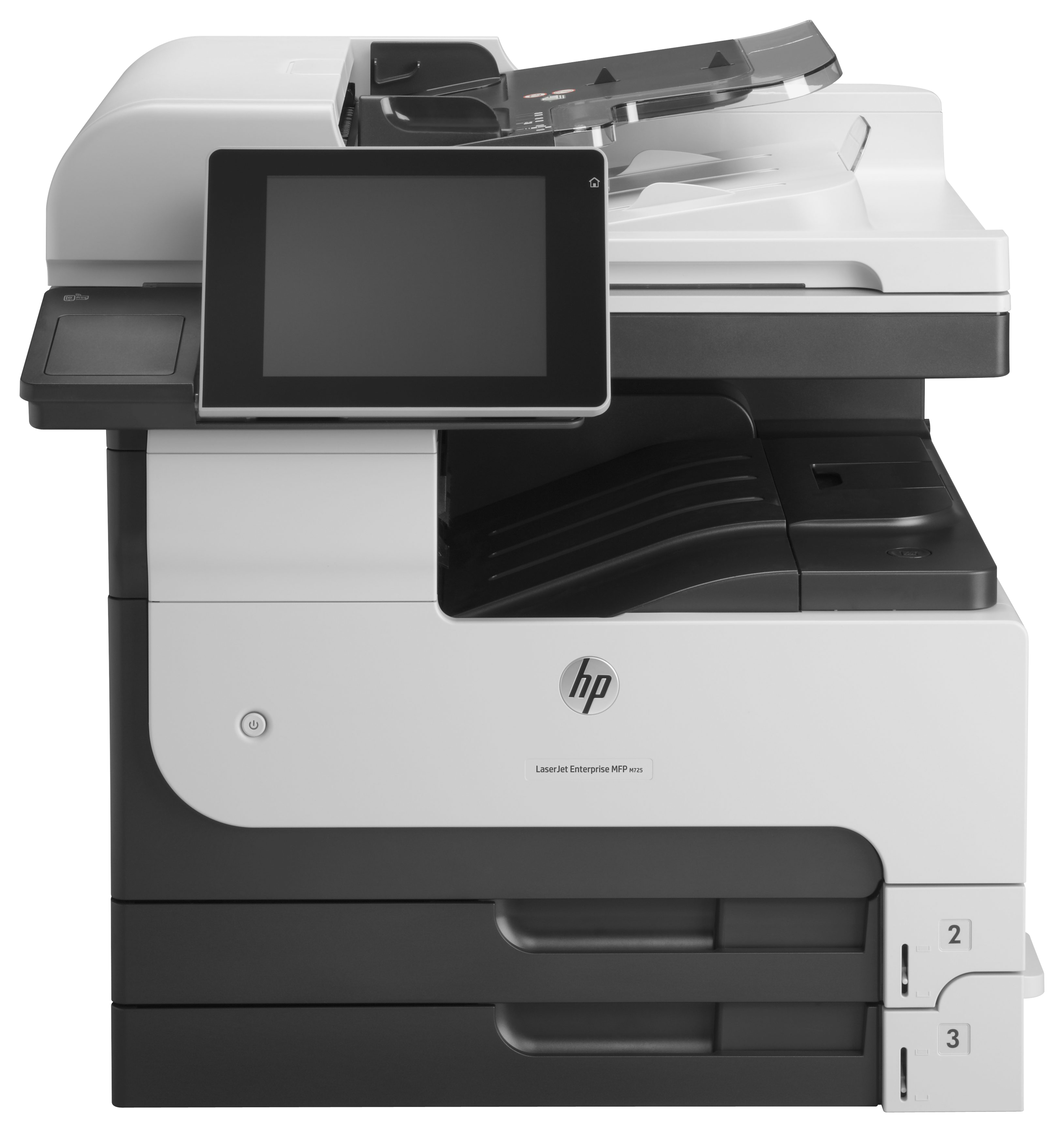
HP
HP LaserJet Enterprise MFP M725dn
Canon
Canon i-SENSYS MF553dw MF 553dw 553 dw - Multifunction printer - B/W - laser - A4 (210 x 297 mm), Legal (216 x 356 mm) (original) - A4/Legal (media) - up to 43 ppm (copying) - up to 43 ppm (printing) - 650 sheets - 33.6 Kbps - USB 2.0, Gi