- IT Support
The IT Leader's Guide to Managing Remote Teams
13 Feb, 2026
£204.49 inc. VAT
AI-generated summary
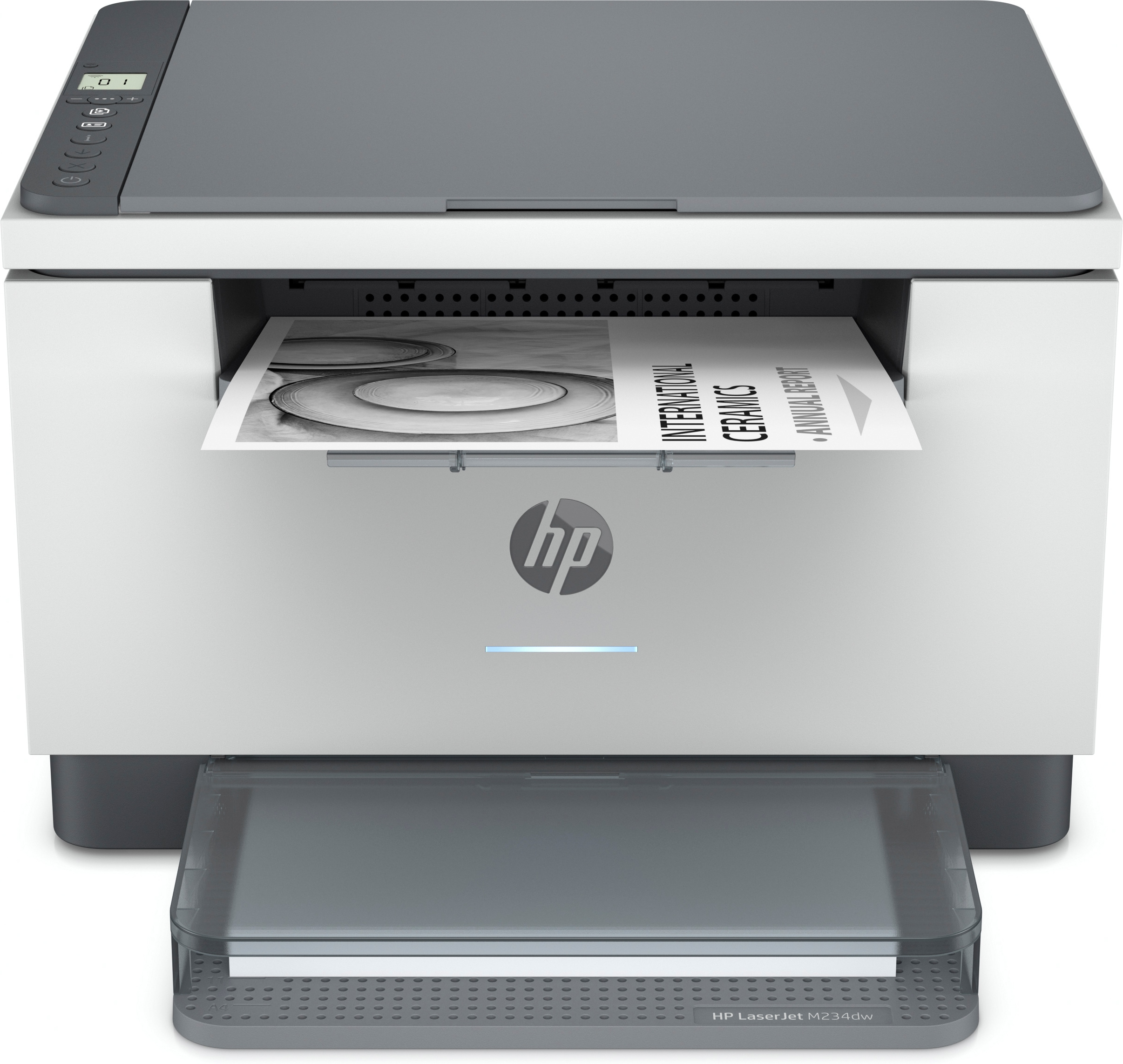
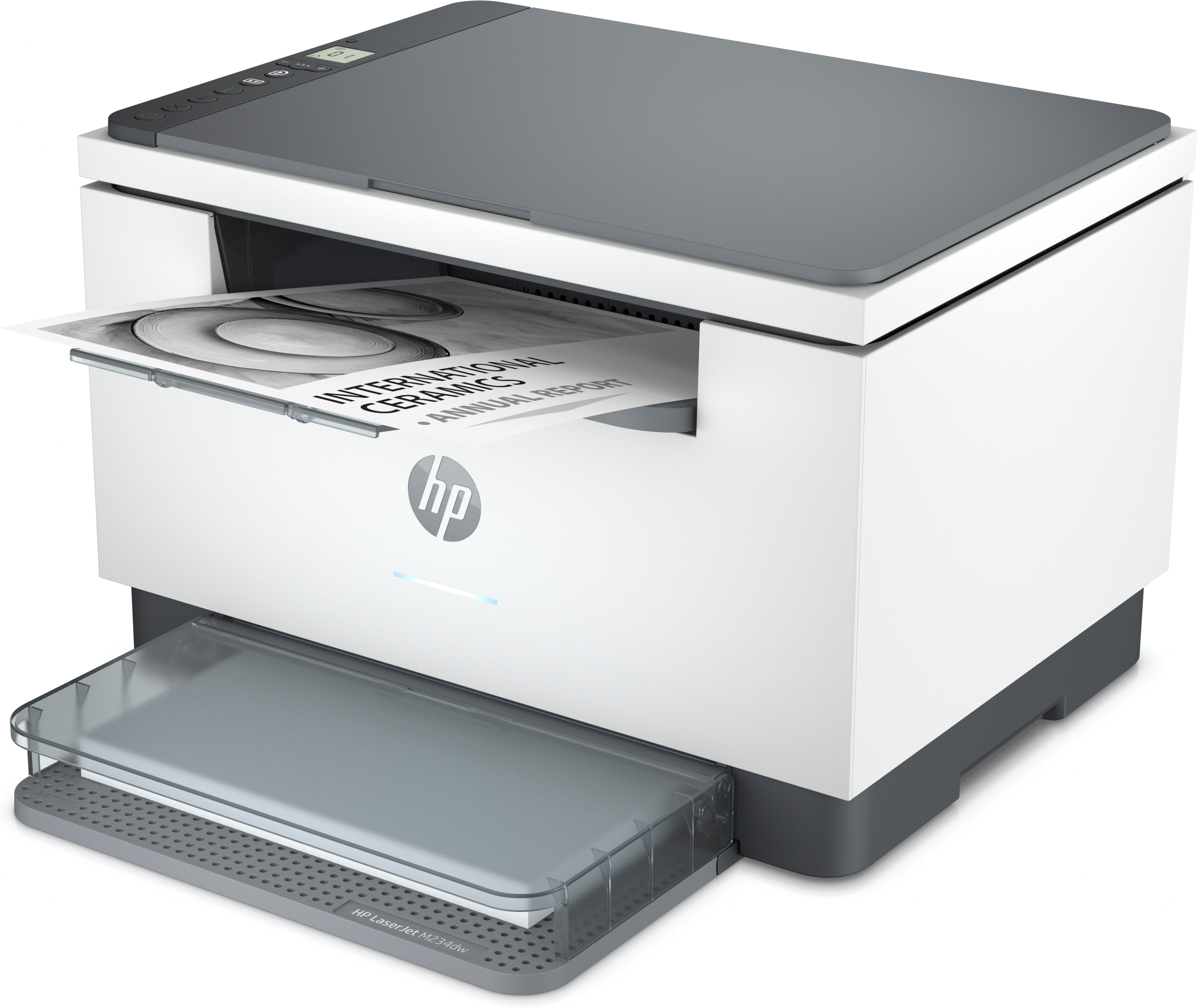
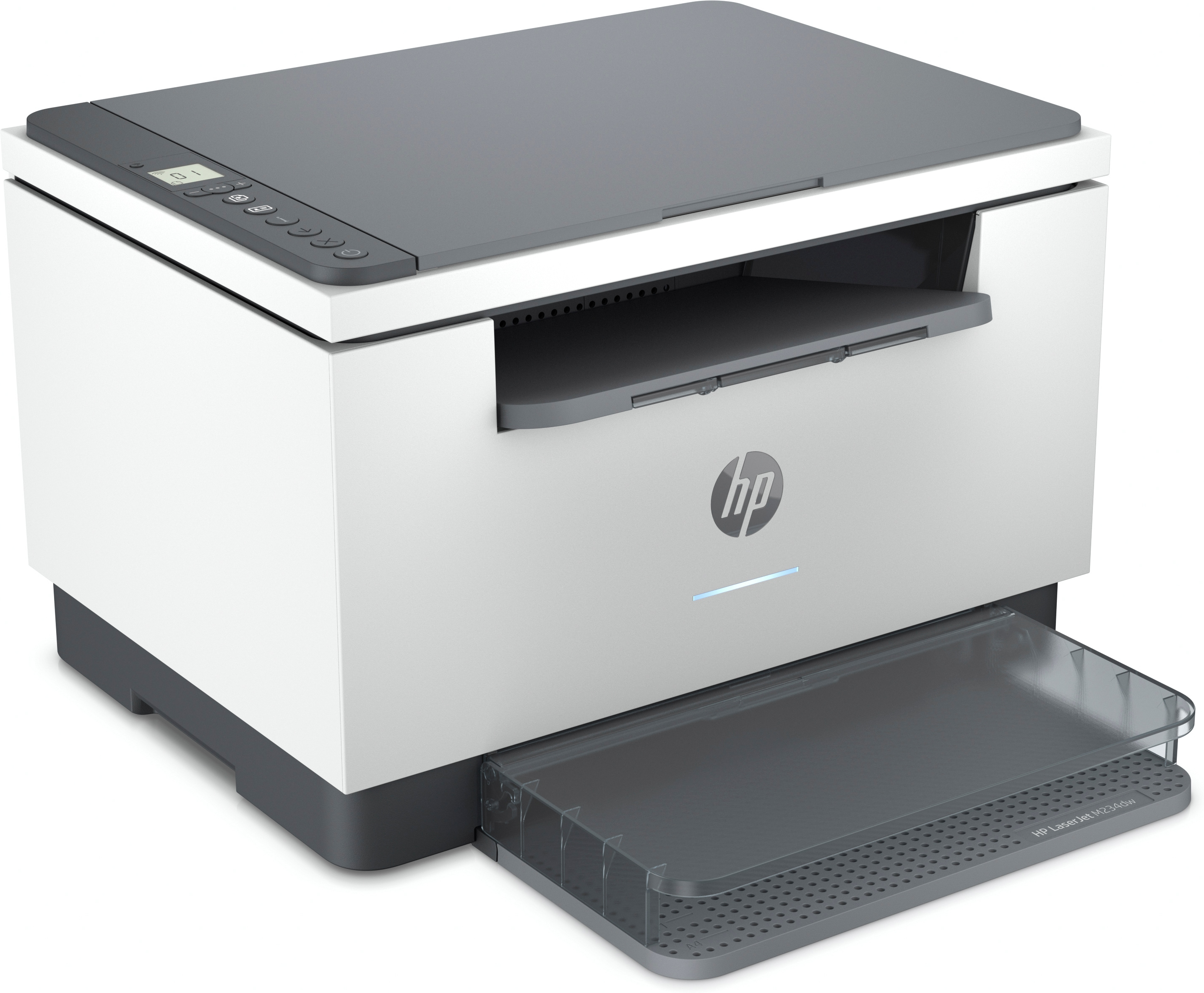
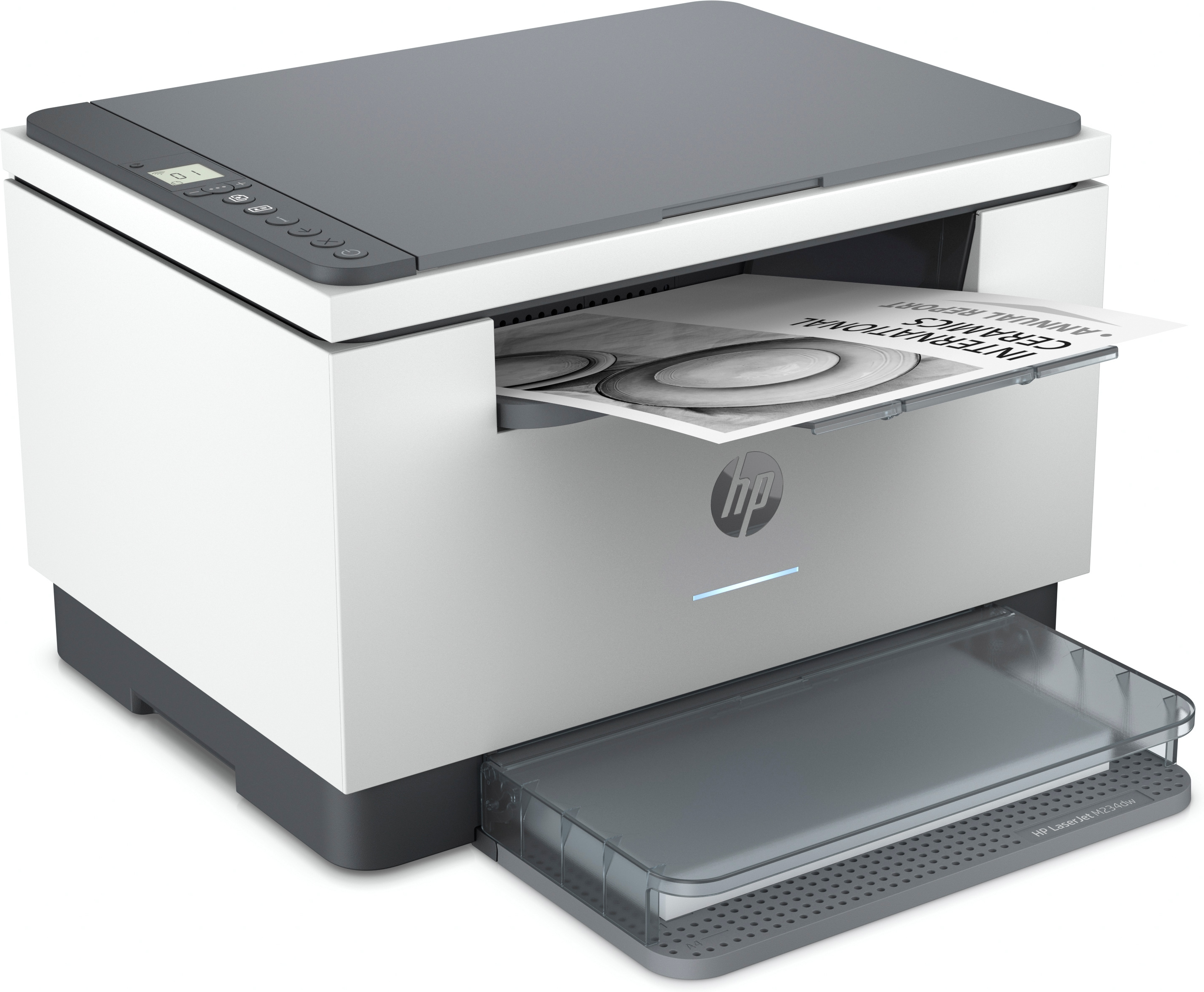
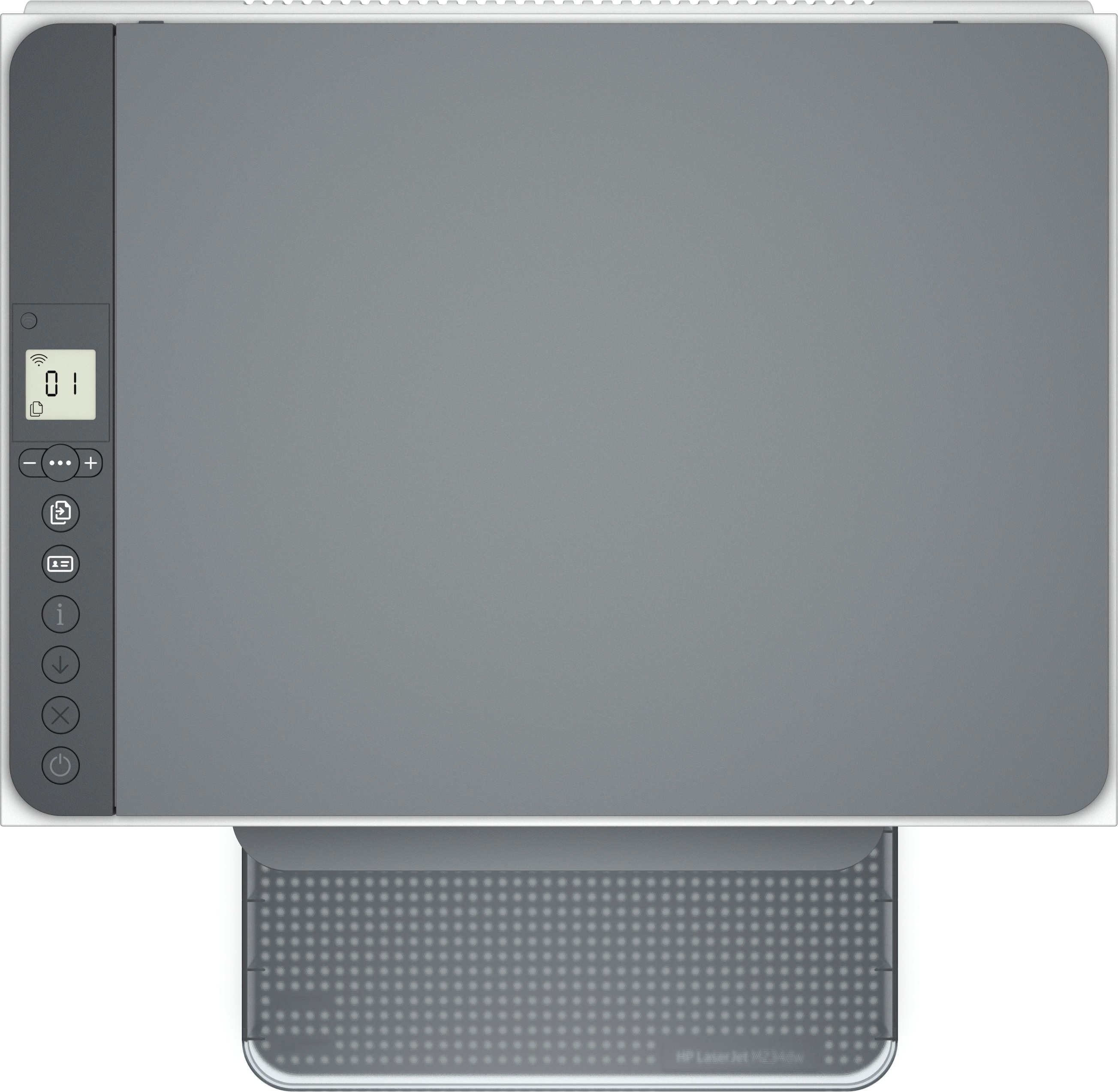
The HP LaserJet MFP M234dw is a sensible little office workhorse if you want a compact mono laser that’s mainly there for printing (with scanning/copying to cover the basics). For a price around £170 ex‑VAT, you’re getting good day-to-day reliability and low fuss—HP’s laser engines tend to handle routine business volume without drama, and the “dw” model is usually the one people pick when they want Wi‑Fi and mobile/office convenience without moving up to the bigger, pricier range.
That said, I wouldn’t buy this if your business leans heavily on colour, high-volume printing, or lots of scanning with heavy duty document handling. Mono lasers like this are all about black-and-white speed and text quality, not image-heavy jobs, and the smaller design typically means it’s less ideal for demanding workloads. If you’re equipping a small team, a home office, or a department that needs dependable mono output and occasional scanning, it’s a strong value choice. If you need frequent large print runs or more advanced scan/copy throughput, spend a bit more on a higher-tier model—or you’ll feel the limits quickly.
Work fast. Work smart.
Speed through multipage documents with the fastest in-class two-sided printing speed.[2] You can fit this LaserJet almost anywhere – it’s that small and compact. Get projects done quickly with a pr...
Stay productive from anywhere
Get high-quality scanning, and share to Dropbox, Google Drive, email, or the cloud – from virtually anywhere – with HP Smart app.[6] Quickly access and print documents and images on your smartphone...
Easy to set up, easy to use
Get started fast with easy setup that guides you, step by step. Simply download the HP Smart app, connect to a network, and share your printer across all your devices.[6] Easily manage tasks with s...
Help make a positive impact on the environment
This HP LaserJet meets ecolabel requirements, including ENERGY STAR® and BLUE ANGEL. Help save energy with a LaserJet that uses up to 20% less energy than previous model. Help save energy with HP A...
Small size. Big performance.
A LaserJet so compact it can fit almost anywhere.
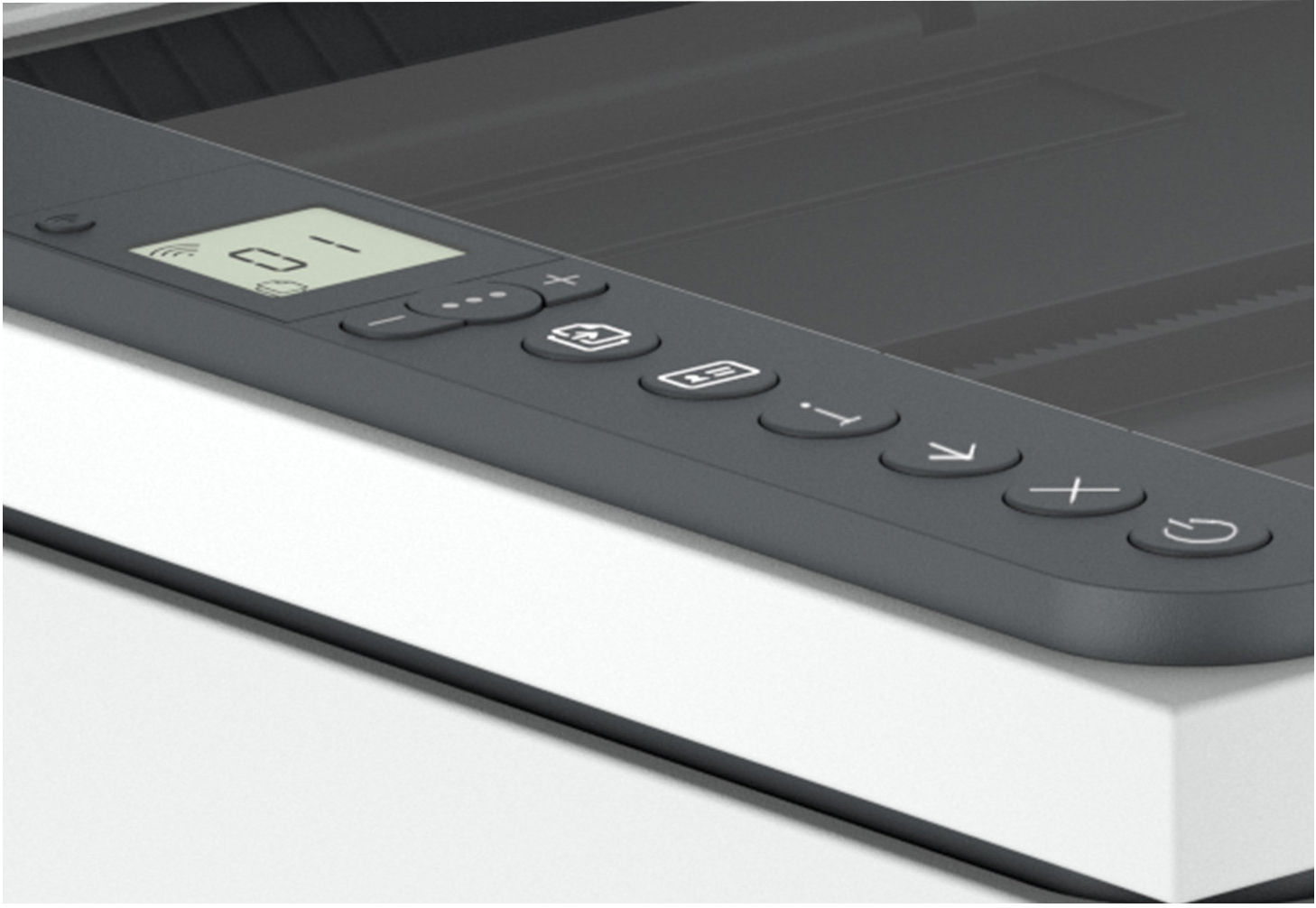
Smart-guided buttons and lighting
Easily manage tasks with smart-guided buttons and lighting for an intuitive experience – buttons appear only when needed.
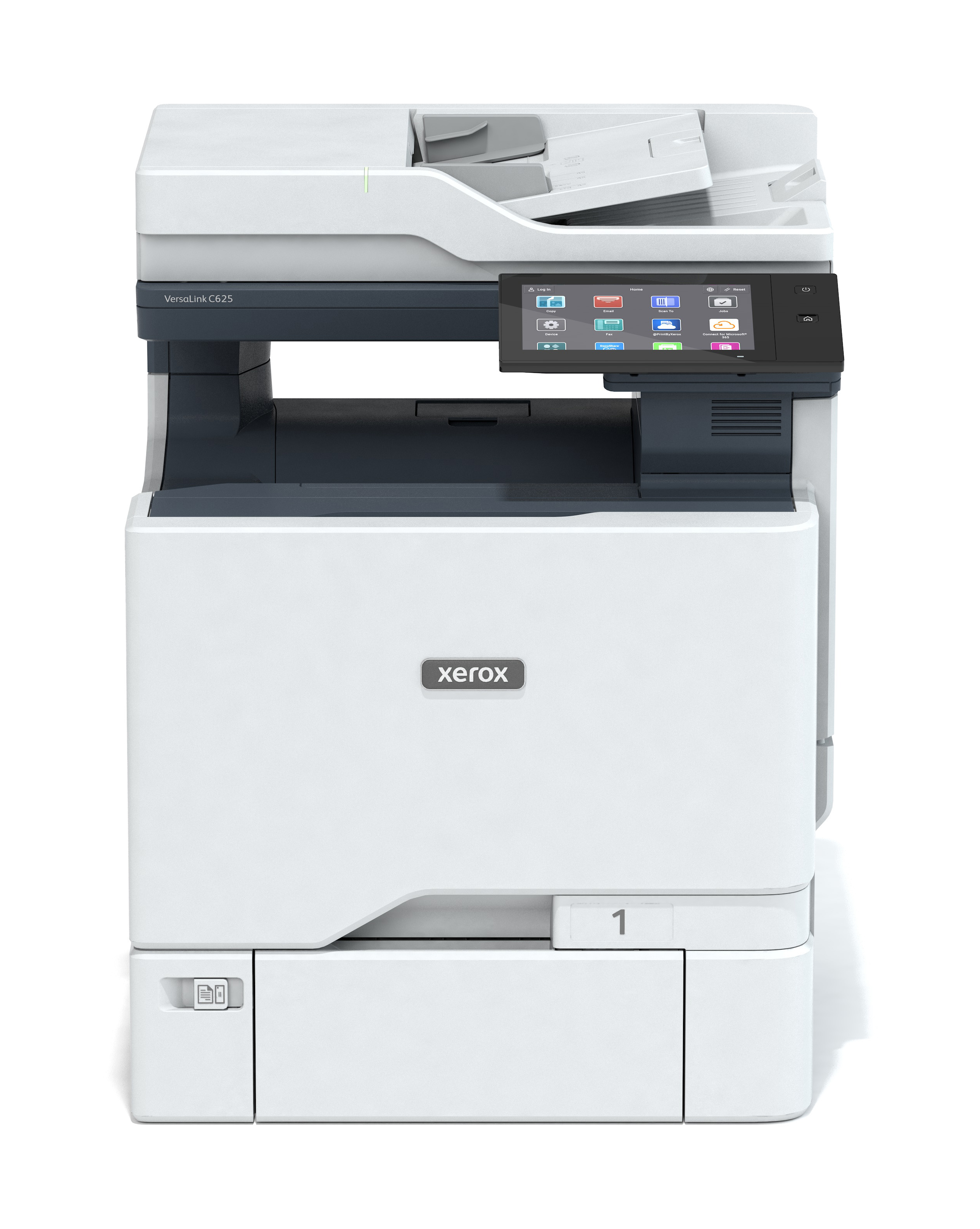
Xerox
K/VersaLinkC625 A4 50ppm Duplx Copy/Prin
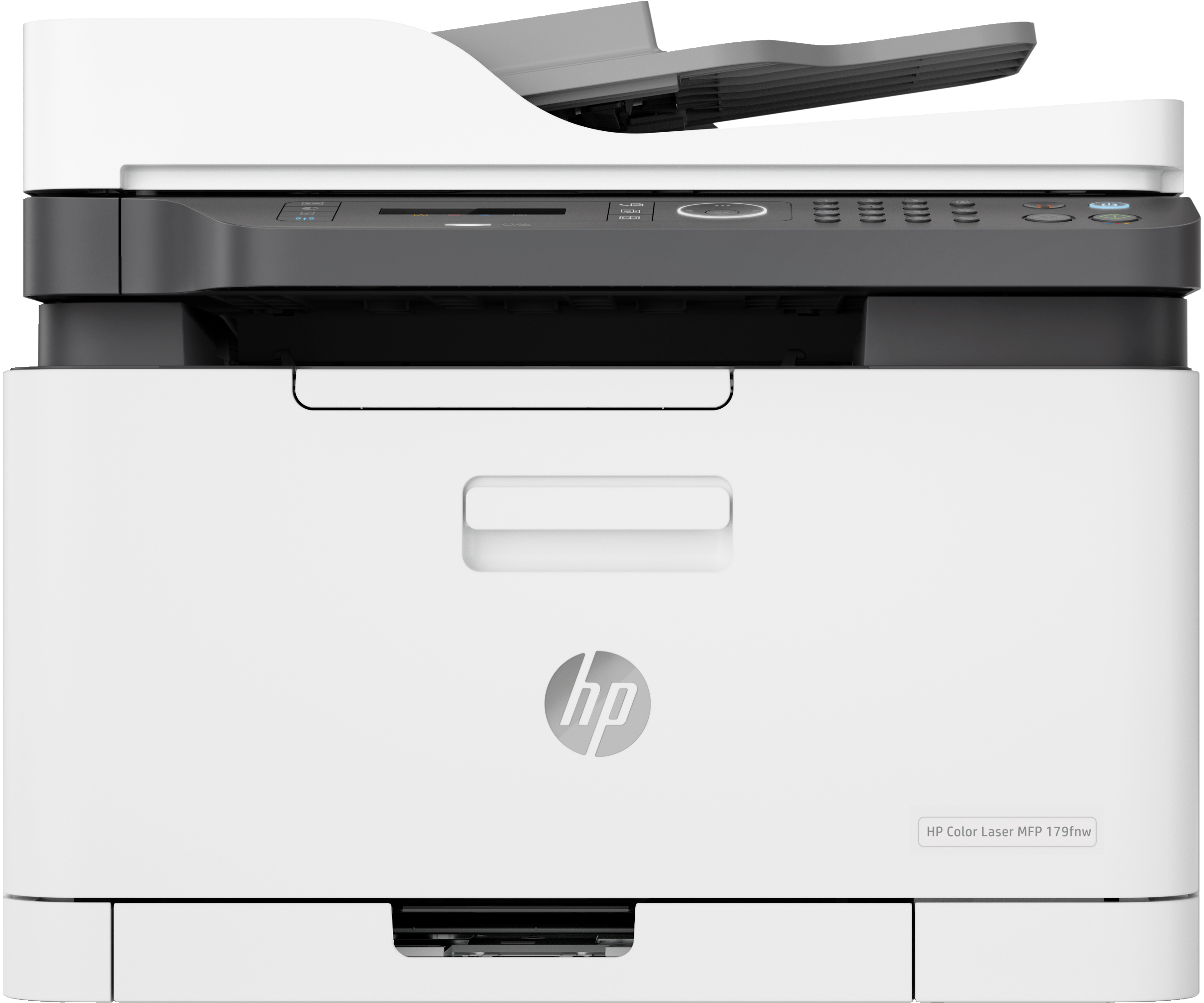
HP
HP Color Laser MFP 179fnw - Multifunction printer - colour - laser - A4 (210 x 297 mm) (original) - A4/Letter (media) - up to 14 ppm (copying) - up to 18 ppm (printing) - 150 sheets - 33.6 Kbps - USB 2.0, LAN, Wi-Fi(n)
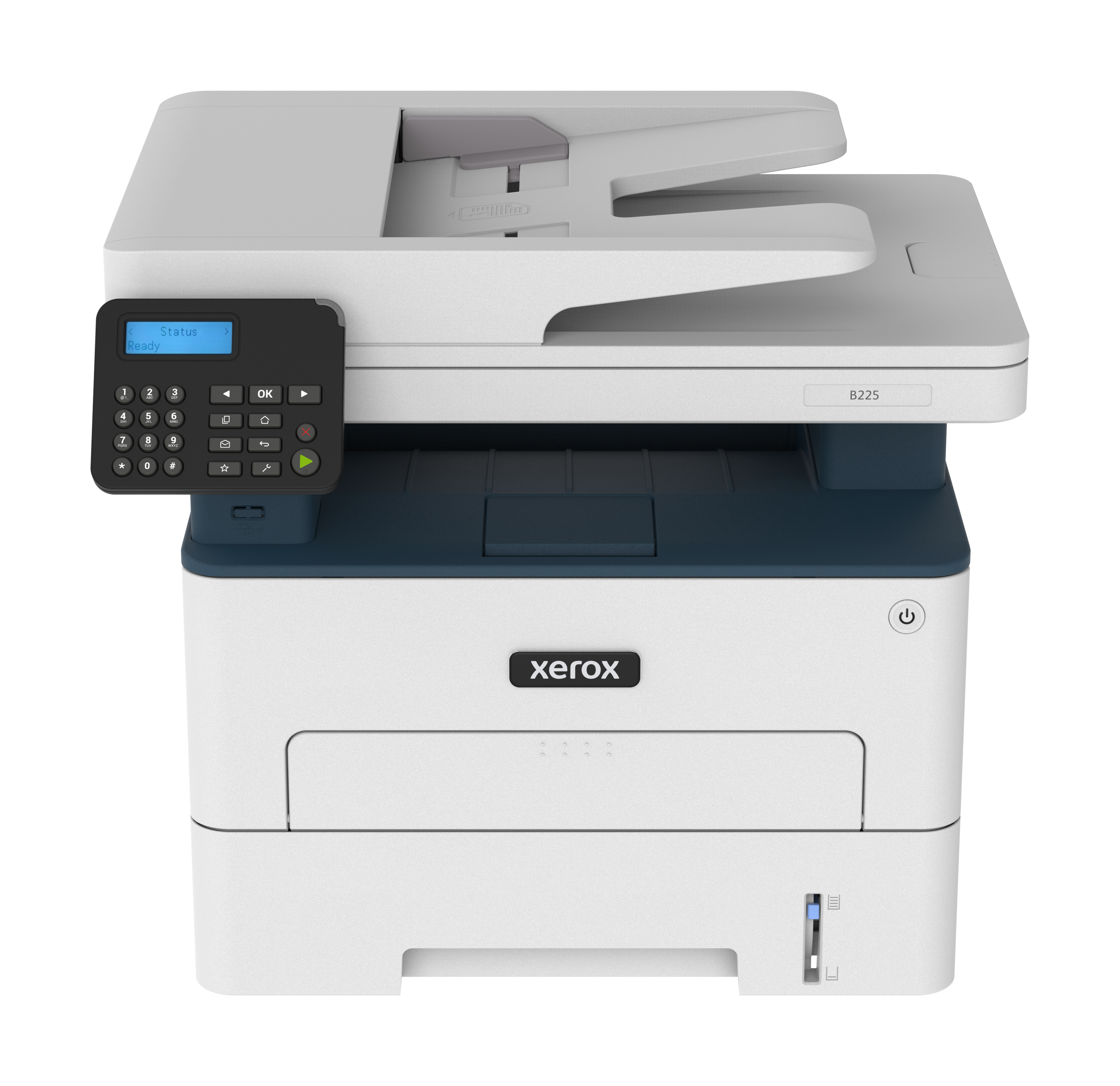
Xerox
Xerox B225V_DNIUK - Multifunction printer - B/W - laser - Legal (216 x 356 mm) (original) - A4/Legal (media) - up to 34 ppm (printing) - 250 sheets - USB 2.0, LAN, Wi-Fi(n), USB 2.0 host - Green World Alliance return programme
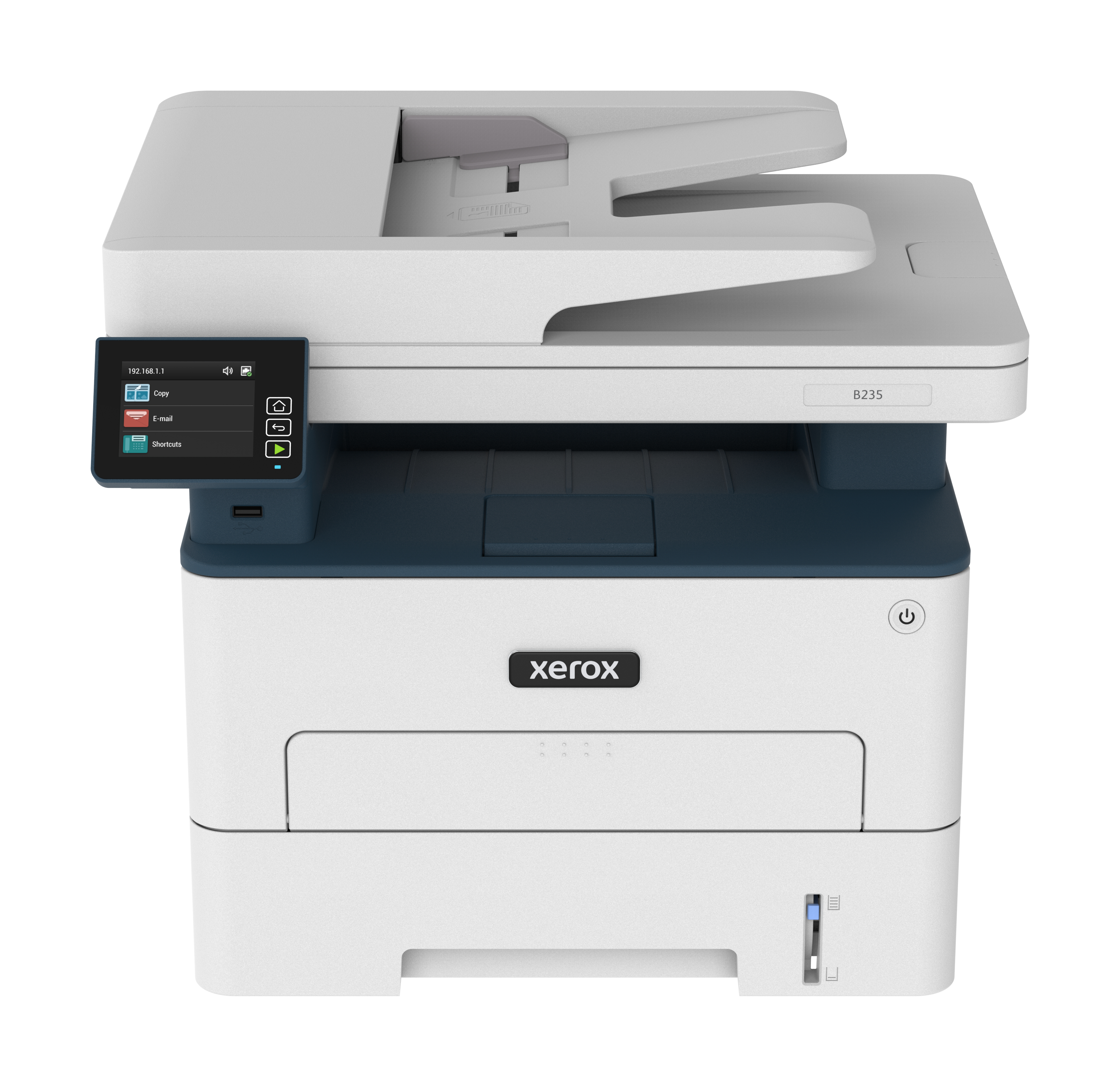
Xerox
Xerox B235V_DNIUK - Multifunction printer - B/W - laser - Legal (216 x 356 mm) (original) - A4/Legal (media) - up to 34 ppm (printing) - 250 sheets - 33.6 Kbps - USB 2.0, LAN, Wi-Fi(n), USB 2.0 host - Green World Alliance return programme