- Virtual CIO
What is a Virtual CIO and Does Your Business Need One?
22 Jan, 2026
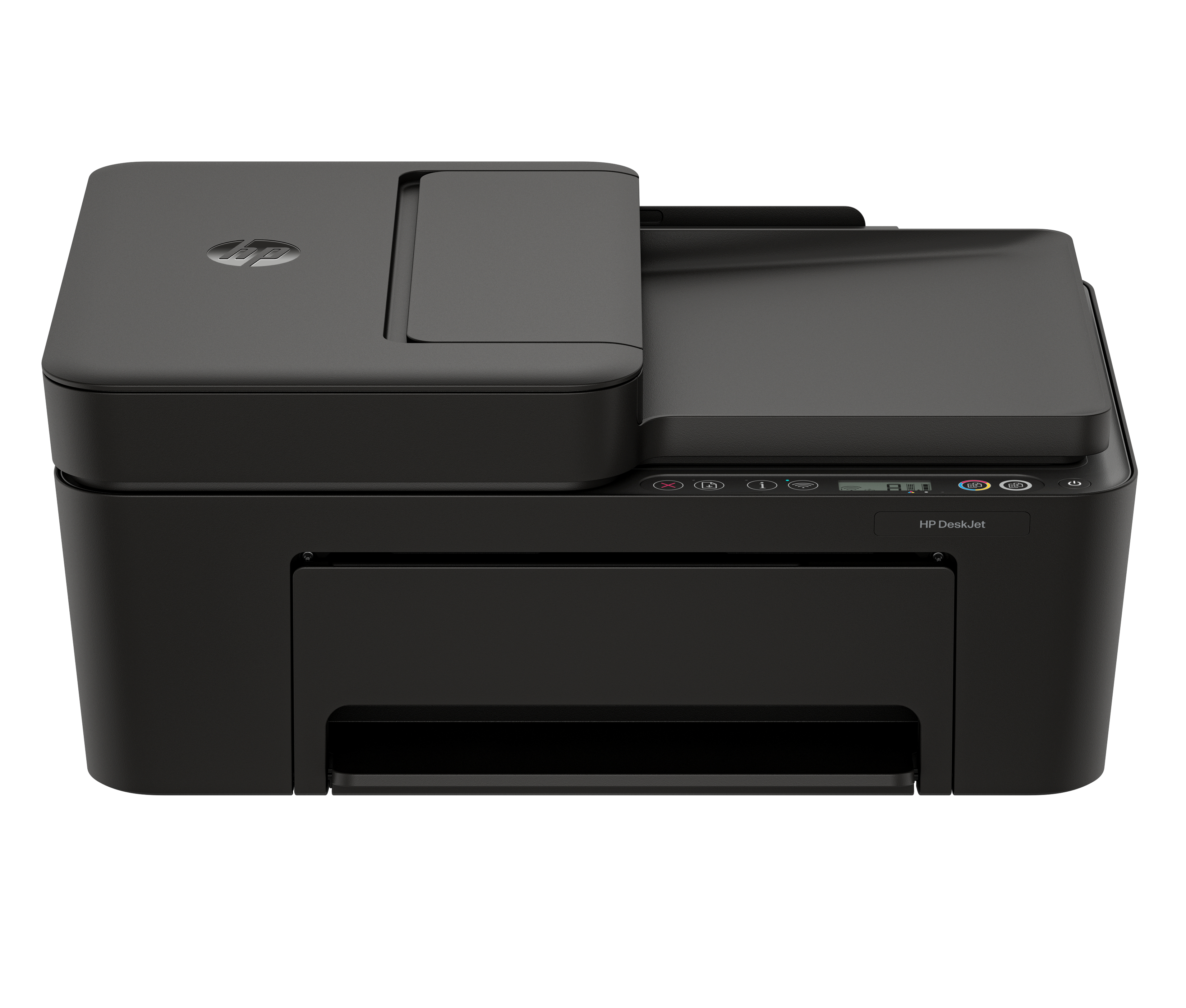
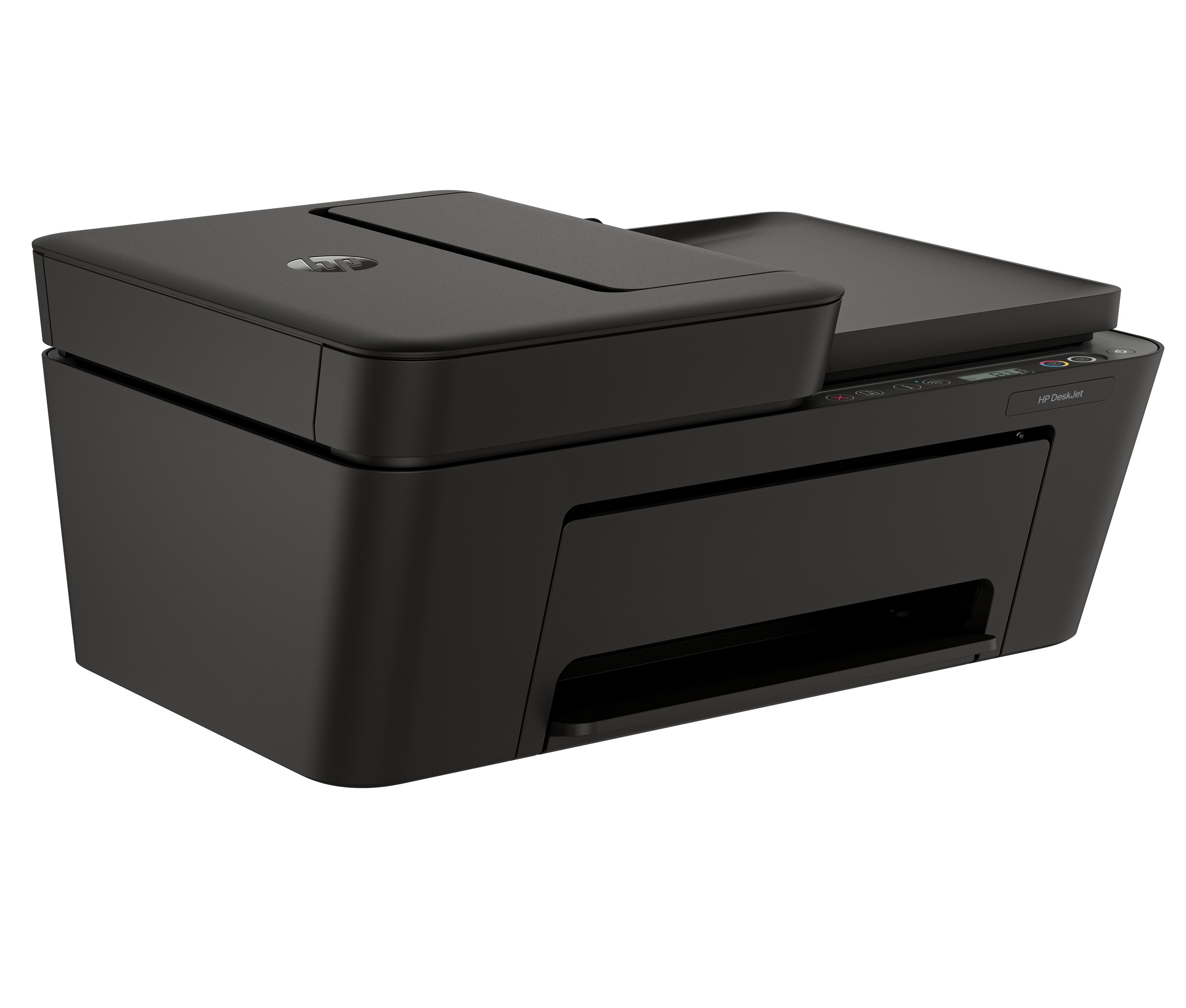


£80.14 inc. VAT
AI-generated summary
The HP DeskJet 4310 Wireless is one of those “get printing done cheaply” all‑in‑ones. At ~£66.78 ex‑VAT, it’s pitched at small offices or home workers who want basic printing, scanning, and copying without messing around with setup-heavy kit. The wireless part is usually the main win here—serviceable for occasional colour documents, forms, and light internal paperwork where you’re not doing high volumes. If your expectations are “fast enough, good enough,” it’ll feel like good value.
Where it can disappoint is cost-per-page and day-to-day friction: DeskJet inkjets tend to get pricey when you’re printing regularly, and colour output won’t match business laser results for crisp text and consistent quality. If you run lots of pages, print infrequently, or rely on frequent colour, you may end up spending more on cartridges than the bargain price suggests. I’d recommend it for light-duty use, small admin teams, and anyone printing mostly black documents with occasional colour—otherwise, you’re probably better off looking at a laser-based or higher-yield inkjet option.
Easy setup, worry-free connection.[1]
Handle your printing, scanning, and copying needs from anywhere in your home. Reliable connection with dual-band Wi-Fi® that reconnects automatically.[1,2] Print from anywhere with HP's easiest-to-...
Learn, create, and stay organized.
Make learning easy and fun with HP Printables. Discover an extensive collection of educational worksheets on the HP Printables website or through the HP app.[3]
Made with at least 70% recycled plastic content[7]
One billion printer cartridges recycled and counting.[7] Return used cartridges for free via the HP Planet Partners Program.[5] Contains at least 70% recycled plastic content.[6]
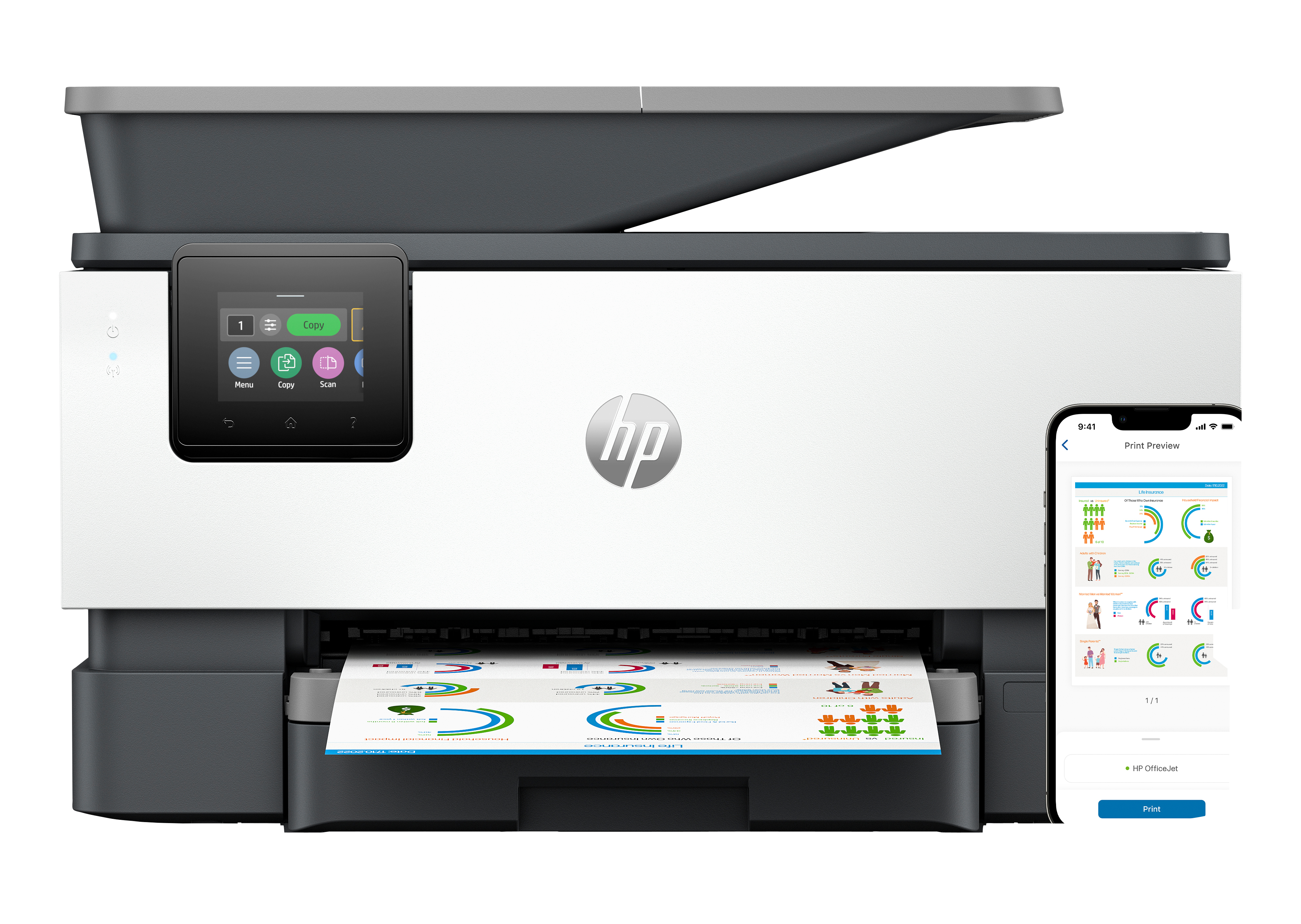
HP
HP Officejet Pro 9120e All-in-One - Multifunction printer - colour - ink-jet - Legal (216 x 356 mm) (original) - A4/Legal (media) - up to 21 ppm (copying) - up to 22 ppm (printing) - 250 sheets - 33.6 Kbps - USB 2.0, USB 2.0 host, Wi-Fi(ac), Bluetooth, LAN - cement
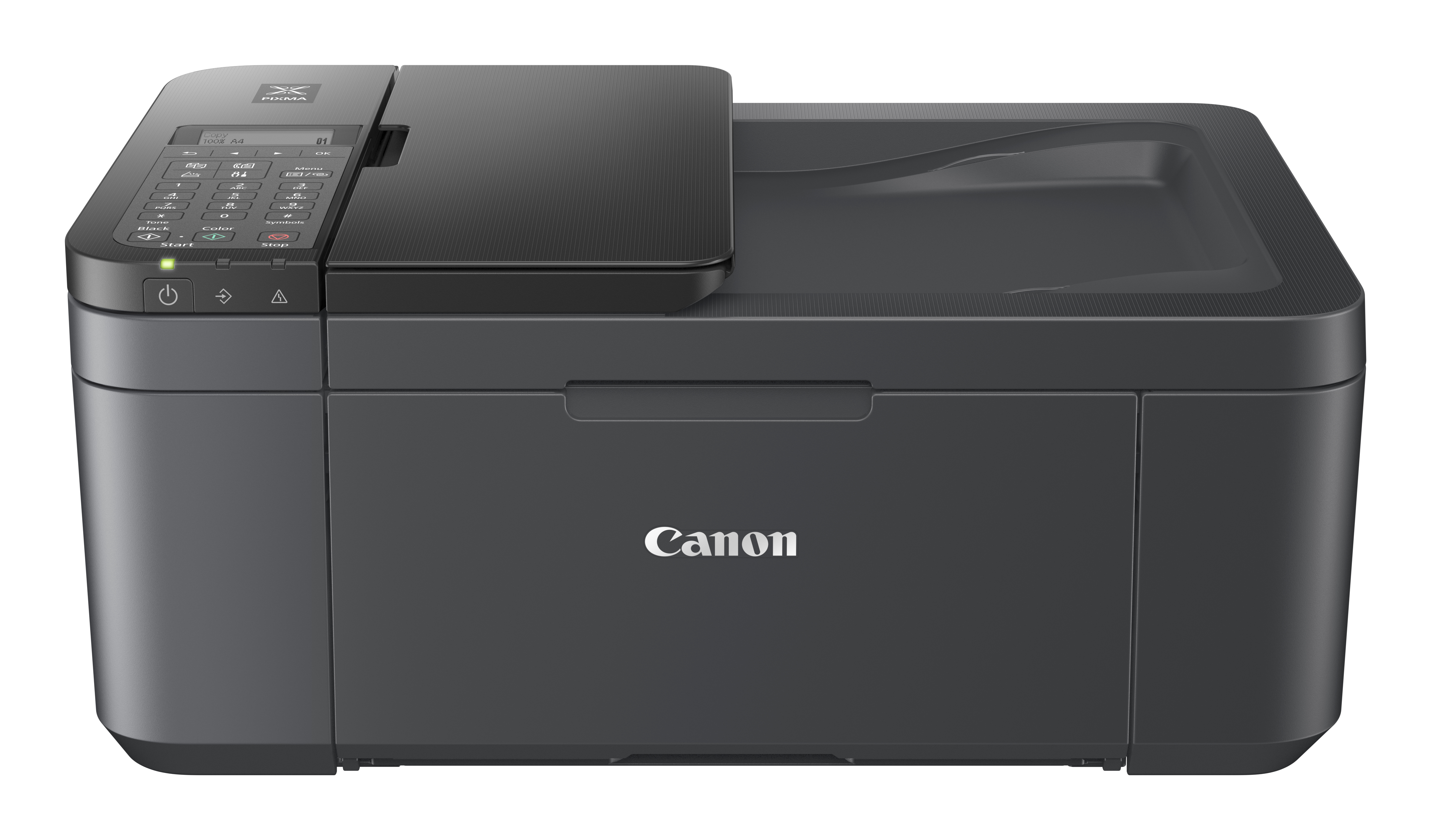
Canon
Canon PIXMA TR4755i - Multifunction printer - colour - ink-jet - A4 (210 x 297 mm), Legal (216 x 356 mm) (original) - A4/Legal (media) - up to 6.4 ppm (copying) - up to 8.8 ipm (printing) - 100 sheets - 33.6 Kbps - USB 2.0, Wi-Fi(n) - black
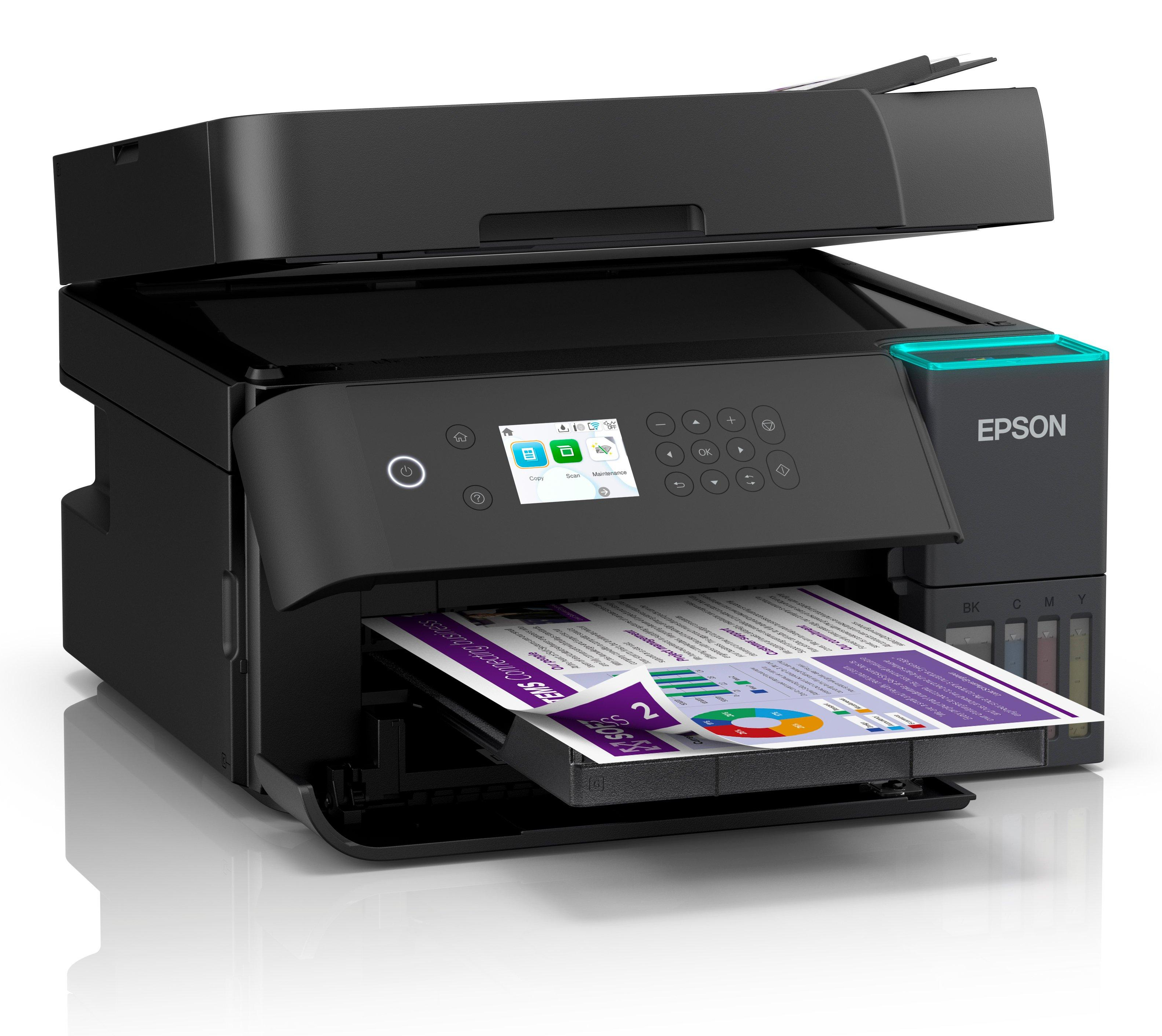
Epson
Epson EcoTank ET-3950 - Multifunction printer - colour - ink-jet - ITS - A4 (210 x 297 mm) (original) - A4/Letter (media) - up to 18 ppm (printing) - 250 sheets - USB, LAN, Wi-Fi(ac) - black
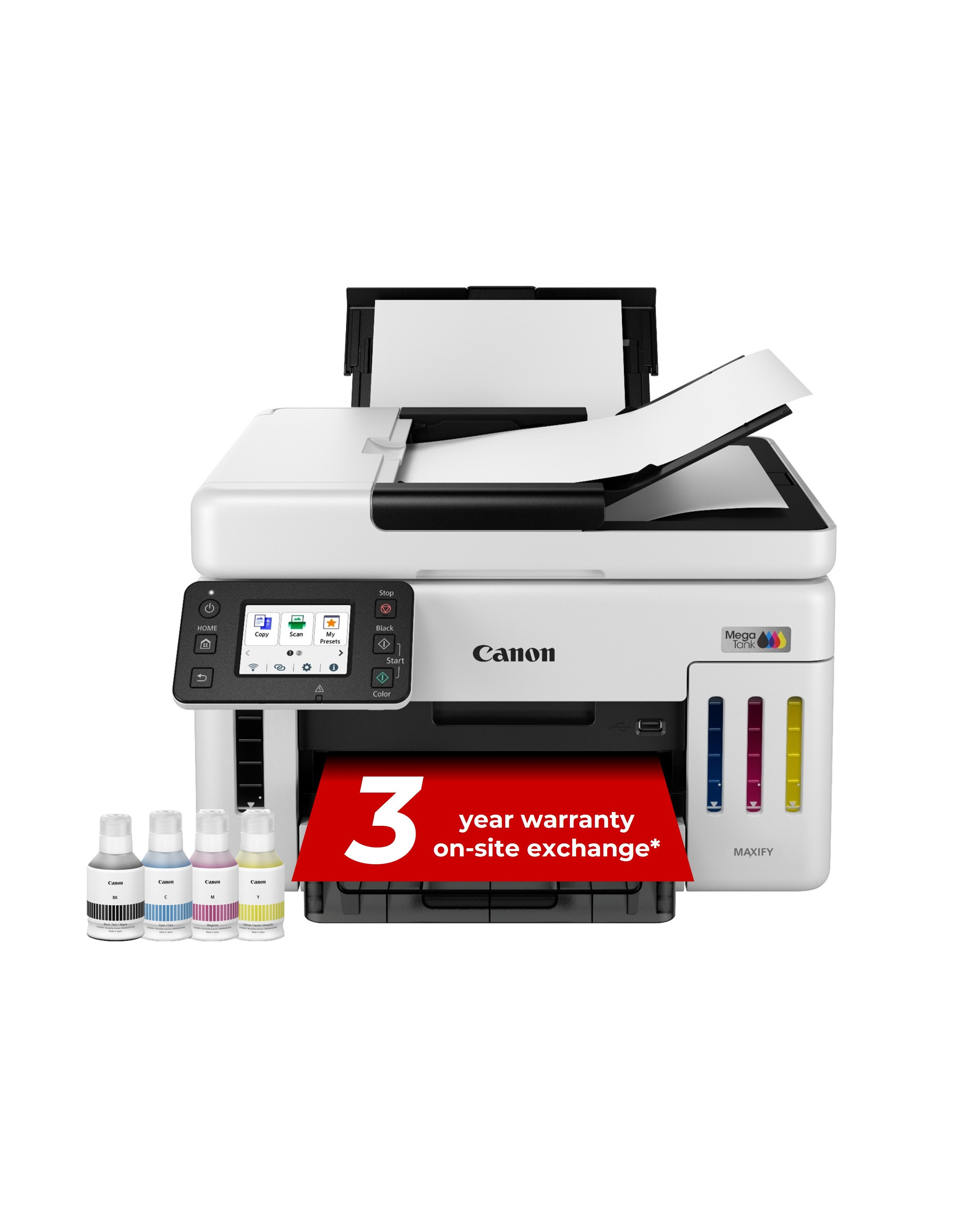
Canon
Canon MAXIFY GX6150 MegaTank - Multifunction printer - colour - ink-jet - CISS - Legal (216 x 356 mm), A4 (210 x 297 mm) (original) - A4/Legal (media) - up to 24 ipm (printing) - 350 sheets - USB 2.0, Wi-Fi(n), LAN