- IT Office Moves
Office Move Insurance: Are Your IT Assets Covered?
23 Dec, 2025

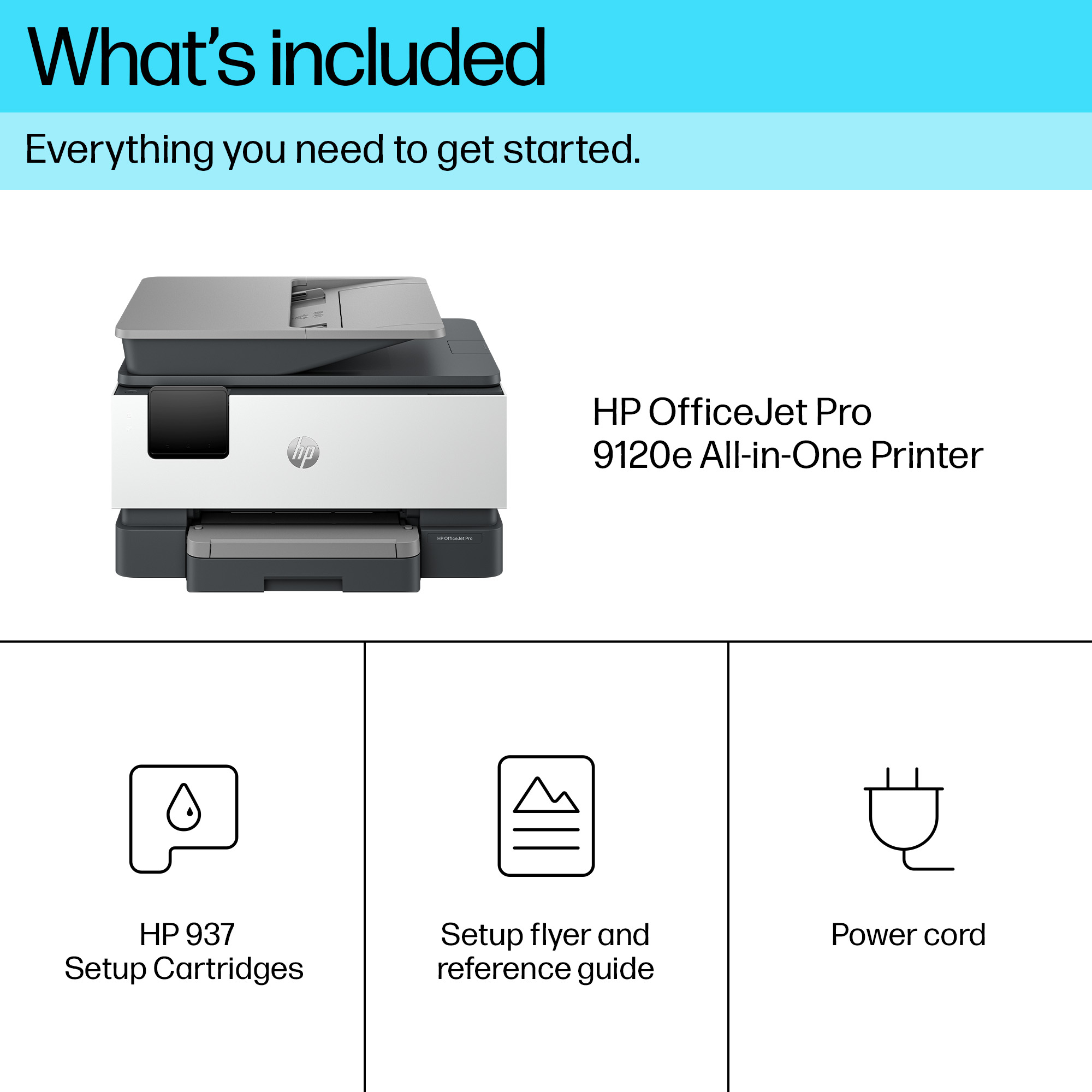
£198.41 inc. VAT
AI-generated summary
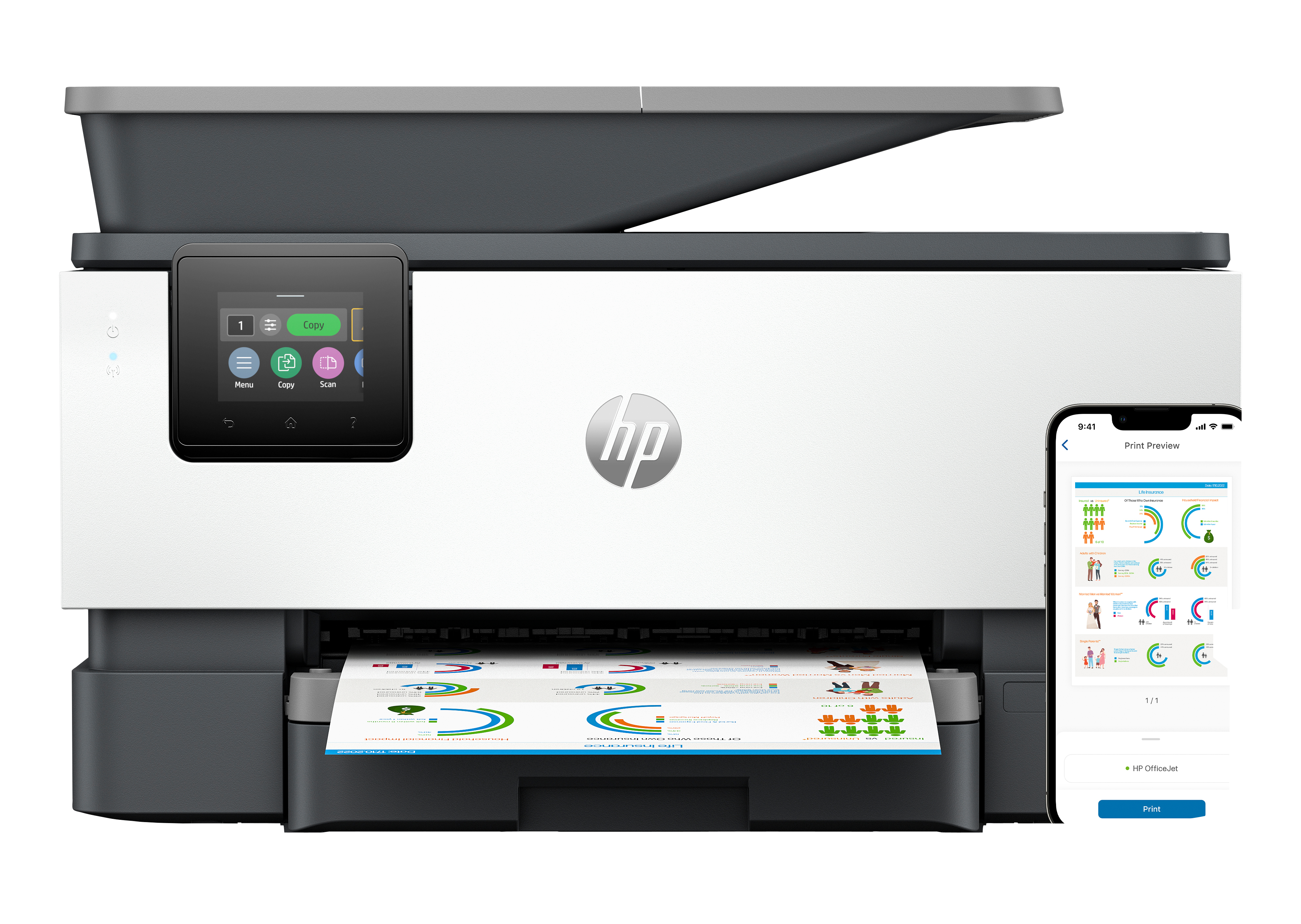
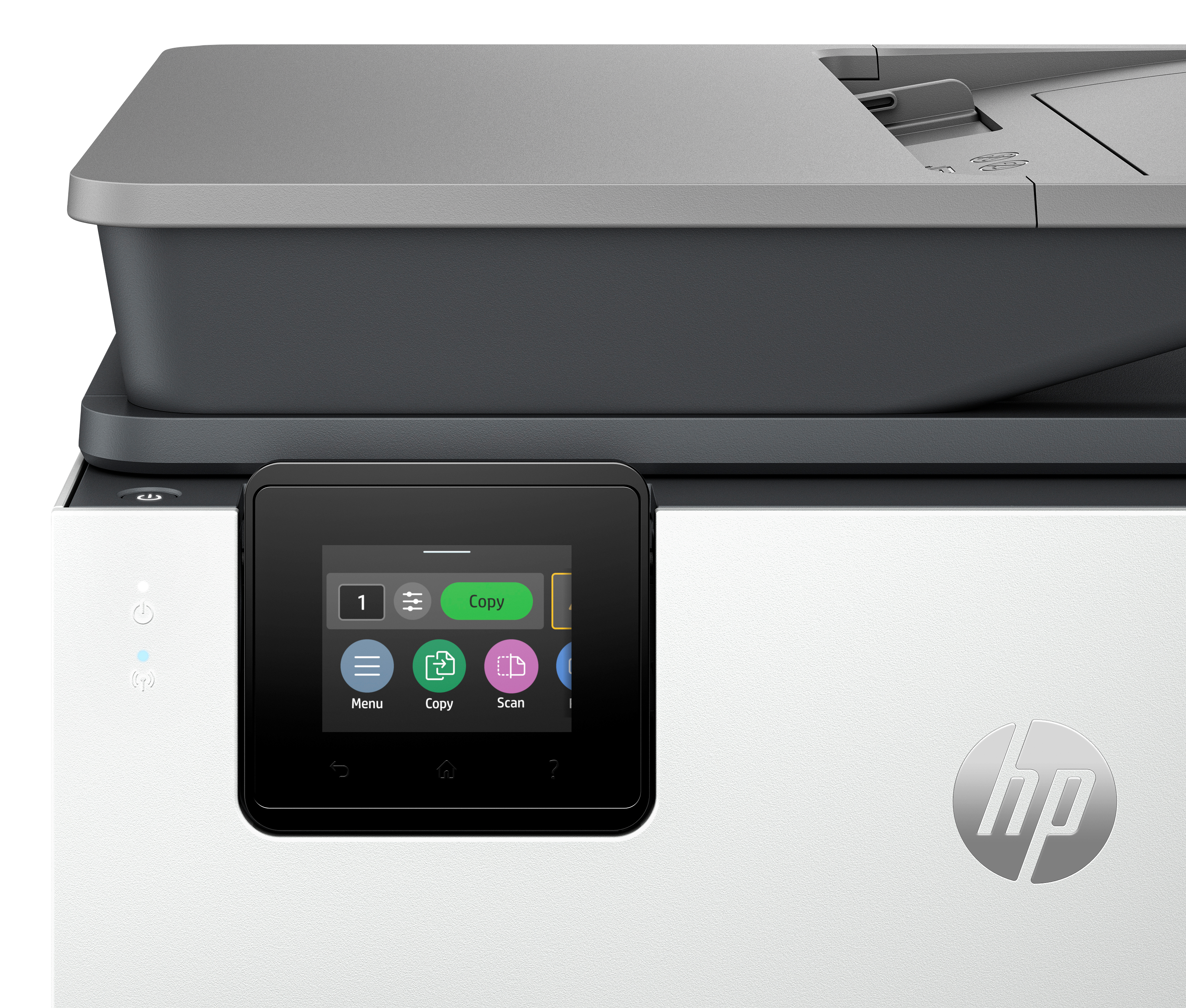
If you’re set up for a typical small-office workflow and you want something that “just works,” the HP OfficeJet Pro 9120e is a sensible pick. It’s a proper all‑in‑one (print/scan/copy) and the two‑sided capability saves time and paper without fuss. The big practical question is the Instant Ink angle: if your page volume is steady and you’ll actually use the service, it can end up being good value and less hassle than buying cartridges à la carte. If you print light or irregularly, those ink plans can start to feel like you’re paying to exist rather than to print.
At ~£165 ex‑VAT, it’s competitively priced for an office inkjet all‑in‑one, but inkjets aren’t for everyone. Don’t buy it expecting “laser-style” cost per page on heavy volumes or fast, nonstop production—inkjets can be slower and more sensitive to paper/maintenance habits. This is best suited to teams that mostly do small runs, occasional colour, and need an all‑in‑one with wireless convenience. If your priority is lowest cost per page for big print jobs or you rarely print colour, I’d look more seriously at inkless/laser options.
Empower your team with a productivity powerhouse
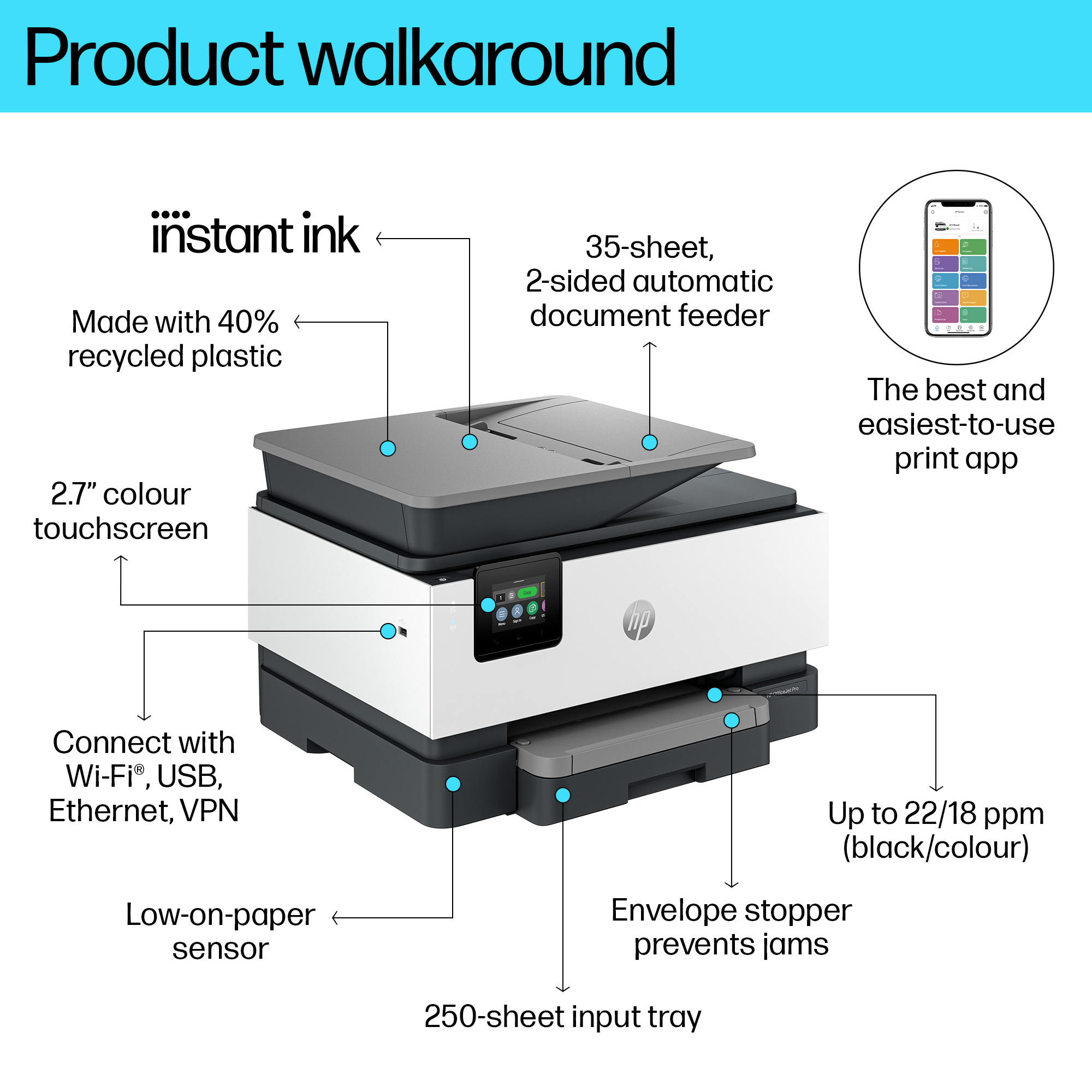
Always ready for high volumes, get an HP OfficeJet Pro printer equipped with a 250-page input tray. Avoid waiting by the printer with an automatic document feeder enabling double-sided scanning. Sp...
Our best technology to stay connected and secure[3]
Stay connected with our most reliable Wi-Fi® - dual-band, self-healing - that automatically reconnects.[3] Help keep your network protected from cyberthreats with HP Wolf Pro Security.[3] Feel conf...
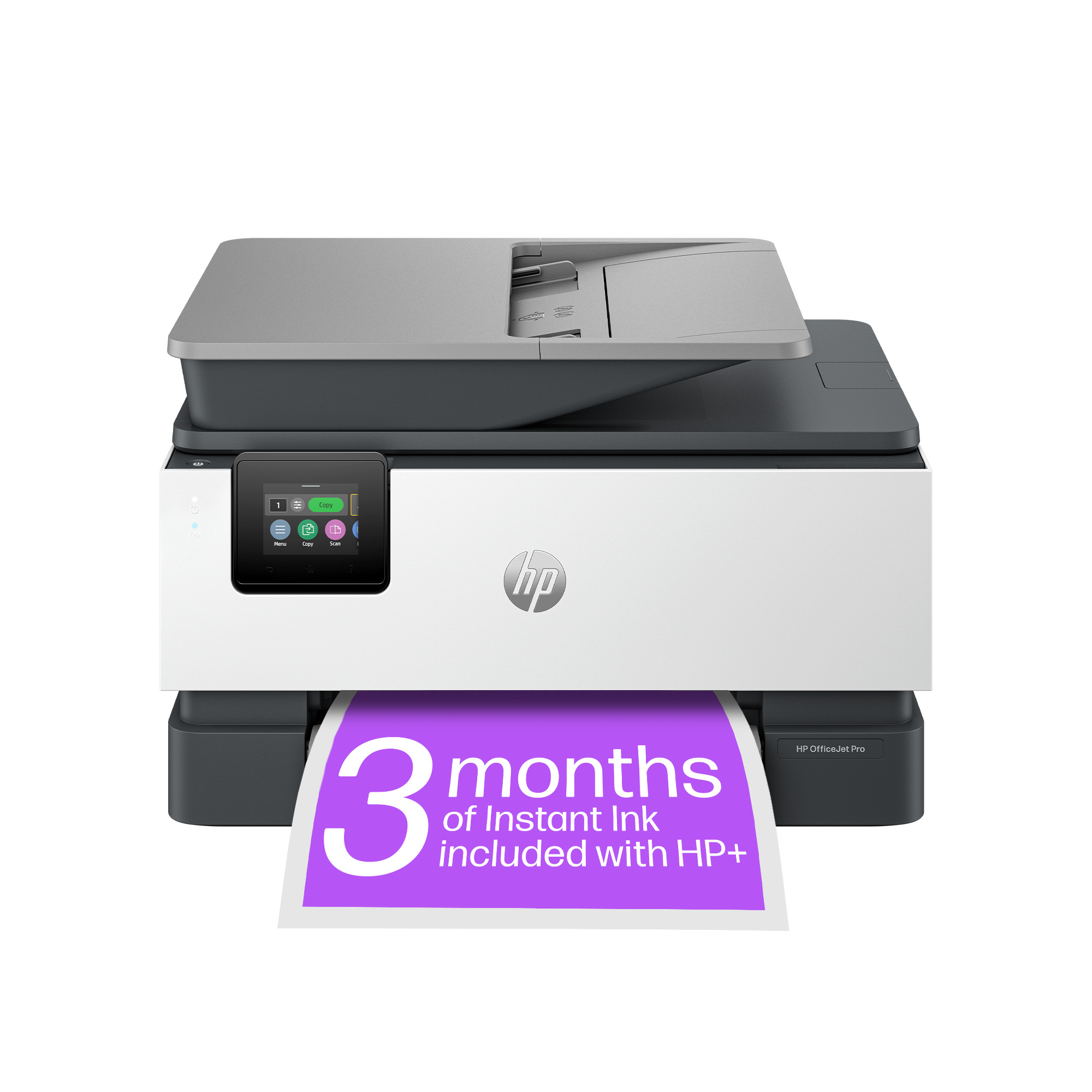
Always be ready to print. Never run out of ink.[8]
With an Instant Ink subscription, you can get ink delivered directly to your door before you run out.[8] Save up to 70% with Instant Ink. Enroll to get ink with automatic delivery starting at £ 1.7...
Driving innovation with 40% recycled plastic[11]
Choose printers made with at least 40% recycled plastic.[11] For every page you print, HP protects, restores and manages forests in equal measure.[12] Recycle your Original HP ink cartridges after ...
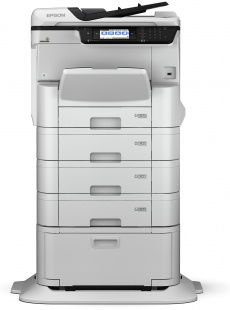
Epson
Epson WorkForce Pro WF-C8690D3T wf C8690D3T wf wf 8690D3T wf 8690D3T wf wf 8690 D3T wf 8690 D3T wf , Inkjet Printers, Business Inkjet/Multi-fuction/Business, A3+, 4 Ink Cartridges, KCYM, Print, Scan, Copy, Fax, Yes, Direct scan-to-print without PC, Dir
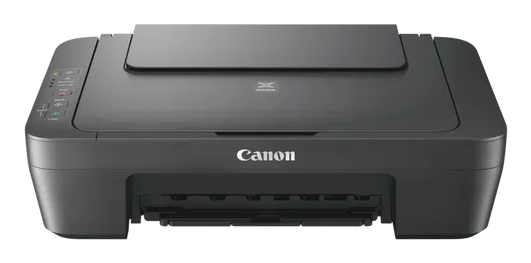
Canon
Canon PIXMA MG2551S. A4 Colour MFP, Print/Copy/Scan.4800 x 600 dpi, 4ipm Colour, 8ipm mono USB. Windows, MacOS
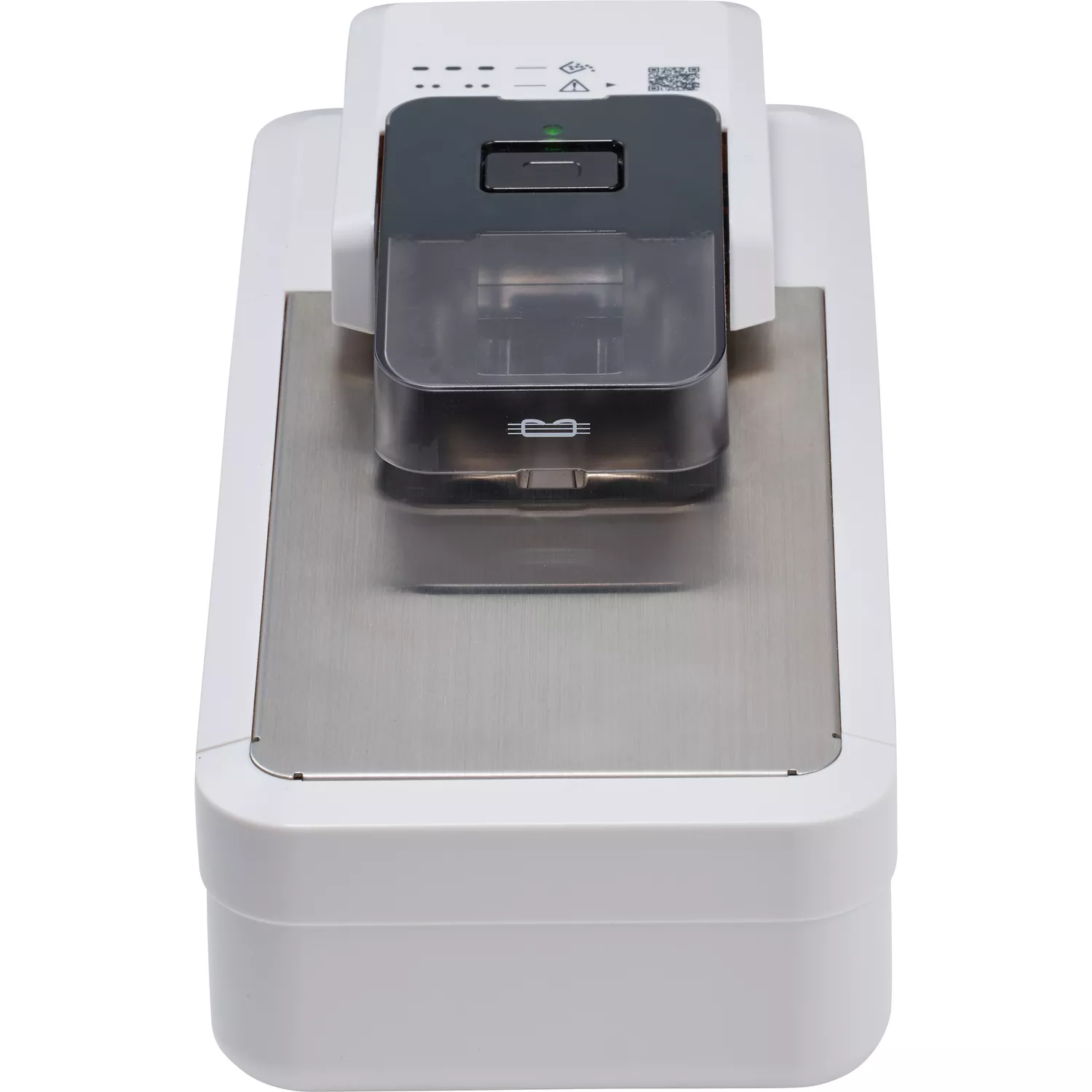
Canon
Instant Staple Remover A1
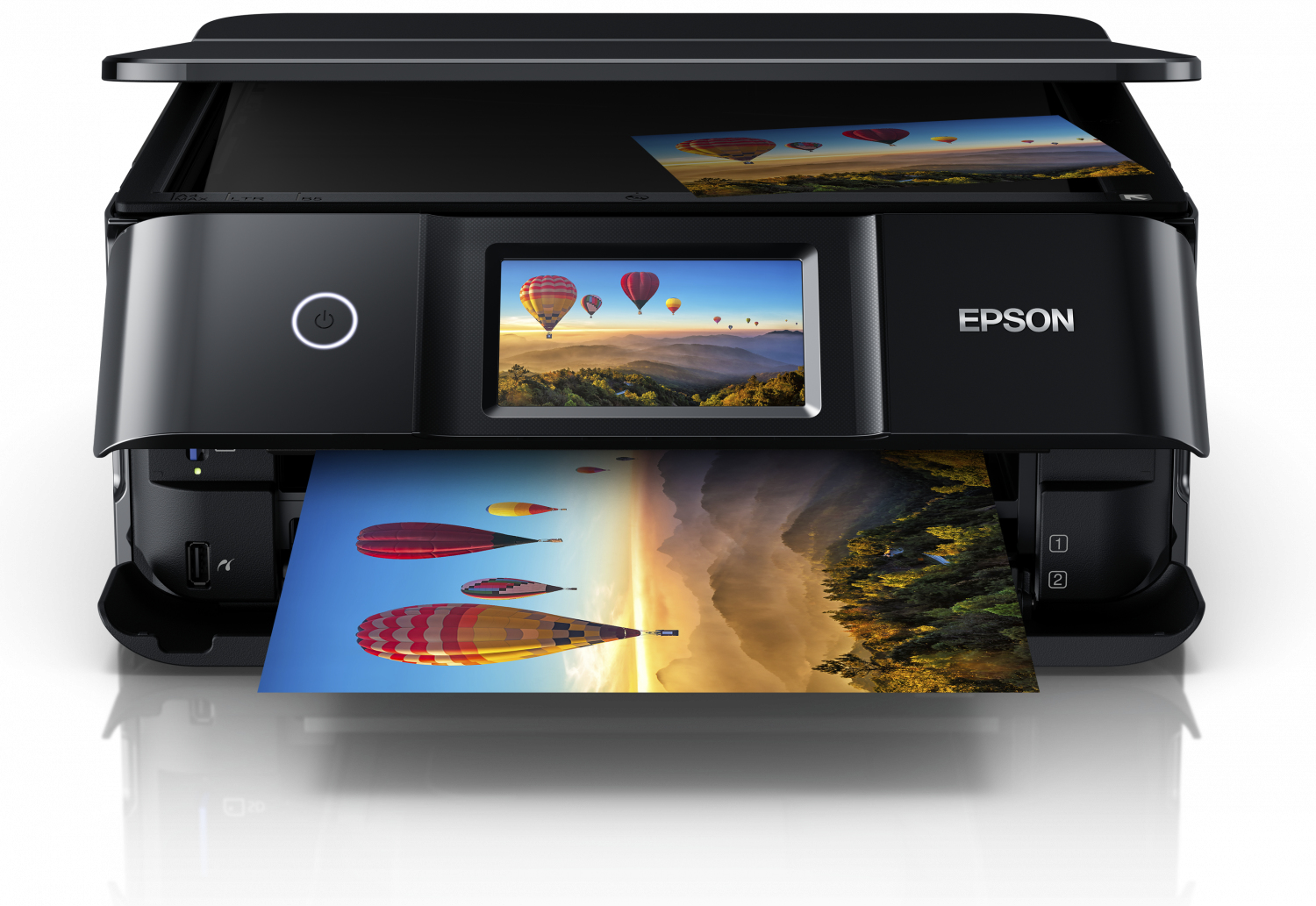
Epson
Epson Expression Photo XP-8700 XP 8700 XP8700 - Multifunction printer - colour - ink-jet - A4/Legal (media) - up to 9.5 ppm (printing) - 100 sheets - USB, Wi-Fi - black