- AI
AI Content Creation Tools
20 Mar, 2026

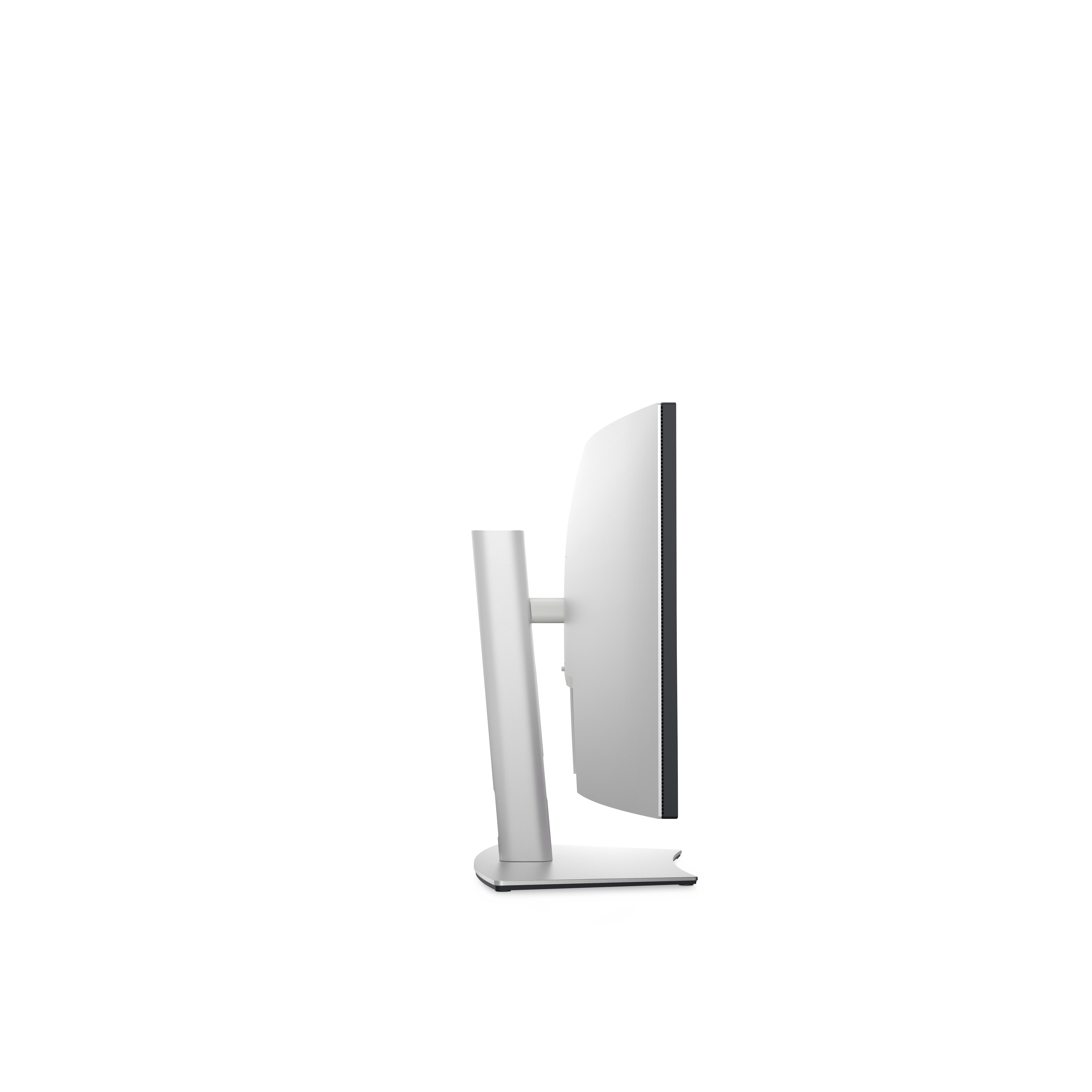
£1254.70 inc. VAT
AI-generated summary
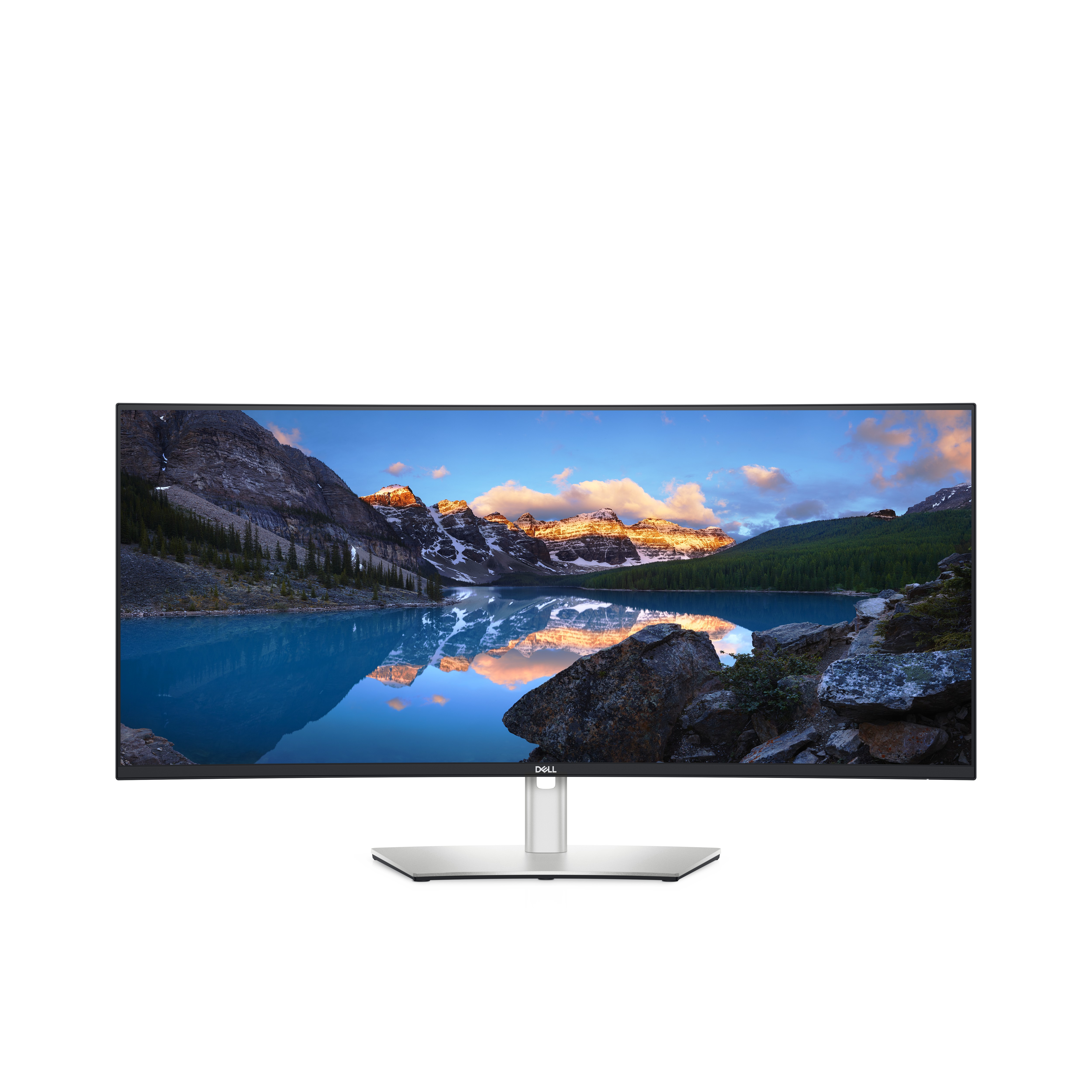
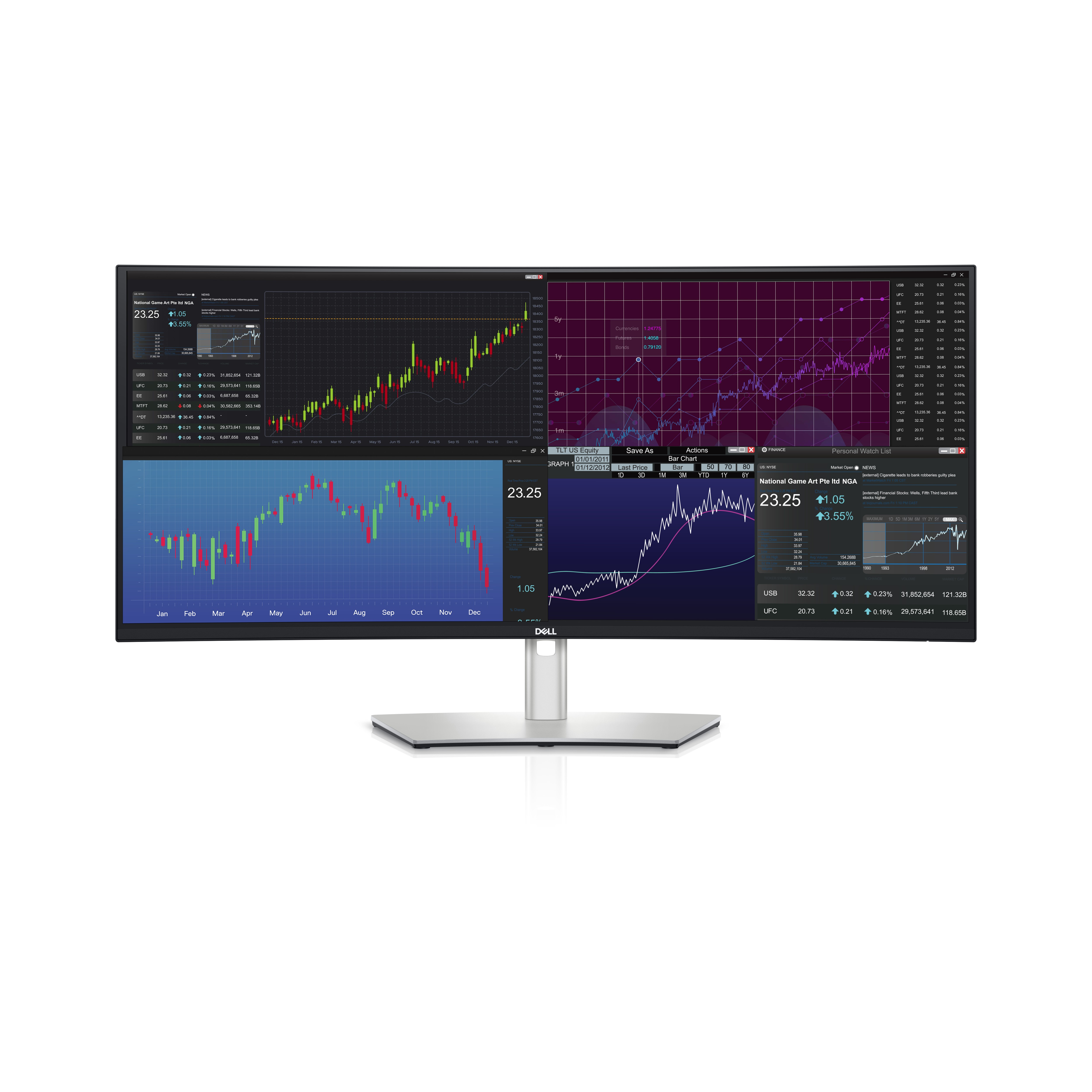
The Dell UltraSharp U3824DW is one of those “proper workstation” monitors that makes sense if you’re trying to replace a multi-monitor setup with one clean, premium screen. For the money, it’s expensive, but the UltraSharp range usually earns it back in day-to-day usability: strong text clarity, stable colour/brightness, and a stand that doesn’t feel like an afterthought. If you’re doing spreadsheet-heavy work, finance, CAD-ish viewing, coding with lots of panels, or general desk productivity where you constantly shuffle windows, the ultrawide format is genuinely useful rather than just “nice to have”.
That said, it’s not for everyone. If your main work is light admin, email, or the occasional doc, you’ll never fully extract the value—and at ~£1k ex-VAT you can buy two or three sensible screens plus a better ergonomic setup for the same budget. Also, it’s worth sanity-checking your graphics connectivity and docking situation: ultrawides can be picky about the best way to drive them, especially if you’re expecting a simple laptop dock “just works” experience. Overall: buy it if you’re a power user and the monitor will be central to your workflow every day; skip it if you want cheap “good enough” display time.
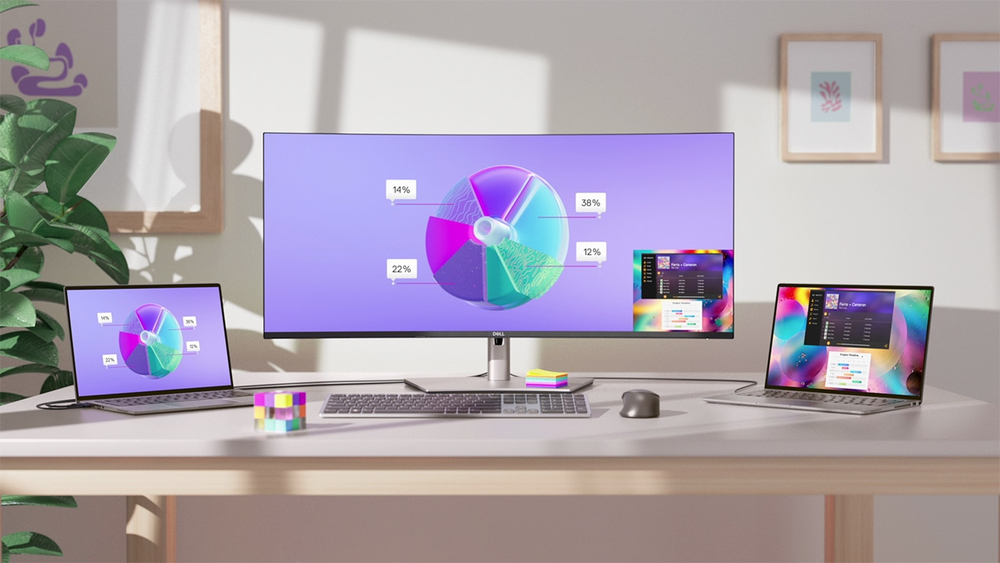
A new world of productivity
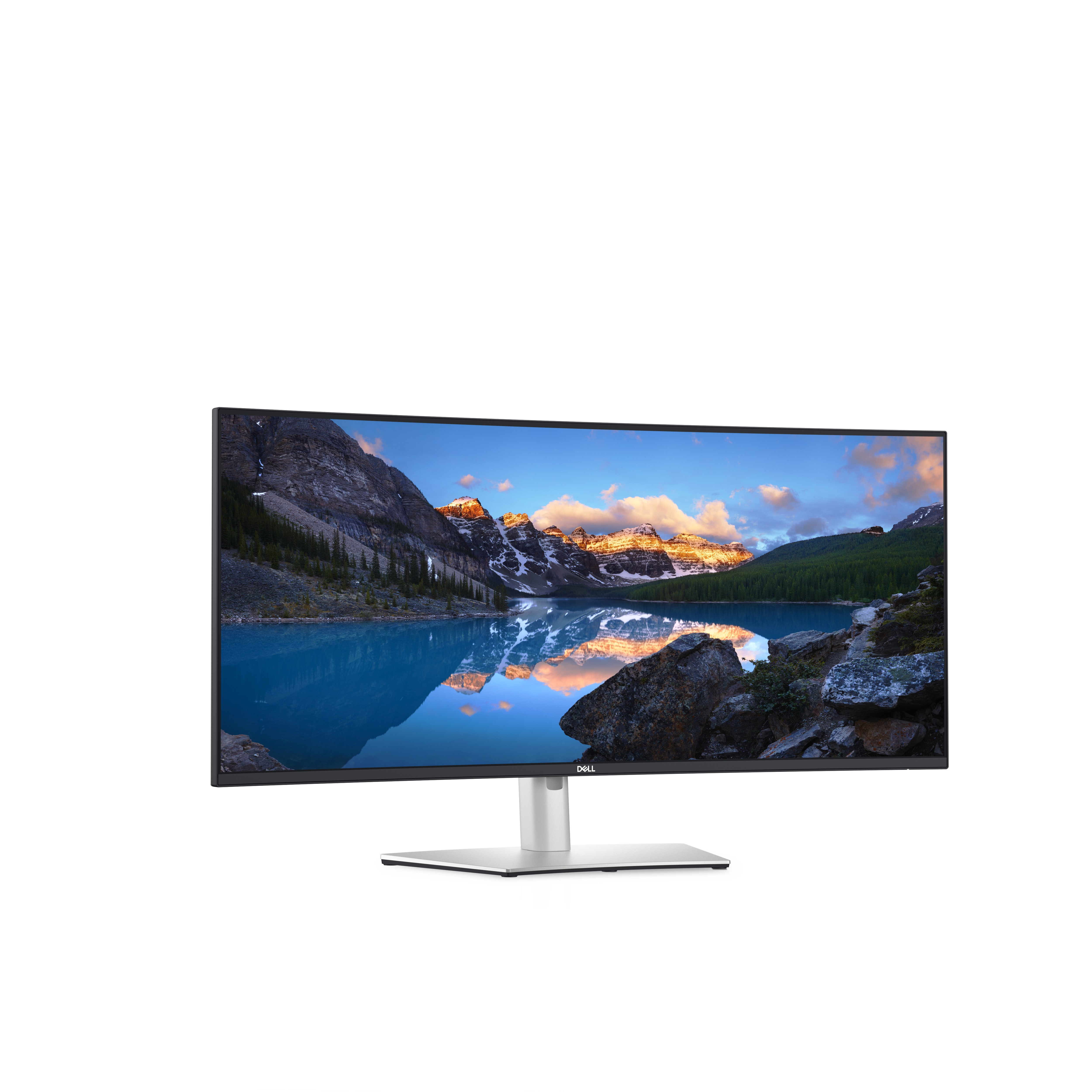
Productivity has never been so vibrant. Introducing the world's first 37.5″ WQHD+ monitor with IPS Black panel technology . The curved screen improves field of view while reducing reflection and ey...
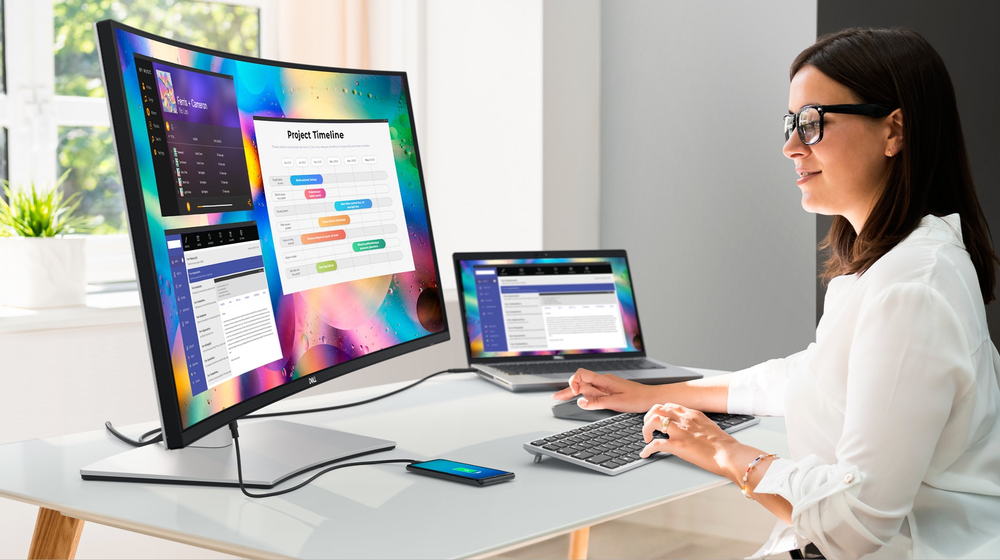
Invigorating color
Admire the extraordinary world of your work through vibrant colors and deep blacks with this monitor that offers IPS Black panel technology with 2000:1 contrast ratio and 100% sRGB, 100% REC.709, 9...

Extensive connectivity
Streamline your workflow with a single cable USB-C® that transmits data and video signals while delivering up to 90W of power. Connect to a wide variety of devices with super speed USB-A and USB-C...

Multitask seamlessly
Connect to two PC sources and Auto KVM (keyboard, video, mouse) will seamlessly switch control to the second connected PC. Use the KVM feature to control both PCs with a single keyboard and mouse. ...

Built for comfort
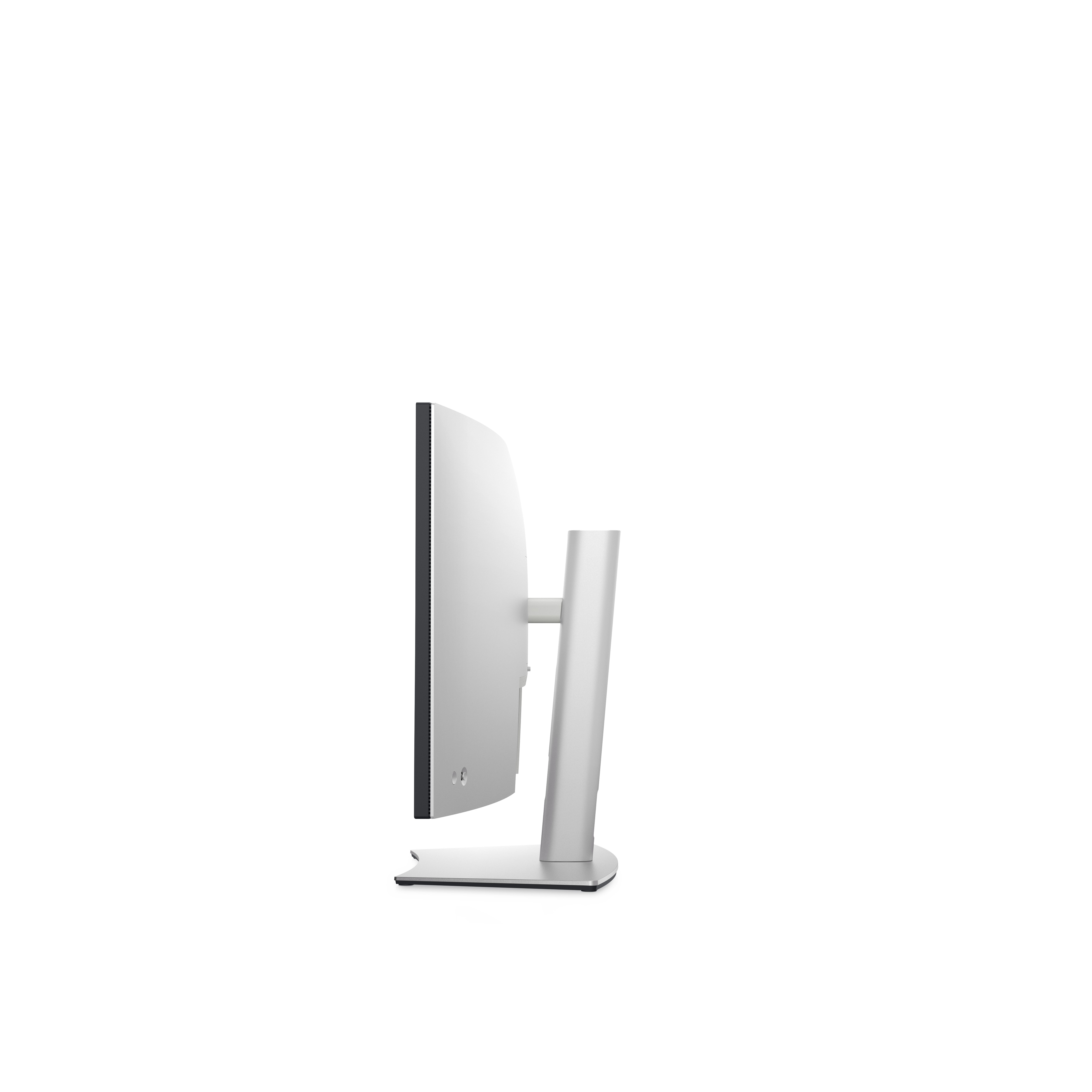
Work comfortably all day long by tilting, swiveling and adjusting your monitor height to however best fits you.

Dell Display Manager
Easy management. Next-level productivity. Improved multitasking: Organize your screen with Easy Arrange and save profiles with Easy Arrange Memory. Easy navigation: Share a single keyboard, mouse ...
Lifecycle CO₂ emissions — helping you make sustainable procurement decisions
Dell
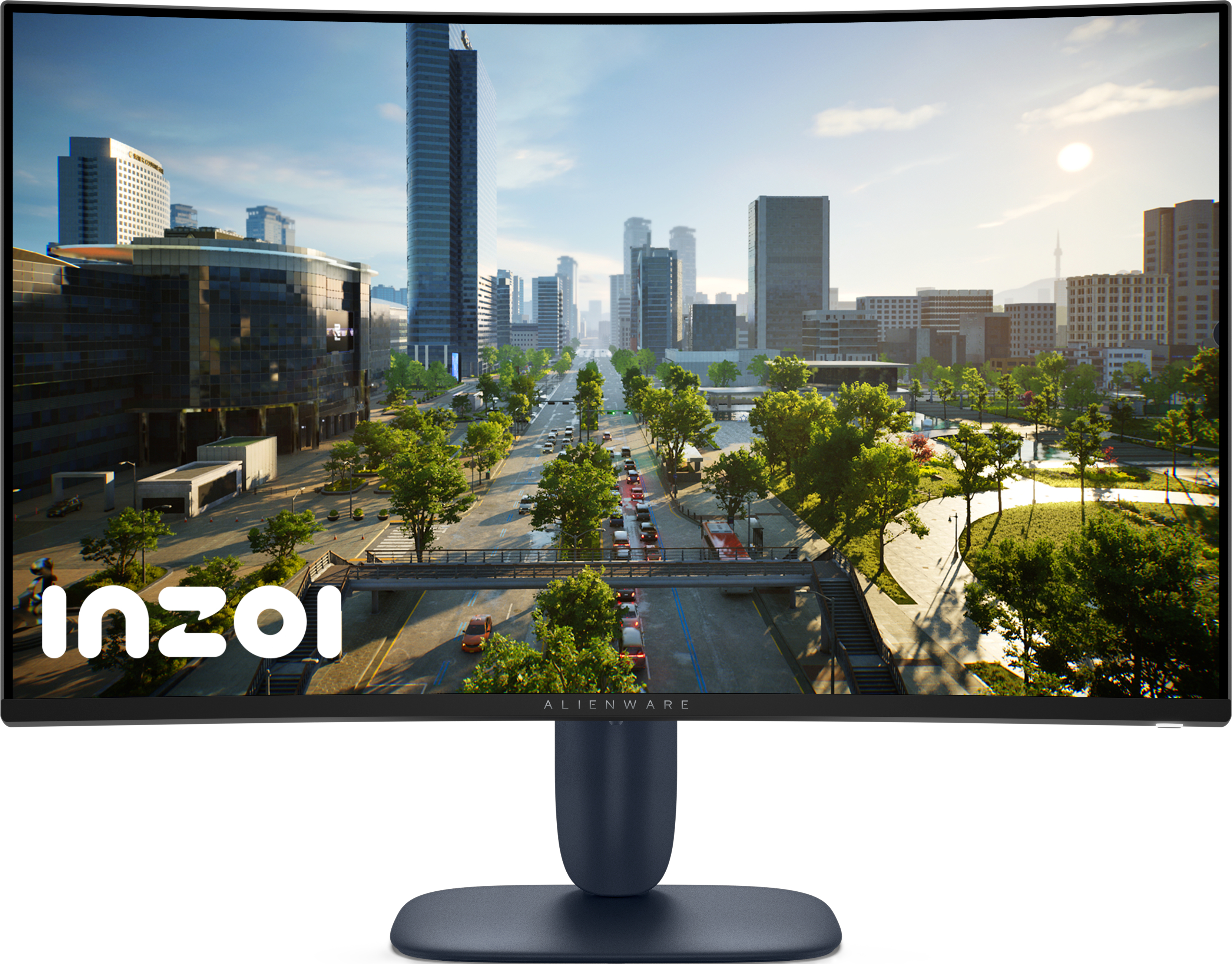
Alienware AW3225DM - LED monitor - gaming - curved - 32" (31.5" viewable) - 2560 x 1440 QHD @ 180 Hz - VA - 400 cd/m� - 3000:1 - DisplayHDR 400 - 1 ms - 2xHDMI, DisplayPort - BTO - with 3 years Basic Hardware Service with Advanced Exchange after remote diagnosis
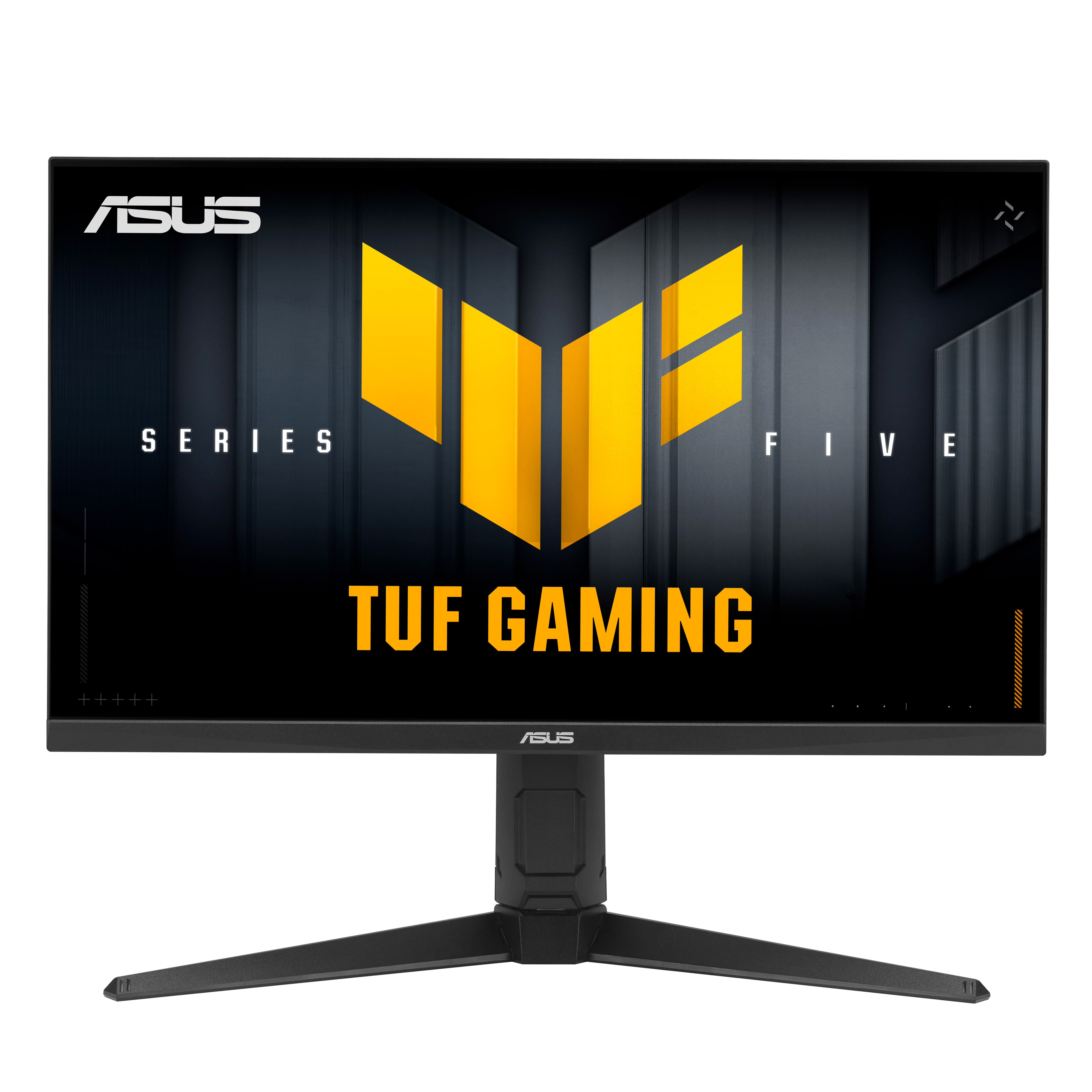
Asus
ASUS TUF Gaming VG27AQL5A - LED monitor - gaming - 27" - 2560 x 1440 QHD @ 210 Hz - Fast IPS - 400 cd/m� - 1300:1 - DisplayHDR 400 - 0.3 ms - 2xHDMI, DisplayPort - speakers - black

Philips
Philips 49B2U5900CH - 5000 Series - LED monitor - curved - USB - 49" (48.8" viewable) - 5120 x 1440 Dual Quad HD @ 75 Hz - VA - 400 cd/m� - 3000:1 - DisplayHDR 400 - 4 ms - 2xHDMI, DisplayPort, USB-C - speakers - black
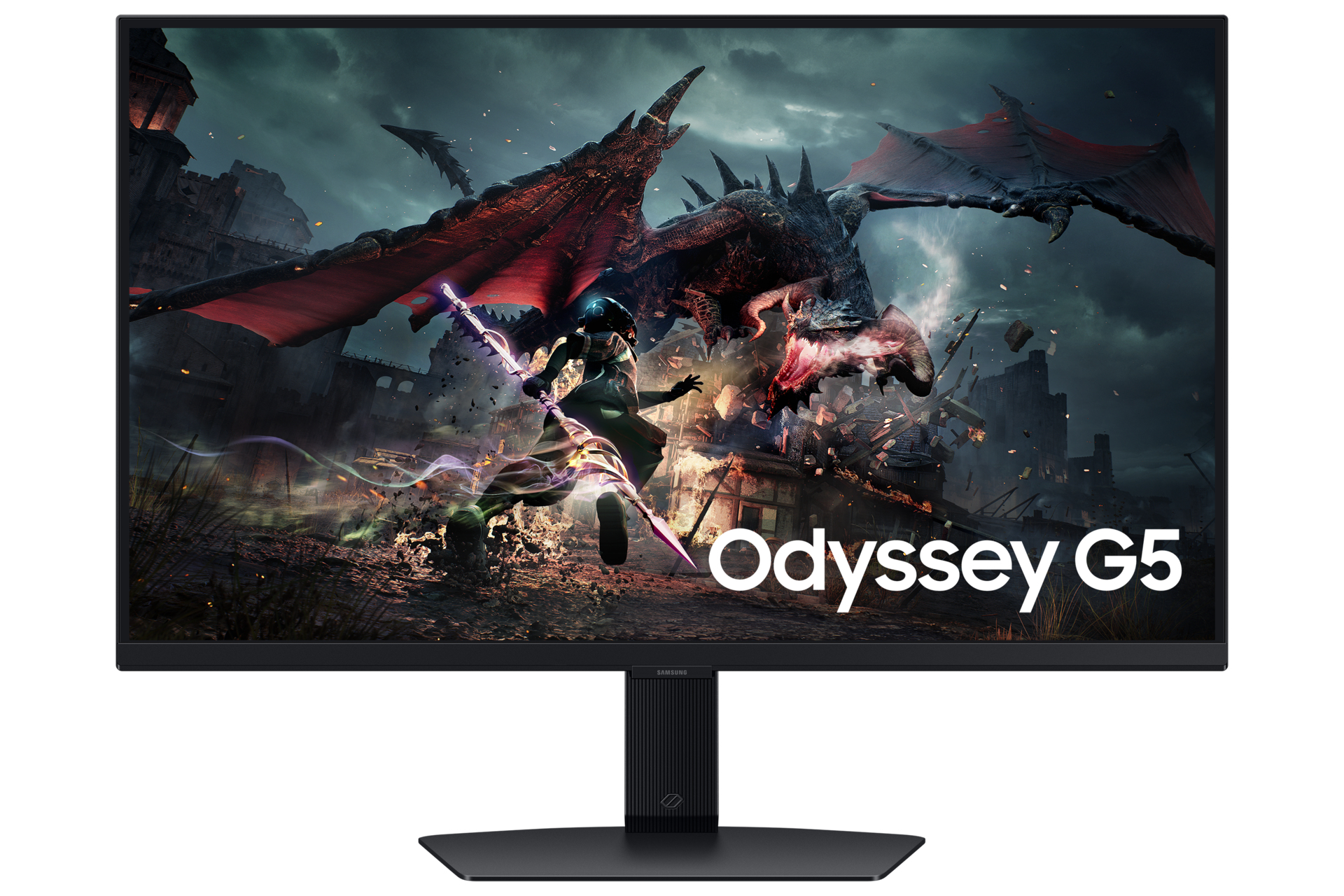
Samsung
Samsung Odyssey G5 S27DG502EU - G50D Series - LED monitor - gaming - 27" - 2560 x 1440 QHD @ 180 Hz - IPS - 350 cd/m� - 1000:1 - DisplayHDR 400 - 1 ms - HDMI, DisplayPort - black