- Network Admin
How to Manage Network Certificates and PKI
18 Mar, 2026


£258.18 inc. VAT
AI-generated summary
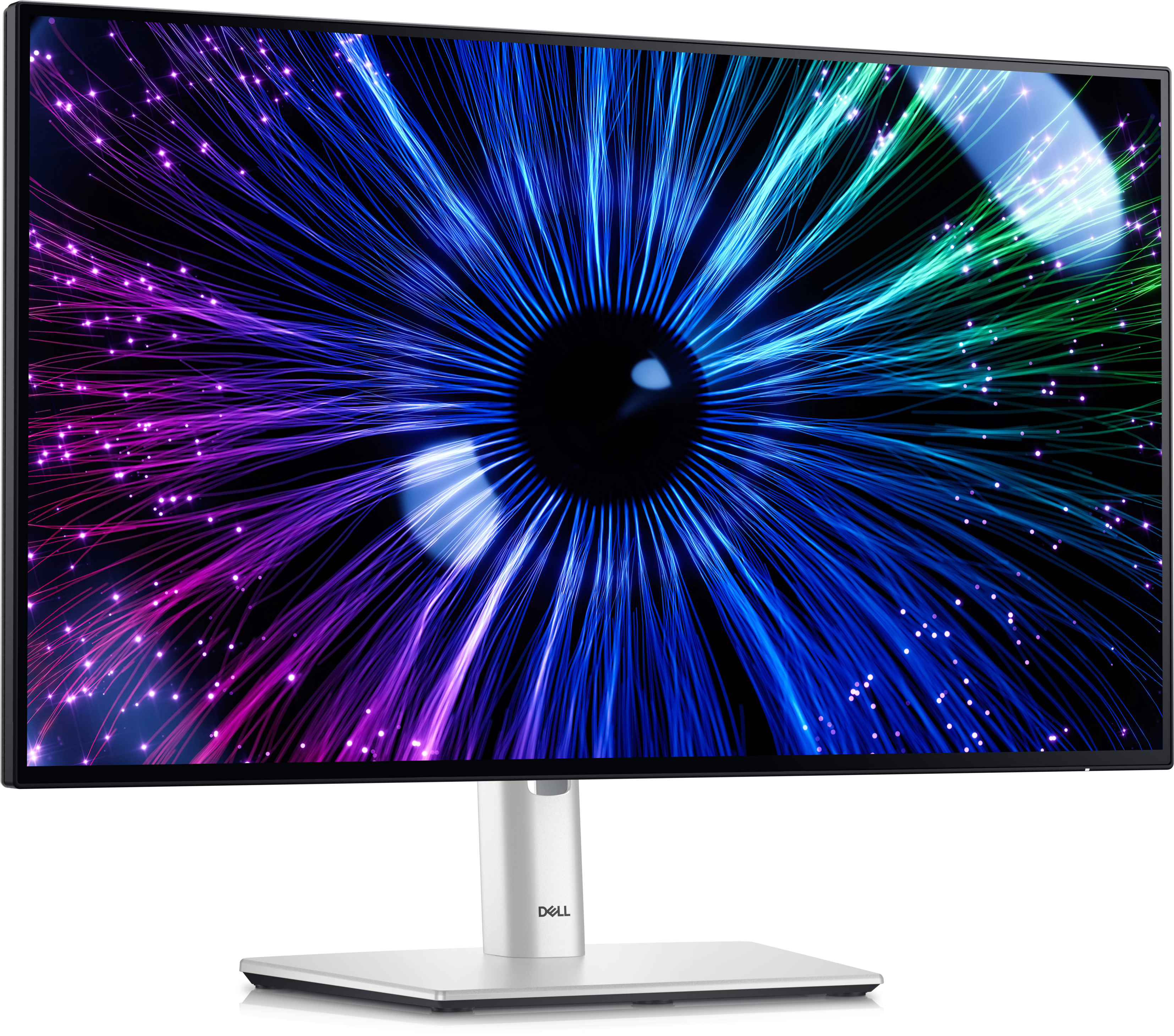
Honestly, the Dell UltraSharp U2424HE is a sensible buy if you’re trying to get a clean, professional setup on a desk without going down the rabbit hole of higher-resolution purchases. For around £215 ex-VAT, it’s good value because Dell’s UltraSharp line tends to be reliable on day-to-day colour/clarity, and it’s the sort of monitor that doesn’t make you think about the screen—text looks solid, and it generally plays nicely in office environments. If your work is mostly spreadsheets, admin, email, light design, or general corporate “need it to just work” computing, this will feel like a proper upgrade versus budget panels.
That said, I wouldn’t buy it if you’re chasing wow-factor sharpness or lots of multi-window productivity. A 1080p 23.8-inch screen is fine, but at this price point some buyers will notice alternatives that give more usable screen real estate or higher resolution. Also, if you’re gaming or doing colour-critical creative work where you’re picky about calibration consistency, you’ll want to double-check what matters to your workflow before committing. Overall: buy this for business reliability and a tidy desk experience; skip it if you want the most pixels for your money or your work depends on very high-detail visuals.
Unparalleled visual comfort
Ambient Light Sensor: A built-in Ambient light sensor intelligently optimises brightness and colour temperature based on your surroundings. Improved ComfortView Plus: Reduces harmful blue light em...

Work vibrantly
Vivid colour: Enjoy 1.07 billion colours and a wide colour coverage across industry standards, including 85% DCI-P3, 100% sRGB and 100% BT.709. Get colour calibration accuracy of Delta E < 2 (avera...
Stable connection
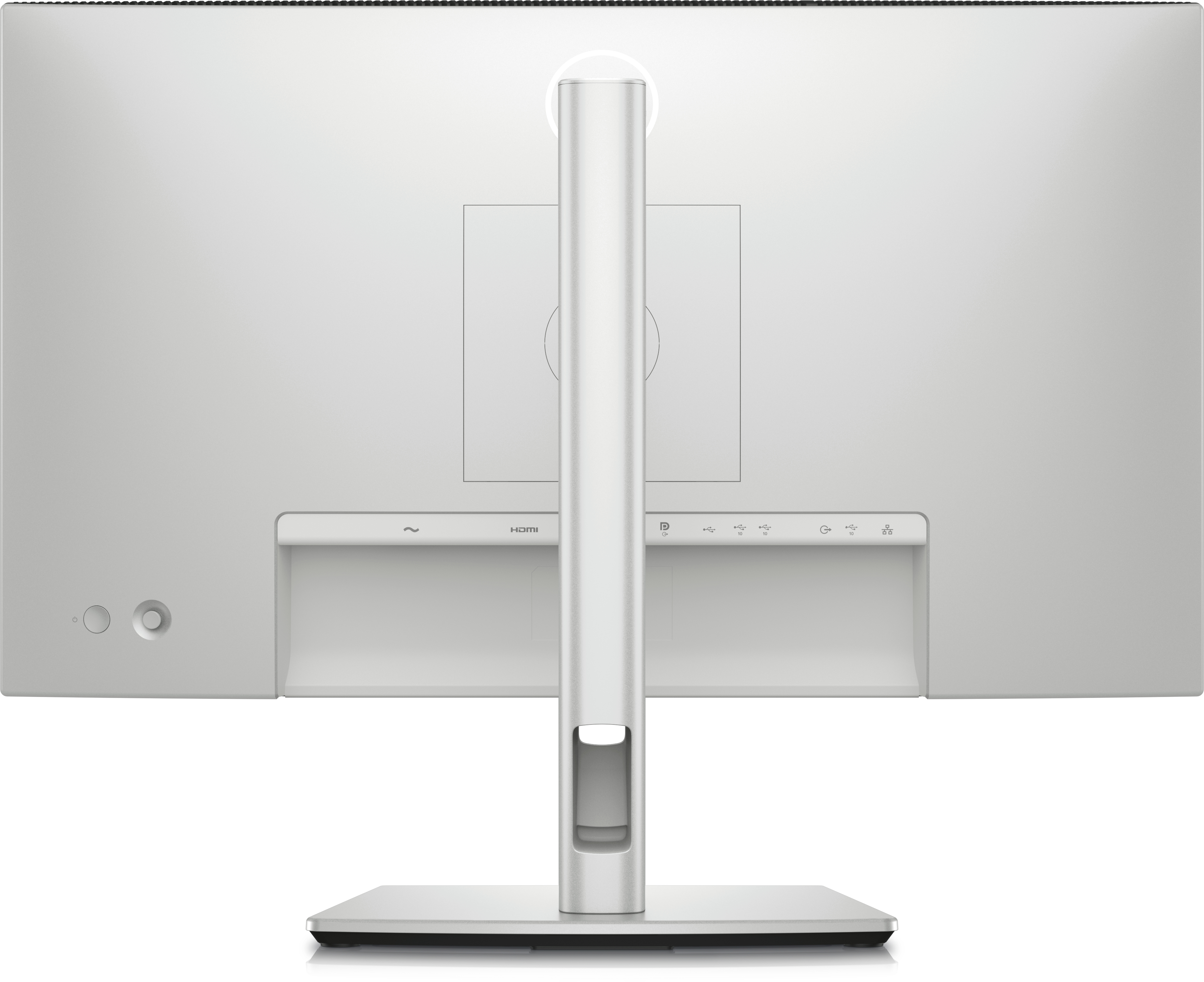
Stable connection: Enable fast Ethernet with speeds of up to 2.5GbE. Streamline your workflow: A single USB-C cable transmits data and video signals while delivering up to 90W of power.

Reach peak productivity
Reach peak productivity: Connect to two PC sources and Auto KVM will seamlessly switch controls over to the second connected PC. Use KVM (keyboard, video and mouse) features to control both PCs wit...
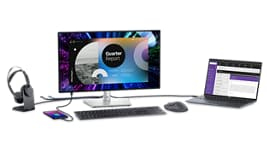
Extend your connectivity
Extend your connectivity: Connect to more with DisplayPort 1.4, HDMI (HDCP 1.4)(supports up to FHD 1920 x 1080 120Hz TMDS as specified in HDMI 1.4), USB-A and USB-C ports that provide speeds of up ...

Connect with ease
Connect with ease: Simply plug in accessories and devices with a quick access USB-A port and a USB-C port that delivers up to 15W of power.
Lifecycle CO₂ emissions — helping you make sustainable procurement decisions
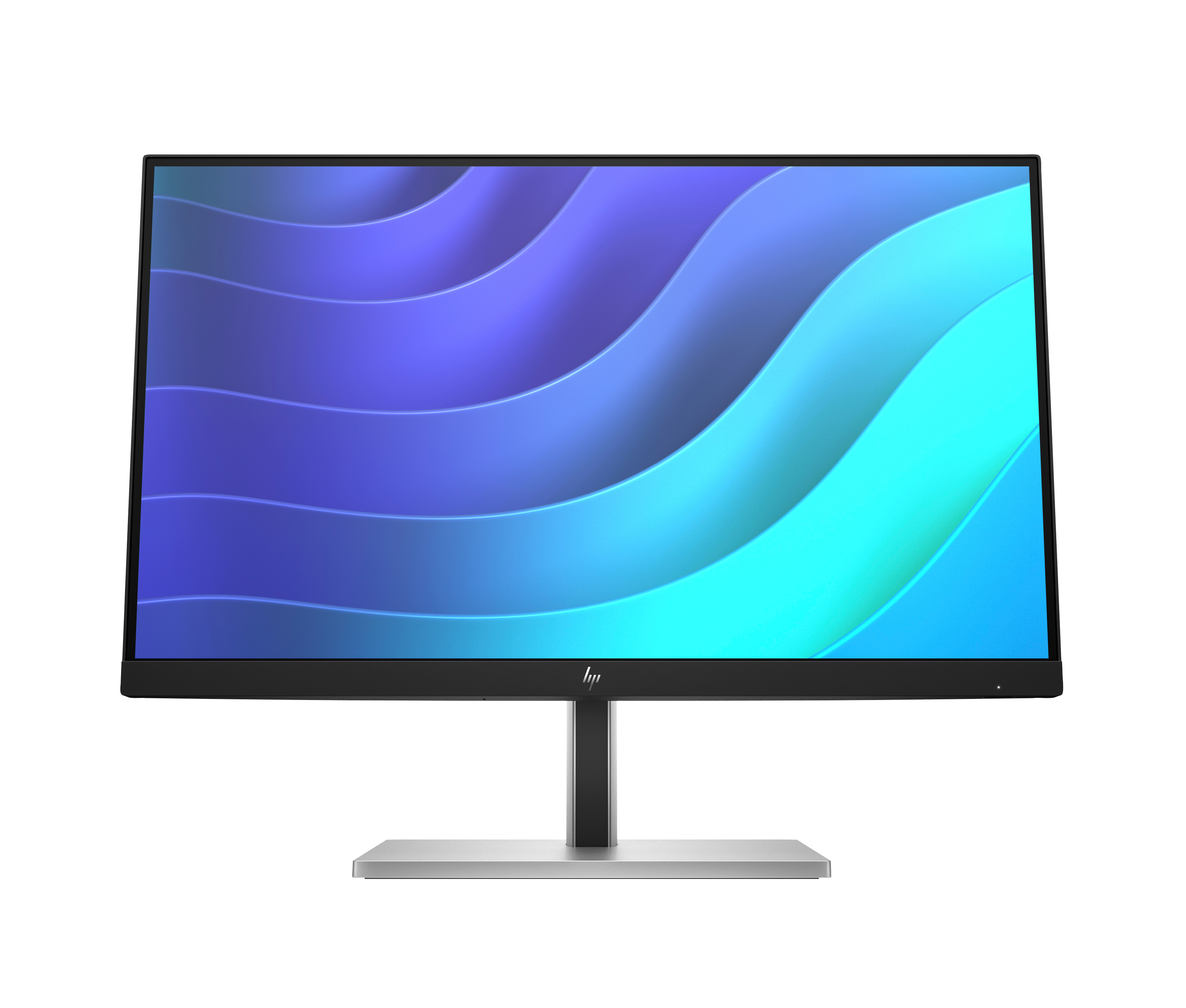
HP
HP E22 G5 - E-Series - LED monitor - 21.5" - 1920 x 1080 Full HD (1080p) @ 75 Hz - IPS - 250 cd/m� - 1000:1 - 5 ms - HDMI, DisplayPort, USB - black, black and silver (stand)

Asus
ASUS ROG Swift PG32UCDM - OLED monitor - gaming - USB - 32" (31.5" viewable) - 3840 x 2160 4K @ 240 Hz - 1000 cd/m� - 1500000:1 - DisplayHDR 400 True Black - 0.03 ms - 2xHDMI, DisplayPort, USB-C - black
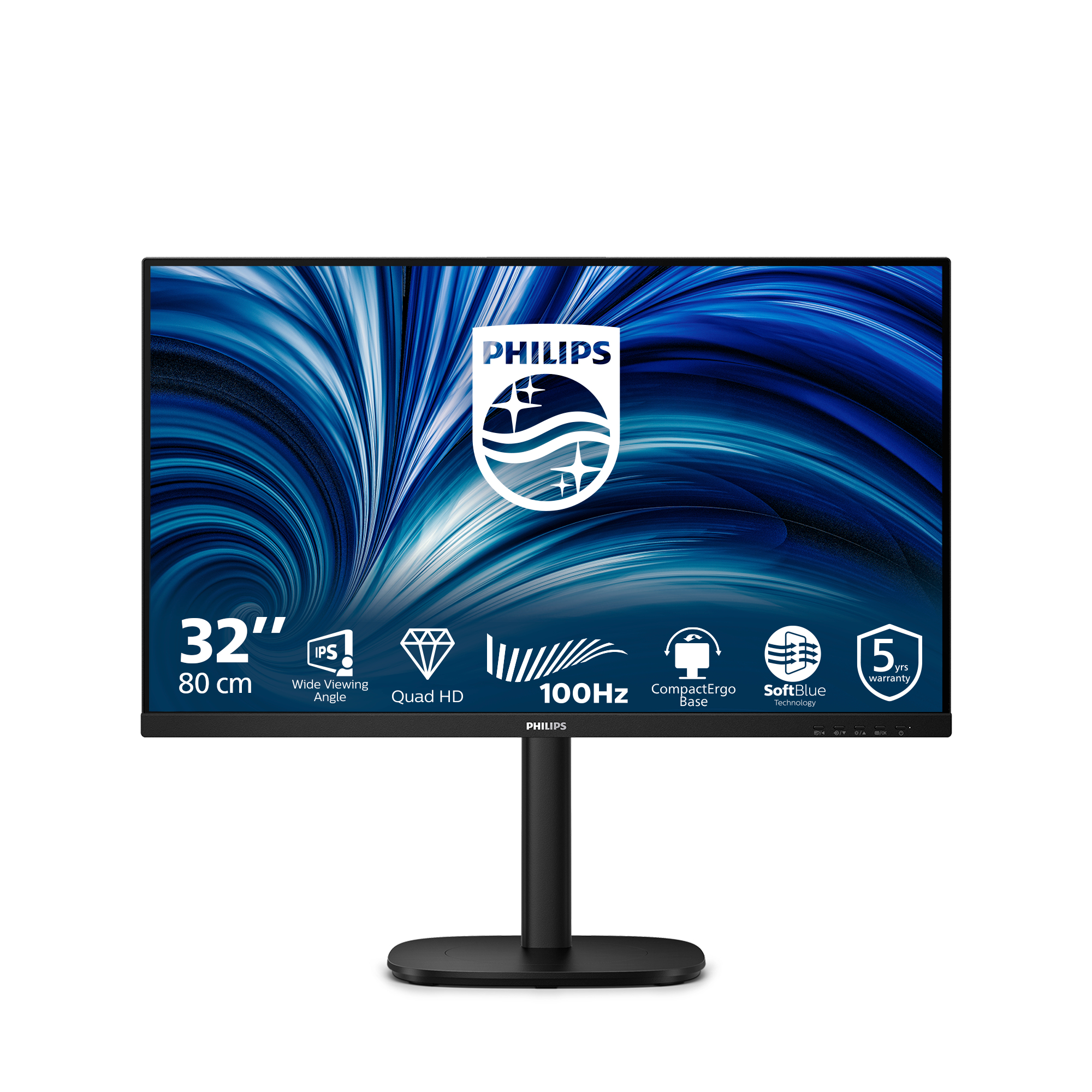
Philips
Philips 32B2N3500 - 3000 Series - LED monitor - 32" (31.5" viewable) - 2560 x 1440 QHD @ 100 Hz - IPS - 1000:1 - 2xHDMI, DisplayPort - speakers - black

Asus
ASUS ProArt PA27AC - LED monitor - 27" - 2560 x 1440 WQHD @ 60 Hz - IPS - 400 cd/m� - 5 ms - 3xHDMI, DisplayPort, USB-C - speakers - grey