- Google Ads & PPC
Google Ads for Recruitment: Attracting Top Talent
18 Mar, 2026


£226.31 inc. VAT
AI-generated summary
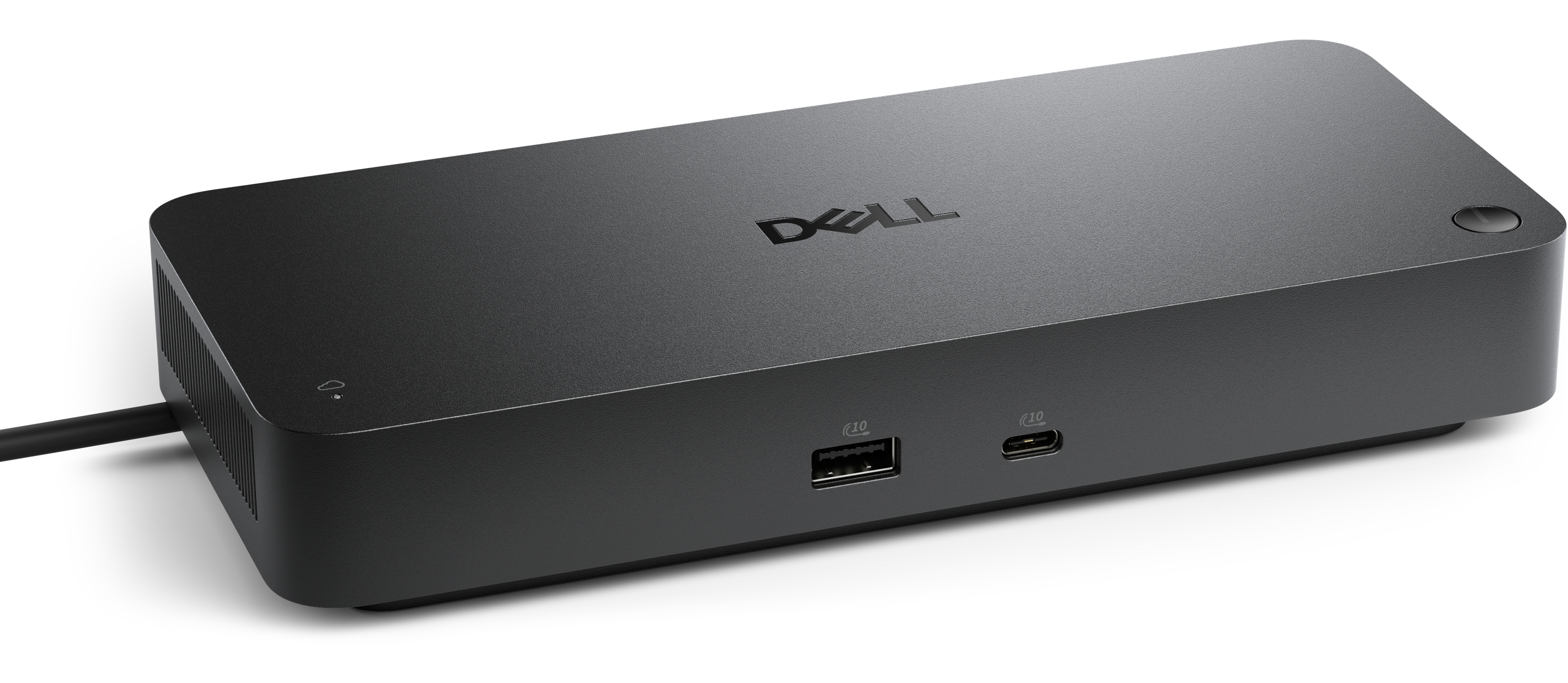
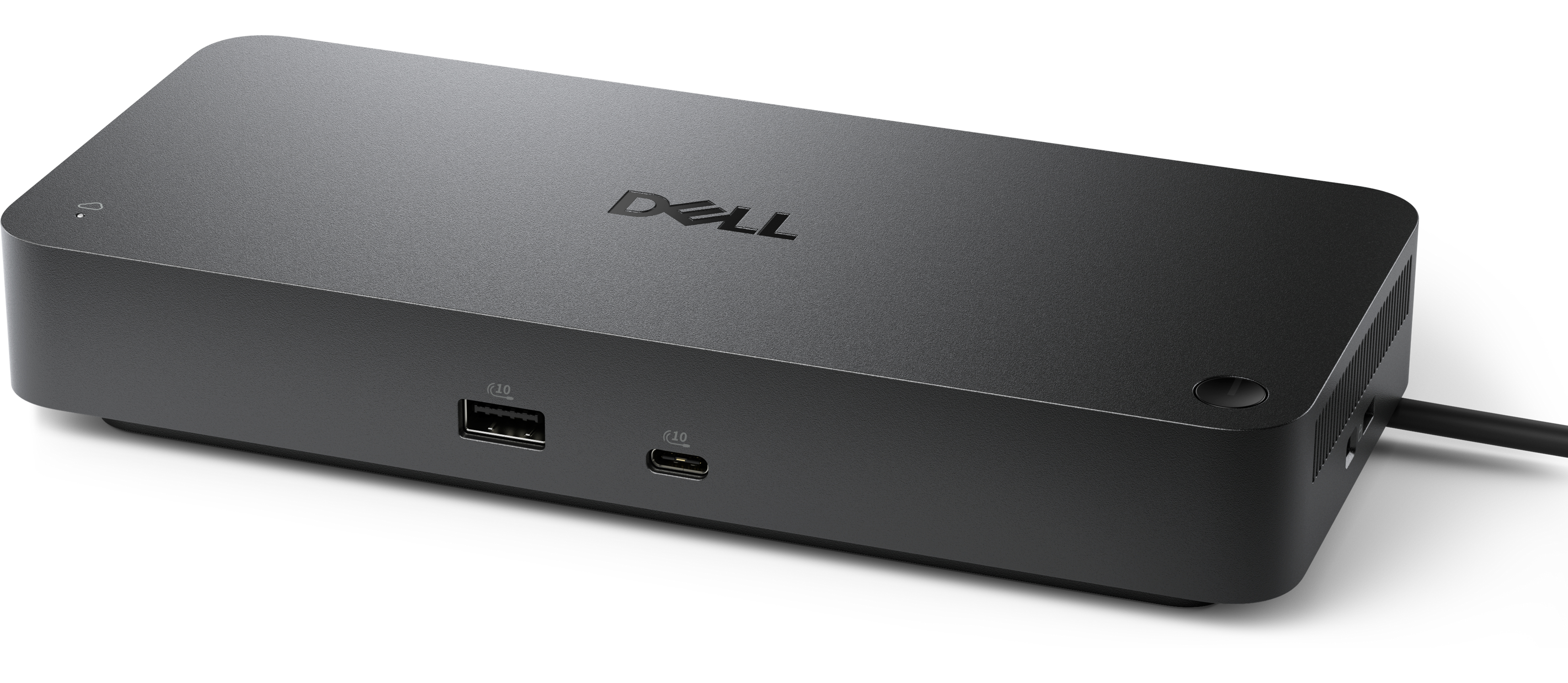
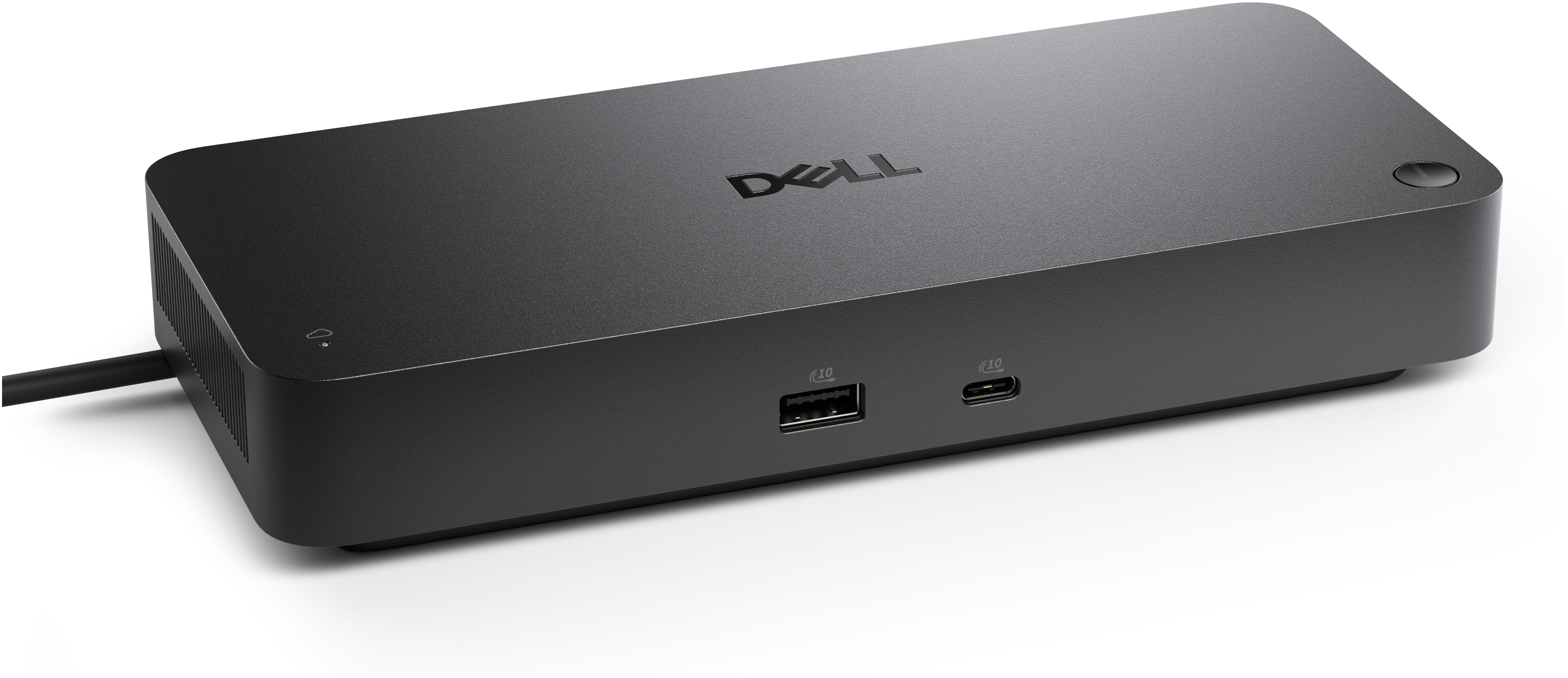
The Dell Pro SD25 is the kind of portable docking station that makes sense when you’re swapping between a laptop and a proper desk setup every day. It’s solidly built, does what it’s meant to do, and—importantly in UK office life—works cleanly with business-grade Dell ecosystems and most modern USB-C setups without feeling like you’ve bought a “one-size-fits-one-mystery” accessory. At £188.59 ex-VAT, the value depends on whether you’ll actually use the wired expansion regularly. If you just want occasional connections, you can usually get something cheaper that’s “good enough.”
I’d recommend it for office staff and roaming teams who want reliability over fiddly setups: finance/admin users, service desk techs, anyone who needs consistent peripherals (screen docking, keyboard/mouse, networking, storage) without hunting drivers or re-plugging cables all week. If you’re mostly running a single monitor and one or two accessories, it may feel pricey—there are simpler docks that won’t cost this much. Also, if your environment is heavy on mixed-brand laptops, I’d sanity-check compatibility with your exact models before buying, because the “works well” experience can vary more than people expect across different USB-C implementations.
A smarter workspace
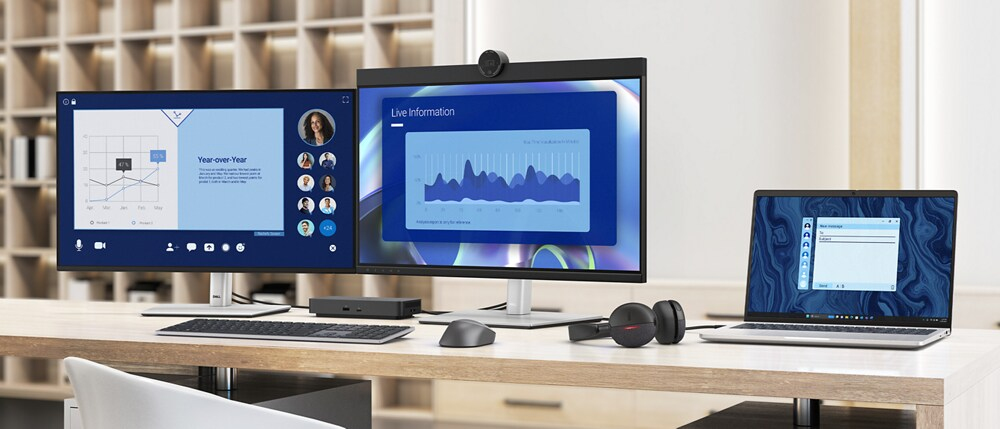
Gain the versatility to create your ideal workspace and boost your AI PC productivity with support for up to 4 displays, up to 130W power delivery, and multiple ports to connect all your peripherals.
Most manageable
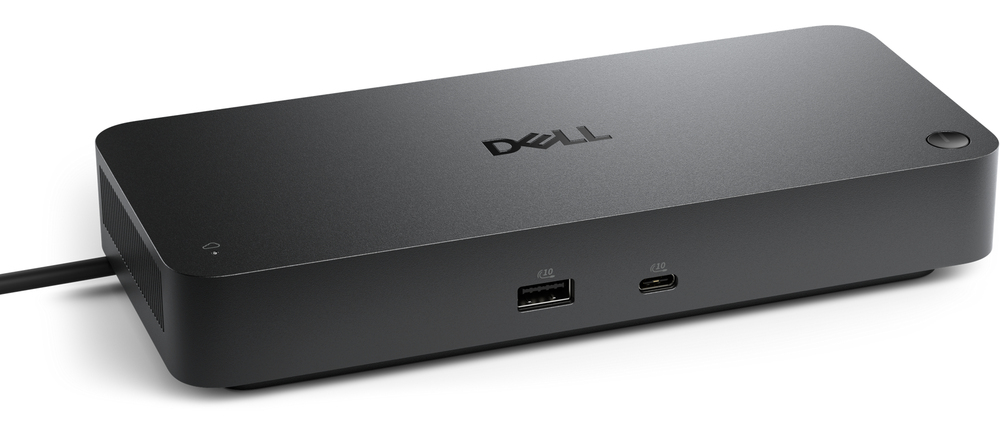
Elevate the IT management experience with no software or PC connection required, allowing you to remotely manage all your Dell Pro Smart Docks. Most manageable Remotely manage your smart docks wit...
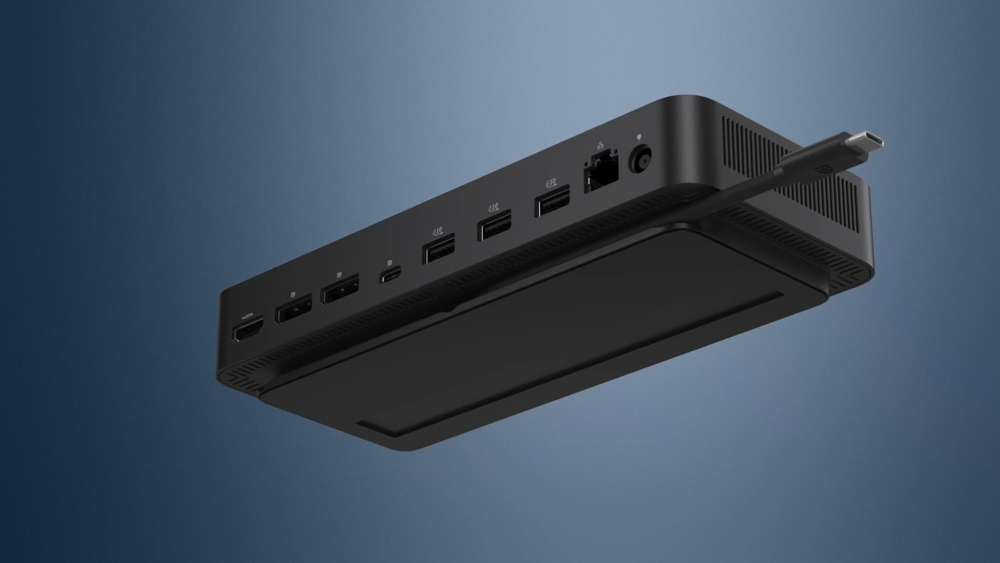
Connect your way
Configure your workspace to your liking with an ambidextrous USB-C cable that can be routed left or right.
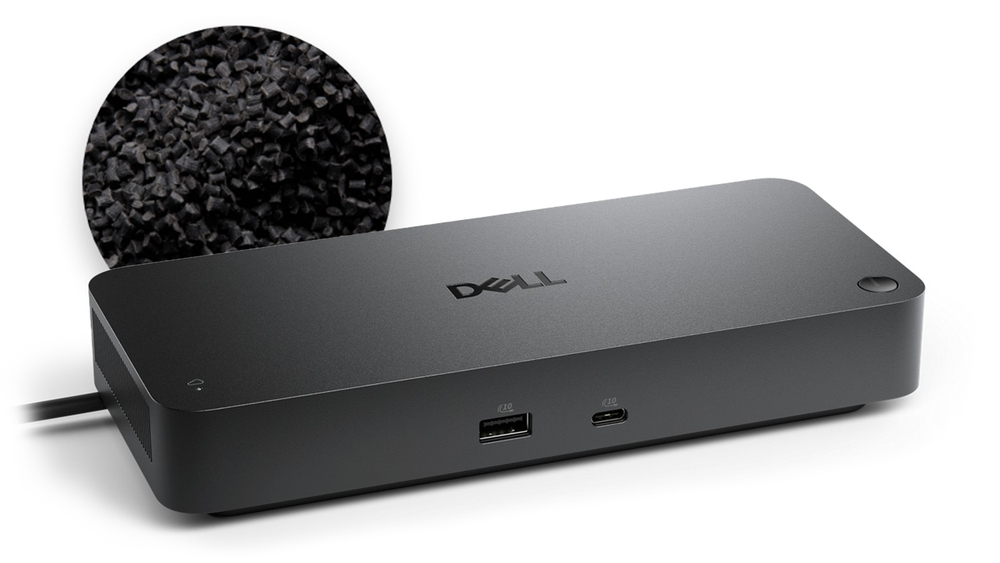
Designed for sustainability
The Dell Pro Smart Dock is built with at least 65% post-consumer recycled materials and packaged with 100% recycled or renewable packaging.
Lifecycle CO₂ emissions — helping you make sustainable procurement decisions
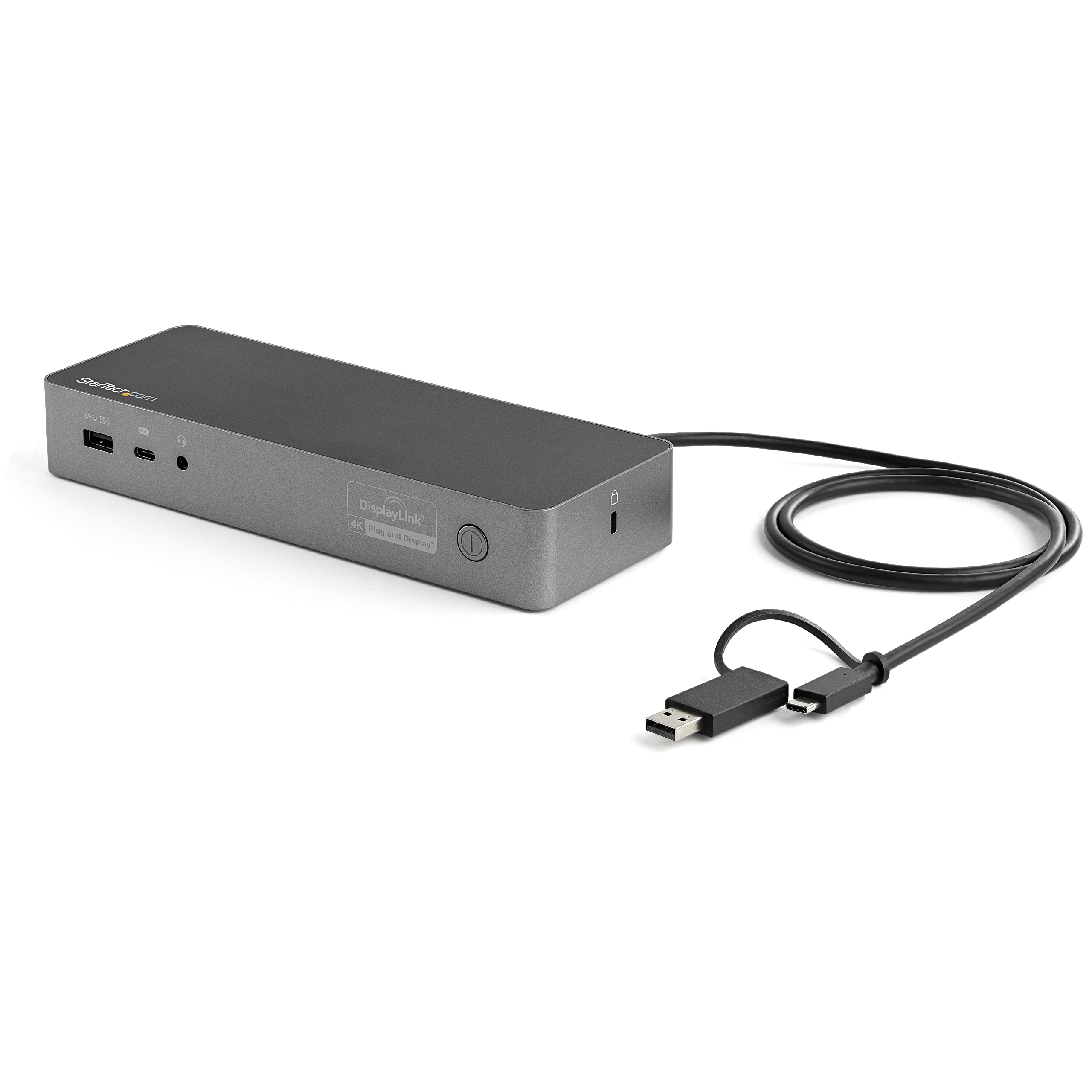
STARTECH
StarTech.com USB-C & USB-A Dock, Hybrid Universal Laptop Docking Station with 100W Power Delivery, Dual Monitor 4K 60Hz HDMI & DisplayPort, 4x USB 3.1 Gen 1 Hub, Gigabit Ethernet (GbE) - Hybrid USB Type-C Dock (DK30C2DPEPUE) - Docking station - USB-C - 2 x HDMI, 2 x DP - 1GbE - 170 Watt
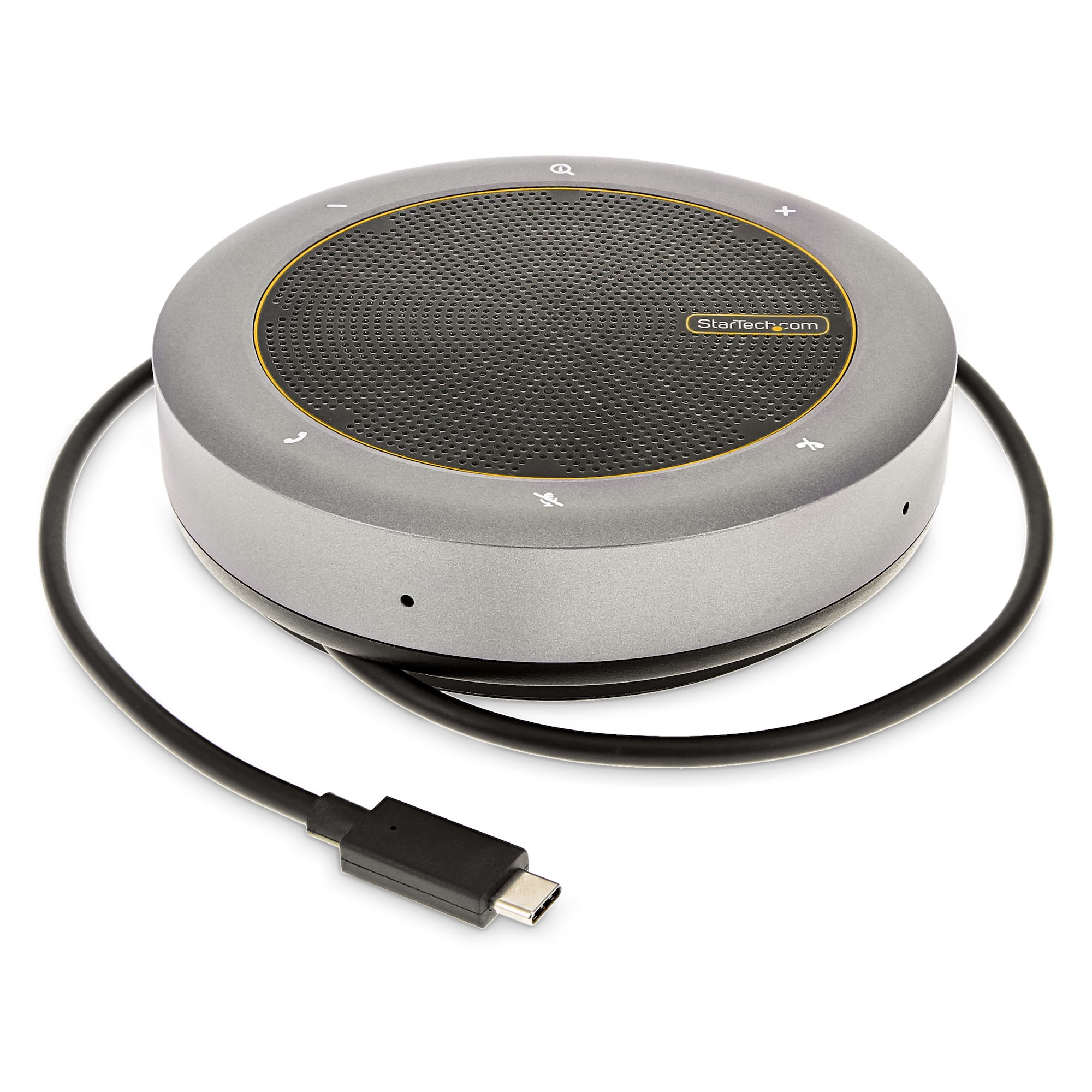
STARTECH
StarTech.com USB-C Conference Speaker Mini Dock, Portable Boardroom Speaker and Multiport Adapter, USB-C to VGA or 4K 60Hz HDMI, 2x USB-A (5Gbps) Hub, Mic/Speaker - Teams/Zoom/Softphone Speakerphone (DKTBRSPMPD) - Mini-dock - USB-C / Thunderbolt 3 / Thunderbolt 4 - HDMI, VGA
TARGUS HARDWARE
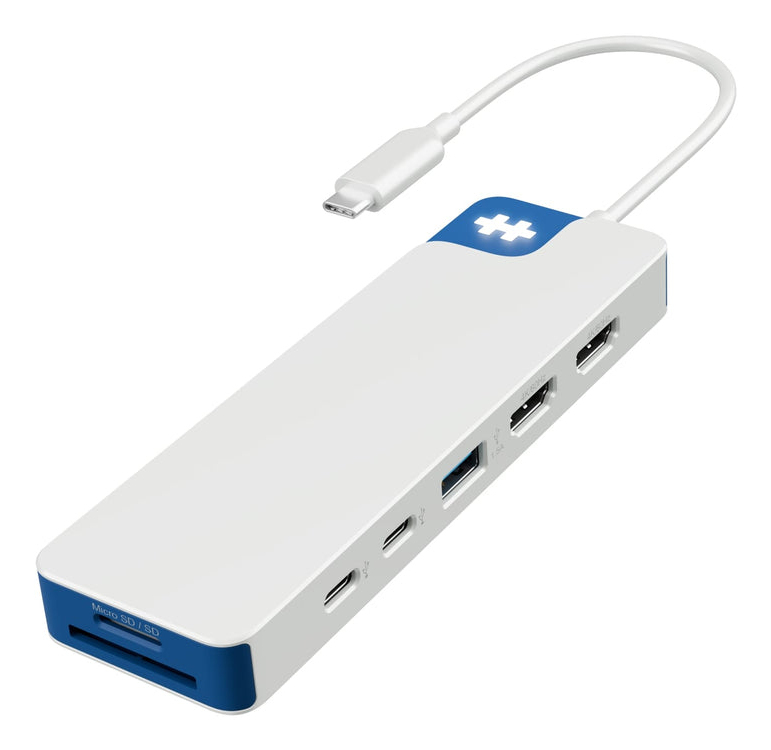
HyperDrive Flex 9 Port Dual 4K HDMI USB-
Dell
Dell Pro Thunderbolt 5 Smart Dock SD25TB5 - Docking station - Thunderbolt 5 - HDMI, 2 x DP, USB-C, 2 x Thunderbolt 5 - 1GbE, 2.5GbE - 330 Watt - BTO - with 3 years Basic Hardware Service with Advanced Exchange after remote diagnosis