- Virtual CIO
The IT Due Diligence Checklist for Mergers and Acquisitions
11 Mar, 2026
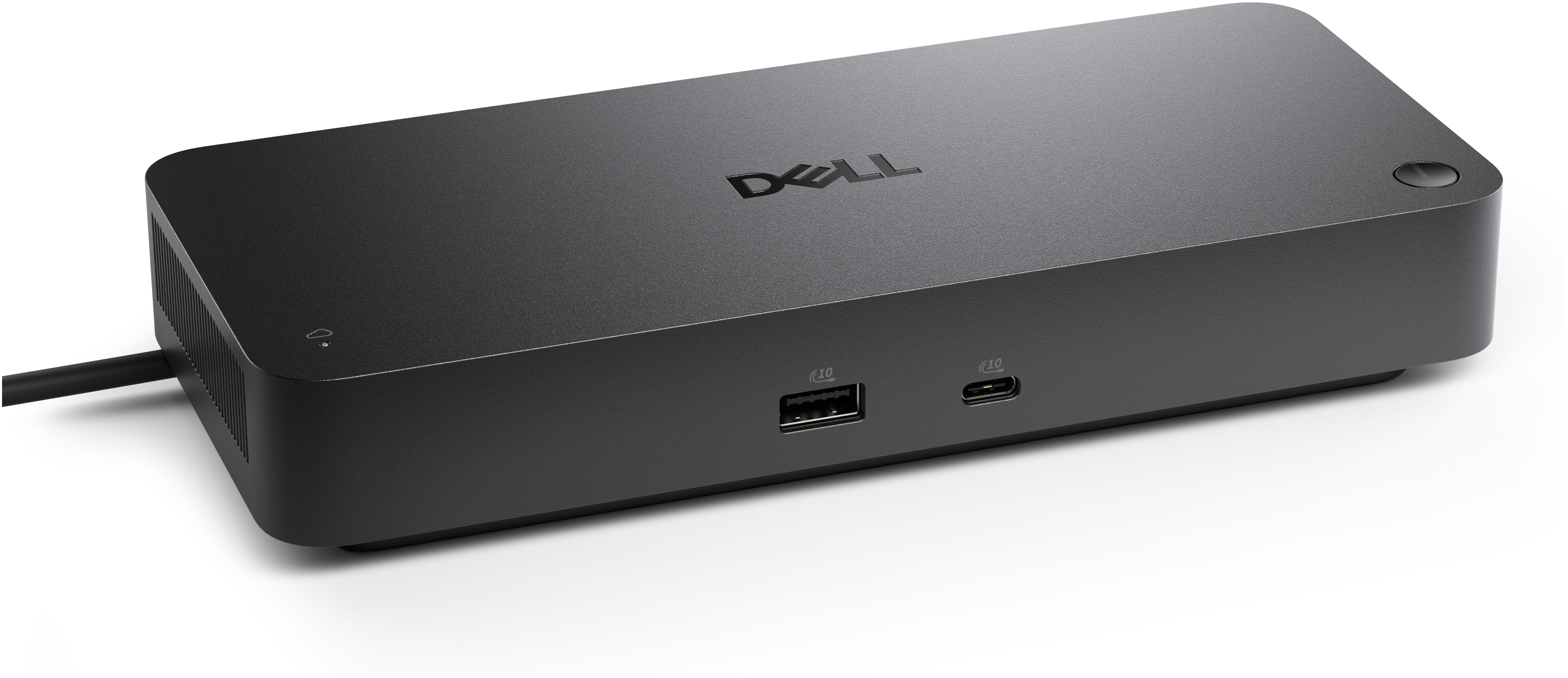


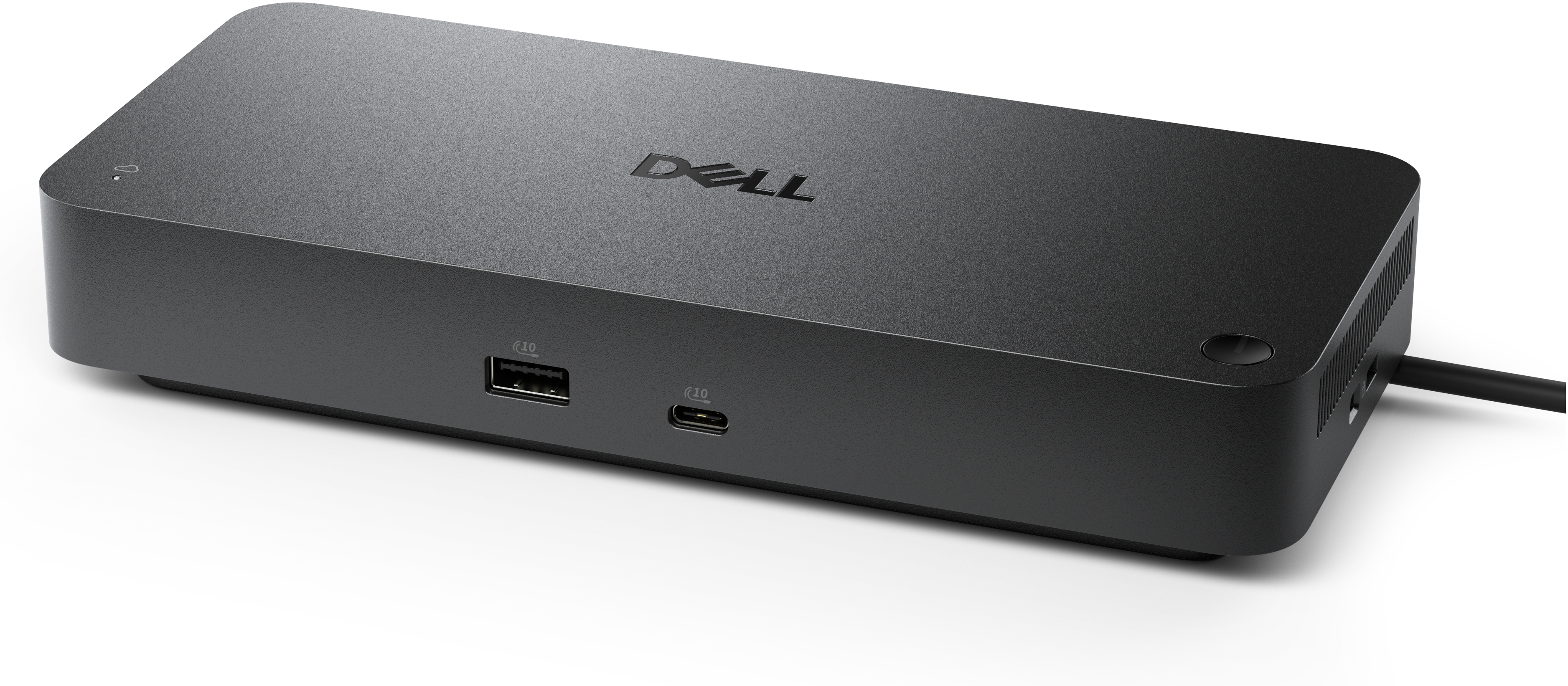
£441.14 inc. VAT
AI-generated summary
The Dell SD25TB5 is the sort of dock you buy when you’re done faffing about and you want a single, reliable “plug in and go” setup for a Thunderbolt-first workstation. At £367.62 ex‑VAT it’s not cheap, but the price makes sense if your fleet is already on Thunderbolt 5 laptops and you care about bandwidth for big external displays, fast storage, and stable multi-device performance. For desk-based staff who connect/disconnect often (or who have a home/office routine), this is the kind of dock that tends to feel solid and consistent rather than flaky.
That said, I wouldn’t recommend it for mixed environments. If you’re mostly on USB‑C (non‑TB) or you’ve only got basic peripherals—keyboard/mouse/monitor and a couple of USB devices—this will be “overkill for the job” and you’ll be paying extra for capabilities you won’t use. Also worth sanity-checking: some customers expect a dock to be a universal one-cable solution, but depending on laptop model and display setup, you may still end up tuning cabling/ports to get exactly the display behaviour you want. If you’re all-in on Thunderbolt and want fewer troubleshooting headaches, it’s a good buy; if not, you’ll probably get better value by going simpler.
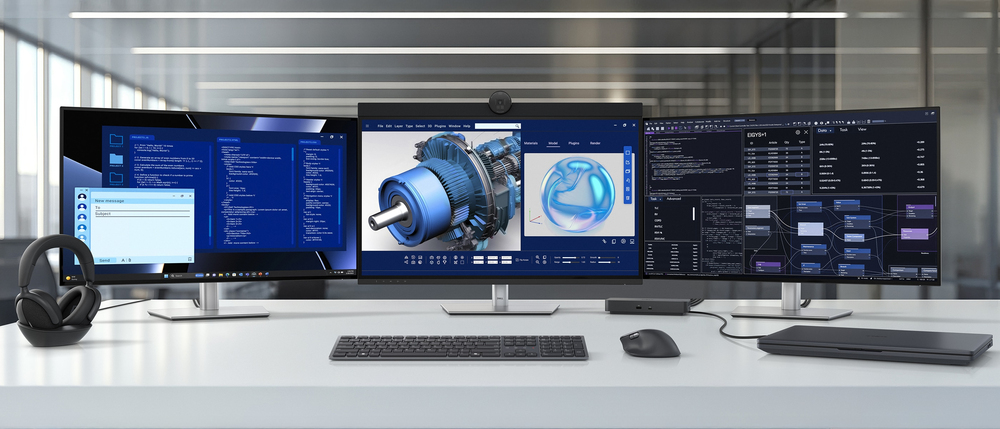
Future-proof your productivity
Maximise your AI PC productivity on the industry’s first, and most powerful, Thunderbolt 5 smart dock, built for seamless multitasking using Gen AI tools across up to four 4K 120Hz displays. Featur...
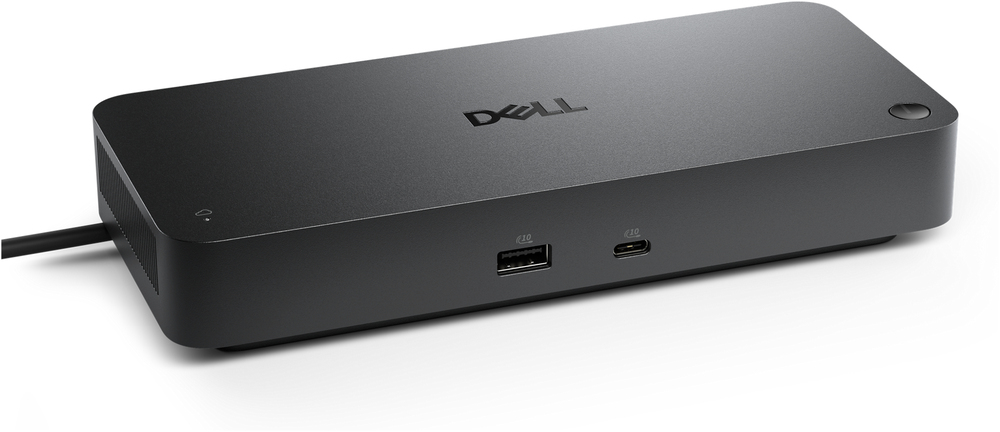
More manageable and secure
Elevate the IT management experience by directly managing your smart docks from the Dell Device Management Console – no PC connection or software required. Most manageable commercial dock Reduce I...
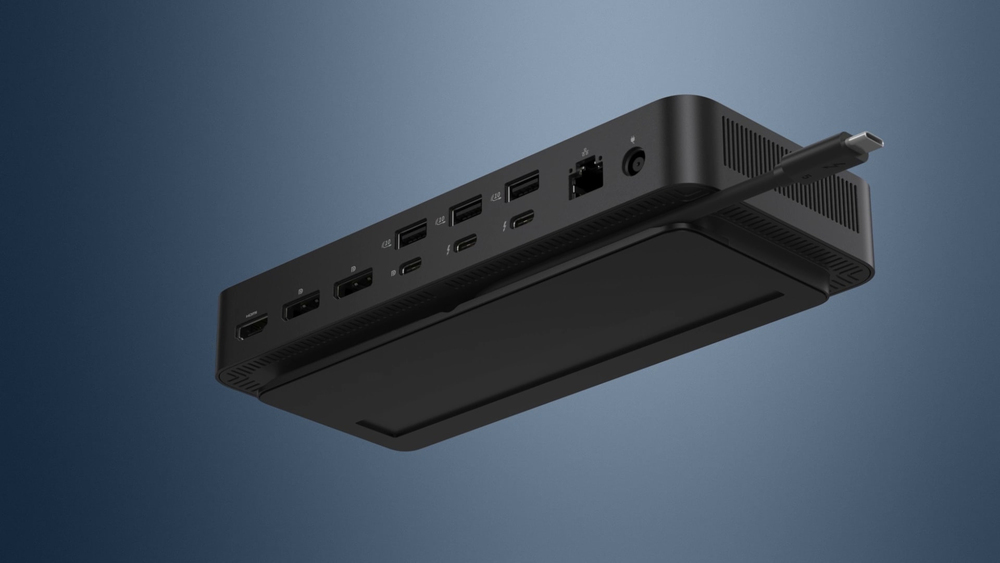
Connect your way
Configure your workspace to your liking with an ambidextrous USB-C cable that can be routed left or right.
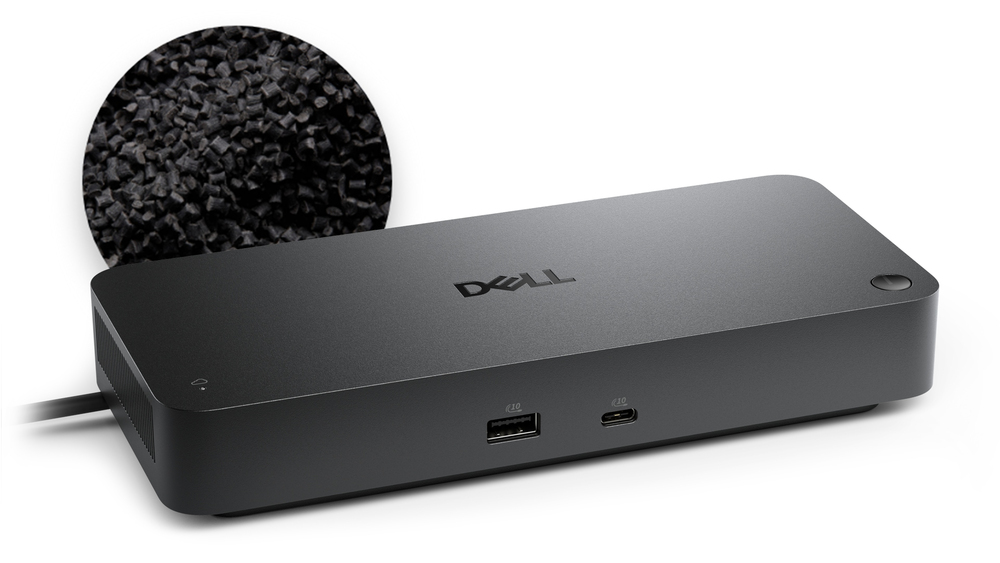
Designed for sustainability
The Dell Pro Thunderbolt 5 Smart Dock is built with at least 65% post-consumer recycled materials and packaged with 100% recycled or renewable packaging.
Lifecycle CO₂ emissions — helping you make sustainable procurement decisions
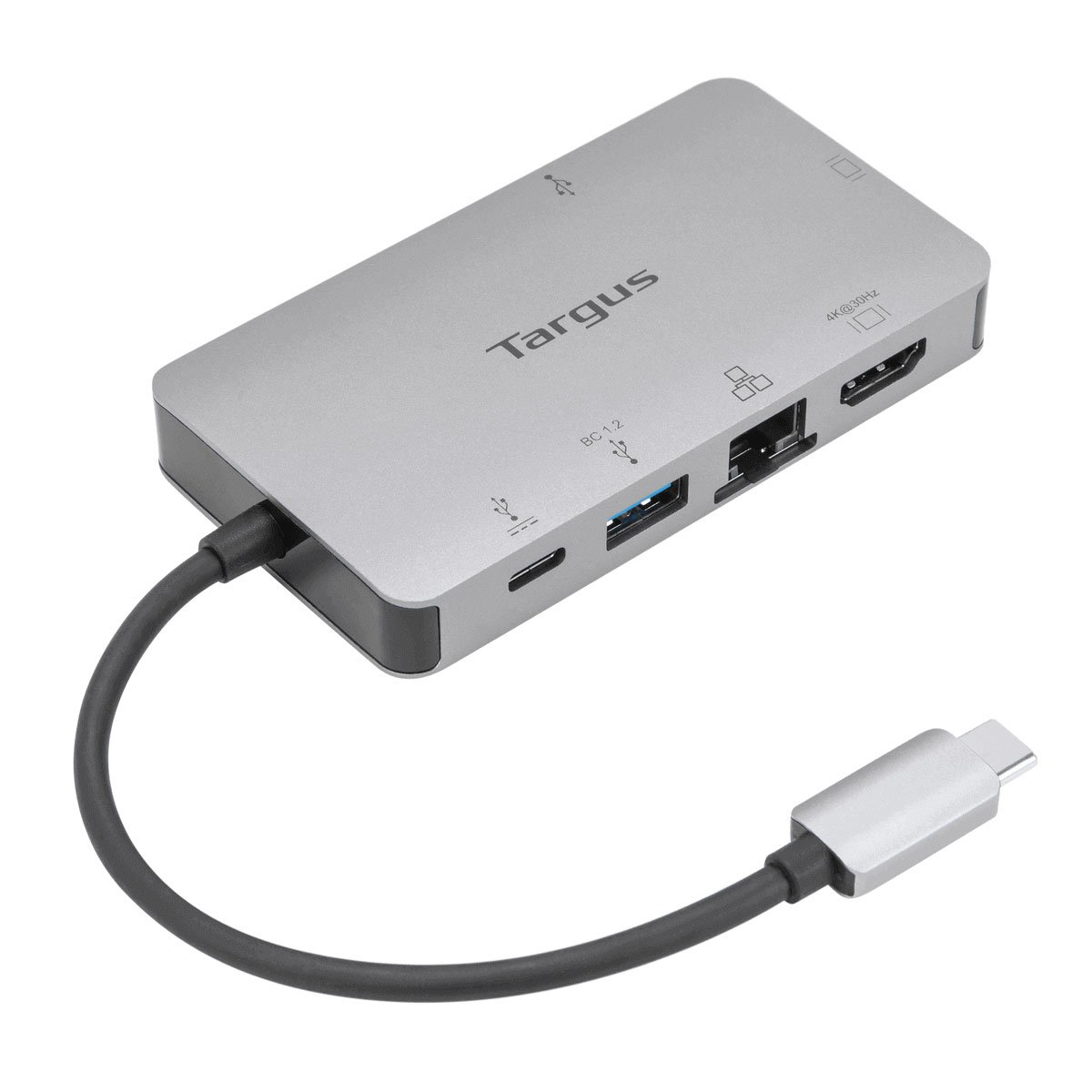
TARGUS HARDWARE
Targus - Docking station - USB-C 3.2 Gen 1 / Thunderbolt 3 - VGA, HDMI - 1GbE
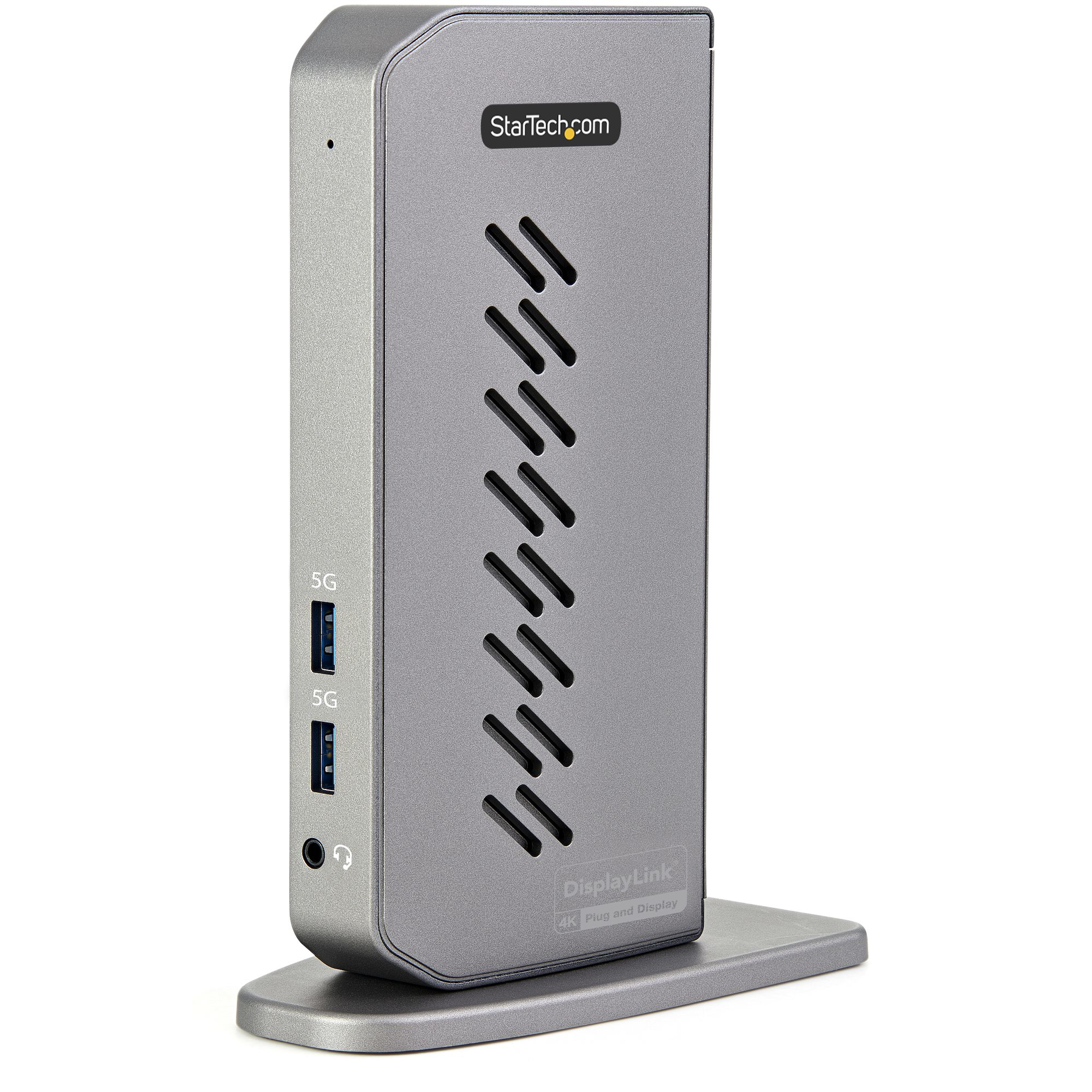
STARTECH
StarTech.com USB-C USB-A Dock, Hybrid Universal USB 3.0 Docking Station for USB-C or USB-A Laptop, Dual Monitor 4K 60Hz HDMI/DisplayPort, 6x USB-A Hub, Gigabit Ethernet, USB 3.1/3.2 Gen 1 - Dual 4K USB-C Dock (DK30A2DHUUE) - Docking station - USB - 2 x HDMI, 2 x DP - 1GbE - 40 Watt
STARTECH
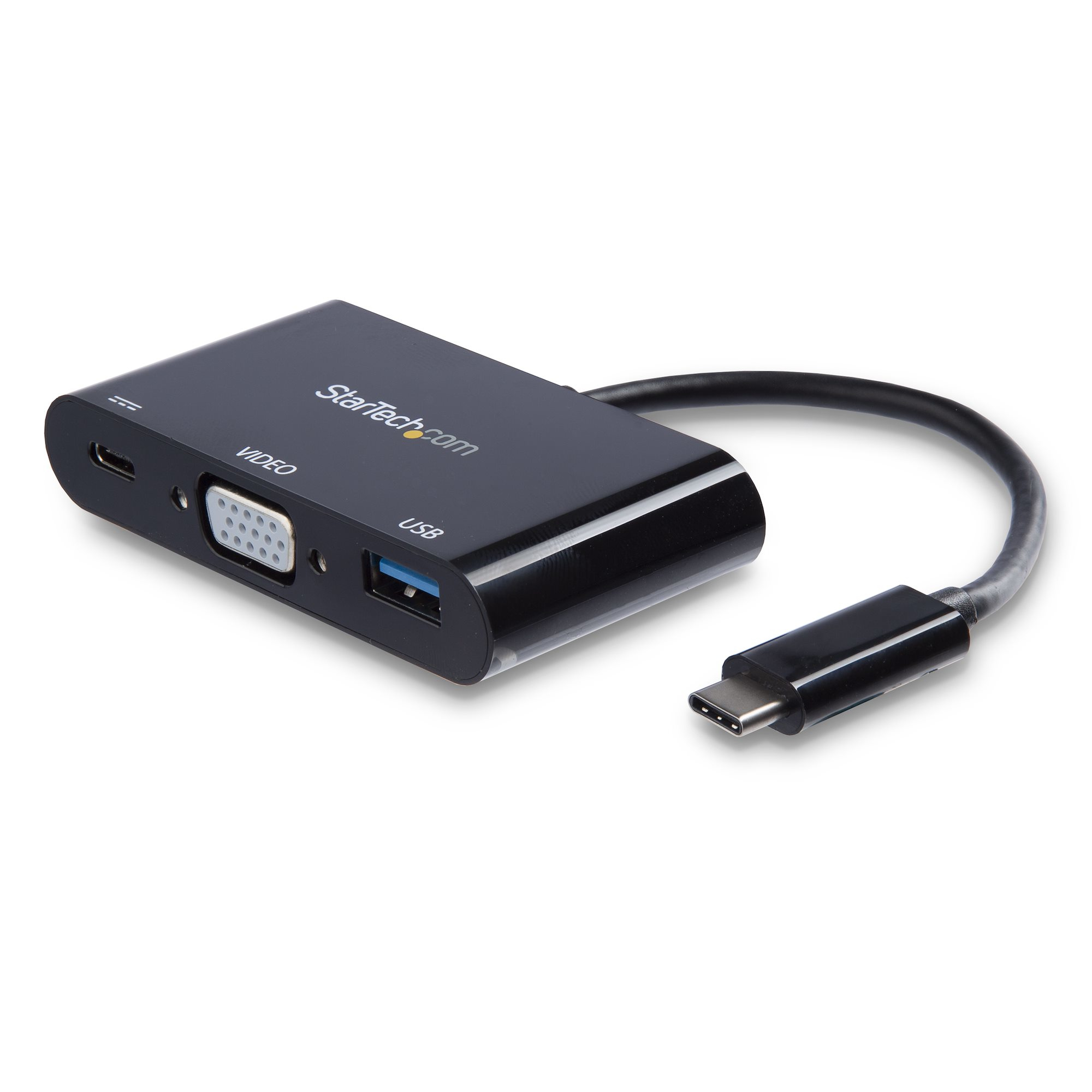
StarTech.com USB-C VGA Multiport Adapter - USB-A Port - with Power Delivery (USB PD) - USB C Adapter Converter - USB C Dongle (CDP2VGAUACP) - Docking station - USB-C / Thunderbolt 3 - VGA
STARTECH
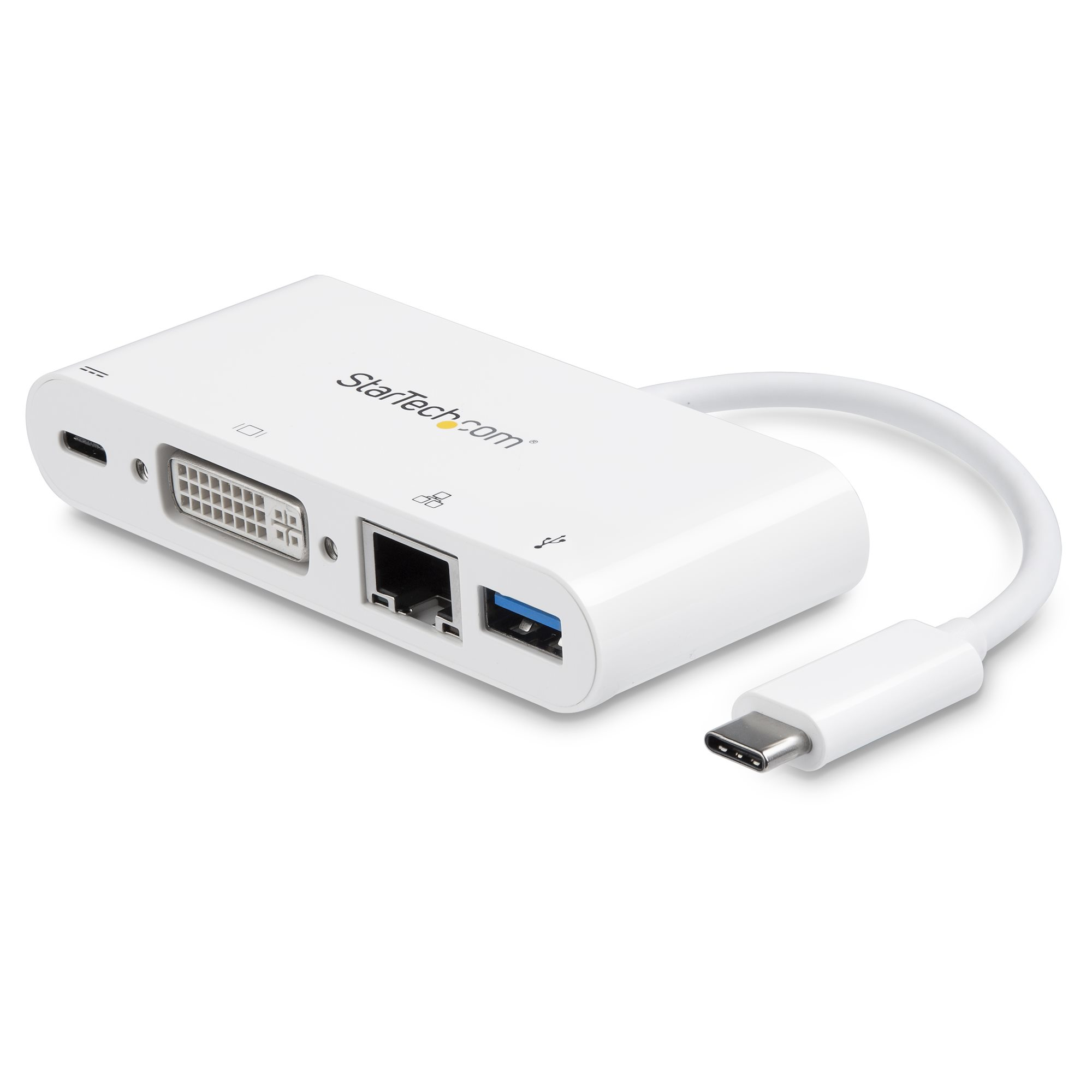
StarTech.com USB C Multiport Adapter, USB-C to DVI-D (Digital) Video Adapter with 60W Power Delivery Passthrough Charging, GbE, USB-A, Portable USB Type-C/Thunderbolt 3 Mini Laptop Dock - Dock with Ethernet (DKT30CDVPD) - External video adapter - USB-C - DVI, RJ-45 - white