- Cyber Security
How to Scope Your Cyber Essentials Plus Assessment
16 Jun, 2026



£391.70 inc. VAT
AI-generated summary
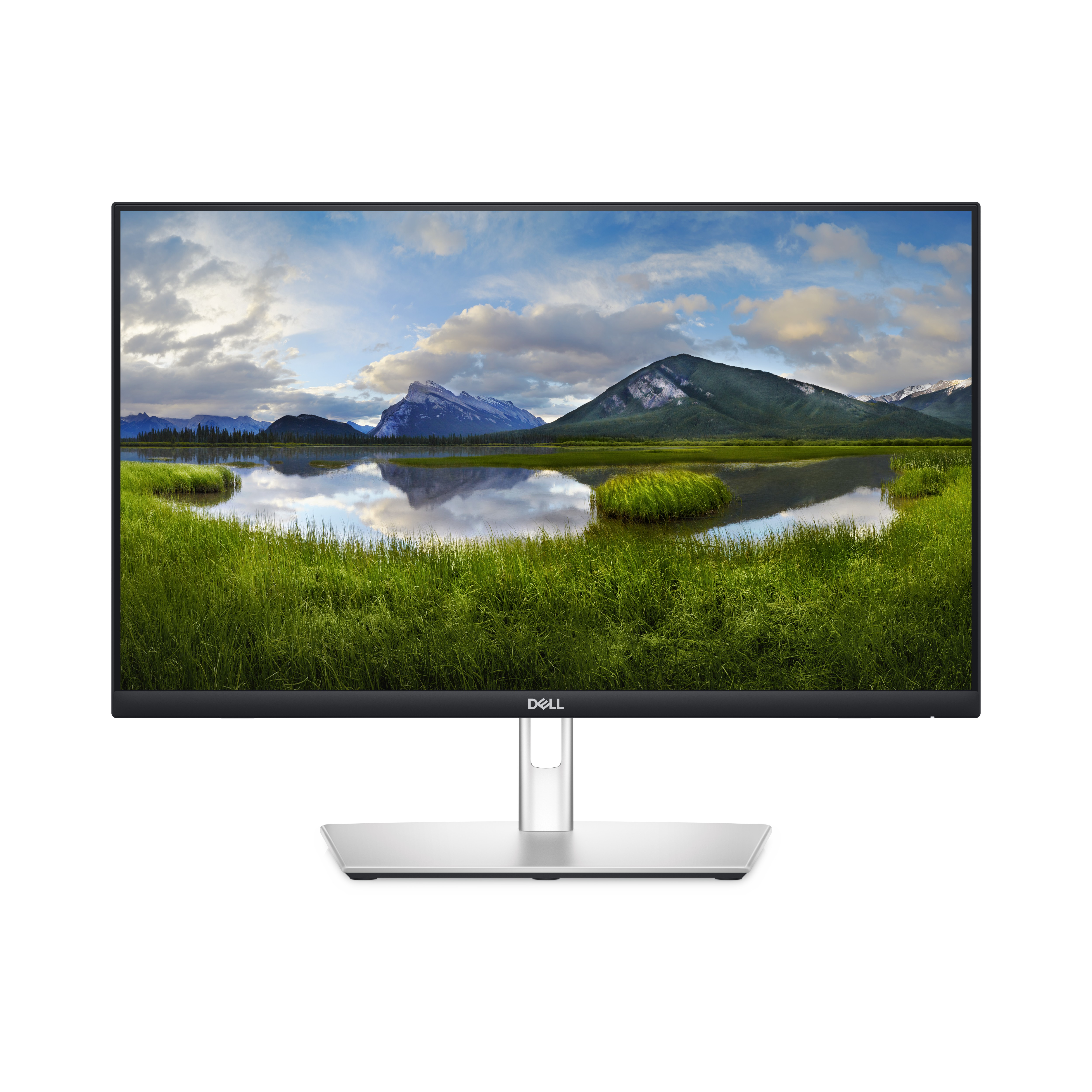
The Dell P2424HT is a sensible “office touch” monitor if you actually need touch in your workflow. For the money, the biggest value is that it’s a proper business unit (built for daily use in meeting rooms, reception/support desks, or training environments) rather than a consumer touch screen that feels flimsy after a few months. Day-to-day, it’s the kind of screen that makes a difference when people interact with content—procurement forms, wayfinding, interactive demos—because you remove the “extra device” friction.
That said, if you don’t genuinely need touch, I’d hesitate. At ~£326 ex-VAT for a 23.8" Full HD panel, you can usually get a sharper non-touch option or a better-sized display for the same budget, which matters more for spreadsheets and document work than touch does. Also, Full HD at this size is fine, but it won’t feel “premium” for pixel-hunting CAD or dense dashboards—so spec it based on your typical content, not on the fact it’s Dell.
**Who should buy:** IT-managed offices that want reliable touch for customer-facing/admin workflows, and teams that benefit from interacting directly on-screen. **Who shouldn’t:** users who primarily do text-heavy or detailed visual work and don’t require touch—unless you’ve got a clear reason to standardise on this model.
Connect. Get set. Go.
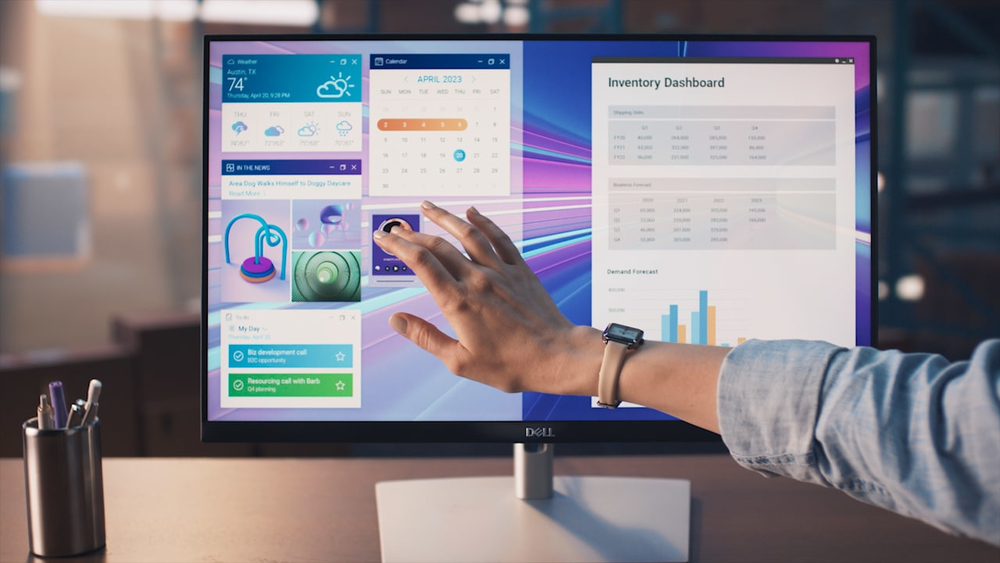
Kickstart your workflow on the World's first 23.8-inch touch monitor with RJ45 connectivity.

Tap. Swipe. Pinch.
Experience seamless productivity right at your fingertips with the edge-to-edge, up to 10-point touch feature. Annotate documents with ease, and smoothly navigate with simple tap, swipe, slide and ...
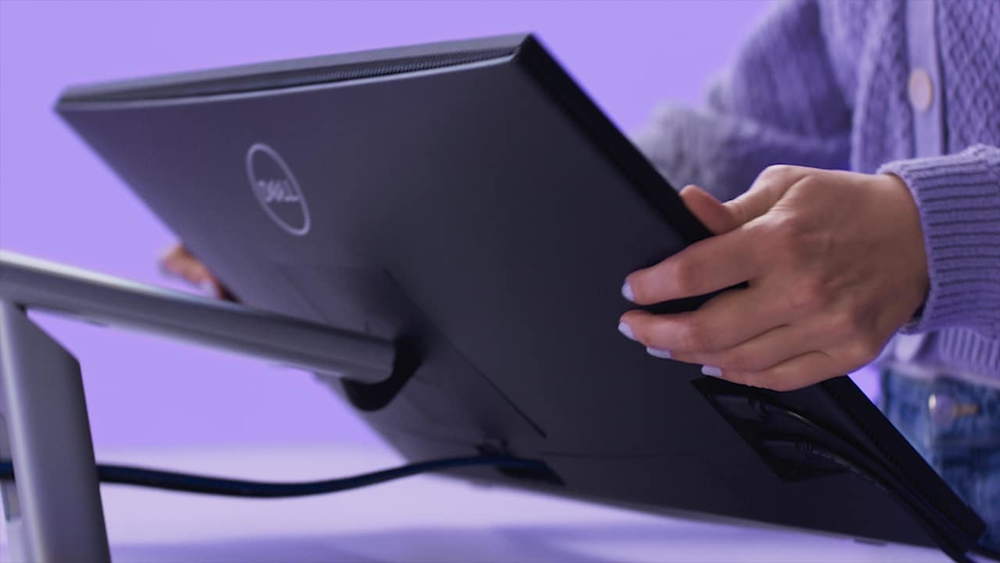
Plug. Connect. Sync.
This monitor provides single-cable USB-C® (up to 90W power delivery), RJ45 Ethernet and Wake-on-LAN connectivity so you have everything you need in a clutter-free setup. Quick-access USB ports are...
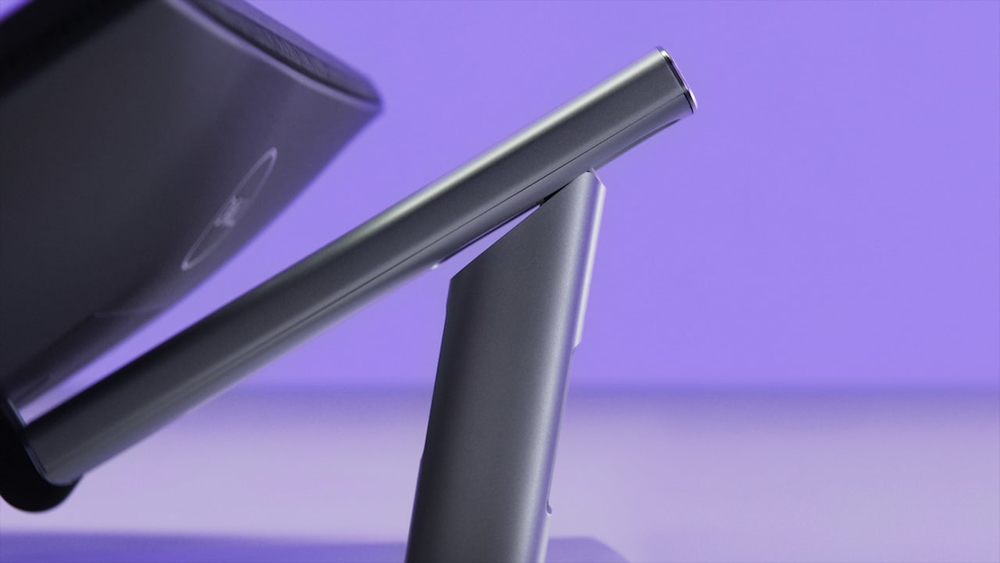
Adjust. Tilt. Swivel.
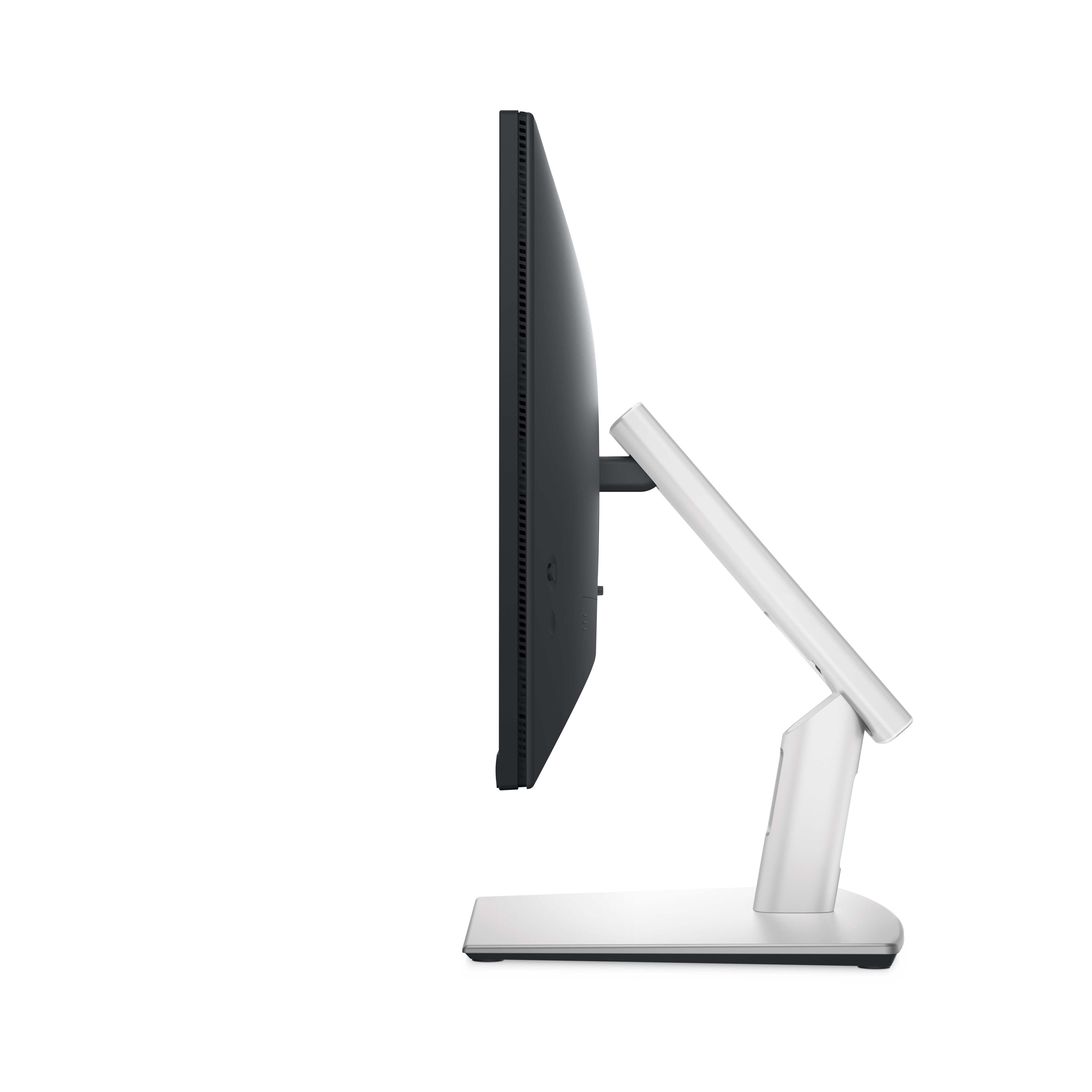
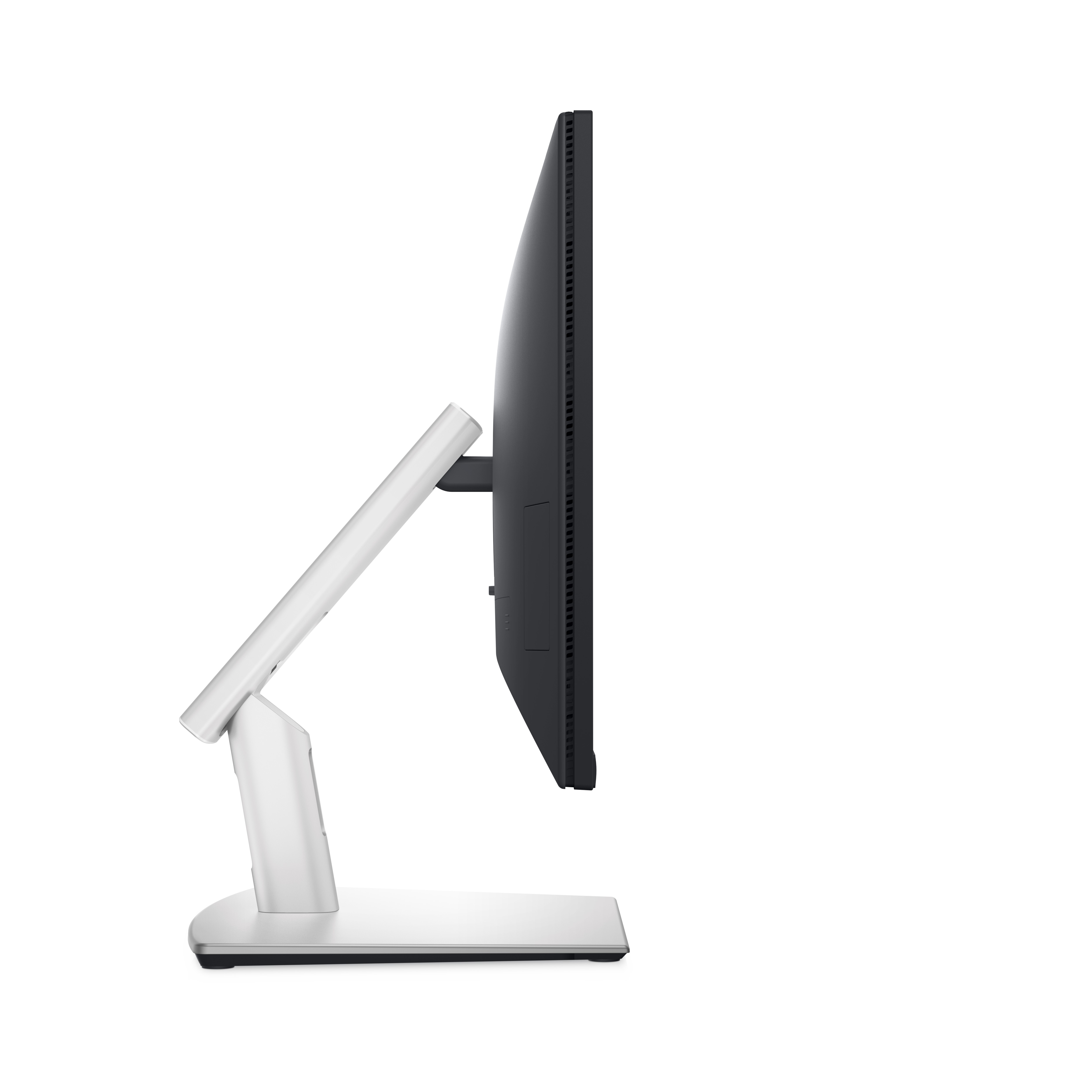
Now you can have ultimate comfort and convenience thanks to the sturdy articulating stand. It easily tilts, swivels, slants and raises (up to 110 mm) without interfering with cable flow. This monit...
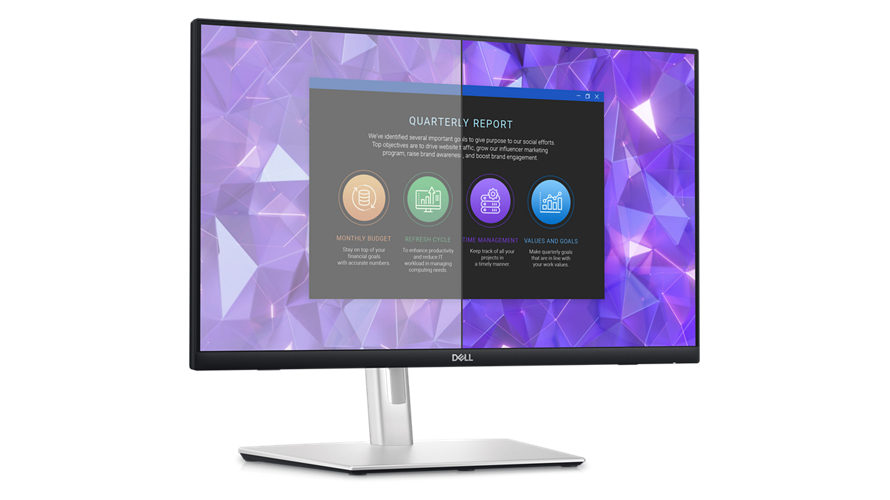
Vibrant. Expansive. Comfortable.
See your ideas come to life with consistently vivid colours thanks to 99% sRGB coverage and In-Plane Switching (IPS) technology that enables wide viewing angles. Enjoy clear audio and a virtually e...
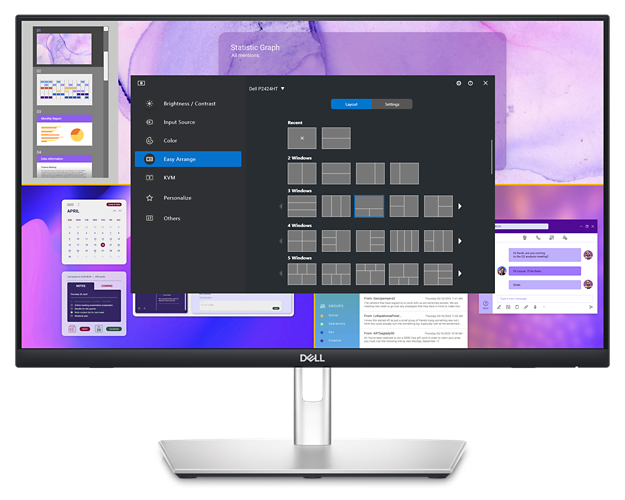
Improved Dell Display Manager
Easy management. Next-level productivity. Improved multitasking: Organize your screen with Easy Arrange and save profiles with Easy Arrange Memory. Smooth deployment: Manage your fleet of monitors...
Lifecycle CO₂ emissions — helping you make sustainable procurement decisions
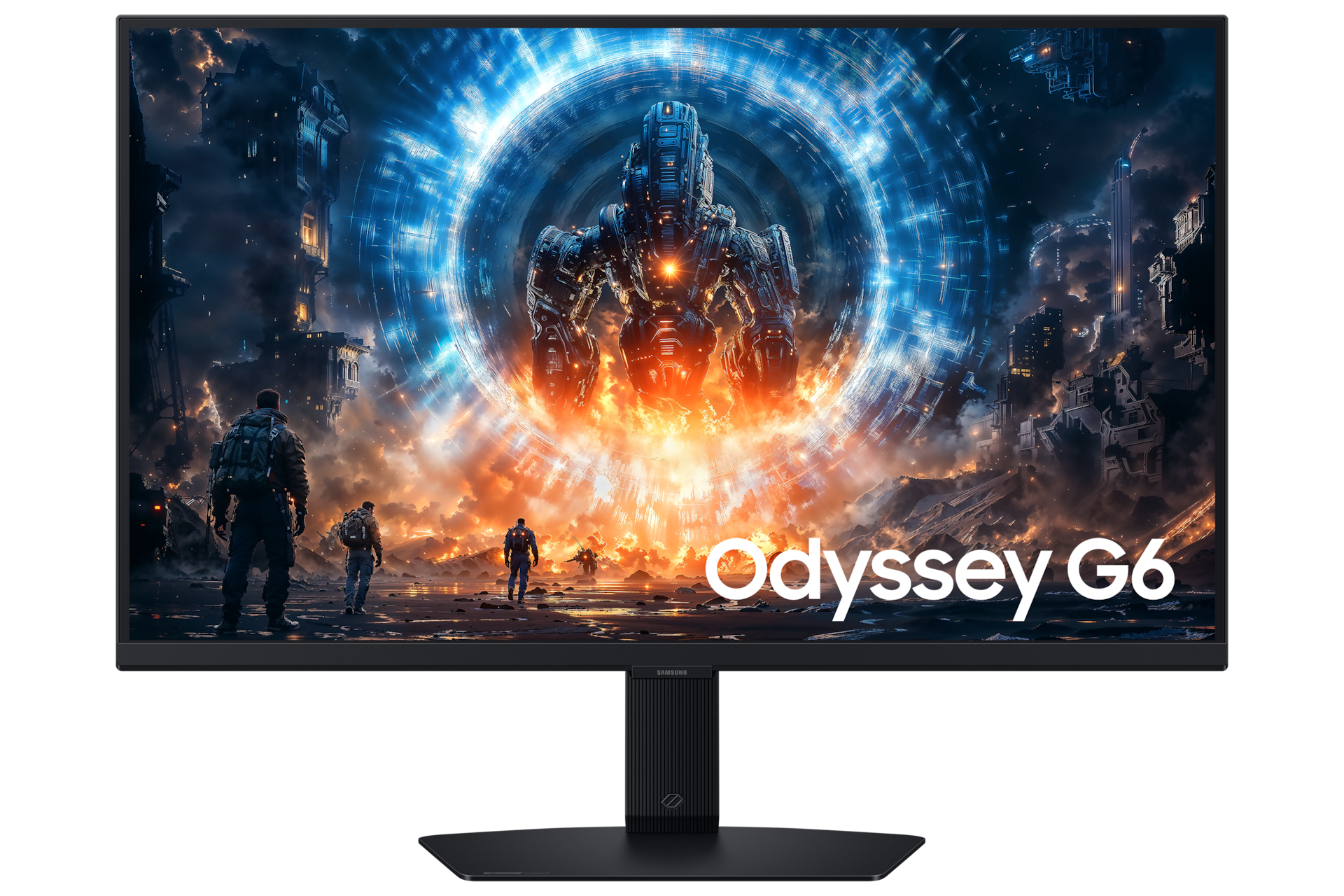
Samsung
Samsung Odyssey G6 S27FG606EU - G60F Series - LED monitor - gaming - 27" - 2560 x 1440 QHD @ 350 Hz - Fast IPS - 350 cd/m� - 1000:1 - DisplayHDR 400 - 1 ms - HDMI, DisplayPort - black
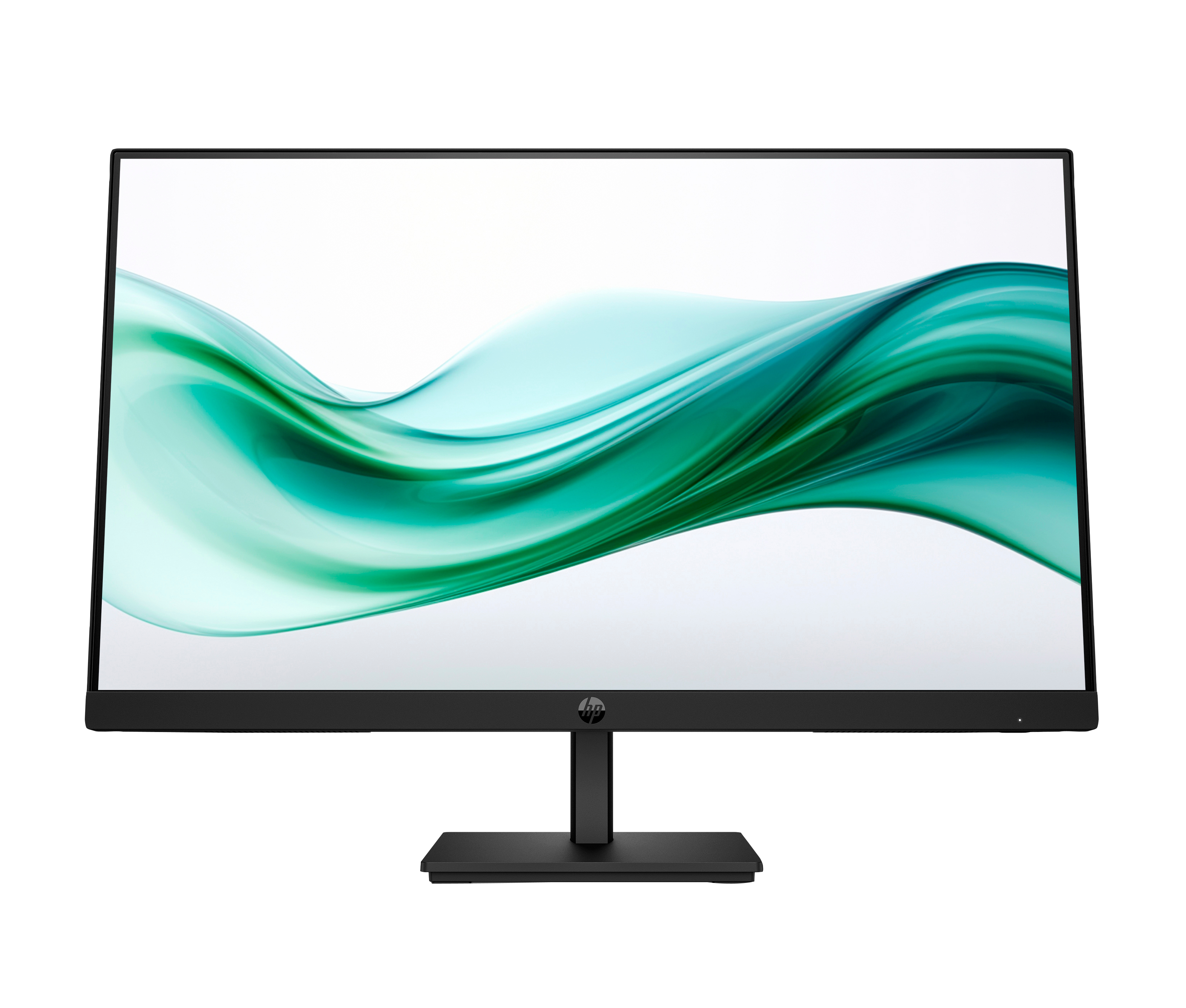
HP
HP 324pv - Series 3 Pro - LED monitor - 24" (23.8" viewable) - 1920 x 1080 Full HD (1080p) @ 100 Hz - VA - 250 cd/m� - 3000:1 - 5 ms - HDMI, VGA - black
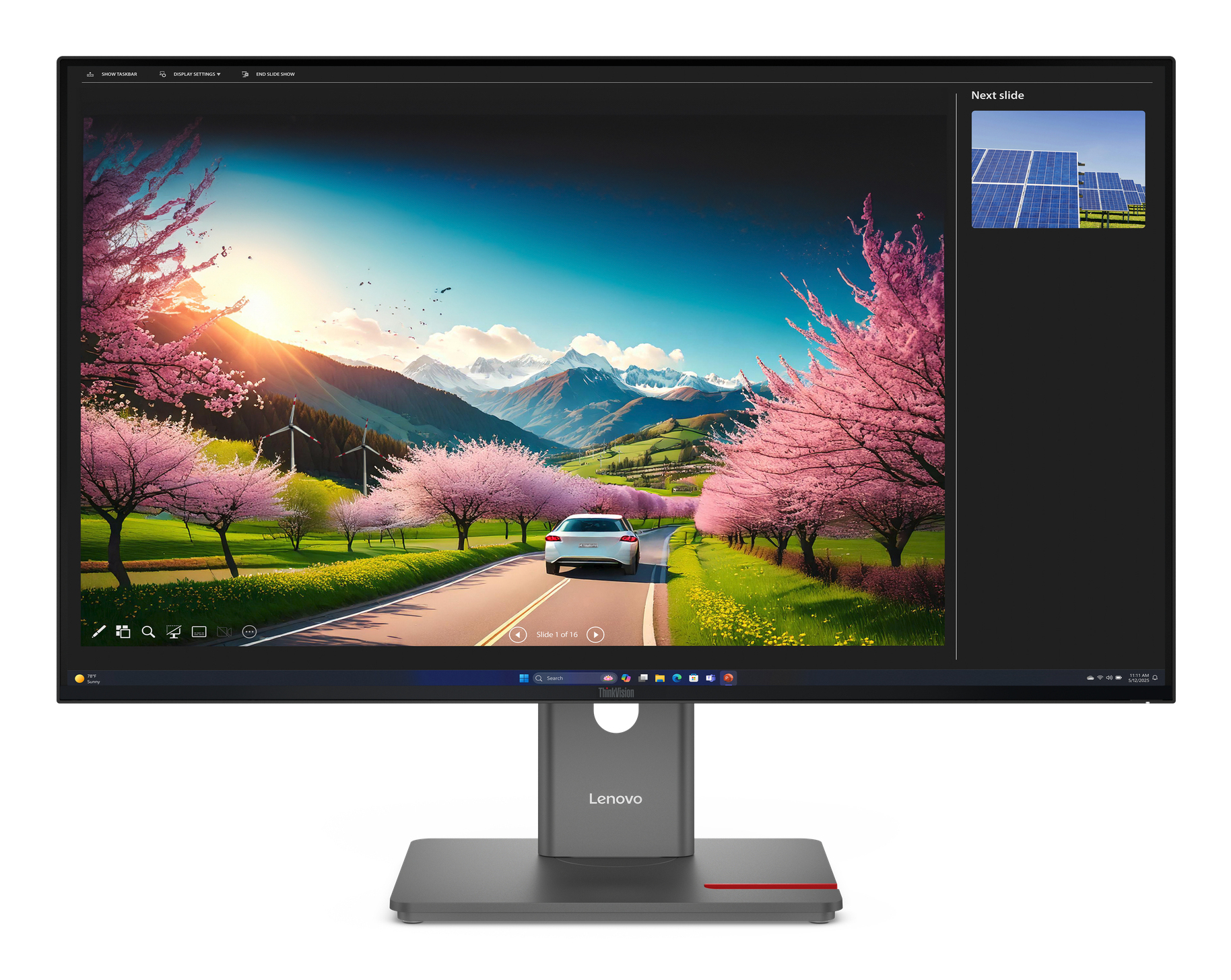
Lenovo
Lenovo ThinkVision P32UD-40 - LED monitor - 32" (31.5" viewable) - 3840 x 2160 4K @ 120 Hz - IPS - 350 cd/m� - 1500:1 - HDR10 - 4 ms - 2xThunderbolt 4, 2xDisplayPort, HDMI, USB-C - raven black
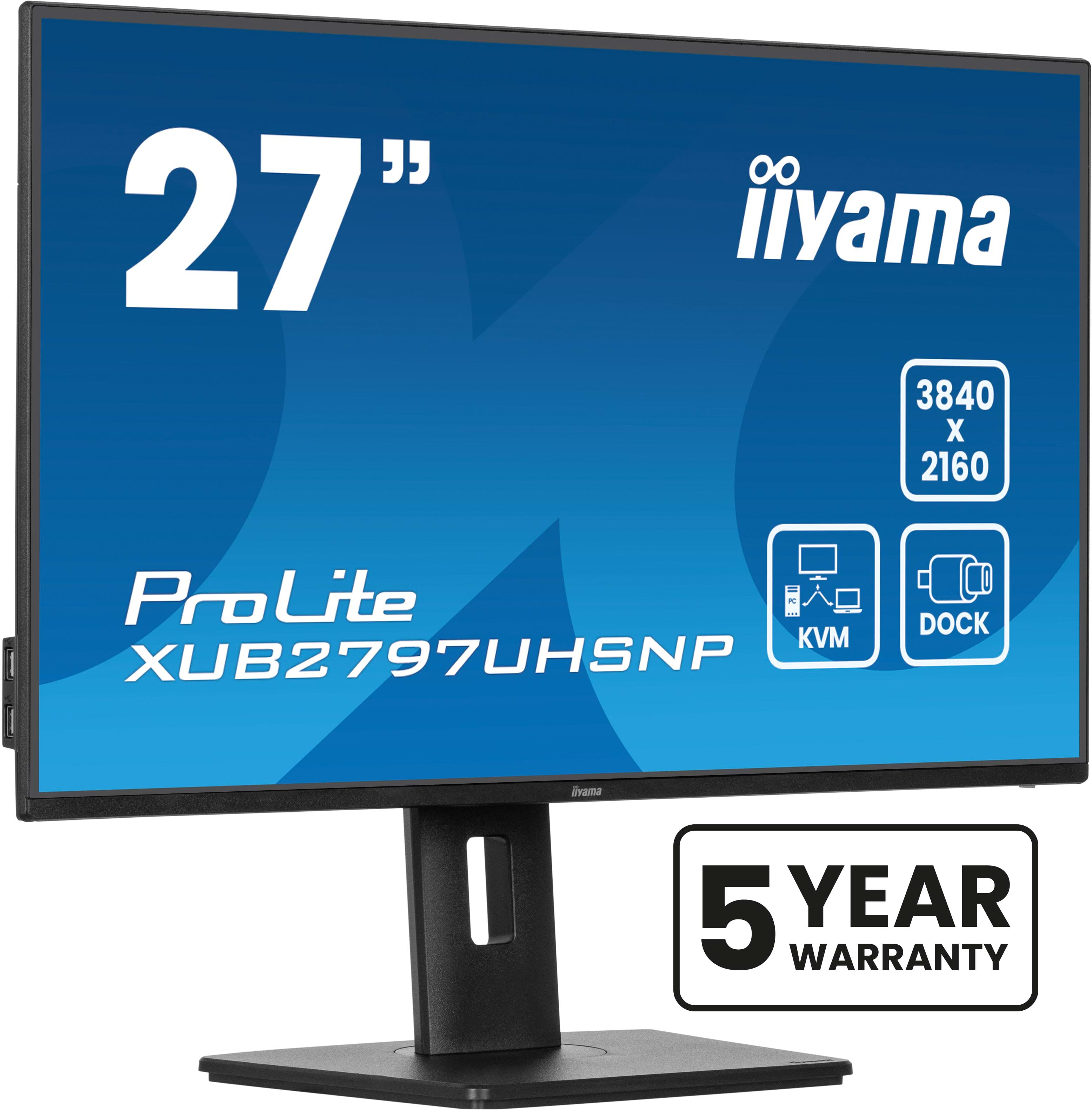
Iiyama
iiyama ProLite XUB2797UHSNP-B1 - LED monitor - 27" - 3840 x 2160 4K @ 60 Hz - IPS - 350 cd/m� - 1300:1 - 4 ms - HDMI, DisplayPort, USB-C - speakers - black, matte