- Network Admin
How to Prevent Unauthorised Devices on Your Network
4 Mar, 2026
£727.75 inc. VAT
AI-generated summary
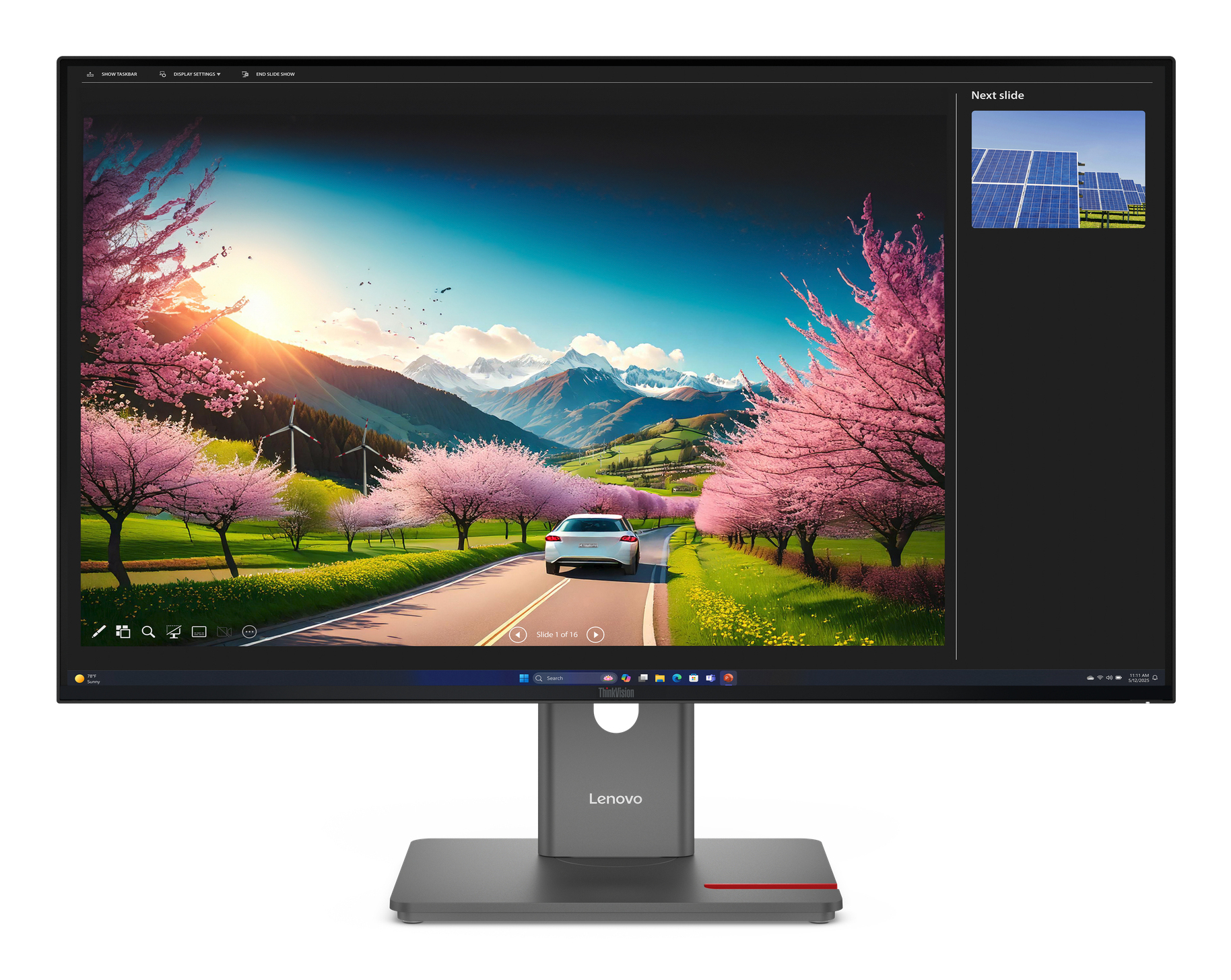
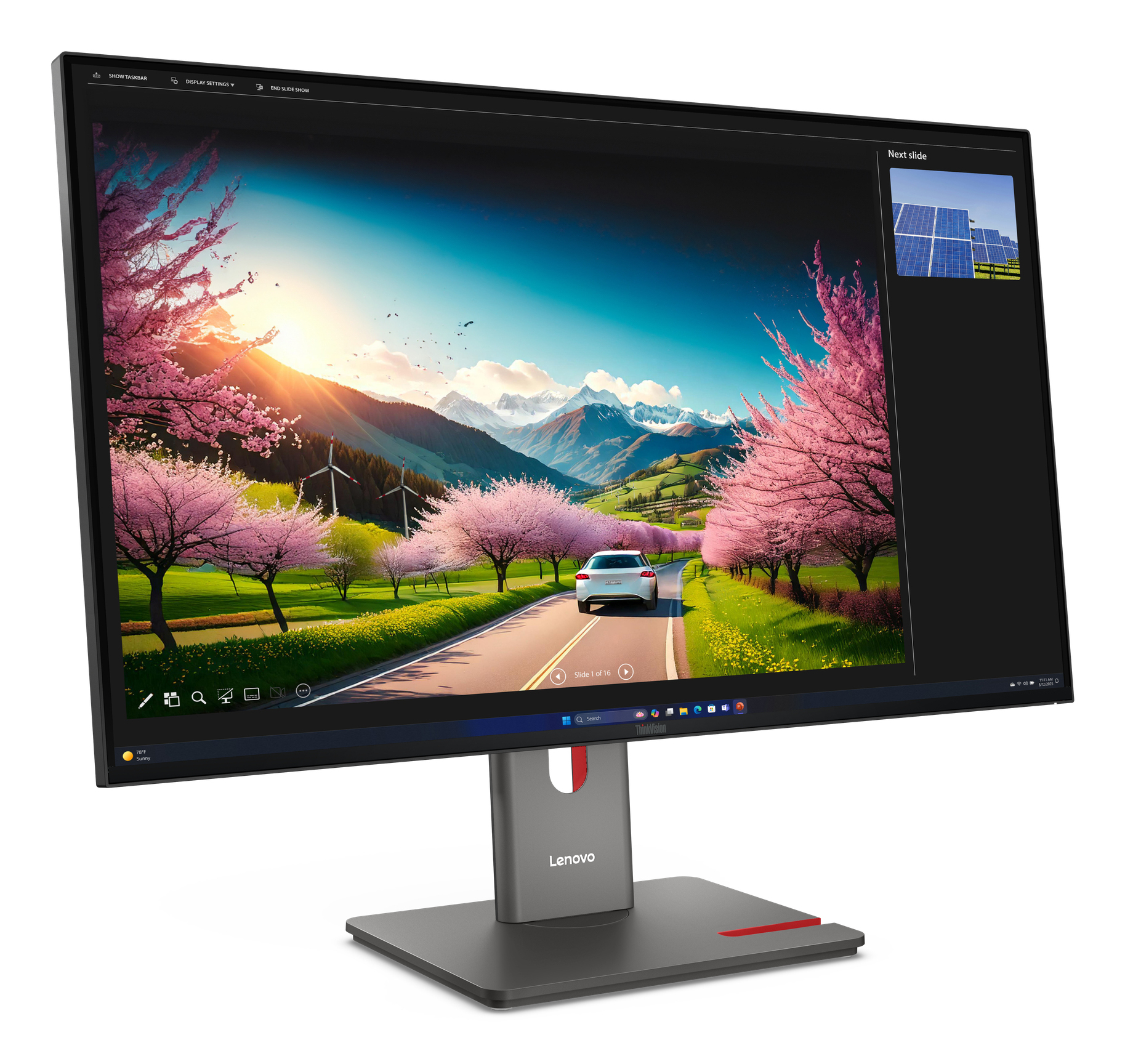
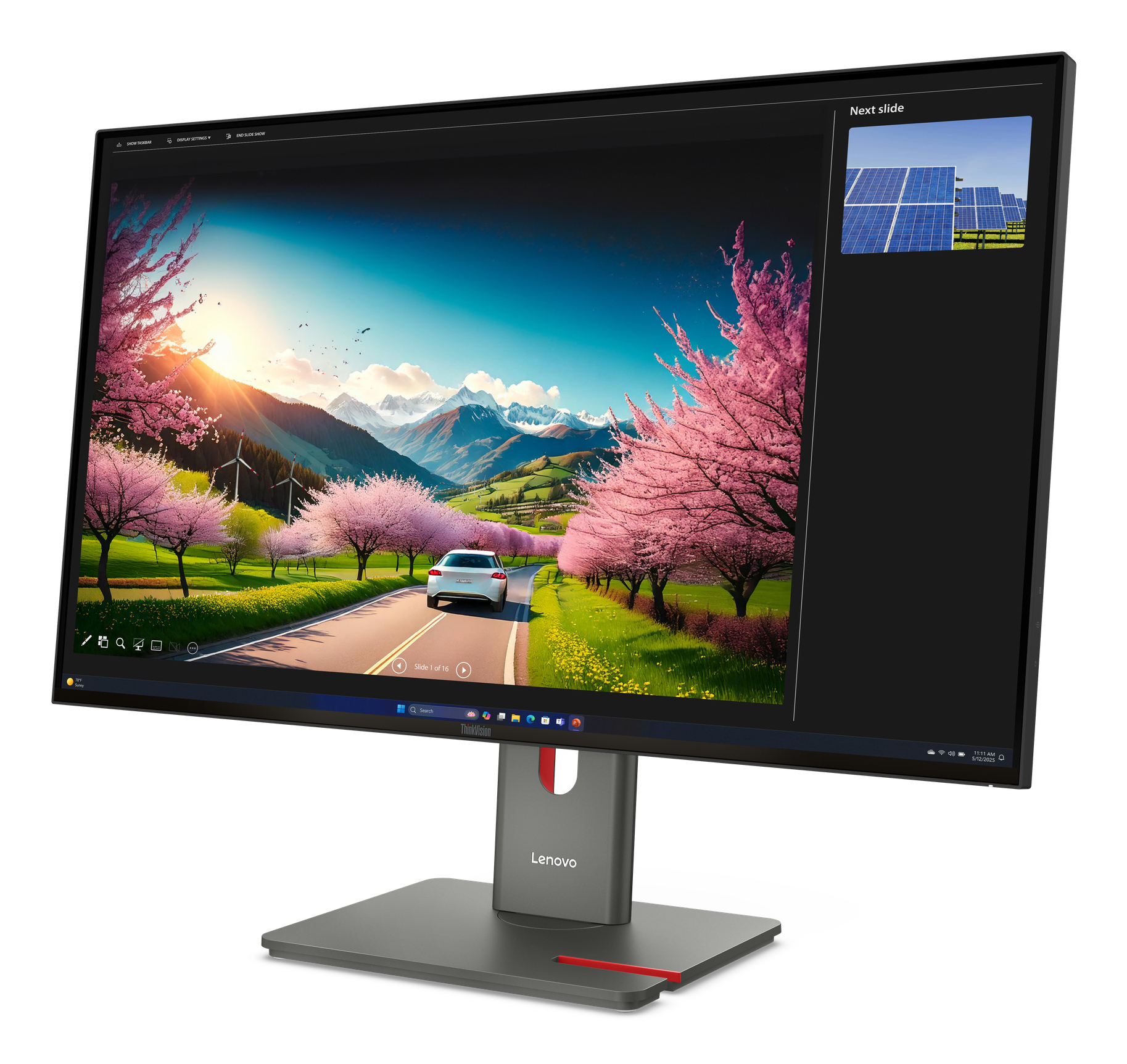
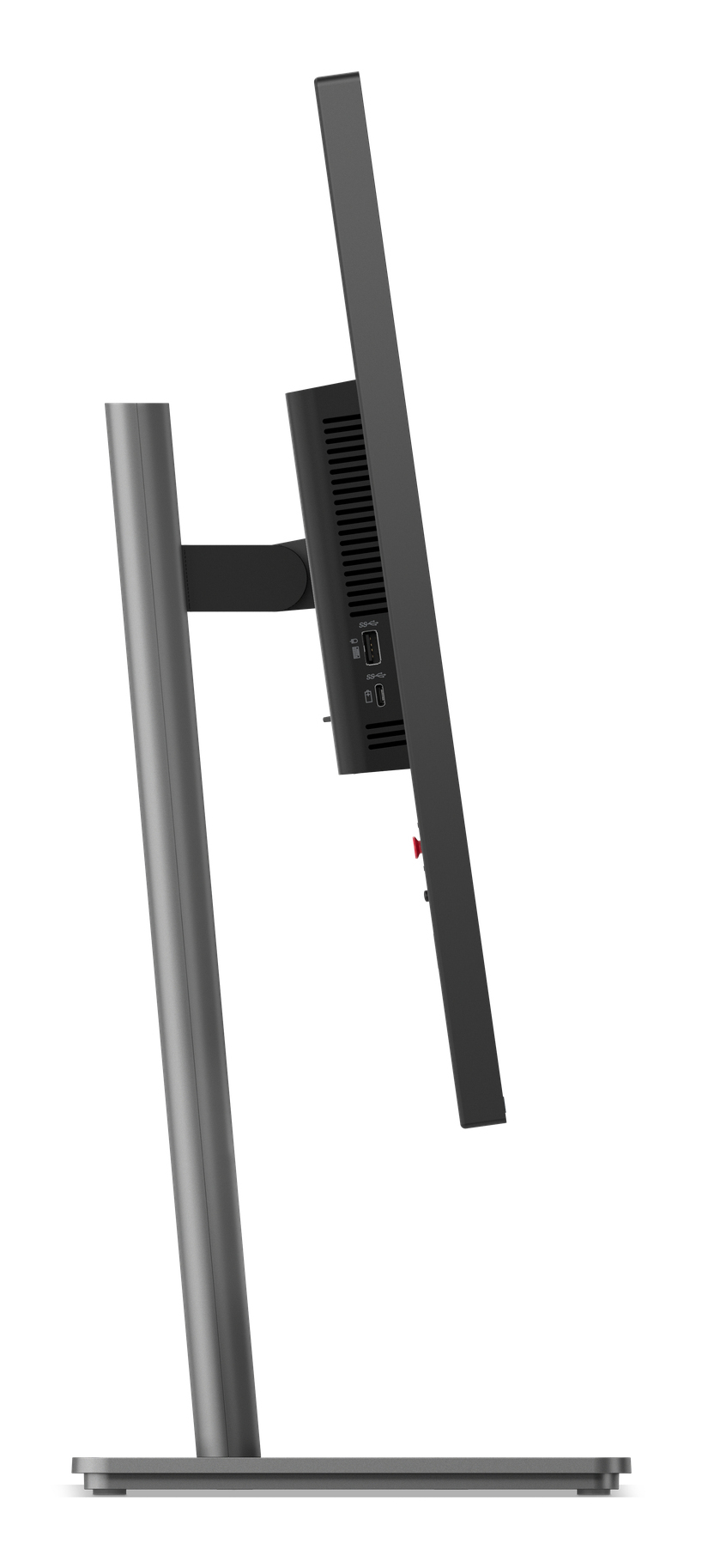
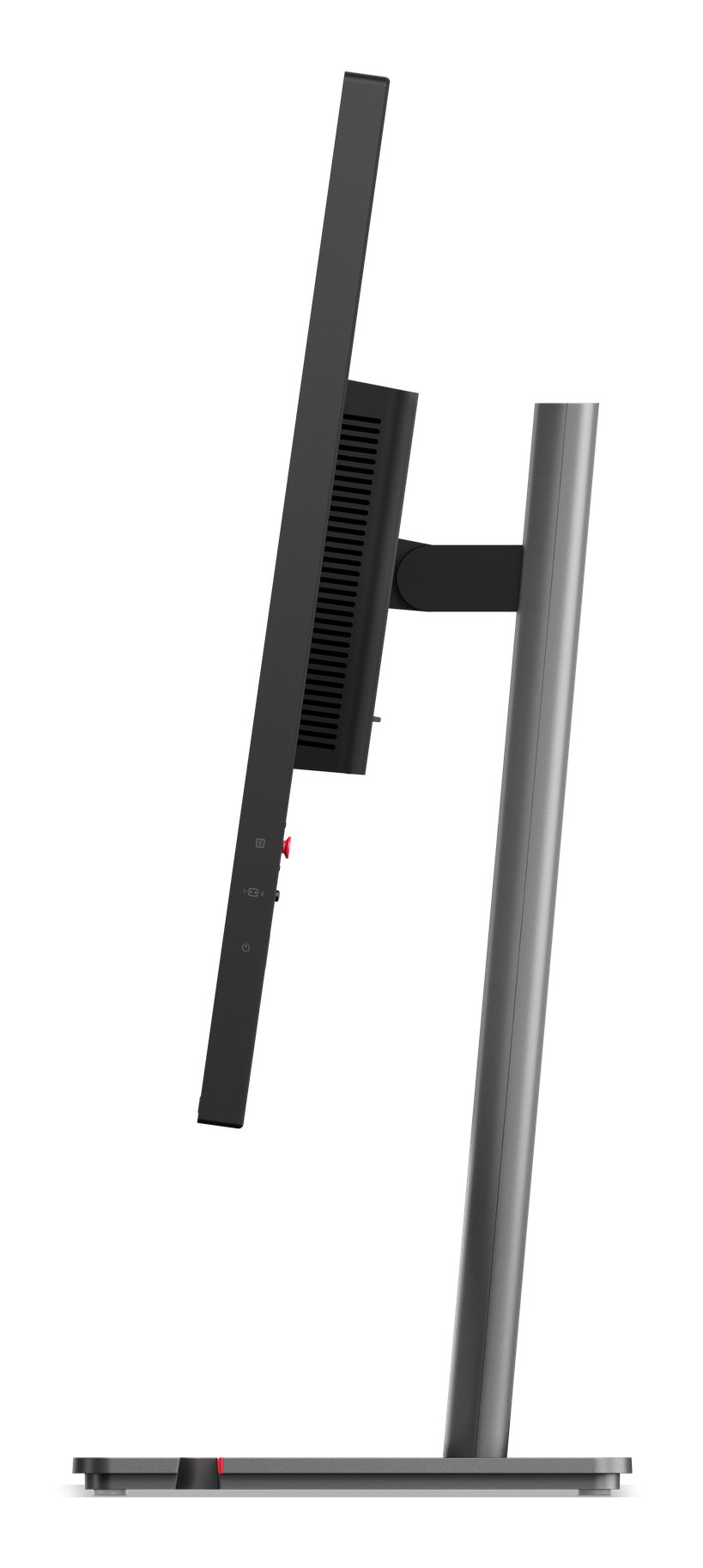
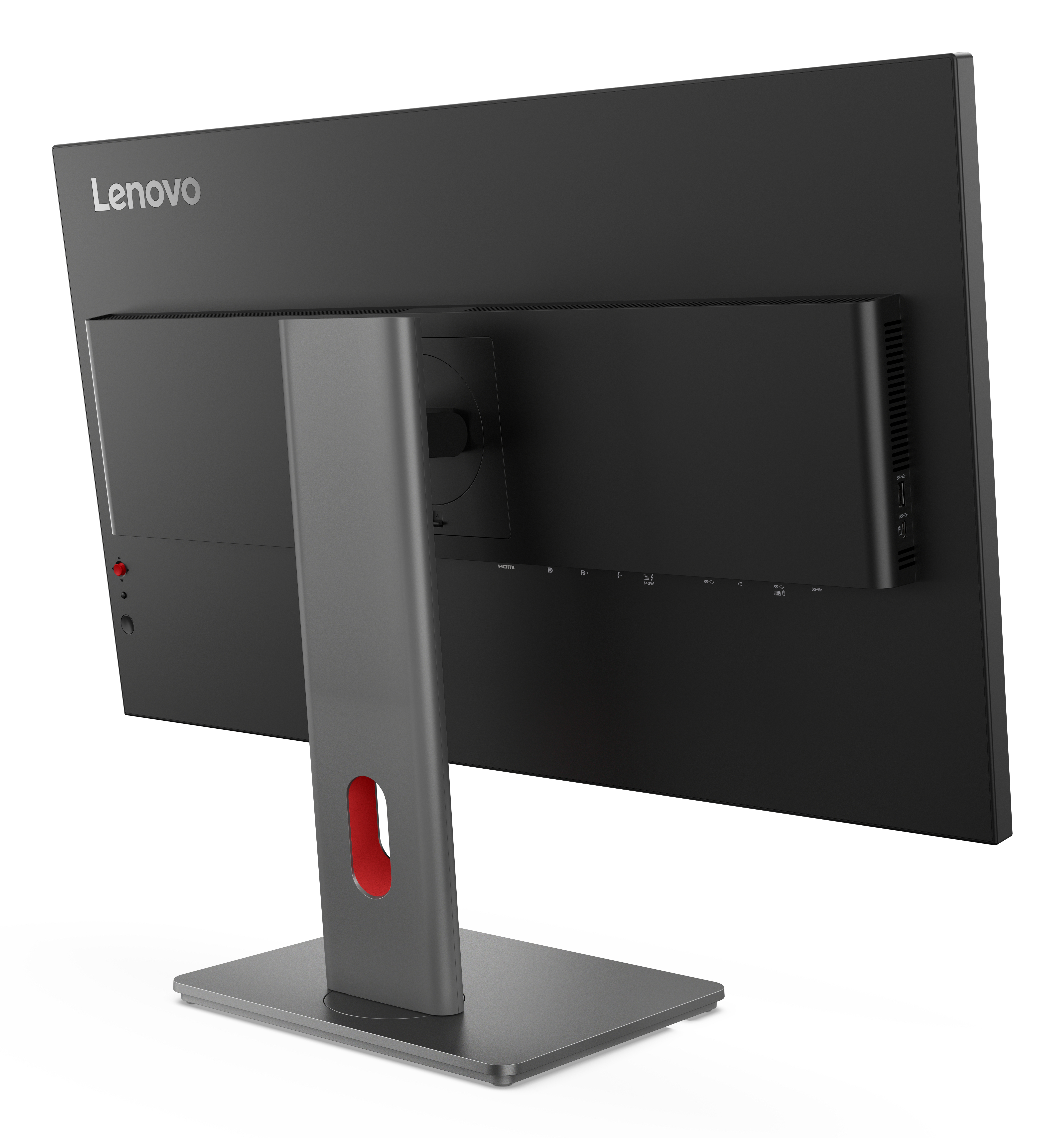
The Lenovo ThinkVision P32UD-40 is one of those “buy it once, buy it for a while” workstation monitors. At £606.60 ex-VAT, it’s not cheap, but it makes sense if you’re doing mixed professional work—design, spreadsheets that actually matter, analytics dashboards, or anything where you want consistent colour and a really workable day-to-day screen. Lenovo’s typically good on stand stability and ergonomics for the money, so it tends to suit users who live in their desk chair all day rather than people who just need a secondary display.
That said, I wouldn’t steer everyone to it. If your main requirement is gaming, you’ll likely find you’re paying for workstation priorities you don’t fully use. And if your office already has decent monitors, the upgrade cost is hard to justify unless your current displays are genuinely limiting (poor colour consistency, not enough real estate, or frequent eye strain). If you’re a business buying for a team and want a “low drama” monitor that professionals can trust, this is a solid choice; if budget is tight or the use case is mostly casual/corporate messaging, you can get similar productivity without spending this level.
Asus
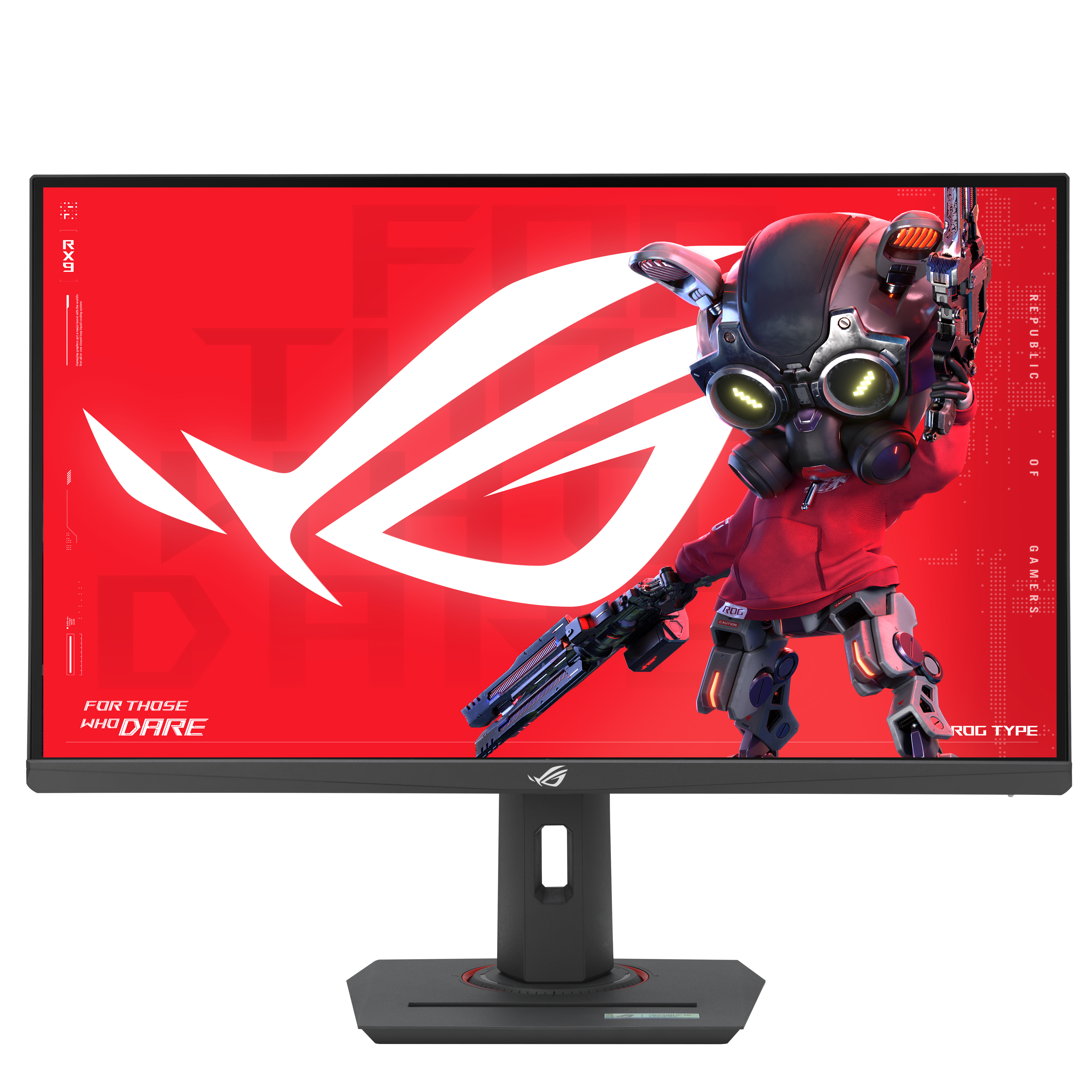
ASUS ROG Strix XG27ACMS - LED monitor - gaming - 27" - 2560 x 1440 QHD @ 320 Hz - Fast IPS - 500 cd/m� - 1000:1 - DisplayHDR 400 - 0.3 ms - HDMI, DisplayPort, USB-C - dark grey

AOC
AOC Gaming 27G4HA - LED monitor - gaming - 27" - 1920 x 1080 Full HD (1080p) @ 200 Hz - Fast IPS - 300 cd/m� - DisplayHDR 400 - 0.5 ms - 2xHDMI, DisplayPort - speakers
Iiyama
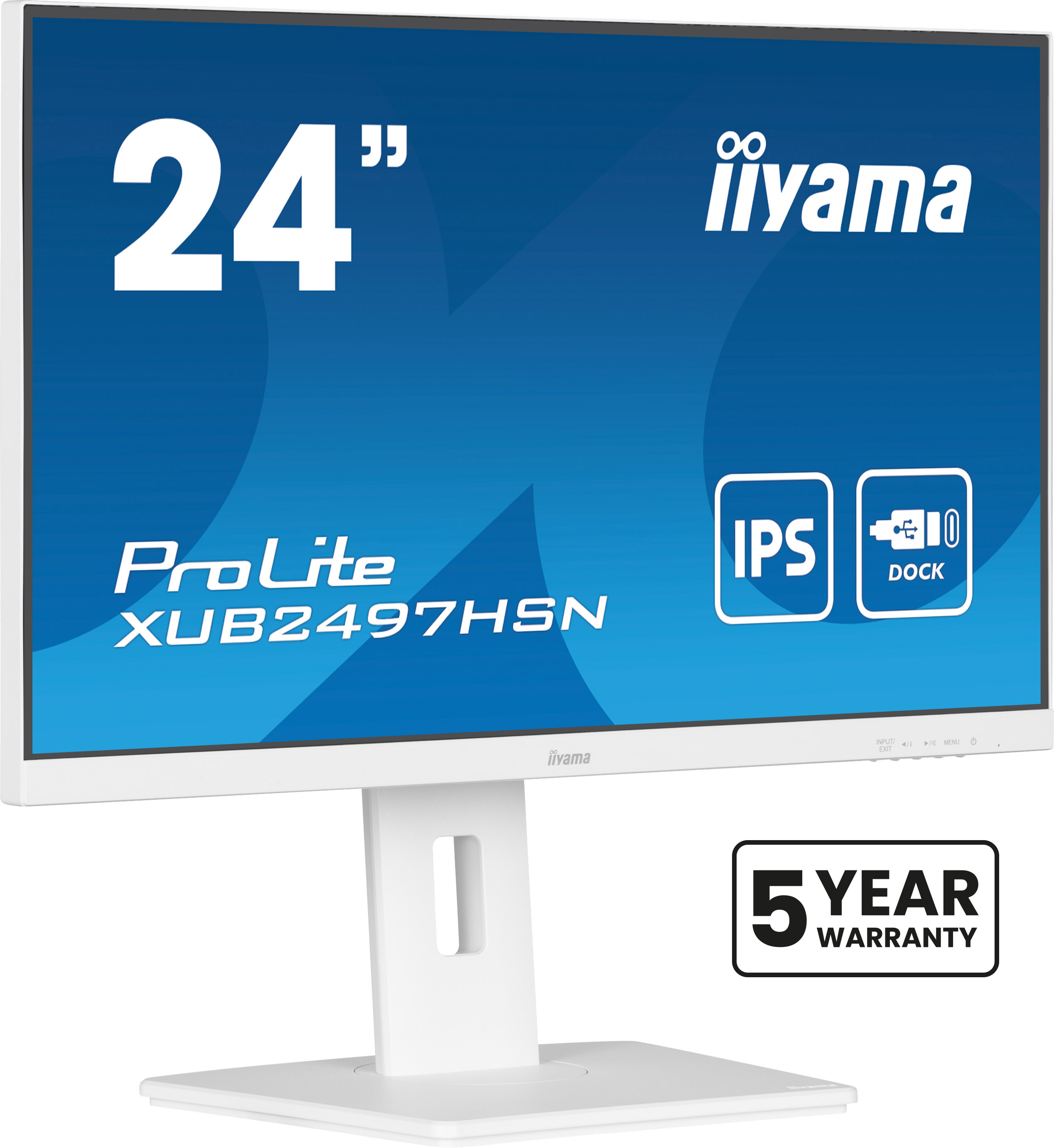
iiyama ProLite XUB2497HSN-W2 - LED monitor - 24" (23.8" viewable) - 1920 x 1080 Full HD (1080p) @ 100 Hz - IPS - 300 cd/m� - 1300:1 - 1 ms - HDMI, DisplayPort, USB-C - speakers - white, matte
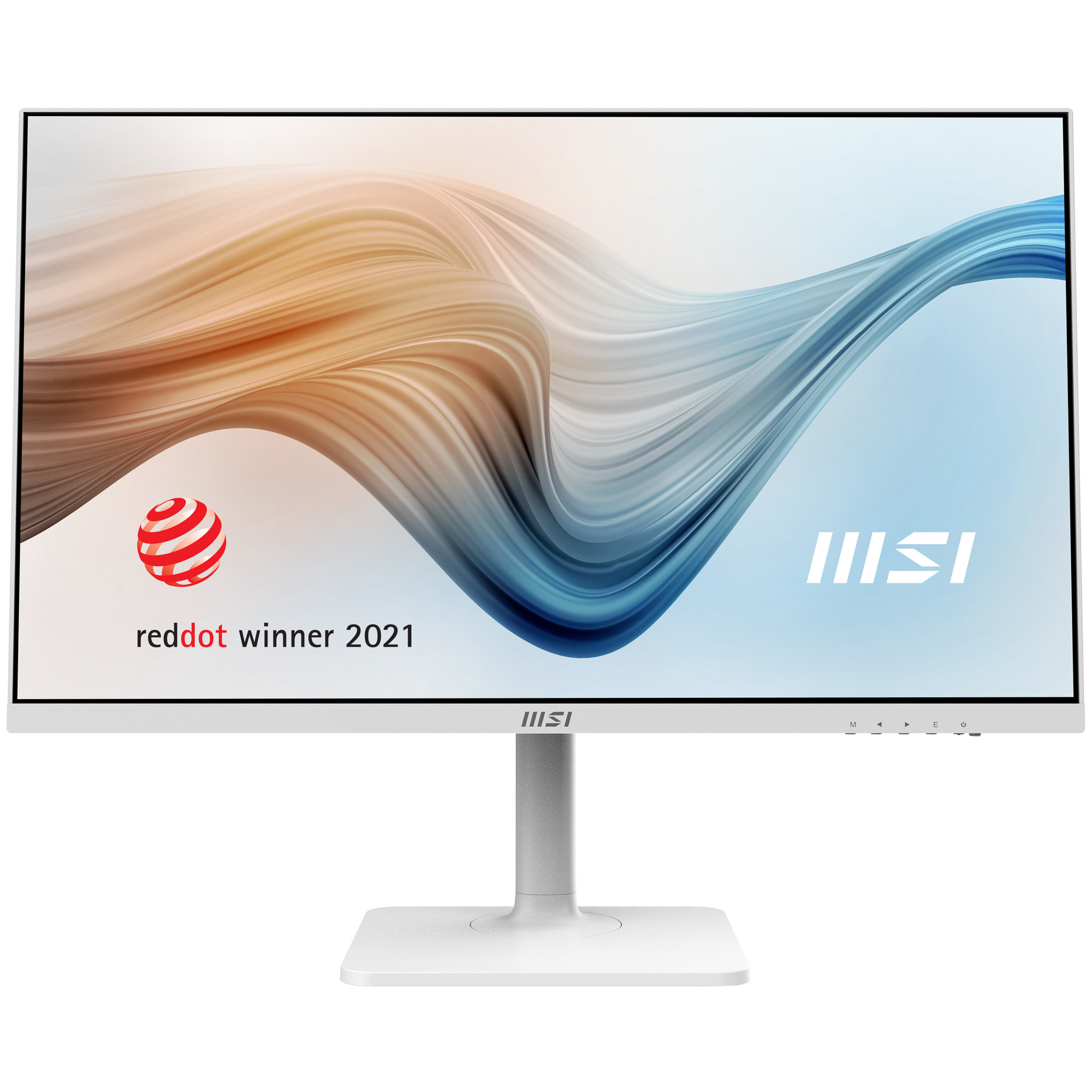
MSI
MSI Modern MD272QXPW - LED monitor - 27" - 2560 x 1440 WQHD @ 100 Hz - IPS - 300 cd/m� - 1000:1 - 1 ms - HDMI, DisplayPort, USB-C - speakers - white