- Cloud Networking
How to Calculate the Total Cost of Ownership for Meraki
28 Mar, 2026
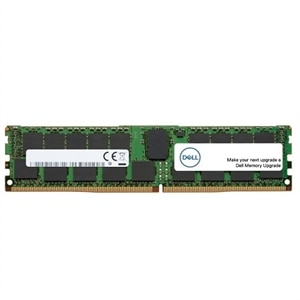
£506.51 inc. VAT
AI-generated summary
Honestly, this looks like a “safe but pricey” server-grade RAM buy. The Dell-branded 16GB ECC DDR4 module is exactly the sort of thing you buy when you want stability with a specific Dell server and you don’t want to play compatibility roulette. For businesses running mixed workloads and caring about predictable uptime, this is the right kind of memory—ECC matters, and the fact it’s a single matched module is useful when you’re upgrading gradually rather than doing a full overhaul.
That said, £422.09 ex-VAT for just one 16GB stick is hard to justify unless you’re forced into it by your server model/part-number expectations or you’re buying through a Dell ecosystem where “works first time” is worth paying for. If you’re speccing a larger memory upgrade (e.g., adding multiple DIMMs), you’ll usually get better value by sourcing the right capacity in bulk or buying a more cost-effective equivalent—assuming your server will support it. If you tell me your server model and what you’re replacing/adding to, I can give you a more grounded “buy vs don’t bother” based on how upgrade pricing usually shakes out in the real world.
Kingston
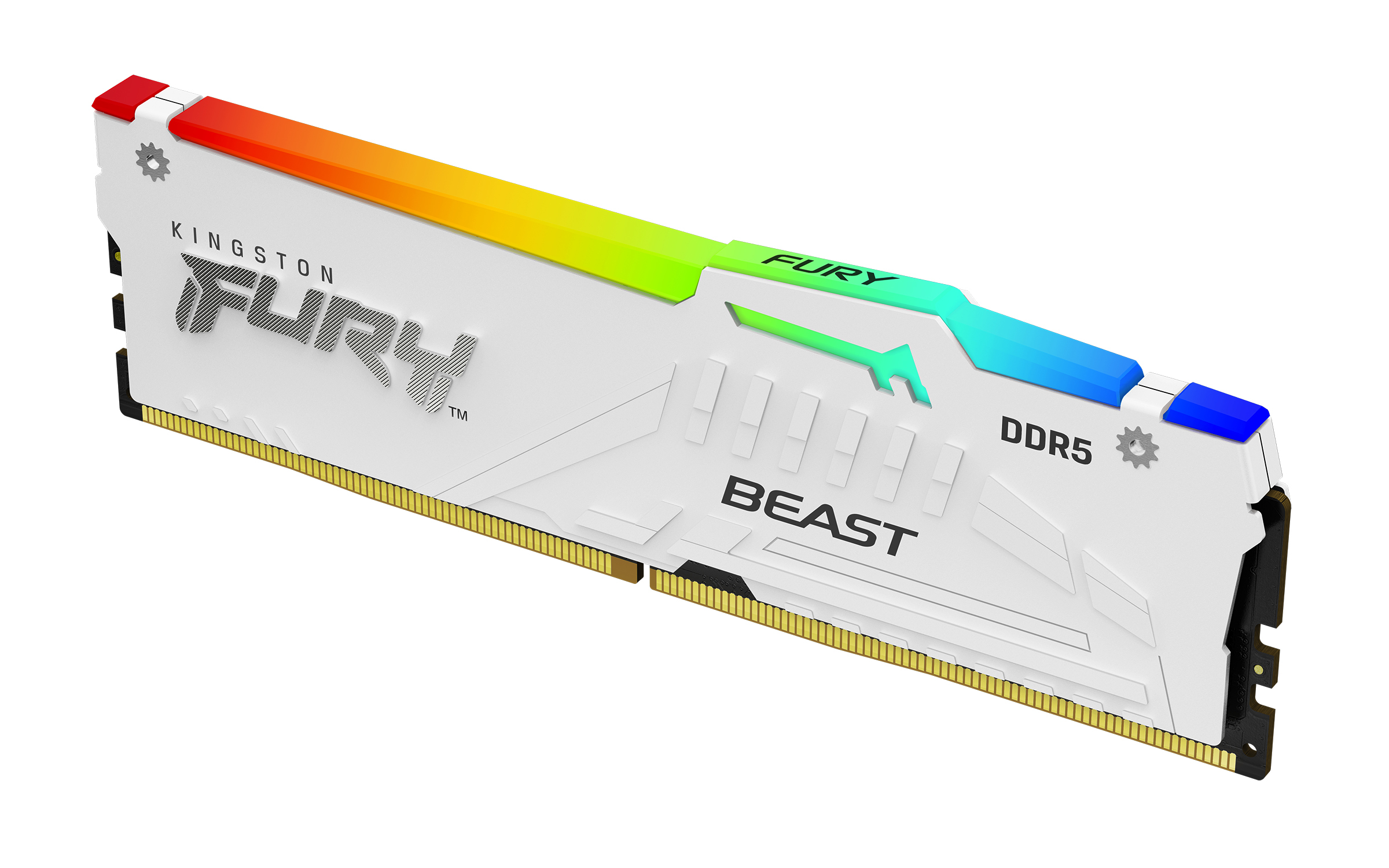
Kingston FURY Beast RGB - DDR5 - module - 32 GB - DIMM 288-pin - 5200 MT/s / PC5-41600 - CL40 - 1.25 V - unbuffered - on-die ECC - white
Kingston
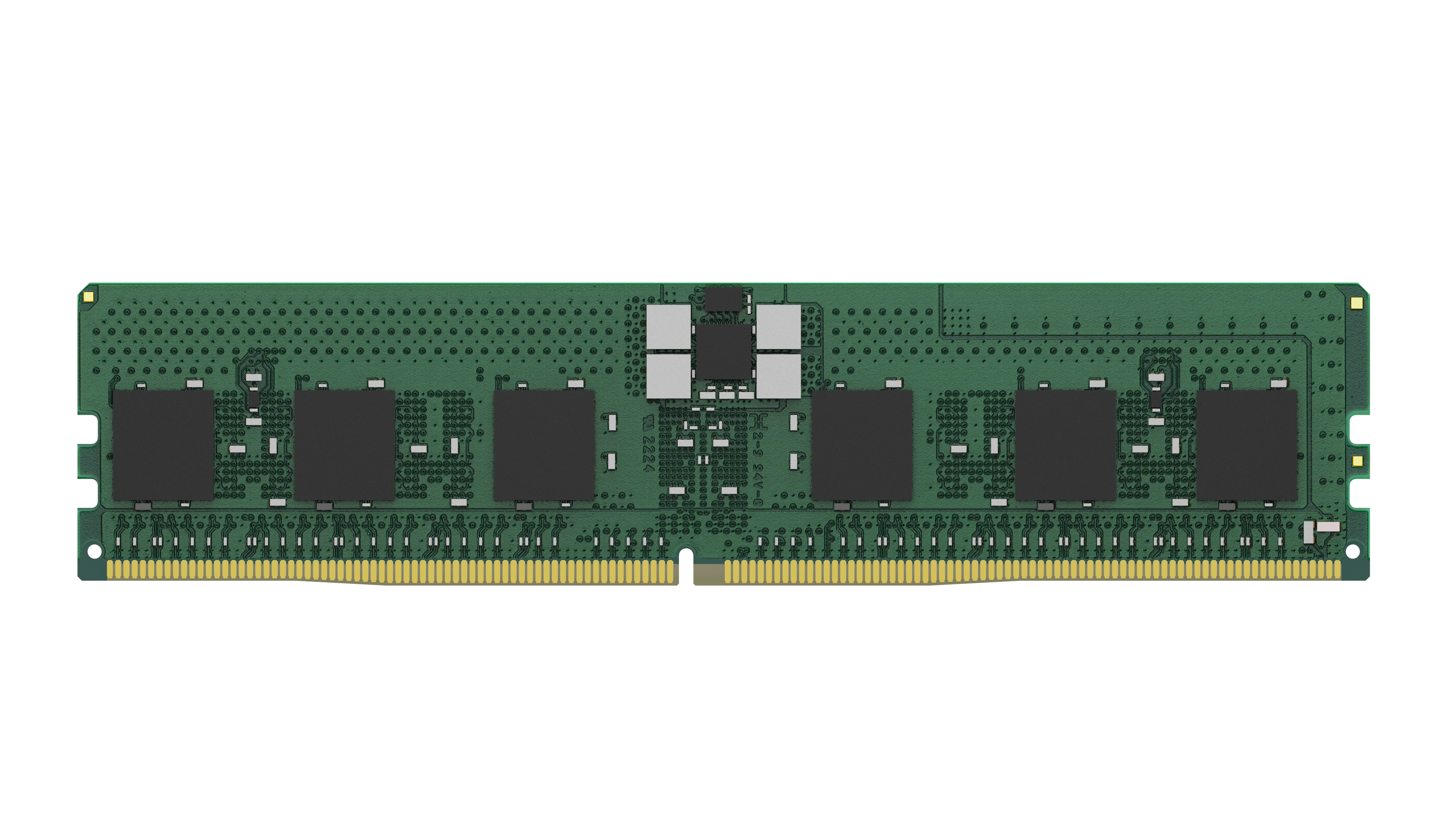
Kingston Server Premier - DDR5 - module - 16 GB - DIMM 288-pin - 6400 MT/s - CL52 - 1.1 V - registered - ECC
Kingston
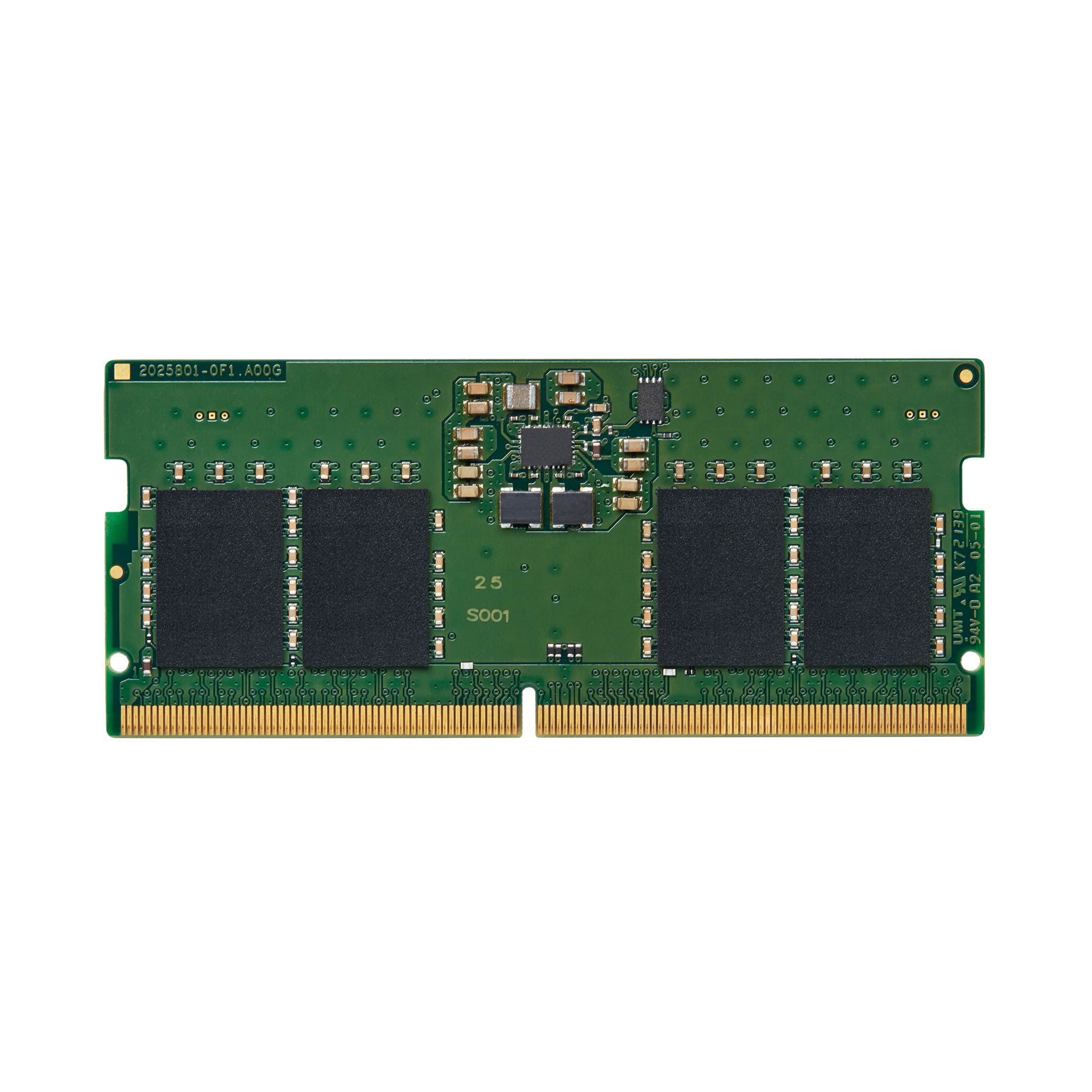
Kingston ValueRAM - DDR5 - module - 8 GB - SO-DIMM 262-pin - 5600 MT/s / PC5-44800 - CL46 - 1.1 V - unbuffered - on-die ECC
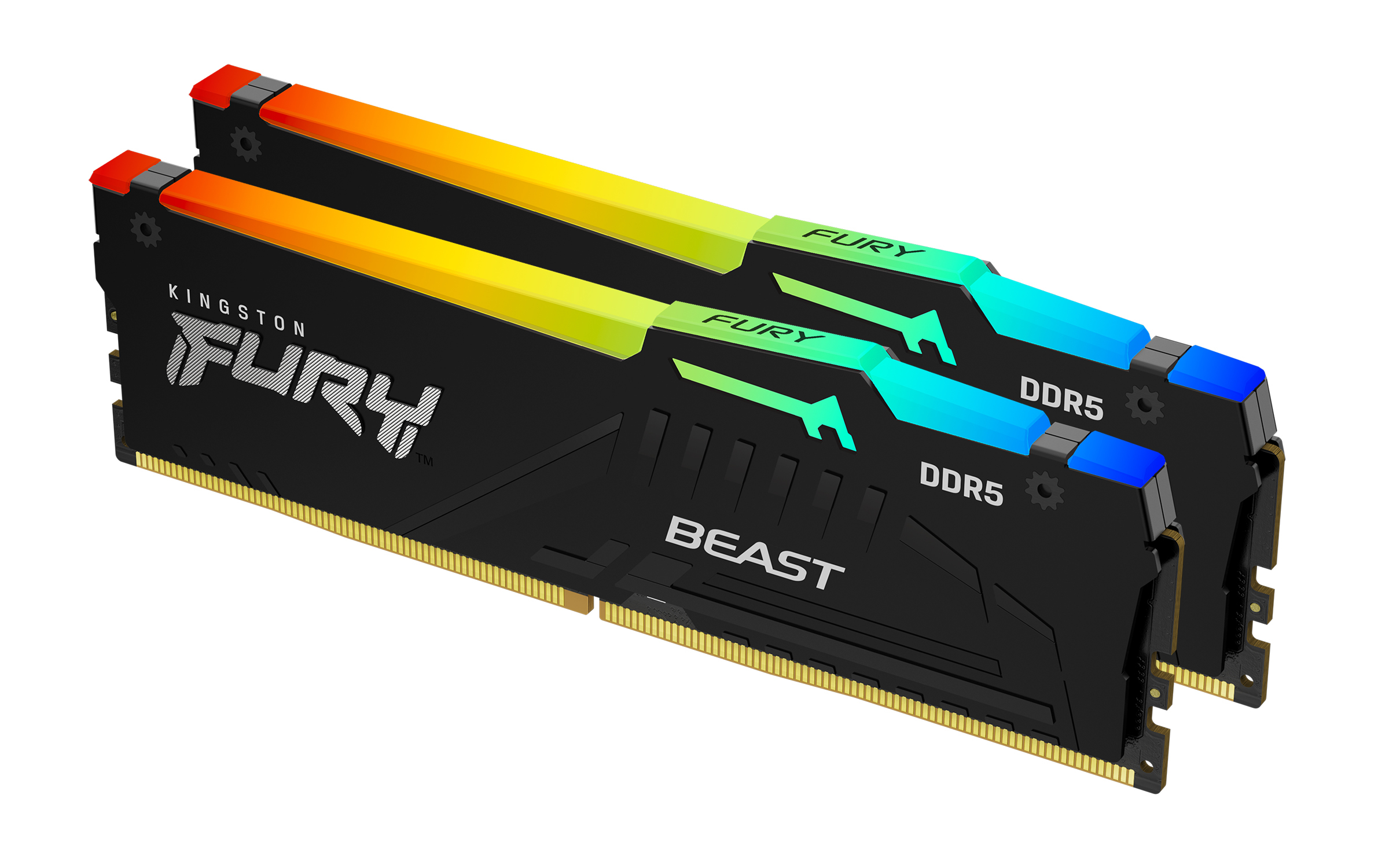
Kingston
Kingston FURY Beast RGB - DDR5 - kit - 64 GB: 2 x 32 GB - DIMM 288-pin - 5600 MT/s / PC5-44800 - CL36 - 1.25 V - unbuffered - on-die ECC