- Azure Cloud
Microsoft Copilot Free vs Business: Which Does Your Organisation Actually Need?
18 Mar, 2026
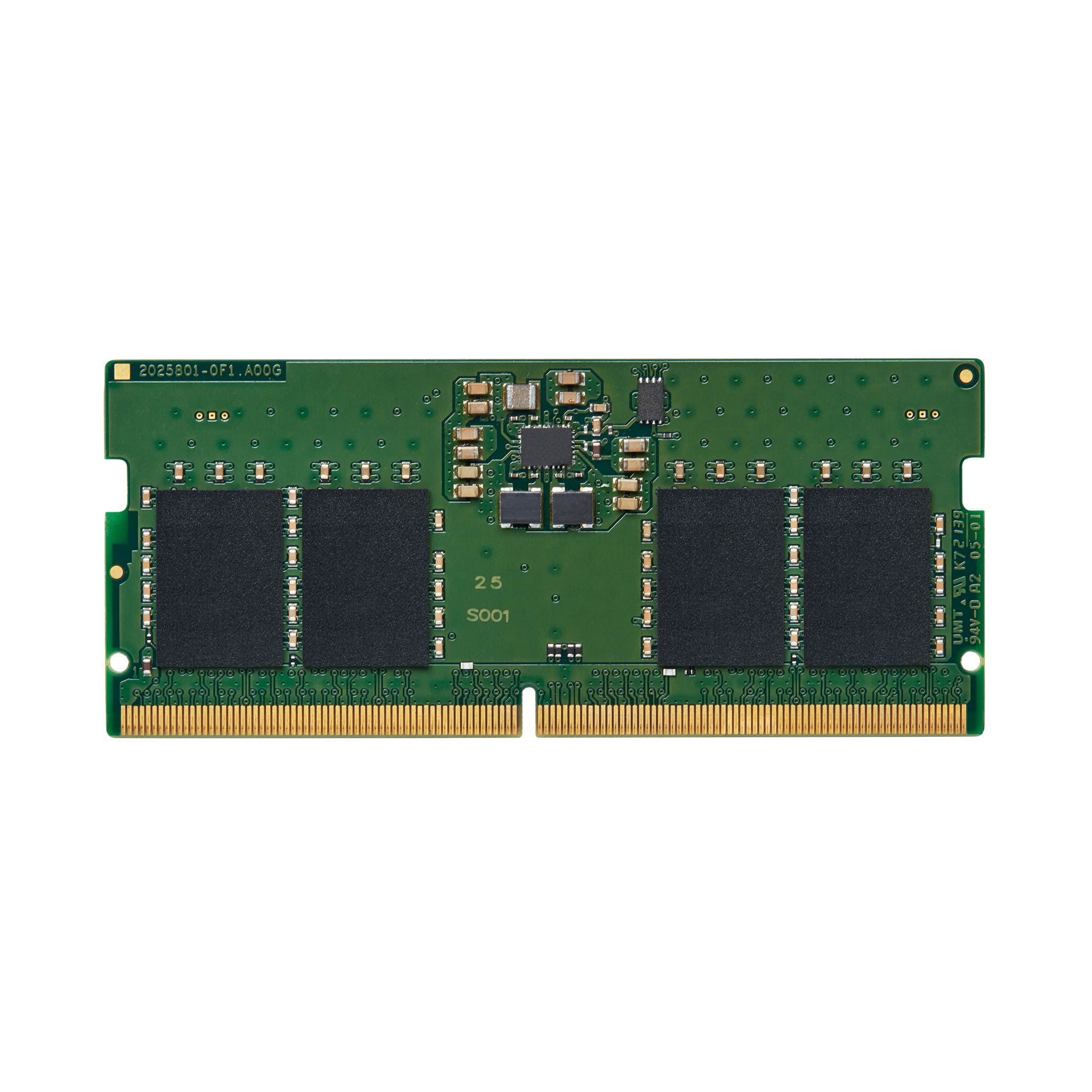
£142.55 inc. VAT
AI-generated summary
Kingston’s ValueRAM DDR5 SO-DIMM is the kind of boring, dependable upgrade that’s usually the right call for UK businesses—especially when you just need your laptop/mini PC to stop being slow or to standardise builds without gambling on “budget” compatibility. At £107.33 ex‑VAT for 8GB, it’s priced more like a practical replacement module than a bargain-basement experiment, and Kingston tends to be relatively low-drama in IT environments: it boots cleanly, behaves predictably under normal workloads, and you’re not often fighting weird stability issues months later.
Who should buy: office/remote workers upgrading an older DDR5-capable machine, teams standardising spares, or anyone topping up a single SO-DIMM slot where you’re not chasing maximum performance—think web apps, VDI clients, Microsoft 365, light dev/test, and general admin. Who should *not* bother: if you’re buying for new performance gains, 8GB is usually the ceiling you’ll feel quickly; you’d typically be better off targeting a larger total memory plan (or a matched kit if you can). Also, if your device has picky BIOS behaviour, “Value” ranges can still work fine, but it’s worth confirming the exact model supports DDR5 speeds at that rating before you waste time on returns.
Kingston
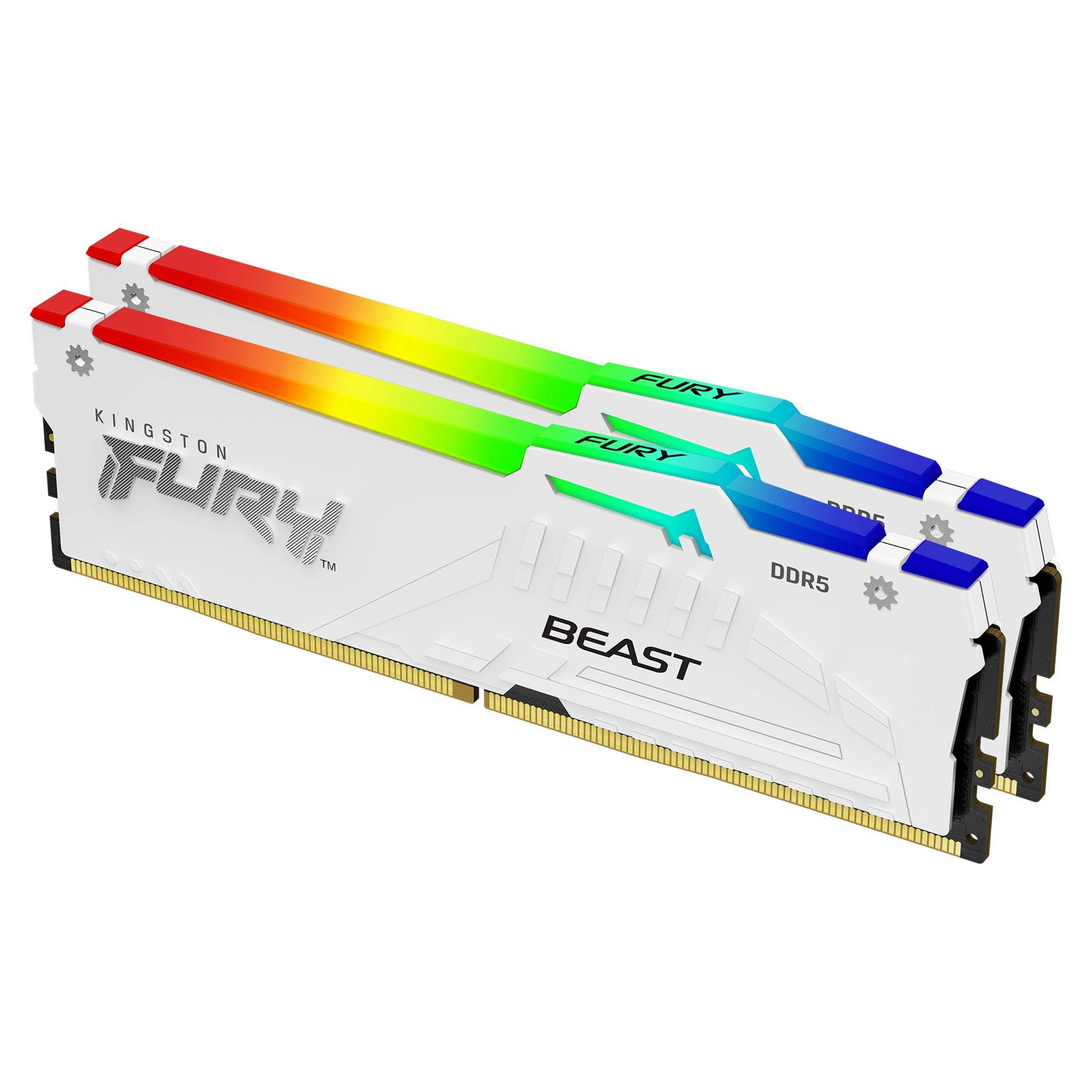
Kingston FURY Beast RGB - DDR5 - kit - 64 GB: 2 x 32 GB - DIMM 288-pin - 5600 MT/s / PC5-44800 - CL36 - 1.25 V - unbuffered - on-die ECC - white
Kingston
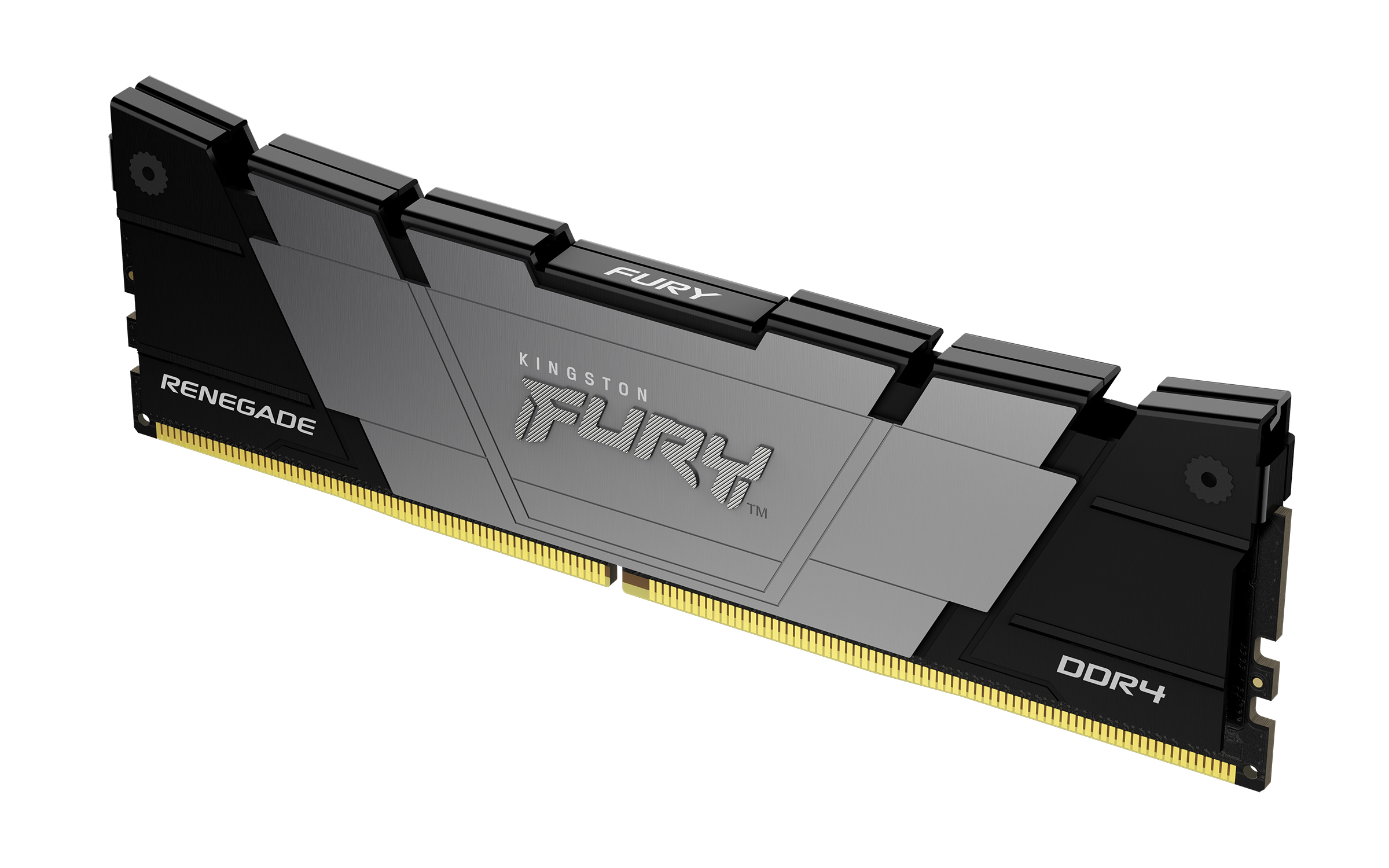
Kingston FURY Renegade - DDR4 - module - 16 GB - DIMM 288-pin - 3200 MT/s / PC4-25600 - CL16 - 1.2 V - unbuffered - non-ECC - black
Kingston
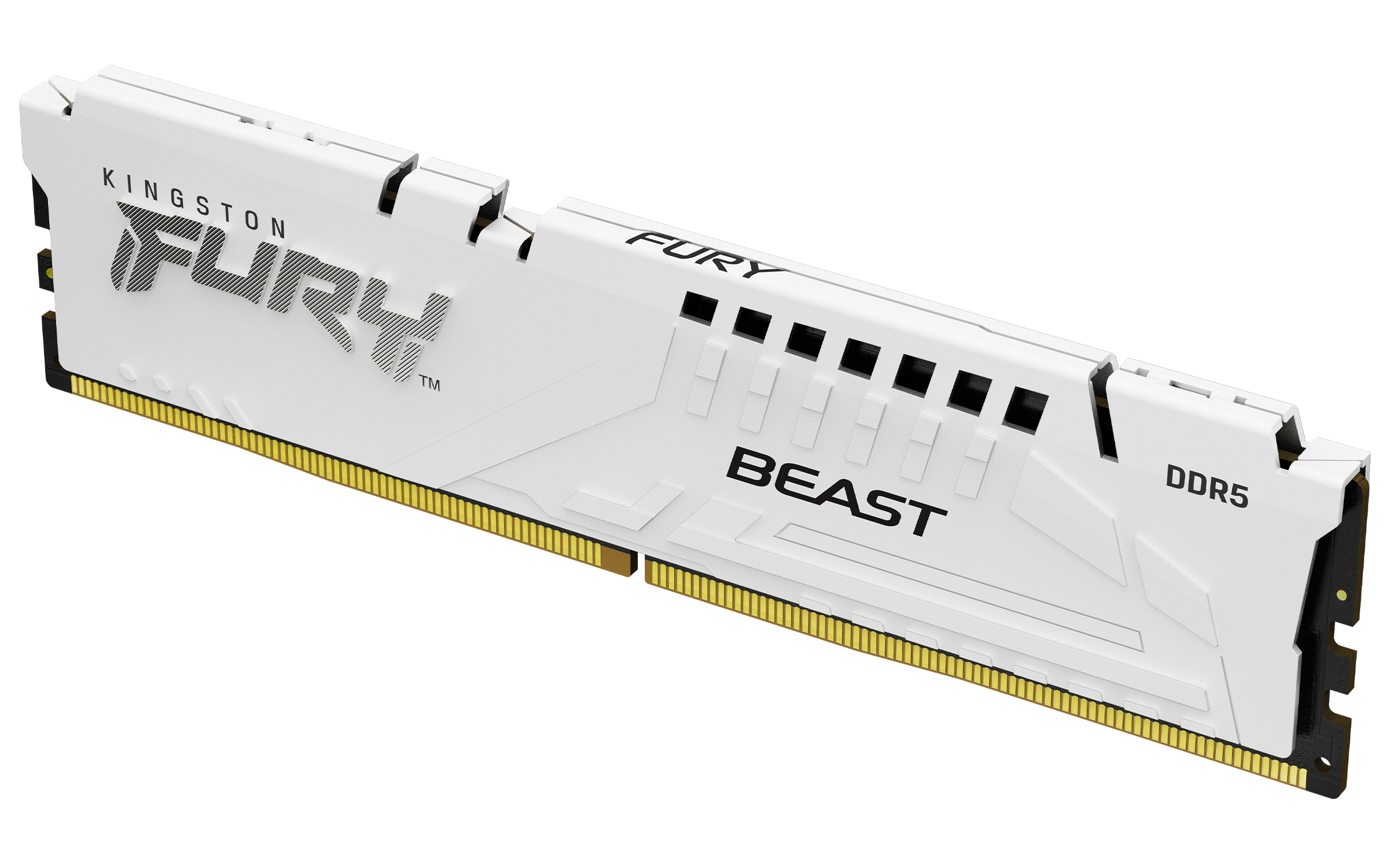
Kingston FURY Beast - DDR5 - module - 32 GB - DIMM 288-pin - 5200 MT/s / PC5-41600 - CL40 - 1.25 V - unbuffered - on-die ECC - white
Kingston
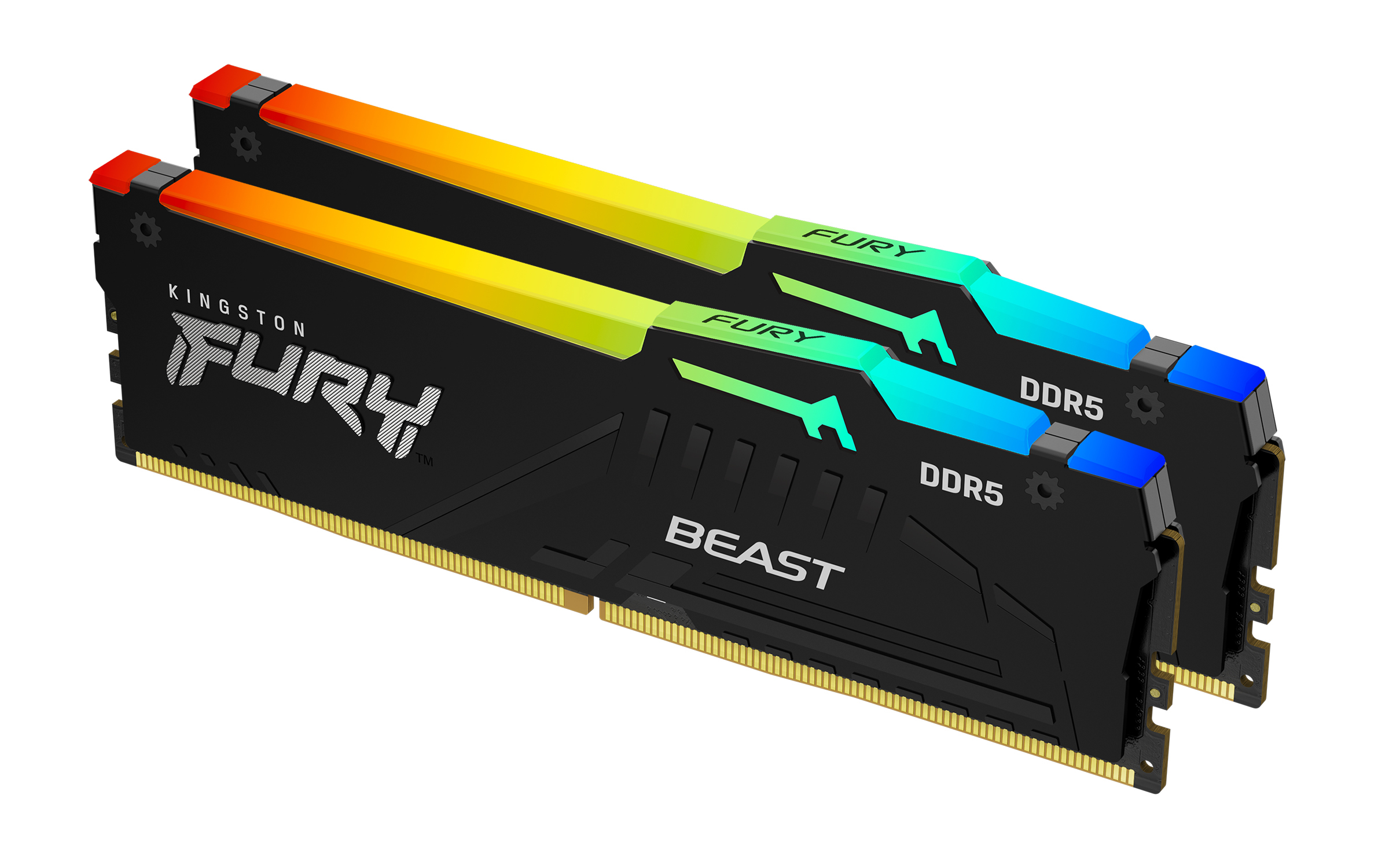
Kingston FURY Beast RGB - DDR5 - kit - 64 GB: 2 x 32 GB - DIMM 288-pin - 2800 MHz / PC5-44800 - CL40 - 1.25 V - unbuffered - on-die ECC - black