- IT Office Moves
IT Requirements for Moving to a Flexible Workspace
18 Mar, 2026

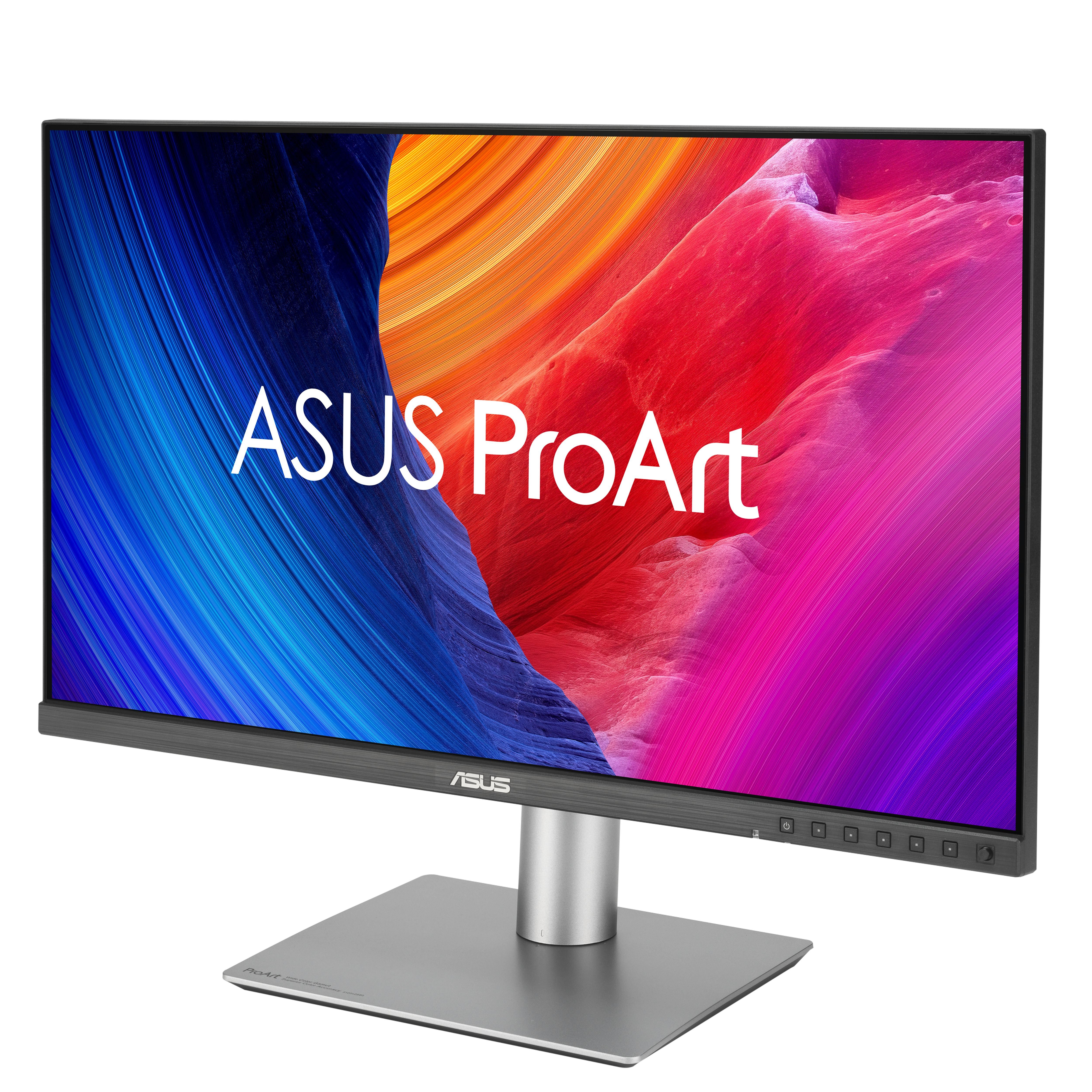
£1507.60 inc. VAT
AI-generated summary
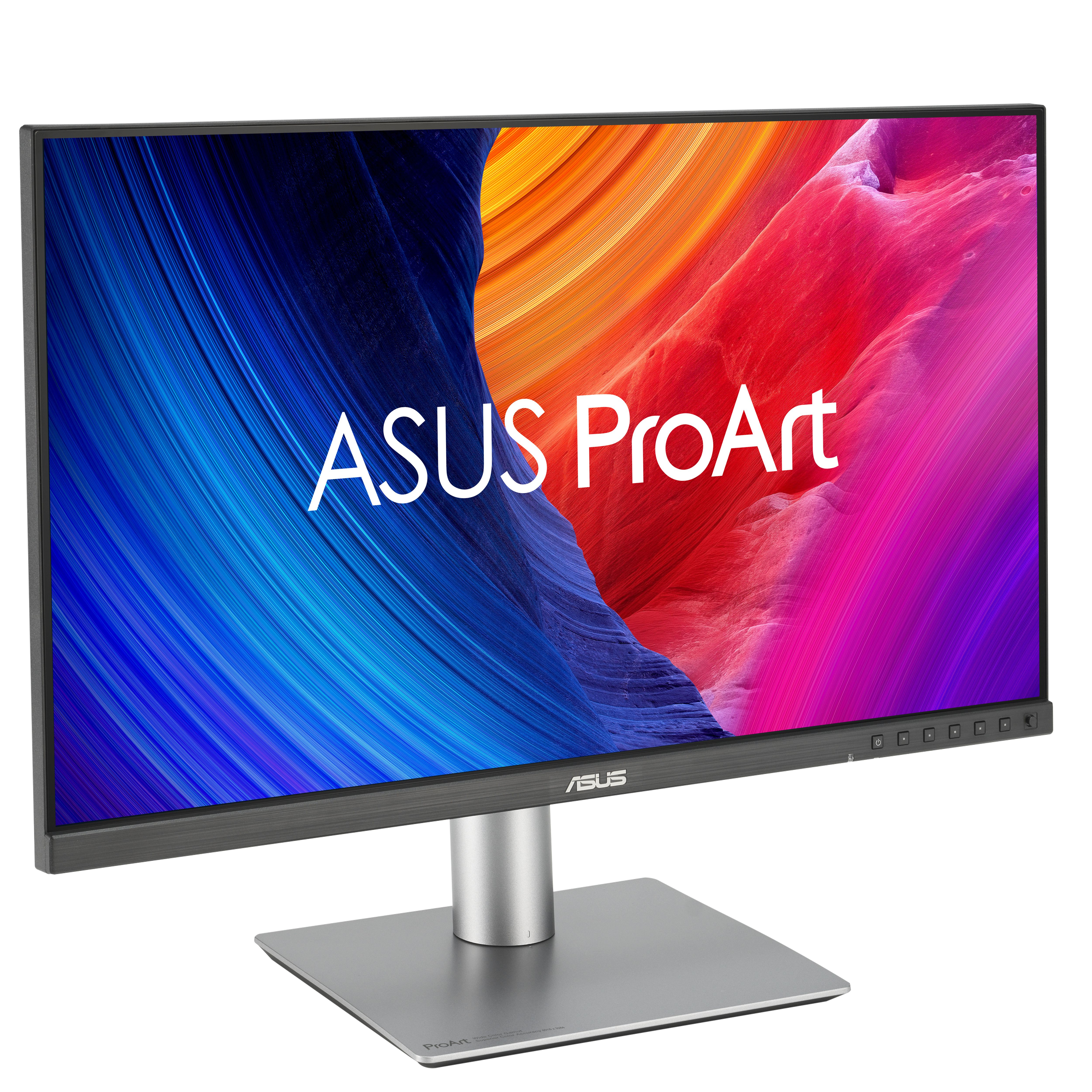
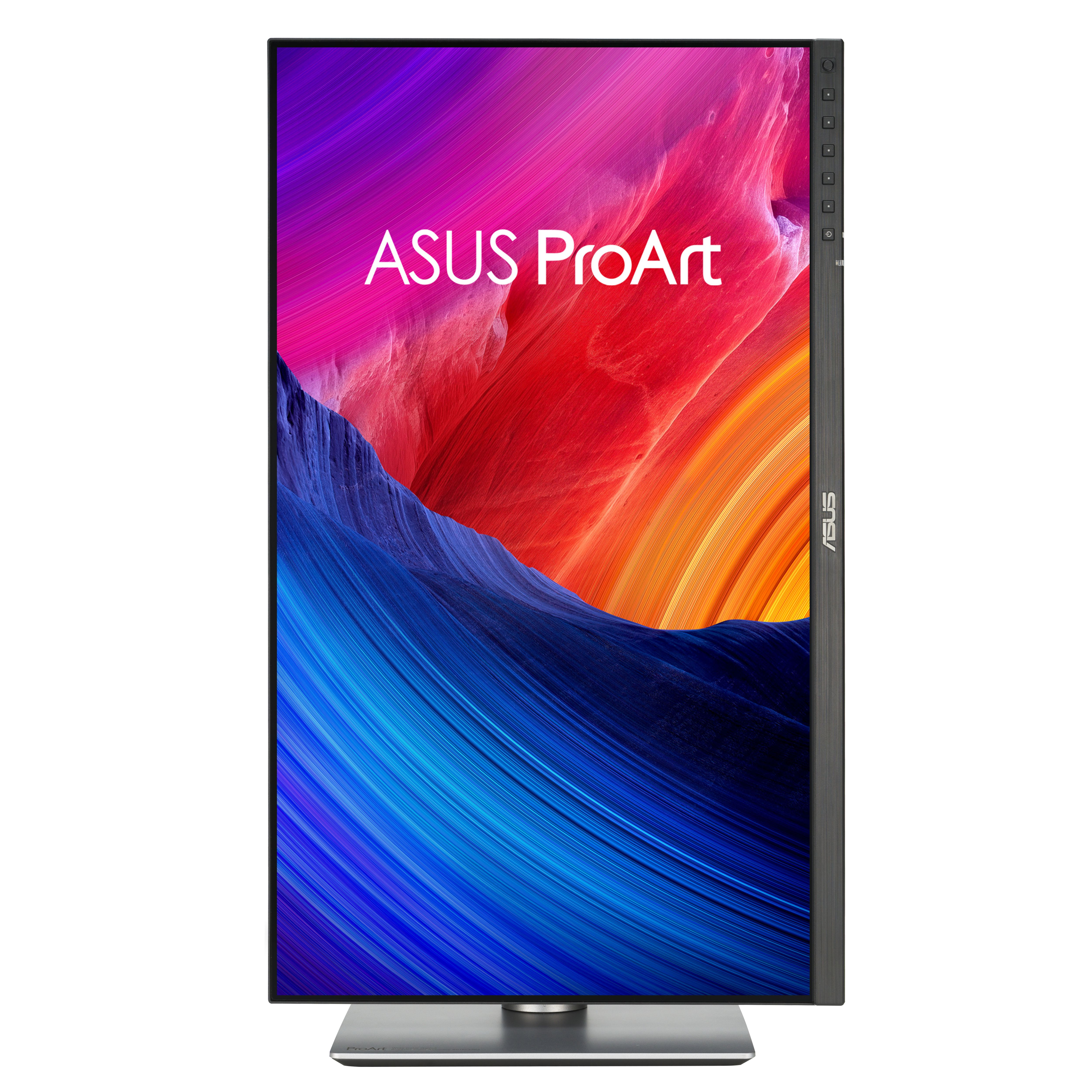
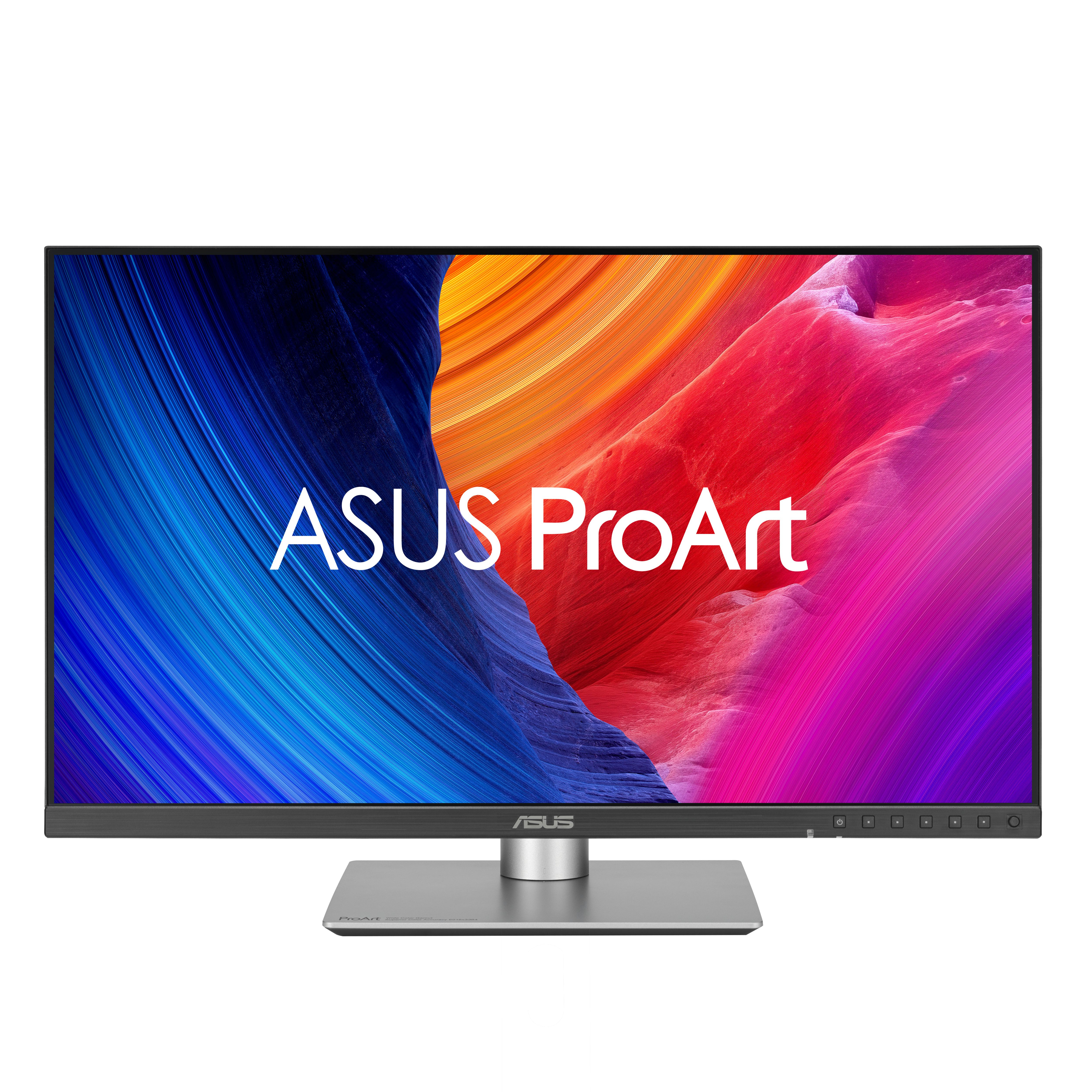
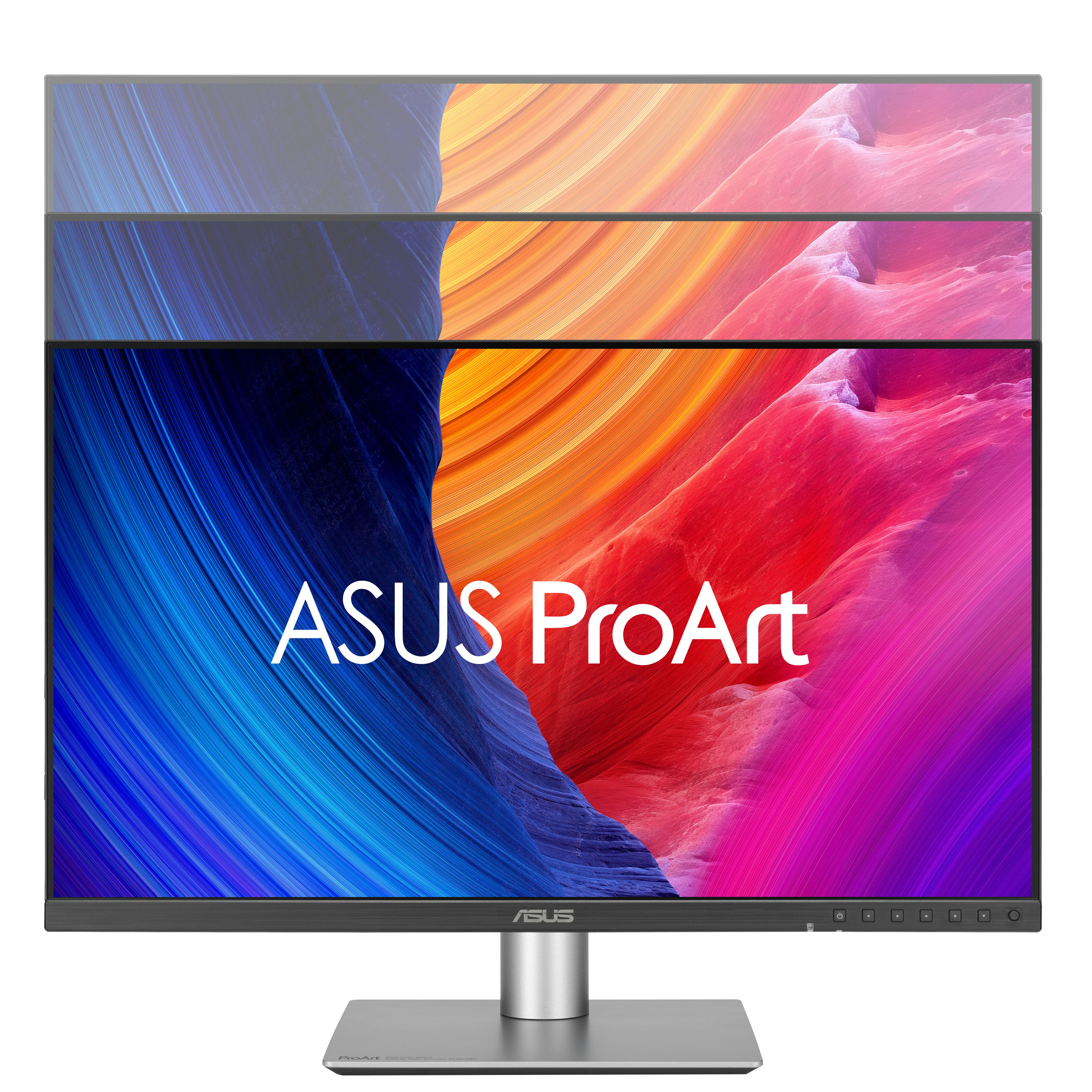
The ASUS ProArt PA32QCV is the kind of monitor you buy when you’re genuinely doing colour-critical work and you want it to look right without fiddling every day. ProArt screens tend to be calibrated-friendly and consistent, and this one makes a lot of sense for designers, photographers, video editors, and agencies where output quality matters more than chasing the cheapest spec sheet. If you’re also living in a big canvas all day, the extra desktop real estate helps: fewer compromises, less “zooming around,” and generally a calmer workflow.
That said, £1,256 ex-VAT is a big ask, and it’s not a great choice if you mainly do office work, light admin, or occasional media consumption—there are far better value options at that budget. Also think hard about your GPU/connection situation: a 6K-class display needs a capable setup to drive it smoothly, otherwise you’ll end up spending money without fully enjoying it. If you’re buying it for production and you have the hardware + workflow to match, it’s a solid, grown-up ProArt pick. If you don’t, you’ll probably be better served by a cheaper 4K/5K alternative and put the saved cash into calibration tools, faster storage, or a better laptop/PC.

Asus
ASUS VY229Q - LED monitor - 22" - 1920 x 1080 Full HD (1080p) @ 75 Hz - IPS - 250 cd/m� - 1000:1 - 1 ms - HDMI, DisplayPort - headset / speaker(s) - black
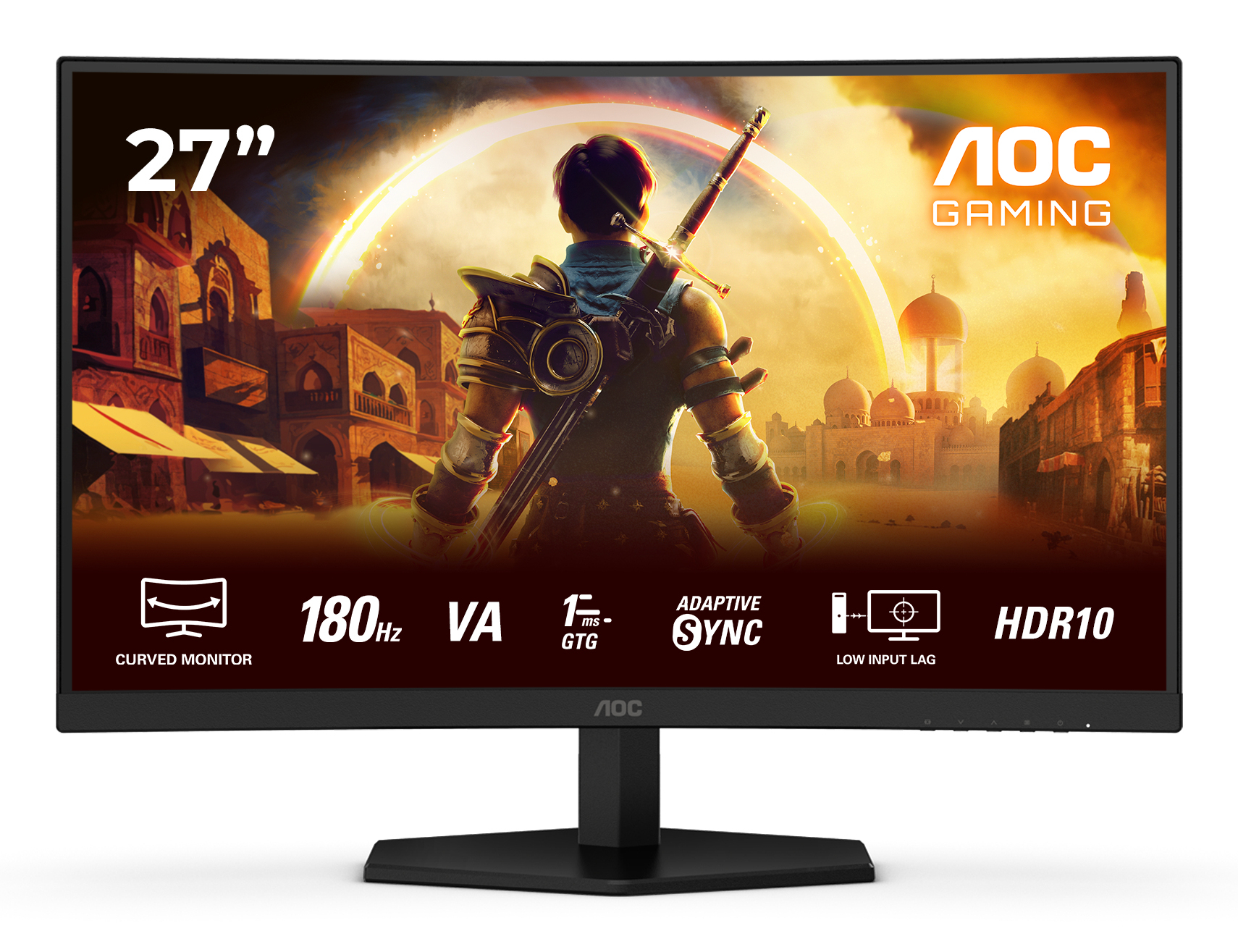
AOC
AOC Gaming C27G42E - LED monitor - gaming - curved - 27" - 1920 x 1080 Full HD (1080p) @ 180 Hz - Fast VA - 300 cd/m� - 3000:1 - HDR10 - 0.5 ms - 2xHDMI, DisplayPort - speakers - black, red
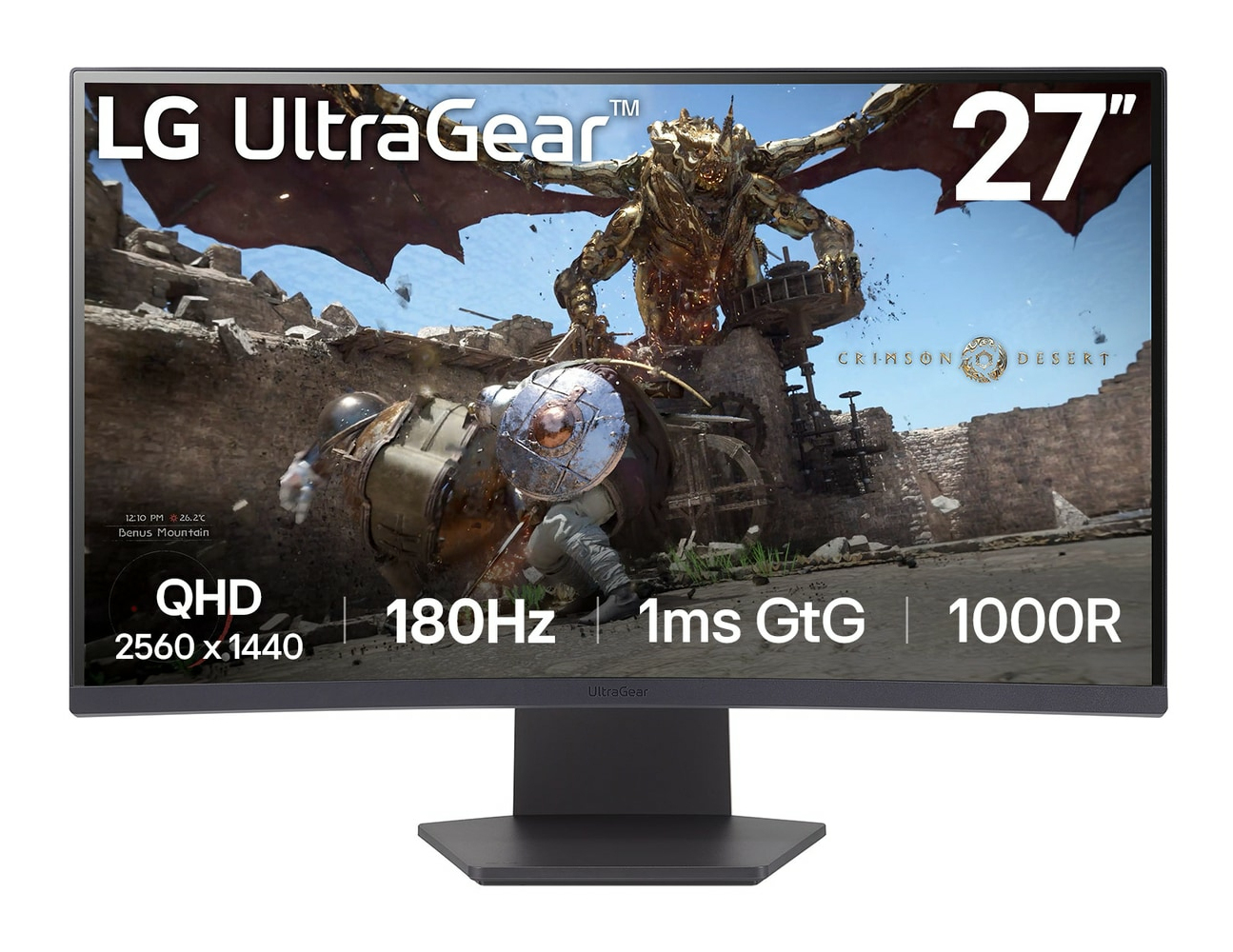
LG Electronics
LG UltraGear 27GS60QC-B - LED monitor - gaming - curved - 27" - 2560 x 1440 QHD @ 180 Hz - VA - 300 cd/m� - 3000:1 - HDR10 - 1 ms - 2xHDMI, DisplayPort - purple, dark grey
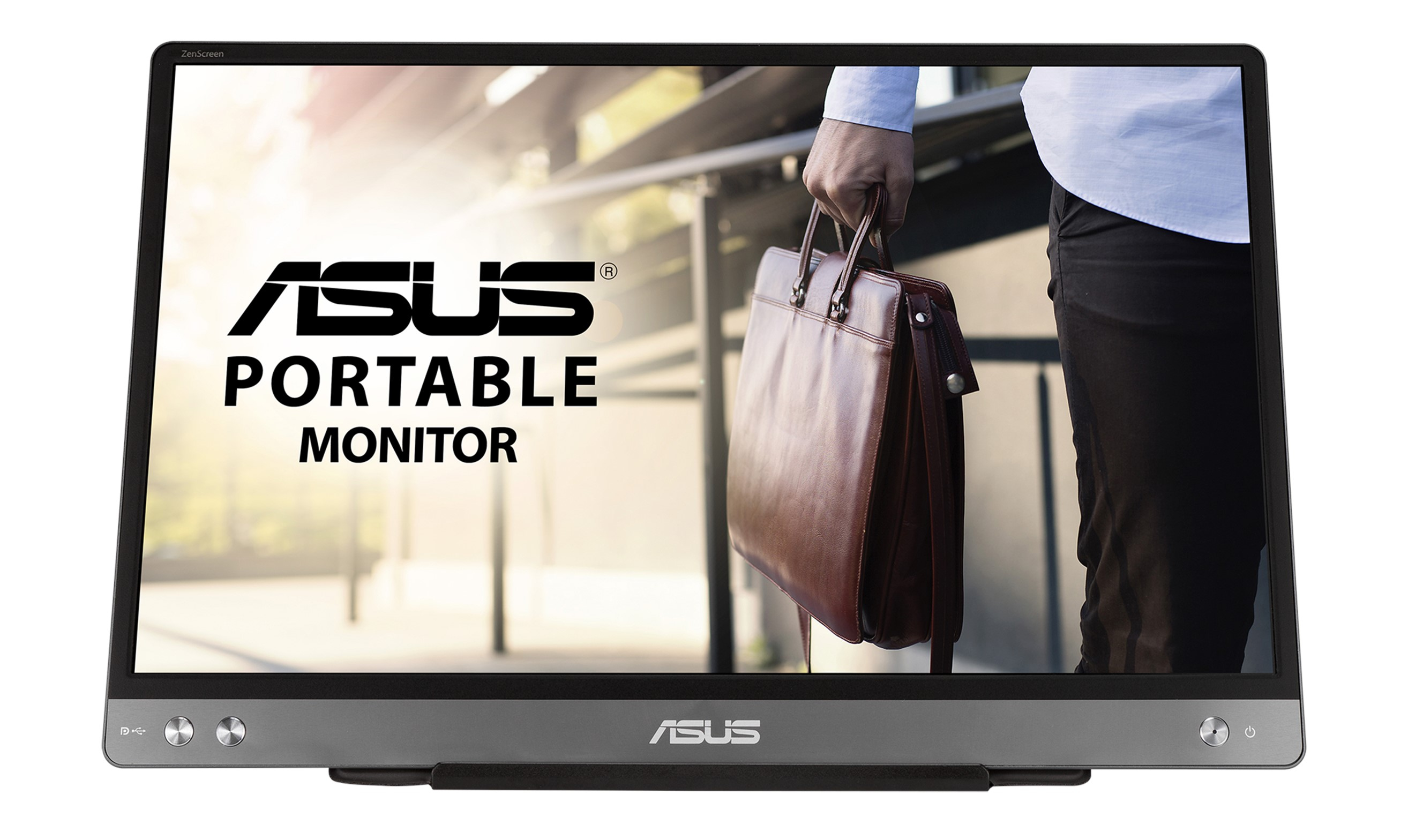
Asus
ASUS ZenScreen MB14AC - LED monitor - 14" - portable - 1920 x 1080 Full HD (1080p) - IPS - 250 cd/m� - 5 ms - USB-C - dark grey