- Cloud Email
How to Set Up Conditional Access Policies in Microsoft 365
27 Oct, 2025


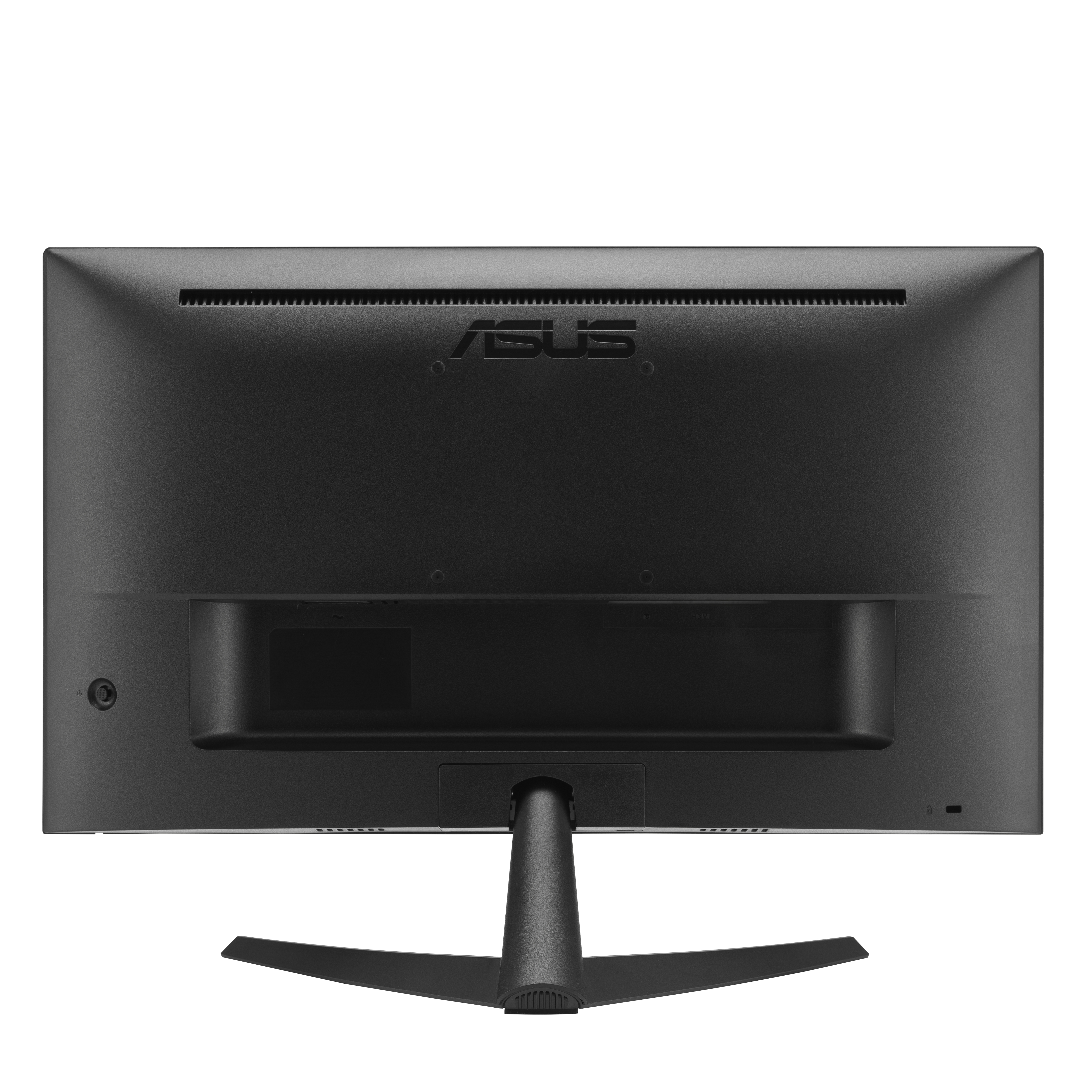

£158.82 inc. VAT
AI-generated summary
For £132 ex-VAT, the ASUS VY229Q is the kind of sensible “get the job done” monitor you buy for day-to-day office work—spreadsheets, email, light browsing, and general admin. At 21.4" and Full HD, it’s fine for a desktop setup where screen real estate isn’t critical and you don’t need fancy colour performance. ASUS usually keeps the basics solid, so this is a good option for a small deployment where you want something reliable without paying for premium panels or extras.
That said, I wouldn’t push it for anyone doing design work, lots of video editing, or colour-sensitive tasks, and it’s also not the choice if you want a very “future-proof” upgrade path—this class of monitor tops out quickly once users expect higher resolution, wider viewing angles, or smoother motion. If you’re equipping staff on a tight budget and want a straightforward second/third monitor that won’t cause daily complaints, it’s a decent buy. If your team cares about visual quality or long working hours, you’ll likely feel happier spending a bit more on a better panel.
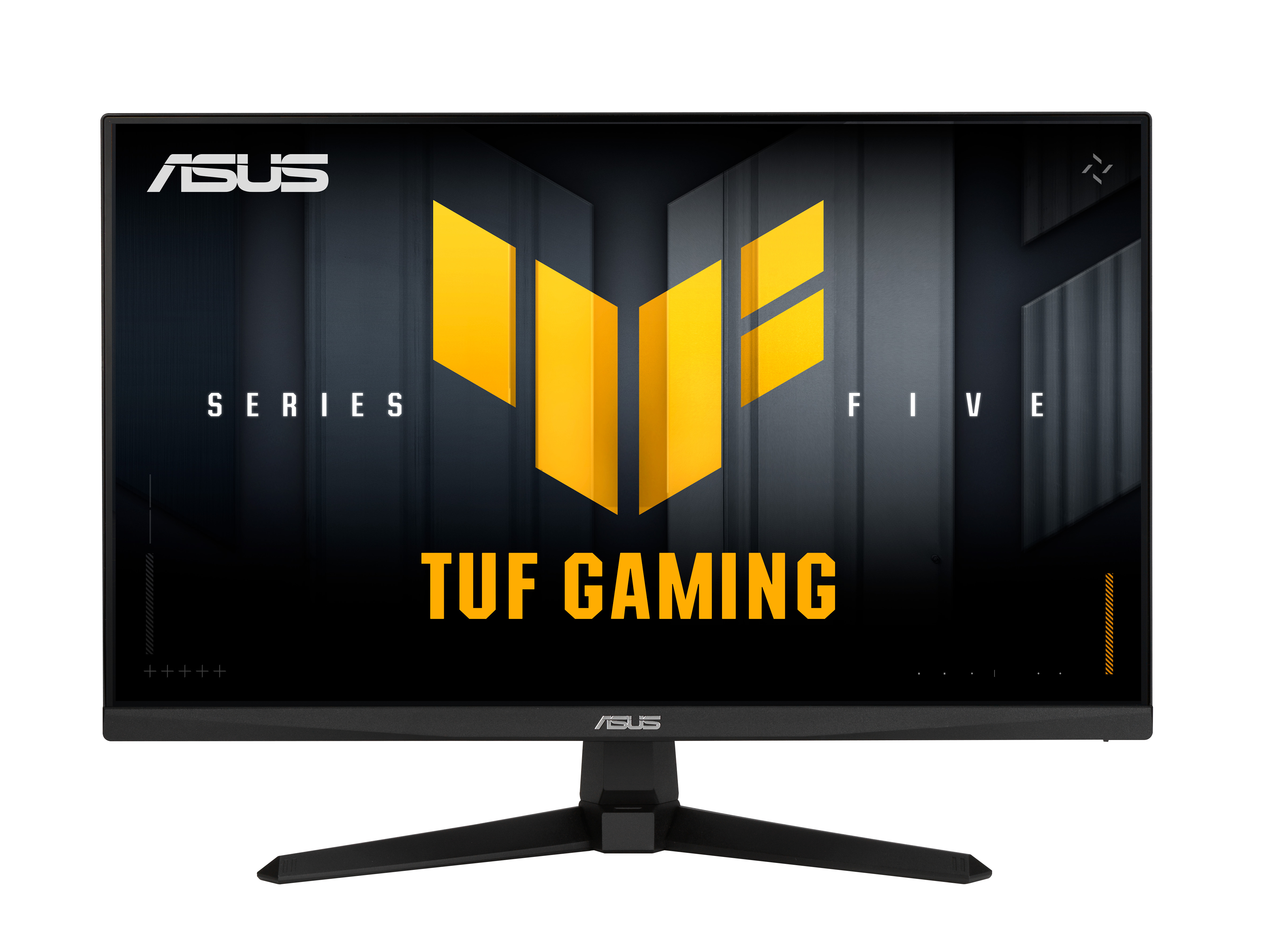
Asus
ASUS TUF Gaming VG259QMR5A - LED monitor - gaming - 25" (24.5" viewable) - 1920 x 1080 Full HD (1080p) @ 310 Hz - IPS - 300 cd/m� - 1000:1 - DisplayHDR 400 - 1 ms - 2xHDMI, DisplayPort - speakers - black
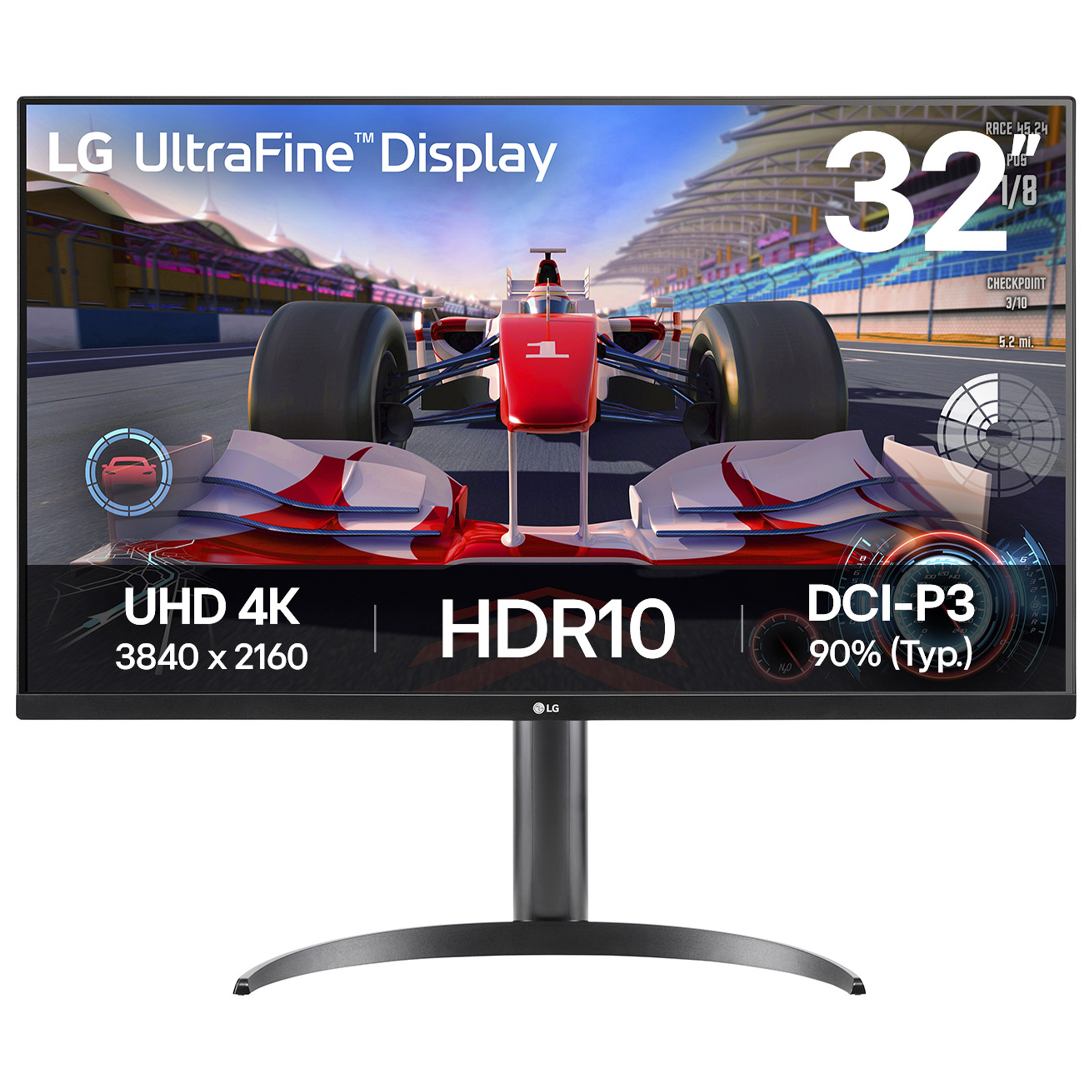
LG Electronics
LG UltraFine 32UR500K-B - LED monitor - 32" (31.5" viewable) - 3840 x 2160 4K UHD (2160p) @ 60 Hz - VA - 250 cd/m� - 3000:1 - HDR10 - 4 ms - 2xHDMI, DisplayPort - speakers - black
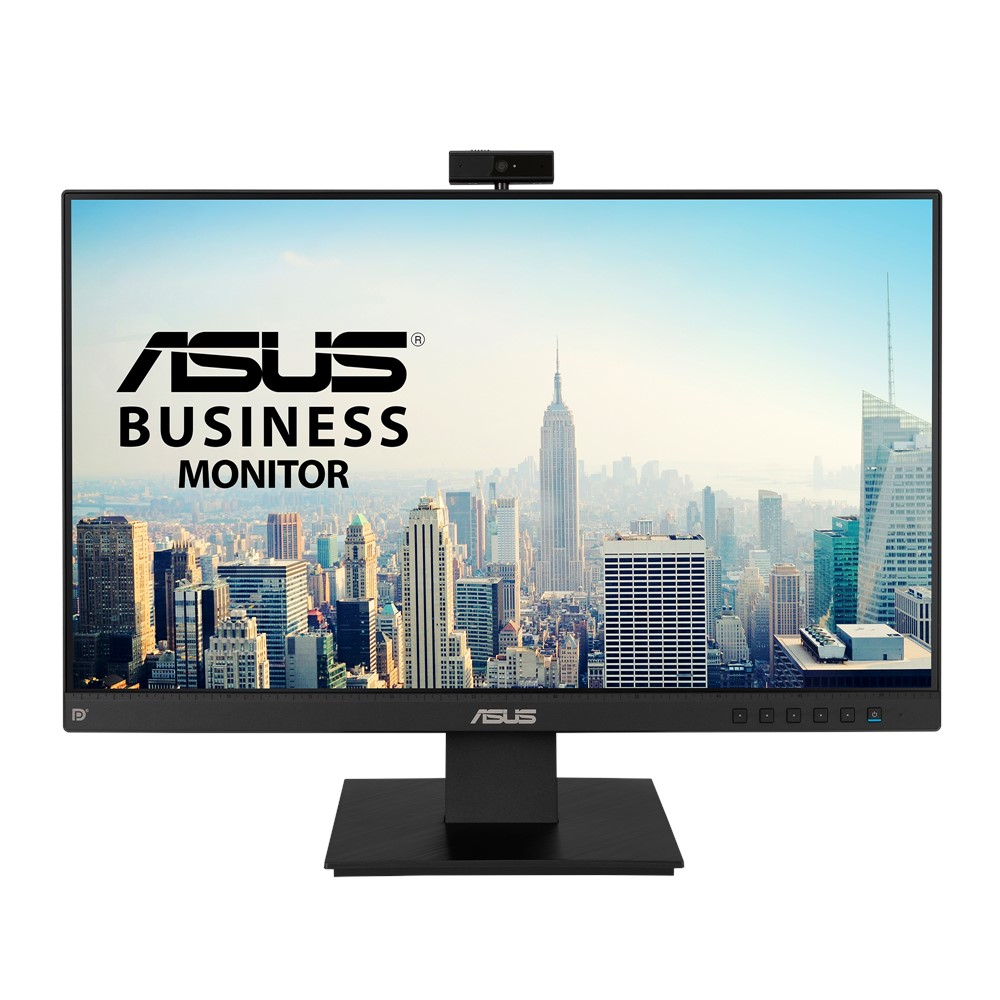
Asus
ASUS BE24EQK - LED monitor - 23.8" - 1920 x 1080 Full HD (1080p) - IPS - 300 cd/m� - 1000:1 - 5 ms - HDMI, VGA, DisplayPort - speakers - black
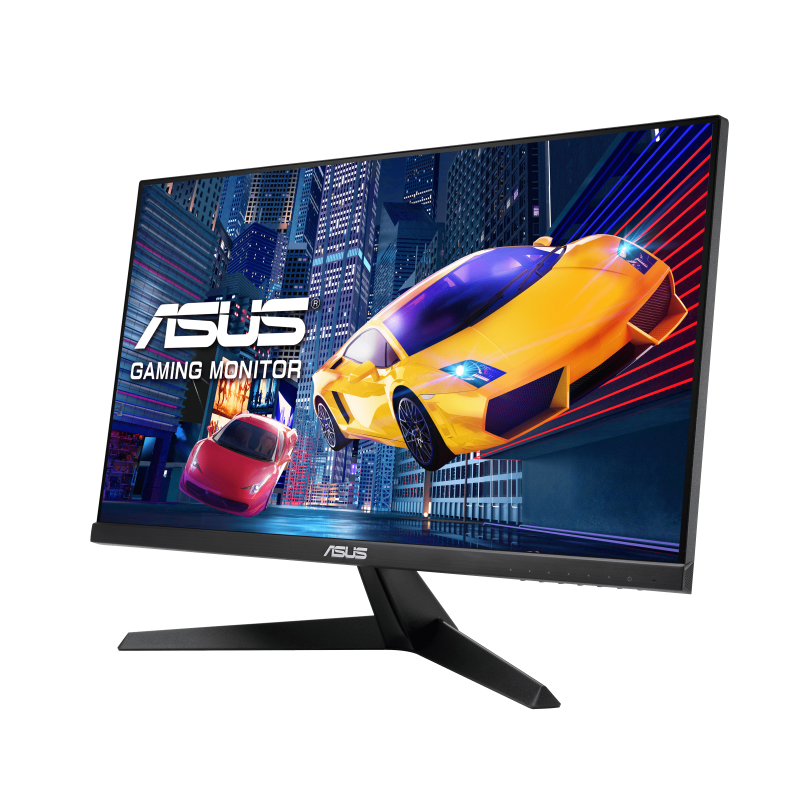
Asus
ASUS VY249HGE - LED monitor - gaming - 24" (23.8" viewable) - 1920 x 1080 Full HD (1080p) @ 144 Hz - IPS - 250 cd/m� - 1000:1 - 1 ms - black