ShopAll ProductsCategoriesBrands
Cart
ShopPowerlineTP-Link Powerline 600 Wi-Fi 3-pack Kit
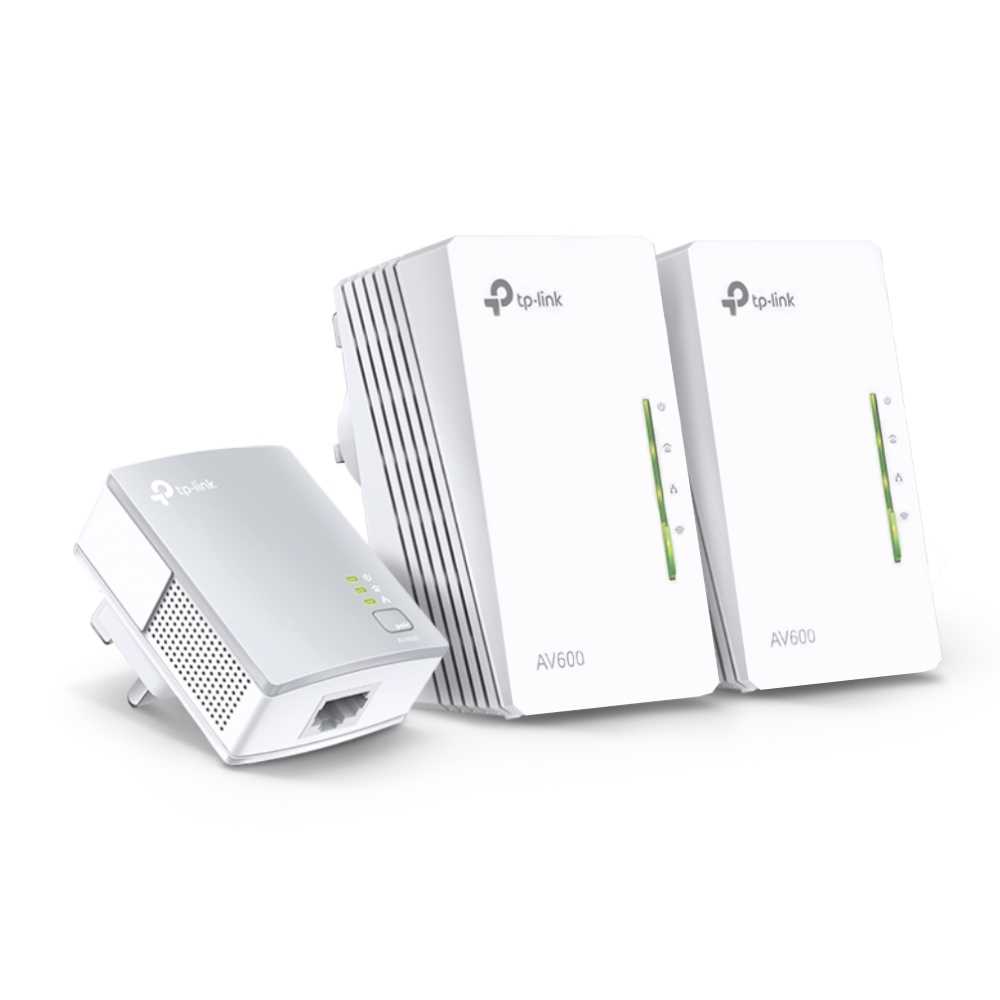
TP-Link Powerline 600 Wi-Fi 3-pack Kit
View 1
View 2
View 3
View 4
View 5
View 6

TP-Link Powerline 600 Wi-Fi 3-pack Kit

£73.84

£88.61 inc. VAT

Low Stock(10)MPN: TL-WPA4220 TKIT
🚚 Next-day delivery £4.95
Quantity:1
1
2
3
4
5
6
7
8
9
10+

Key Features

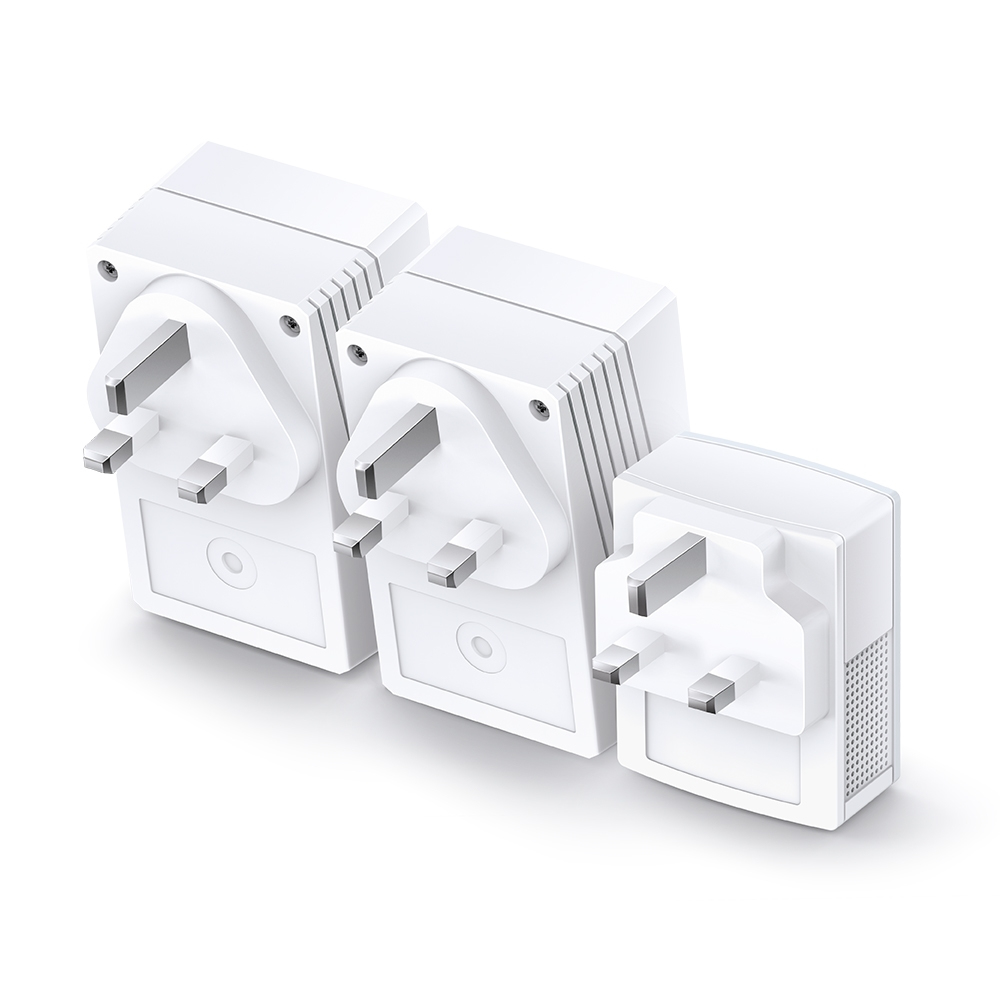
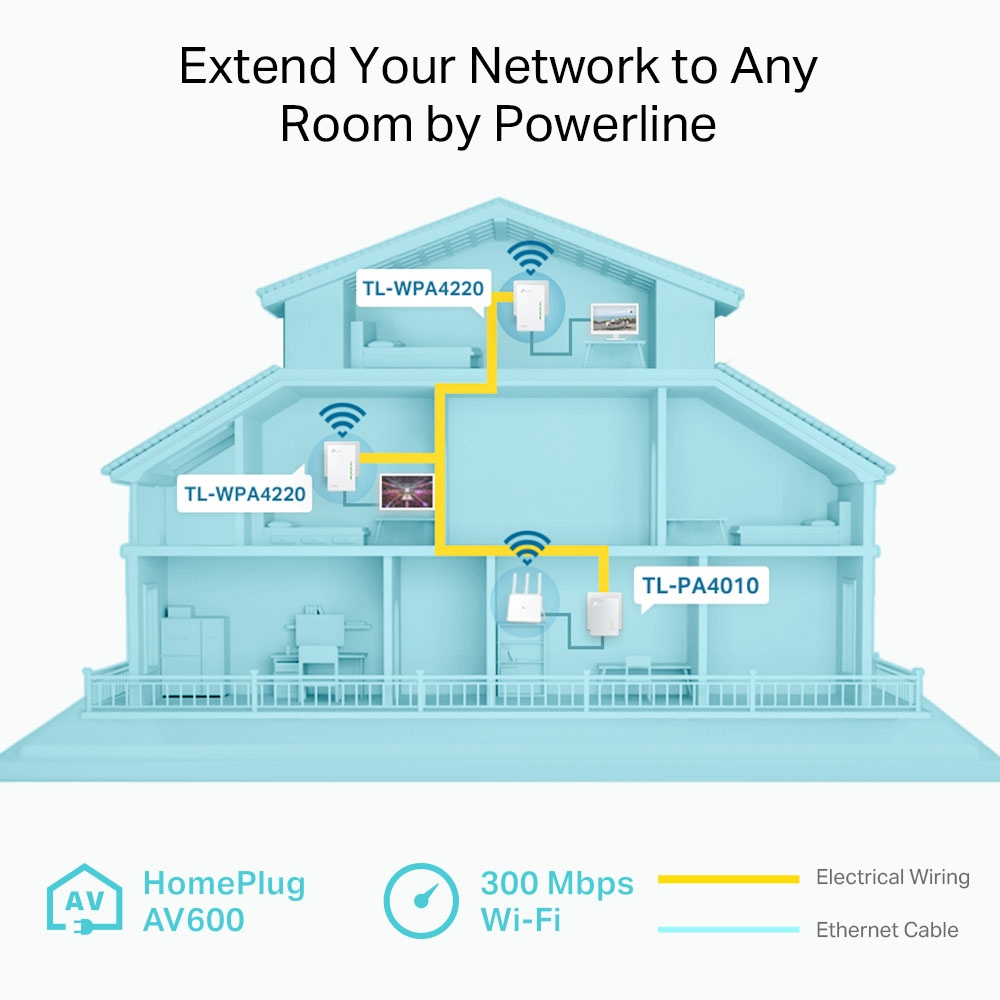
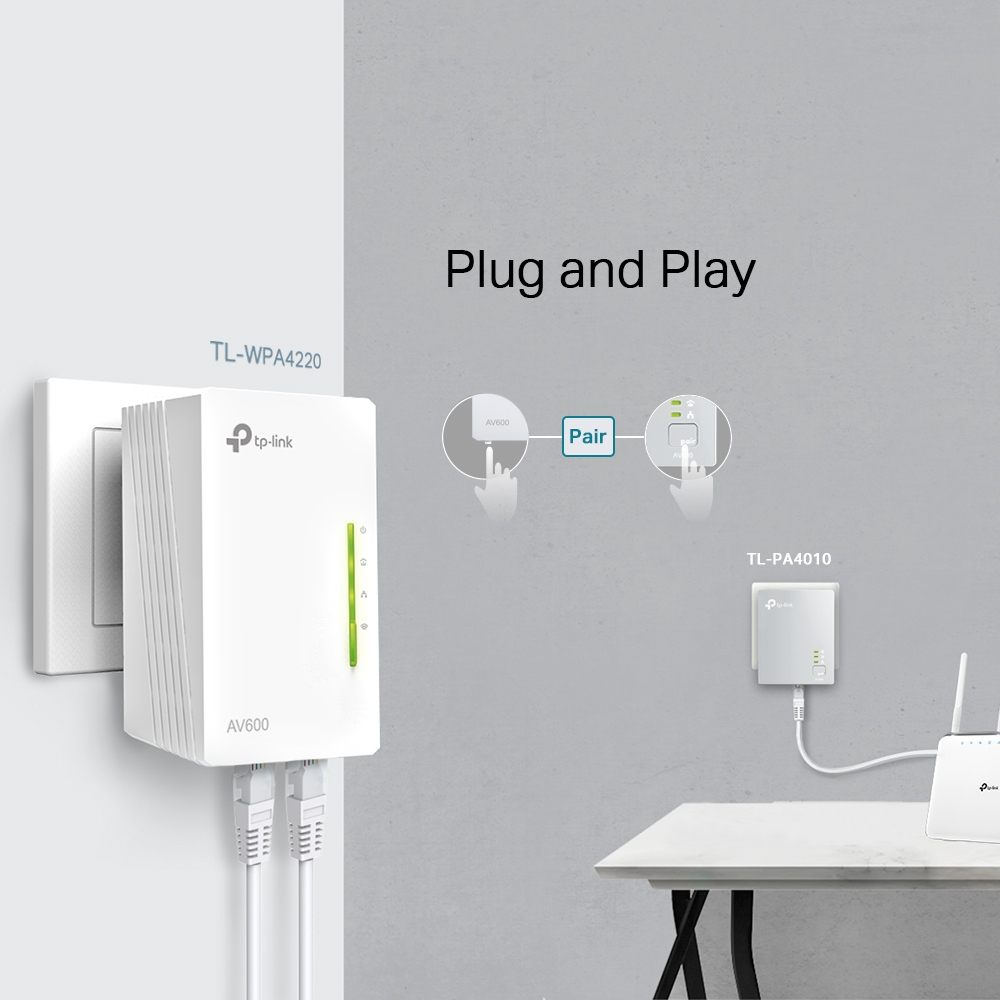
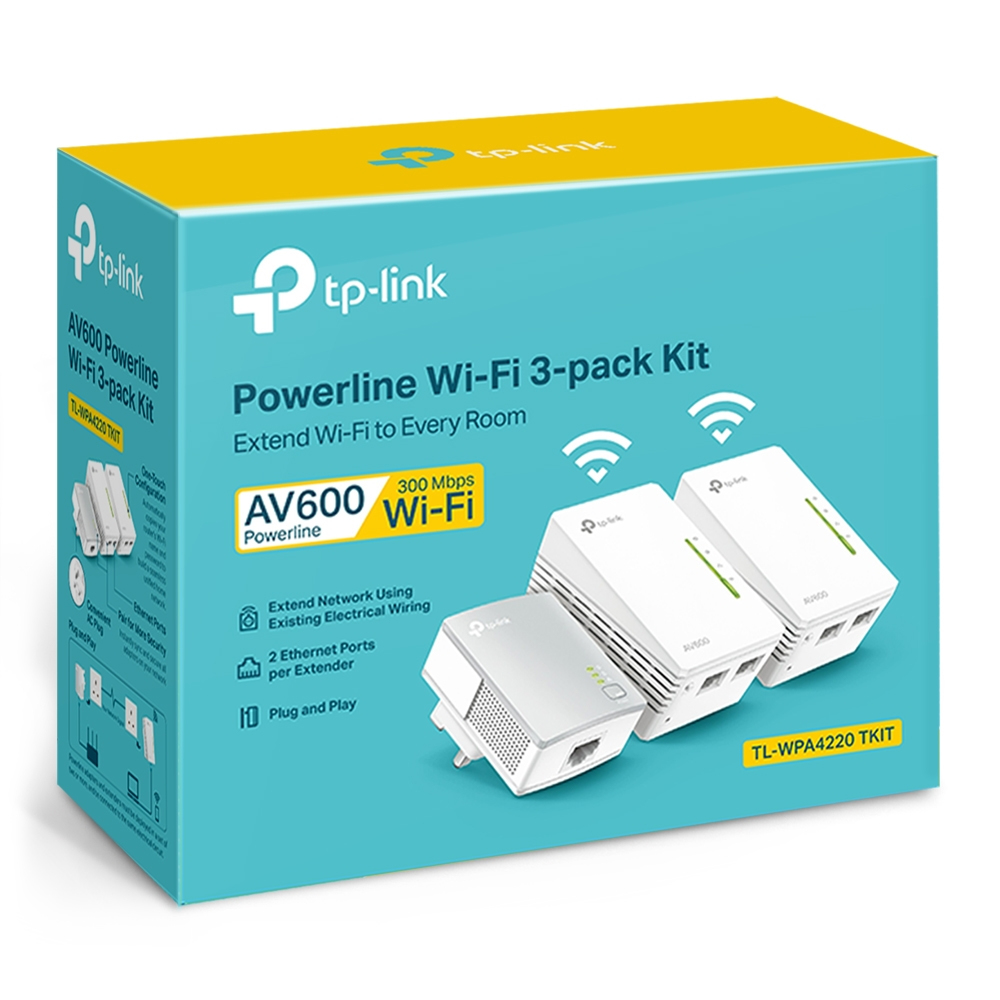
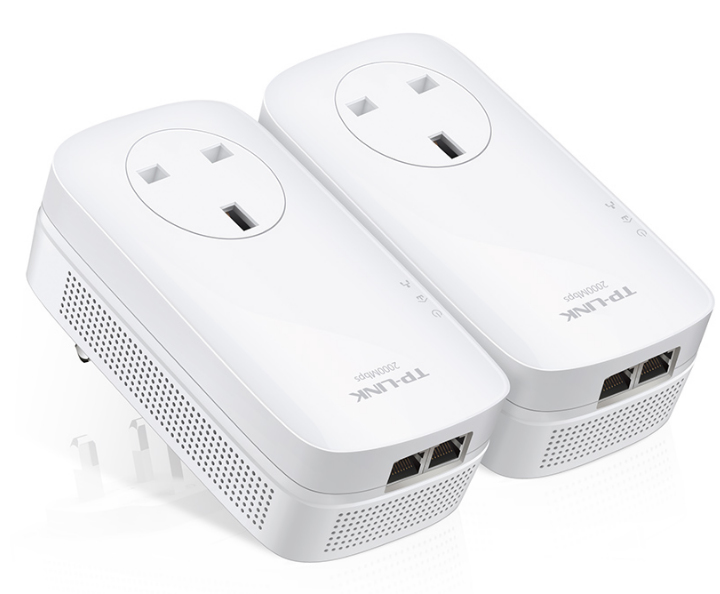
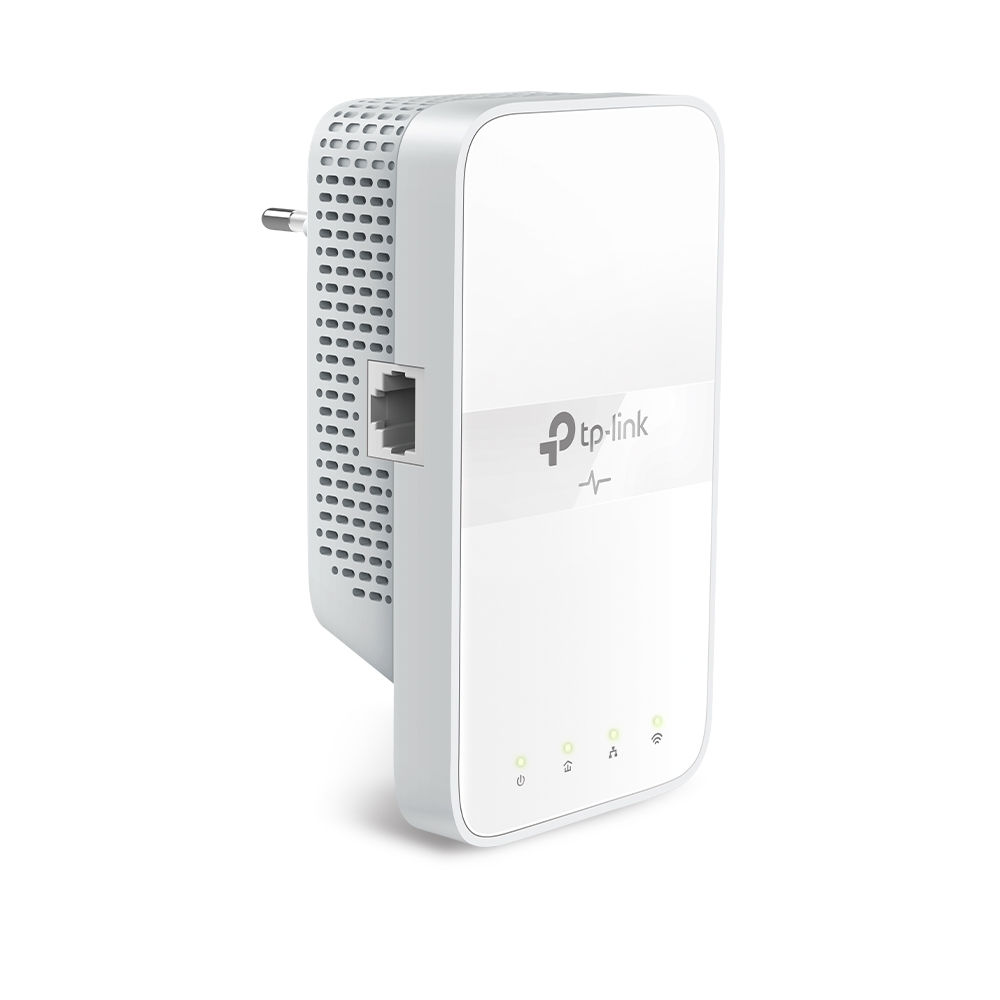
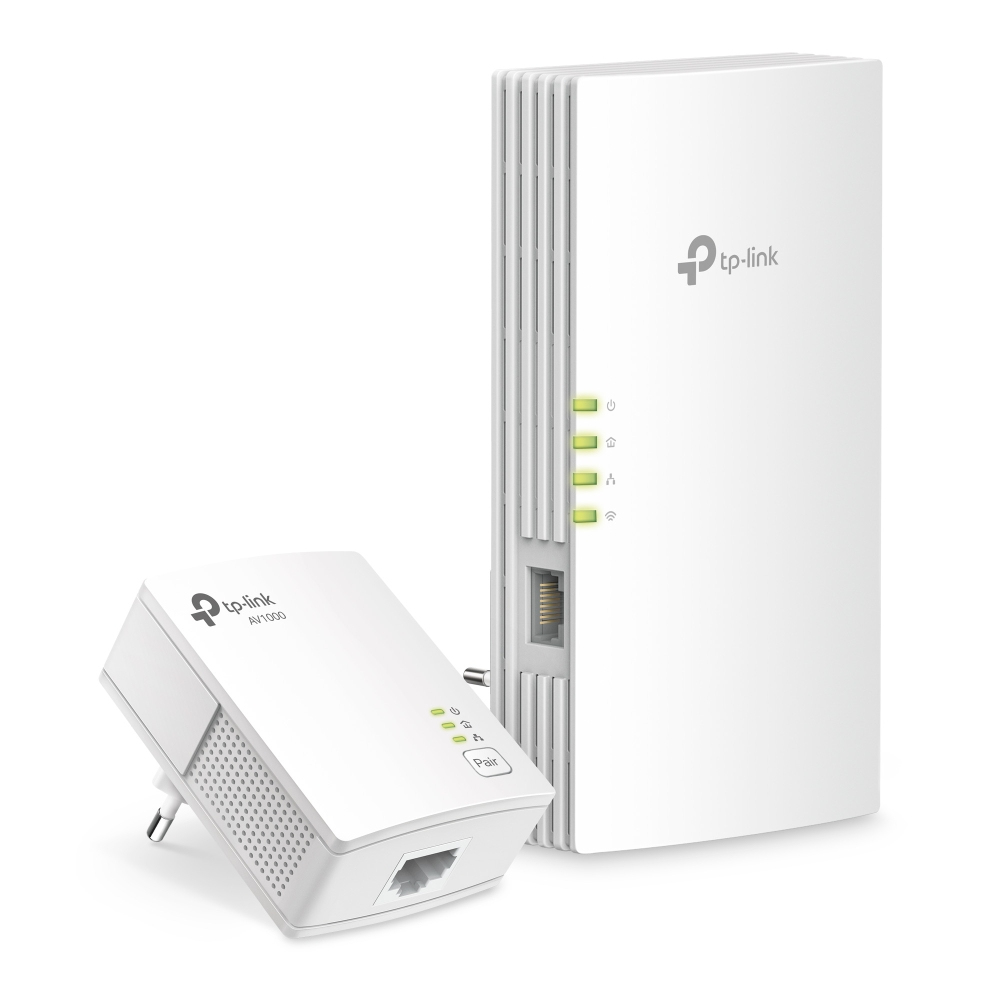
TP-Link TL-WPA4220T KIT AV500 Powerline Universal WiFi Range Extender, 2 Ethernet Ports, Network Kit
Powerline adapter kit HomePlug AV (HPAV)
wall-pluggable

Product Overview

AI-generated summary

If you’ve got patchy Wi‑Fi in a couple of specific rooms, the TP-Link Powerline 600 with a 3‑pack is one of the cheaper ways to make it “good enough” without rewiring. In practice, Powerline can be a lifesaver where walls kill signal and you don’t want to run Ethernet. The big win here is cost vs. getting proper wireless coverage—£73.88 ex‑VAT for three units is decent for a small office/home setup, especially if you’re trying to support a few workstations and basic VoIP/online meetings without drama.

That said, I wouldn’t buy this expecting miracle speeds or “works perfectly everywhere.” Powerline quality is wildly dependent on your building’s wiring, and performance often drops when adapters are on different circuits or old wiring is involved—so it can be hit-and-miss in larger sites. If you need consistent throughput across multiple floors or you’ve got electrical noise (some offices do), you’ll likely be happier spending a bit more on proper mesh Wi‑Fi or at least wired access points. Buy it if you want a low-cost, pragmatic fix in a small UK setting with reasonably modern electrics; skip it if you need reliability above all else or you can’t test the wiring first.

Specifications

Performance

TypeNetwork repeater
Maximum transfer distance300 m
Data transfer rate300 Mbit/s
Ethernet LAN data rates10,100 Mbit/s
Windows operating systems supportedWindows 10,Windows 10 Education,Windows 10 Education x64,Windows 10 Enterprise,Windows 10 Enterprise x64,Windows 10 Home,Windows 10 Home x64,Windows 10 IOT Core,Windows 10 Pro,Windows 10 Pro x64,Windows 10 x64,Windows 2000,Windows 2000 Professional,Windows 7,Windows 7 Enterprise,Windows 7 Enterprise x64,Windows 7 Home Basic,Windows 7 Home Basic x64,Windows 7 Home Premium,Windows 7 Home Premium x64,Windows 7 Professional,Windows 7 Professional x64,Windows 7 Starter,Windows 7 Starter x64,Windows 7 Ultimate,Windows 7 Ultimate x64,Windows 7 x64,Windows 8,Windows 8 Enterprise,Windows 8 Enterprise x64,Windows 8 Pro,Windows 8 Pro x64,Windows 8 x64,Windows 8.1,Windows 8.1 Enterprise,Windows 8.1 Enterprise x64,Windows 8.1 Pro,Windows 8.1 Pro x64,Windows 8.1 x64,Windows Vista,Windows Vista Business,Windows Vista Enterprise,Windows Vista Enterprise x64,Windows Vista Home Basic,Windows Vista Home Basic x64,Windows Vista Home Premium,Windows Vista Home Premium x64,Windows Vista Ultimate,Windows Vista Ultimate x64,Windows Vista x64,Windows XP,Windows XP Home,Windows XP Home x64,Windows XP Professional,Windows XP Professional x64

Network

Cabling technology10/100Base-T(X)
Networking standardsIEEE 802.11b,IEEE 802.11g,IEEE 802.11n,IEEE 802.3,IEEE 802.3u
Wi-FiY
Wi-Fi standards802.11a,802.11b,802.11g,Wi-Fi 4 (802.11n)
Wi-Fi data rate (max)500 Mbit/s

Ports & interfaces

Ethernet LAN (RJ-45) ports2

Design

Product colourWhite
Mounting typeWall
LED indicatorsNetwork,PLC,Power,WLAN
CertificationCE, RoHS

Power

AC input voltage220 V
AC input frequency50 Hz
Power consumption (typical)7.216 W
Power consumption (max)7.608 W

Operational conditions

Operating temperature (T-T)0 - 40 °C
Storage temperature (T-T)-40 - 70 °C
Operating relative humidity (H-H)10 - 90 %
Storage relative humidity (H-H)5 - 90 %

Weight & dimensions

Width94 mm
Depth54 mm
Height69.5 mm
Transmitter width52 mm
Transmitter depth28.5 mm

Packaging content

Quick start guideY

From Our Blog

11
  • Azure Cloud

What is Azure Virtual Desktop and Who Should Use It?

11 Mar, 2026
Read more
15
  • Virtual CIO

How to Manage IT During Rapid Business Growth

15 Nov, 2025

Read more
15
  • Network Admin

How to Monitor Your Network for Suspicious Activity

15 Oct, 2025

Read more

Enquiry Received!

Thank you for getting in touch. A member of our team will review your enquiry and get back to you within 24 hours.