- Cloud Networking
How to Set Up Meraki for Healthcare Environments
18 Mar, 2026
£99.30 inc. VAT
AI-generated summary
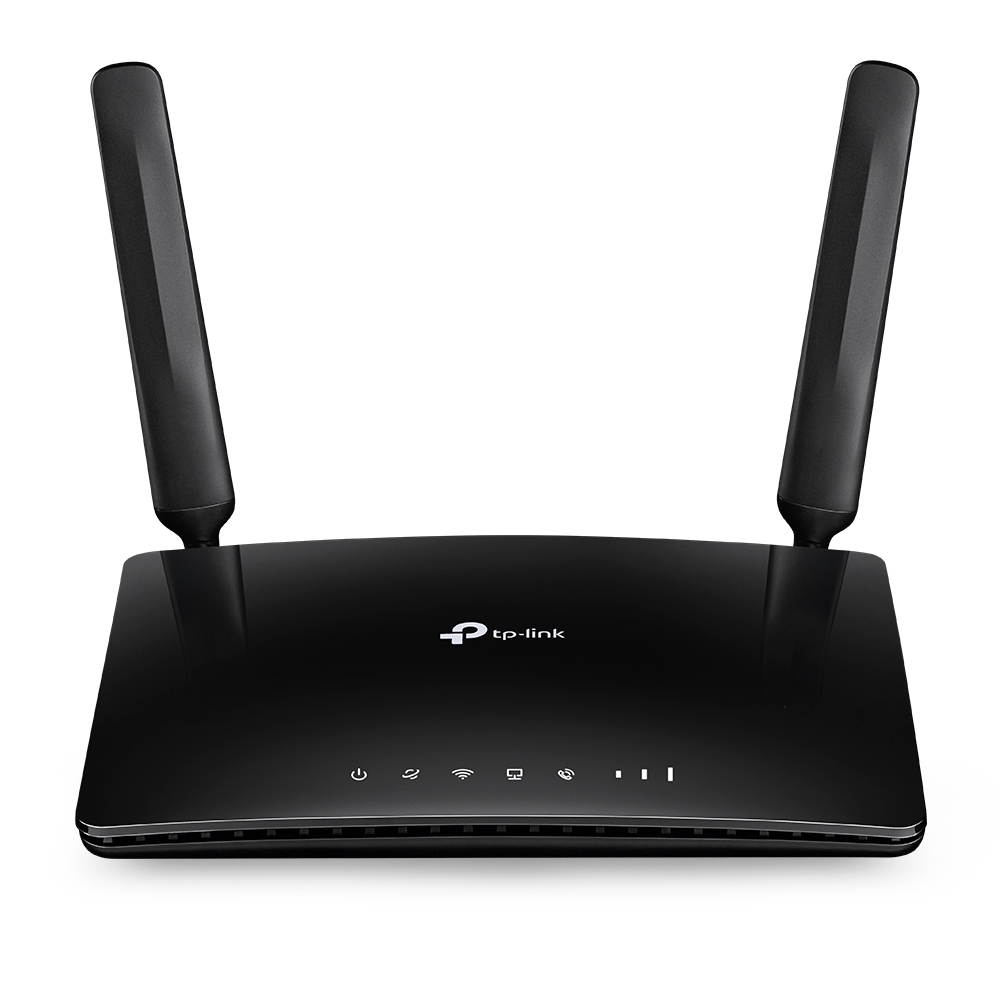
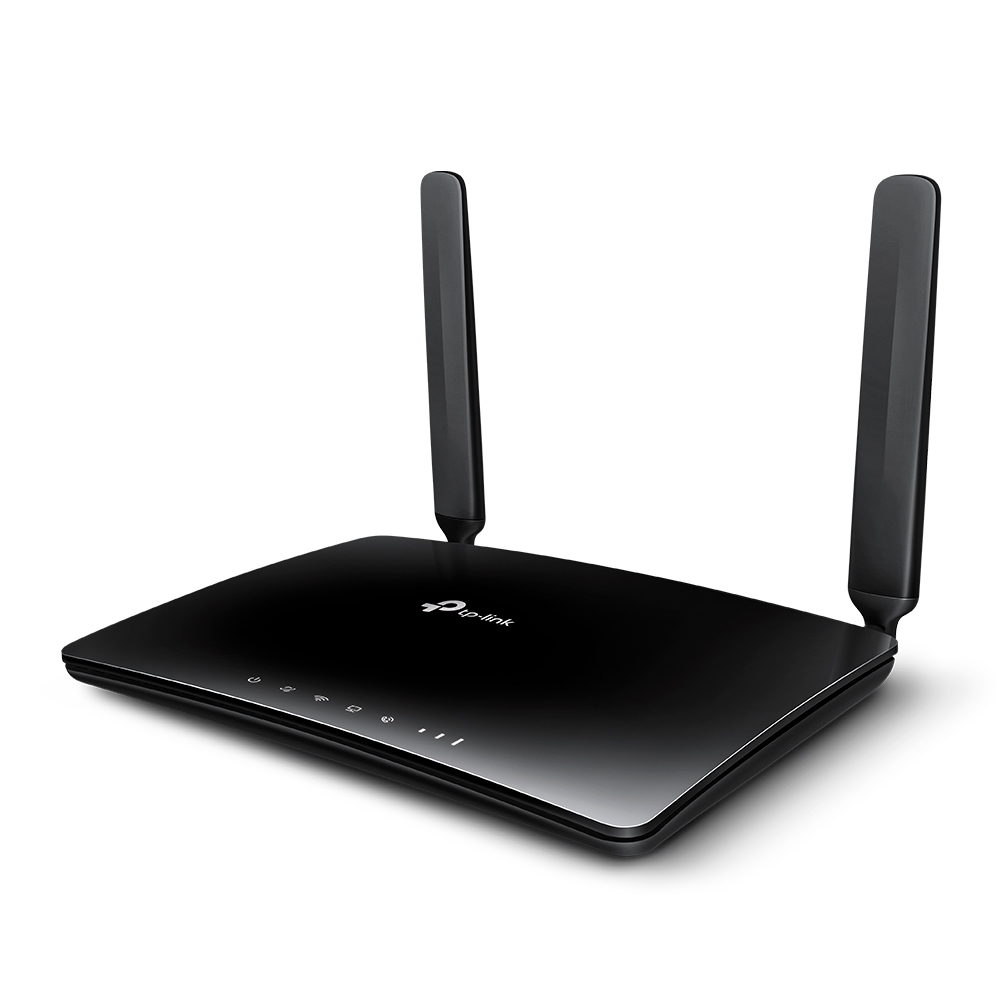
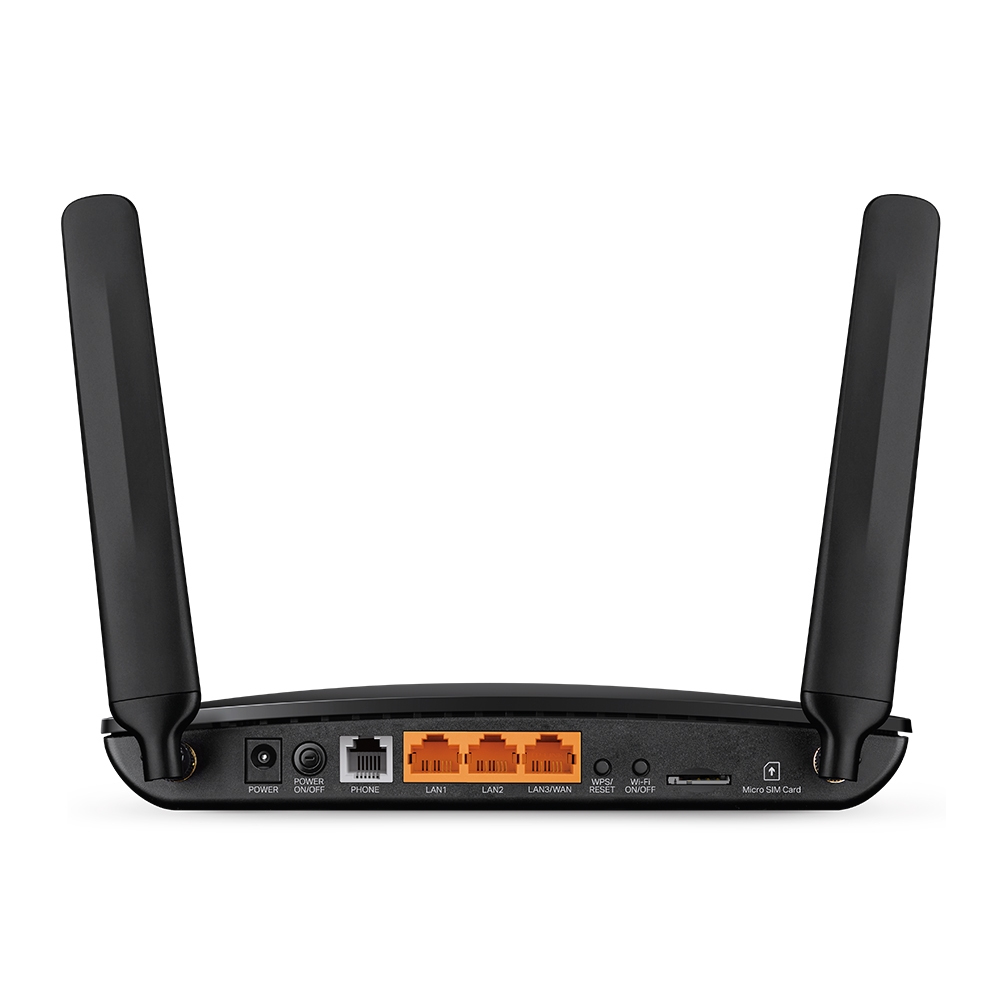
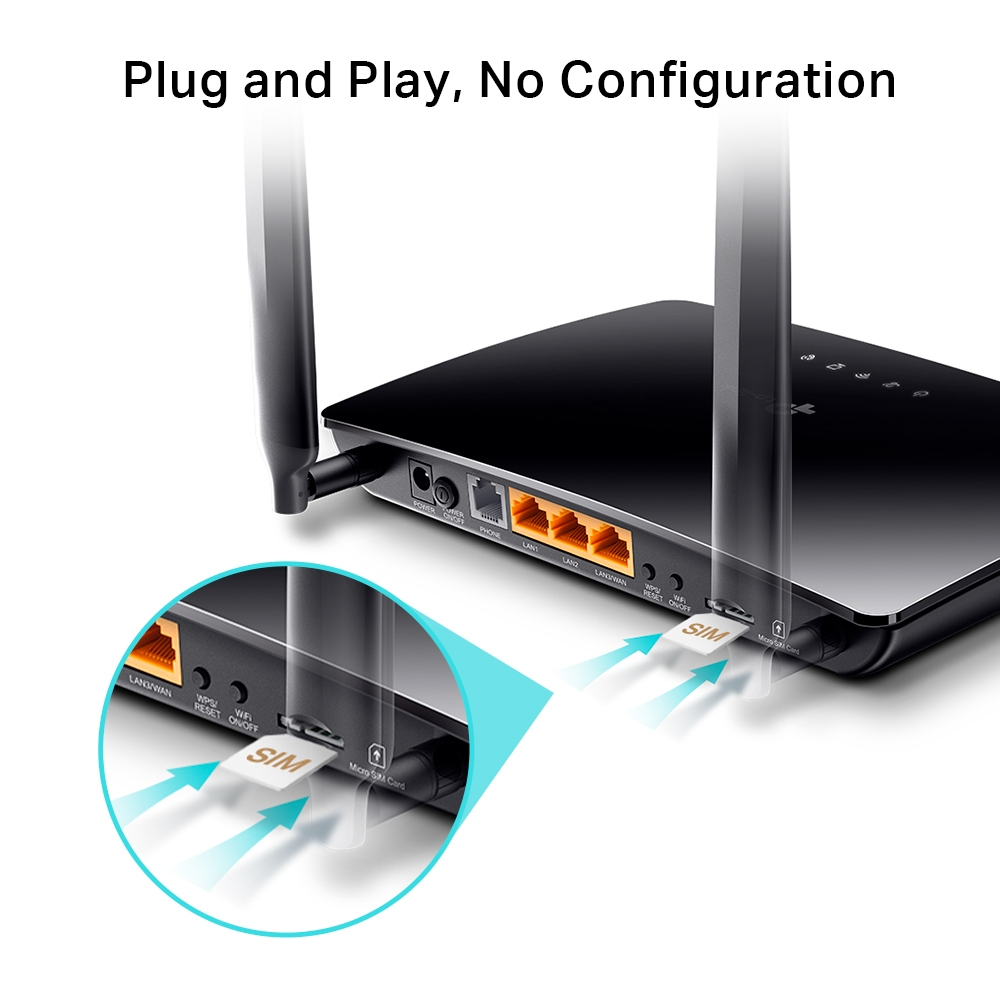
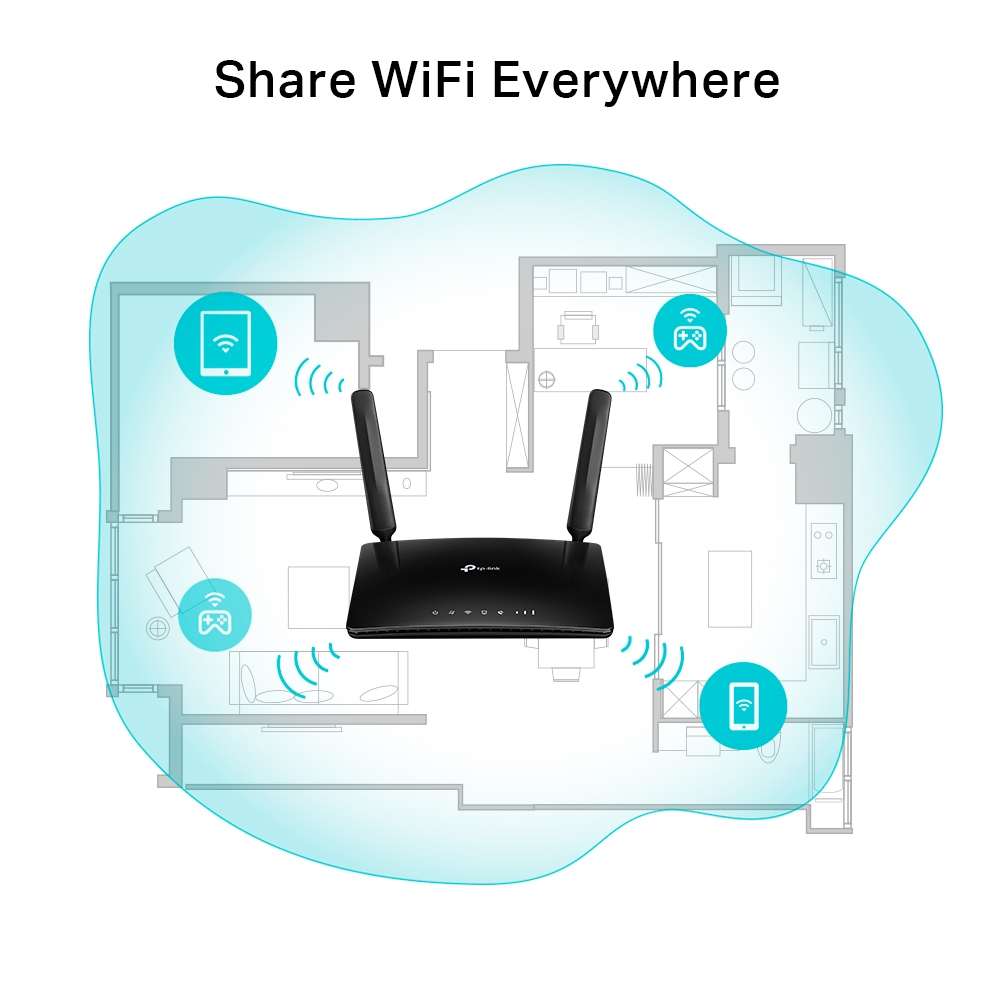
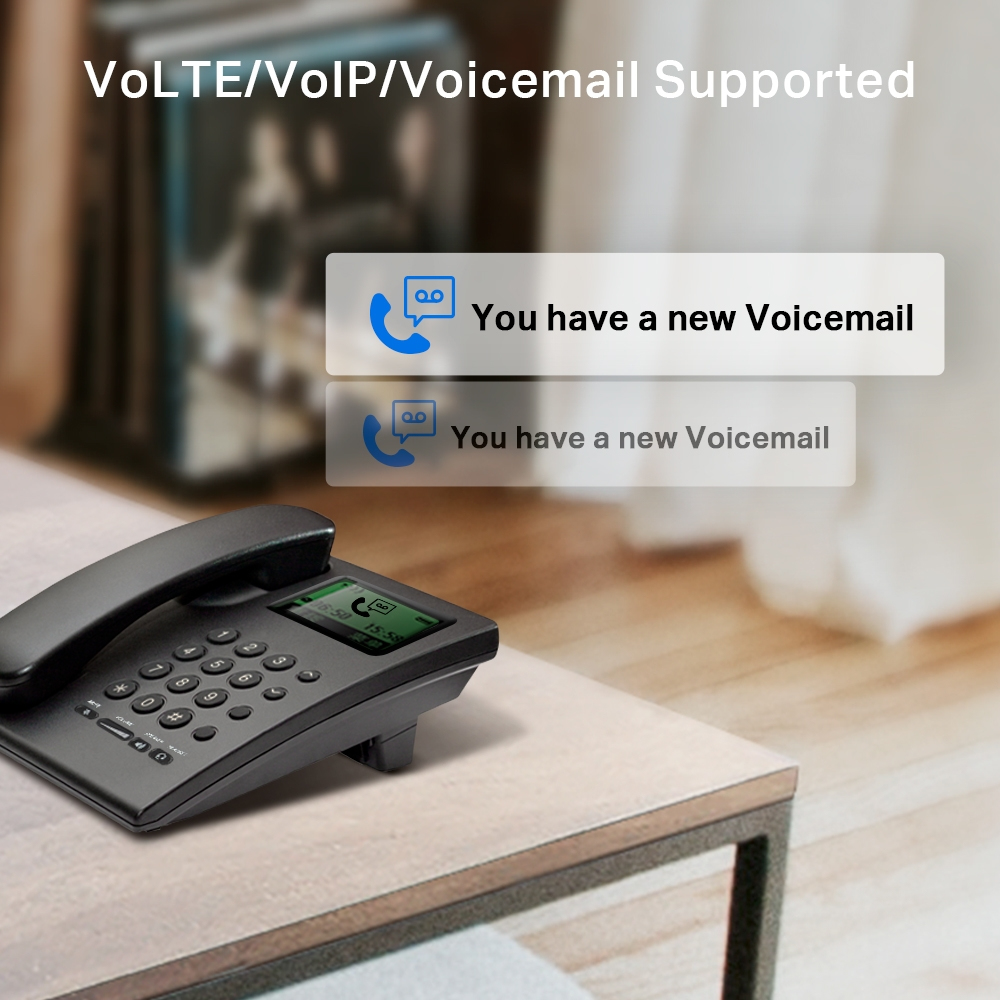
For £82.74 ex‑VAT, this TP-Link N300 4G LTE router with telephony is a pretty solid “just get connectivity up” option for small offices, pop‑up sites, and places where you either can’t get a decent broadband line or you need a quick failover. The fact it’s built to work over 4G matters more than the brand-new-technology angle here—most of these routers are about reliability and ease of setup, not peak speeds. If you’re putting it behind desks in a small team and using it for email, basic web use, file access, and VoIP calling, it’ll likely feel like good value.
That said, I wouldn’t buy it as your primary router for bandwidth-heavy operations. “N300” class devices can feel sluggish when multiple users are streaming, doing cloud backups, or pushing lots of traffic simultaneously. Also, your experience will depend heavily on local 4G signal quality—if the mobile coverage in the building is poor, you’ll end up blaming the router when the real issue is radio reception. If you need something for consistent performance, have a readymade backup plan for signal strength (placement/antenna positioning), or consider a more performance-focused gateway.
**Buy it if:** you need 4G internet + phone service for a small site, budget is tight, and uptime matters more than blazing throughput. **Skip it if:** you expect heavy concurrent usage, you have variable 4G coverage, or you’re trying to replace a modern fibre connection for a demanding office.
TP-Link
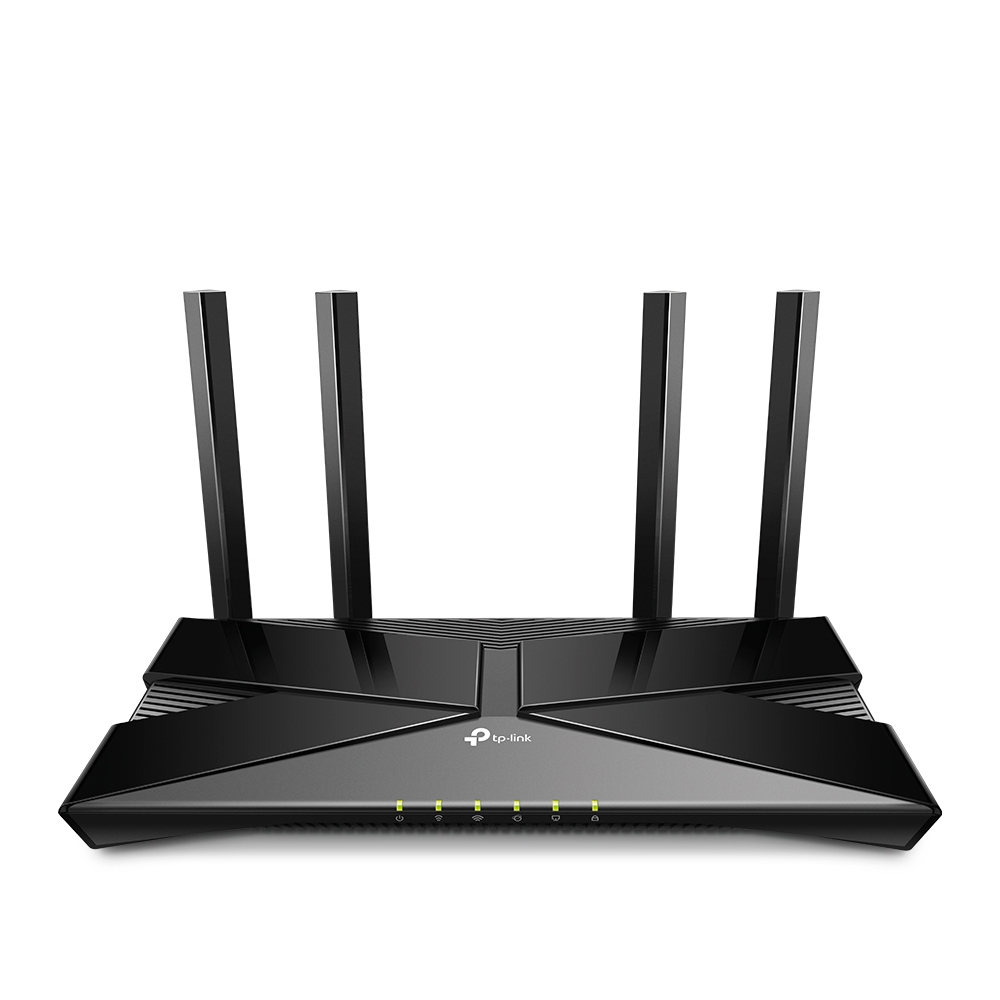
TP-Link EX220 V1 - Wireless router 4-port switch - 1GbE - Wi-Fi 6 - Dual Band
TP-Link
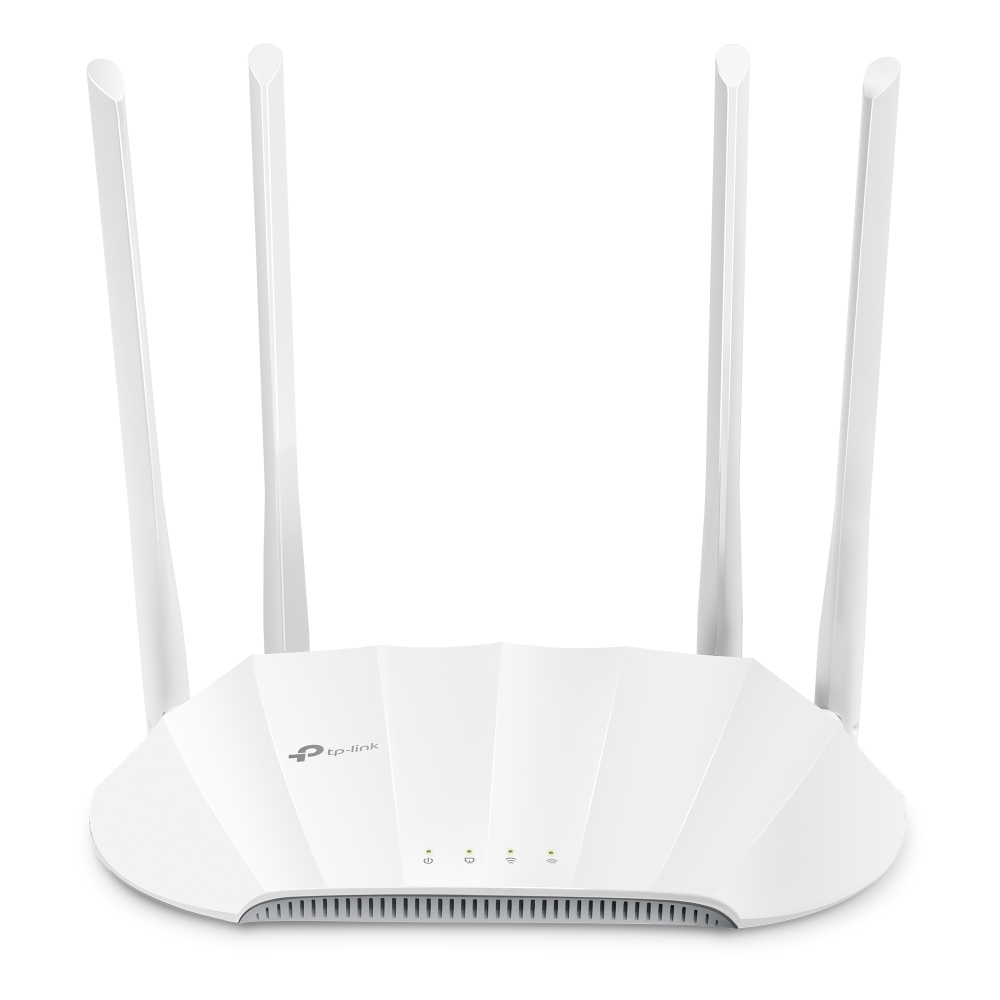
TP-Link TL-WA1801 V1 - Radio access point - 1GbE - Wi-Fi 6 - 2.4 GHz, 5 GHz
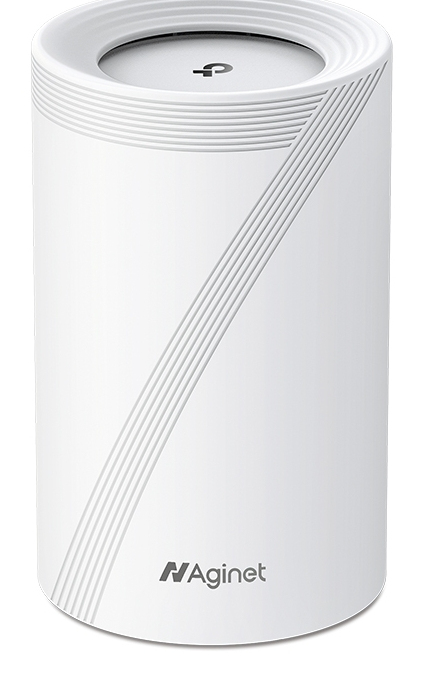
TP-Link
TP-Link Aginet HB410 V1 - Wi-Fi system - (router) - mesh 2.5GbE, 1GbE, Wi-Fi 7 Dual Band
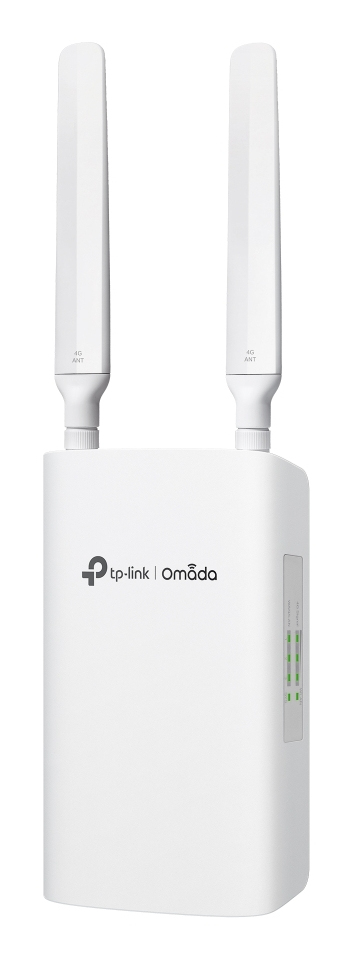
TP-Link
TP-Link Omada ER703WP-4G-Outdoor V1 - Gateway - 1GbE - Wi-Fi 6 - 4G - 2.4 GHz, 5 GHz - SIP - 4G LTE-FDD B1/B3/B5/B7/B8/B20/B28/B32 4G LTE-TDD B38/B40/B41 3G DC-HSDPA/HSPA+/HSDPA/HSUPA/WCDMA B1/B3/B5/B8 - cloud-managed - wall / pole mountable