- Network Admin
How to Perform a Wireless Site Survey for Your Office
11 Mar, 2026



£47.38 inc. VAT
AI-generated summary
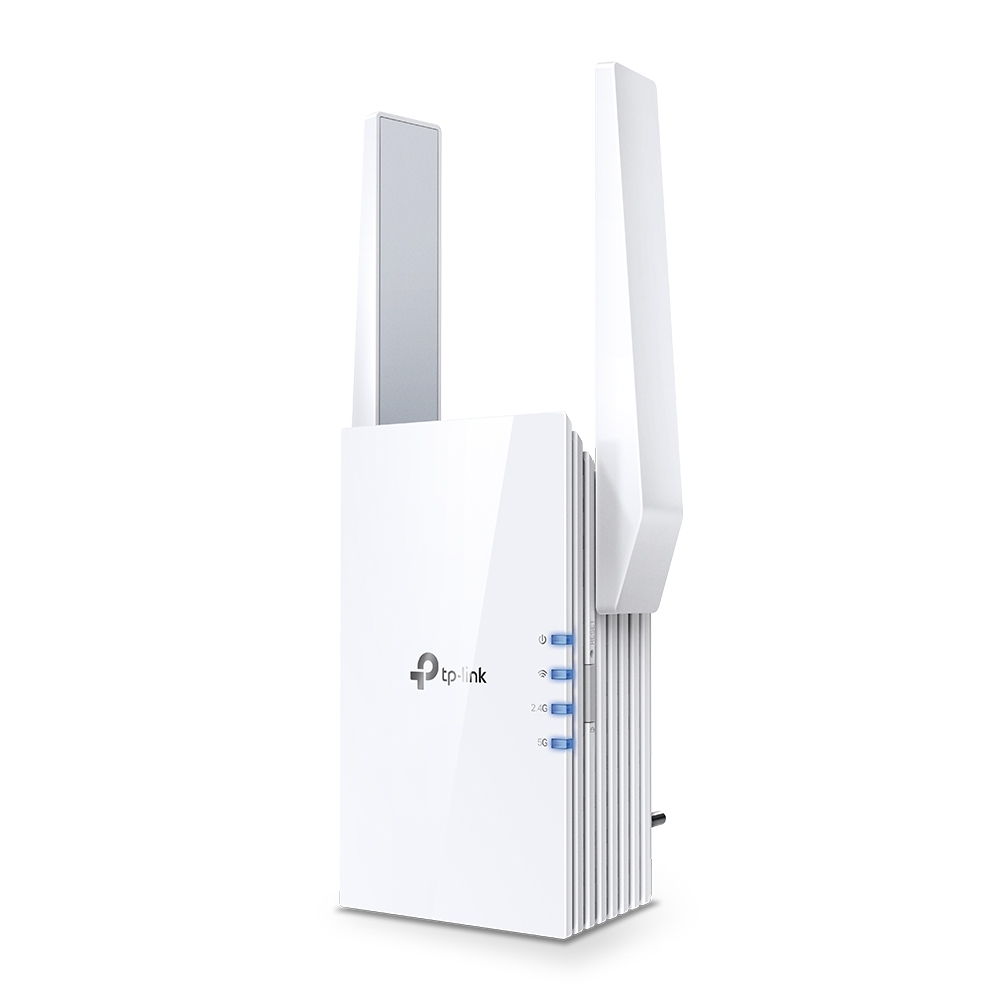
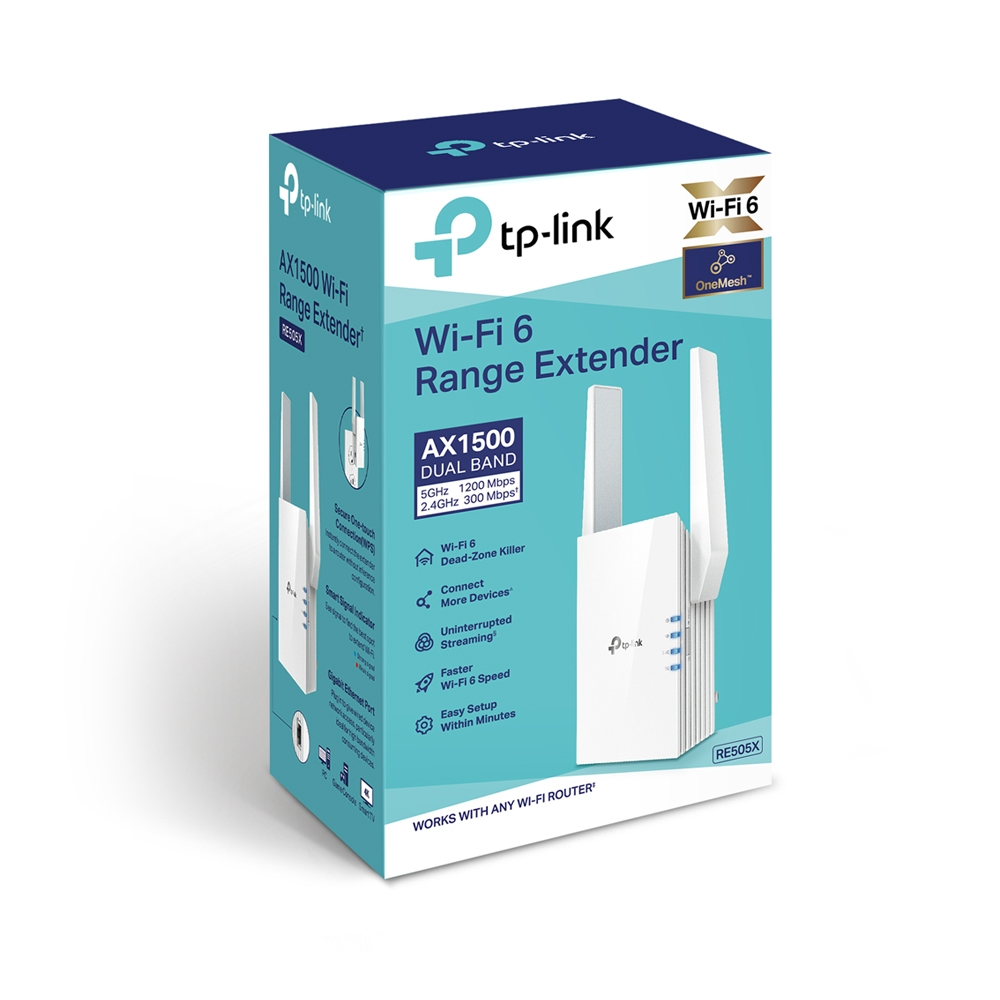
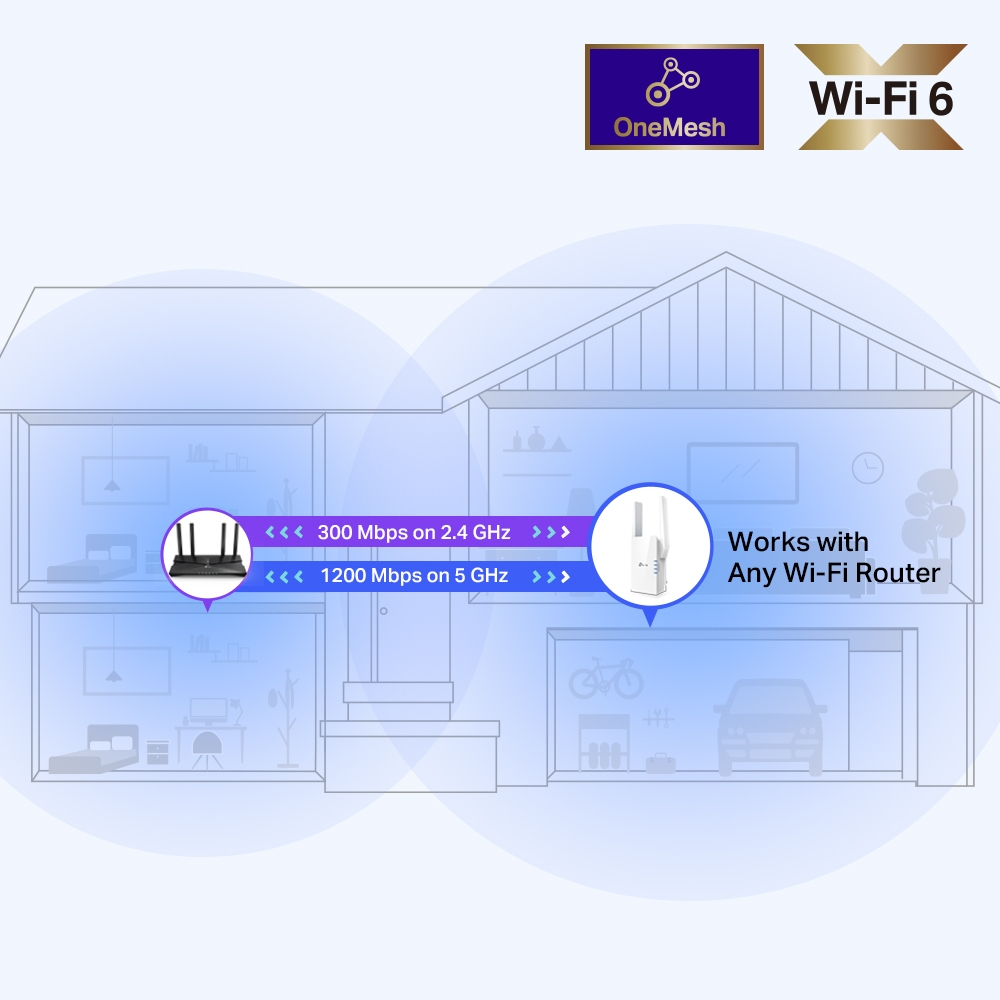
The TP-Link RE505X is one of those “do you actually need it?” purchases. For ~£39 ex-VAT, you’re getting a decent, straightforward way to push Wi‑Fi into a room with weak coverage—useful for small offices, meeting rooms, or warehouses where you just need coverage where the main router can’t quite reach. Where it tends to work best is when you place it thoughtfully (not tucked behind metal cupboards) and when your existing Wi‑Fi is already reasonably healthy. If you do that, it’s a cost-effective fix compared to running cabling or upgrading the whole network.
That said, I wouldn’t buy it as a magic bullet for heavy, multi-user use across thick walls. Extenders rarely deliver “real” throughput end-to-end because the extra hop can bottleneck performance, especially if the unit has to rely on a weak parent signal. In practice, it’s better for light-to-medium workloads (web apps, VoIP in a pinch, file access that isn’t saturating the link) than for big data transfers, constant large uploads/downloads, or critical systems that absolutely can’t wobble. If you’re in a UK office with sporadic dead zones, this can be a sensible, budget-friendly bridge—but if you’re chasing consistent high-speed coverage everywhere, you’ll likely be happier investing in a mesh system or proper cabling.
D-Link
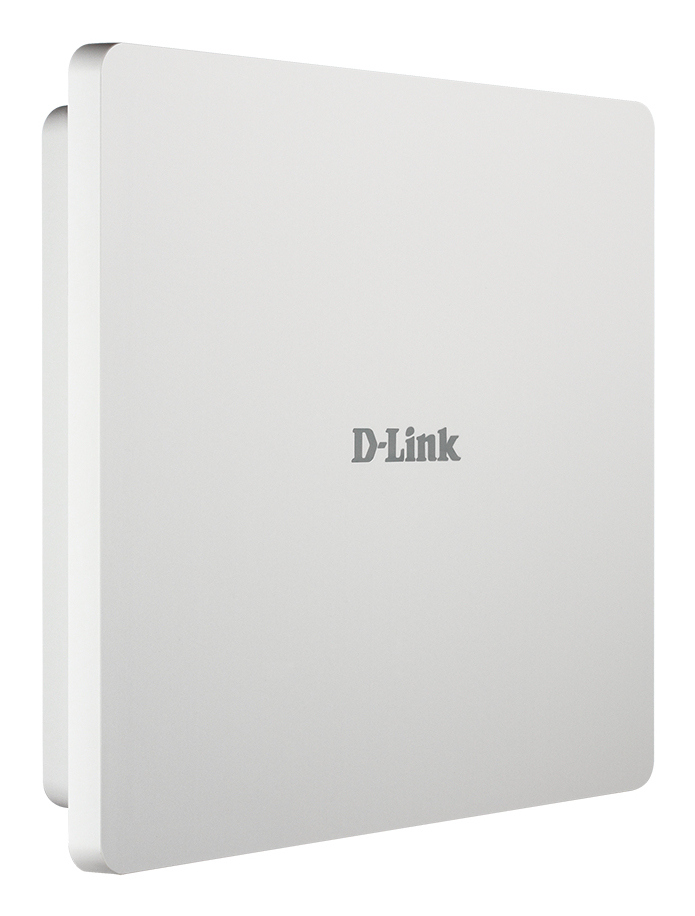
D-Link DAP-3666 - Radio access point - 2 ports - 1GbE - Wi-Fi 5 - 2.4 GHz, 5 GHz
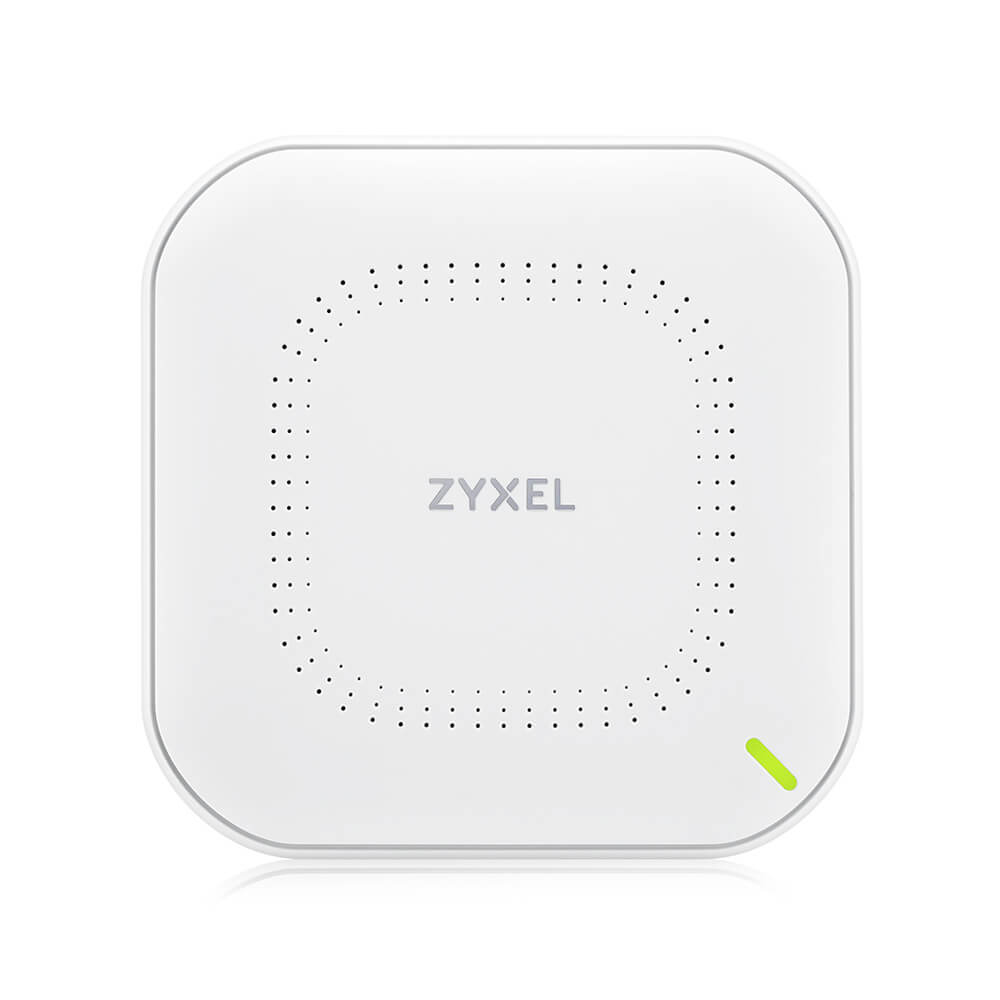
Zyxel
Zyxel NWA90AX Pro - Radio access point - 2.5G PoE uplink, 3x3 + 2x2 MU-MIMO aerial, AX3000 Multi-gig, NebulaFlex Cloud - Wi-Fi 6 - 2.4 GHz, 5 GHz
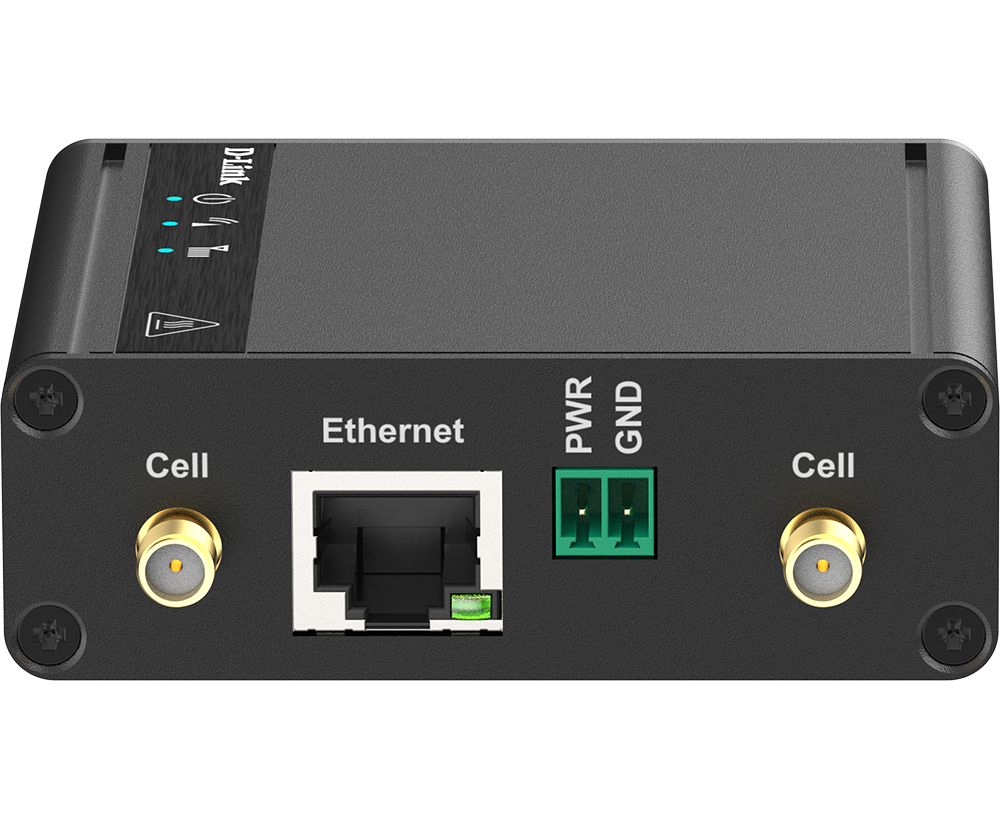
D-Link
D-Link DWM-311-G - Wireless cellular modem - 5G LTE - 3.4 Gbps

TP-Link
TP-Link Omada EAP680 V1 - Radio access point - 1GbE, 2.5GbE - Wi-Fi 6 - 2.4 GHz, 5 GHz - cloud-managed - wall / ceiling mountable