- IT Office Moves
7 Things to Consider When Moving Your IT to a New Office
2 Jun, 2025
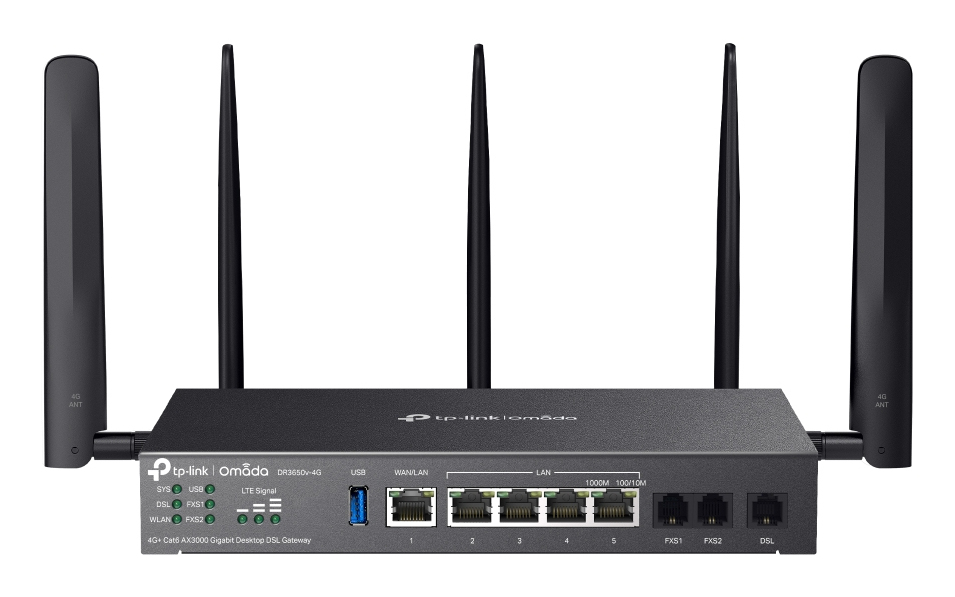
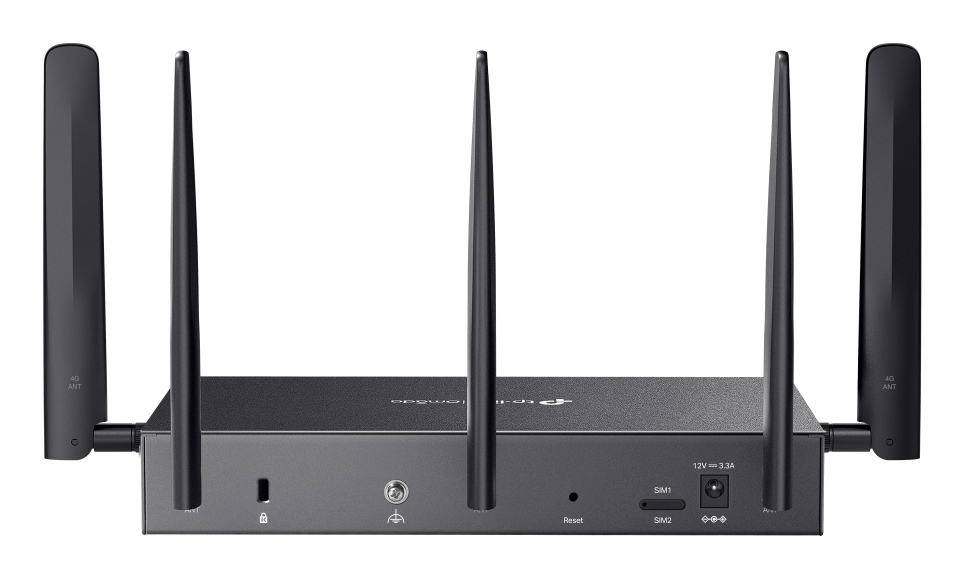
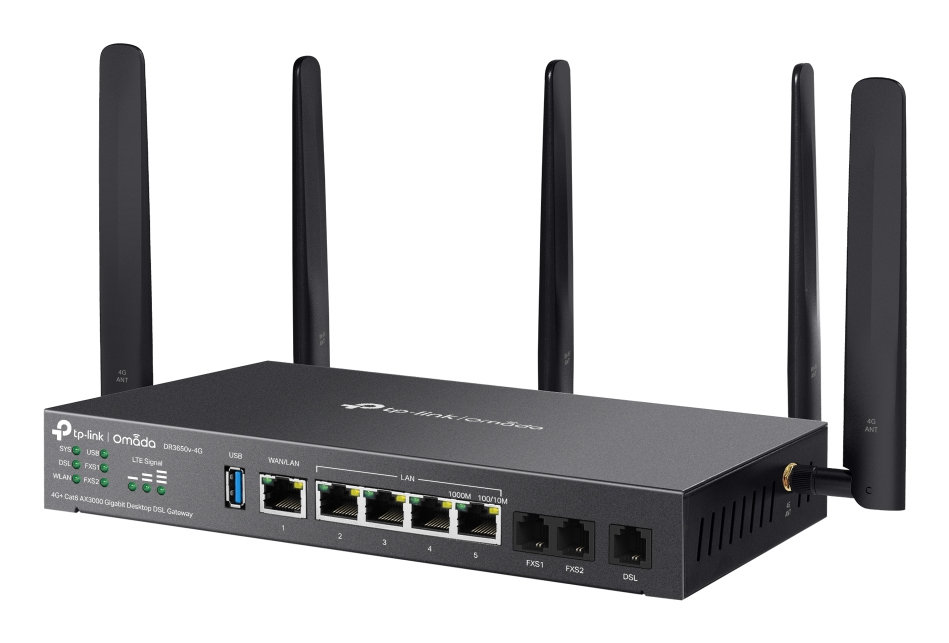
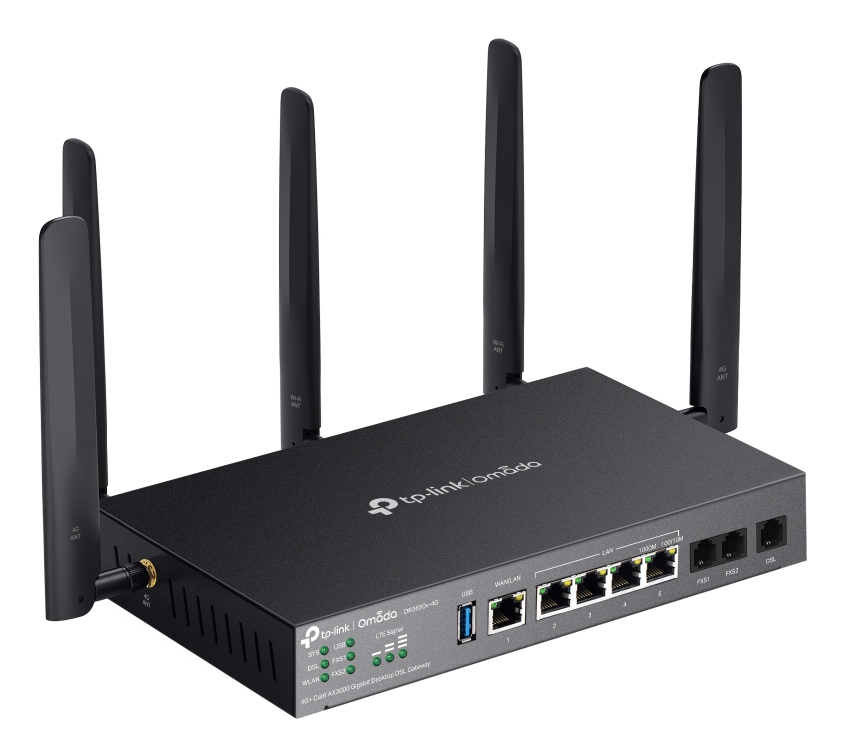
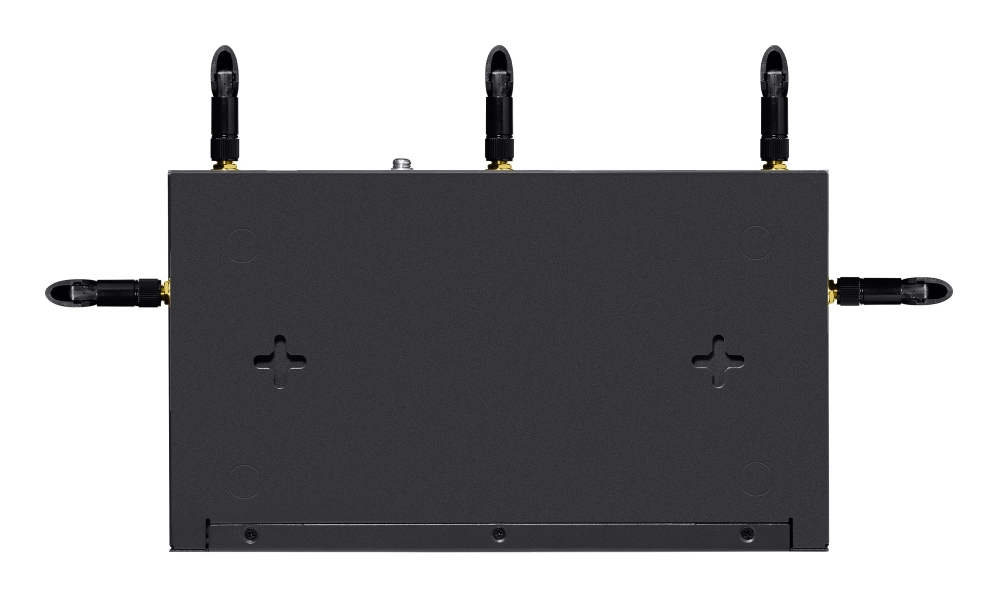
£362.21 inc. VAT
AI-generated summary
Honestly, the TP-Link Omada **DR3650V** is a “buy it for the ecosystem” router, not a “buy it because it’s a great router on its own” situation. If you’re already using (or planning to use) Omada for switching, Wi‑Fi and a central controller, this makes sense: you get that typical Omada-style manageability, decent performance for everyday business traffic, and a straightforward path to roll out sites/users without it turning into a DIY networking project. At **~£302 ex-VAT**, it’s not bargain-bin pricing, but it’s also not wildly over the top for what it’s aiming to do in small-to-mid business networks.
Where I’d be cautious: if you just want a basic router for one location and you don’t care about centralized management, you’ll probably feel like you’re paying for a workflow you won’t use. Also, don’t expect it to replace a full-on enterprise security gateway in the “big budget, lots of controls, lots of throughput testing” sense—this is a practical business router for normal office/SMB needs. Net/net: **buy it if you’re building an Omada network and want consistent management**; **skip it if you want simple and minimal overhead** or you’re expecting it to be a heavyweight enterprise edge device.
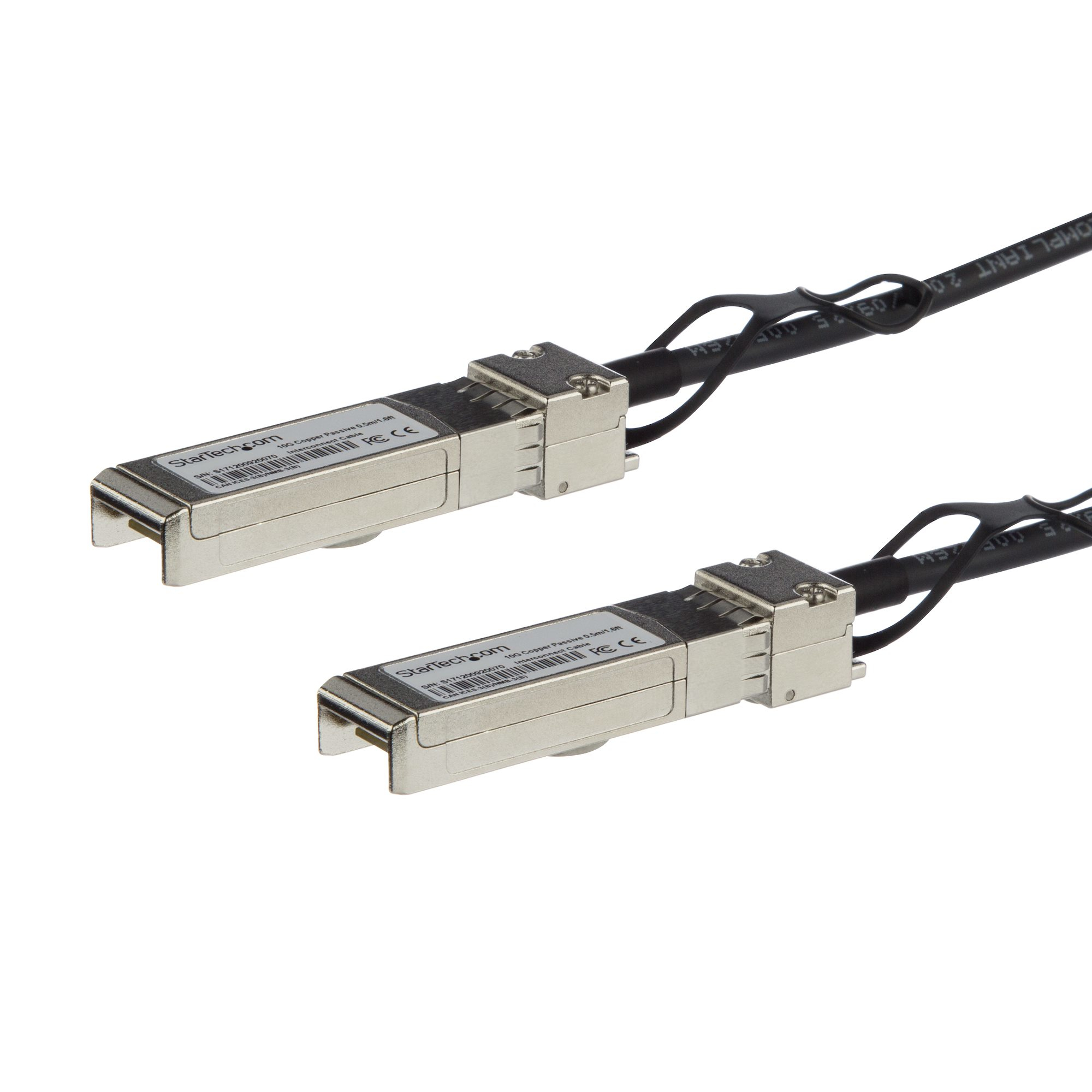
STARTECH
StarTech.com Cisco SFP-H10GB-CU0-5M Compatible 0.5m 10G SFP+ to SFP+ Direct Attach Cable Twinax, 10GbE SFP+ Copper DAC 10Gbps Low Power Passive Transceiver Module DAC Firepower ASR9000 - Lifetime Warranty (SFPH10GBC05M) - 10GBase direct attach cable - SFP+ latched to SFP+ latched - 50 cm - twinaxial - SFF-8431/SFF-8432 - passive - black
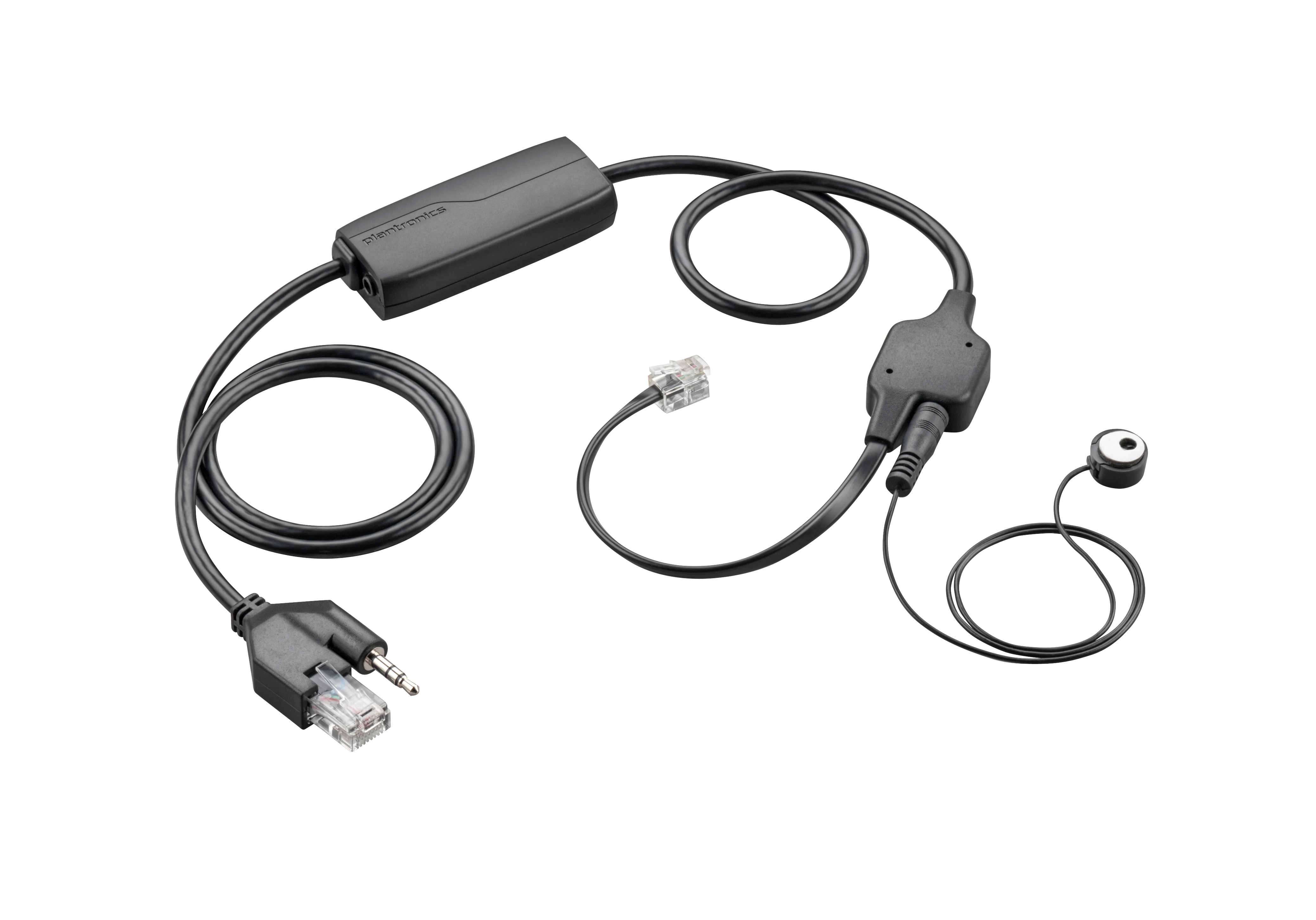
HP
HP Poly APV-63 - Electronic hook switch adapter for phone - TAA Compliant

Lenovo
IBM - Network cable - RJ-45 (M) to RJ-45 (M) - 10 m - blue
STARTECH
StarTech.com MSA Uncoded Compatible 0.5m 10G SFP+ to SFP+ Direct Attach Breakout Cable Twinax, 10 GbE SFP+ Copper DAC 10 Gbps Low Power Passive Transceiver Module DAC, 10GE Breakout Cable - Lifetime Warranty (SFP10GPC05M) - 10GBase direct attach cable - SFP+ latched to SFP+ latched - 50 cm - twinaxial - SFF-8431/SFF-8432 - passive - black