- Cyber Security
How to Set Up Security Awareness Training for Your Team
2 Oct, 2025
£688.60 inc. VAT
AI-generated summary
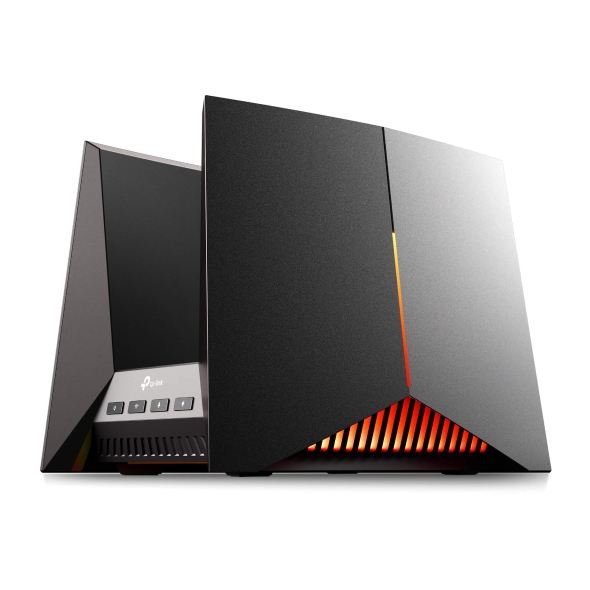
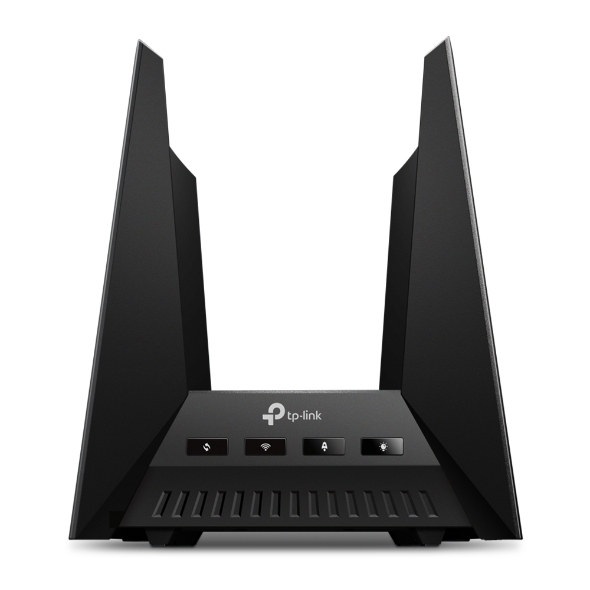
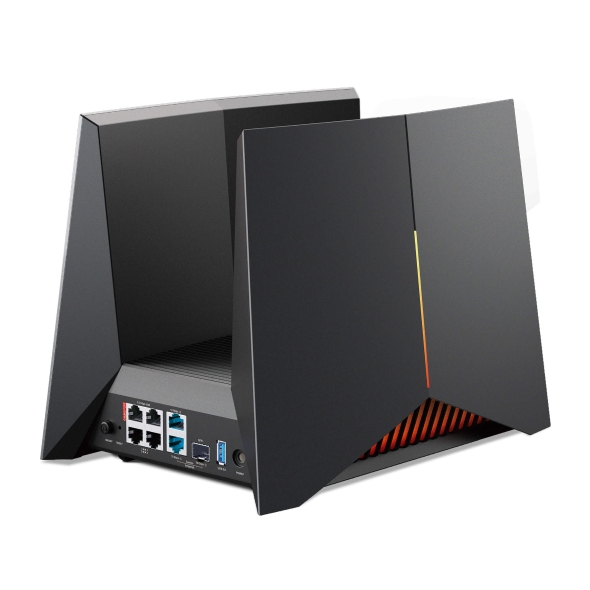
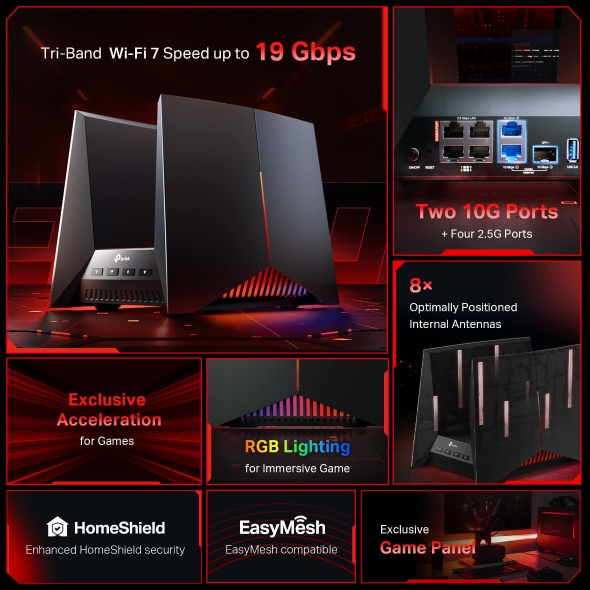
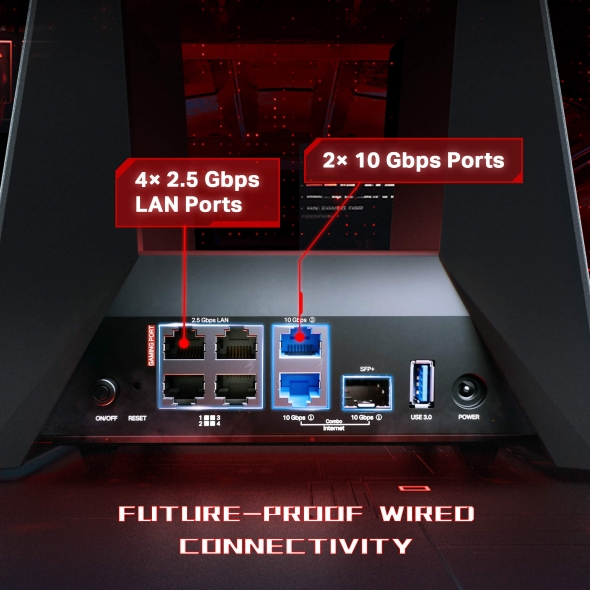
At ~£575 ex-VAT, the Archer BE19000 Wi‑Fi 7 isn’t “cheap future-proofing” so much as “if you’ve got the setup, it makes sense.” If you’re a small office that already uses multiple real-time workloads (VoIP, video calls, cloud apps) plus a decent number of Wi‑Fi 7–capable devices, you’ll likely notice a smoother experience and better headroom—especially in homes/offices with a lot of competing networks. Where this class of router earns its keep is density: lots of clients, busy airtime, and the need for consistent performance rather than peak speed bragging.
That said, I’d be cautious if your clients/devices are mostly older Wi‑Fi 5/6/6E. In that case you’re paying for Wi‑Fi 7 improvements you can’t fully use, and you may be better served by a strong Wi‑Fi 6E/7 mid-range unit and spending the difference on access points or wired upgrades. Also, don’t treat it like a magic fix for poor signal—if your coverage is currently weak, the real win is often adding properly placed APs (or cabling), not upgrading the router alone. Overall: buy it if you’re actively building a Wi‑Fi 7 environment and care about performance under load; skip it if your network is mostly legacy or your bottleneck is coverage.
TP-Link
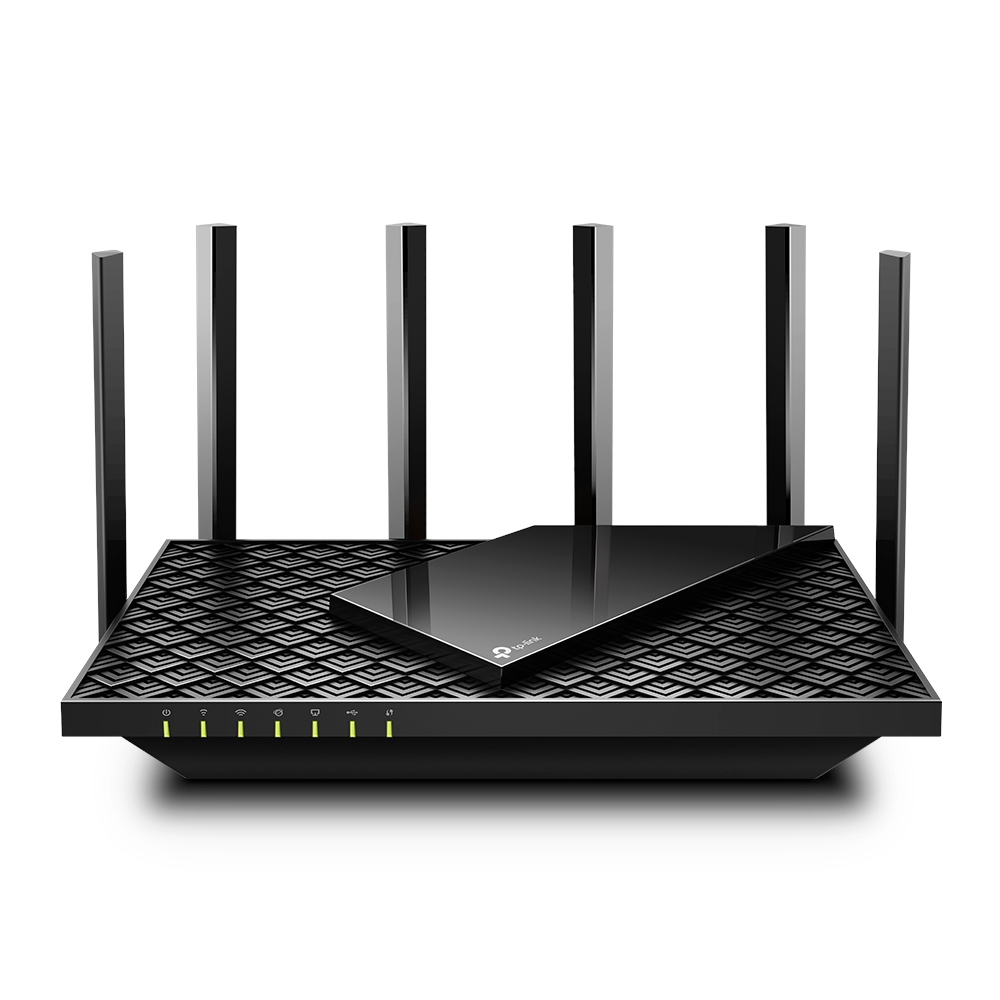
TP-Link Archer AX73 - V1 - wireless router 4-port switch - 1GbE - Wi-Fi 6 - Dual Band
TP-Link
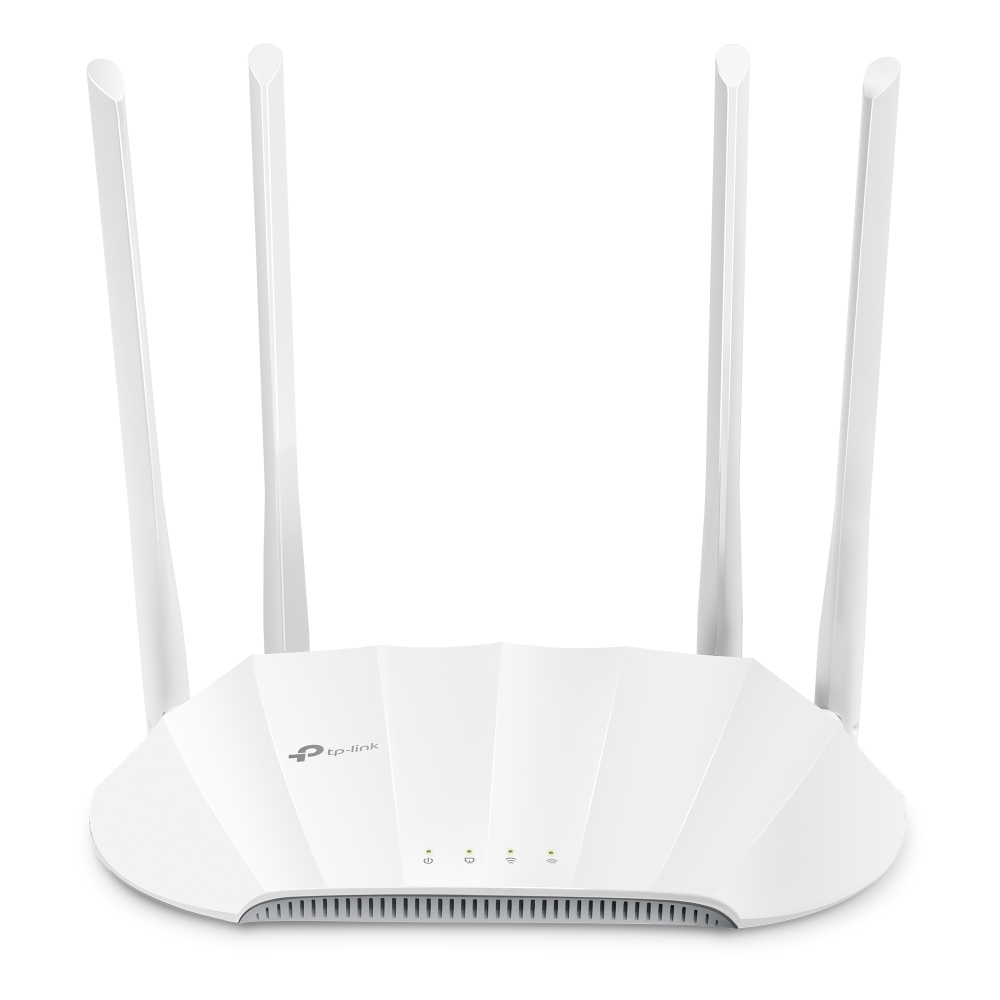
TP-Link TL-WA1801 V1 - Radio access point - 1GbE - Wi-Fi 6 - 2.4 GHz, 5 GHz
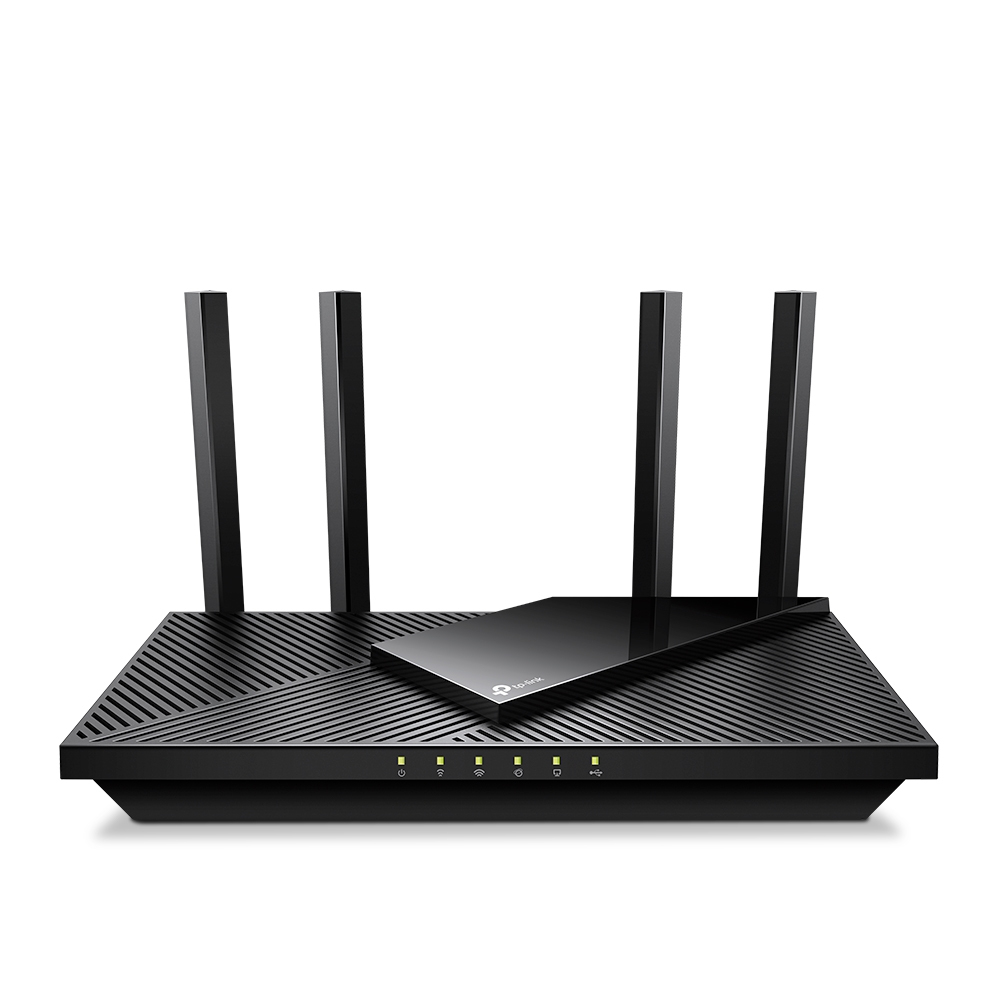
TP-Link
TP-Link Archer AX55 Pro V1 - Wireless router 5-port switch - 1GbE - WAN ports: 2 - Wi-Fi 6 - Dual Band

TP-Link
Tapo L510E - LED light bulb - E27 - 8.7 W - 2700 K (pack of 2)