- Azure Cloud
How to Use Azure Monitor for Proactive IT Management
15 Feb, 2026



£95.88 inc. VAT
AI-generated summary
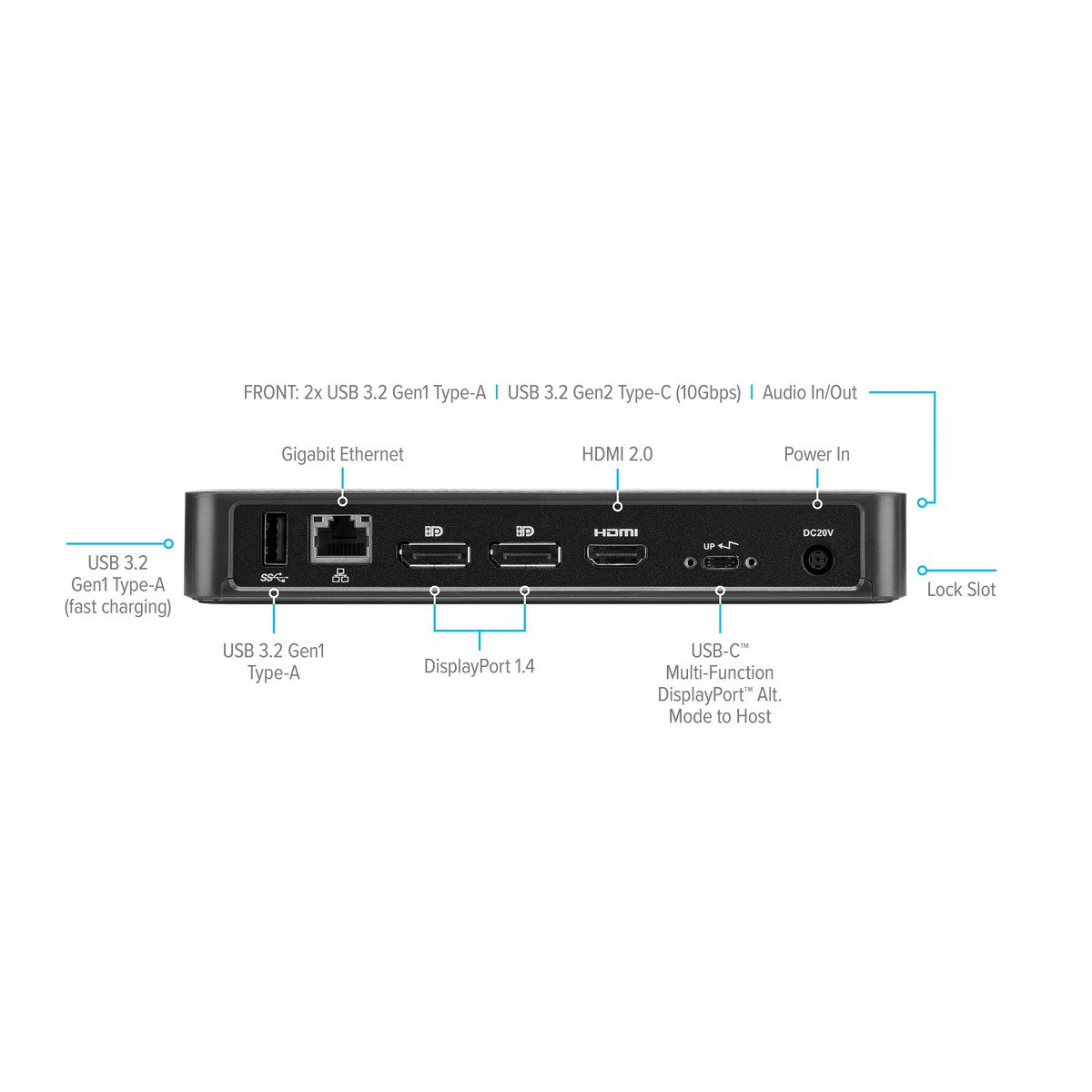
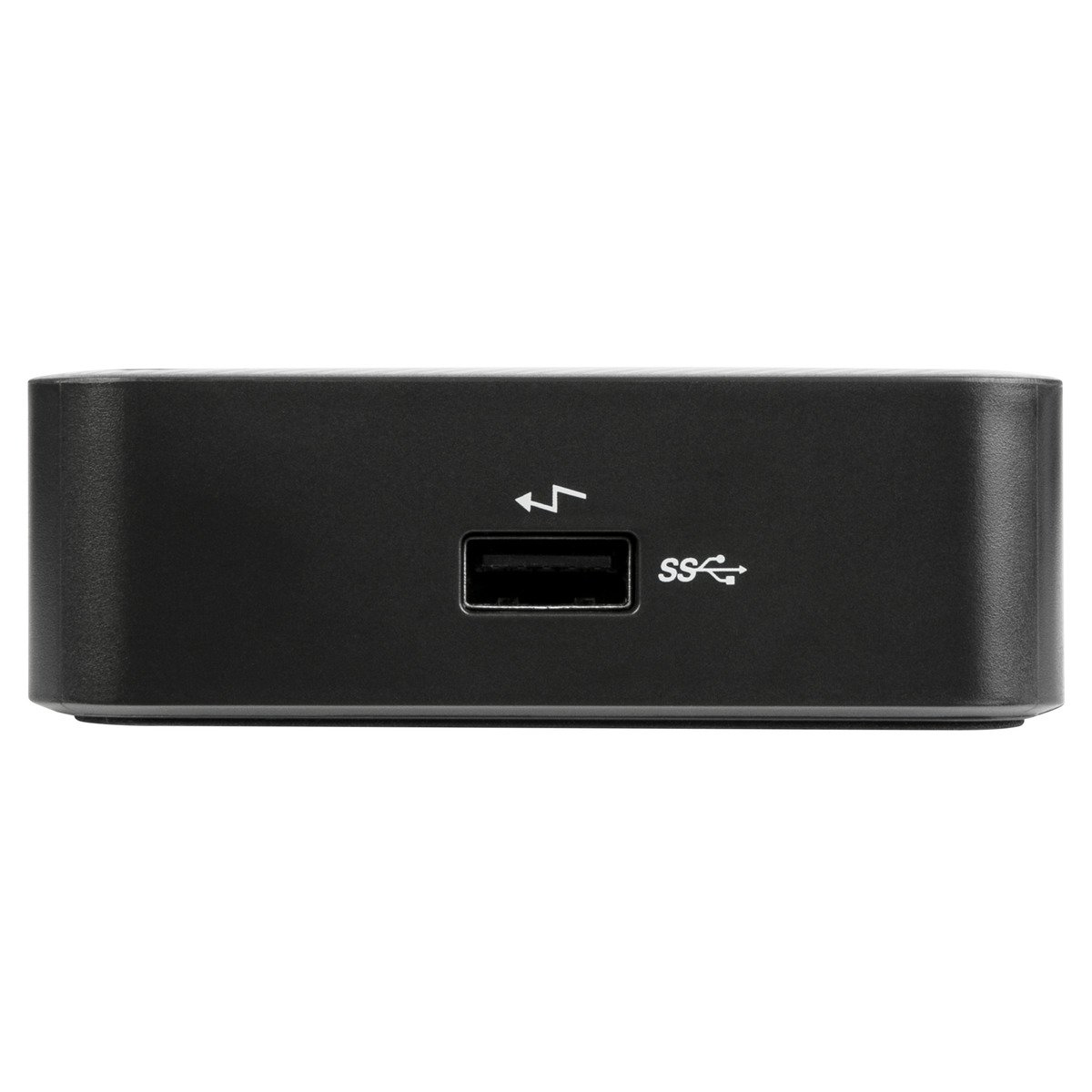
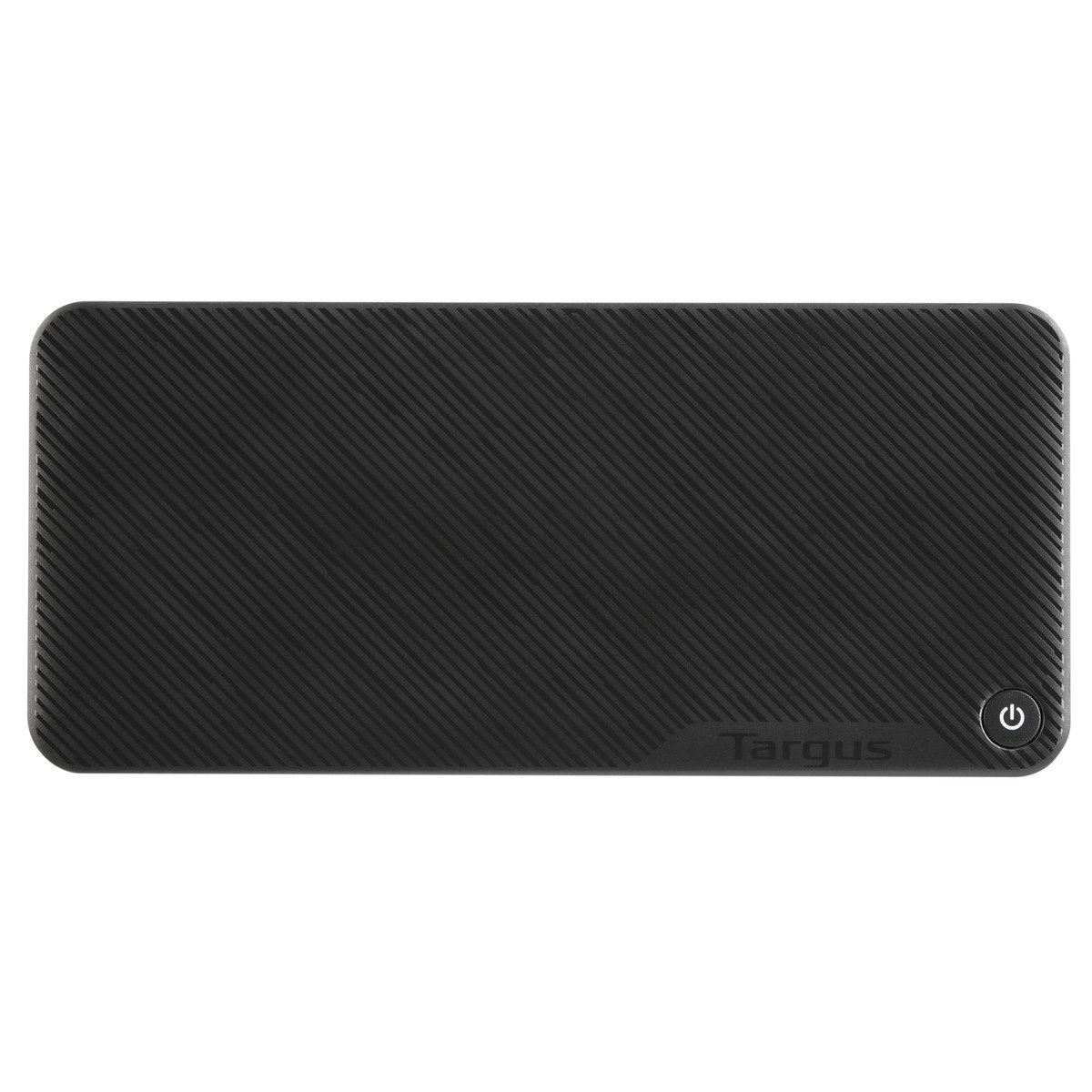
The Targus DOCK430EUZ for £80 ex‑VAT sits in that “gets the job done” bracket rather than “office power tool.” It’s the sort of dock that makes sense if your day-to-day is mostly a couple of USB peripherals plus one screen (and you’re not trying to run a high-performance multi-monitor setup). The main value here is simplicity and reliability—Targus generally gets the basics right, and this model is a sensible buy if you want a clean desk without paying for features you won’t use.
That said, if you’re expecting a premium docking experience—smooth multi‑monitor performance, lots of high-throughput peripherals, or it to behave perfectly with every laptop model and docking scenario—this isn’t the one to gamble on at this price point. At £80, it’s more “cost-effective single-station dock” than “universal hub for power users.” I’d recommend it to small offices and teams standardising on a compatible laptop range, or anyone who just needs dependable connectivity day after day. If you’re a heavy multi-screen user or you rely on lots of bandwidth-hungry devices, spend a bit more and get a dock clearly aimed at that workload.
TARGUS HARDWARE
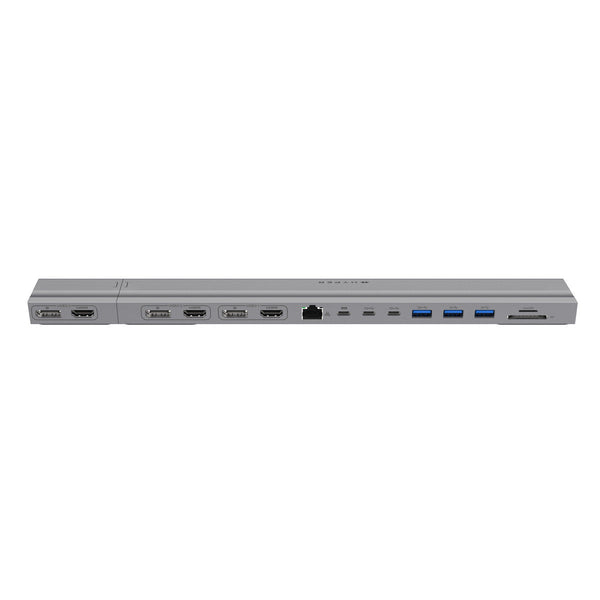
HyperDrive - Docking station - USB-C x 2 - 3 x HDMI, 3 x DP - 1GbE
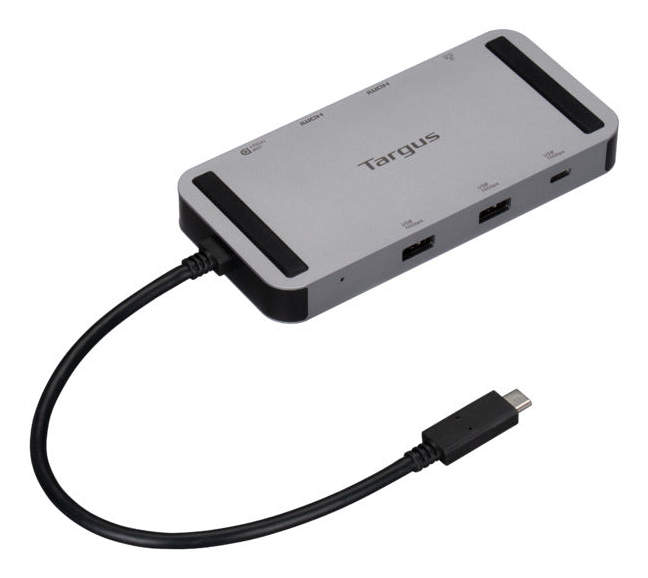
TARGUS HARDWARE
Targus - Docking station - USB-C / USB4 / Thunderbolt 3 / Thunderbolt 4 - 2 x HDMI, USB-C - 1GbE
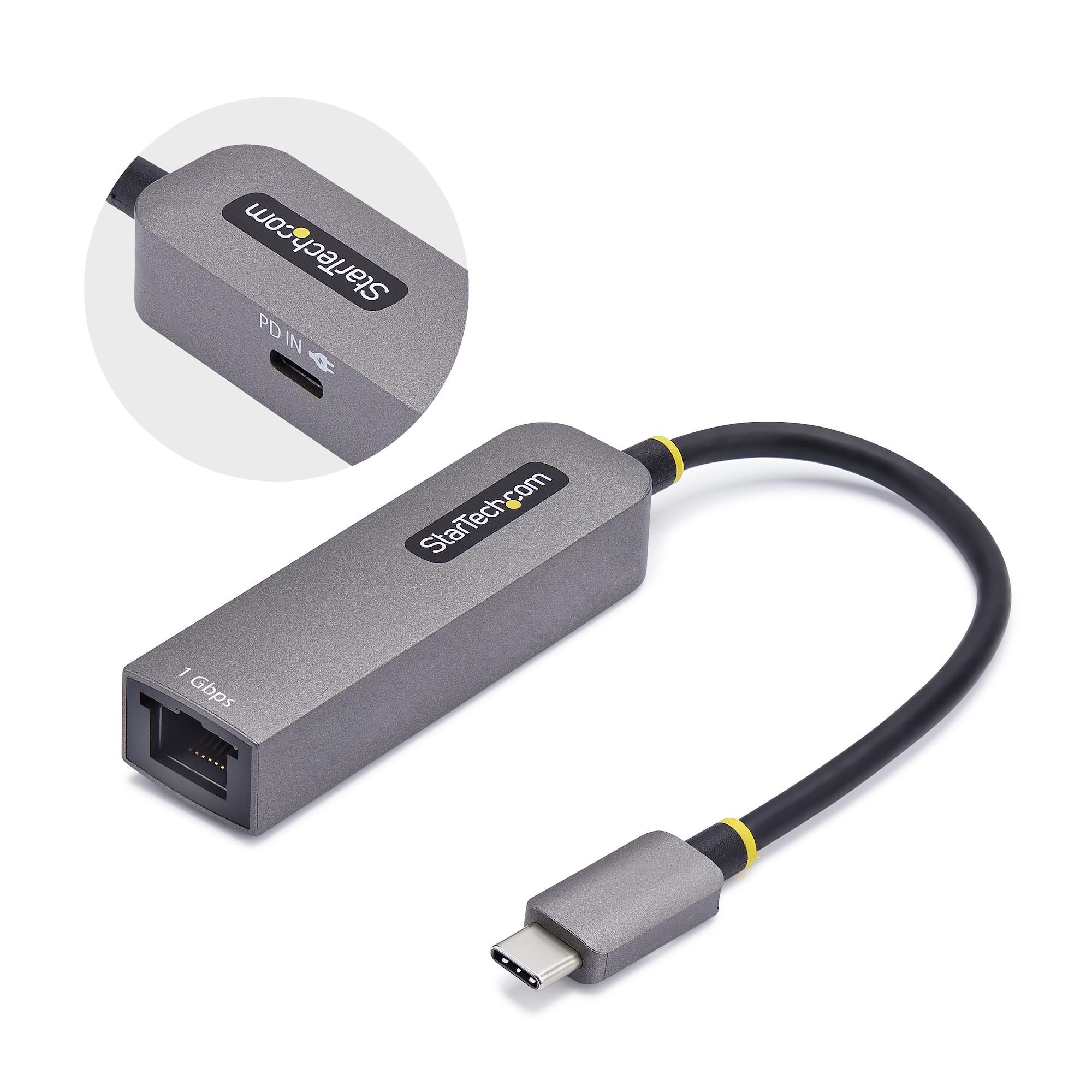
STARTECH
StarTech.com USB-C to Ethernet Adapter, NIC, 1Gbps - Network adapter - USB-C 3.2 Gen 1 - Gigabit Ethernet + USB-C 3.2 Gen 1 - space grey
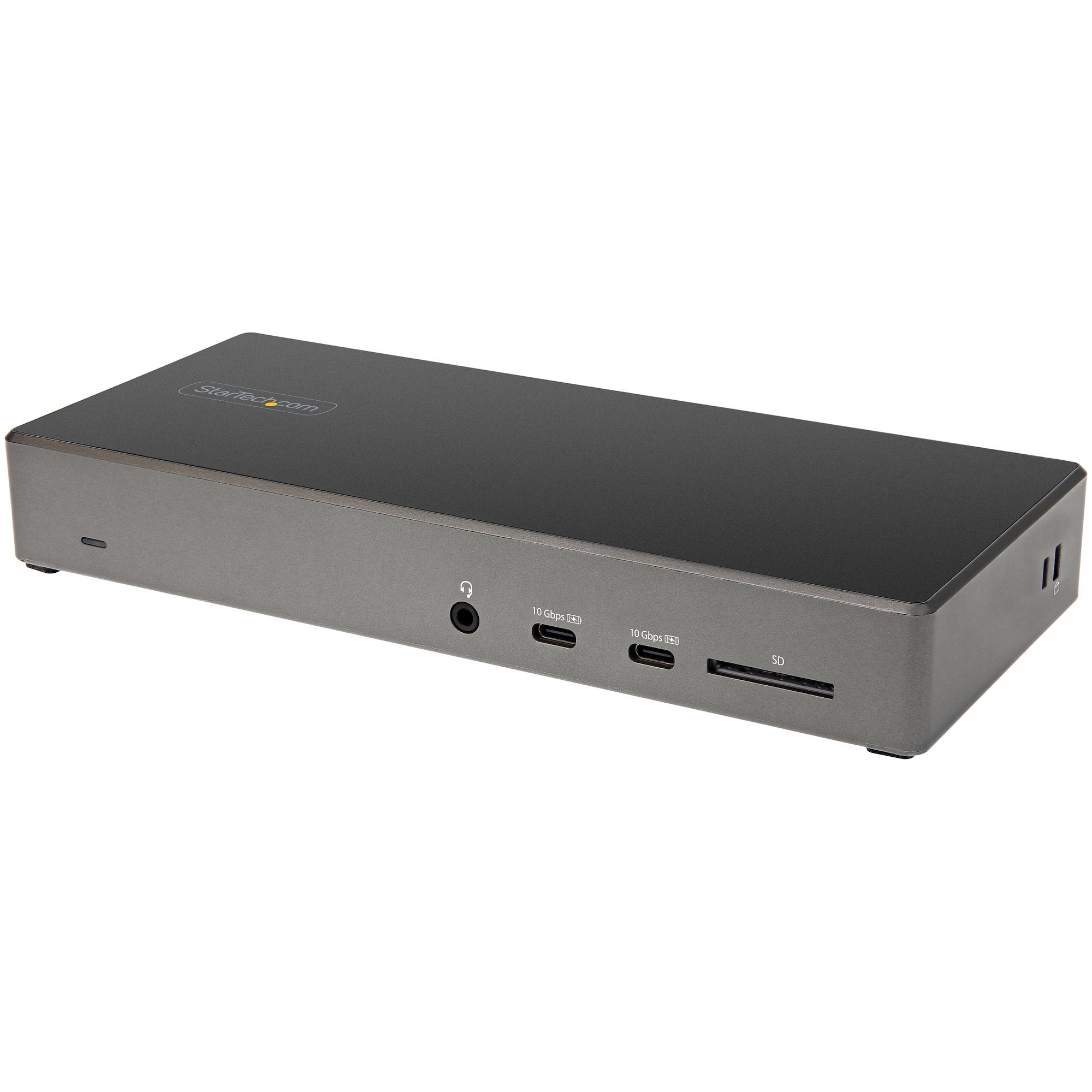
STARTECH
StarTech.com USB C Dock - Triple 4K Monitor USB Type-C Docking Station - 100W Power Delivery - DP 1.4 Alt Mode & DSC, 2x DisplayPort 1.4/HDMI 2.0 - 6xUSB (2x 10Gbps) - Windows/Chrome - Docking station - USB-C - 2 x DP, HDMI - 1GbE - 100 Watt