- Azure Cloud
How to Implement Azure Sentinel for Security Monitoring
27 Nov, 2025
£496.36 inc. VAT
AI-generated summary
At £415 ex-VAT for a single 8GB DDR4 SO‑DIMM, this is one of those “sounds simple, but it’s really not cheap” memory upgrades. The only time it makes sense is when you’re specifically trying to fix or expand a Synology unit that supports *this exact* Synology/ECC-by-Synology memory path, and you want the lowest hassle / highest compatibility rather than experimenting. If you’re running a production NAS and stability matters more than saving a few quid, paying the premium for “known good” parts is often worth it—Synology memory can be picky, and dodgy compatibility usually isn’t.
That said, if you’re buying this for general lab use, a non‑Synology server, or just trying to stretch RAM on the cheap, I’d be cautious. The price suggests you should consider whether you actually need that capacity right now, or whether a cheaper supported module option exists for your exact model. For buyers: this is for Synology owners who’ve confirmed compatibility and just need a reliable replacement/upgrade. For everyone else: treat the cost as a red flag and check your NAS model’s supported memory list before you commit.
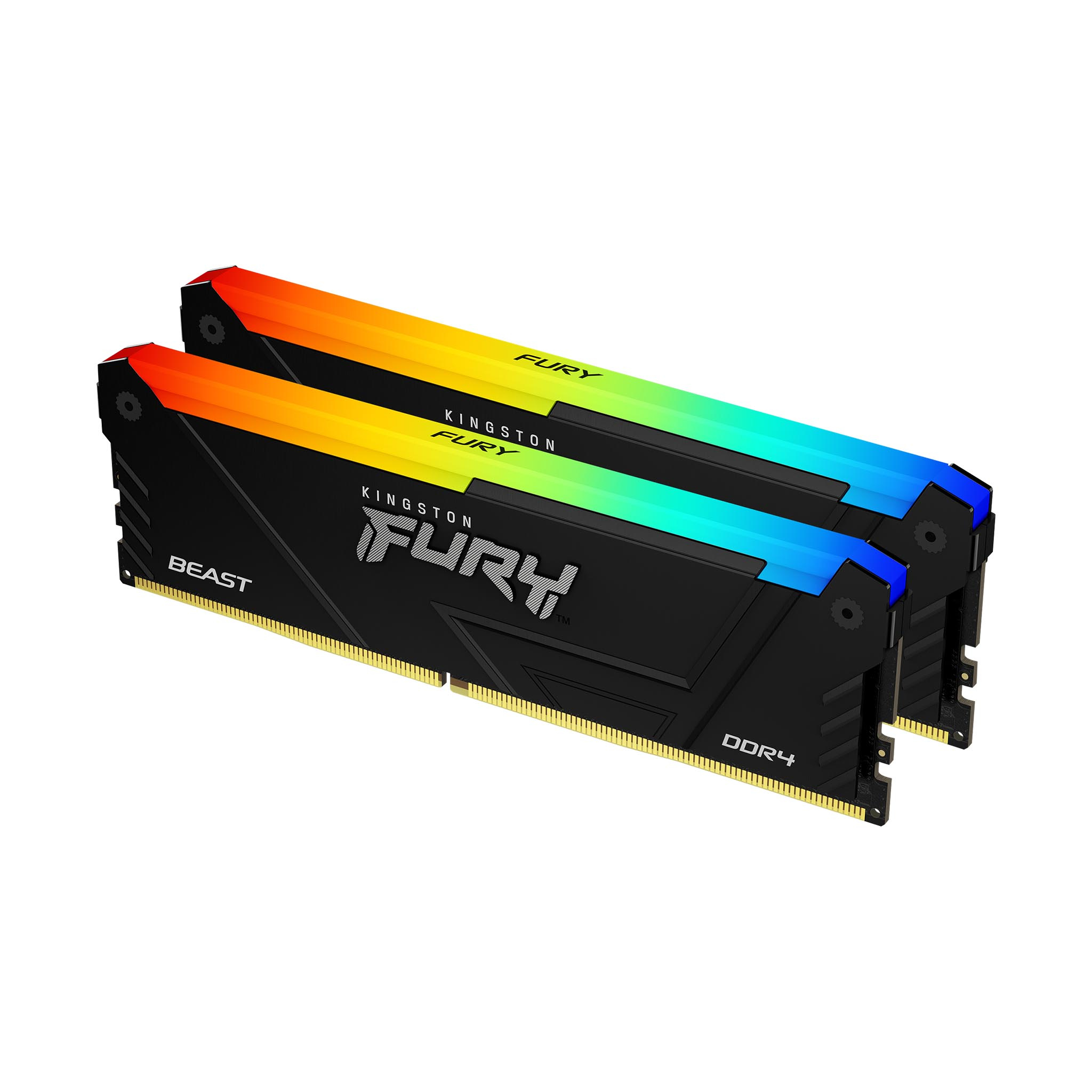
Kingston
Kingston FURY Beast RGB - DDR4 - kit - 16 GB: 2 x 8 GB - DIMM 288-pin - 3200 MHz / PC4-25600 - CL16 - 1.35 V - unbuffered - non-ECC - black
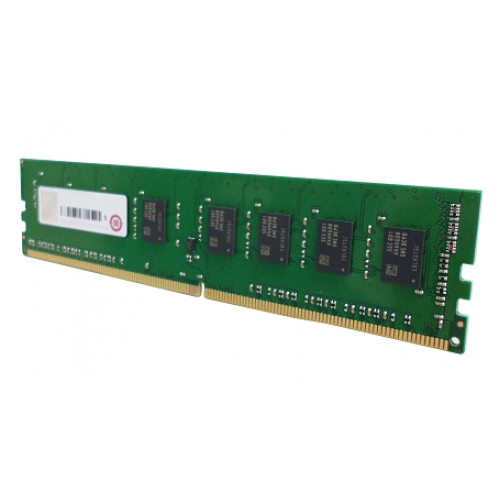
Qnap
QNAP - DDR4 - module - 8 GB - DIMM 288-pin - 2133 MT/s / PC4-17000 - 1.2 V - unbuffered - non-ECC - for QNAP TVS-682, TVS-682T, TVS-882, TVS-882T
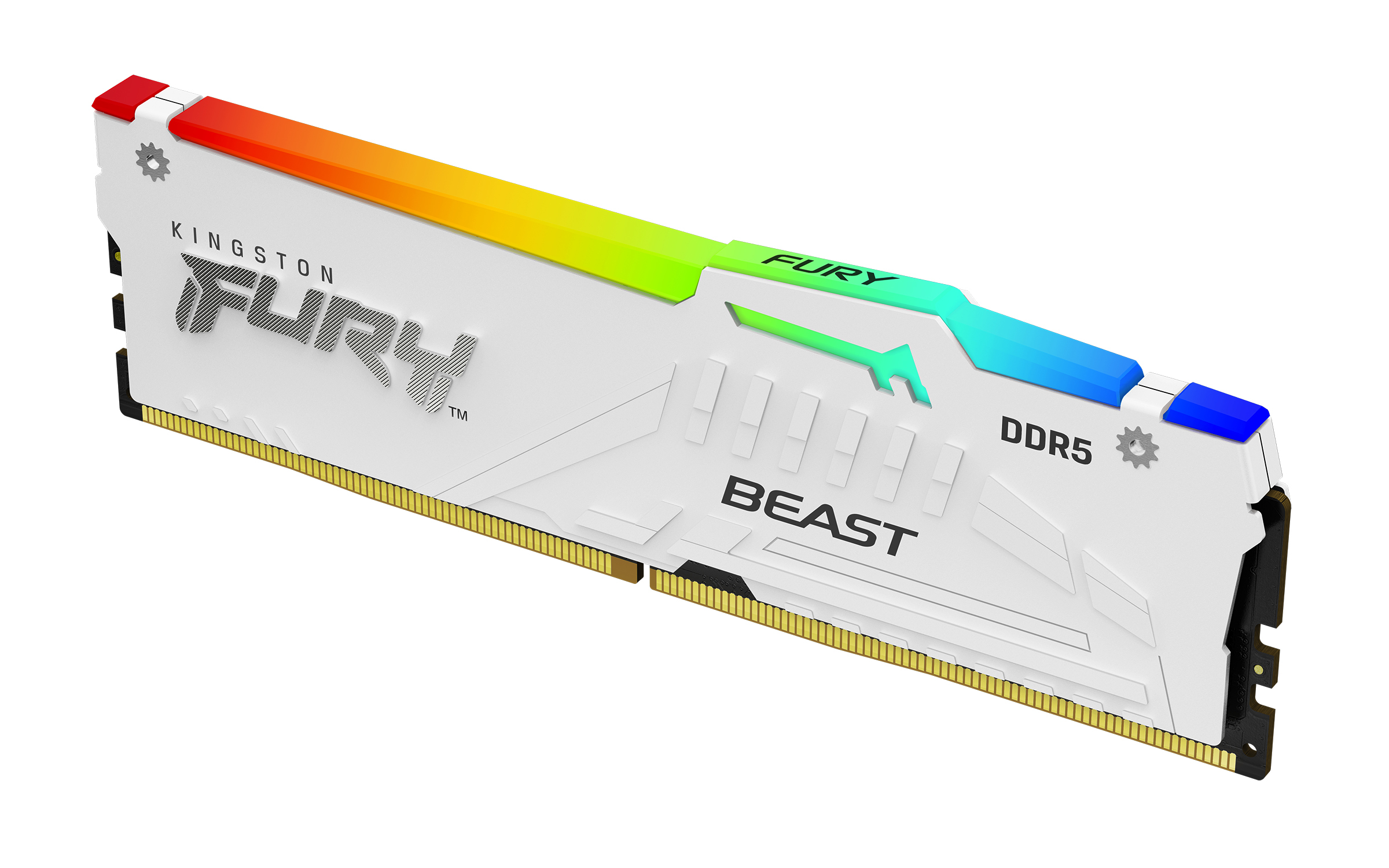
Kingston
Kingston FURY Beast RGB - DDR5 - module - 32 GB - DIMM 288-pin - 5600 MT/s / PC5-44800 - CL36 - 1.25 V - unbuffered - on-die ECC - white
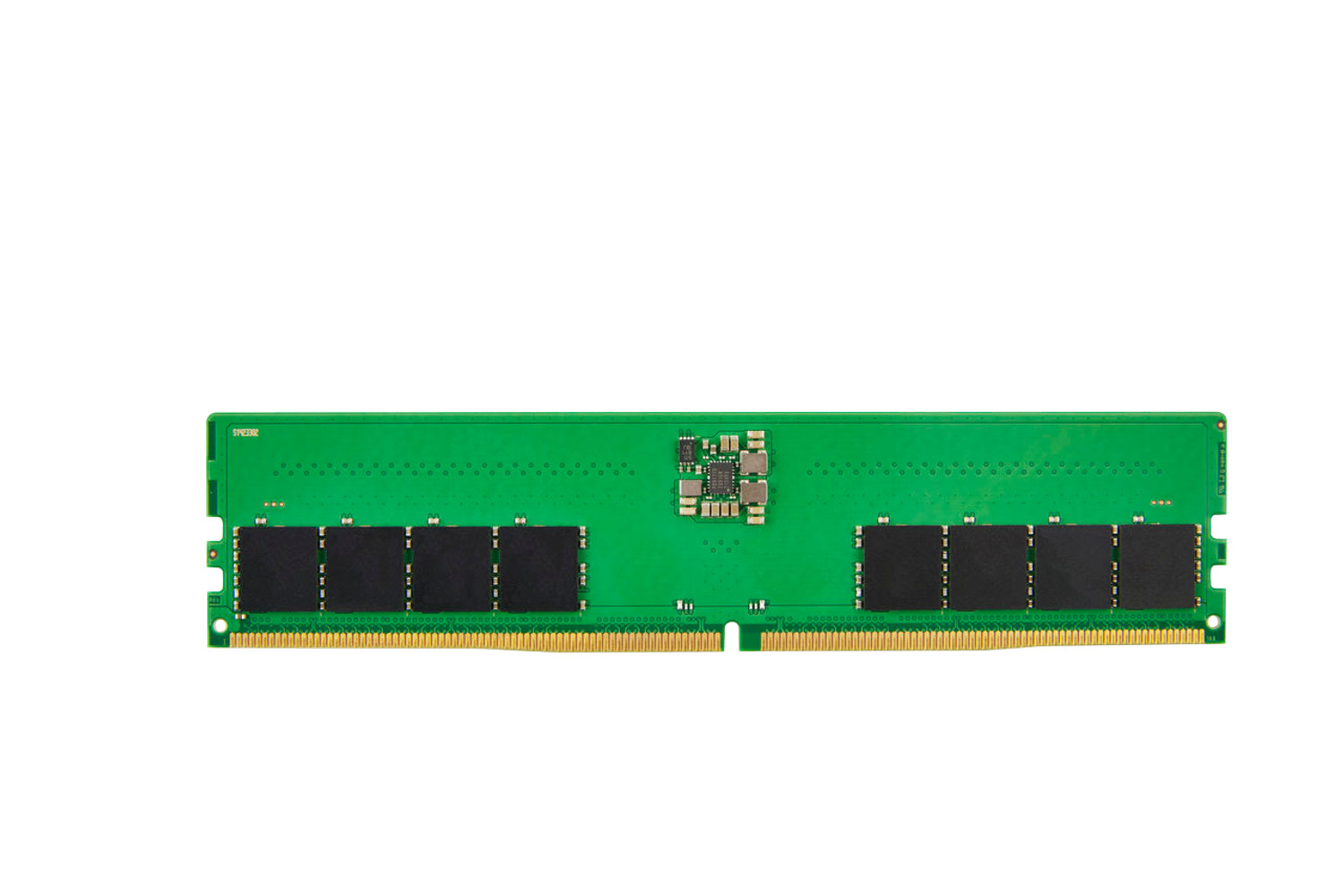
HP
HP - DDR5 - module - 16 GB - DIMM 288-pin - 4800 MHz - unbuffered - ECC - for Workstation Z2 G9