- Cloud Backup
How to Verify Your Backups Are Working Correctly
30 Sep, 2025
£1413.20 inc. VAT
AI-generated summary
If you’re looking at this Synology-branded 16GB DDR4 ECC registered module for the SA/FlashStation “3400/3600/6400” class, this is one of those “boring but correct” buys. The big selling point isn’t speed—it’s reliability and compatibility. Those boxes want the right kind of ECC/registered RAM and will be picky about it. If you’re running production NAS workloads (VMs, lots of small files, heavy indexing, container stacks, or just uptime-critical storage), paying for the right module usually costs less than downtime and avoids the hassle of chasing intermittent memory-related weirdness.
That said, £1,182.50 ex-VAT for 16GB is only good value if you actually need *this exact* stick for one of the supported models and you’re replacing a failed DIMM or doing an approved upgrade path. If you’re simply trying to expand capacity on supported hardware, it’s worth double-checking whether you need a single module versus filling slots, and whether there’s a cheaper equivalent from a reputable channel that your model will officially accept (Synology compatibility guidance matters here). For homelab or non-mission-critical setups, I’d avoid overpaying—this is the sort of part you buy when the system’s role is “don’t break.”
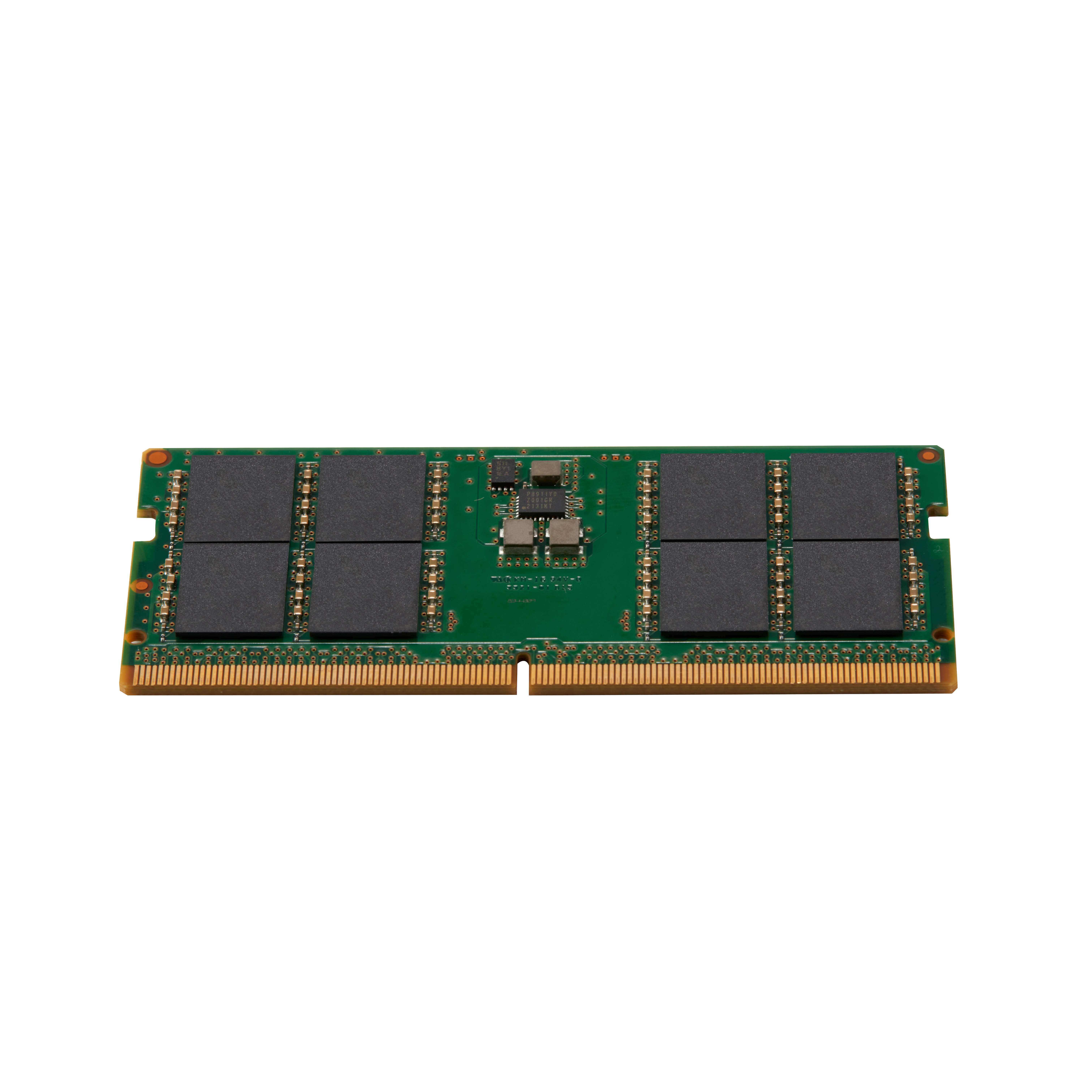
HP
HP - DDR5 - module - 32 GB - SO-DIMM 262-pin - 4800 MHz / PC5-38400 - unbuffered - non-ECC - for Elite 600 G9, 800 G9, Mini Conference G9, Workstation Z2 G9
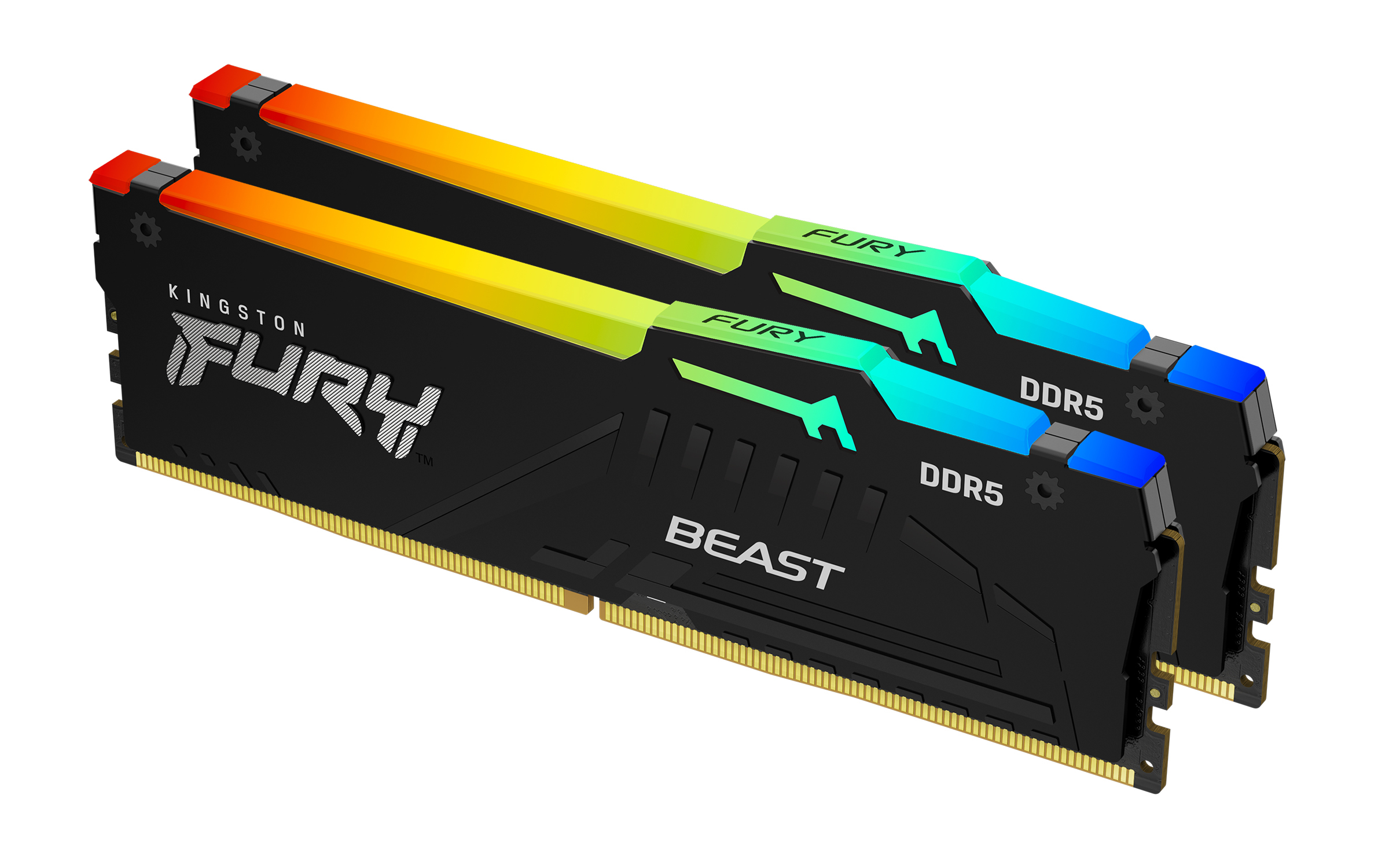
Kingston
Kingston FURY Beast RGB - DDR5 - kit - 64 GB: 2 x 32 GB - DIMM 288-pin - 5200 MT/s / PC5-41600 - CL40 - 1.25 V - unbuffered - on-die ECC
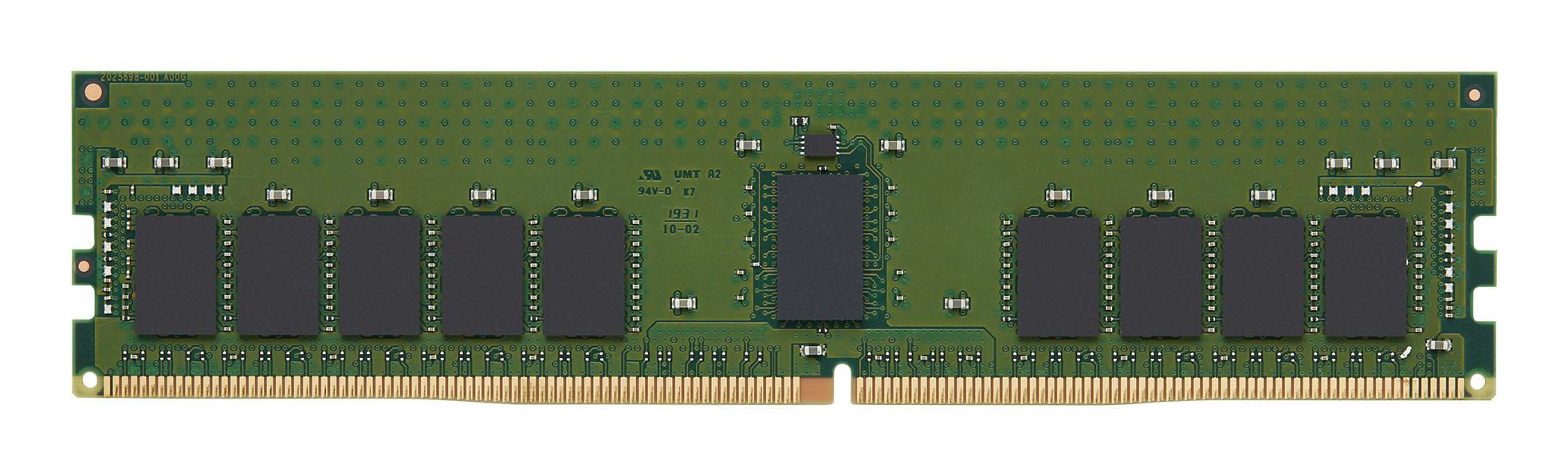
Kingston
32GB 3200MT/s DDR4 ECC Reg CL22 DIMM 2Rx
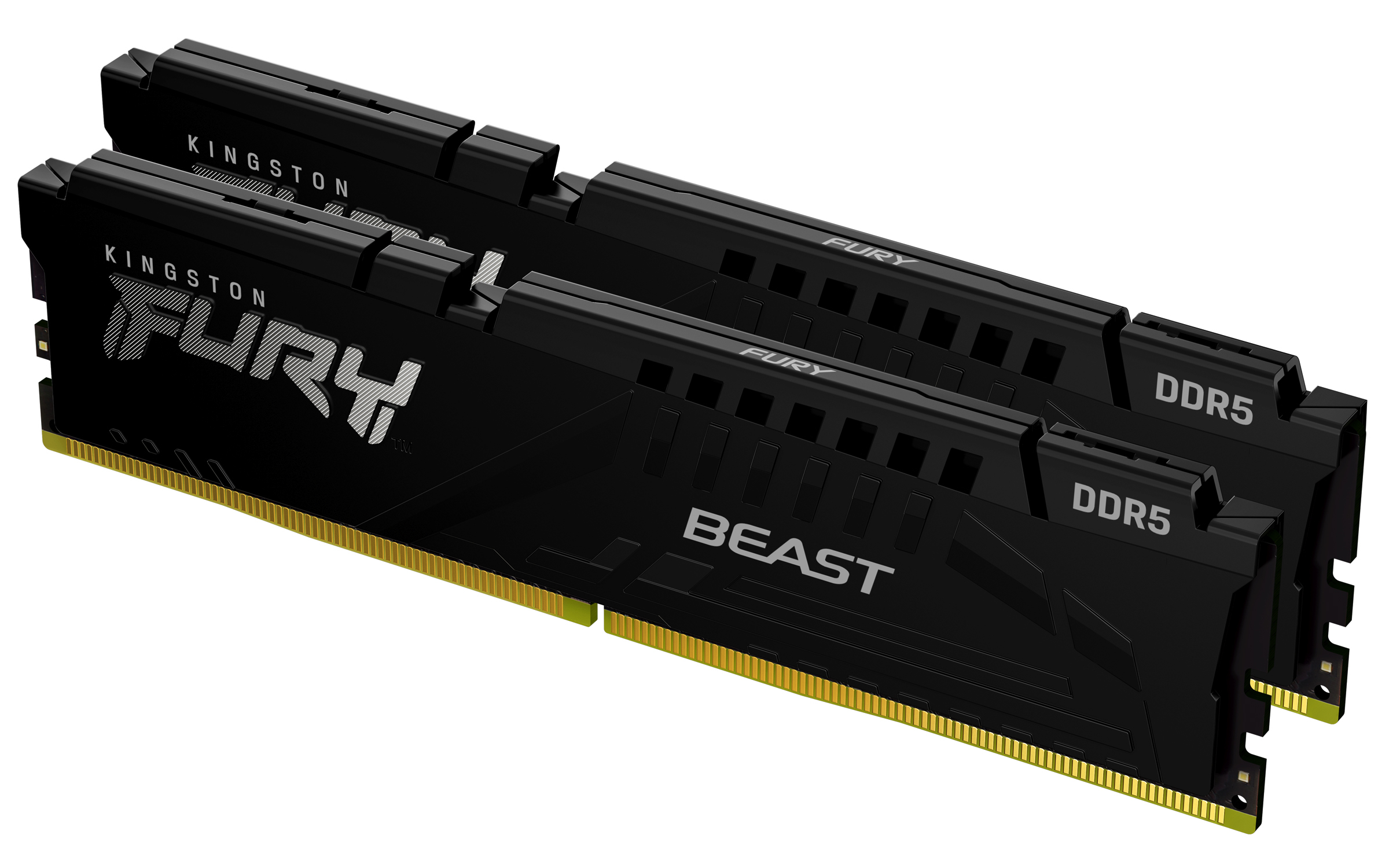
Kingston
Kingston FURY Beast - DDR5 - kit - 32 GB: 2 x 16 GB - DIMM 288-pin - 5200 MT/s / PC5-41600 - CL40 - 1.25 V - unbuffered - on-die ECC - black