- Azure Cloud
Azure vs AWS: Which Cloud Platform is Right for Your Business?
28 Feb, 2026
£24.17 inc. VAT
AI-generated summary
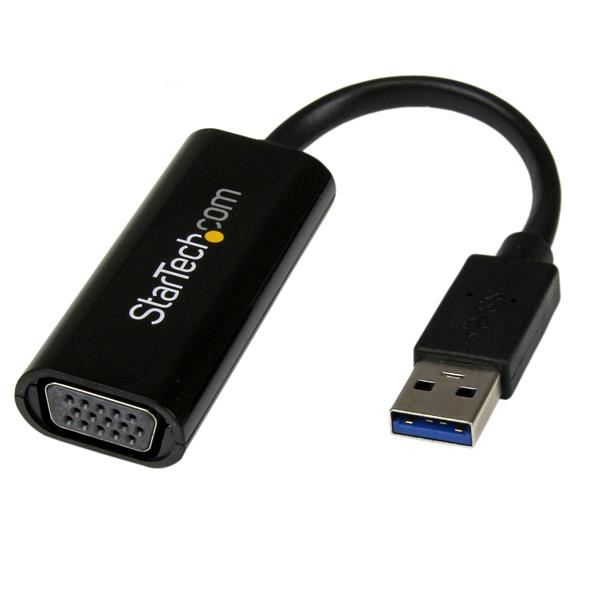
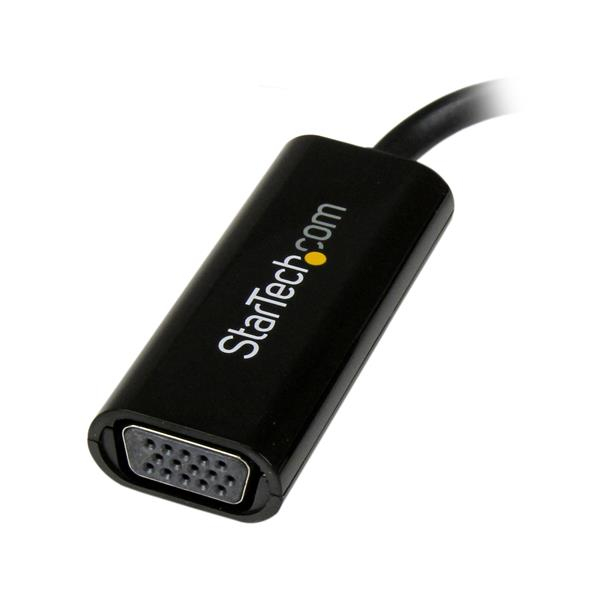
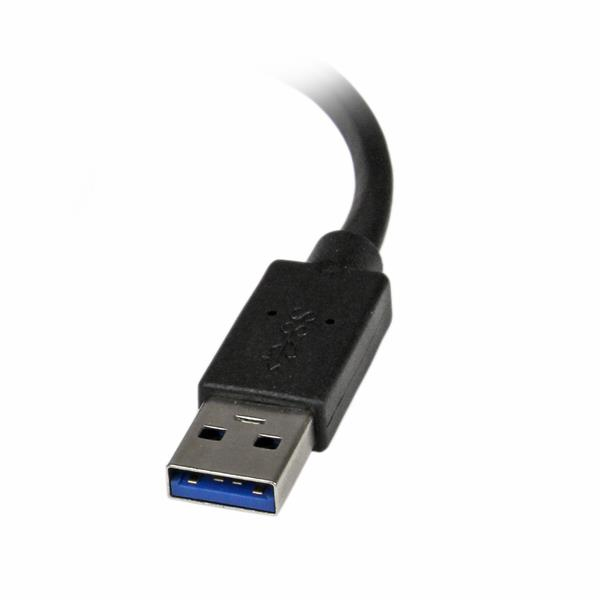
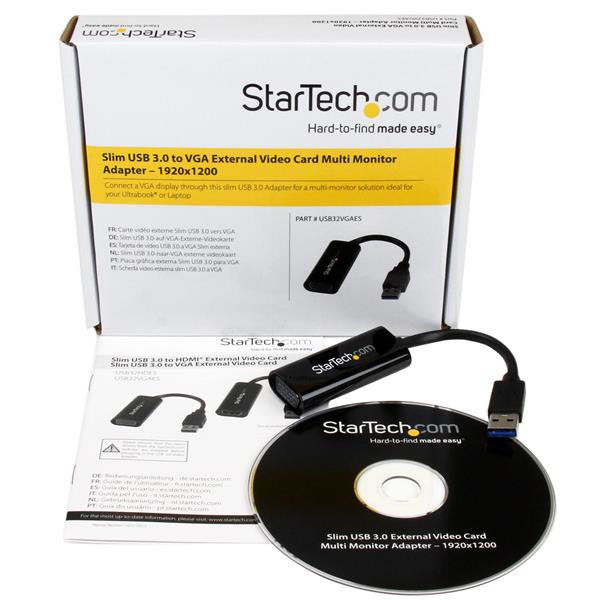
For £20.16 ex-VAT, this StarTech USB 3.0 → VGA adapter is a pretty straightforward “last‑mile” fix when you need a quick extra monitor on a Windows laptop/desktop and you don’t want to mess around with docking stations. The real-world value is that it’s slim, low friction, and usually reliable for basic productivity—spreadsheets, docs, and presentations—especially if you’re in office environments where VGA is still needed. StarTech also tends to be decent on compatibility, which matters more than people think with USB graphics adapters.
That said, it’s VGA, not HDMI/DP, and you shouldn’t buy it if you’re expecting smooth video playback, fast scrolling, or gaming performance. USB graphics converters generally aren’t the best for high refresh/“heavy” graphics workloads, and VGA limits clarity compared to modern digital connections. It also explicitly won’t help you if you’re on macOS/ChromeOS/Linux—so if your IT fleet isn’t Windows-only, this is the wrong tool. If you need a cheap, dependable second screen for Windows users who still have VGA inputs, buy; if you want quality, performance, or broader OS support, spend a bit more (or go for a proper dock/modern digital adapter) instead.

STARTECH
StarTech.com DVI to DisplayPort Adapter - USB Power - 1920 x 1200 - DVI to DisplayPort Converter - Video Adapter - DVI-D to DP (DVI2DP2) - Adapter - dual link - DVI-D (M) to DisplayPort (F) - USB power
STARTECH
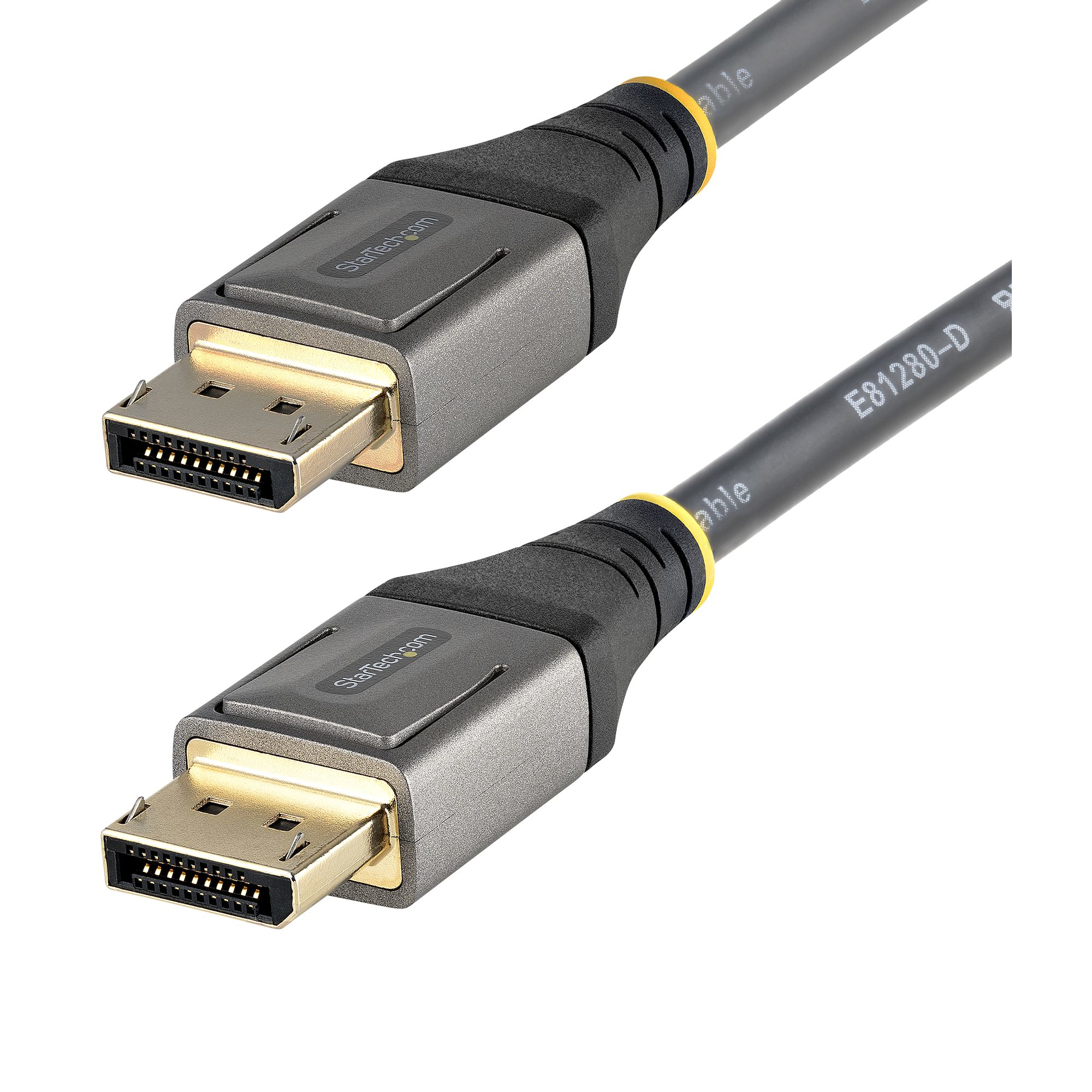
StarTech.com 16ft (5m) VESA Certified DisplayPort 1.4 Cable, 8K 60Hz HDR10, Ultra HD 4K 120Hz DP Video Cable, DisplayPort to DisplayPort Cable, DP Cord for Monitors/Displays, M/M - DP 1.4 Cable with Latches (DP14VMM5M) - DisplayPort cable - DisplayPort (M) to DisplayPort (M) - DisplayPort 1.4 - 5 m - molded, passive, 8K60Hz (7680 x 4320) support, 4K120Hz (3840 x 2160) support - grey, black
STARTECH
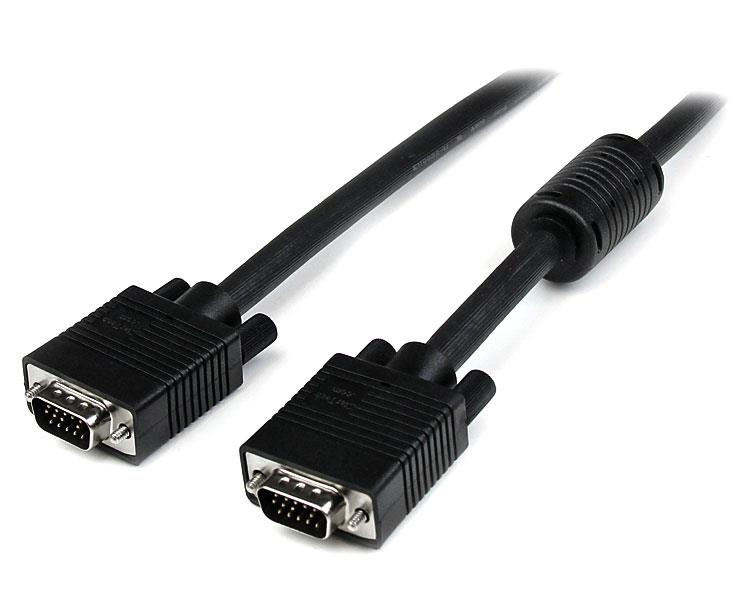
StarTech.com 30m Coax High Resolution Monitor VGA Video Cable HD15 M/M - VGA cable - HD-15 (VGA) (M) to HD-15 (VGA) (M) - 30 m - molded - black
STARTECH
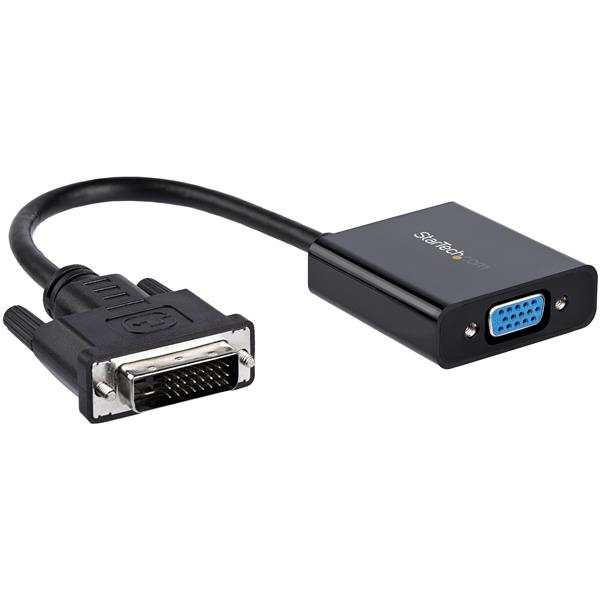
StarTech.com DVI-D to VGA Active Adapter Converter Cable - 1080p - DVI to VGA Converter box (DVI2VGAE) - Adapter - DVI-D, Micro-USB Type B (power only) to HD-15 (VGA) (F) - 24.8 m - active, 1920 x 1200 (WUXGA) support - black