- Cyber Security
How to Implement Least Privilege Access in Your Business
31 Dec, 2025
£263.24 inc. VAT
AI-generated summary
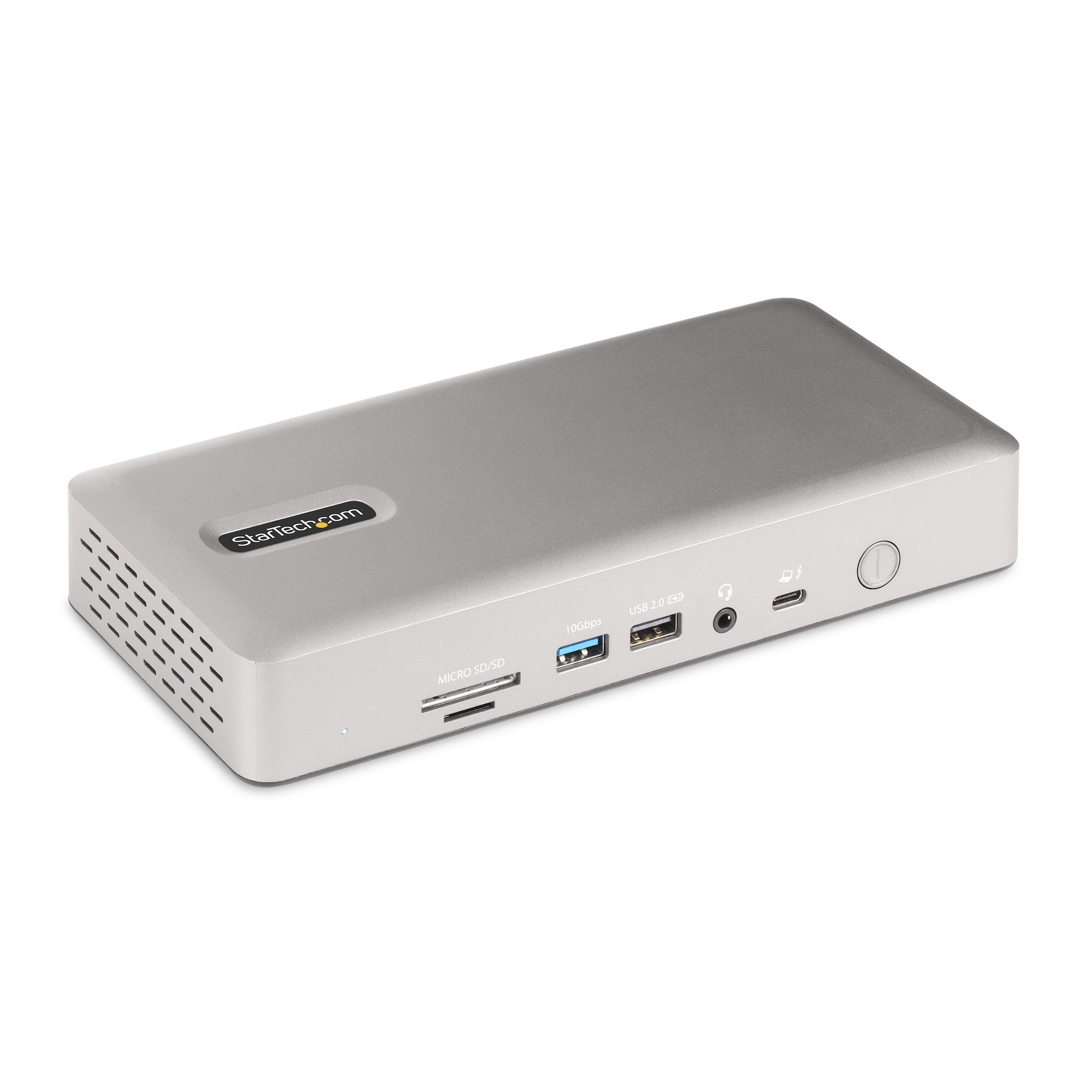
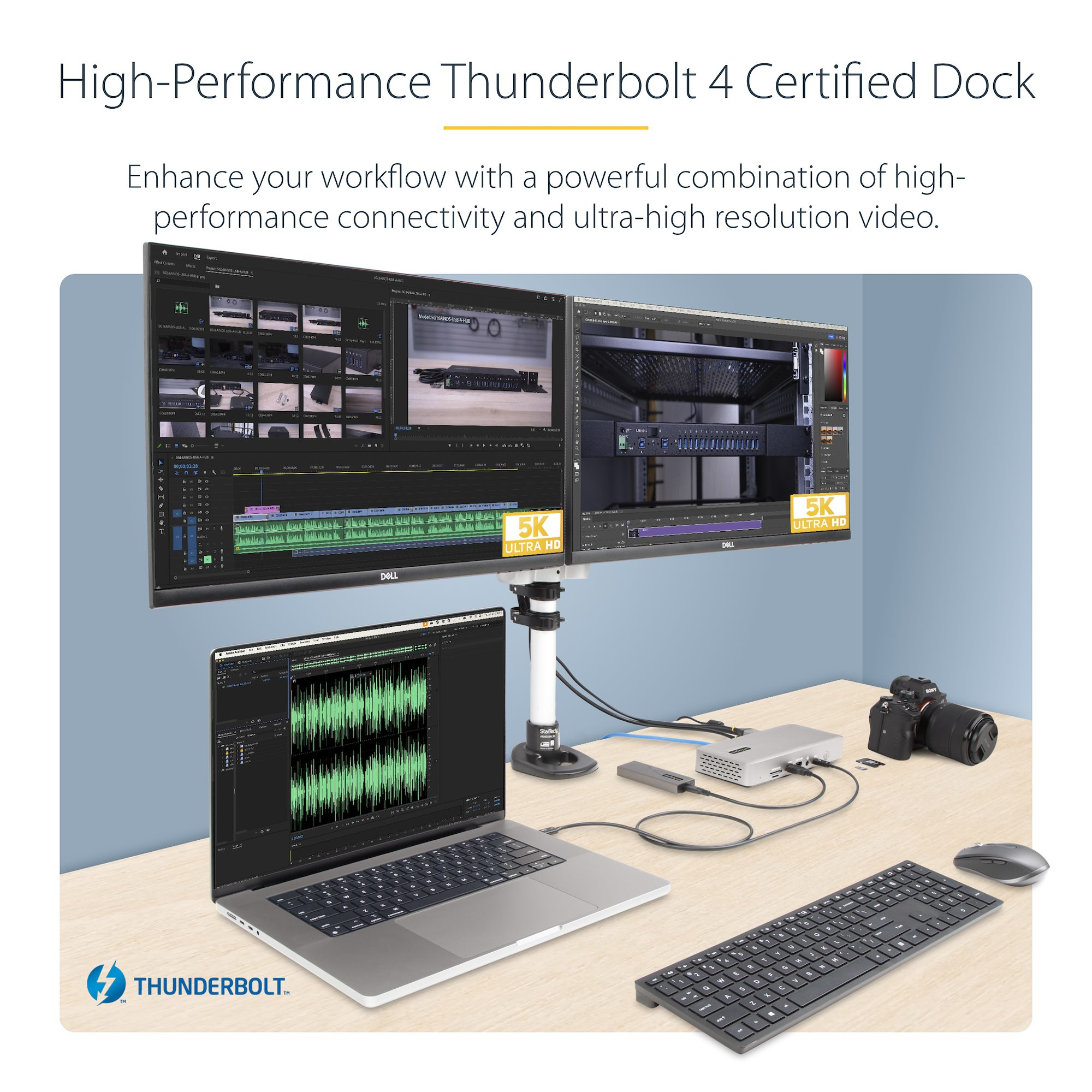
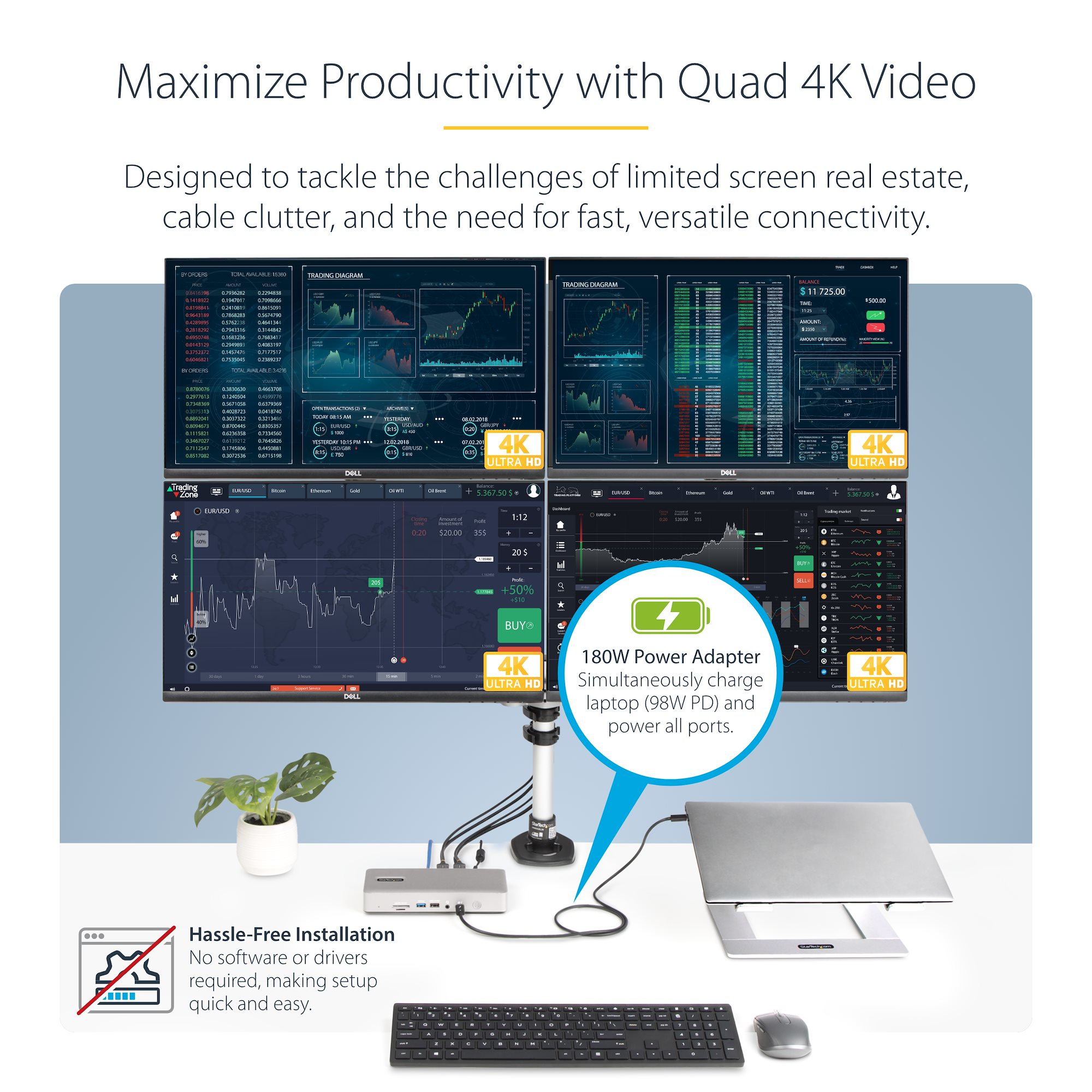
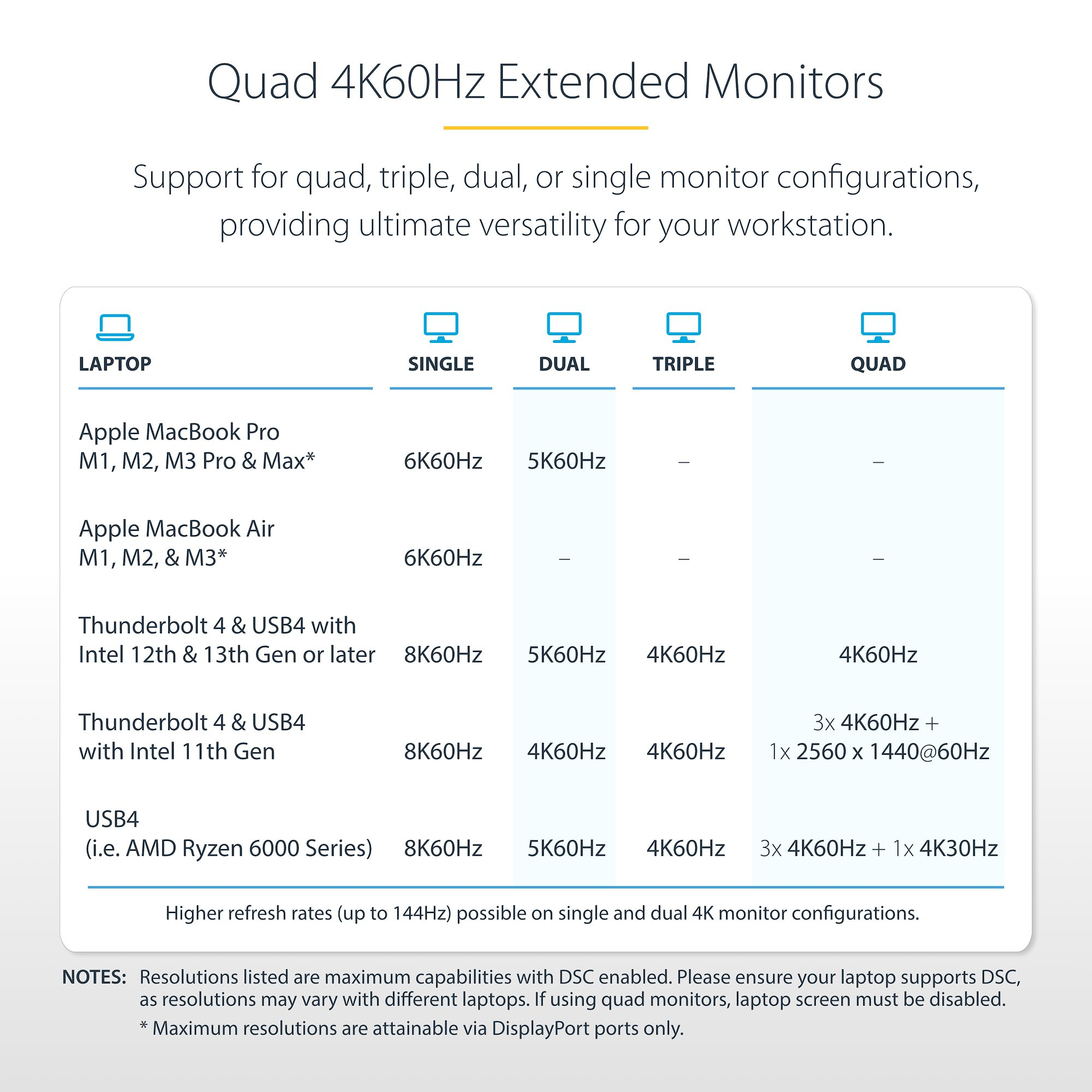
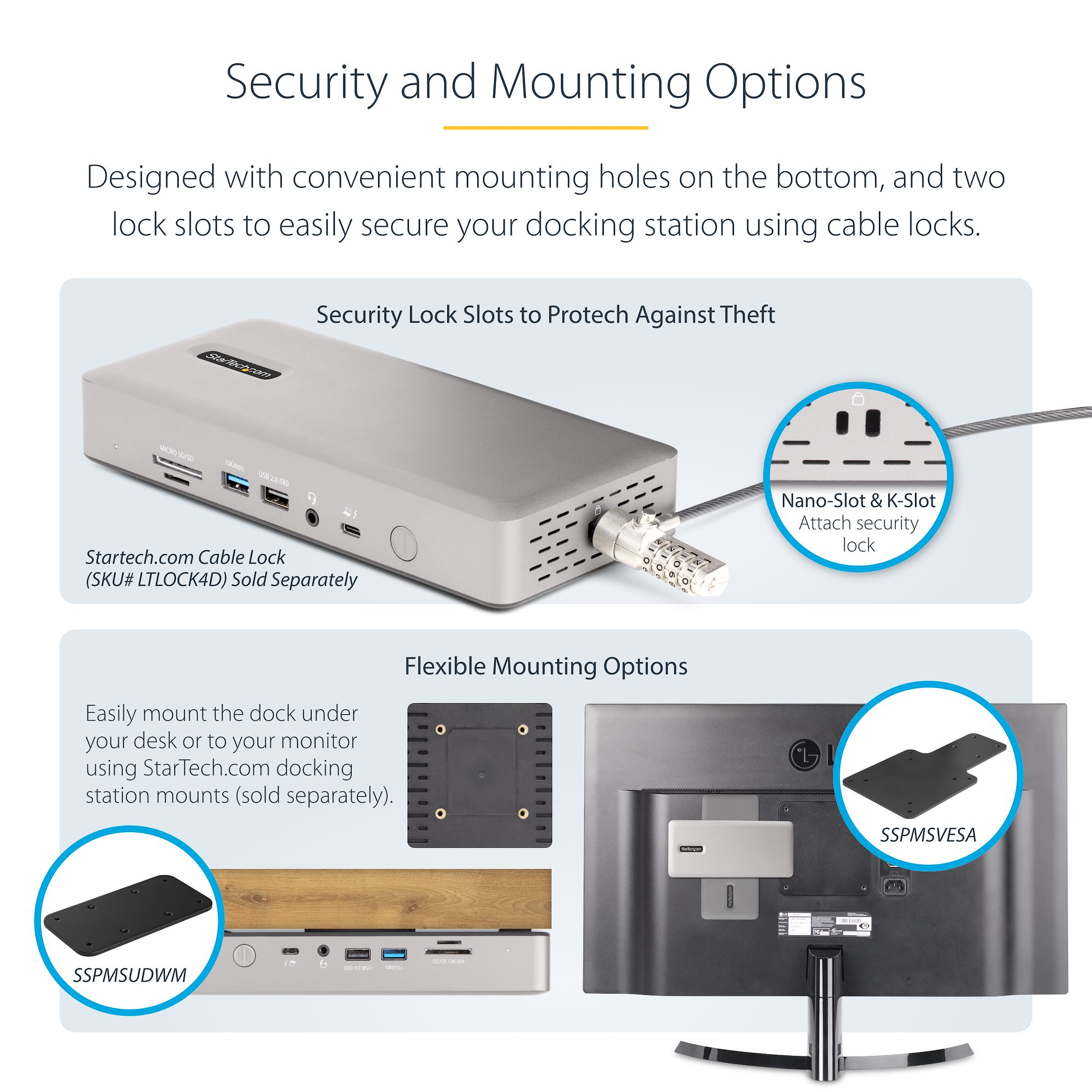
At £219.48 ex-VAT, this StarTech dock sits in the “good spec, sensible price” zone—*if* your day-to-day is mostly Windows (it’s clearly optimised there). The quad-display claim on Windows is the big draw; in practice, this is the kind of dock you buy when you want your staff to run multiple monitors without juggling adapters, cables, and random “why doesn’t it detect the second screen?” dramas. The 98W charging is also the right sort of headroom for typical business laptops, so you’re less likely to end up with an extra charger on every desk.
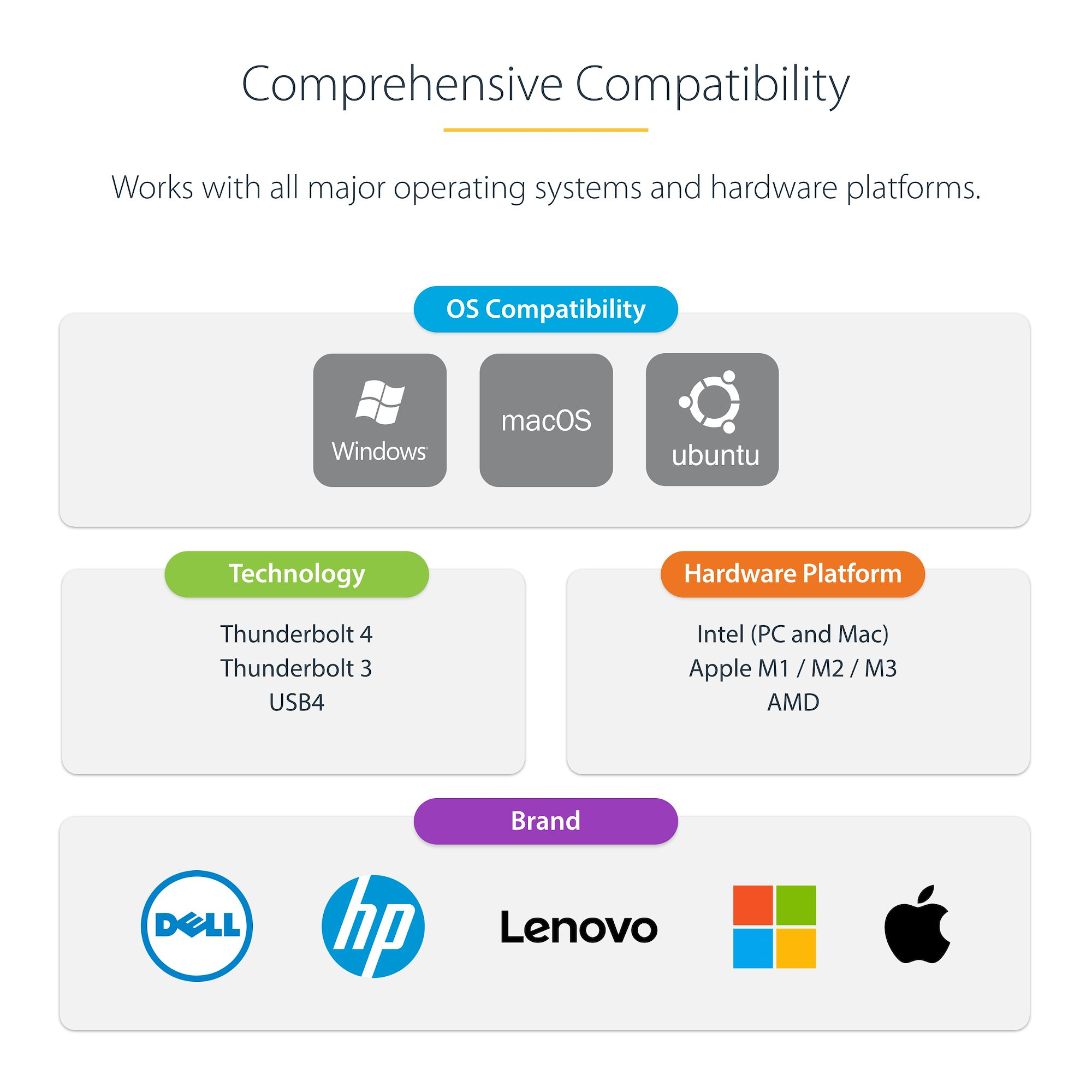
That said, I’d only buy it if you’re confident your team’s laptop + OS pairing matches the reality of the dock’s behaviour. StarTech docks like this tend to perform best when you’re consistent: one model of laptop per team, stable Windows drivers, and firmware reasonably up to date. On MacBooks, the dual-display angle is fine, but don’t expect it to behave like a “plug-and-pray” universal multi-monitor hub on macOS—especially across different MacBook generations. If you’ve got a mixed fleet of laptops (Windows + several Mac models) and users expect the same multi-monitor experience for everyone, you may be better off paying a bit more for a simpler, more predictable setup—or standardising the laptop models first.
**Who should buy:** IT/Facilities buying for Windows-heavy offices that want reliable multi-monitor docking with built-in charging, and can standardise laptops/drivers. **Who should avoid:** teams with lots of MacBook diversity or users who need identical multi-display performance across multiple OS/laptop generations without tuning.
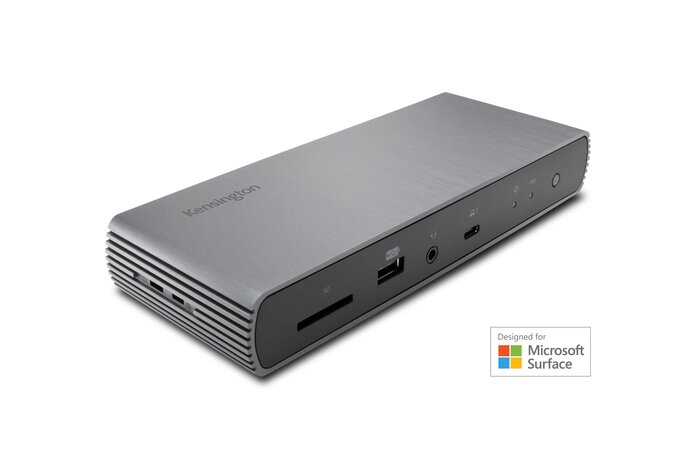
Kensington
Kensington SD5750T - Docking station - Thunderbolt 4 - 3 x Thunderbolt - 1GbE - 180 Watt - for Microsoft Surface Laptop Studio, Pro 8
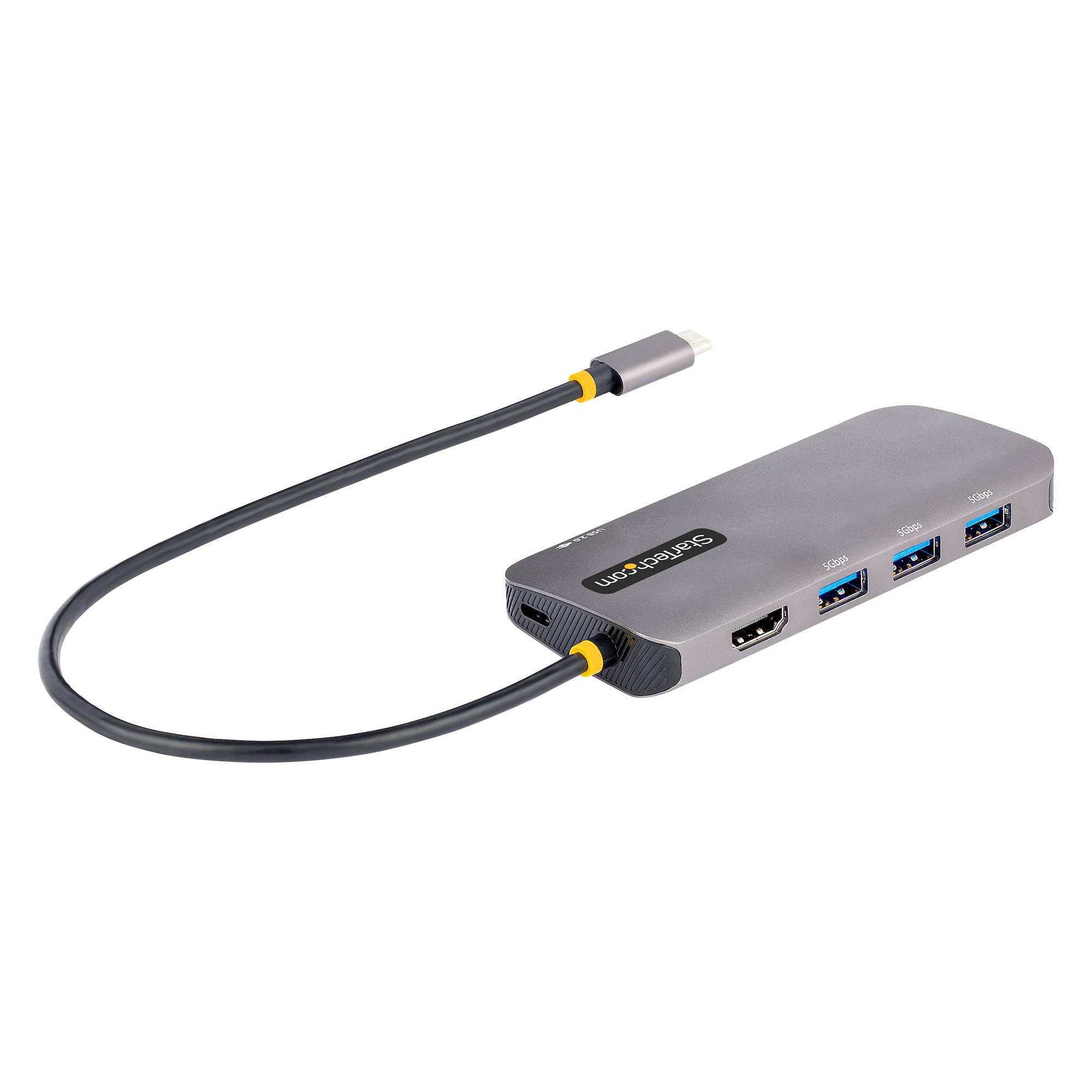
STARTECH
StarTech.com USB C Multiport Adapter, 4K 60Hz HDMI Video, 3-Port 5Gbps USB-A 3.2 Hub, 100W Power Delivery Passthrough, GbE, USB Type-C Mini Travel Dock with Charging, 12in/30cm Cable - USB C Laptop Docking Station (127B-USBC-MULTIPORT) - Docking station - USB-C - 1GbE
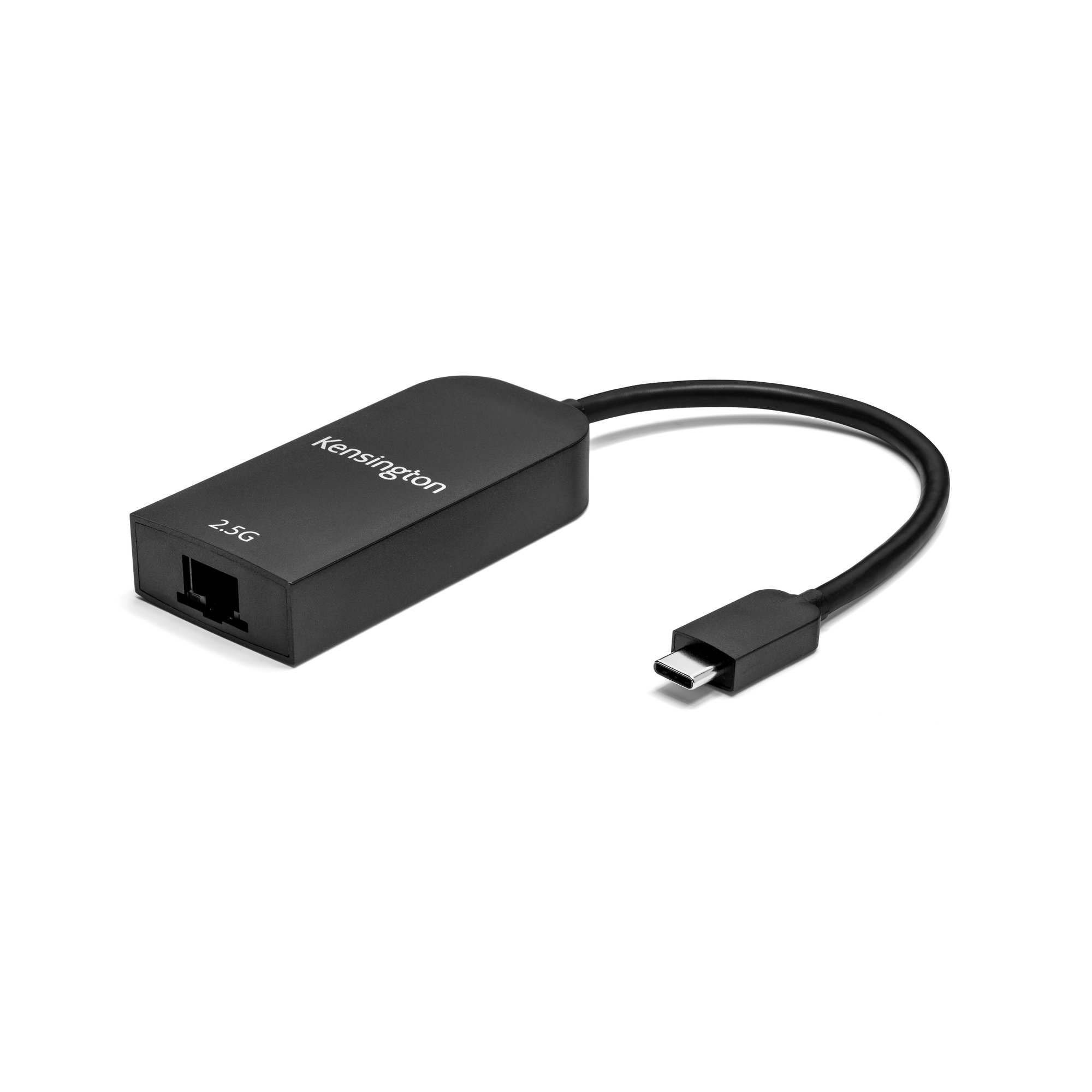
Kensington
Kensington - Network adapter - USB-C - 2.5GBase-T x 1
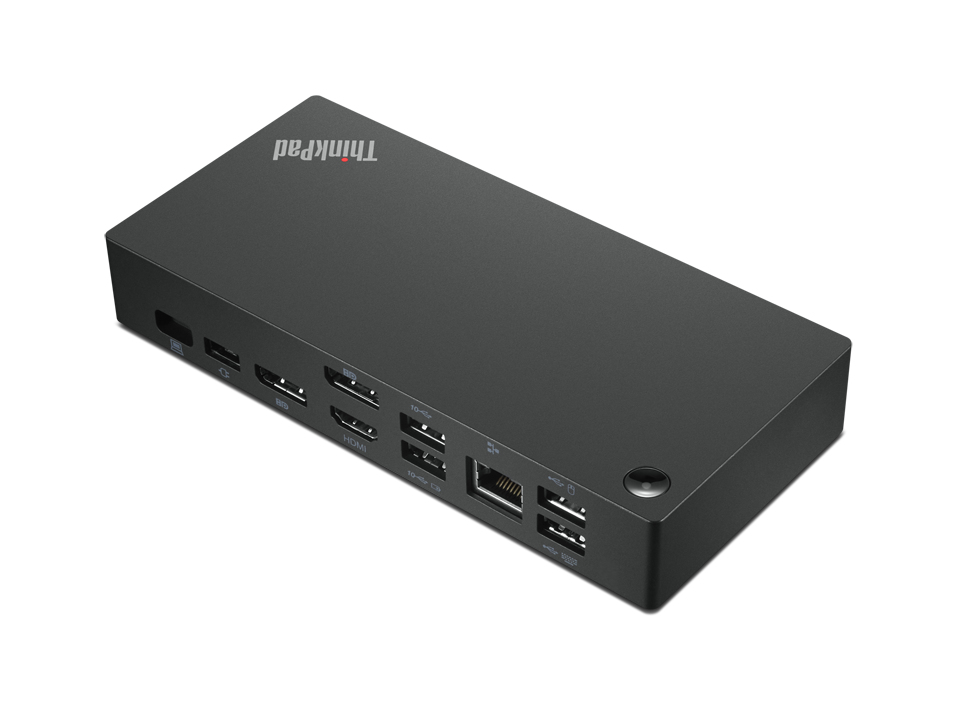
Lenovo
Lenovo ThinkPad Universal USB-C Dock - Docking station - USB-C - HDMI, 2 x DP - 1GbE - 90 Watt