- SEO
How to Write Meta Titles and Descriptions That Get Clicks
13 Apr, 2026
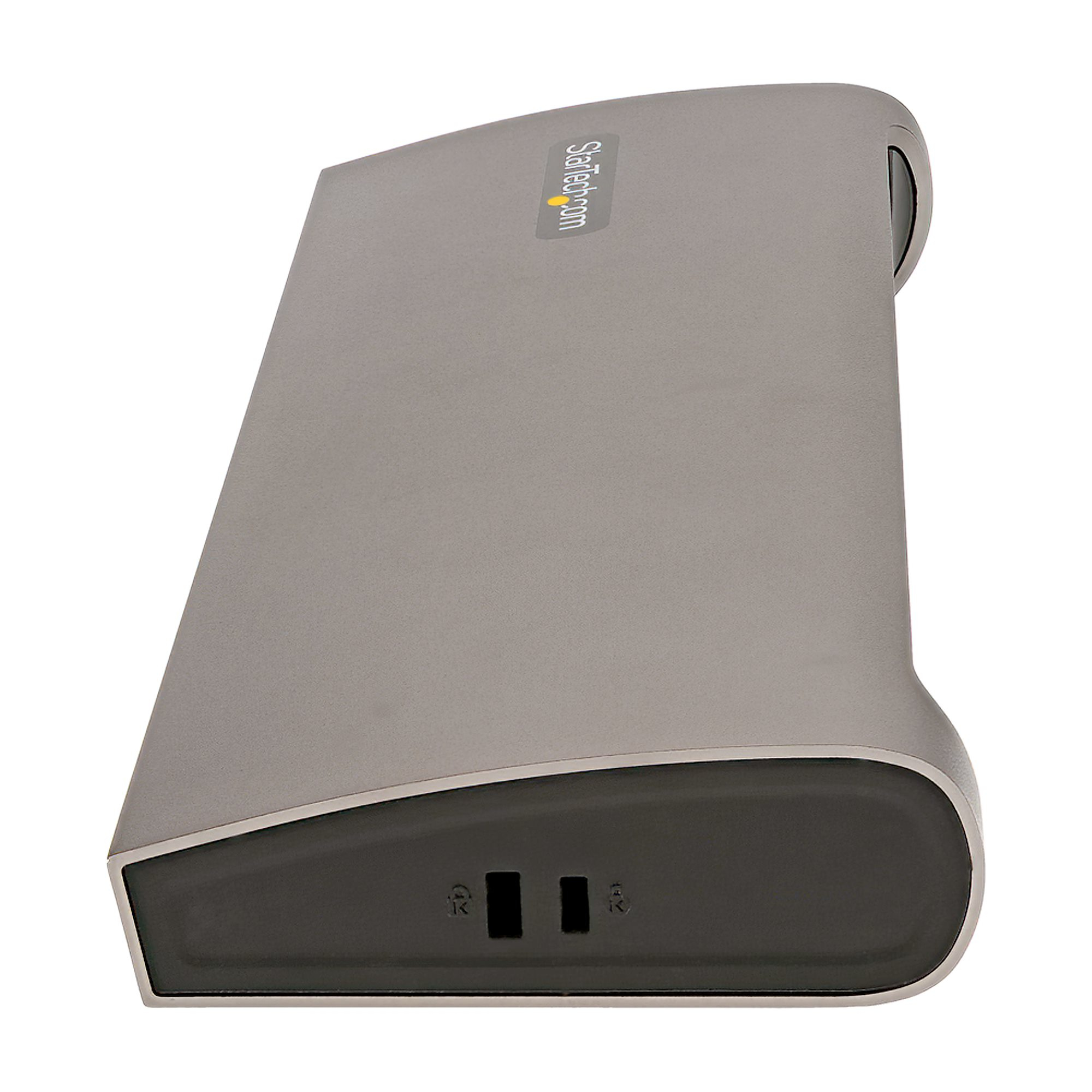
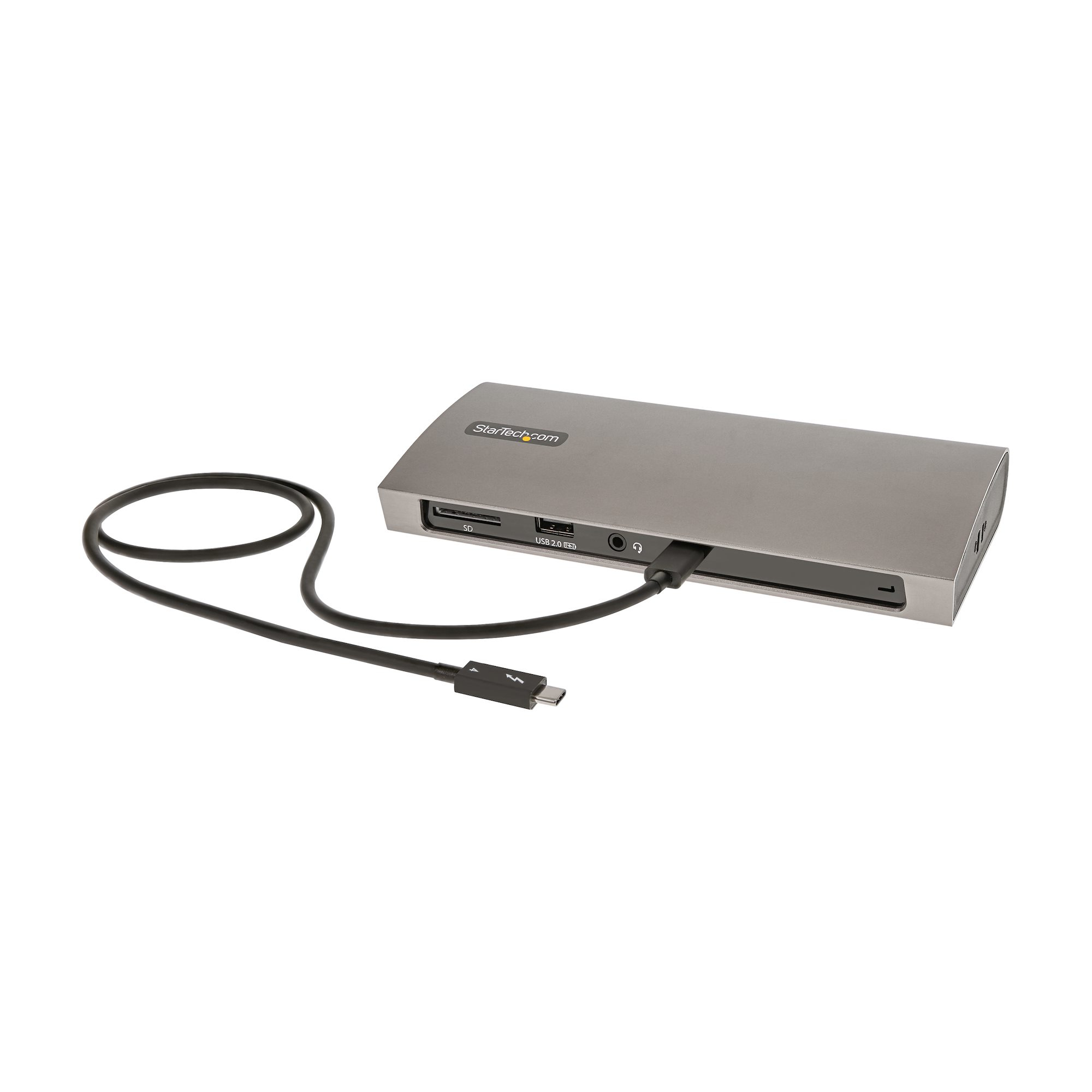
£183.31 inc. VAT
AI-generated summary
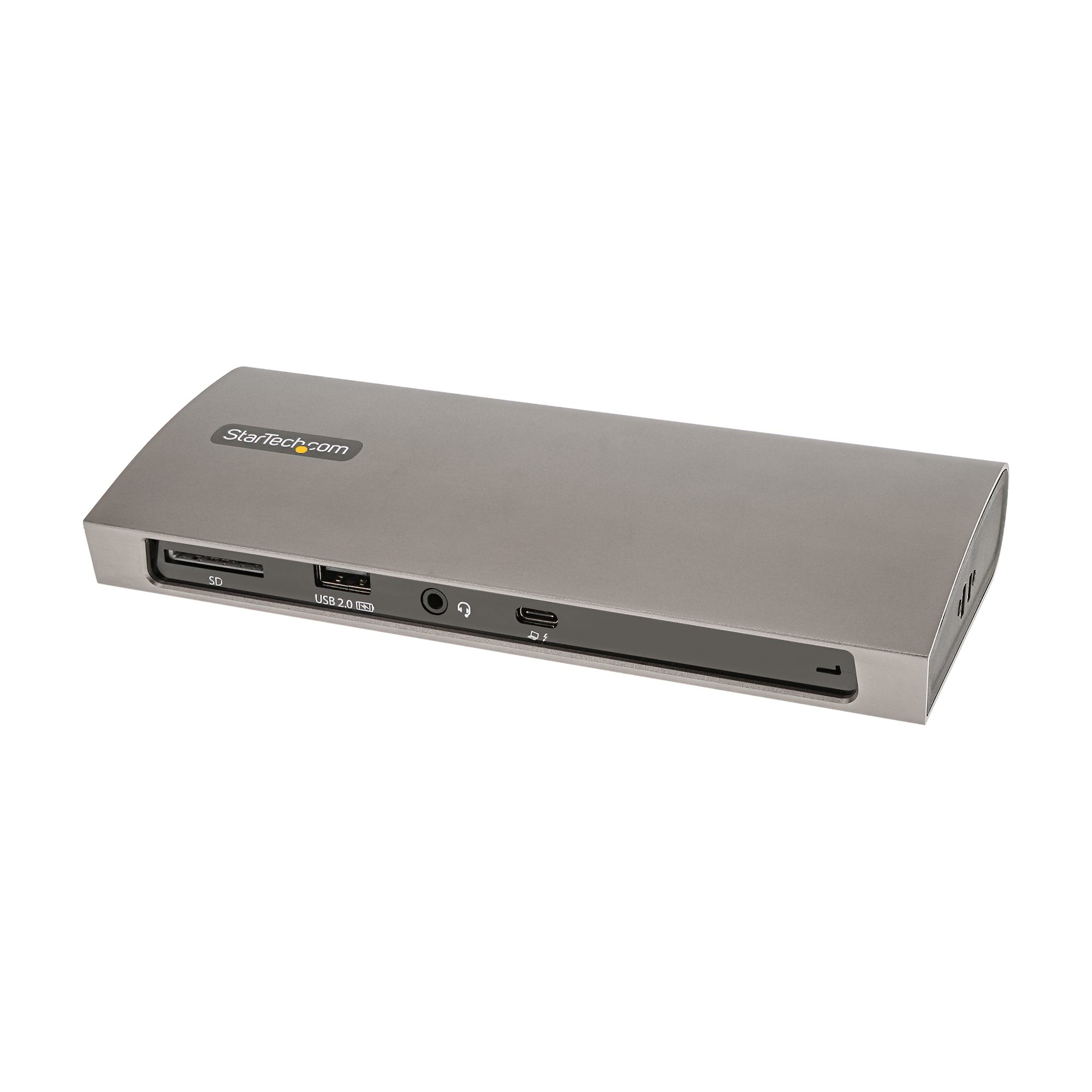
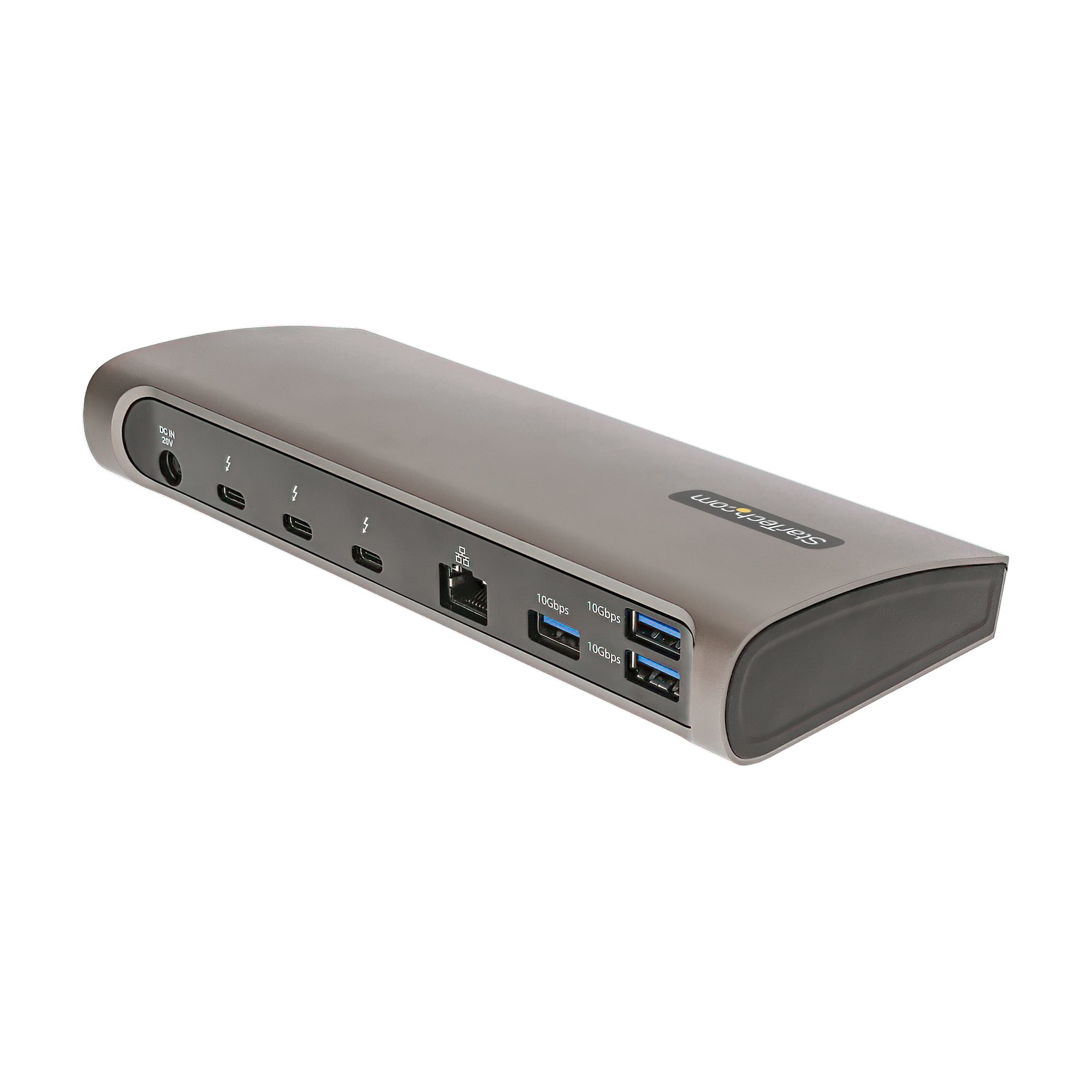
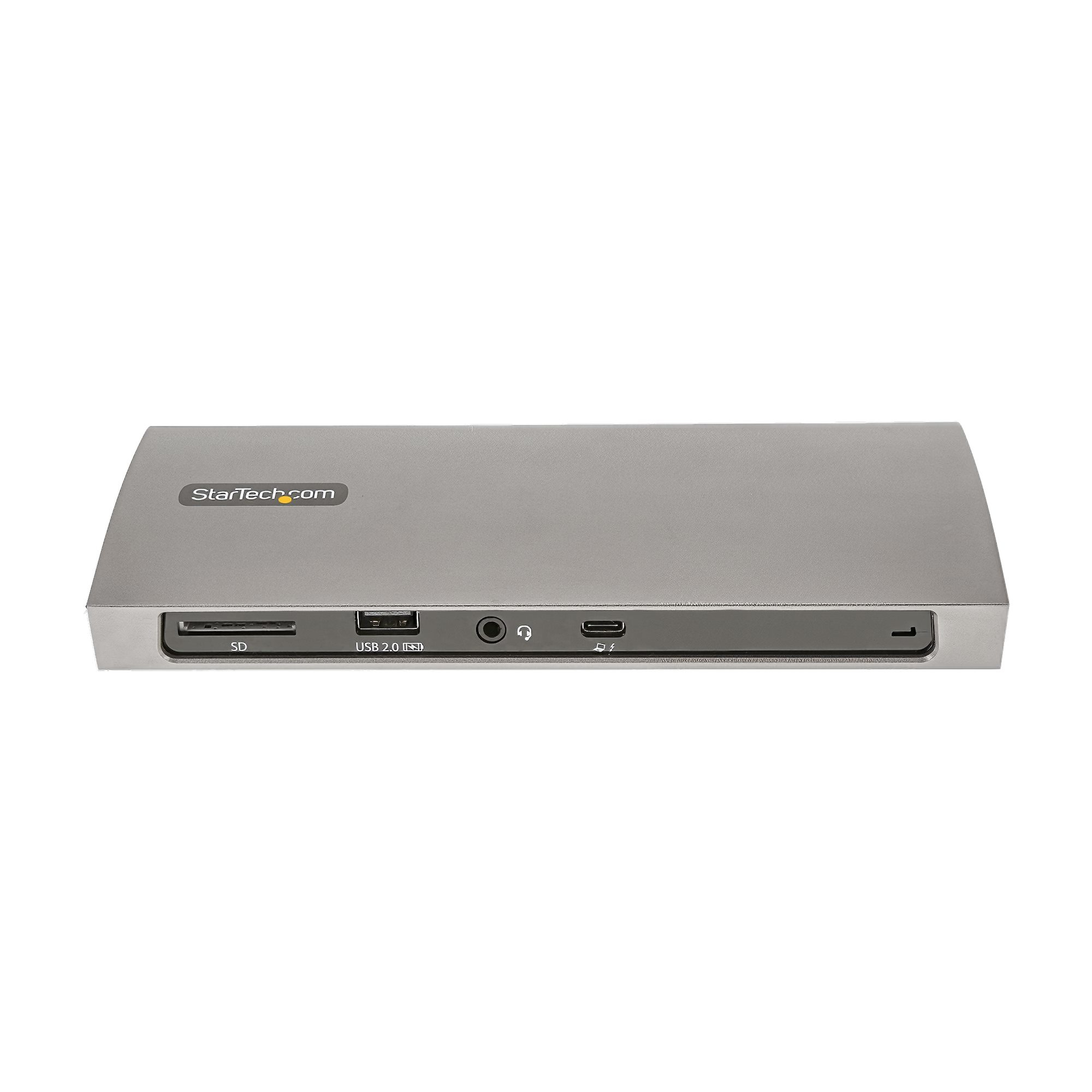
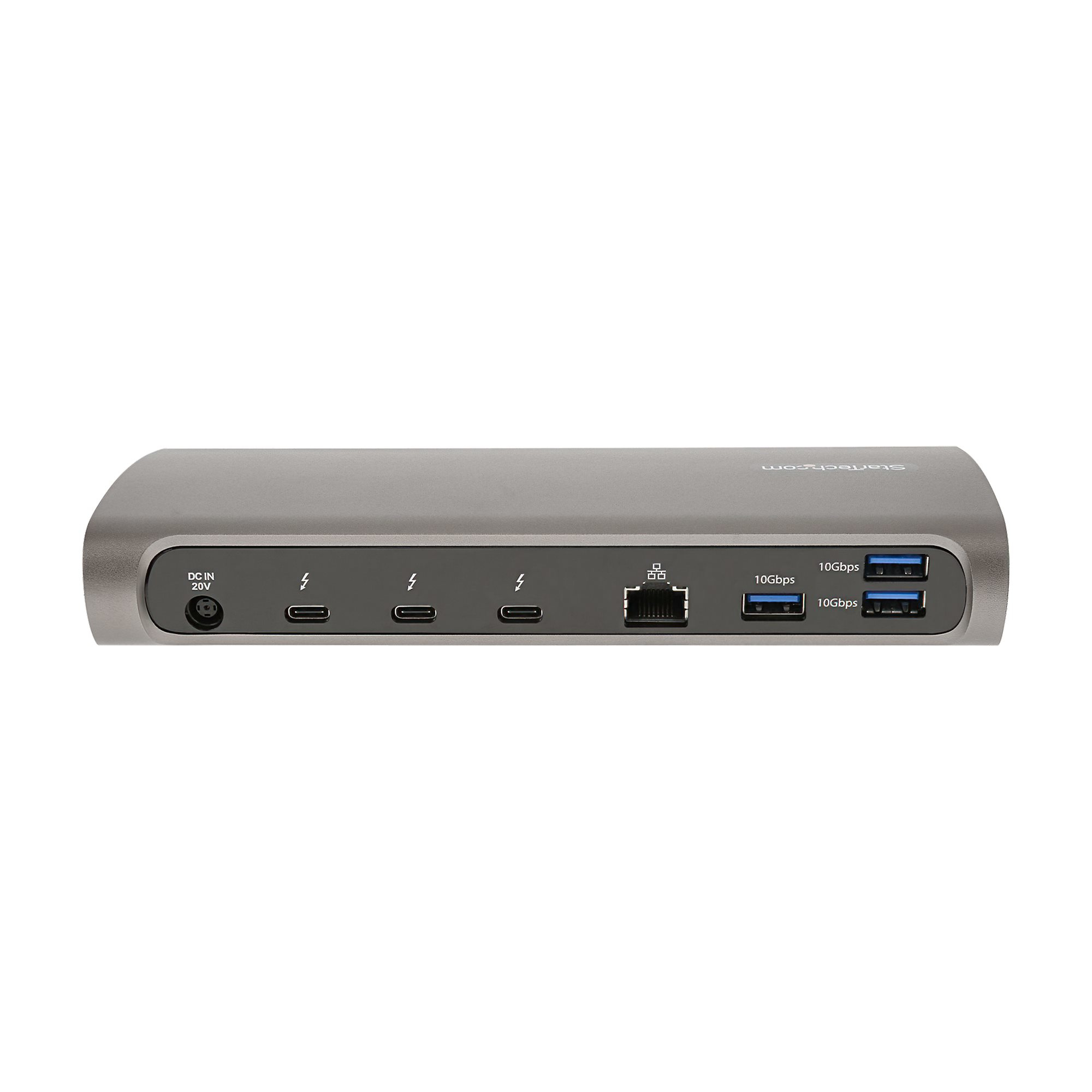
For £152.83 ex‑VAT, this StarTech Thunderbolt 4 dock is a pretty sensible pick if you’ve got a TB4 laptop and you actually want a clean, reliable “one cable does it all” setup. The big win versus cheaper USB‑C docks is consistency: docks like this tend to behave better with video + peripherals at the same time, and you get proper Thunderbolt-class performance rather than hoping USB bandwidth gets you through. If you run dual 4K or one 8K plus everyday business stuff (mouse/keyboard, a couple of USB peripherals, and an Ethernet port), it’ll feel solid day-to-day and doesn’t scream “budget dock” the moment you plug it in.
That said, I wouldn’t buy it if you’re on the lookout for lots of display flexibility—its monitor support is straightforward, not expandable in a “max everything” way. Also, if your laptop is only USB‑C (not Thunderbolt) you might find yourself paying for features you can’t fully use. Finally, it’s not the cheapest dock in the world, so the value only really lands if you’ll benefit from the TB4 connection (or you have a mixed Windows/TB3 MacBook environment). For an office where people need dependable docking without tinkering, it’s a safe bet—just make sure your display needs match what it’s designed to drive.
TARGUS HARDWARE
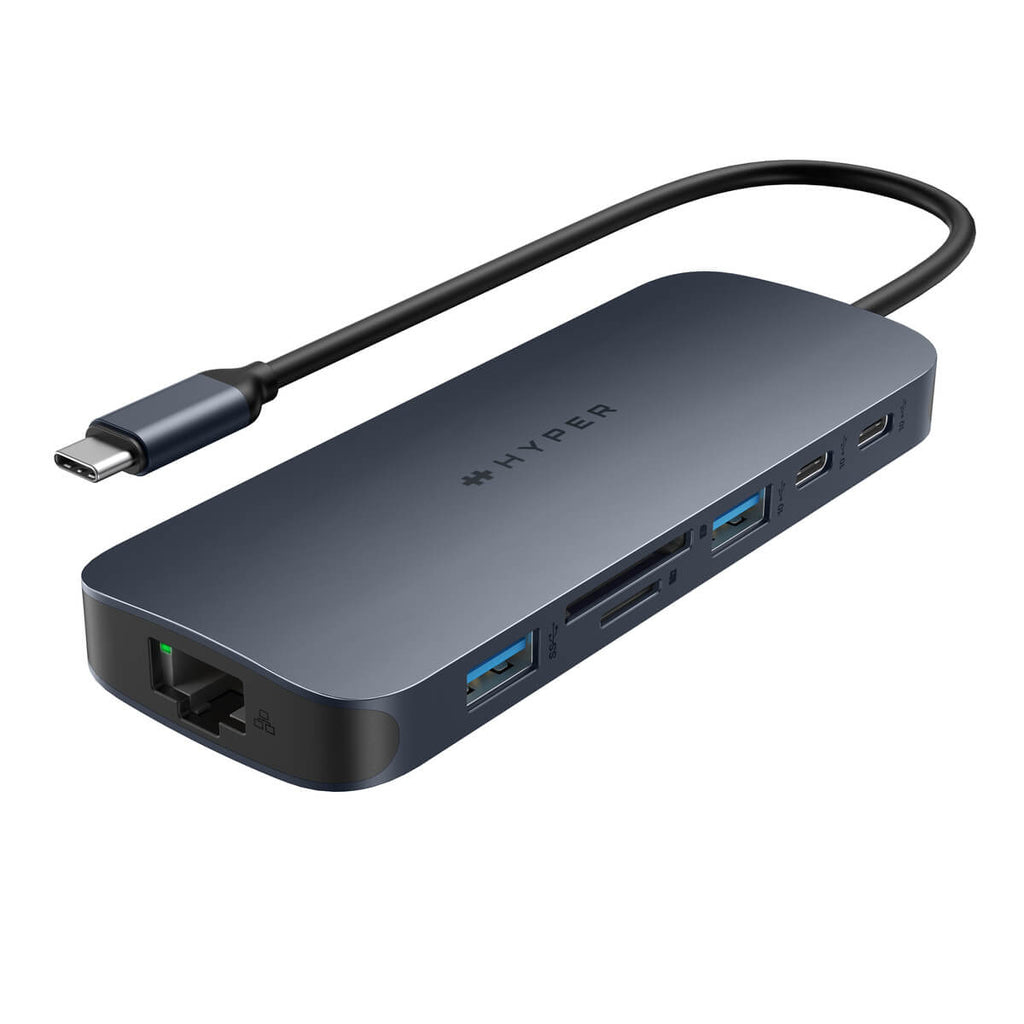
HyperDrive Next - Docking station - USB-C 3.2 Gen 2 / Thunderbolt 3 / Thunderbolt 4 - HDMI
HP
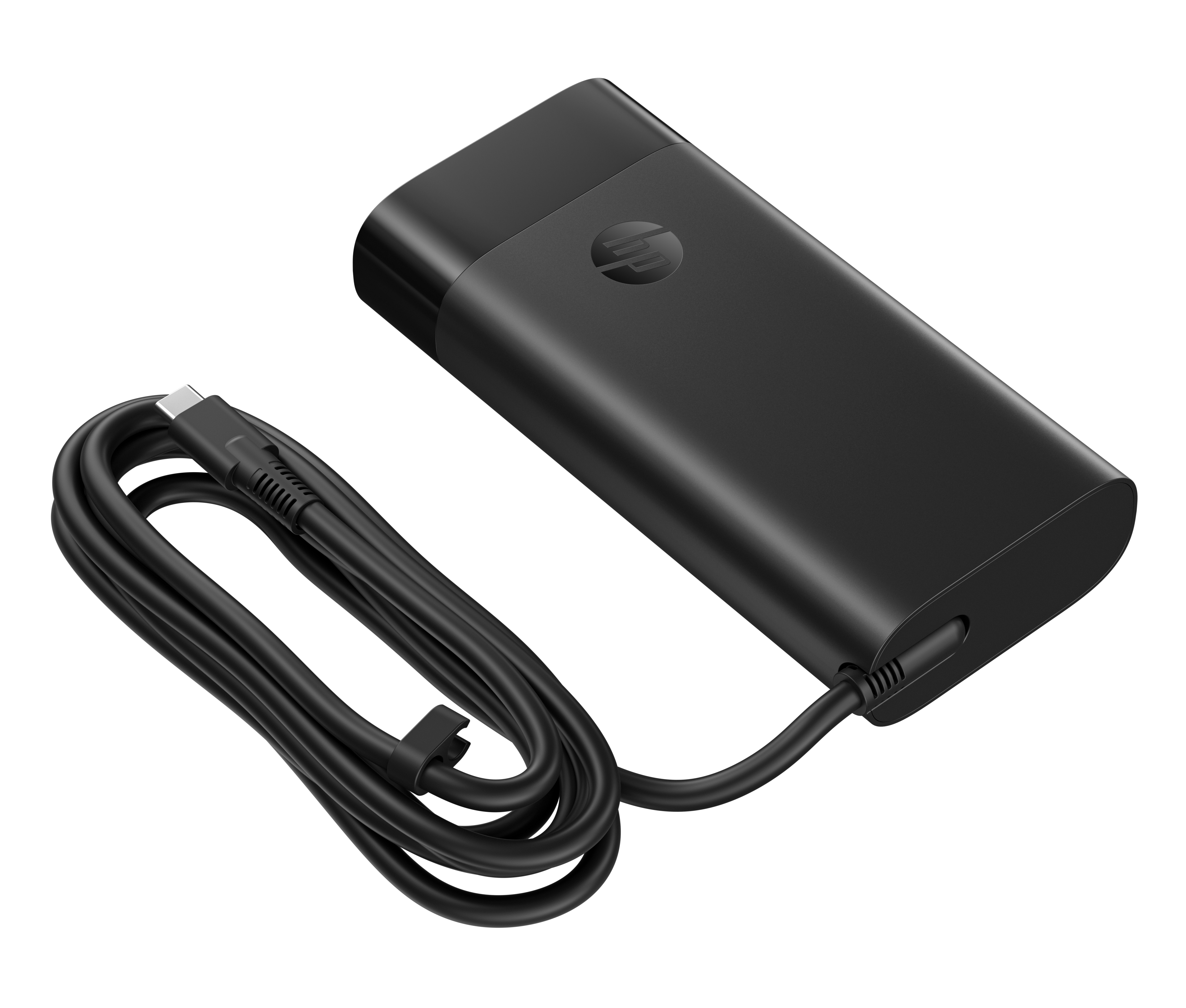
HP - USB-C power adapter - AC - 140 Watt - United Kingdom - black
STARTECH
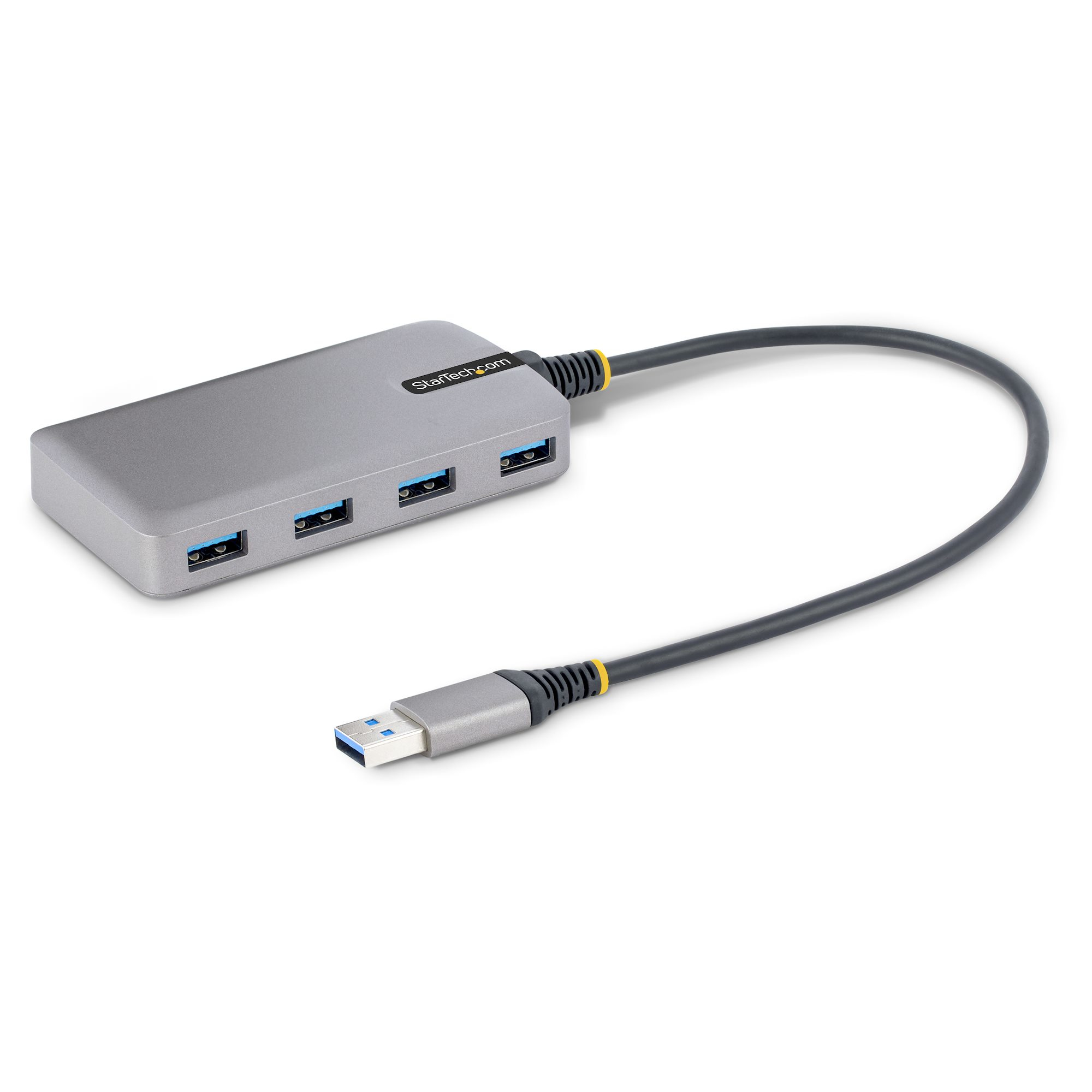
StarTech.com 4-Port USB Hub, USB 3.0 5Gbps, Bus Powered, USB-A to 4x USB-A Hub with Optional Auxiliary Power Input, Portable Desktop/Laptop USB Hub with 1ft (30cm) Attached Cable - USB Expansion Hub (5G4AB-USB-A-HUB) - Hub - 4 x USB 3.2 Gen 1 + 1 x micro-USB - desktop

STARTECH
StarTech.com USB-C Multiport Adapter, USB-C Travel Docking Station with 4K HDMI, 60W Power Delivery Pass-Through, GbE, 2pt USB-A 3.0 Hub, Portable Mini USB Type-C Dock for Laptop, White - Portable USB-C Dock (DKT30CHPDW) - Docking station - USB-C / Thunderbolt 3 - HDMI - 1GbE - TAA Compliant