- IT Office Moves
The Complete Guide to IT Asset Tracking During a Move
18 Mar, 2026
£145.16 inc. VAT
AI-generated summary
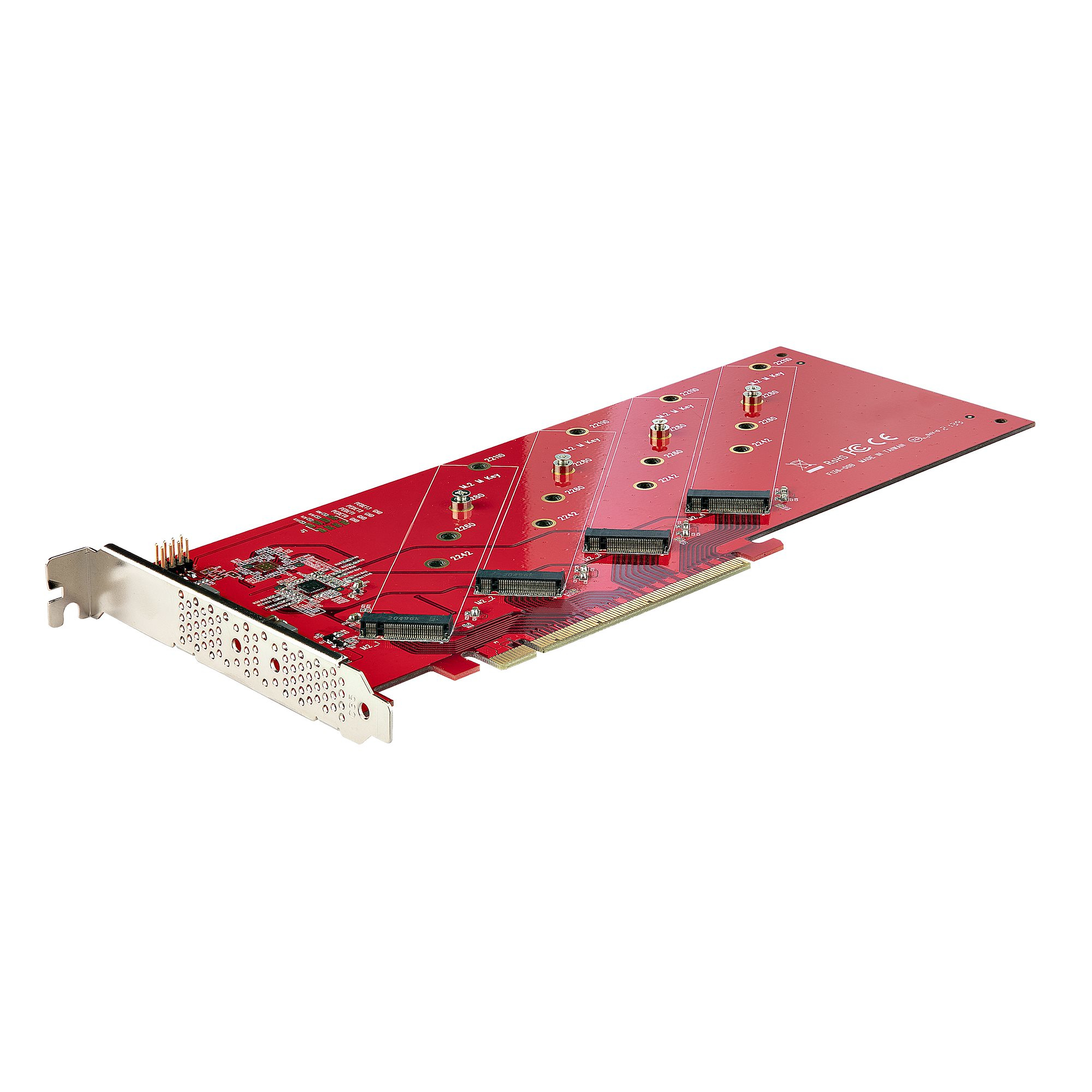
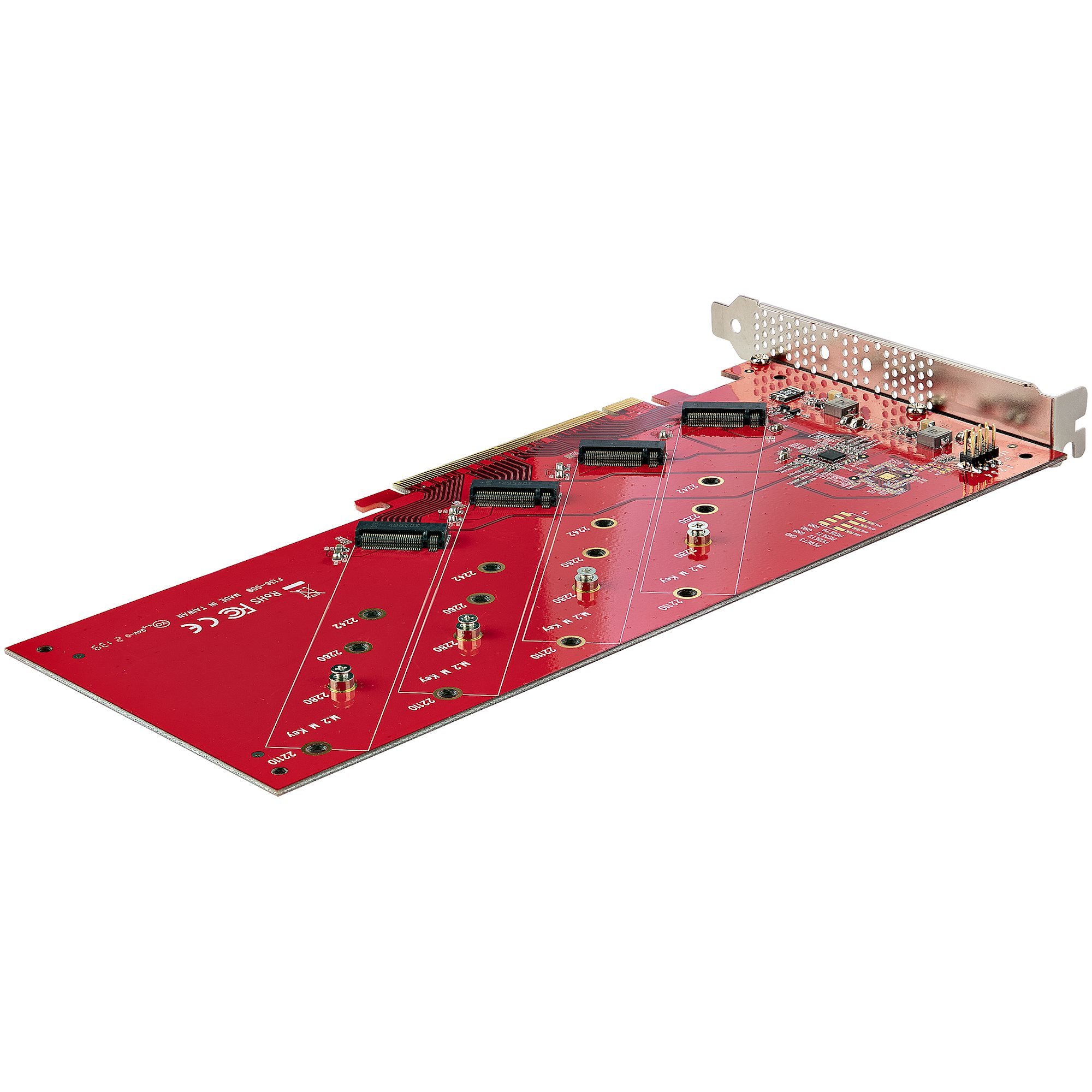
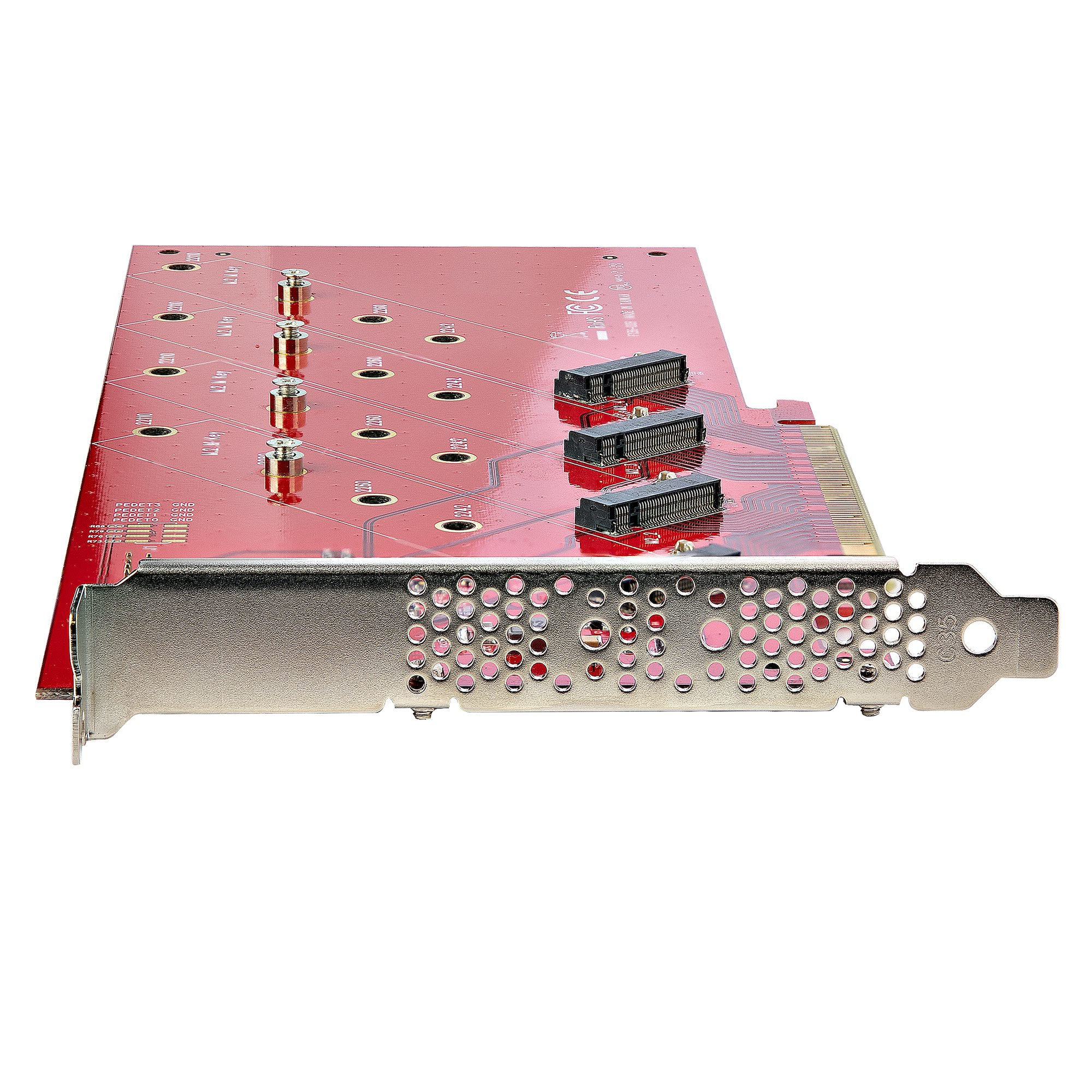
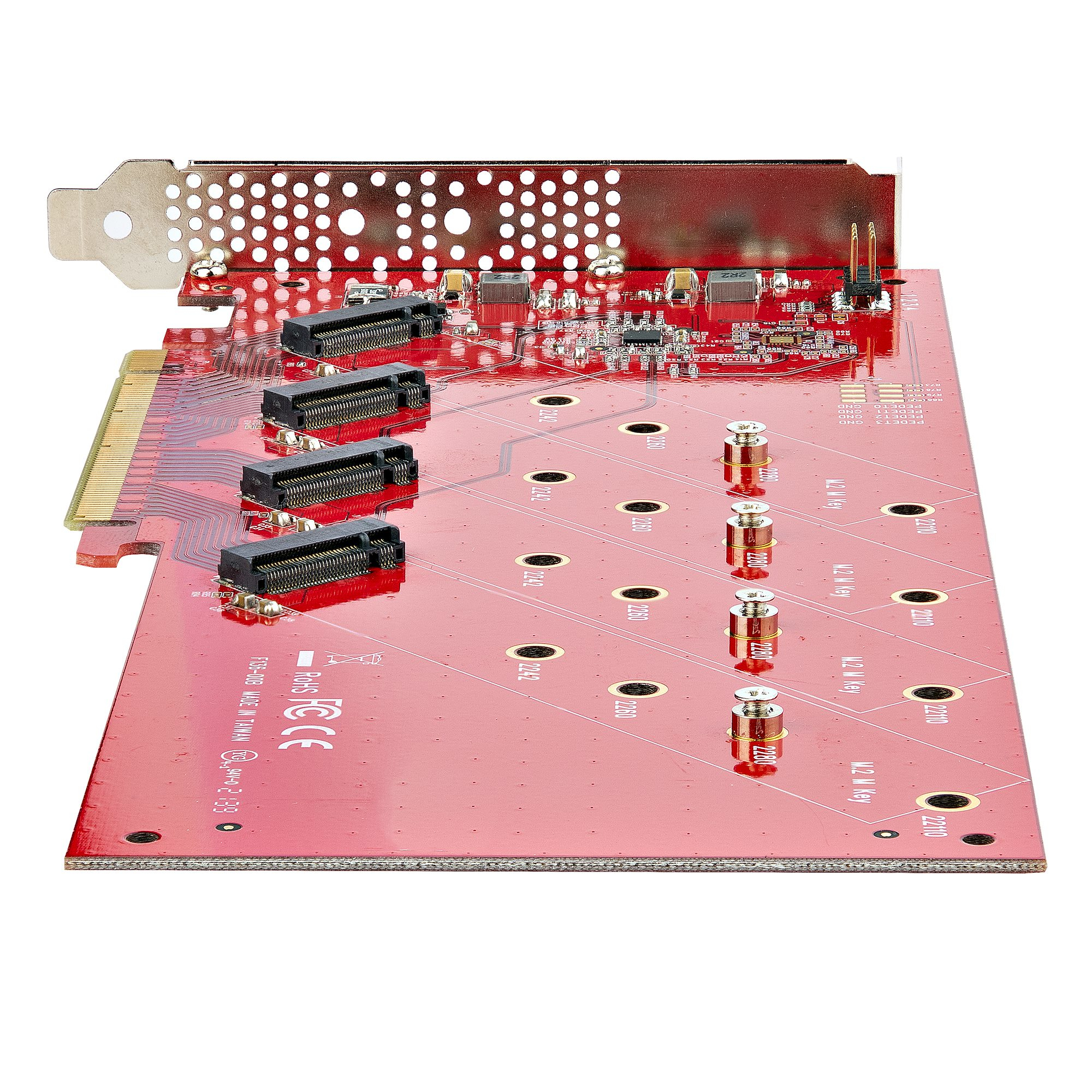
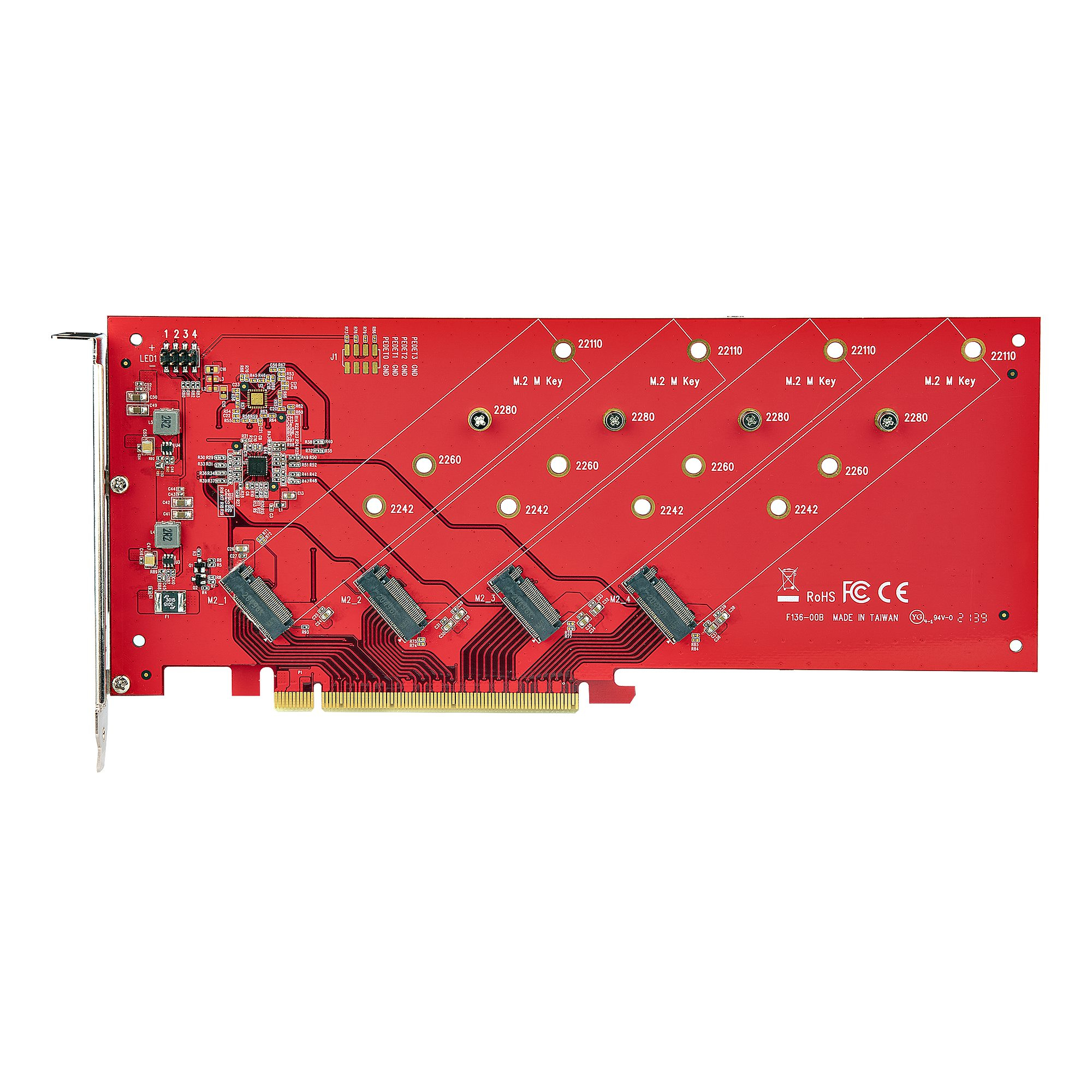
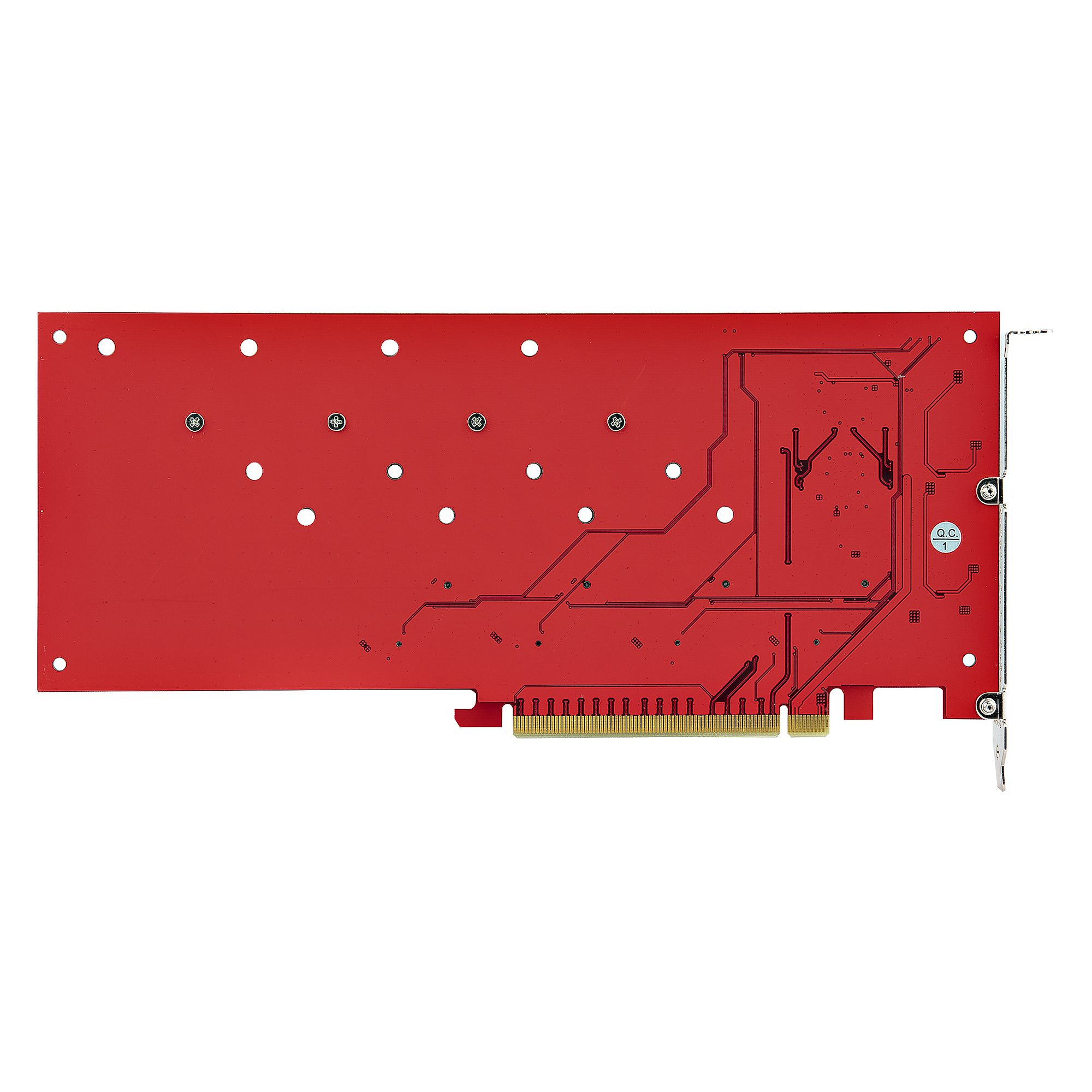
For £121.16 ex-VAT, this StarTech quad M.2 PCIe adapter is a decent “get more SSDs in one box” tool—*if* your server/workstation actually supports the kind of PCIe bifurcation it needs. The biggest practical gotcha is right there in the product positioning: bifurcation is required. In the real world, that means you need to confirm your motherboard/BIOS will split the x16 slot into multiple M.2 lanes cleanly; otherwise you end up with an expensive adapter that won’t behave the way you bought it for. If your platform is known to support bifurcation, though, it’s good value because it lets you pack capacity quickly without hunting for a more expensive backplane/chassis solution.
Who should buy it: IT teams upgrading a single server/workstation that already has spare PCIe slots and wants to expand storage in-place—especially where you’re comfortable doing the BIOS side (and potentially mapping drives to avoid boot/throughput surprises). Who should *not*: anyone trying to slap this into an off-the-shelf desktop or uncertain motherboard and hoping it “just works,” or teams who need a fully plug-and-play storage expansion with zero BIOS fiddling. If your goal is homelab convenience, look elsewhere; if your goal is controlled deployments on known hardware, this can be a solid, cost-effective move.

Lenovo
Lenovo ThinkSystem QLogic QL41262 - Network adapter - PCIe 3.0 x8 low profile - 25 Gigabit SFP28 x 2 - for ThinkAgile VX Certified Node 7Y94, 7Z12, ThinkAgile VX1320 Appliance, VX7820 Appliance
Lenovo
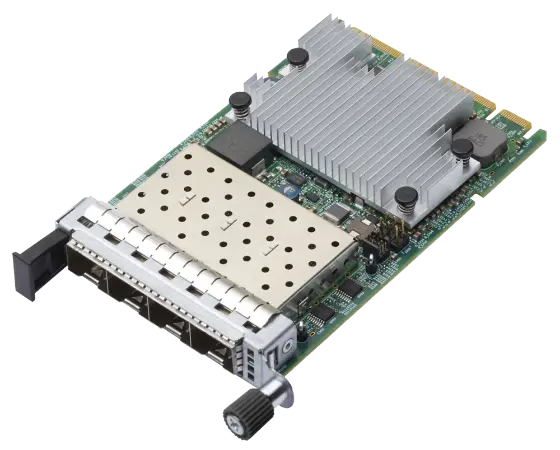
Intel E810-DA4 - Network adapter - OCP 3.0 - 10/25 Gigabit SFP28 x 4 - for ThinkSystem SR630 V3, SR635, SR645 V3, SR65X V3, SR665 V3, SR675 V3, SR850 V3, SR860 V3
TP-Link
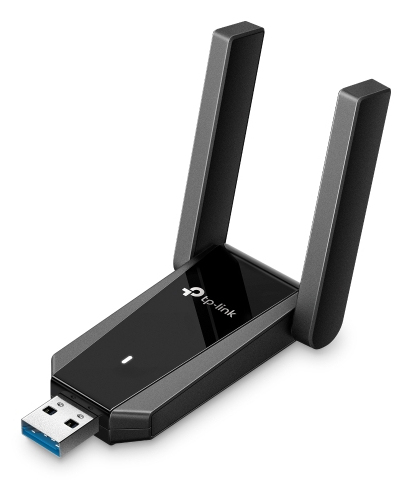
TP-Link Archer TX30U Plus V1 - Network adapter - USB 3.0 - Wi-Fi 5, Wi-Fi 6
STARTECH
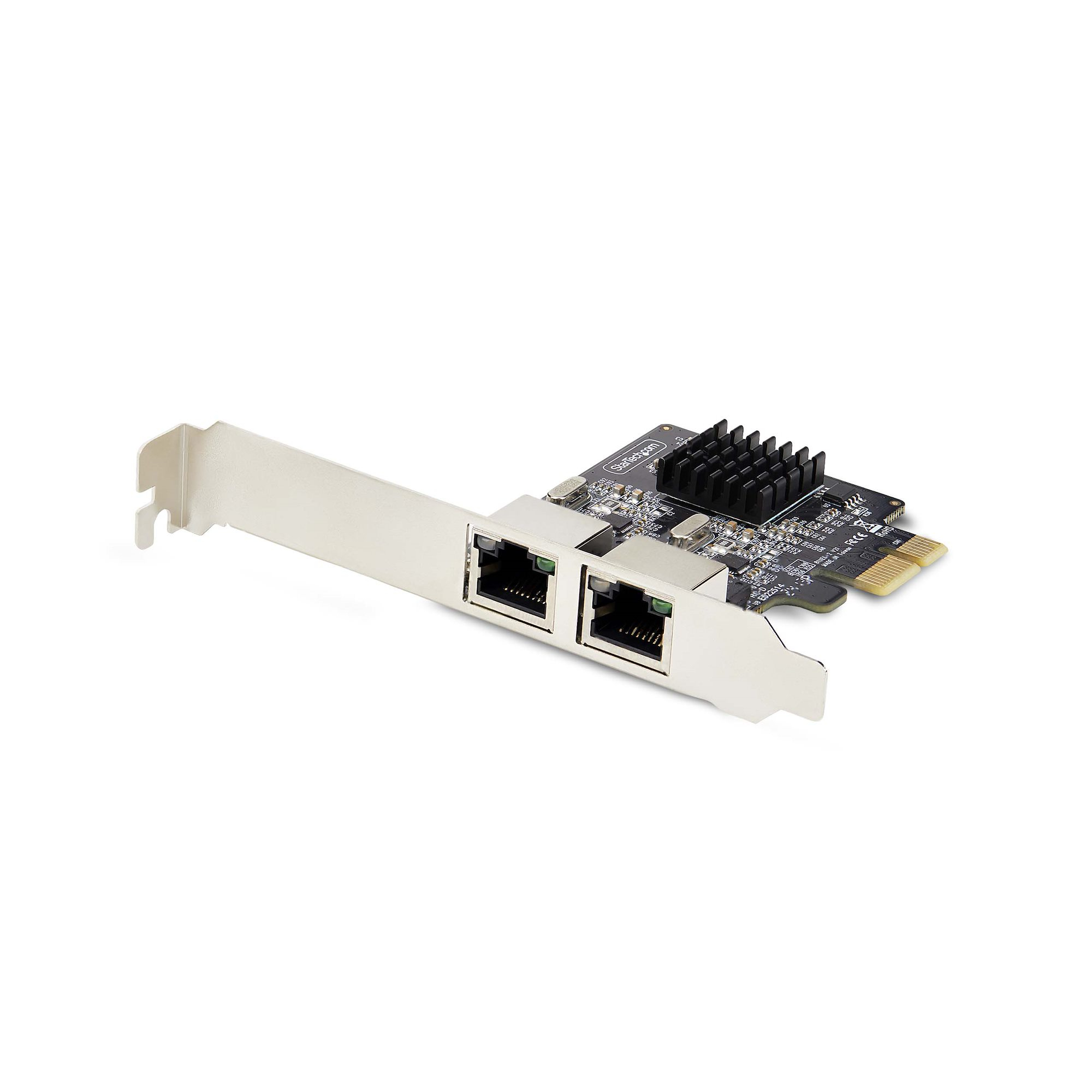
StarTech.com 2-Port Gigabit PCIe Network Adapter Card, TAA Compliant - Network adapter - PCI Express x1 - Gigabit Ethernet x 2 - black - TAA Compliant