ShopAll ProductsCategoriesBrands
Cart
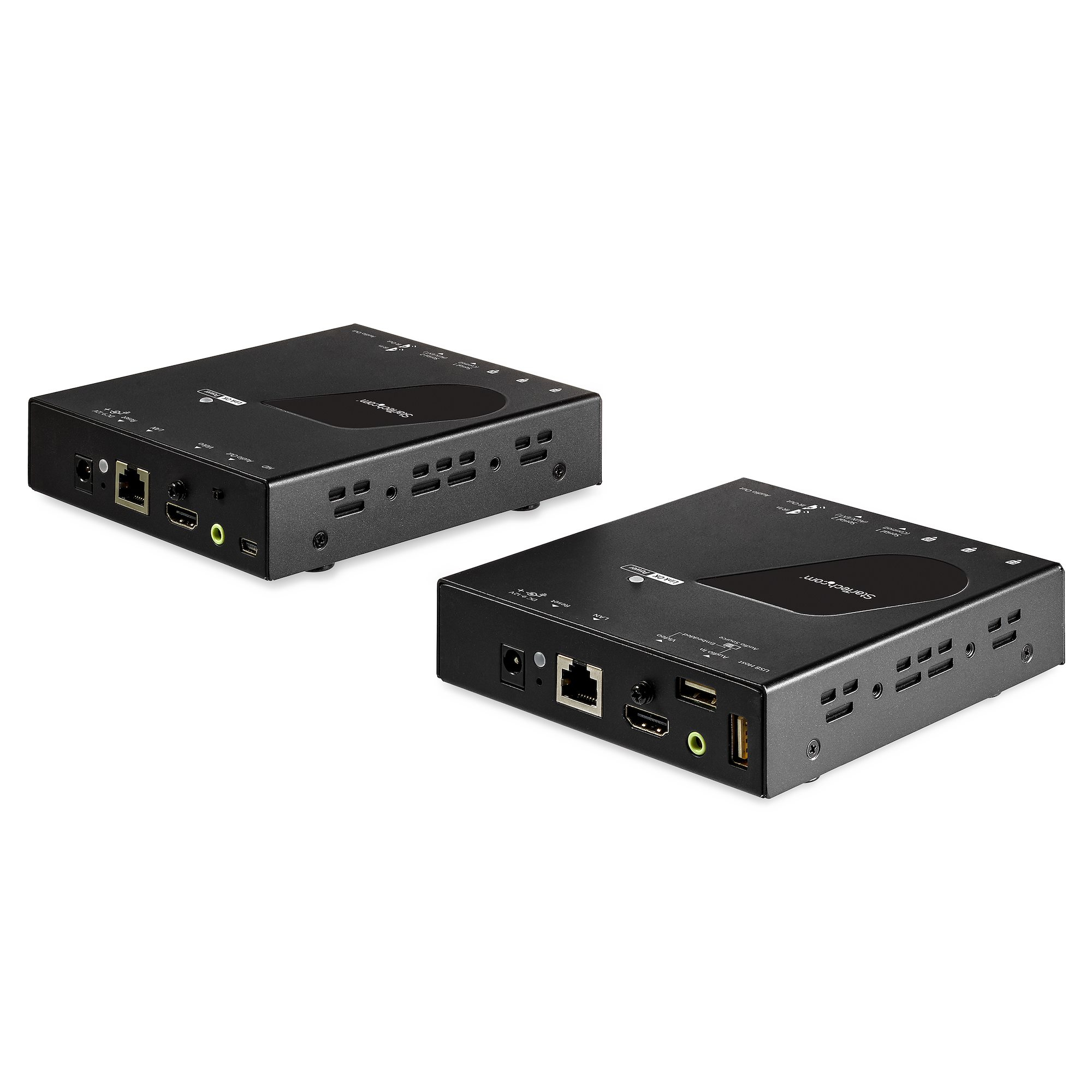
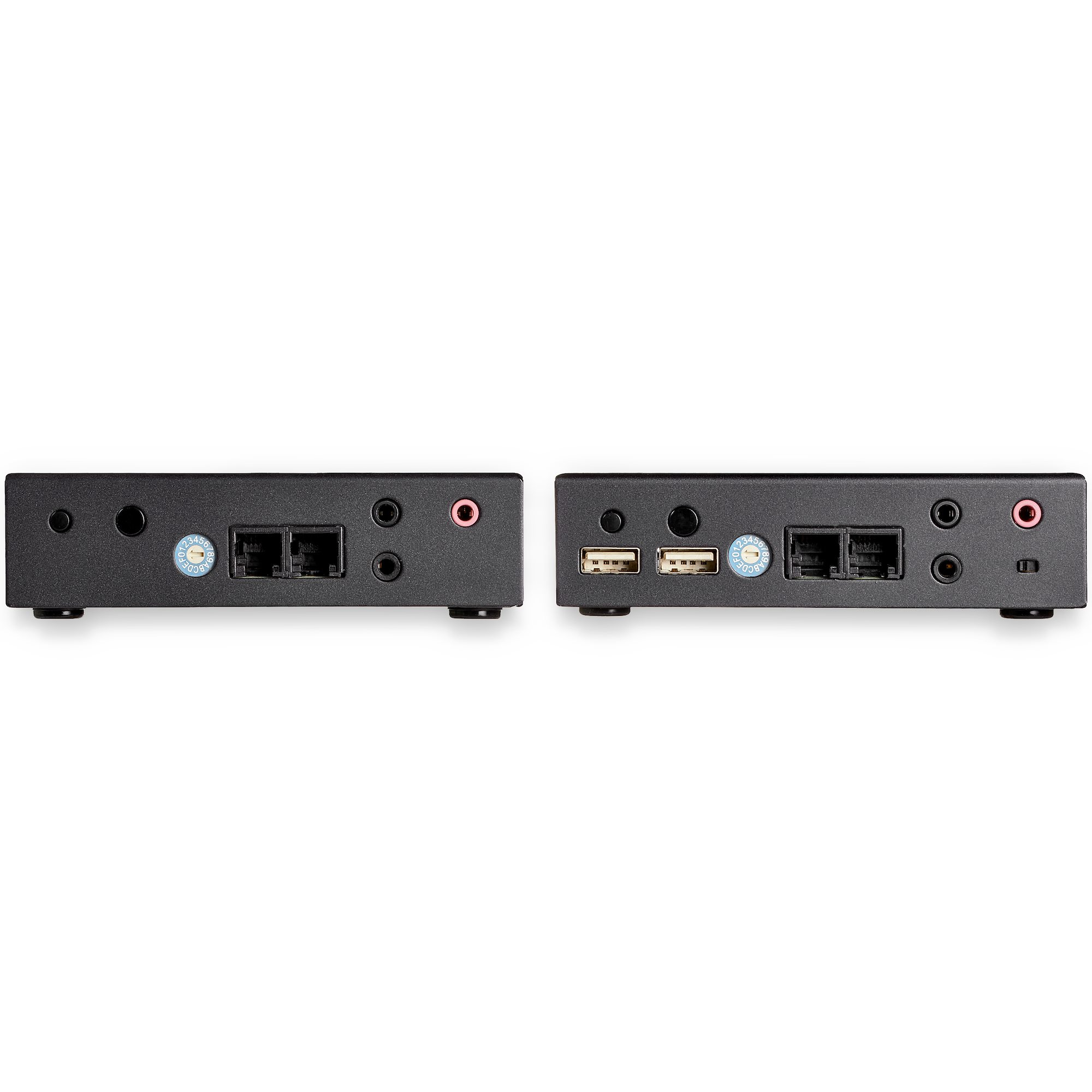
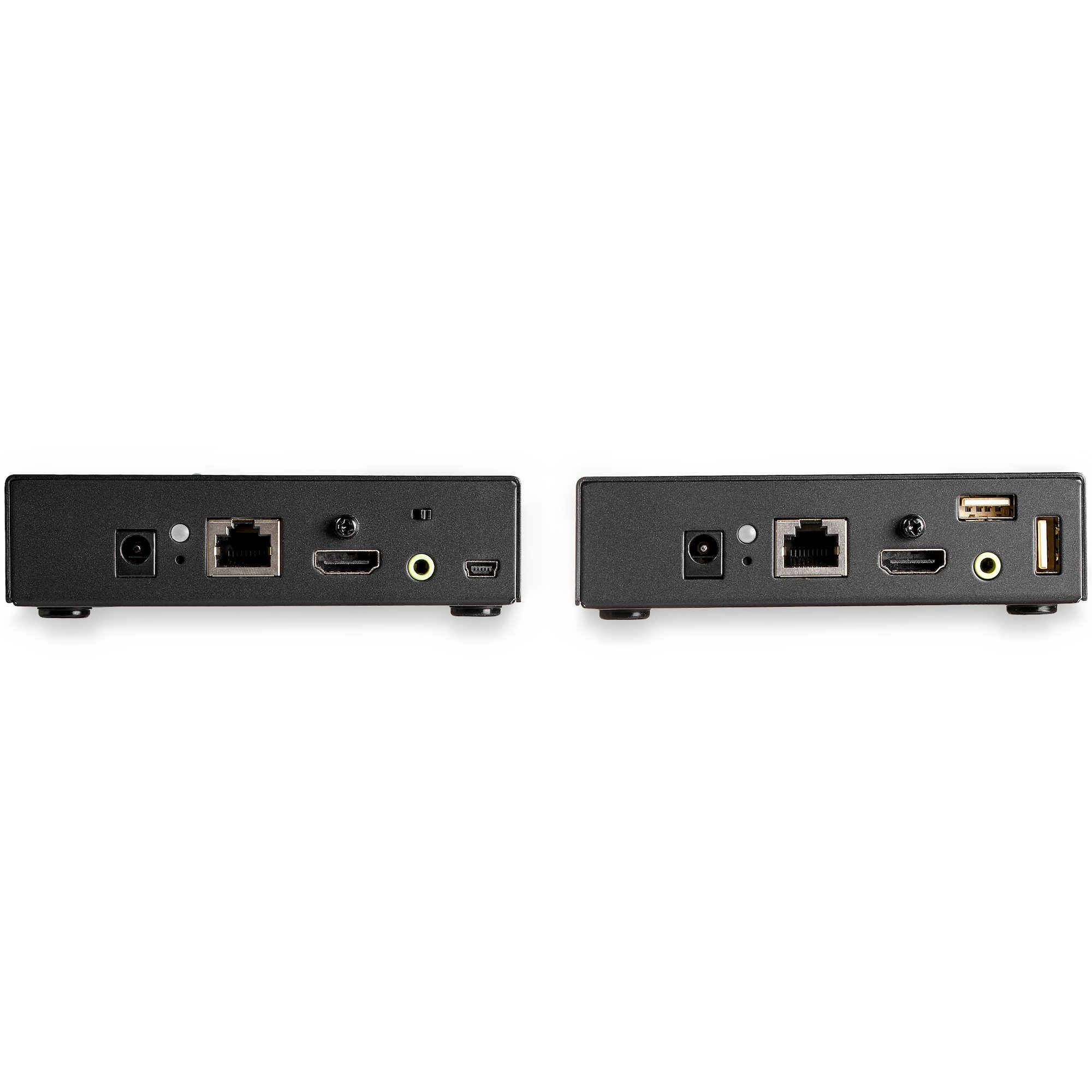
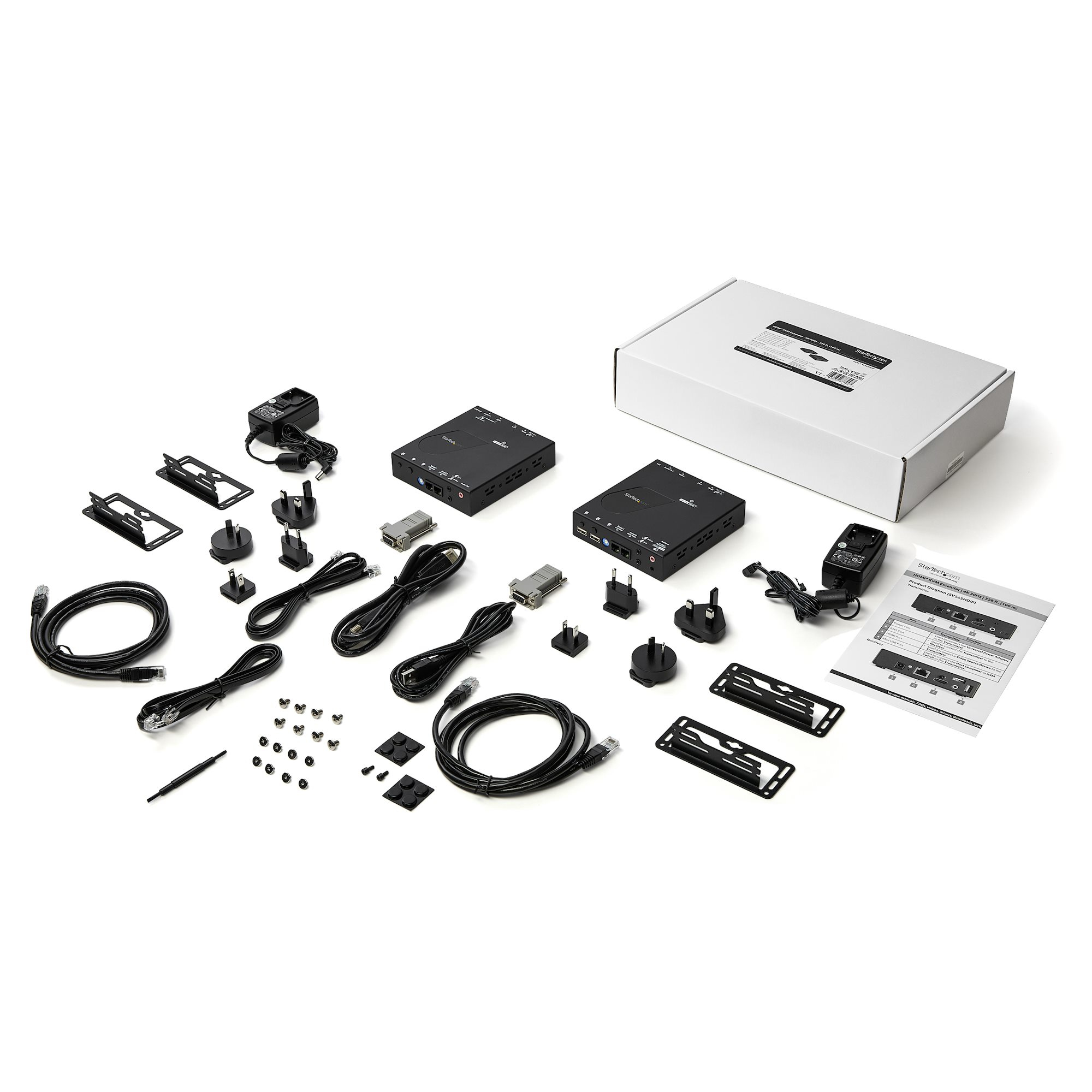
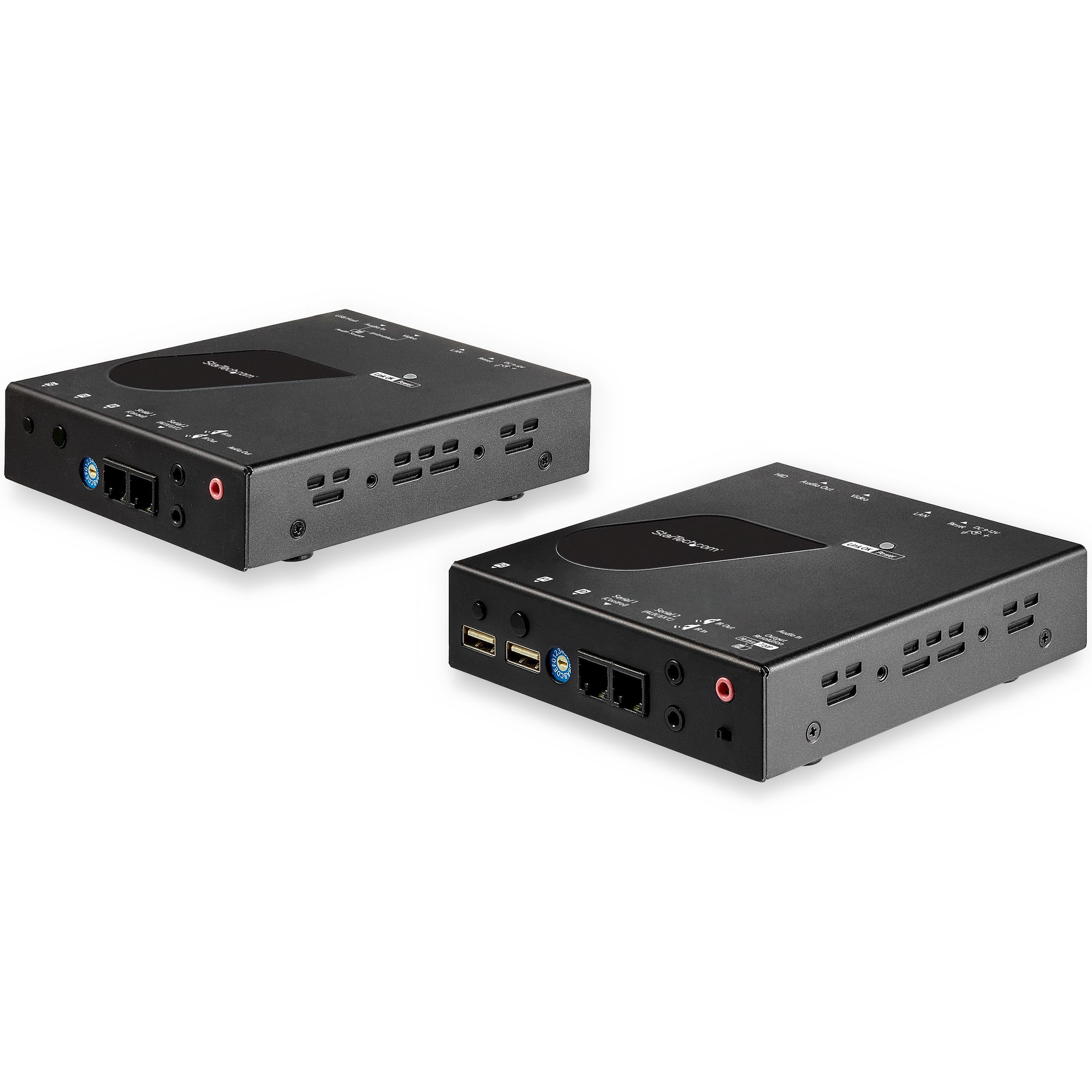
ShopKVM SwitchesStarTech.com HDMI KVM Extender over IP Network - 4K 30Hz HDMI 2.0 and USB over IP LAN or Cat5e/Cat6 Ethernet Cable (100m/330ft) - Remote KVM Switch/Console Transmitter/Receiver Extender Kit
StarTech.com HDMI KVM Extender over IP Network - 4K 30Hz HDMI 2.0 and USB over IP LAN or Cat5e/Cat6 Ethernet Cable (100m/330ft) - Remote KVM Switch/Console Transmitter/Receiver Extender Kit
View 1
View 2
View 3
View 4
View 5

StarTech.com HDMI KVM Extender over IP Network - 4K 30Hz HDMI 2.0 and USB over IP LAN or Cat5e/Cat6 Ethernet Cable (100m/330ft) - Remote KVM Switch/Console Transmitter/Receiver Extender Kit

£550.63

£660.76 inc. VAT

Low Stock(1)MPN: SV565HDIP
🚚 Next-day delivery £4.95
Quantity:1
1
2
3
4
5
6
7
8
9
10+

Key Features

StarTech.com HDMI KVM Extender over IP Network
4K 30Hz HDMI and USB over IP LAN or Cat5e/Cat6 Ethernet (100m/330ft)
Remote KVM Console
Video/audio extender
HDMI
up to 100 km
TAA Compliant

Product Overview

AI-generated summary

At ~£550 ex-VAT, this StarTech HDMI KVM extender-over-IP is for teams who *actually* need KVM distance and remote operation, not for anyone who just wants “a better monitor cable.” Where it makes sense is when you’ve got a server room, lab, broadcast rack, or restricted area and you want a remote engineer to control the machine without moving keyboards/monitors around. The fact it’s designed to work over your network (or with Ethernet cabling) and supports real-time video at a sensible baseline makes it a pragmatic tool for IT teams, MSPs, and data-centre adjacent environments.

That said, don’t buy it if your goal is ultra-low-latency or if you need pixel-perfect reliability under heavy network load. Any IP-based KVM solution lives and dies by your LAN performance, packet loss, and how well you segment/route traffic. Also, it’s an extender kit—so you’ll want to be confident you’re matching your layout (distance, cabling, and where the KVM will sit) and that you’re ready to manage it as part of the network, not like a simple plug-and-play accessory. If you’re in a stable, well-managed environment and the remote control use-case is real, this can be good value; if you just need local KVM switching, you’d probably get a better ROI with a cheaper, simpler setup.

Specifications

Ports & interfaces

Keyboard port typeUSB
Mouse port typeUSB
Video port typeHDMI
HDMI ports quantity2
USB hubY

Network

Ethernet LAN (RJ-45) ports2

Performance

HD type4K Ultra HD
Maximum resolution3840 x 2160 pixels
Video bandwidth30 Hz
Daisy chainN
Maximum operating distance100 m

Design

Product colourBlack
Housing materialSteel
LED indicatorsY
Hot keysN
Mean time between failures (MTBF)60000 h

Display

Built-in displayN
On Screen Display (OSD)Y

Power

Input voltage100 - 240 V
Input current0.6 A
Output voltage12 V
Output current1.5 A
Power consumption (typical)18 W

Sustainability

Compliance certificatesRoHS

Operational conditions

Operating temperature (T-T)0 - 40 °C
Storage temperature (T-T)-10 - 60 °C
Operating relative humidity (H-H)0 - 80 %

From Our Blog

18
  • Azure Cloud

How to Use Azure OpenAI Service for Business

18 Mar, 2026
Read more
27
  • Cloud Backup

Multi-Cloud Backup: Spreading Risk Across Providers

27 Feb, 2026

Read more
25
  • Virtual CIO

The Virtual CIO Checklist: 20 Things to Review Annually

25 Mar, 2026

Read more

Enquiry Received!

Thank you for getting in touch. A member of our team will review your enquiry and get back to you within 24 hours.