- Virtual CIO
What is a Virtual CIO and Does Your Business Need One?
22 Jan, 2026

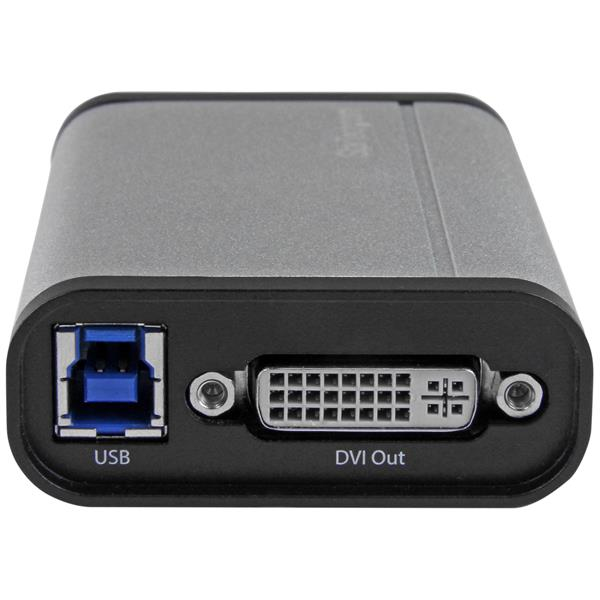
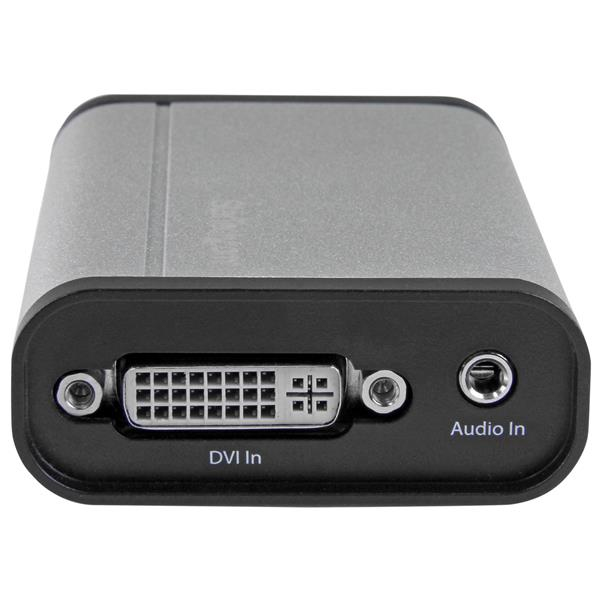

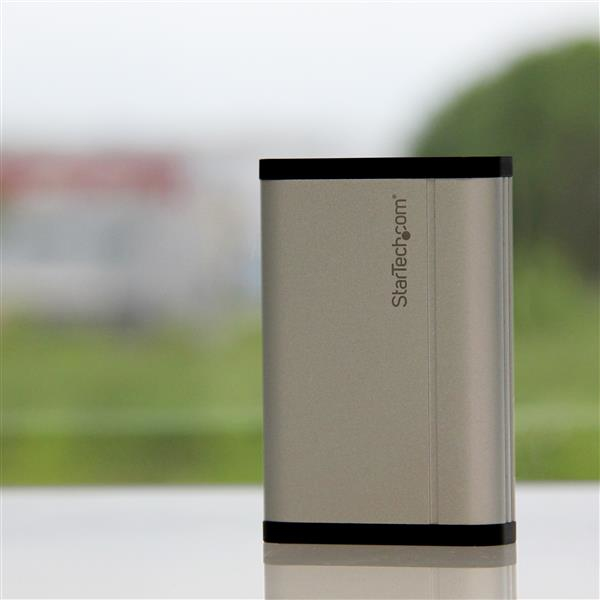

£174.14 inc. VAT
AI-generated summary
If you’re looking to capture a clean DVI signal into a computer, this StarTech USB 3.0 capture box is a sensible, no-nonsense choice—especially if you need stable 1080p at solid frame rates for training recordings, live demos, or internal broadcast-style workflows. The aluminium housing is a nice practical touch (it doesn’t feel like a toy), and StarTech tends to be pretty reliable on the “it just works with common setups” front, which matters more than flashy marketing. At £145 ex-VAT, it’s priced like a real tool rather than a hobby gadget, so I’d only buy it if you actually need the capture function and aren’t tempted by cheaper HDMI/USB leads that can be hit-and-miss.
That said, I wouldn’t recommend it to everyone. If you’re expecting ultra-low-latency for interactive use (e.g., controlling software live while looking at the captured output), USB capture devices can introduce enough delay to annoy people. Also, if your environment is chaotic (odd drivers, locked-down PCs, lots of different source devices), factor in time for testing—capture workflows are very “your mileage may vary” depending on software and OS. In short: buy it if you have a DVI source you need to reliably record/capture into a workstation, and you’re using it for recording/streaming-style tasks. Skip it if you mainly need casual “quick and dirty” capture, or you’re sensitive to latency.
STARTECH
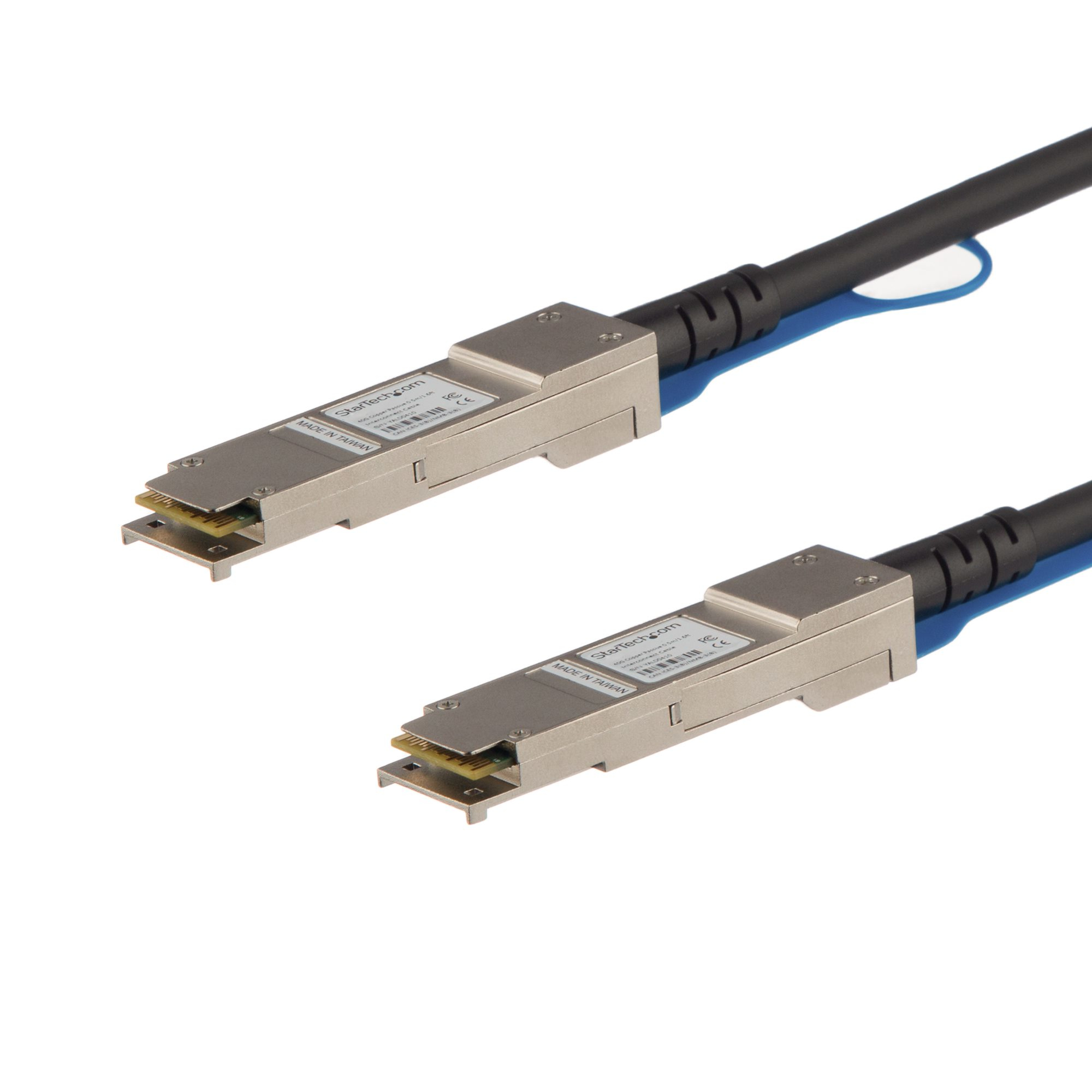
StarTech.com MSA Uncoded Compatible 7m 40G QSFP+ to QSFP+ Direct Attach Breakout Cable Twinax, 40 GbE QSFP+ Copper DAC 40 Gbps Low Power Active Transceiver Module DAC, 40GE QSFP+ Cable - Lifetime Warranty (QSFP40GAC7M) - 40GBase direct attach cable - QSFP+ latched to QSFP+ latched - 7 m - twinaxial - SFF-8436 - active - black
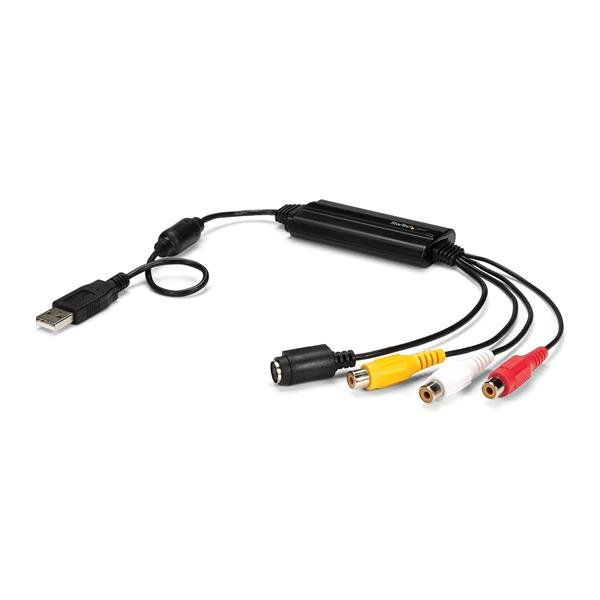
STARTECH
StarTech.com USB Video Capture Adapter Cable, S-Video/Composite to USB 2.0 SD Video Capture Device Cable, TWAIN Support, Analog to Digital Converter for Media Storage, For Windows Only - SD Video Capture Cable (SVID2USB232) - Video capture adapter - USB 2.0 - NTSC, SECAM, PAL - black
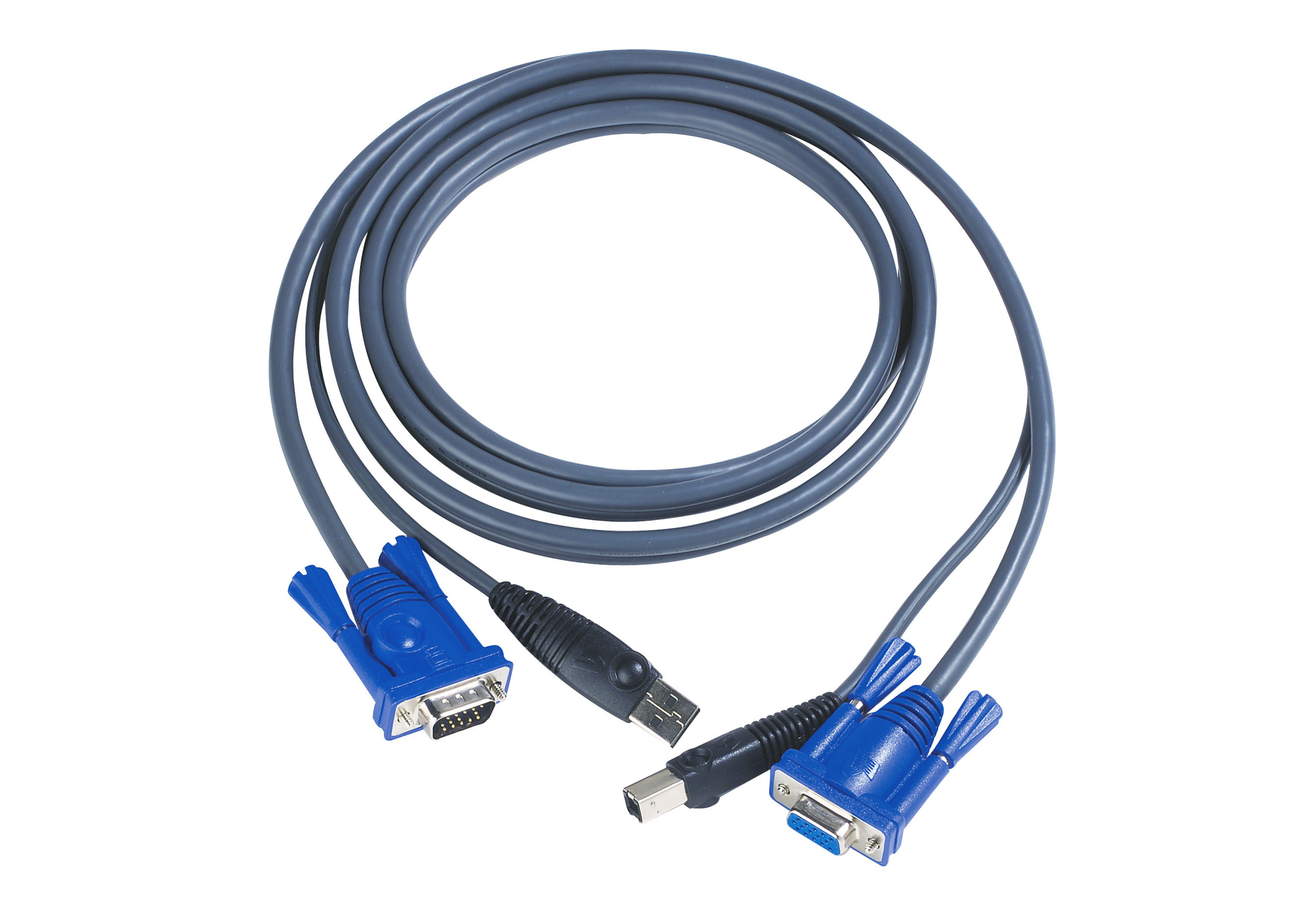
ATEN
ATEN 2L-5005U - Keyboard / video / mouse (KVM) cable - USB, HD-15 (VGA) (M) to HD-15 (VGA), mini-USB Type B - 5 m - for CE 700, MasterView CS-102U, CS-104U
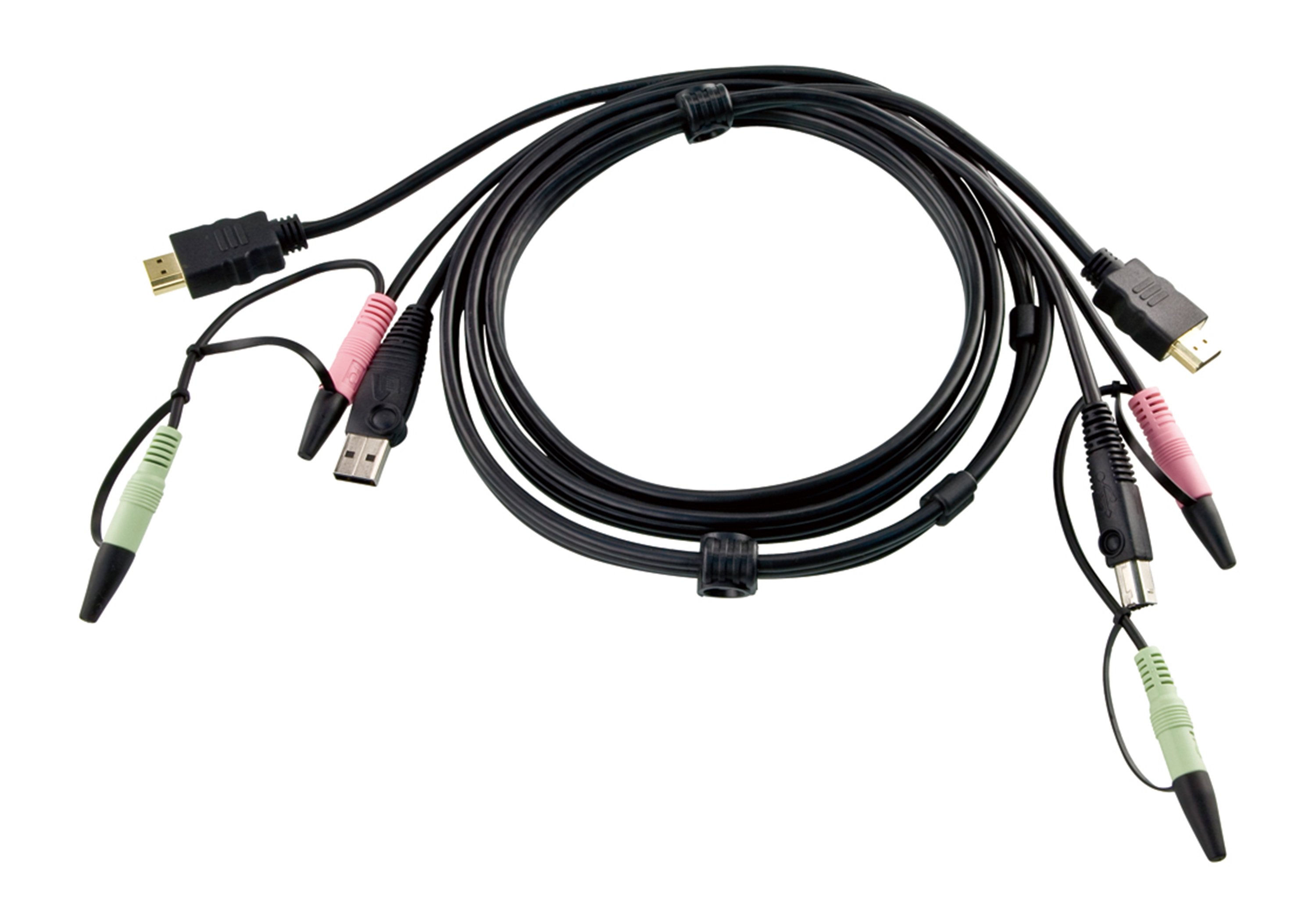
ATEN
ATEN 2L-7D02UH - Video / USB / audio cable - USB, mini-phone stereo 3.5 mm, HDMI (M) to mini-phone stereo 3.5 mm, USB Type B, HDMI (M) - 1.8 m