- Cloud Networking
4 Ways Cisco Meraki Speeds Up Your WiFi
6 Feb, 2025


£220.09 inc. VAT
AI-generated summary
For £183.71 ex-VAT, this StarTech quad mount looks like a decent “proper desk setup” buy if you’ve got four screens to tame and you want everything to move with one hand. The big value here is flexibility: articulated arms plus tilt/swivel/rotation generally make it much easier to set monitors for different heights/angles, and that matters for long hours (especially if people are swapping between spreadsheets, code, CAD, or video). It’s also a sensible choice in a B2B environment where you might need the same workstation to be adjusted for different users, rather than forcing everyone to live with one fixed layout.
That said, I wouldn’t buy it if your priority is “effortless installation and zero hassle.” Quad mounts can be fiddly—desk clamp placement, cable routing, and getting balanced tension right take time. Also, if your monitors are relatively heavy or you’re mounting larger screens at the top end, you’ll want to be confident the arm can handle the load cleanly, otherwise you’ll fight sag or awkward positioning. If you’re a single-user setup with lighter monitors or you don’t actually need four displays, you’ll probably get better value with a simpler dual/tri arm—less cost, less faff, fewer moving parts to go out of alignment.
**Who should buy:** teams deploying multi-monitor desks, power users who genuinely benefit from fine positioning, and anyone who needs a flexible workstation layout across shifts/users. **Who should not:** smaller setups, anyone sensitive to installation time/adjustment, or those who want “set it and forget it” rather than an adjustable ergonomic workstation.

NEOMOUNTS
Neomounts FPMA-W940 - Bracket - full-motion - for LCD display - silver - screen size: 10"-30" - wall-mountable

NEOMOUNTS
Neomounts FPMA-W830 - Bracket - full-motion - for LCD display - black - screen size: 10"-27" - wall-mountable

Dell
Dell - Cables and mechanical part customer kit
NEOMOUNTS
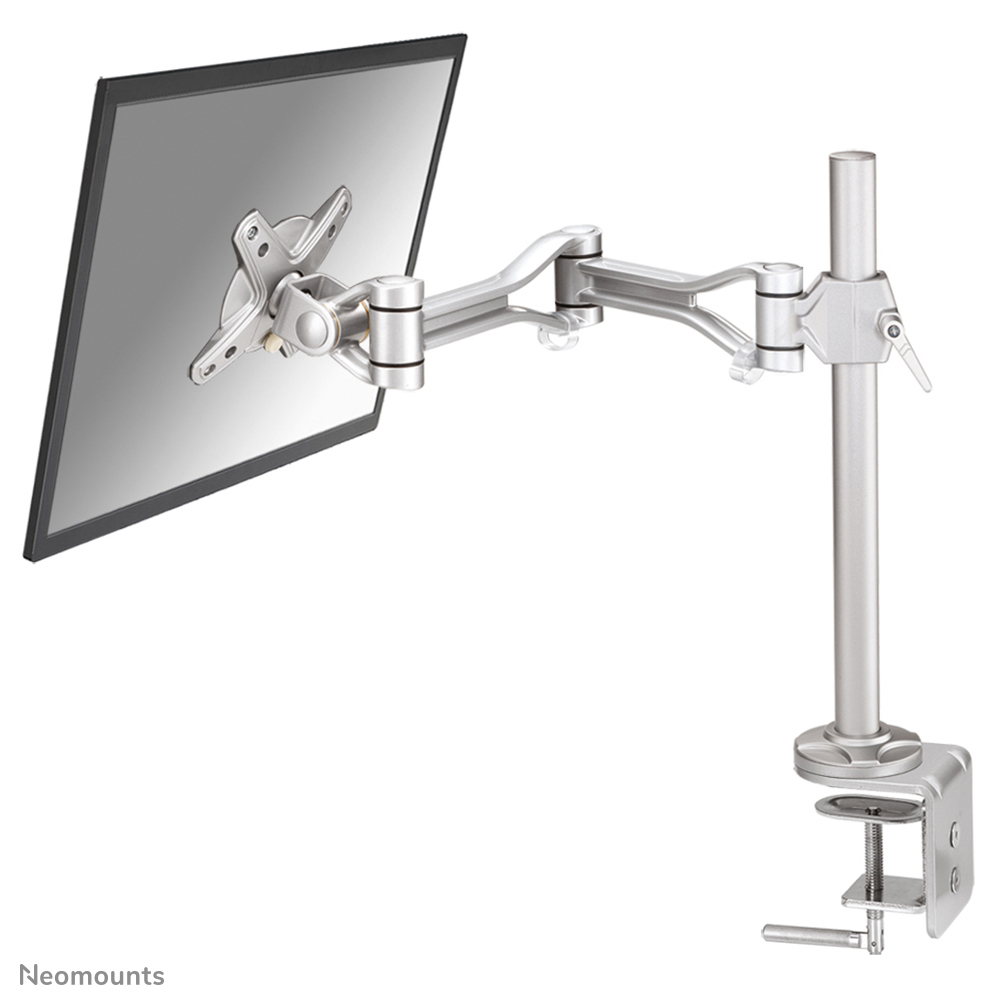
Neomounts FPMA-D1030 - Mounting kit - full-motion - for LCD display - silver - screen size: 10"-30" - clamp mountable, desk-mountable