- IT Office Moves
How To Plan an Effective IT Office Move in 7 Steps
18 Mar, 2025


£122.23 inc. VAT
AI-generated summary
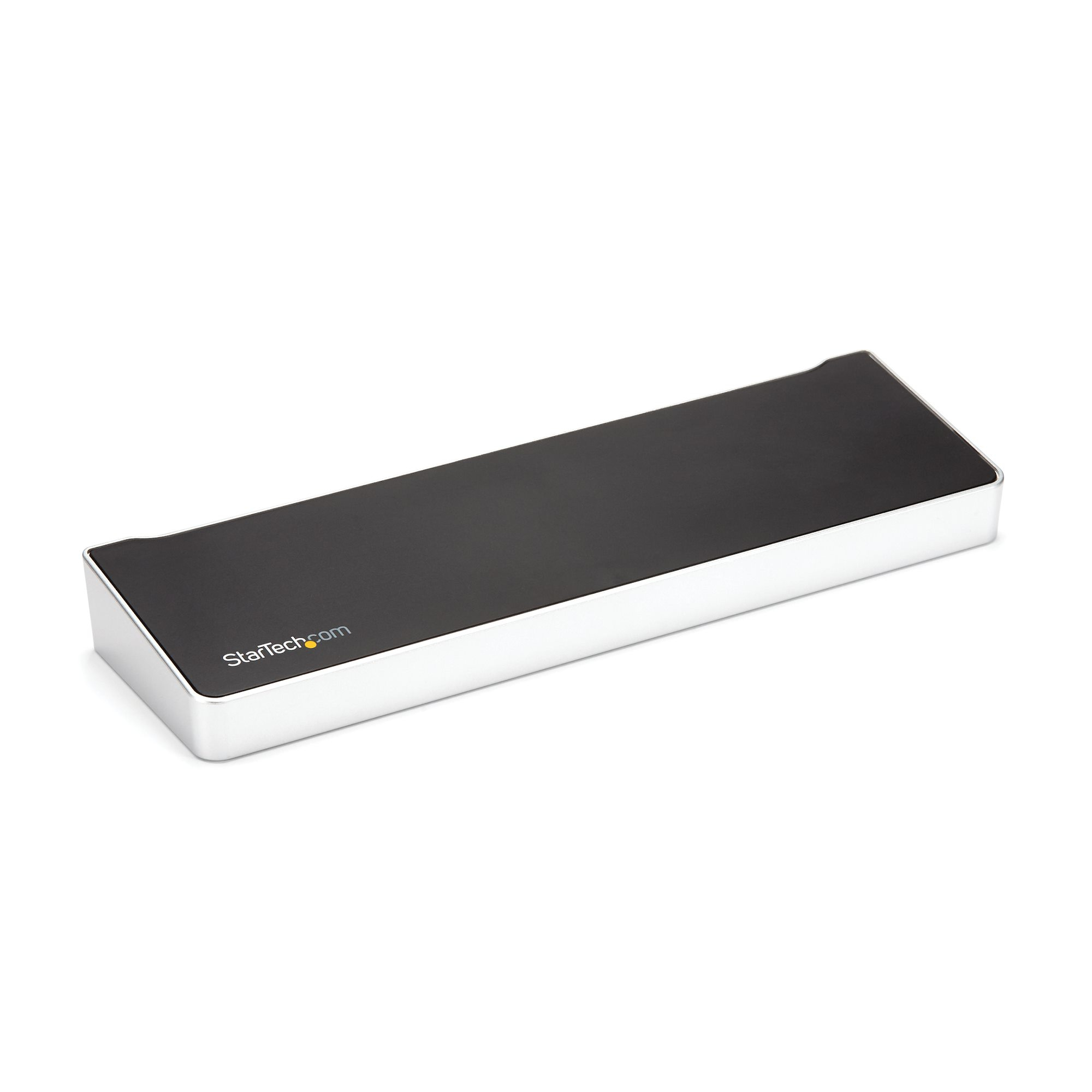
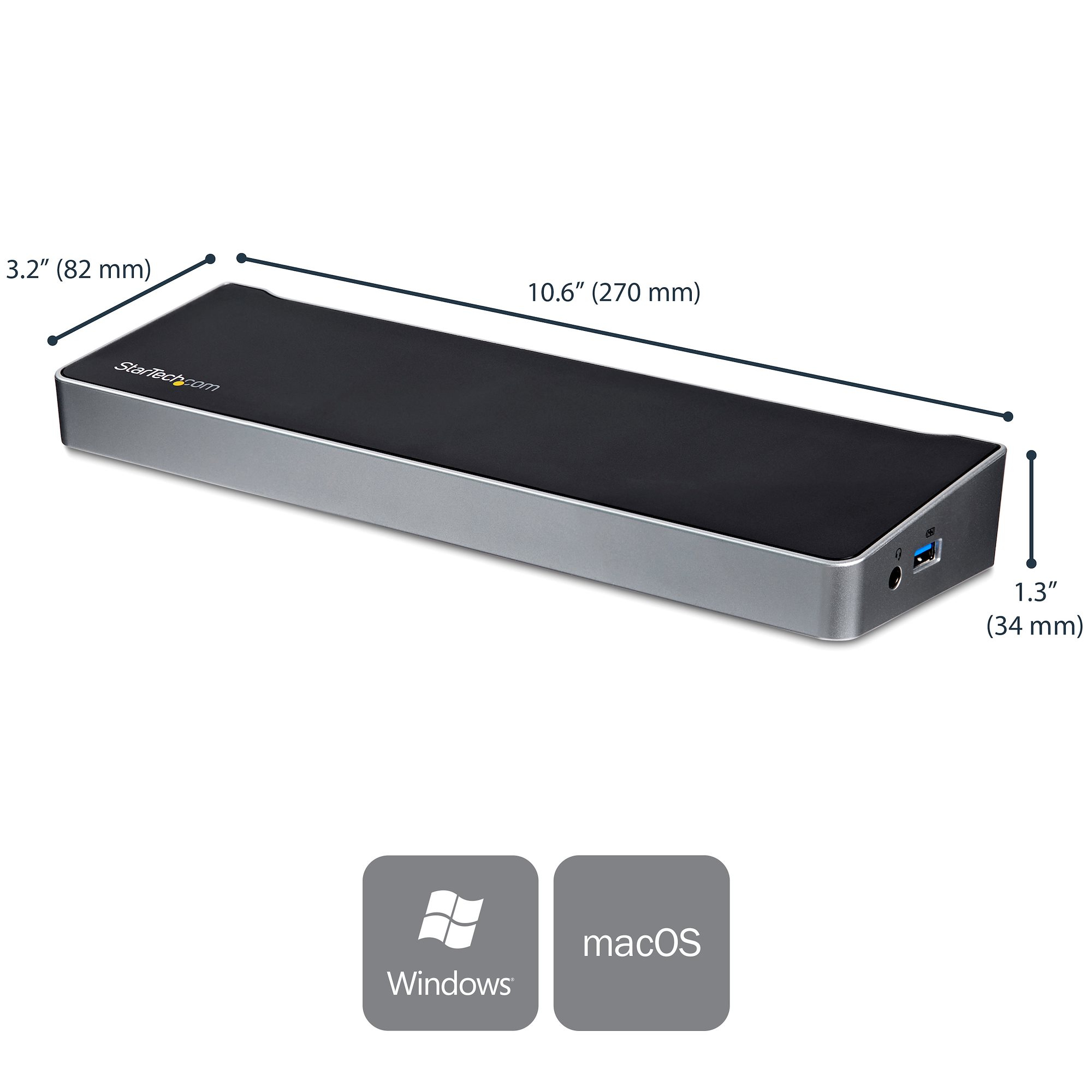
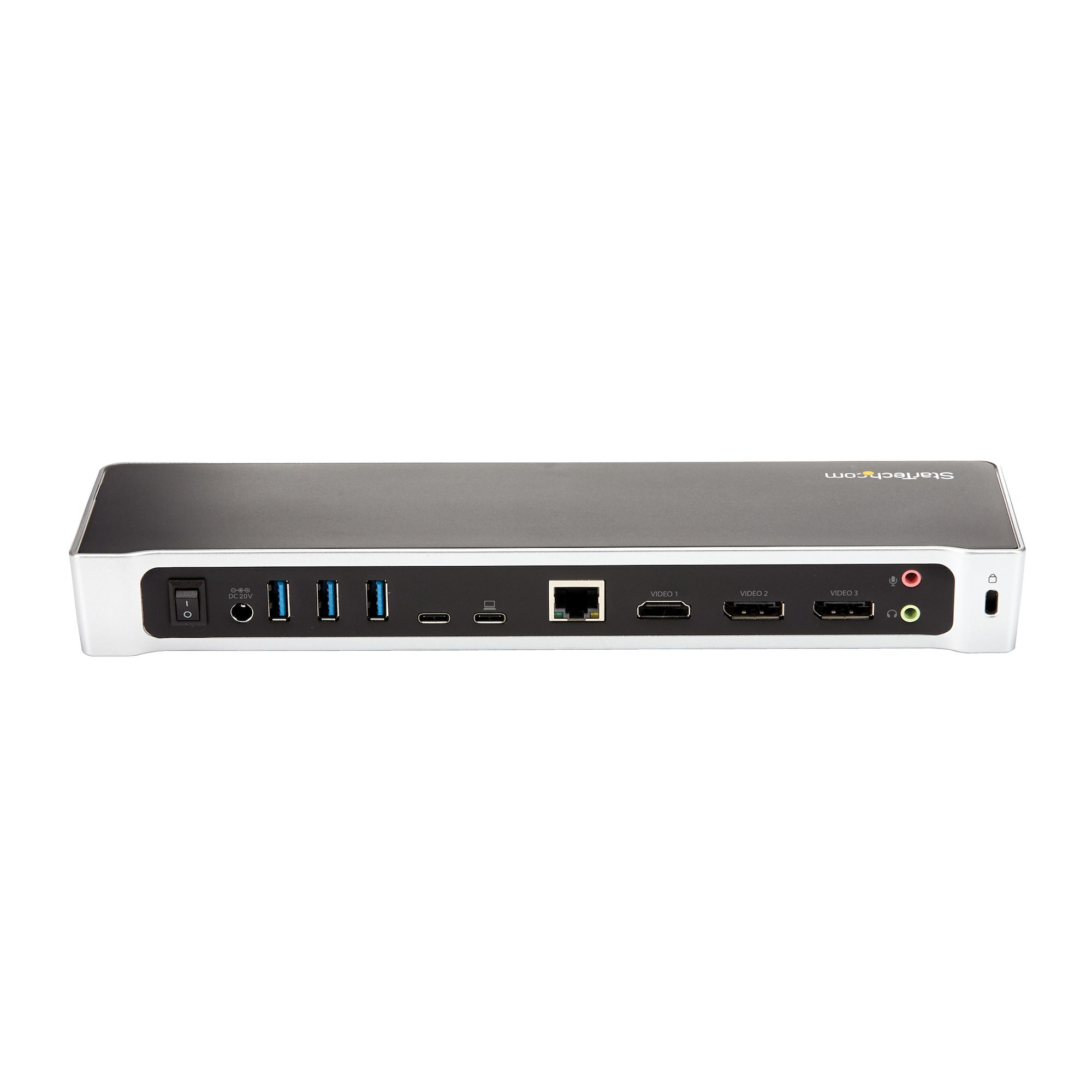
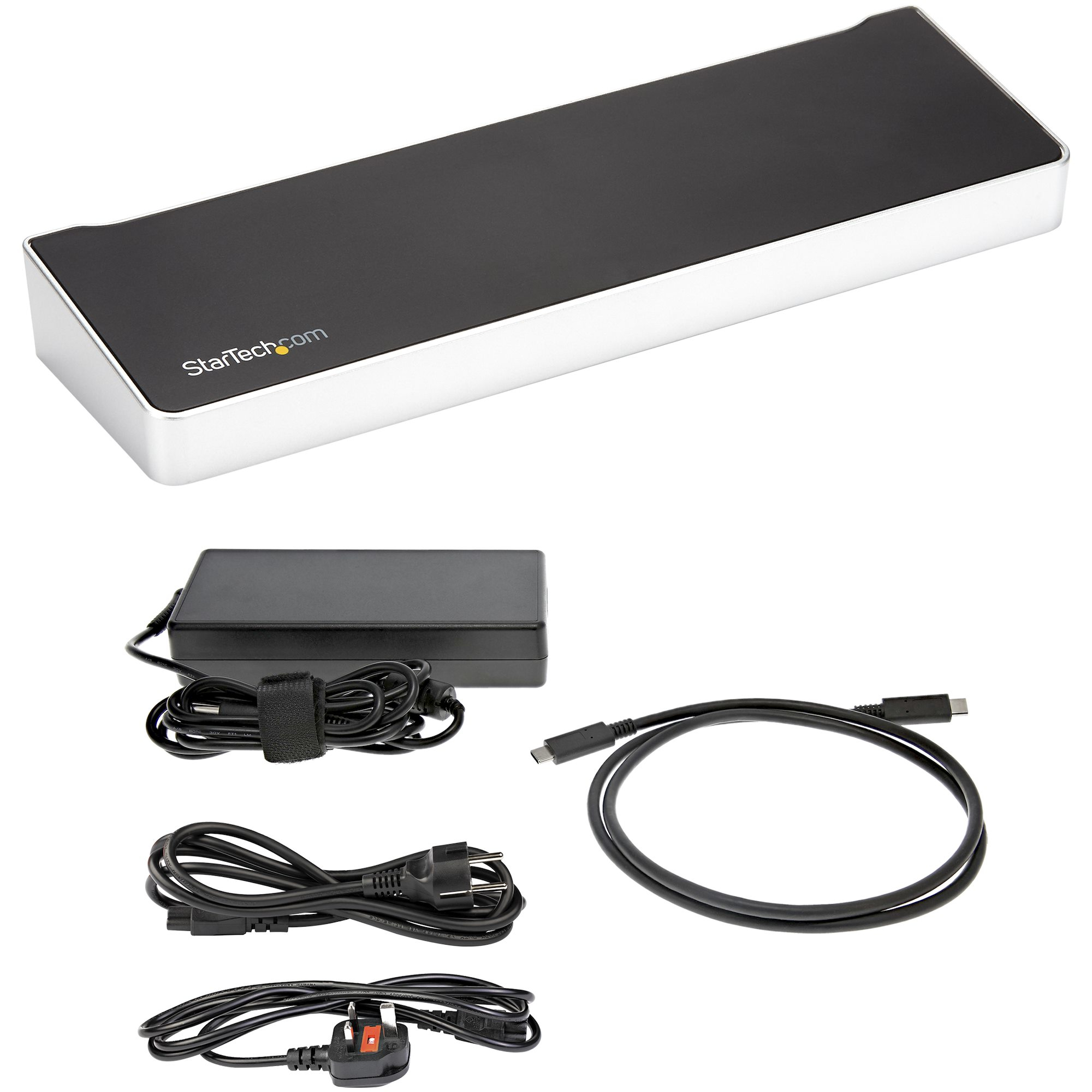
At £102 ex-VAT, this StarTech triple-4K USB‑C dock is the kind of “works in the real world” option you buy when you want a dependable desk setup without paying for the flashiest branding. The triple UHD support is the headline, but the real win is that it’s not fussy: plug it into a modern laptop and you’re quickly in monitor-land, with enough USB expansion for the usual keyboard/mouse/webcam + a few extras. StarTech also tends to be good for businesses because the units are fairly consistent and serviceable compared to the no-name dock ecosystem.
That said, I wouldn’t recommend it universally. If your laptop is older, you don’t get the right USB‑C/DisplayPort Alt Mode support, or you’re expecting “guaranteed triple 4K at the highest refresh rates” across the board, you may run into limitations—docks like this are still dependent on what your specific host can actually drive over USB‑C. Also, for teams, make sure your users aren’t mixing picky monitors without checking compatibility. Who should buy: office staff, contractors, and small teams needing reliable multi-monitor output plus a compact hub. Who shouldn’t: power users with very demanding display requirements or organisations that want one-dock-fits-all regardless of laptop generation.

STARTECH
StarTech.com USB 3.0 Docking Station with HDMI and DVI/VGA - Dual Monitor - Universal Laptop Dock - Mac and Windows Compatible (USB3SDOCKHDV) - Docking station - USB - VGA, HDMI - 10Mb LAN - for P/N: ARMBARDUO, ARMBARDUOV, ARMDUAL, ARMDUAL30, ARMDUALV, ARMSLIMDUO
STARTECH
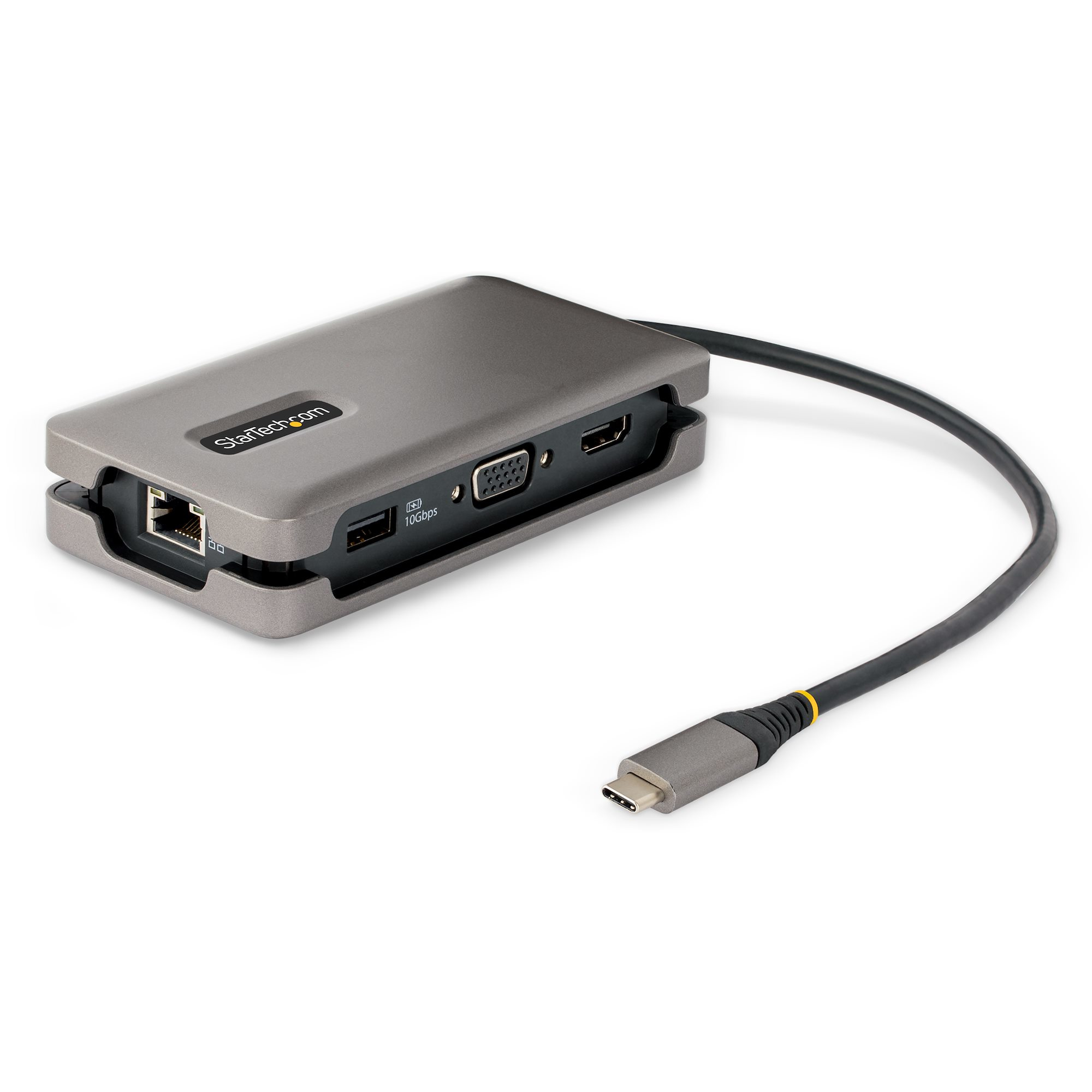
StarTech.com USB-C Multiport Adapter, HDMI/VGA, 4K 60Hz Video, 3-Port USB Hub, 100W Power Delivery Pass-Through, GbE, USB Type-C Travel Dock w/ Charging, 1ft/30cm Wrap-Around Cable - Mini Laptop Docking Station (DKT31CVHPD3) - Docking station - USB-C - HDMI, VGA - 1GbE - 16 Watt
STARTECH
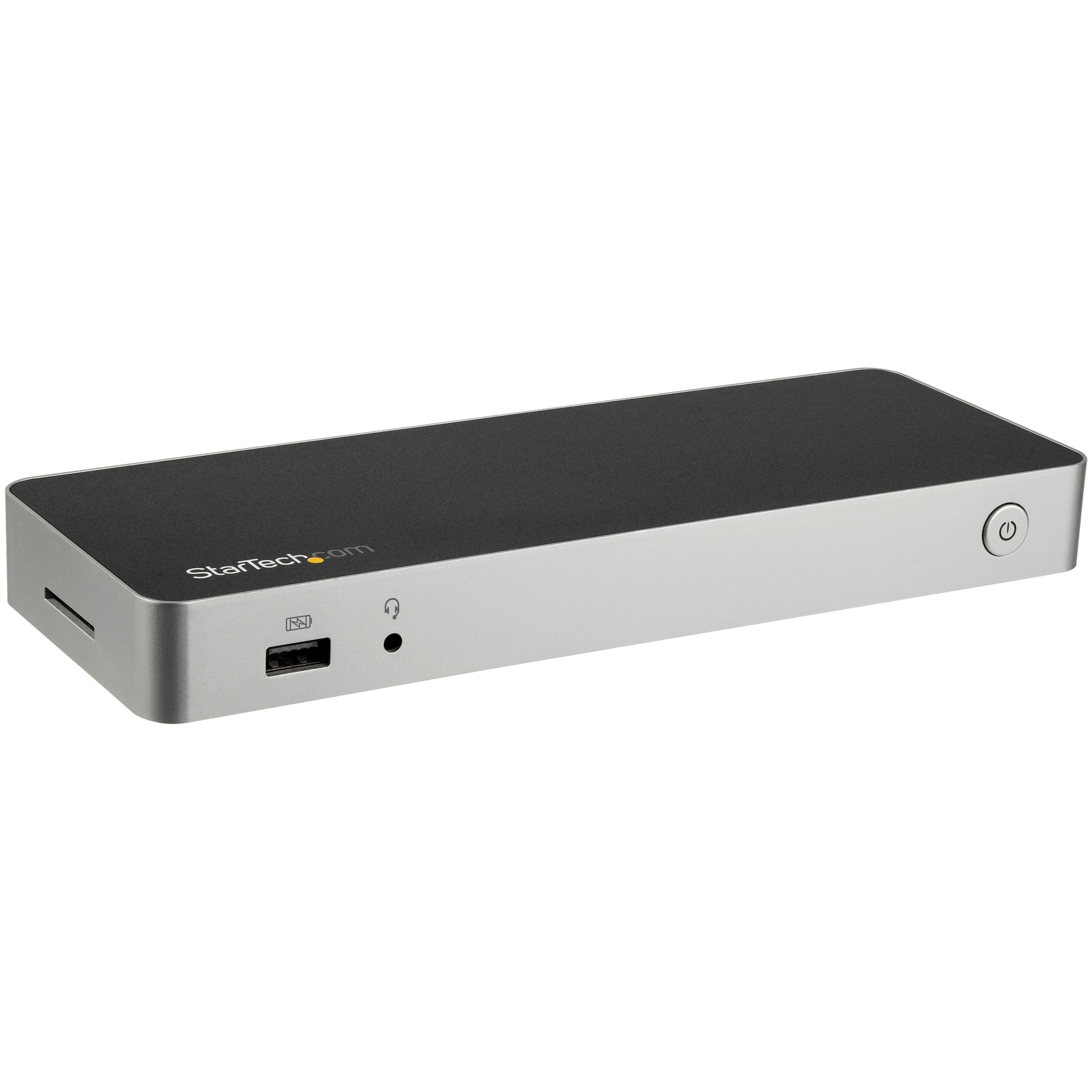
StarTech.com USB C Dock, Dual Monitor HDMI & DisplayPort 4K 30Hz, USB Type-C Laptop Docking Station 60W Power Delivery (PD), SD, 4-port USB-A 3.0 Hub, GbE, Audio, Thunderbolt 3 Compatible - USB 3.1 Gen 1 Dock (DK30CHDPPDUE) - Docking station - USB-C - HDMI, DP - 1GbE - 60 Watt
TARGUS HARDWARE
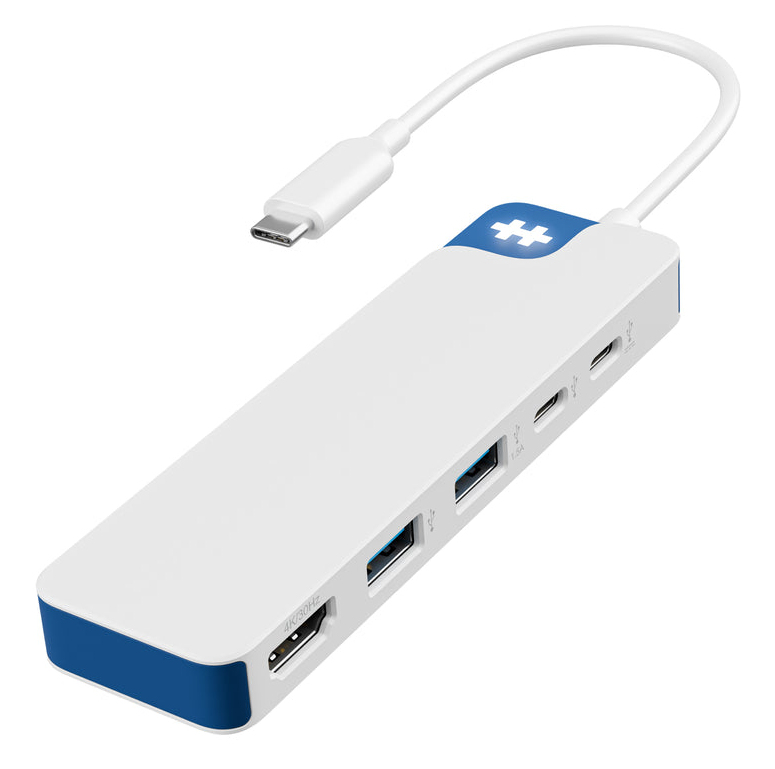
HyperDrive Flex 5 Port USB-C Hub Blue