- Network Admin
How to Manage User Accounts and Permissions Effectively
7 Jul, 2025


£80.58 inc. VAT
AI-generated summary
If you’re trying to get a simple “more screen real estate” setup on a Windows PC and your laptop/desktop has DisplayPort with MST support, this StarTech 4‑port hub is genuinely the kind of no-drama item that’s worth the money. At £67.25 ex‑VAT it’s priced like a practical workstation accessory, not a big-budget docking solution—and in real use it’s the difference between being productive and constantly rearranging windows. It’s also a decent choice if you don’t want to rely on software tricks: Windows’ extended desktop mode plus a proper MST hub usually behaves more predictably for everyday office work.
That said, I wouldn’t buy it blindly. The big “gotcha” is compatibility: it’s Windows-only and it depends heavily on the source device actually supporting MST over DisplayPort. If your PC only supports single-stream DP output (or you’re on the wrong OS), you’ll end up frustrated with missing displays or weird flickering/limited modes. Also, don’t treat it like a magic performance upgrade—multiple 1080p outputs are fine for typical admin, finance, browsing, and light multitasking, but if you’re doing high-refresh gaming/colour-critical graphics, I’d look at a proper docking solution that’s known to handle your exact workload.
**Who should buy:** office/IT teams standardising multi-monitor Windows desk setups where DP MST is available from the host, and you want 4 extra displays without spending dock money. **Who shouldn’t:** anyone on macOS/Linux, anyone unsure their DP MST is supported, or anyone expecting “smooth everywhere” behaviour for demanding graphics use.
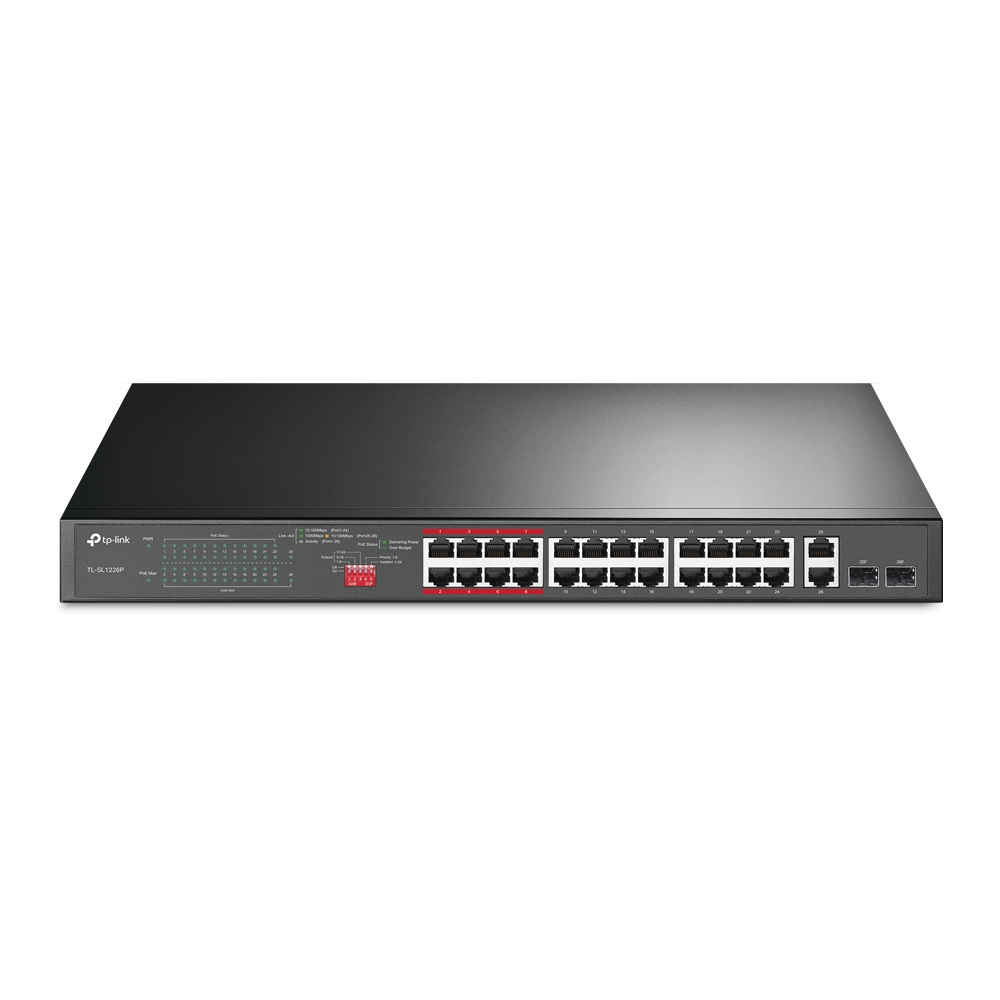
TP-Link
TP-Link TL-SL1226P - Switch - unmanaged - 24 x 10/100 (PoE+) + 2 x 10/100/1000 + 2 x combo Gigabit SFP - desktop, rack-mountable - PoE+ (250 W)
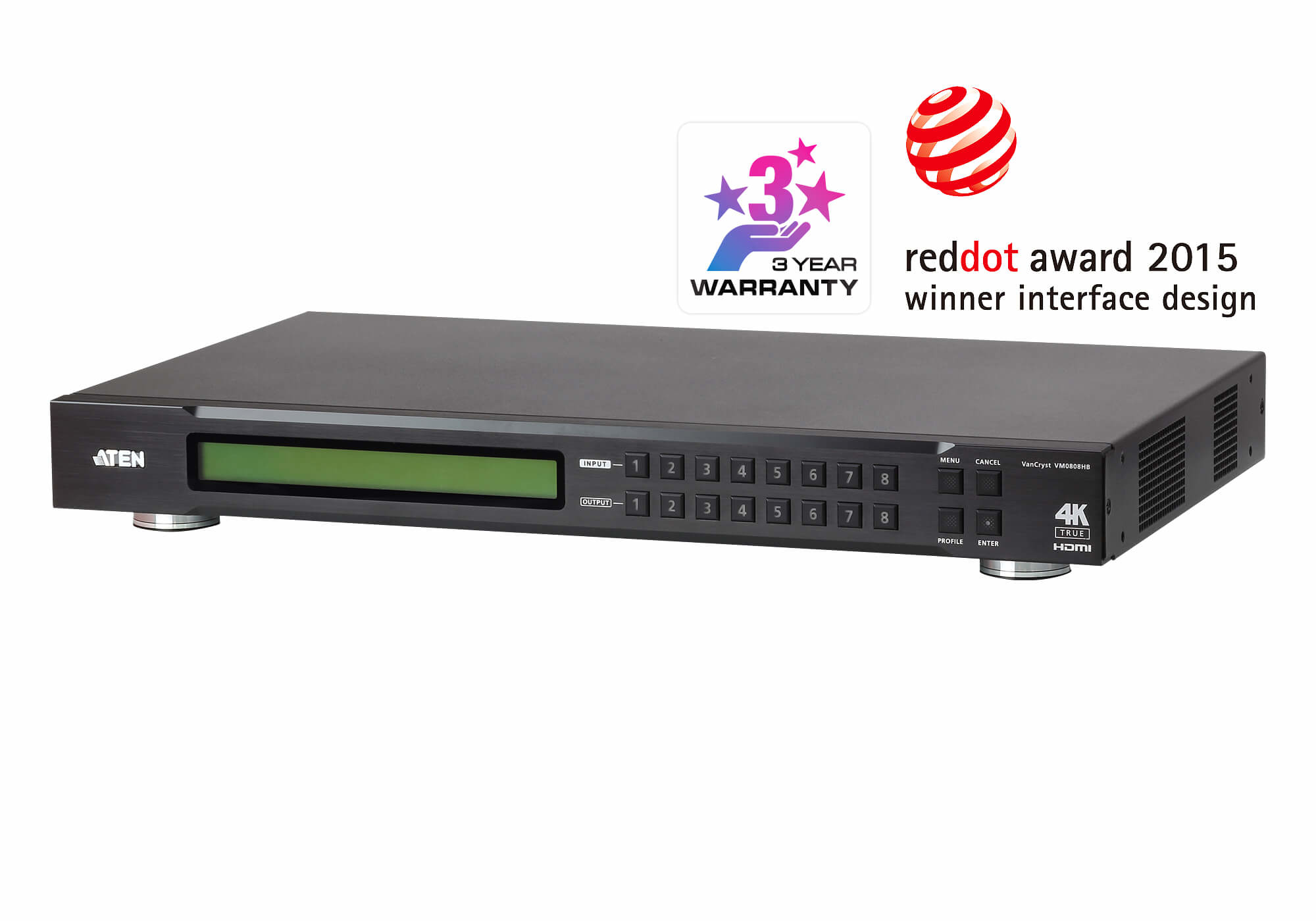
ATEN
ATEN VanCryst VM0808HB 8 x 8 True 4K HDMI Matrix Switch - Video/audio switch - desktop, rack-mountable
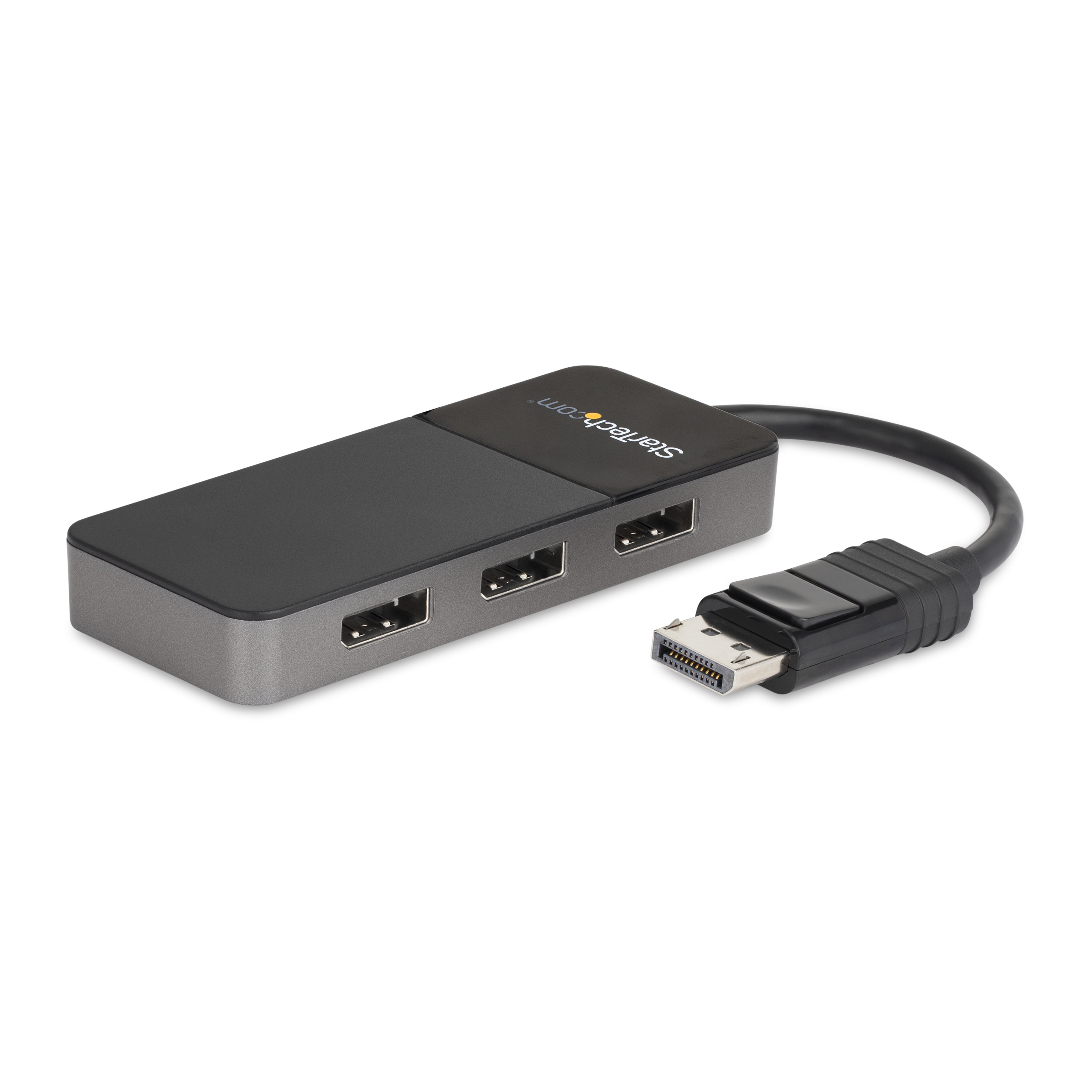
STARTECH
StarTech.com 3-Port Multi Monitor Adapter, DisplayPort 1.4 to 3x 4K DP Video Splitter, Triple or Dual 4K, Laptop/Desktop DisplayPort MST Hub for Multiple Monitors, Windows Display Adapter - Multi Stream Transport (MST14DP123DP) - Video/audio splitter - 4 x DisplayPort - desktop
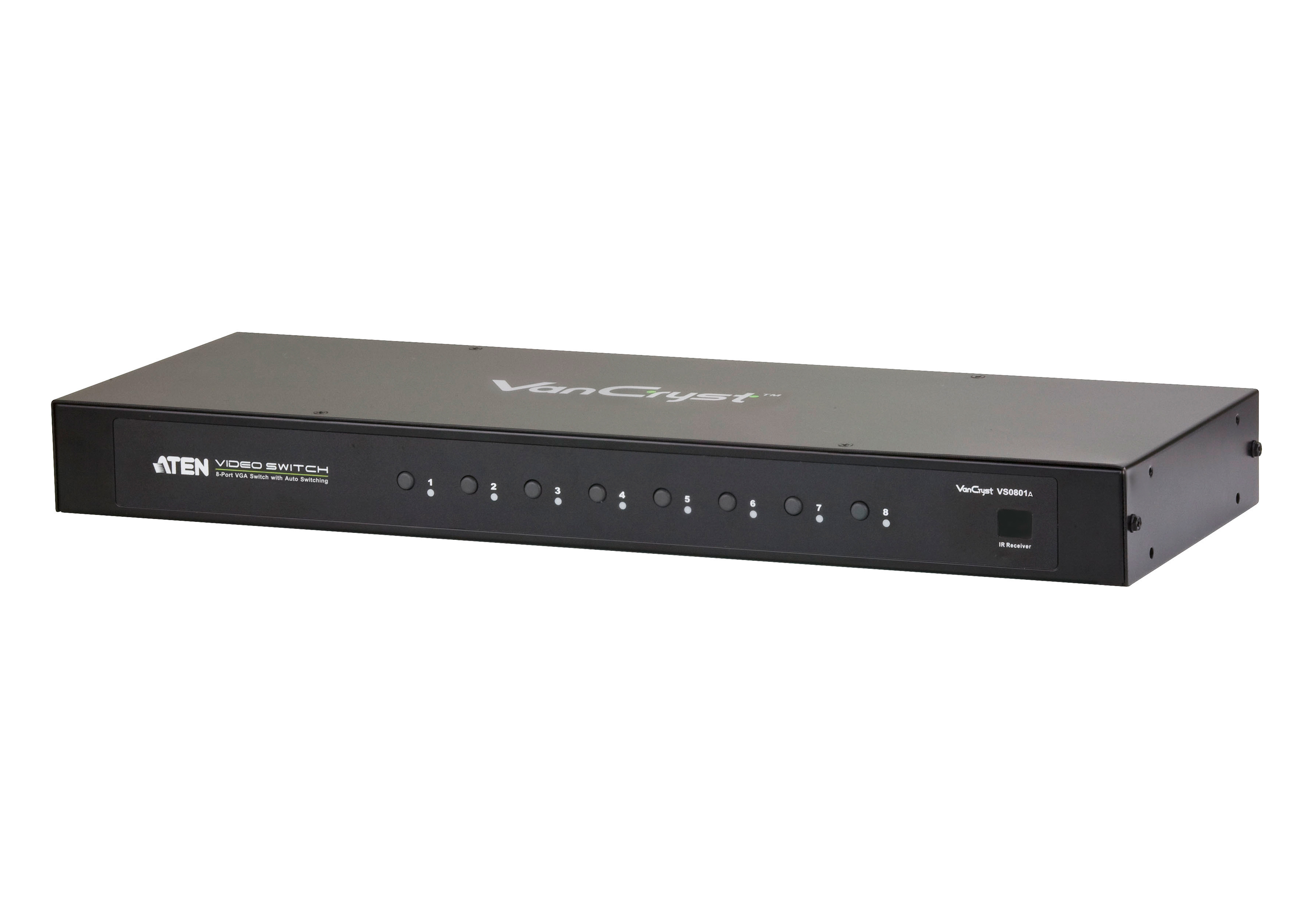
ATEN
ATEN VS0801A - Video/audio switch - 8 x VGA / audio - desktop