- Cloud Backup
How to Create a Data Recovery Plan for Your Business
21 Aug, 2025
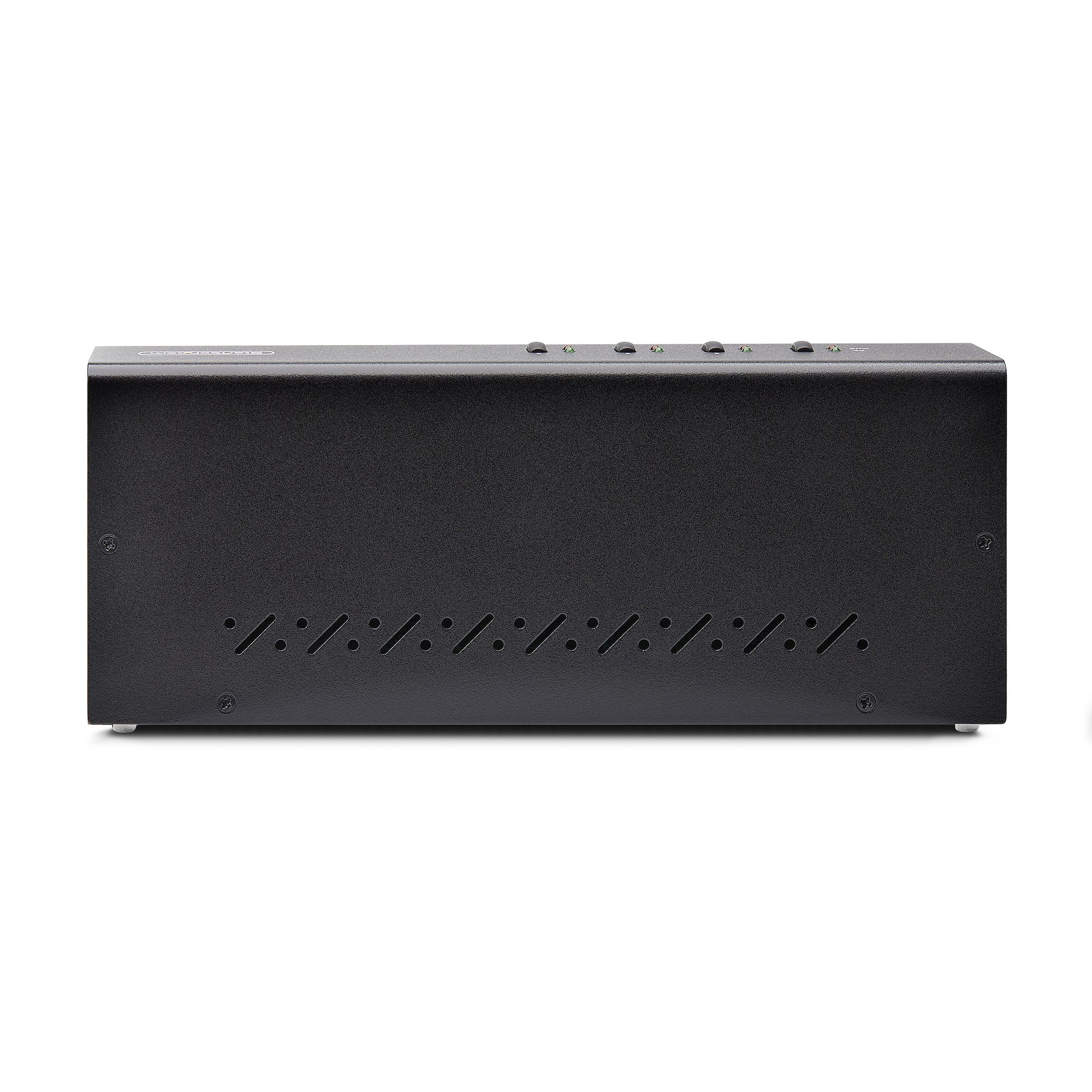
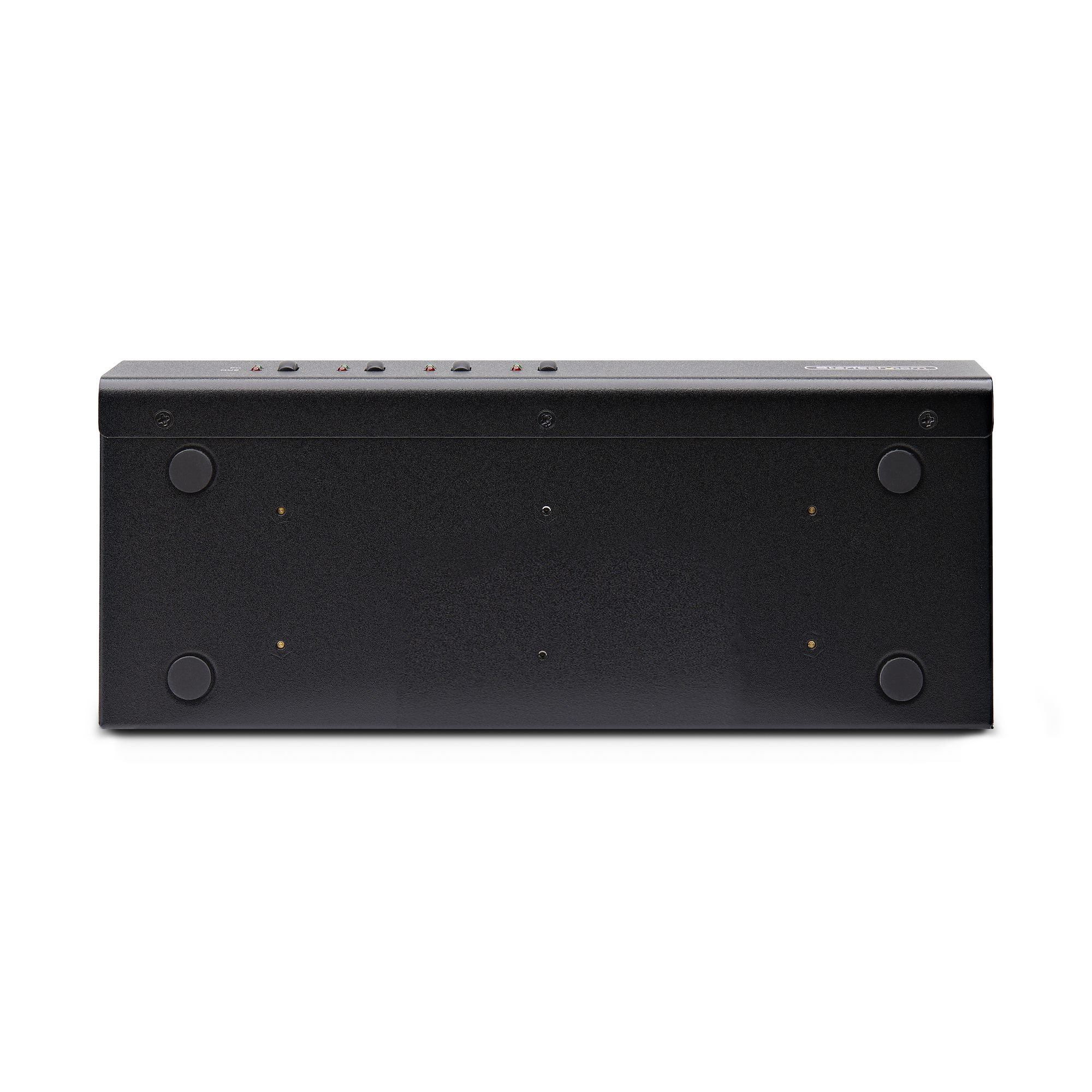
£803.59 inc. VAT
AI-generated summary
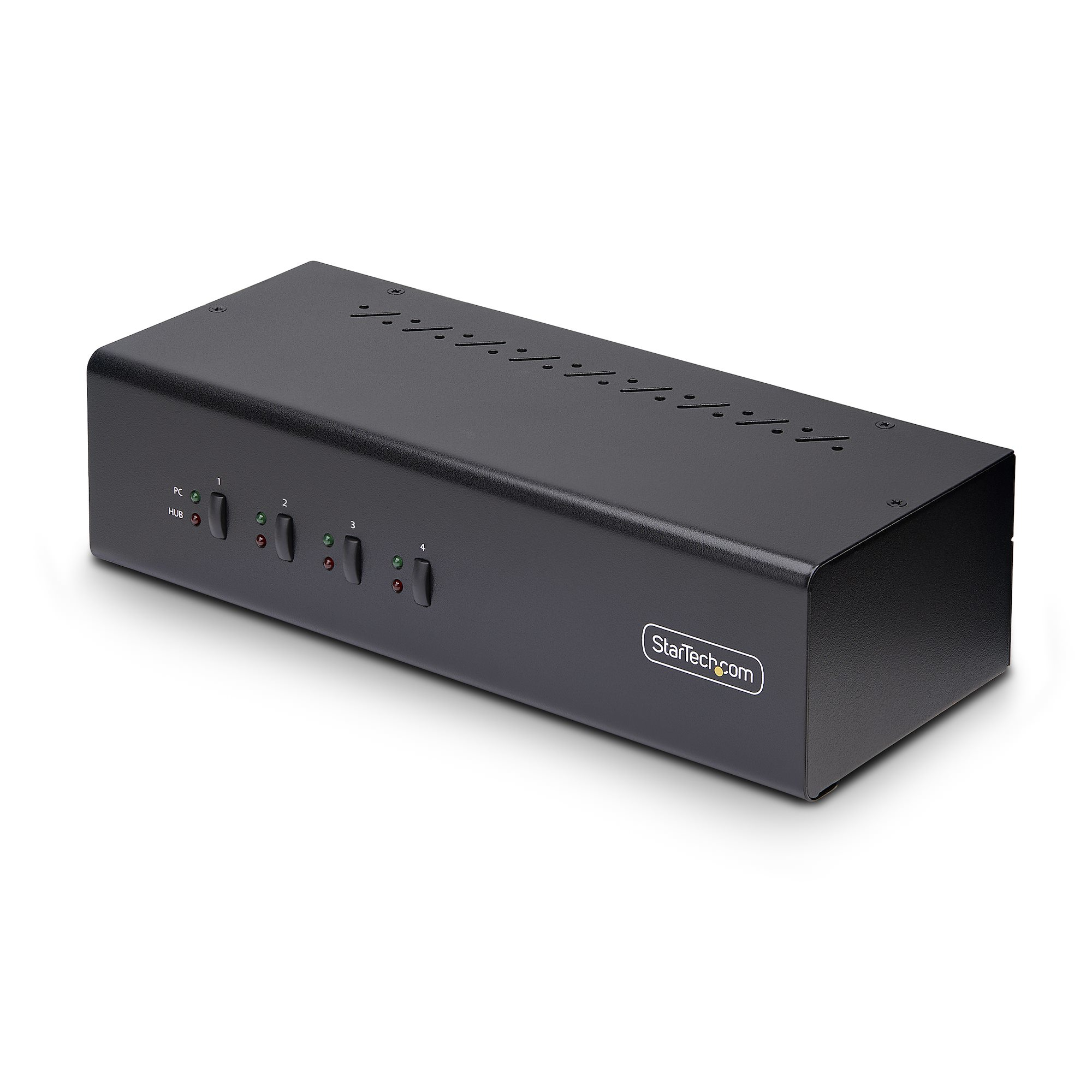
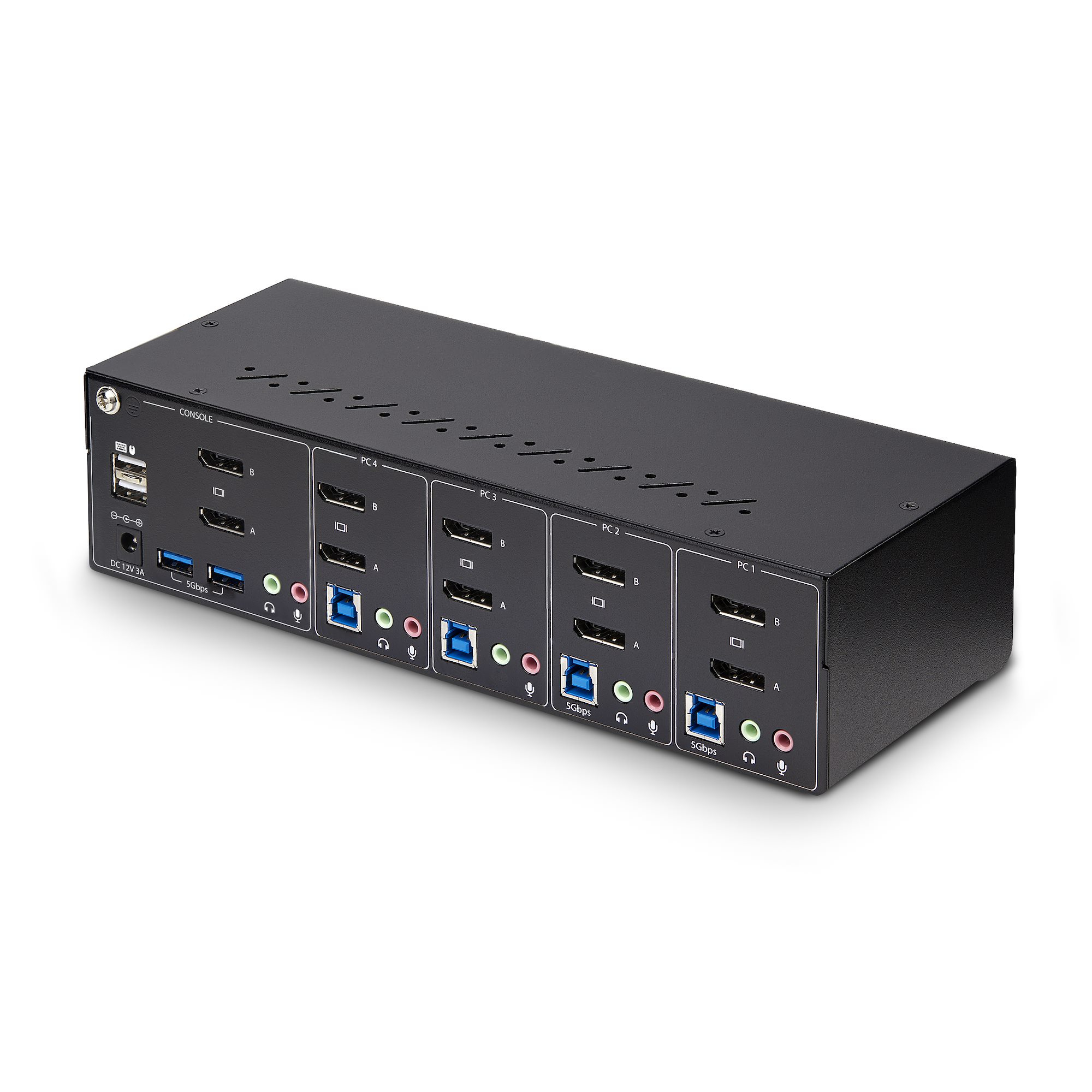
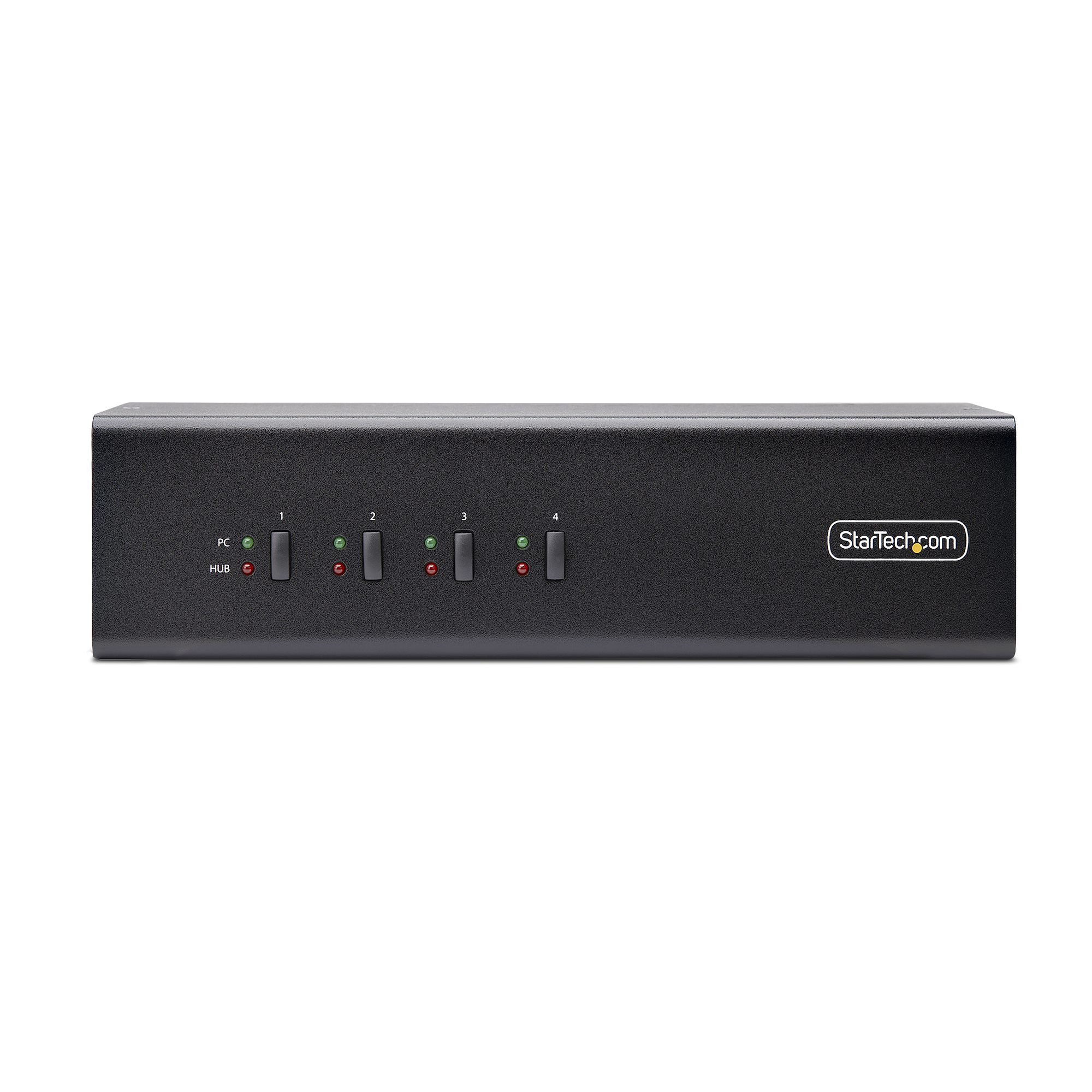
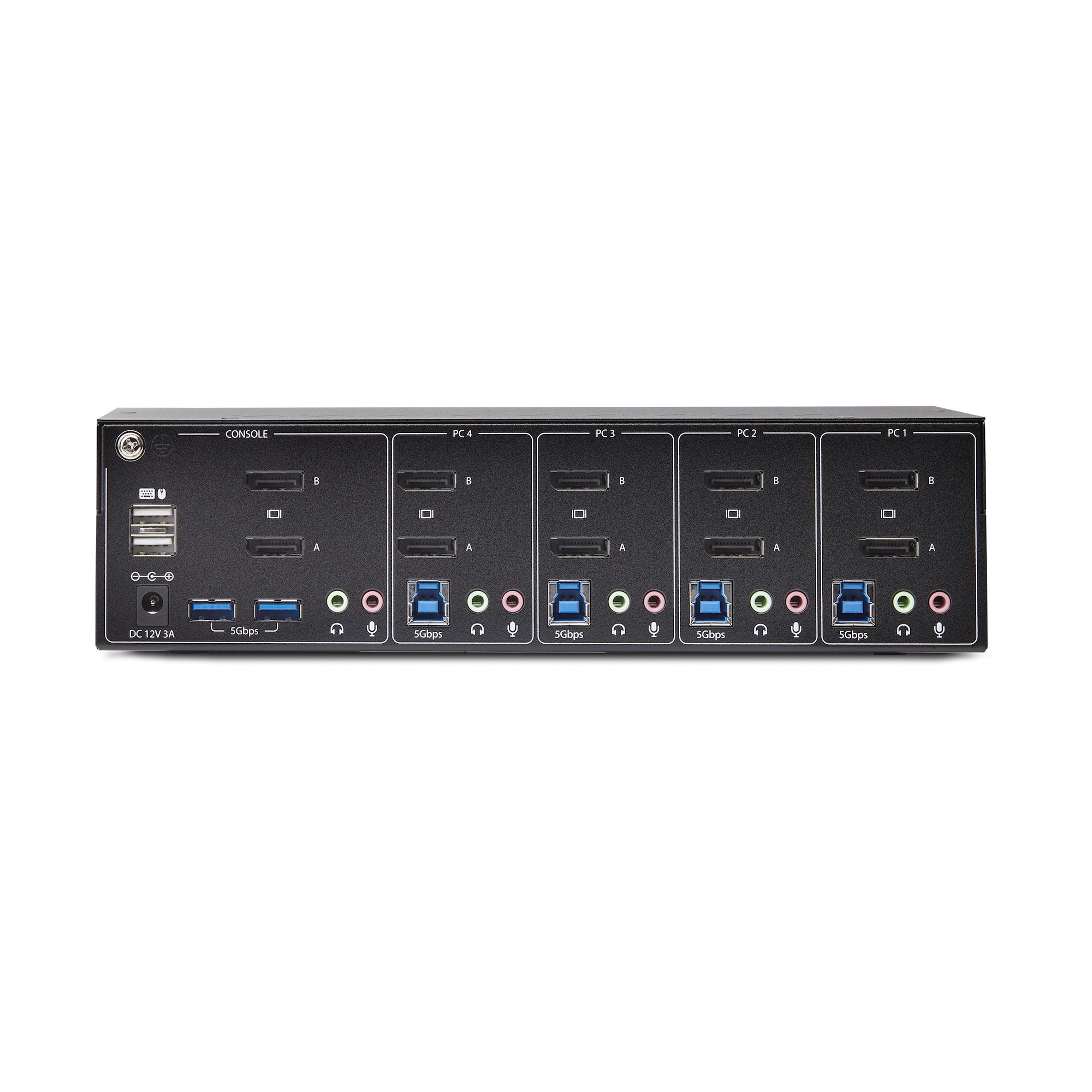
For £669 ex-VAT, this StarTech KVM is only “worth it” if you genuinely need a dependable dual-DisplayPort KVM with built-in USB support and you’ll use it every working day. The hotkey + push-button switching is the kind of practical detail you notice once you’re moving between PCs all day—less faff, fewer “why won’t it switch?” moments than cheaper units. If your setup involves dual monitors at high resolution and you also want peripherals to stay put (mouse/keyboard via HID ports, plus two faster USB 5Gbps hub connections for things like docks/fast storage), it’s a sensible, IT-friendly way to reduce desk clutter and keep user workflows consistent across different machines.
That said, I wouldn’t buy it for a casual “maybe I’ll use the KVM sometimes” scenario. If you only need basic switching (or just one monitor), the cost is steep and you can almost always find better value. Also, KVMs live or die by compatibility with specific GPUs and monitor/HDCP behaviour—so if your environment is picky (VDI, protected content, unusual monitor setups), you should sanity-check the deployment before rolling it out broadly. **Who should buy:** UK businesses standardising multi-PC workstations where dual monitors + peripheral pass-through matter and downtime/quirks are expensive. **Who should avoid:** small teams with simple needs, or anyone expecting a budget unit to behave like a full desktop dock/peripheral solution.
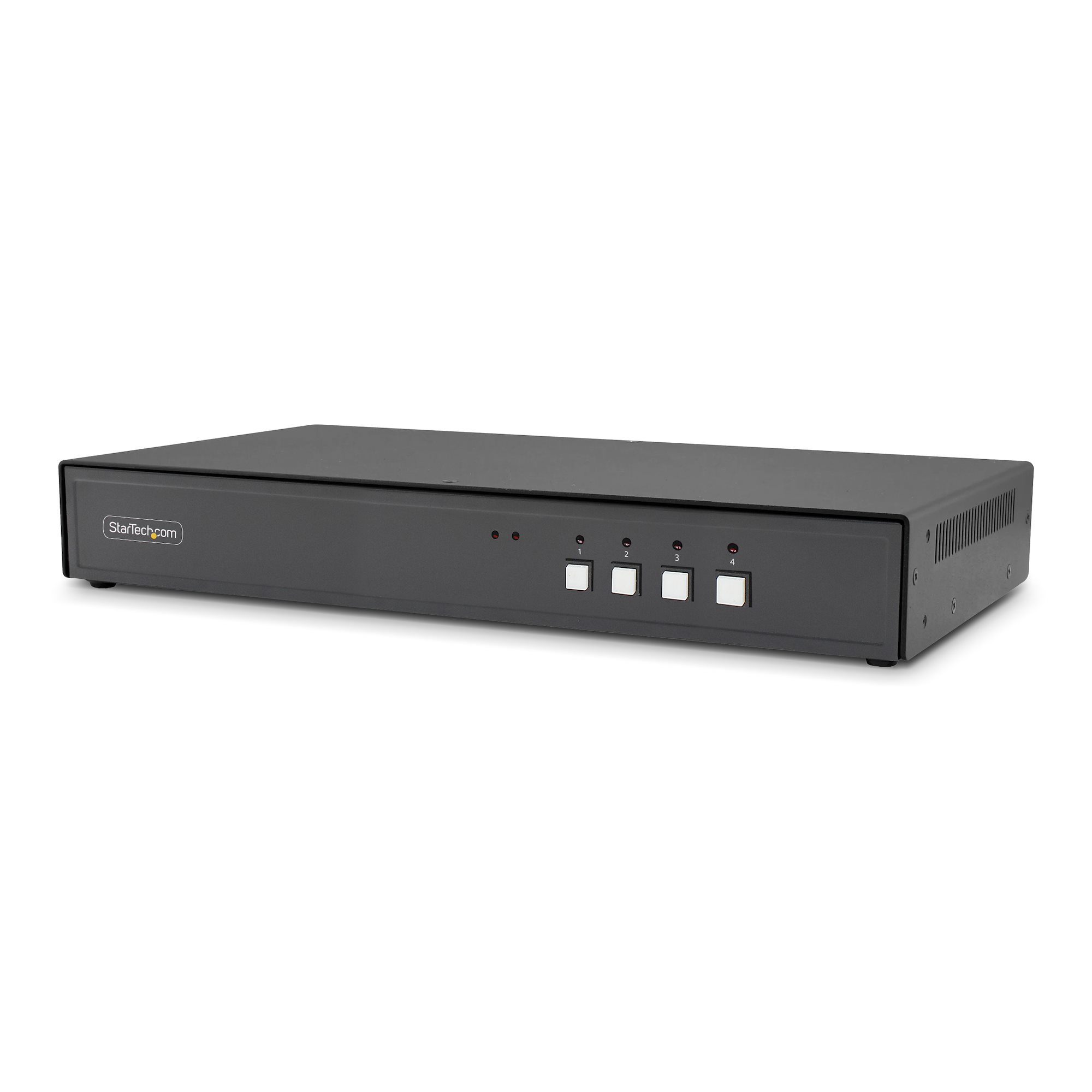
STARTECH
StarTech.com - KVM switch - secure - 4 x KVM port(s) - 1 local user - desktop - TAA Compliant

STARTECH
StarTech.com 2 Port HDMI KVM Switch, 4K 60Hz, Compact Dual Port UHD/Ultra HD USB Desktop KVM Switch with Integrated 4ft Cables & Audio, Bus Powered & Remote Switching, MacBook ThinkPad - 4K KVM Switch w/ Audio (SV211HDUA4K) - KVM / audio switch - 2 x KVM / audio - 1 local user - desktop
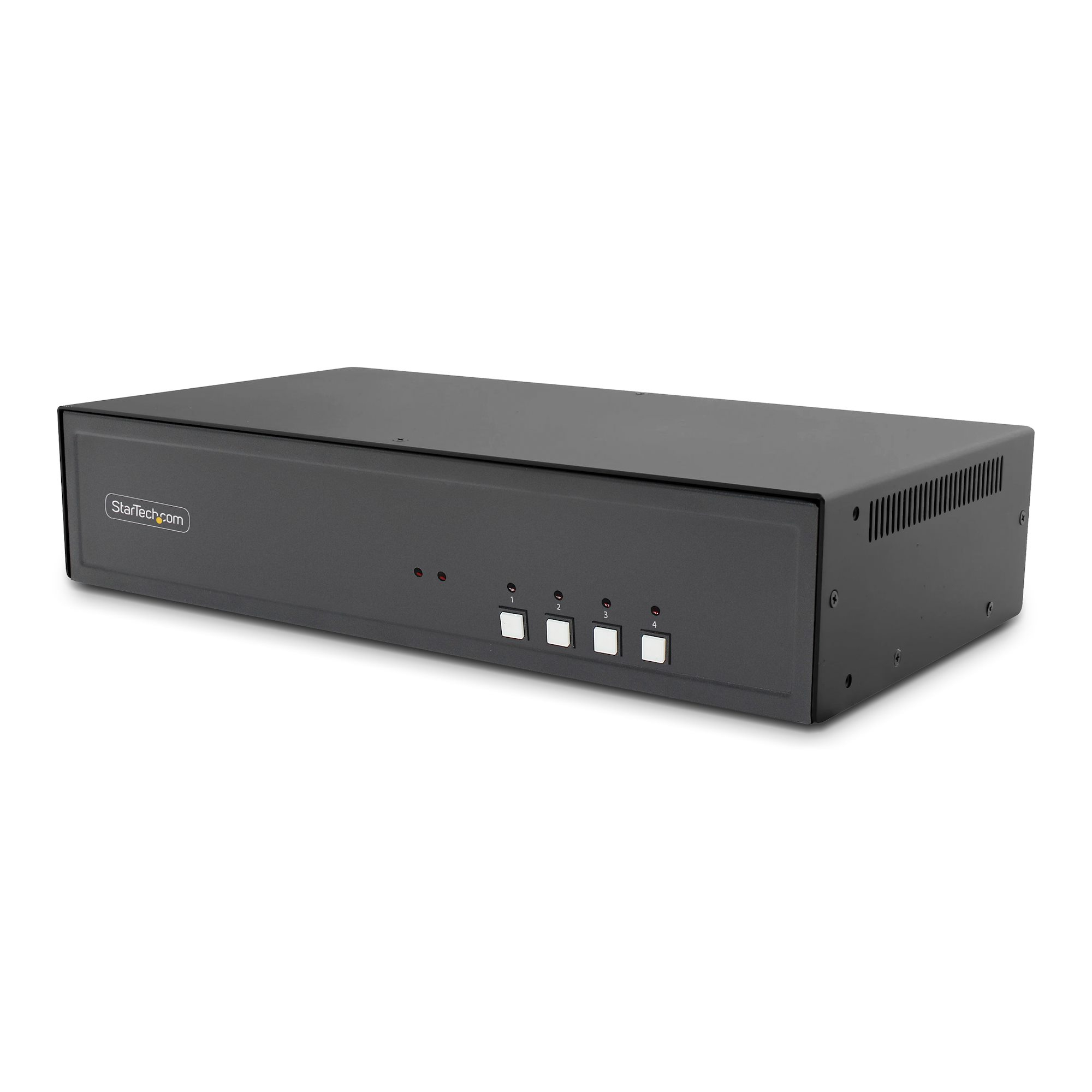
STARTECH
StarTech.com - KVM switch - secure - 4 x KVM port(s) - 1 local user - desktop - TAA Compliant
STARTECH
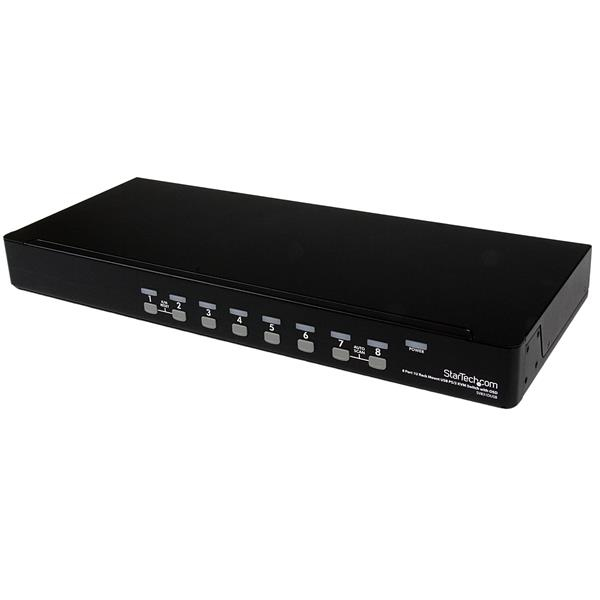
StarTech.com 8 Port 1U RackMount USB PS/2 KVM Switch with OSD - KVM switch - 8 x KVM port(s) - 1 local user - desktop - for P/N: RK3236BKF