- Google Ads & PPC
How to Use Google Ads Demand Gen Campaigns
18 Mar, 2026
£299.75 inc. VAT
AI-generated summary
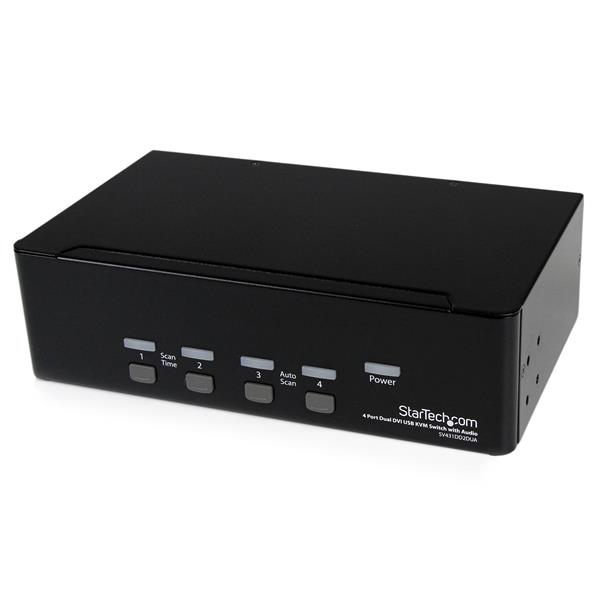
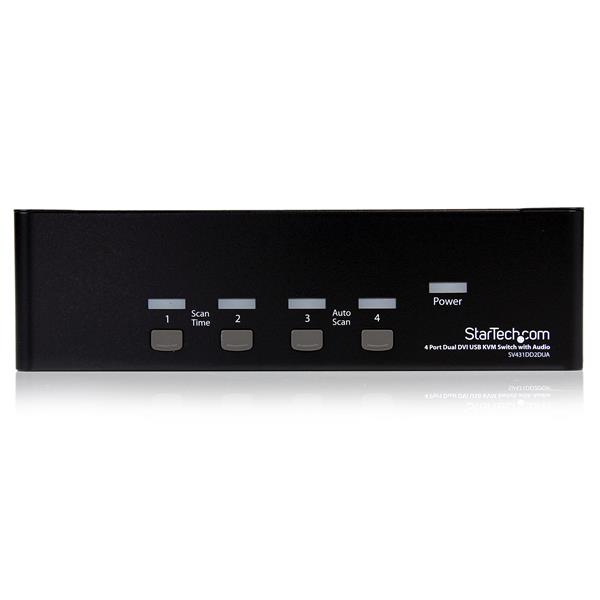
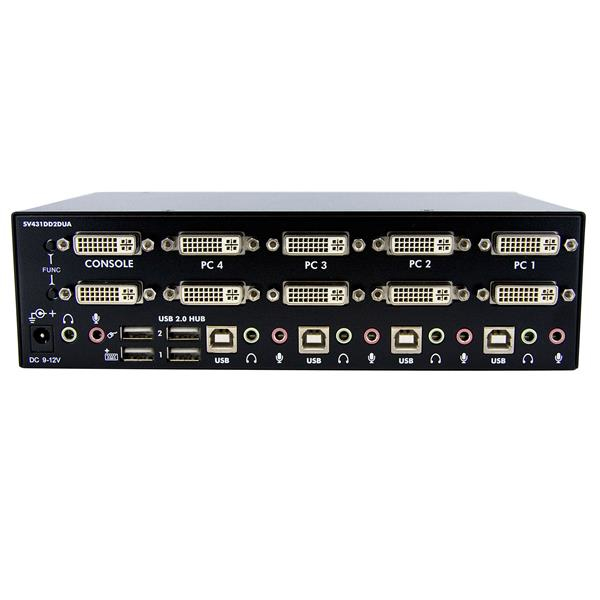
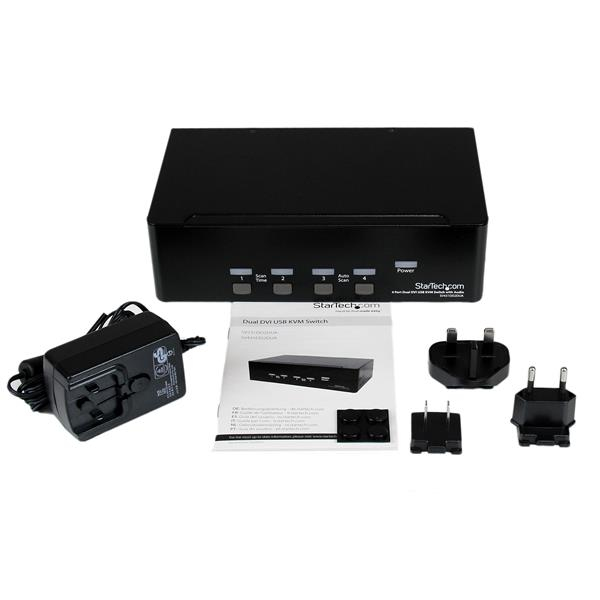
At ~£250 ex-VAT, the StarTech 4‑port dual‑DVI KVM (with audio and a USB 2.0 hub) sits in the “useful but not disposable” bracket. It’s a good fit for a small office or a power user setup where you need to share one dual‑monitor workstation between multiple PCs without constantly re-plugging cables. The big win is practicality: decent switching experience, and the audio/USB hub helps reduce the “where do I plug my headset/printer/USB dongle?” problem. If your monitors support the DVI side cleanly and your devices are mostly USB 2.0 era, it should do exactly what you expect for the money.
Why you might *not* buy: if you’re expecting modern high-resolution/HDMI-style workflows or you need lots of USB traffic (think external storage, fast peripherals, or anything bandwidth-hungry), the USB 2.0 hub can feel limiting. Also, KVMs live and die by compatibility—if your PCs’ graphics drivers and DVI handshakes are temperamental, you’ll spend time troubleshooting rather than working. If you’re still on DVI and want a straightforward multi-PC desk/office switch that won’t feel cheaty, it’s a sensible purchase; if you want a “set and forget” for newer display standards or heavier USB use, I’d look at alternatives first.
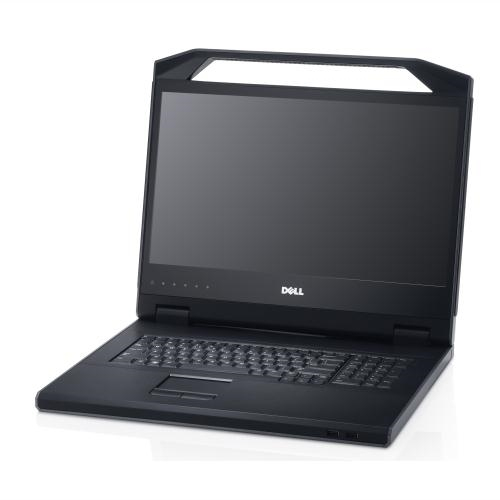
Dell
Dell KMM Console - KVM console - 18.5" - rack-mountable - 1U
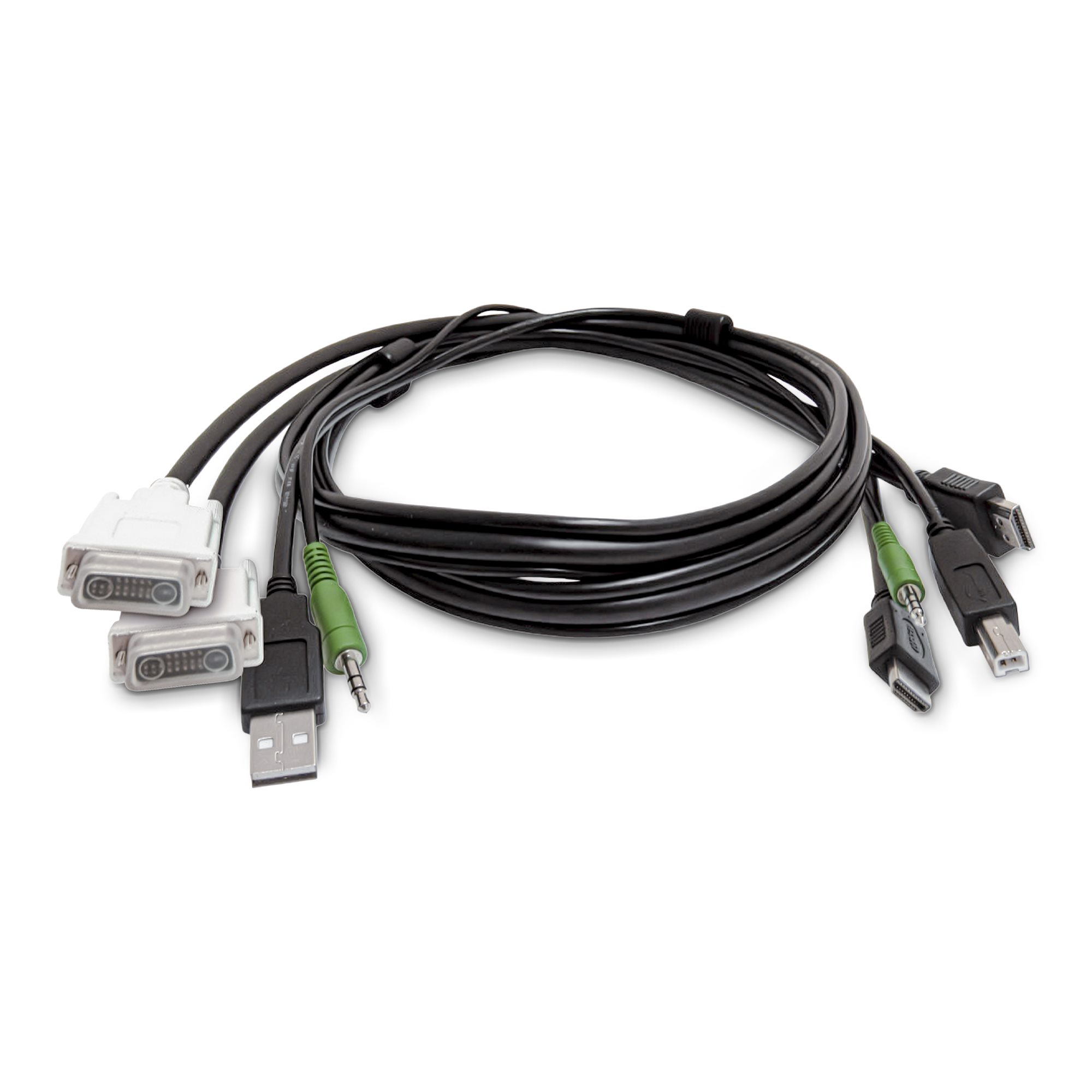
STARTECH
StarTech.com - Adapter cable - TAA Compliant - USB Type A, DVI, 3.5mm audio jack male to HDMI, USB Type B, 3.5mm audio jack male - 1.8 m
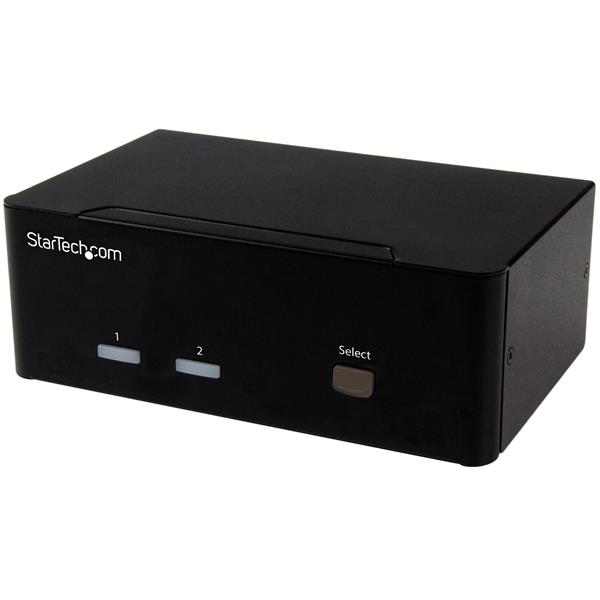
STARTECH
StarTech.com 2 Port VGA KVM Switch - Dual VGA - Hot-key & Audio Support - 1920x1200 KVM Switch - KVM Video Switch (SV231DVGAU2A) - KVM / audio / USB switch - 2 x KVM / audio / USB - 1 local user - desktop - for P/N: SVA12M2NEUA, SVA12M5NA
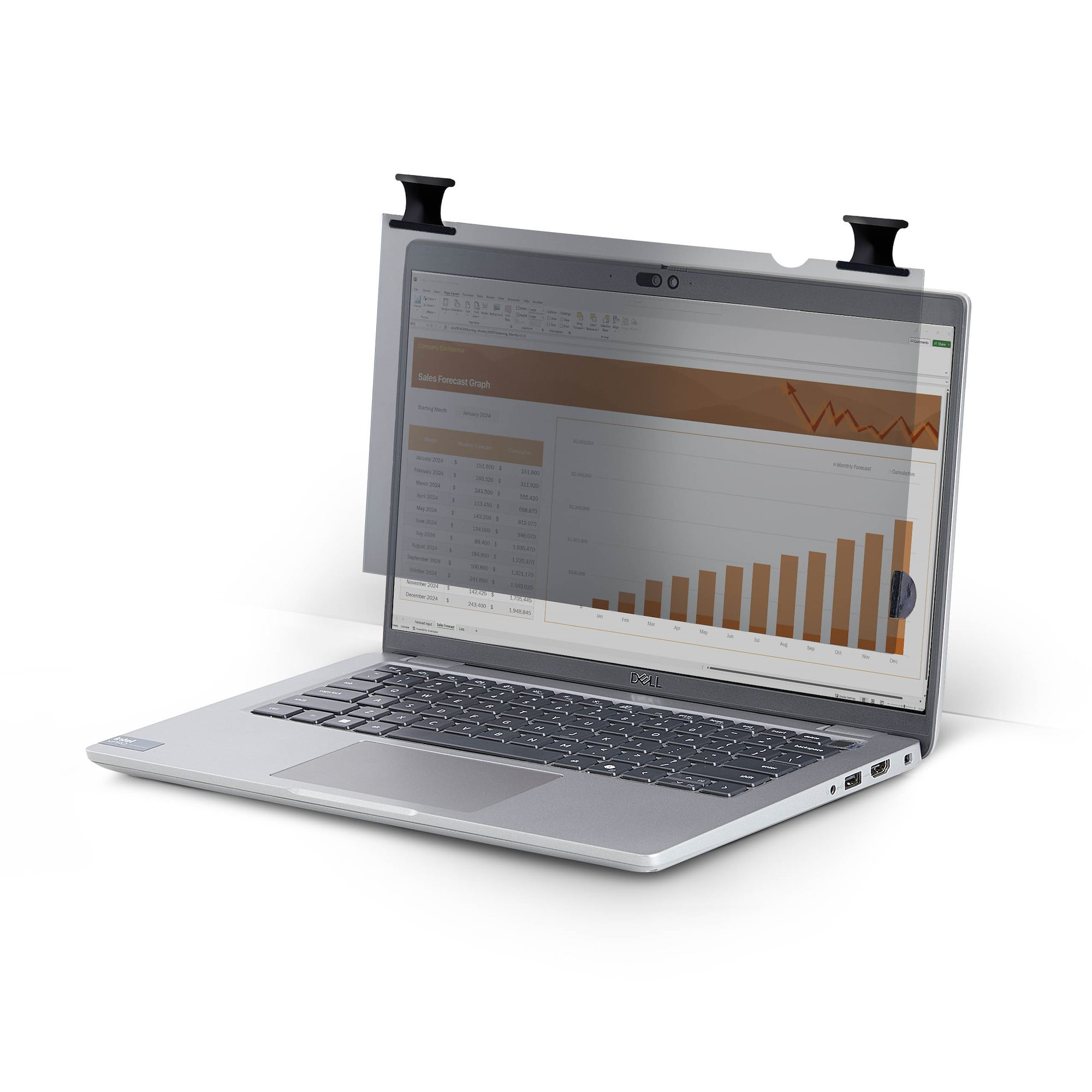
STARTECH
StarTech.com - Notebook privacy filter (horizontal) - 2-way - adhesive, hinge tabs, flip hinges - 15.6" - black