- Internet & Connectivity
How to Set Up Network Redundancy for Business Continuity
18 Mar, 2026
£450.53 inc. VAT
AI-generated summary
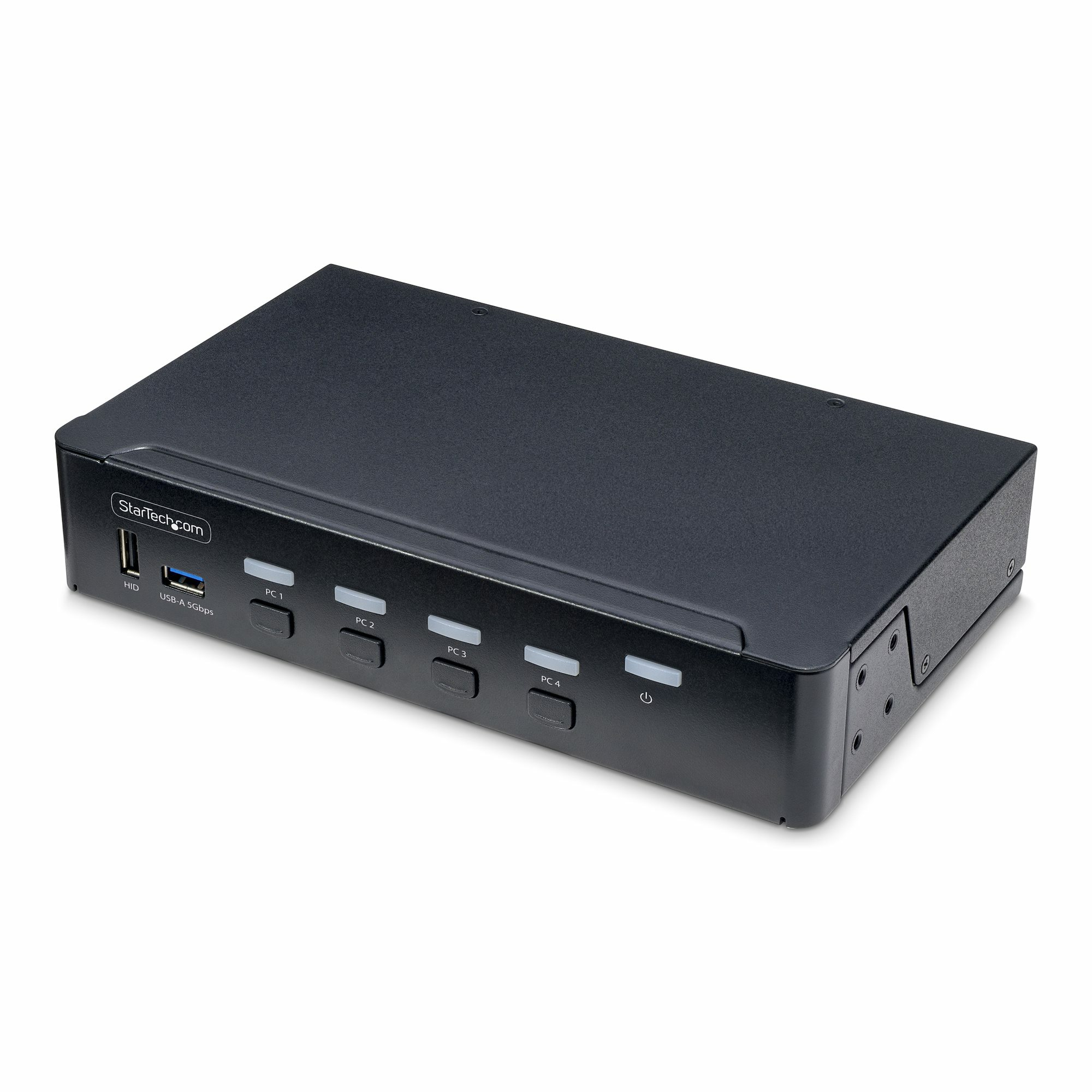
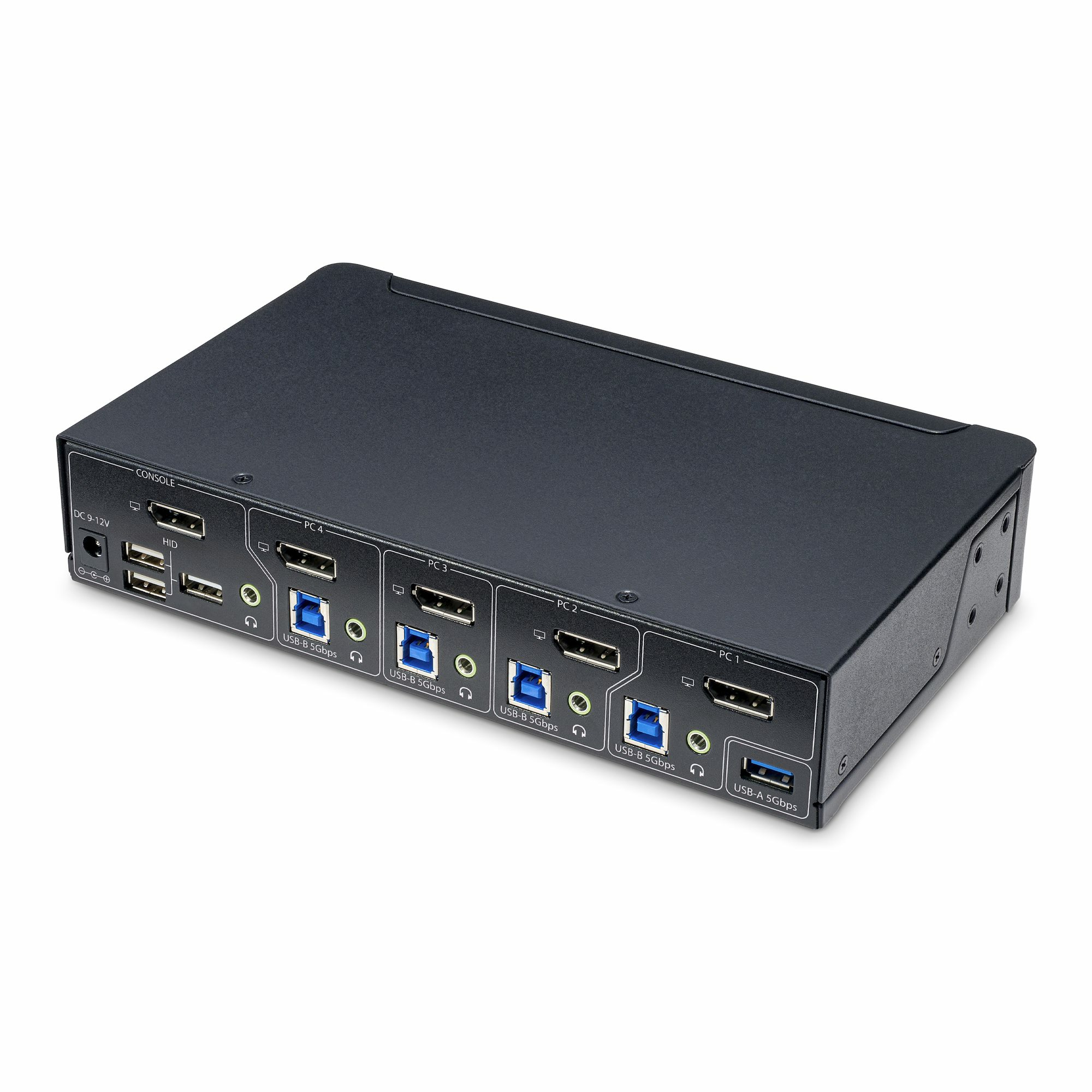
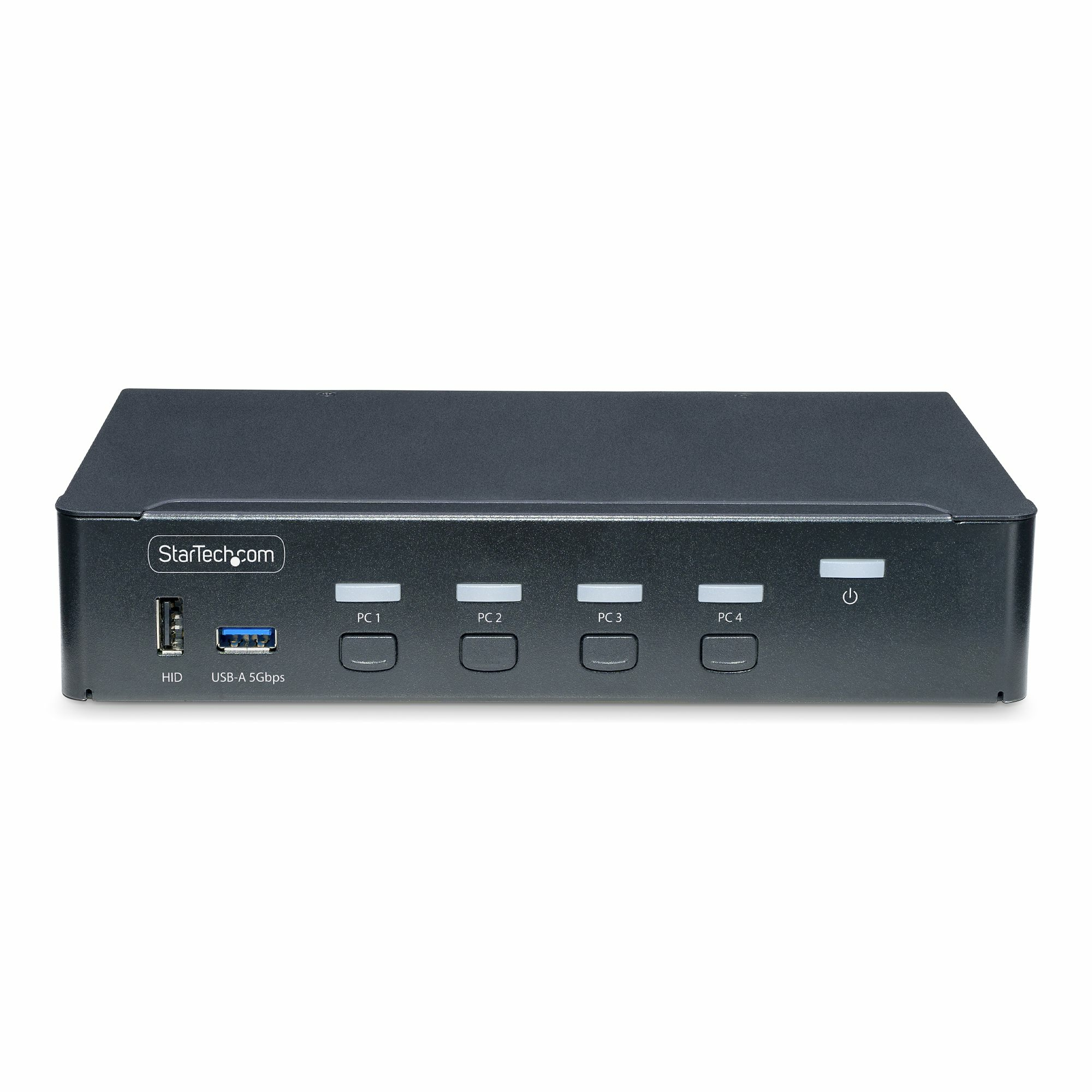
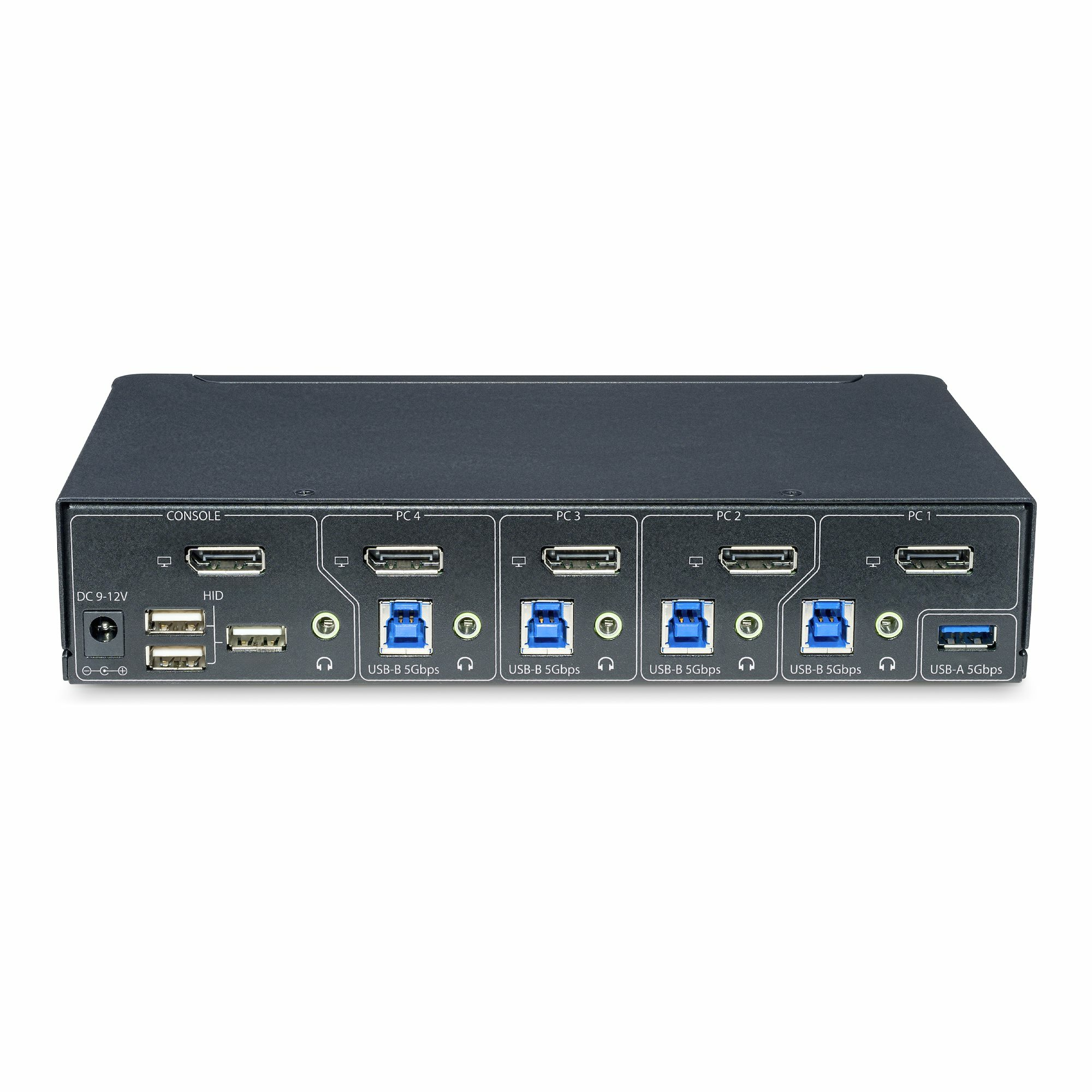
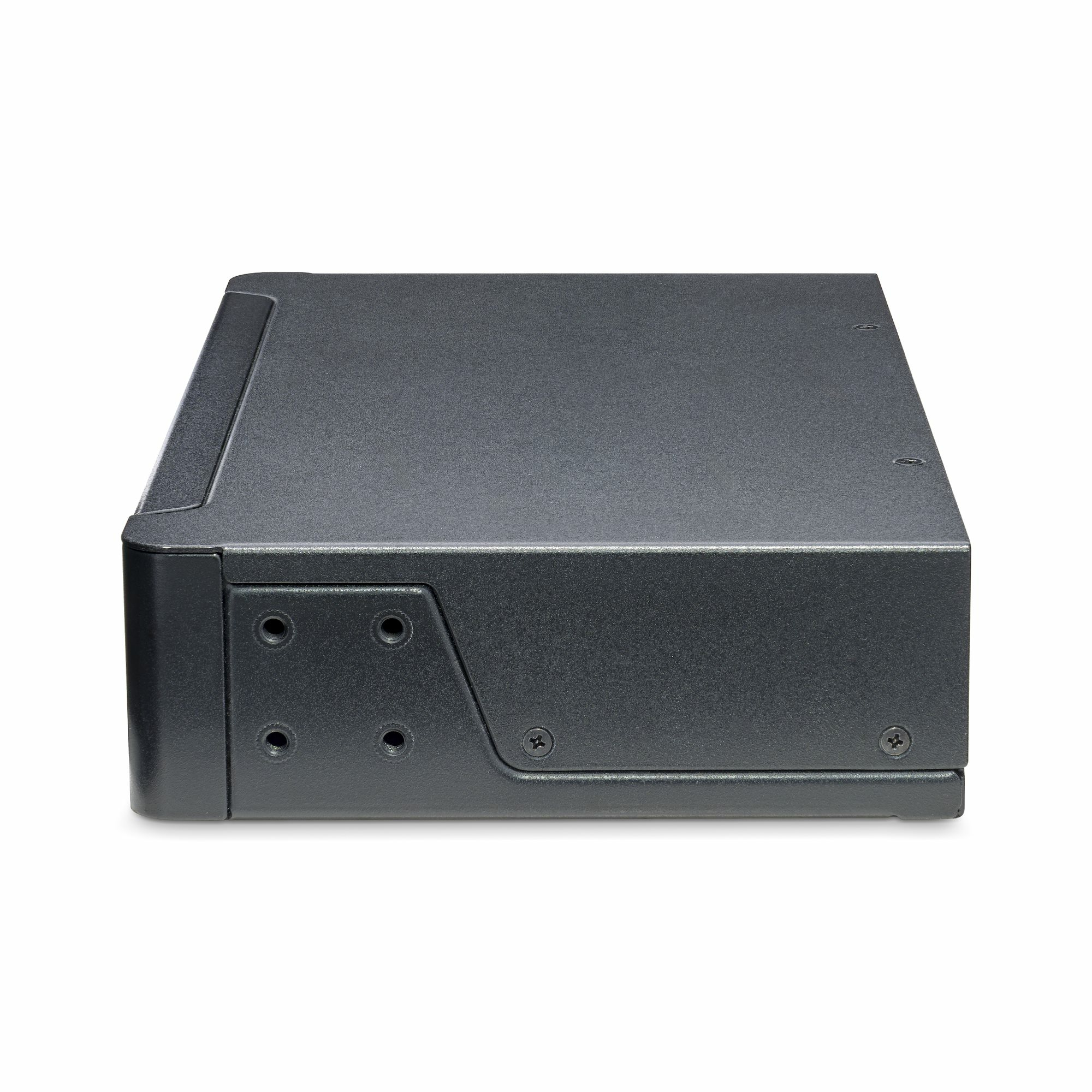
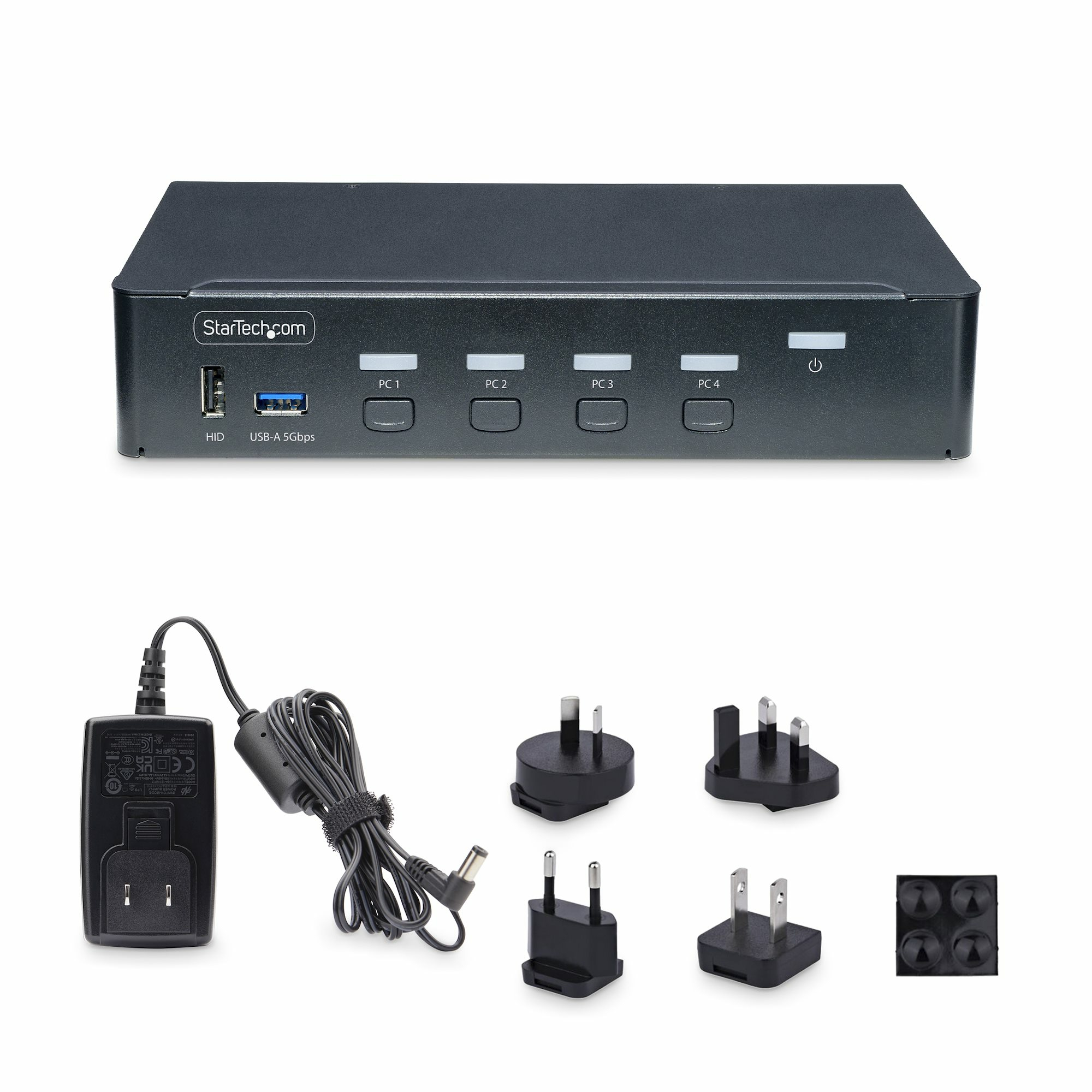
For £375 ex-VAT, this StarTech 4-port DisplayPort KVM is a sensible buy if you’ve got a small office setup where all the PCs you’re sharing are genuinely DisplayPort-based and you want straightforward, low-fuss switching. The push-button/hotkey approach is the right kind of “everyday practical” — no faffing around with software, and “OS independent” is genuinely helpful if you’re jumping between Windows and Linux boxes. The extra USB ports are also where this kind of switch pays off: you’re not just sharing the monitor, you can centralise keyboard/mouse (and often more) without the desk turning into a cable museum.
That said, it’s not a great choice for anyone expecting miracle behaviour with mixed display standards or lots of high-bandwidth edge cases. If your goal is high-end multi-monitor productivity, frequent waking/sleeping cycles, or you’re picky about consistent signal negotiation, you may find more frustration than value compared with newer models or ones built for your exact GPU/display quirks. Overall: I’d buy it for a department workstation or a developer/analyst who needs four systems onto one DisplayPort 4K screen and a shared USB hub, and I’d skip it if your setup is messy (adapters, HDMI-only gear, unusual refresh/resolution combos) or if you’re chasing the smoothest possible “always-on” experience.
STARTECH
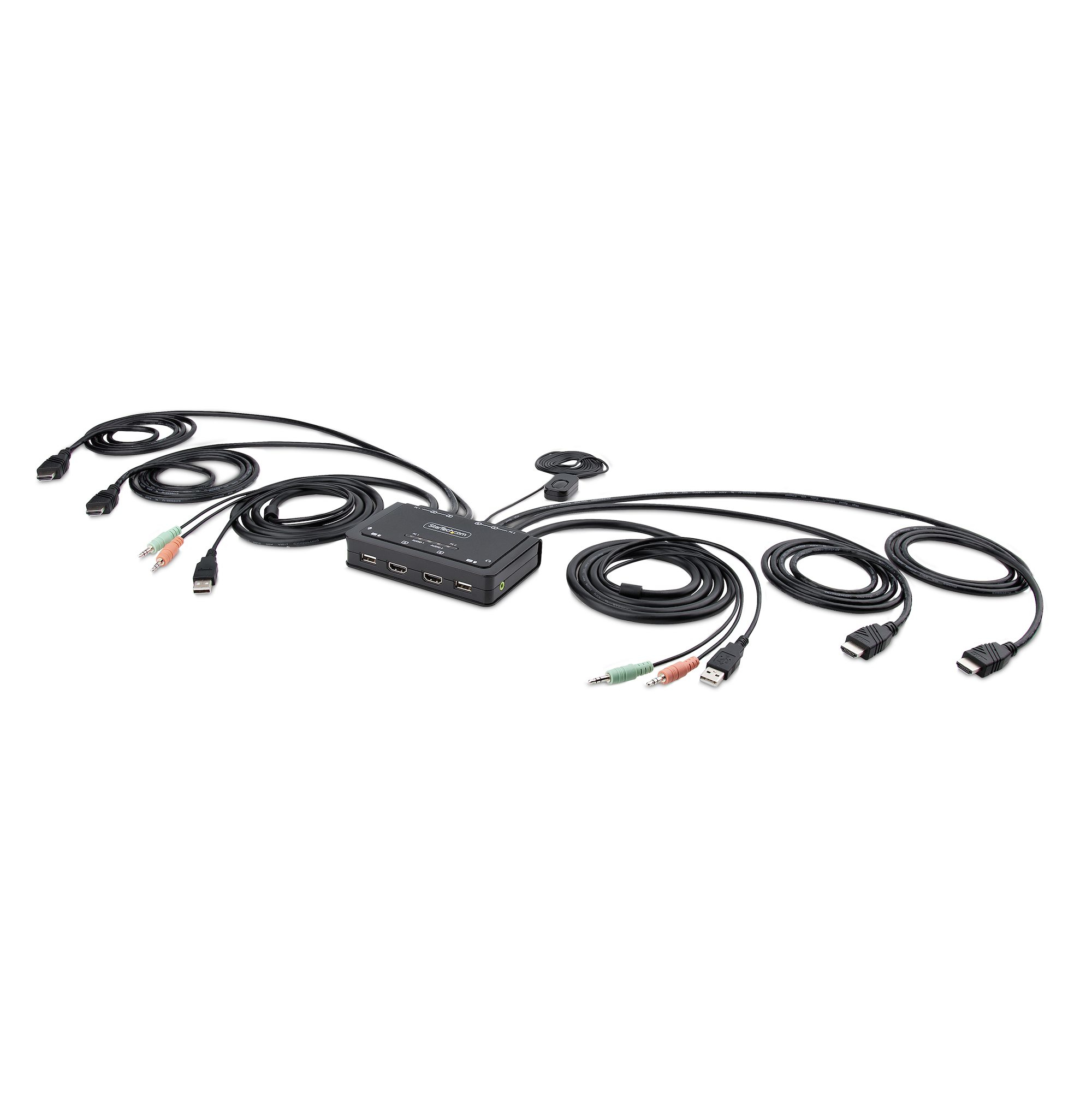
StarTech.com 2-Port Dual-Monitor HDMI Cable KVM Switch, 4K 60Hz, Compact KVM with 5ft/1.5m USB-A/HDMI/Audio Integrated Cables, Bus Powered - Remote Push Button/Hotkey Switching (C2-DH46-UA2-CBL-KVM) - KVM / audio / USB switch - compact - 2 x KVM / audio / USB - 1 local user - desktop
STARTECH
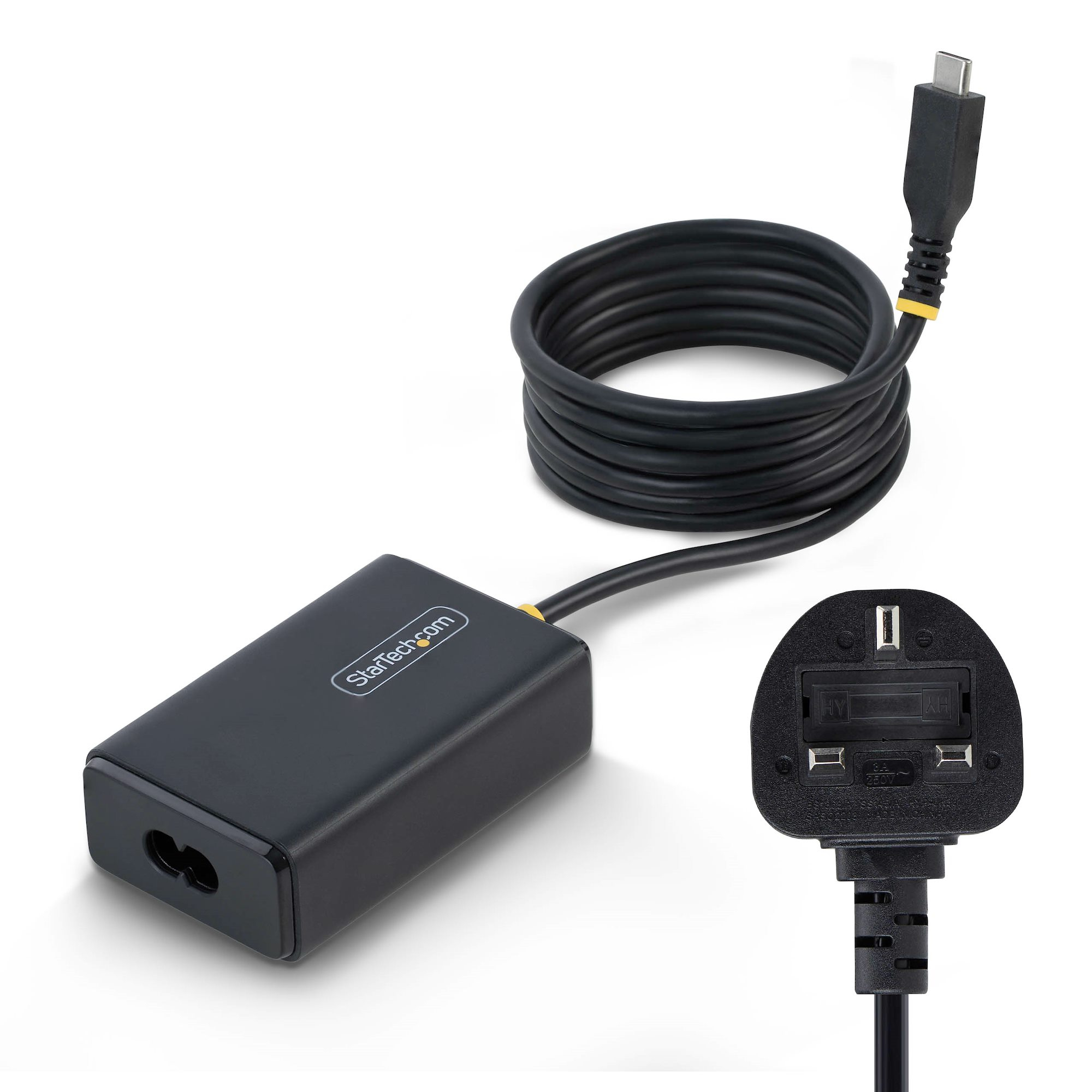
StarTech.com - Power adapter - USB-C - 65 Watt - 5 A - PD 3.0 (USB-C) - black
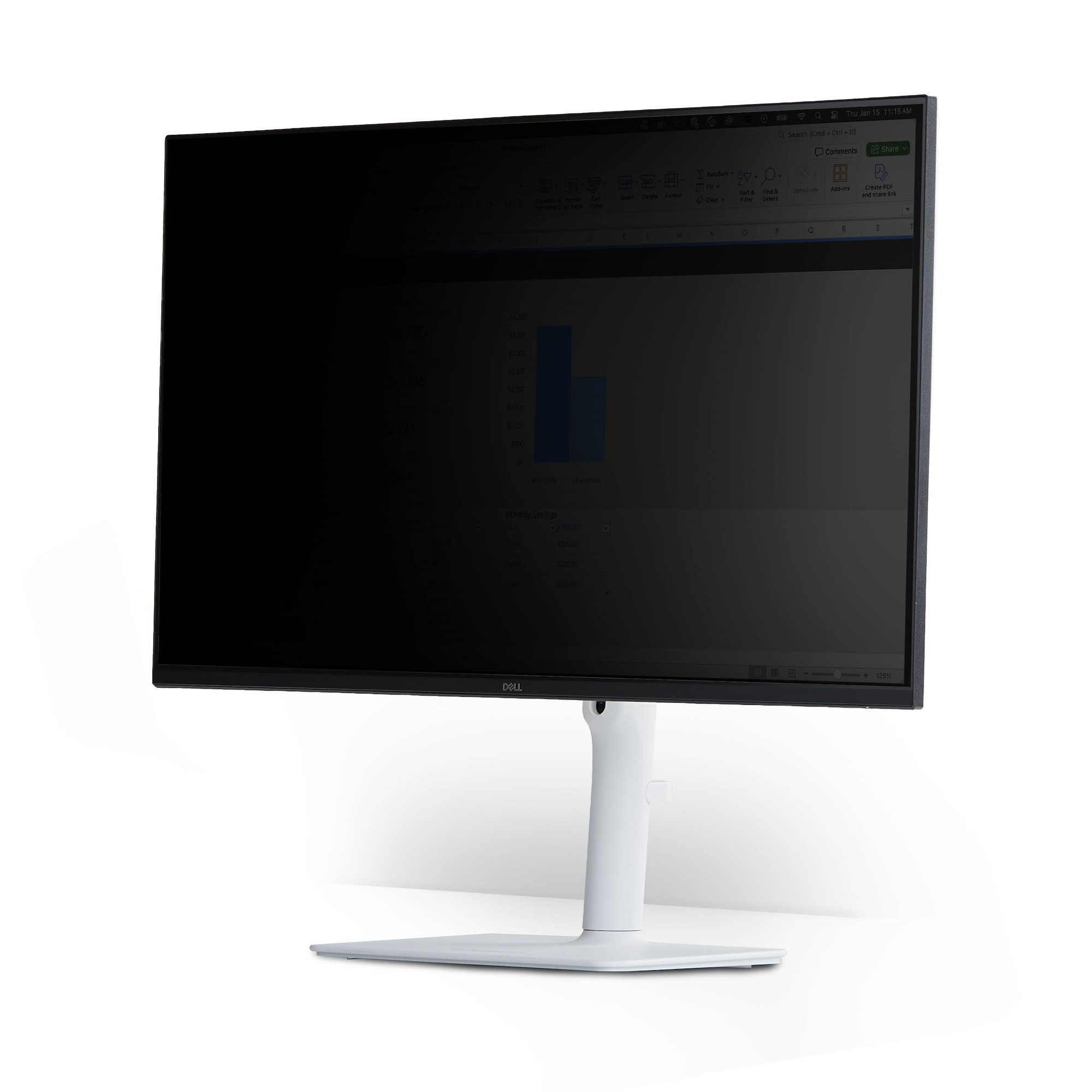
STARTECH
Magnetic Privacy Screen for 24" 16:9
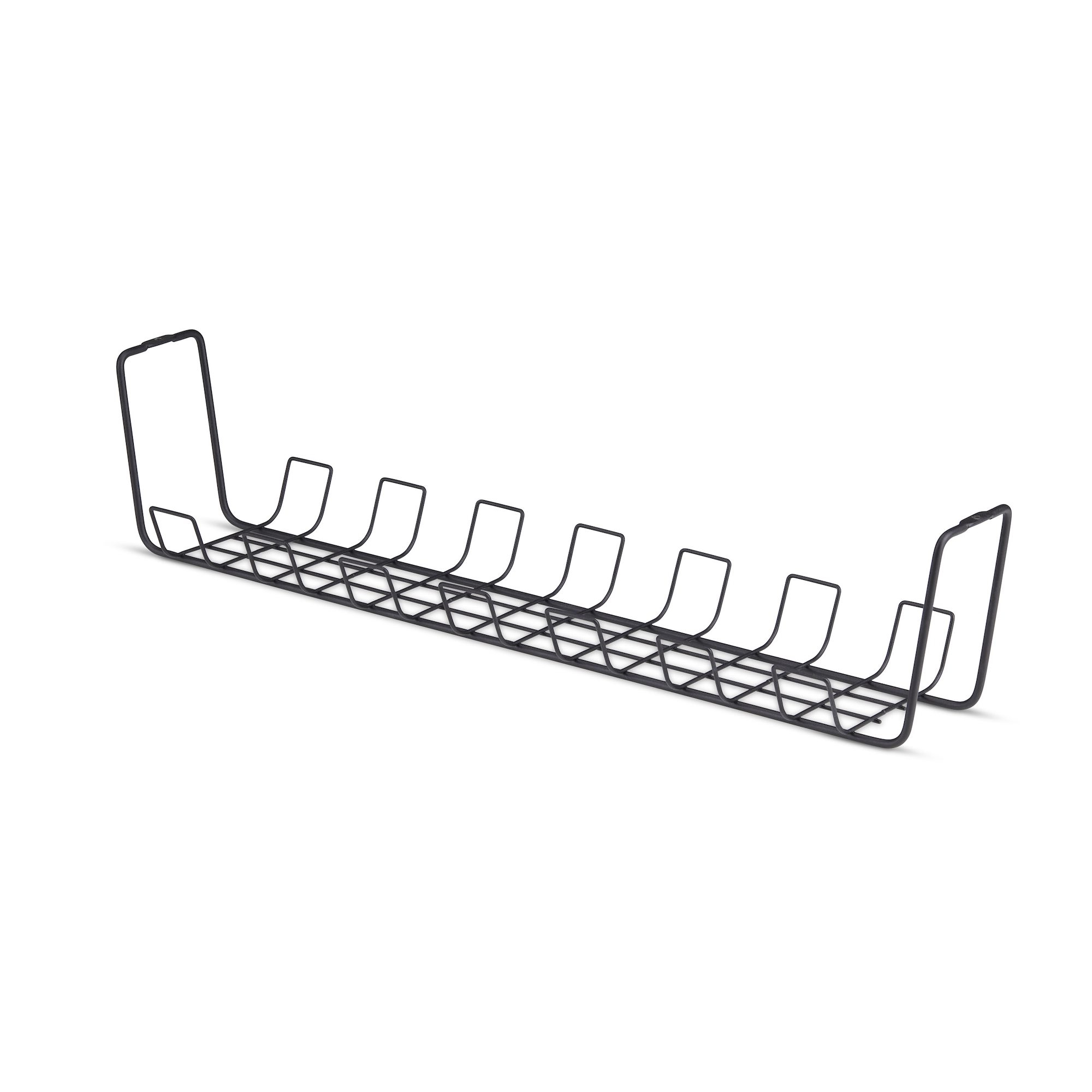
STARTECH
Under Desk Cable Management Tray Black