- Cyber Security
Social Engineering Attacks: How to Protect Your Team
24 Jul, 2025
£420.28 inc. VAT
AI-generated summary
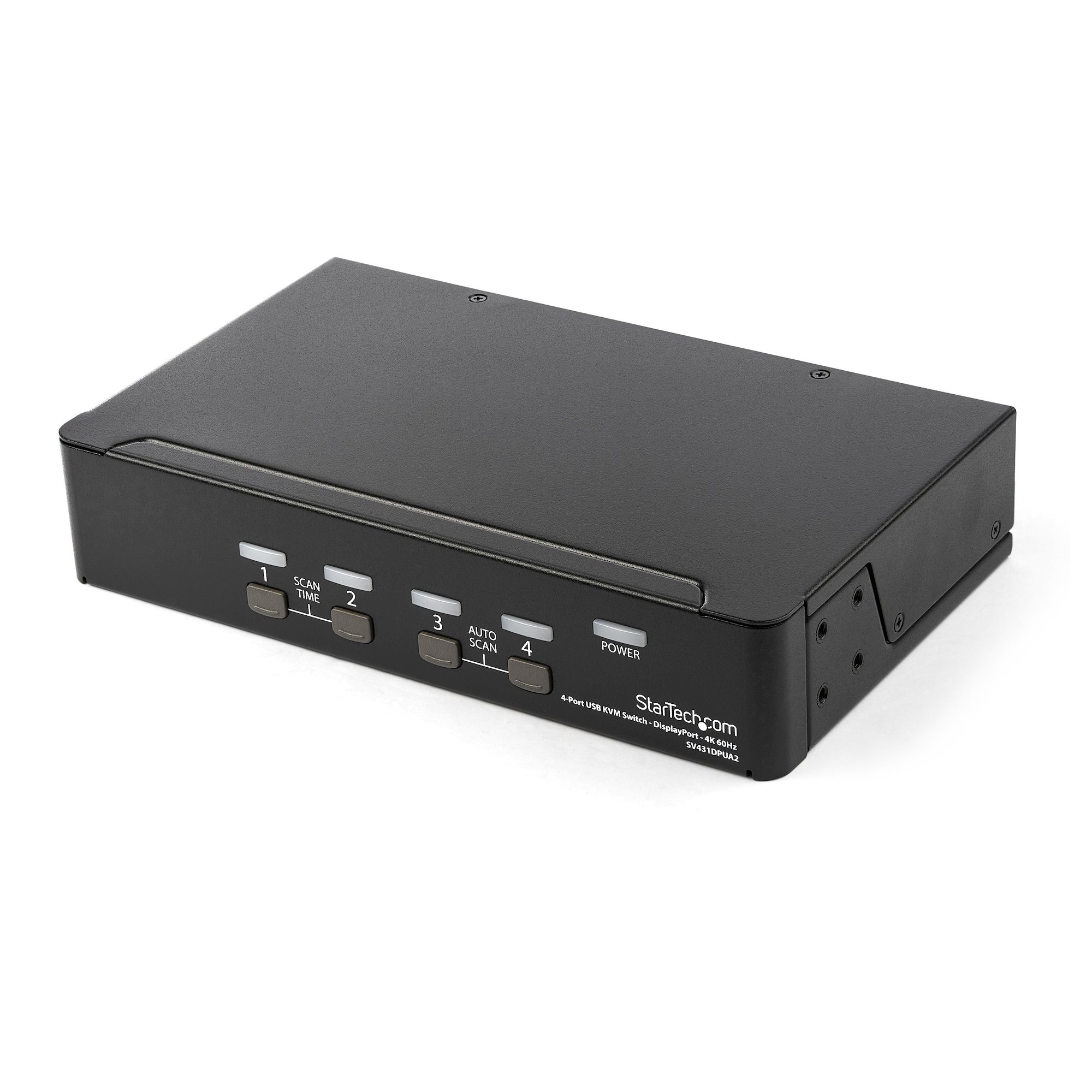
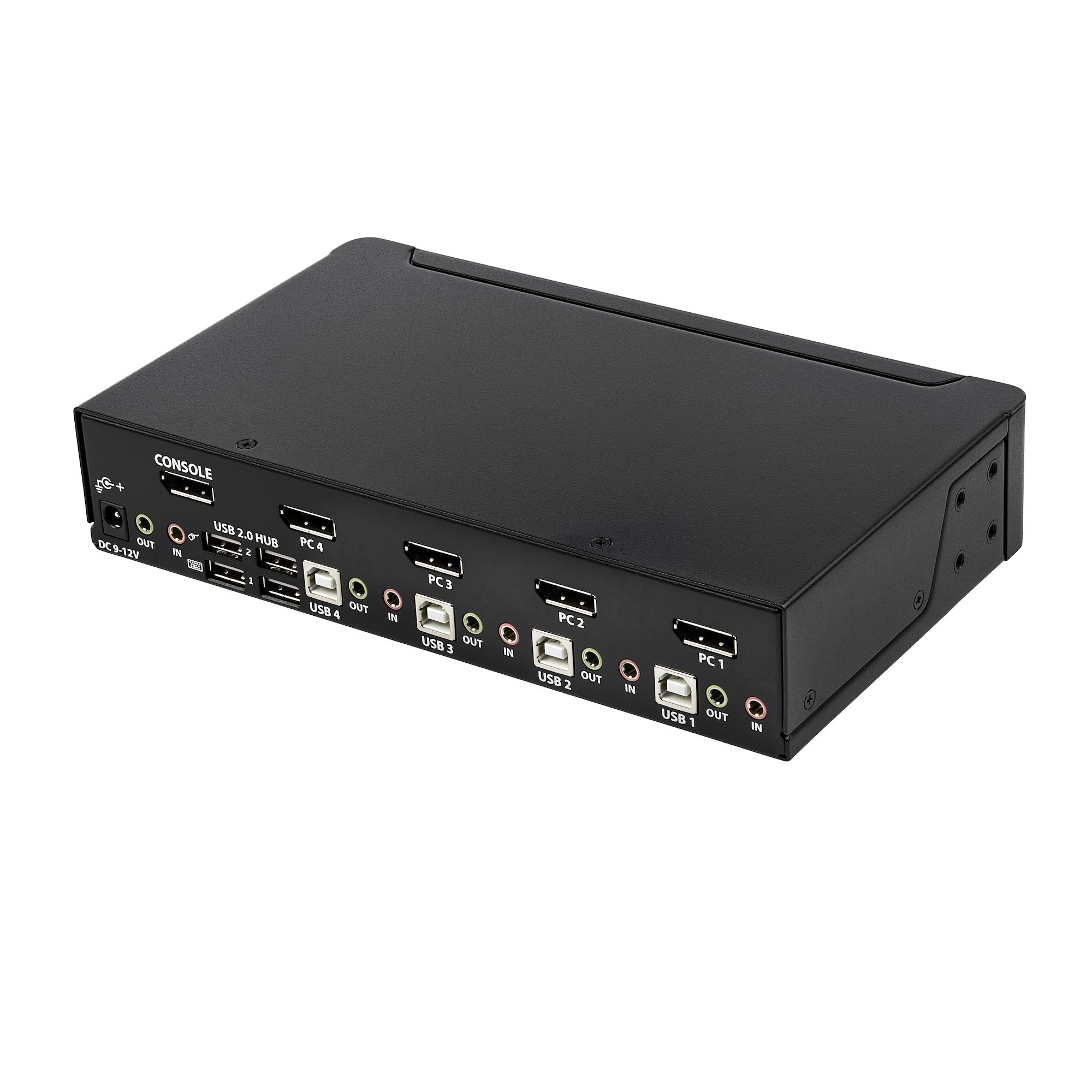
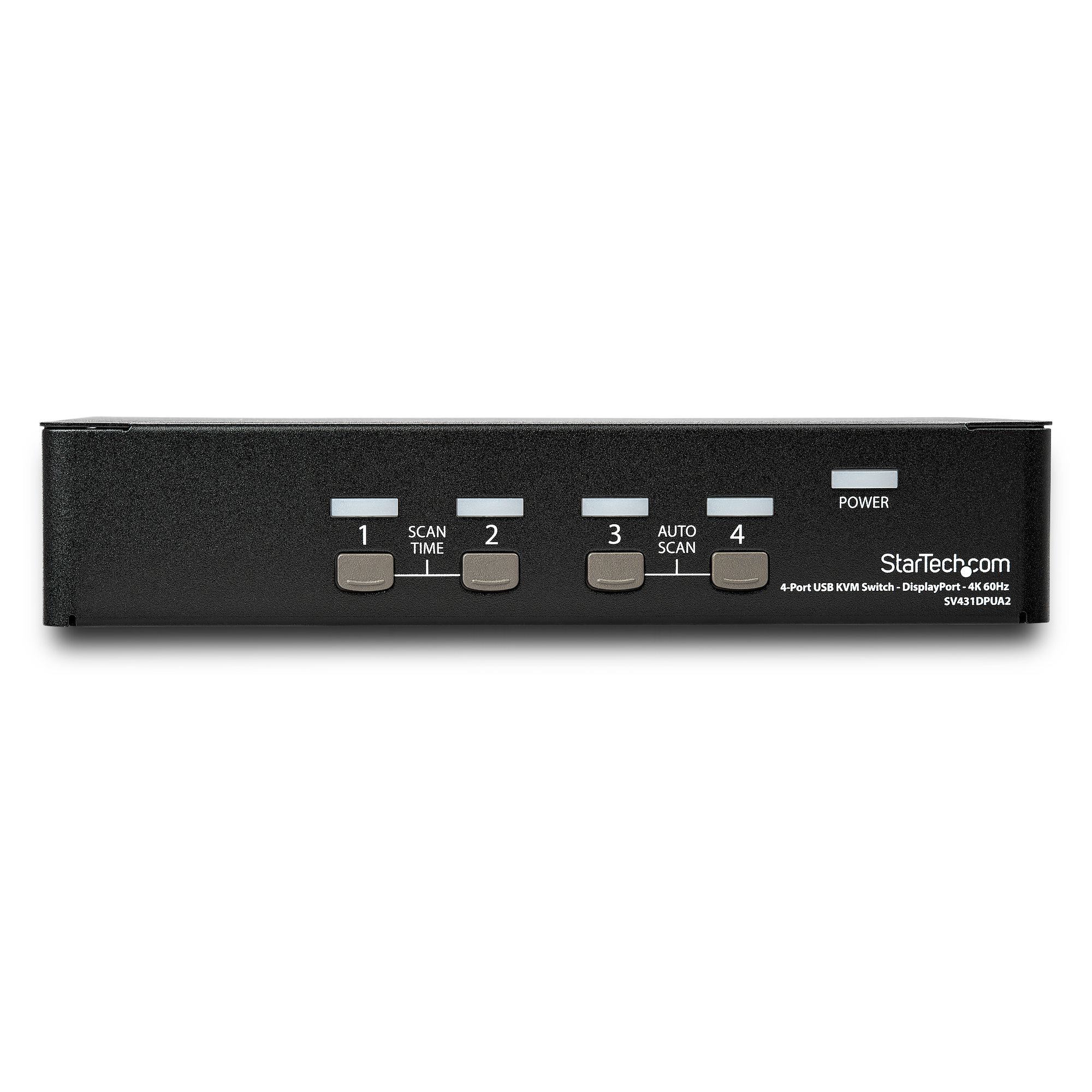
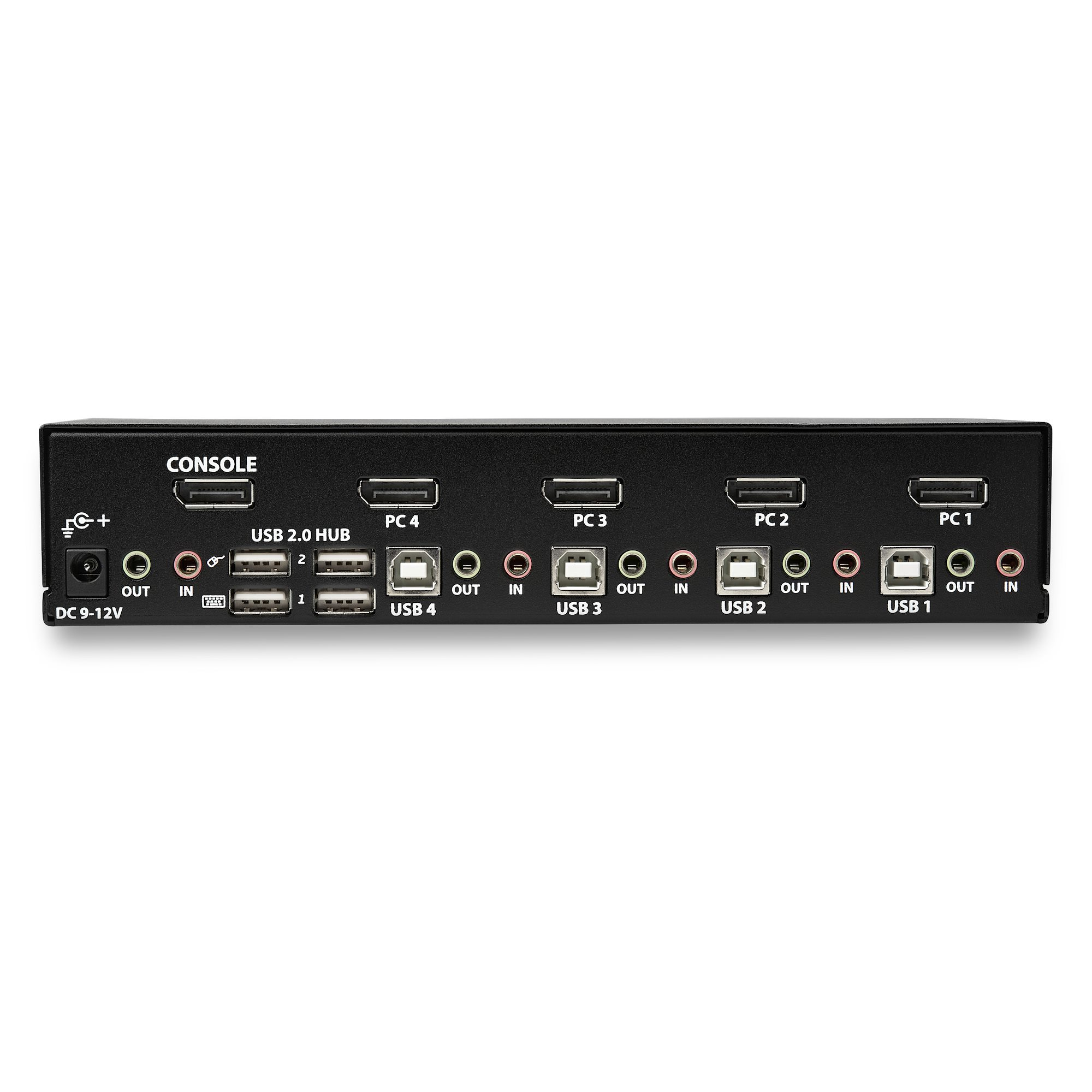
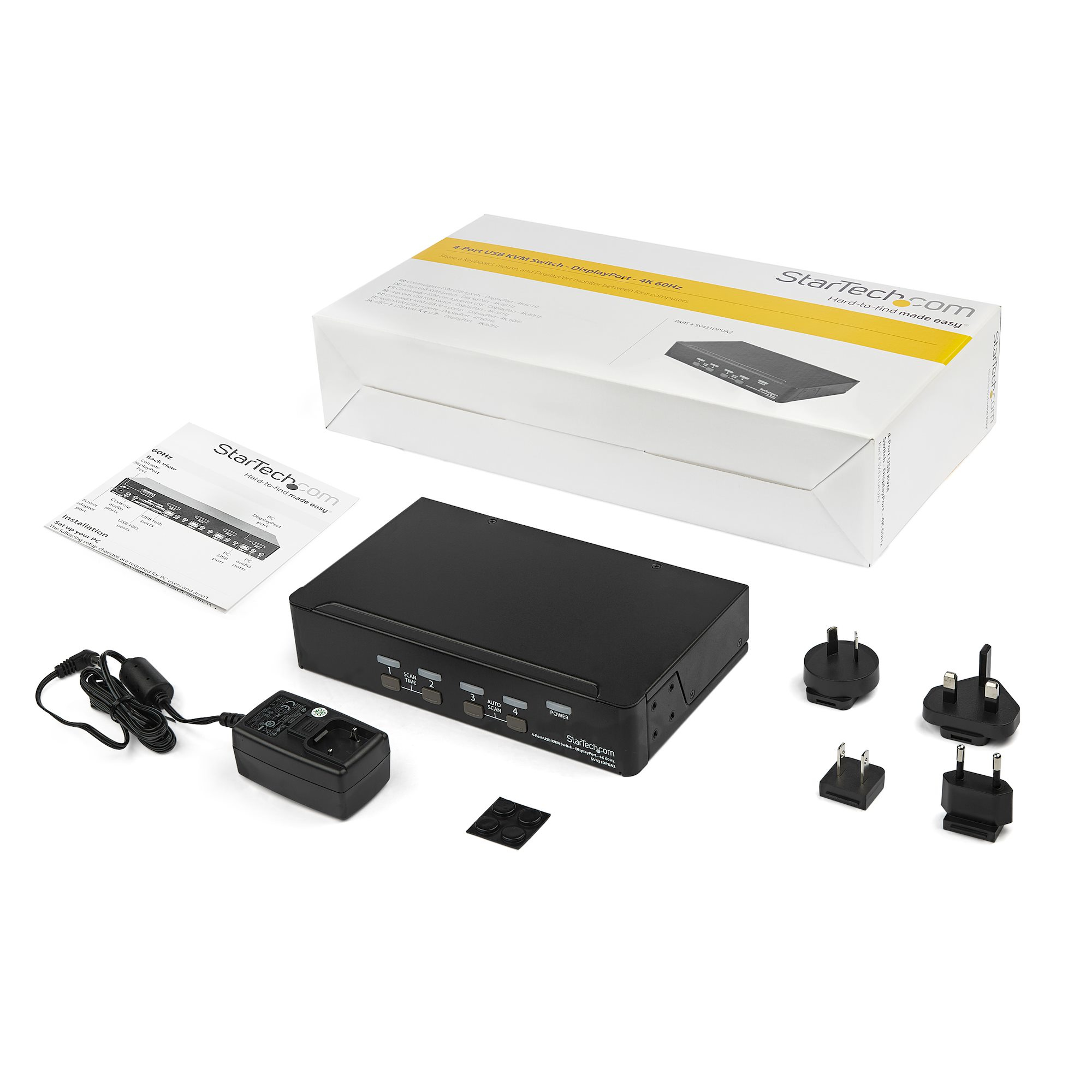

For £350 ex-VAT, this StarTech 4‑port DisplayPort KVM is a pretty sensible buy if you’ve got a small desk with multiple laptops/desktops and you want one keyboard/mouse + one screen without the usual “works until you move the cables” nonsense. StarTech tends to be reliable in day-to-day switching, and the fact it’s built around DisplayPort (with 4K 60Hz support) makes it a good fit for modern Dell/HP/Lenovo docks and also Macs that still need proper display switching rather than flaky cheap KVMs. If you’re doing business work—spreadsheets, CRM, browser apps—this is the kind of KVM that saves you time and reduces chaos.
That said, I’d only buy it if your workflow is clearly single-monitor. It’s not for people running dual displays or expecting miracles with every dock/adapter combination—KVMs live in the real world of firmware and compatibility, and the more exotic the setup, the more you’ll want to validate first (especially with USB peripherals). Also, if you rarely switch machines, the price starts to feel steep versus simpler USB/HDMI switching options. But for someone who actively swaps between up to four DisplayPort computers and values stable switching and an integrated USB hub for peripherals, it’s a solid, “buy once, don’t think about it” kind of tool.
STARTECH
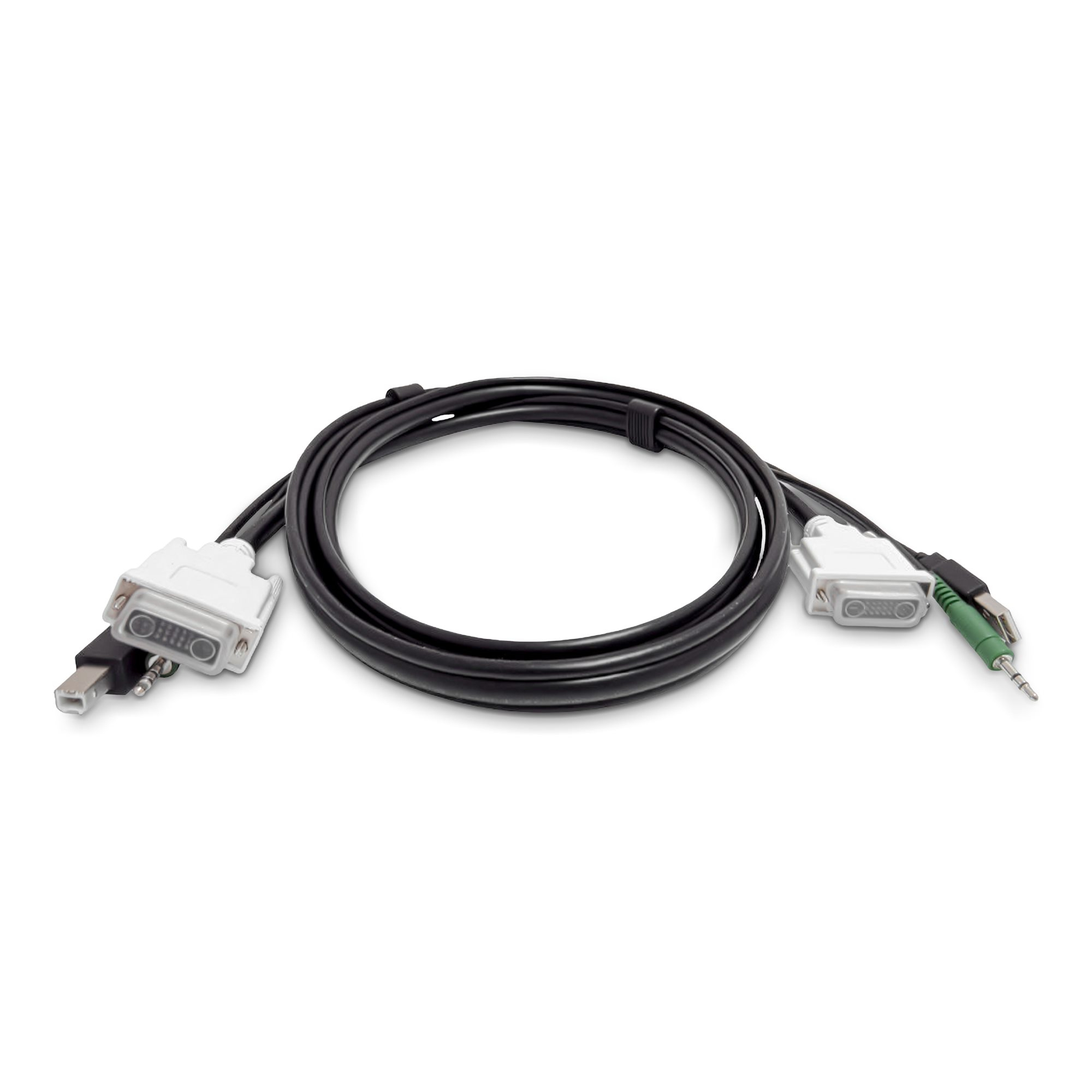
StarTech.com - Keyboard / video / mouse (KVM) cable - TAA Compliant - USB Type A, DVI, 3.5mm audio jack (M) to USB Type B, DVI, 3.5mm audio jack (M) - 1.8 m
STARTECH
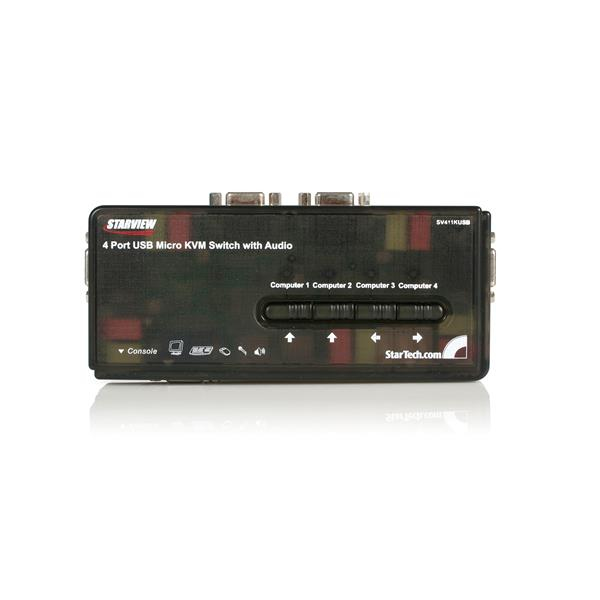
StarTech.com 4 Port Black USB KVM Switch Kit with Cables and Audio - desktop KVM Switch - VGA KVM Switch - USB KVM Switch 4 Port (SV411KUSB) - KVM / audio switch - 4 x KVM / audio - 1 local user - desktop
STARTECH
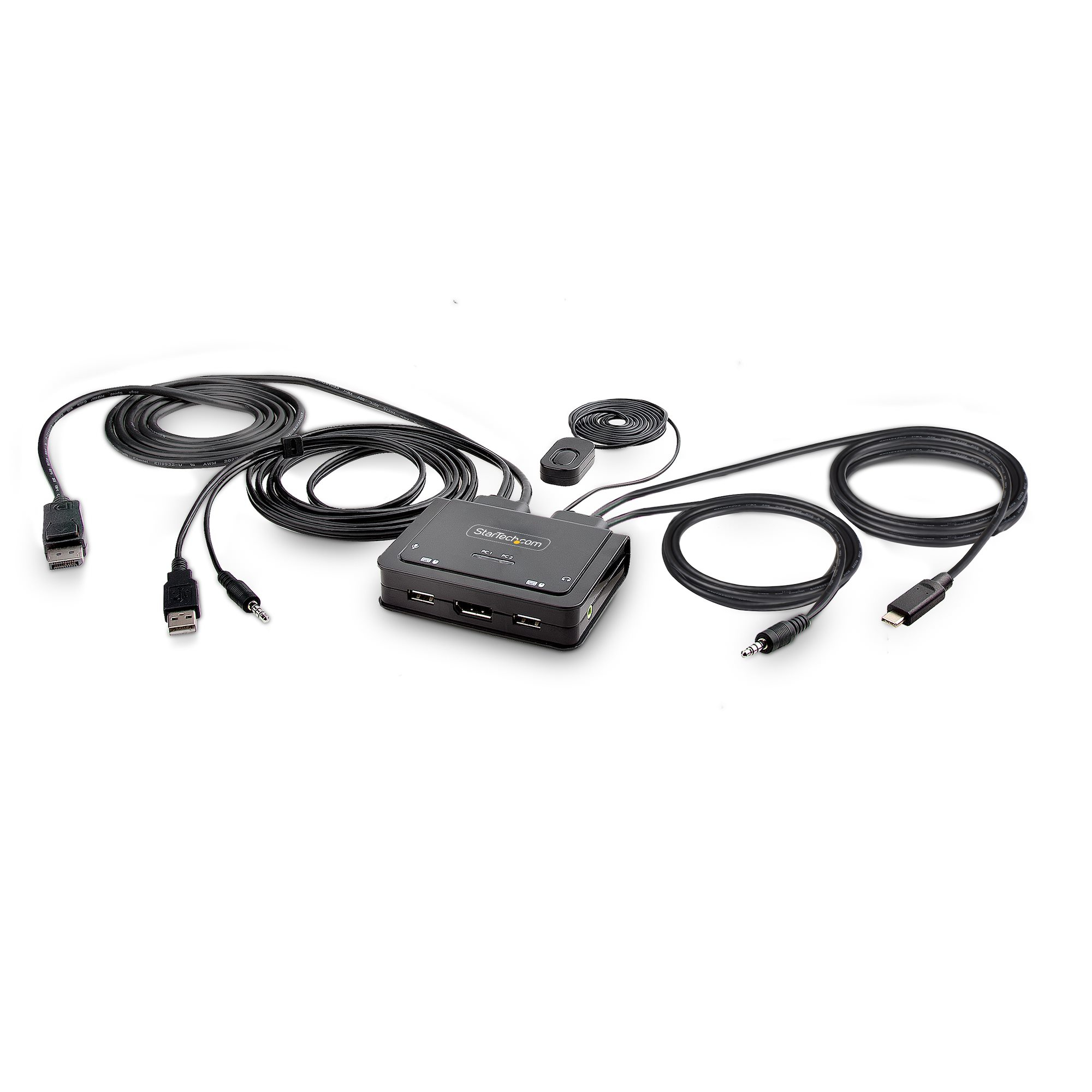
StarTech.com 2-Port Hybrid USB-C DisplayPort Cable KVM Switch, 4K 60Hz, Compact KVM with 6ft/1.8m USB-A/DisplayPort/Audio & 4ft/1.2m USB-C Integrated Host Cables, Bus Powered - Remote Push Button/Hotkey Switching (C2-D46-UAC-CBL-KVM) - KVM / audio / USB switch - compact - 2 x KVM / audio / USB - 1 local user - desktop
STARTECH
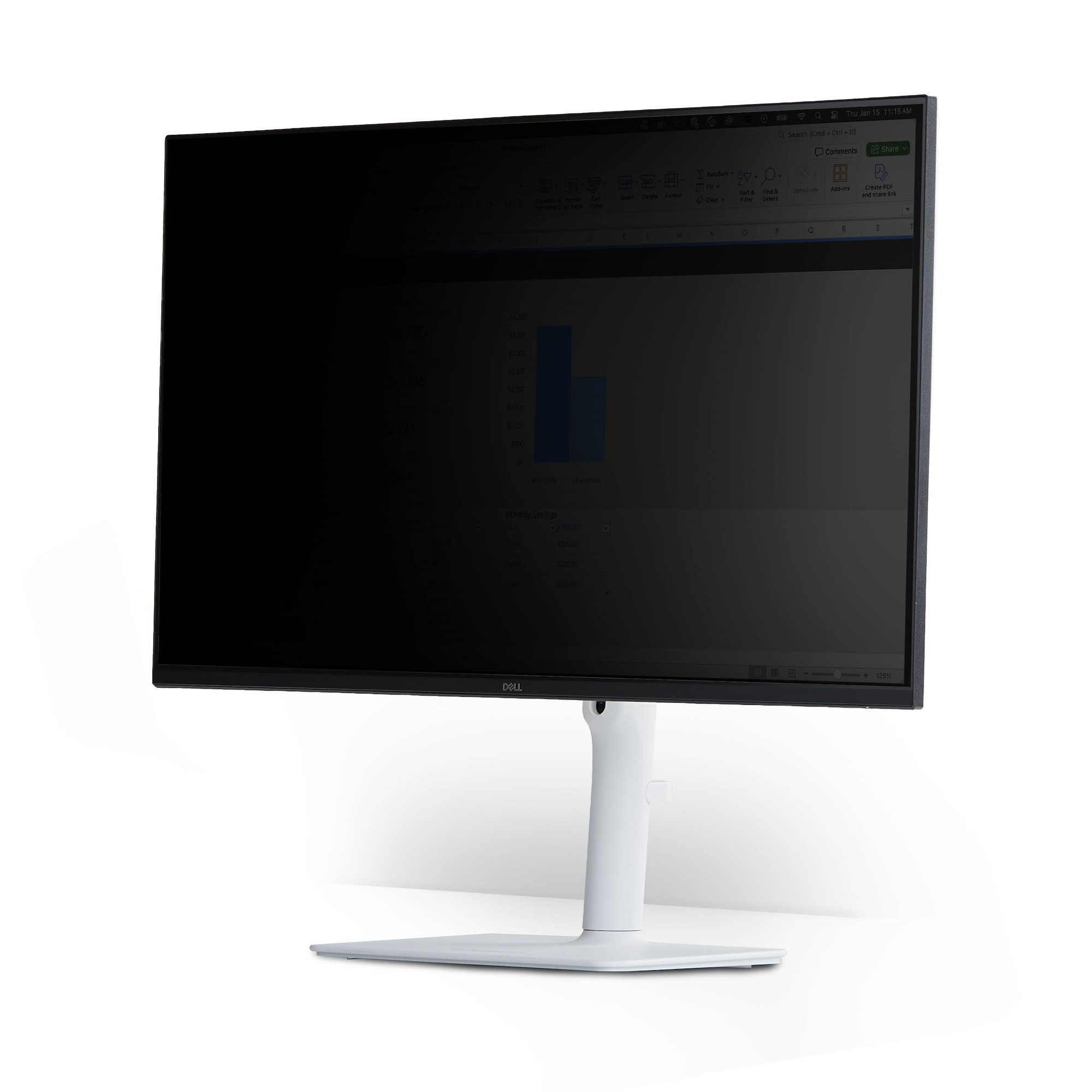
Magnetic Privacy Screen for 23" 16:9