- SEO
Content Strategy for SEO: Planning Content That Ranks
17 Apr, 2026


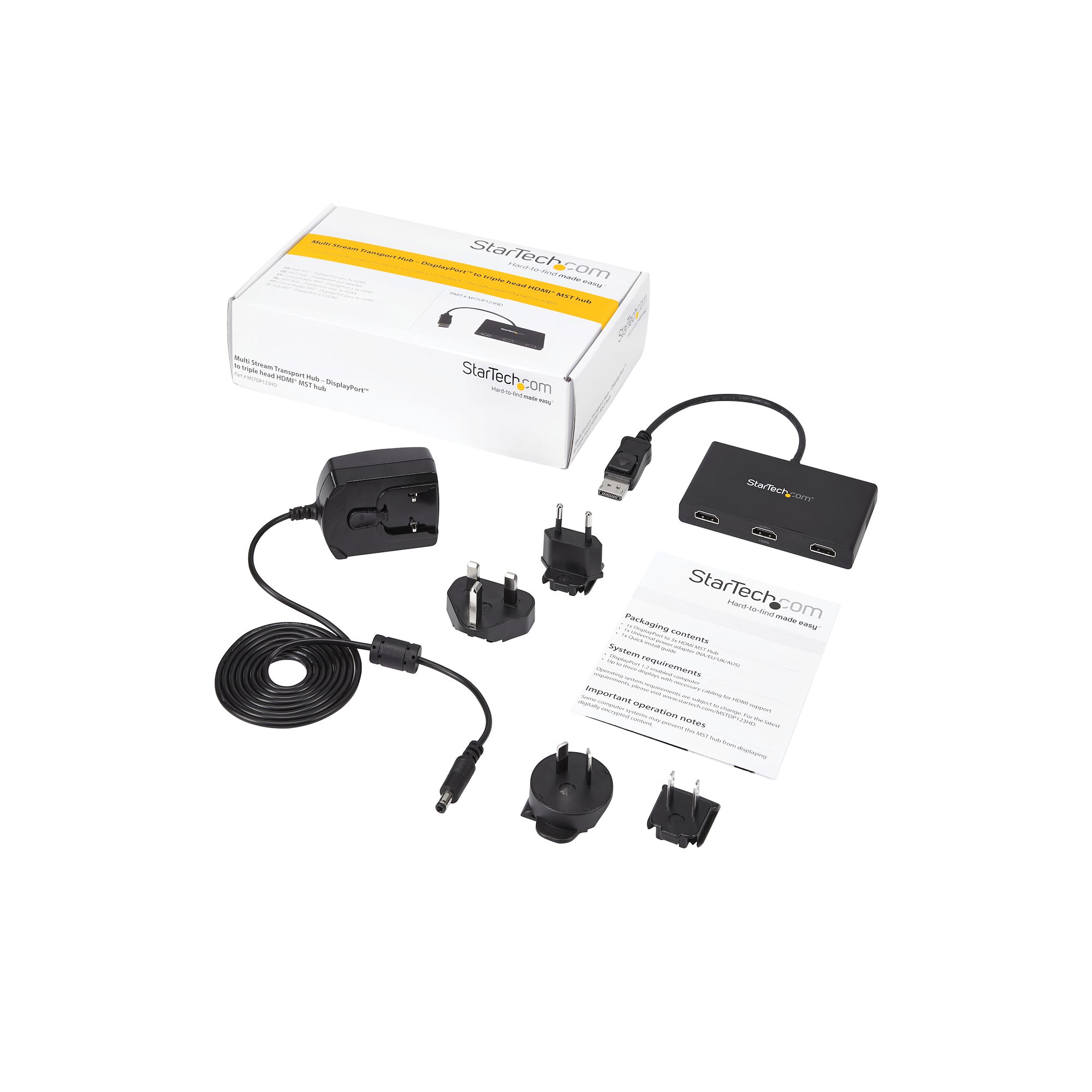
£81.98 inc. VAT
AI-generated summary
If you’ve got a Windows PC with a single DisplayPort out and you want three separate HDMI screens without messing around with docking stations, this StarTech MST hub is a pretty sensible buy. For the money (£68.42 ex‑VAT), it’s the kind of “just make it work” adapter that saves a lot of time in office setups—think multi-monitor admin desks, SOC/ops workstations, or anyone who needs a simple extended desktop layout. It’s also better than cheap generic splitters because it’s designed for multi-stream (MST) rather than mirroring, so you actually get three desktop workspaces.
That said, I wouldn’t buy it blind. MST support is very dependent on the specific GPU/DP output and the Windows driver stack—some systems handle three extended displays more reliably than others, and if you’re unlucky you’ll be stuck with instability or fallback behaviour. Also, if you’re expecting 3x “always crisp at max resolution” across the board, this is more of a practical office tool than a high-performance media setup. If you’re on Windows and you’ve confirmed your DisplayPort supports MST, it’s good value; if you’re on Linux/macOS, or you’re trying to drive demanding layouts reliably, look elsewhere or test with your exact model before committing.
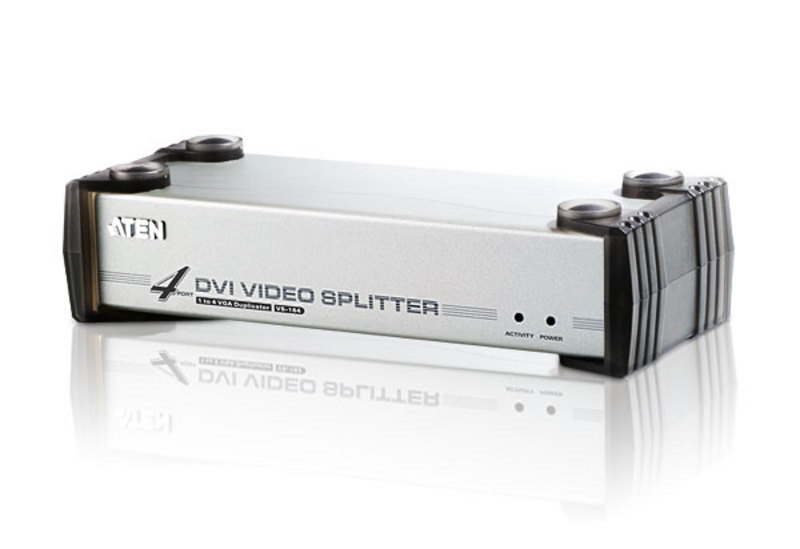
ATEN
ATEN VS-164 - Video/audio splitter - desktop
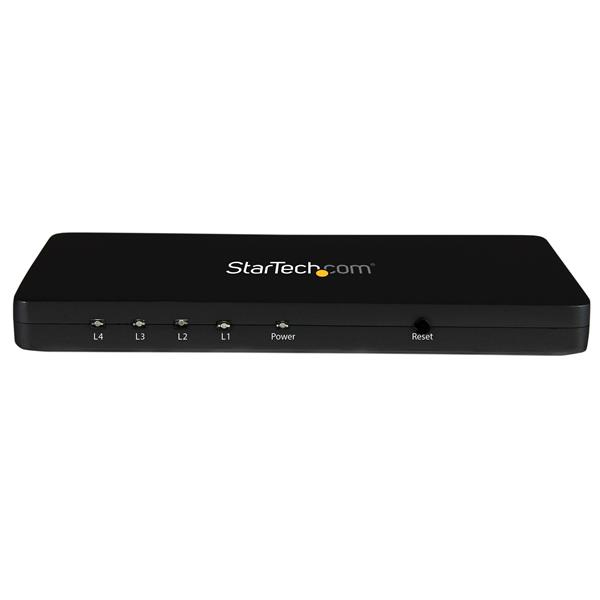
STARTECH
StarTech.com 4K HDMI Splitter - 4k 30Hz - 4 Port - Aluminum - Backward Compatible - HDMI Multi Port - HDMI Hub (ST124HD4K) - Video/audio switch - 4 x HDMI - desktop - for P/N: ST121HDBT20L, ST121HDBT20S, ST121HDBTE, SVA5H2NEUA
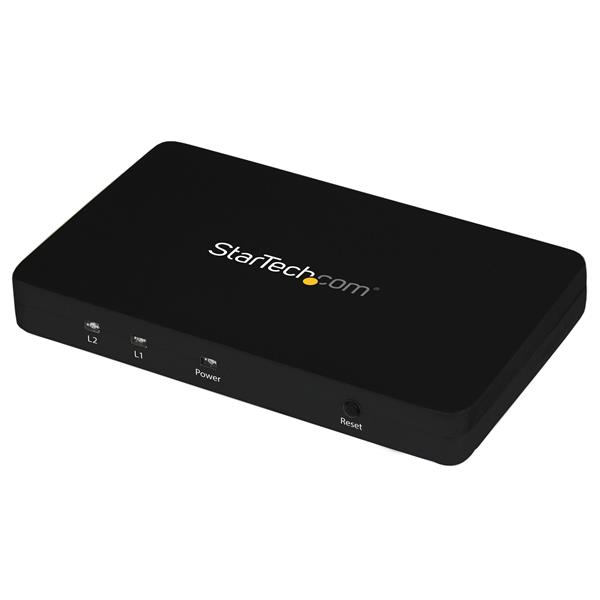
STARTECH
StarTech.com HDMI Splitter 1 In 2 Out - 4k 30Hz - 2 Port - Aluminum - HDMI Multi Port - HDMI Audio Splitter (ST122HD4K) - Video/audio switch - 2 x HDMI - desktop - for P/N: SVA5H2NEUA

STARTECH
StarTech.com 2 Port VGA Video Splitter - USB Powered - 2048x1536 - VGA Video Monitor Splitter Dual Port (ST122LE) - Video splitter - 2 x VGA - desktop