- Google Ads & PPC
How to Use Google Ads Audience Targeting Effectively
20 May, 2026
£374.92 inc. VAT
AI-generated summary
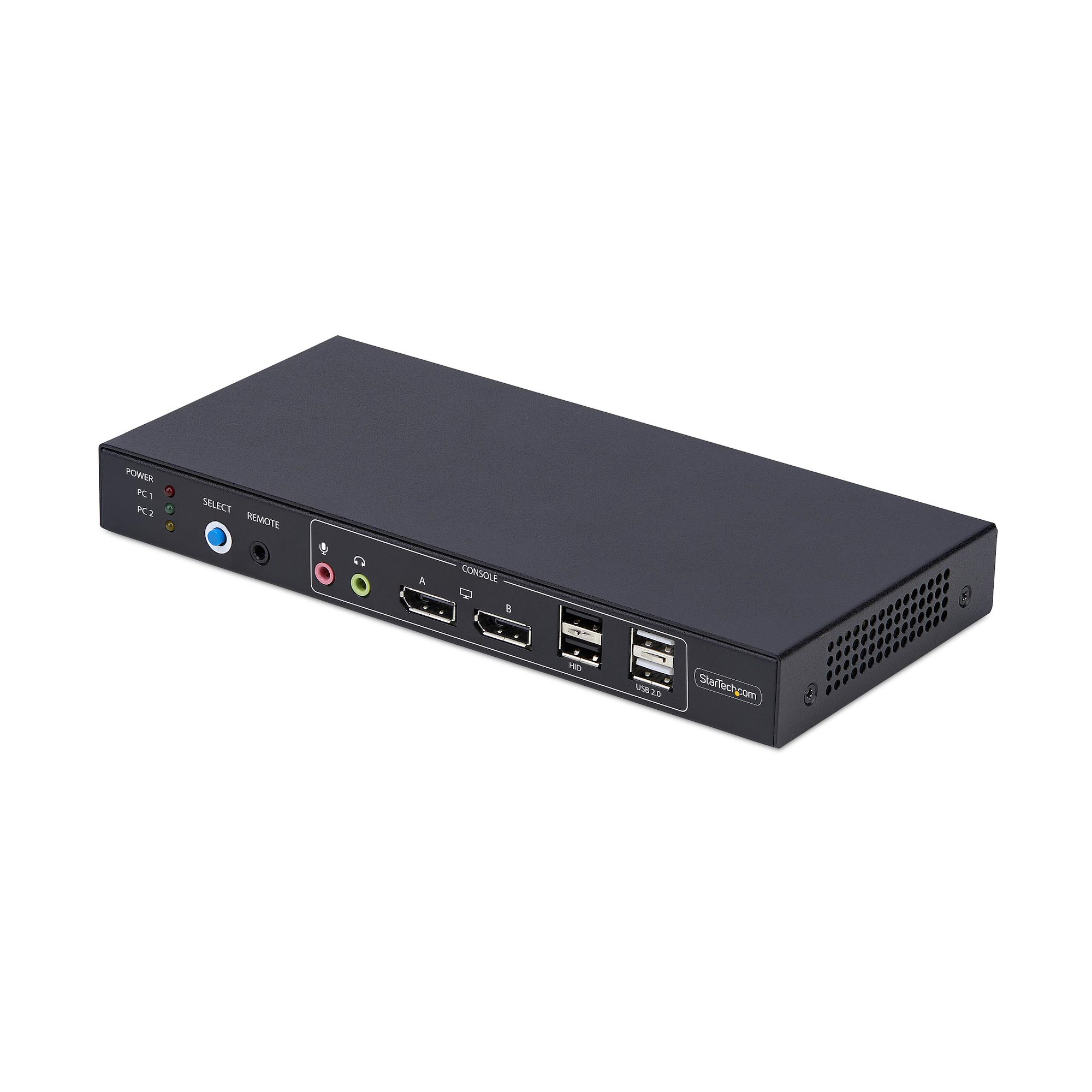
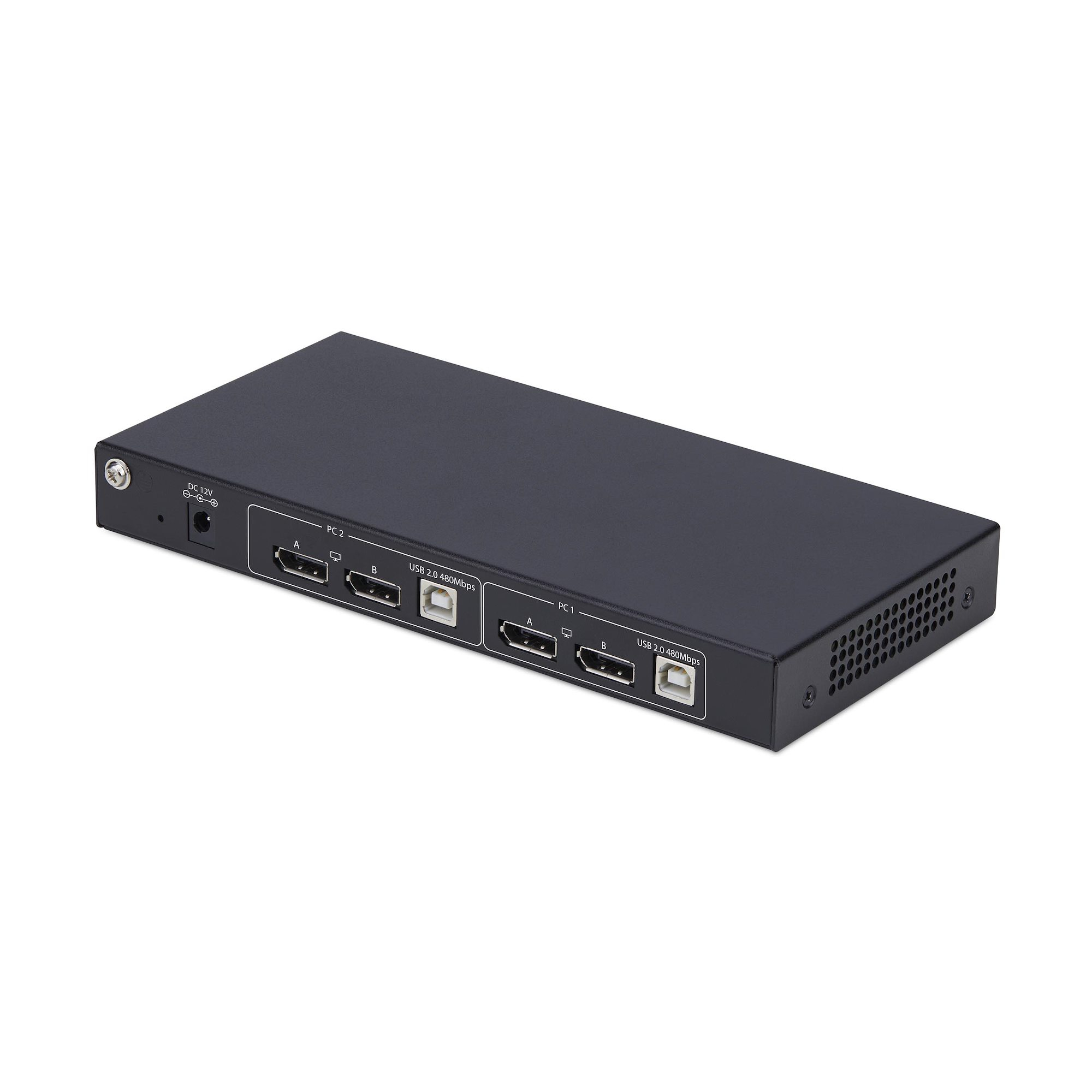
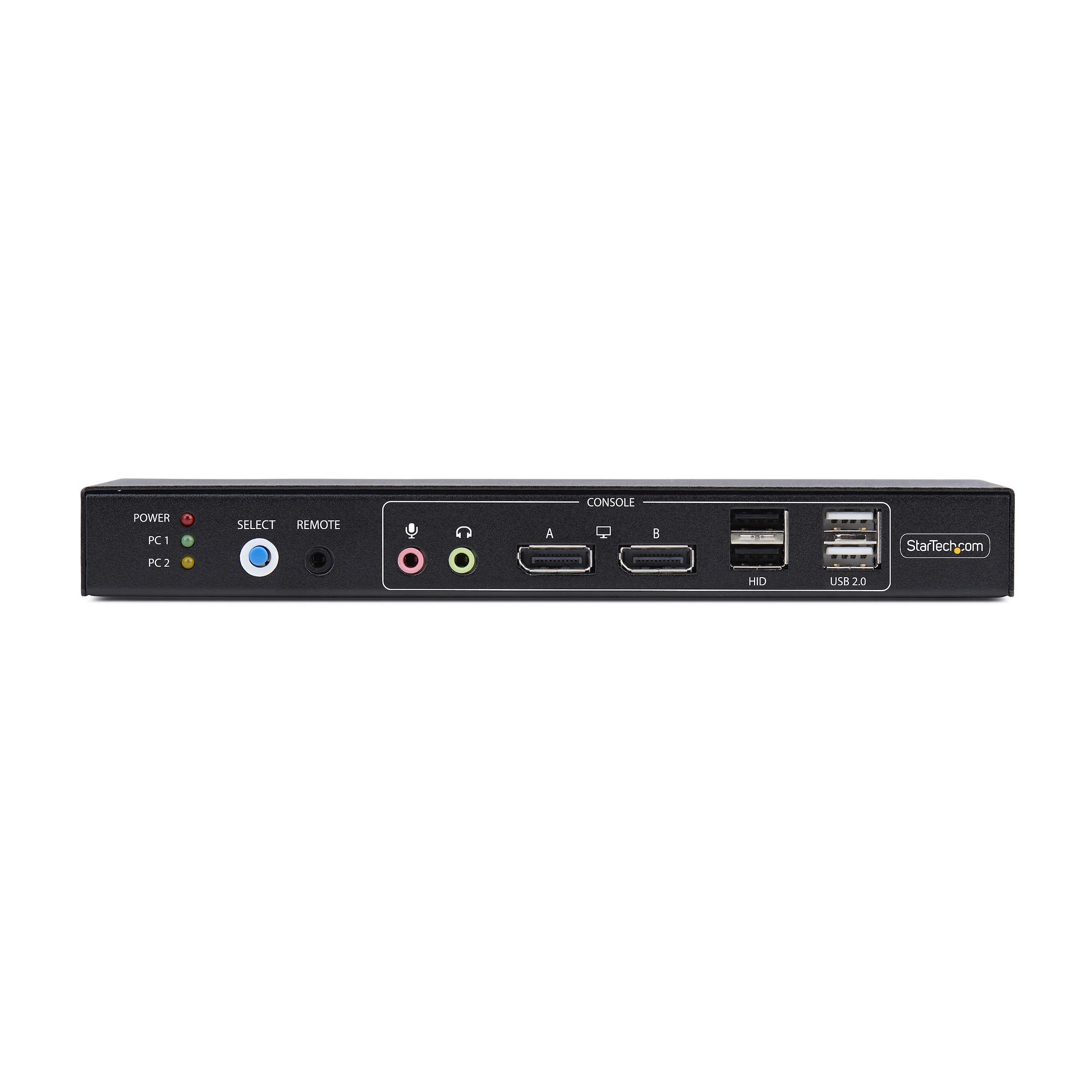
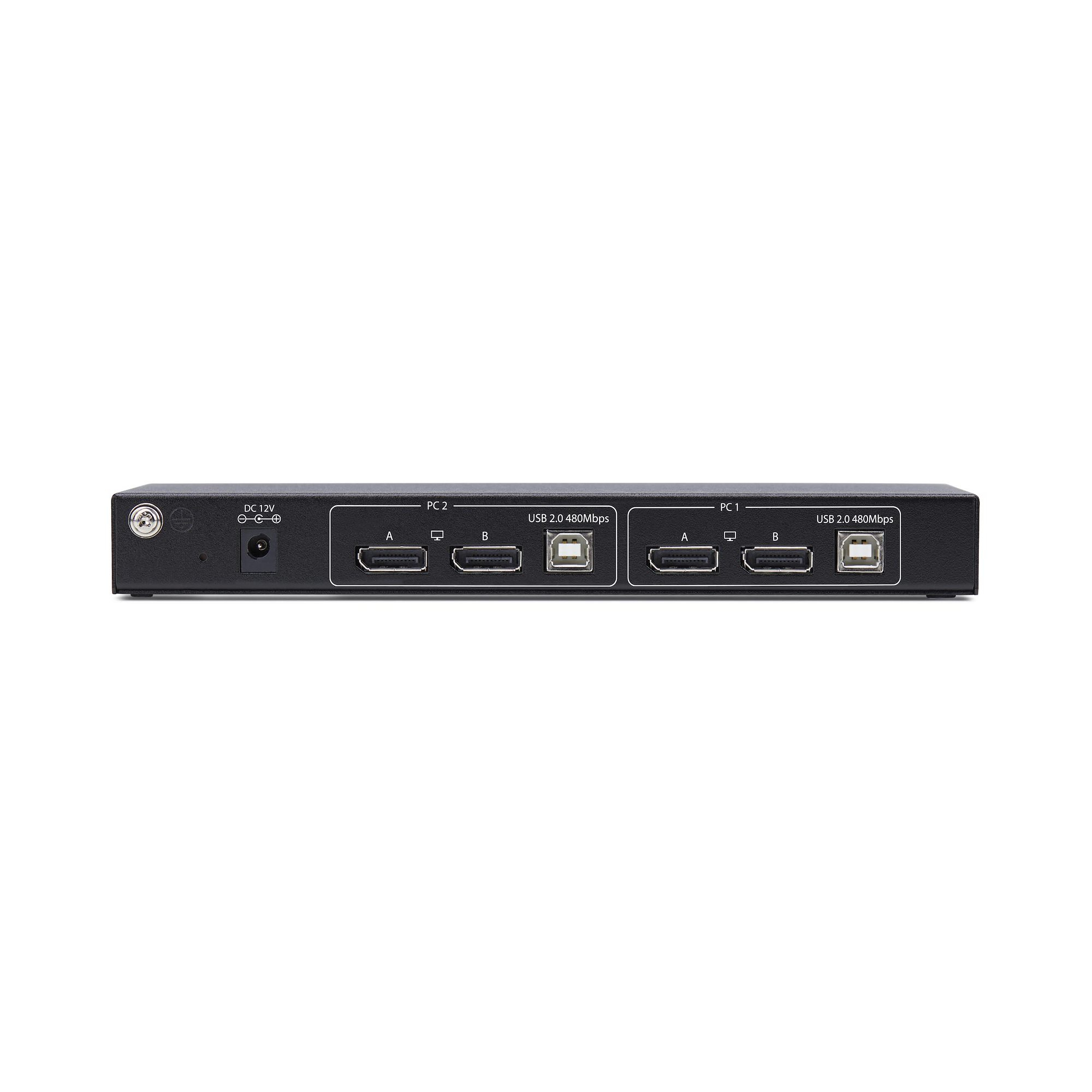
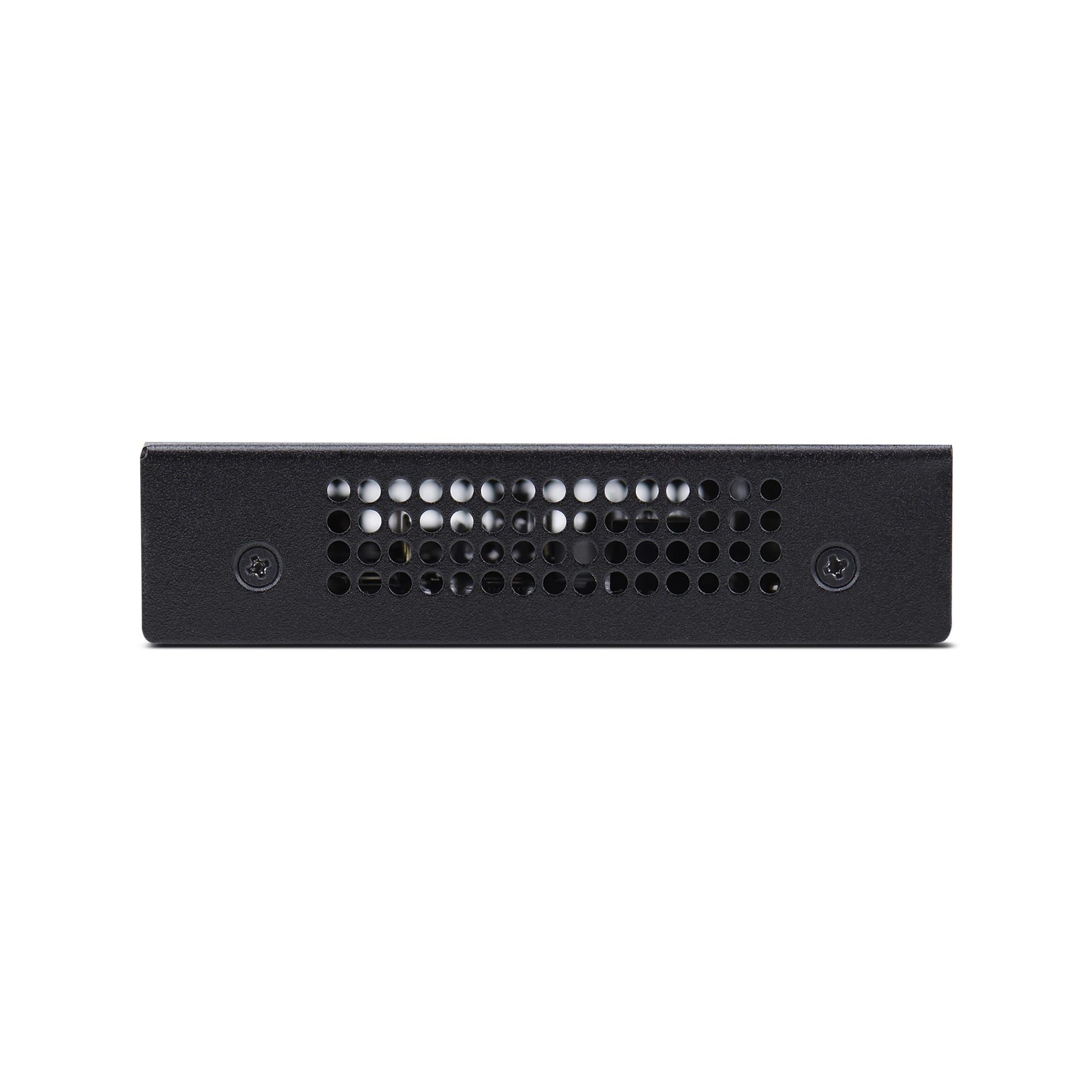
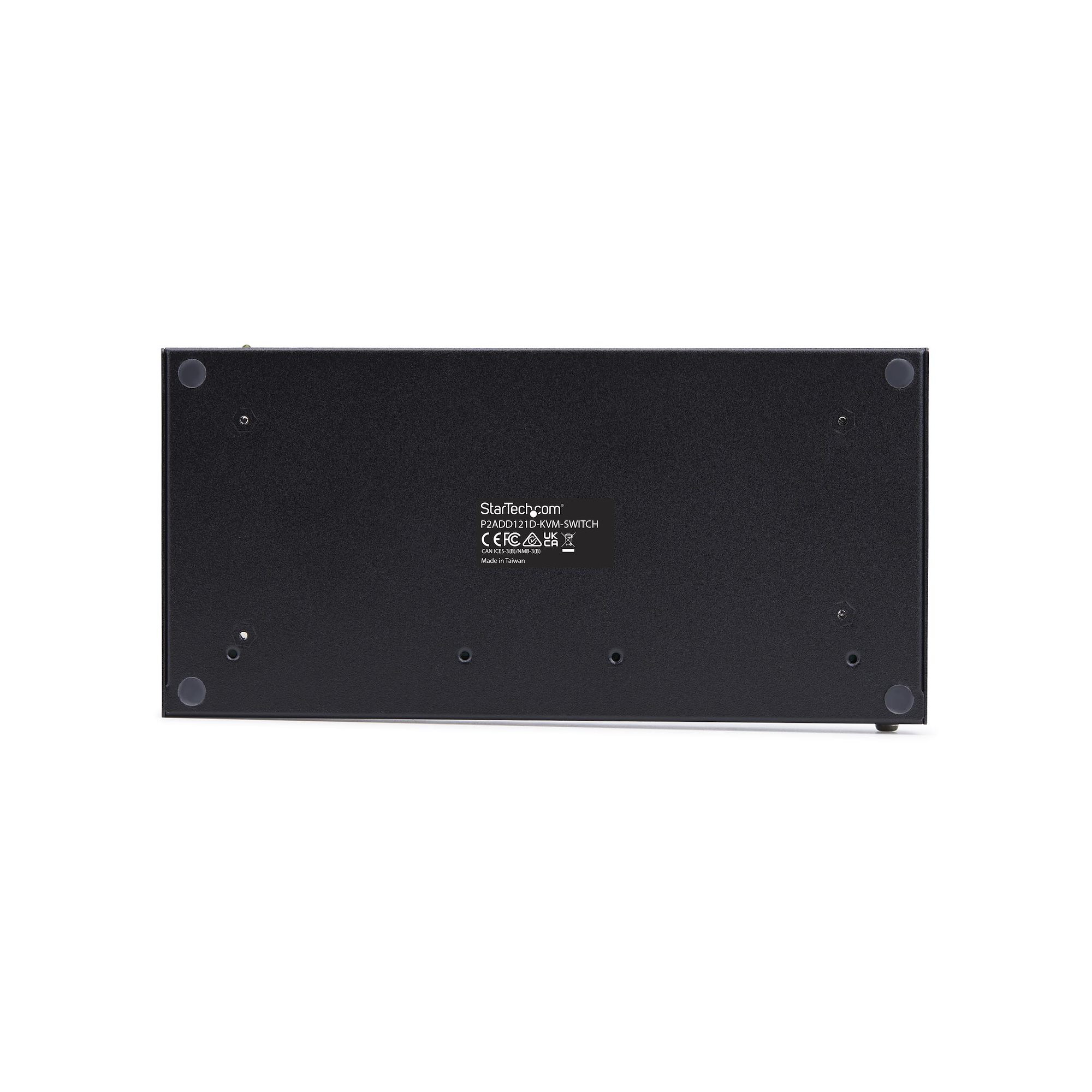
For £312.42 ex‑VAT, this StarTech dual‑monitor DisplayPort KVM is the sort of “it just needs to work” switch you buy when you’ve got two machines sharing one dual‑monitor setup and you don’t want to fight with software. The real appeal is practical: hotkey switching and proper dual‑display support (rather than flaky single‑head compromises) make it a good fit for office use, especially where staff need to move between a desktop and a laptop without constantly replugging cables. The four USB ports help too—enough for a keyboard/mouse plus one or two common peripherals, assuming you’re not trying to centralise everything under the sun.
That said, I wouldn’t buy this if you’re the kind of user who expects “set and forget” without thinking about device compatibility. StarTech’s KVMs generally behave well, but DisplayPort and USB switching can still be sensitive to monitor/graphics quirks, docking station behaviour, and keyboard/mouse type (especially wireless dongles). Also, if your goal is big USB hub consolidation (printers, external drives, conferencing cams, etc.), you may outgrow the port count quickly—then you’ll be back to either local plugging or a different approach. Overall: good value for a dual‑monitor workstation workflow, but only if you’re comfortable with the idea of a KVM being a focused hub—not a full replacement for your desk docking/peripheral setup.
STARTECH
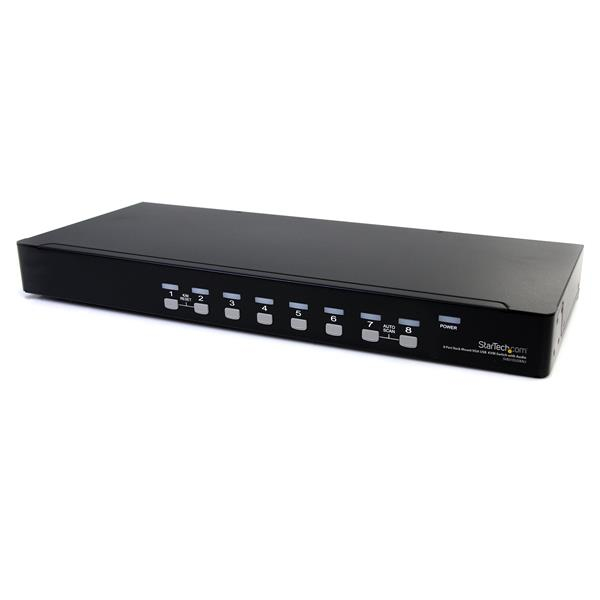
StarTech.com 8 Port VGA KVM Switch - 1U Rack Mount - USB VGA KVM Switch with Audio - 1920 x 1440 @60hz - KVM Video Switch (SV831DUSBAU) - KVM / audio switch - 8 x KVM / audio - 1 local user - desktop - for P/N: RK3236BKF, RK4236BKB, RK4242BK24, RK4242BK30, RKCONS1701, RKCONS17HD, RKQMCAB12V2
STARTECH
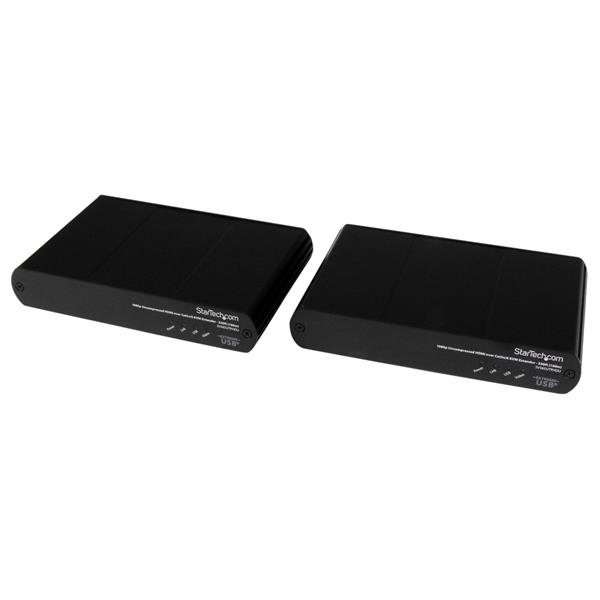
StarTech.com 330ft (100m) USB HDMI over CAT5e / CAT6 KVM Extender - 1080p Uncompressed HD Video - IT Grade KVM Console Extender for PC (SV565UTPHDU) - KVM / USB extender - over CAT 5e/6 - up to 100 m - for P/N: SVA5M4NEUA
STARTECH
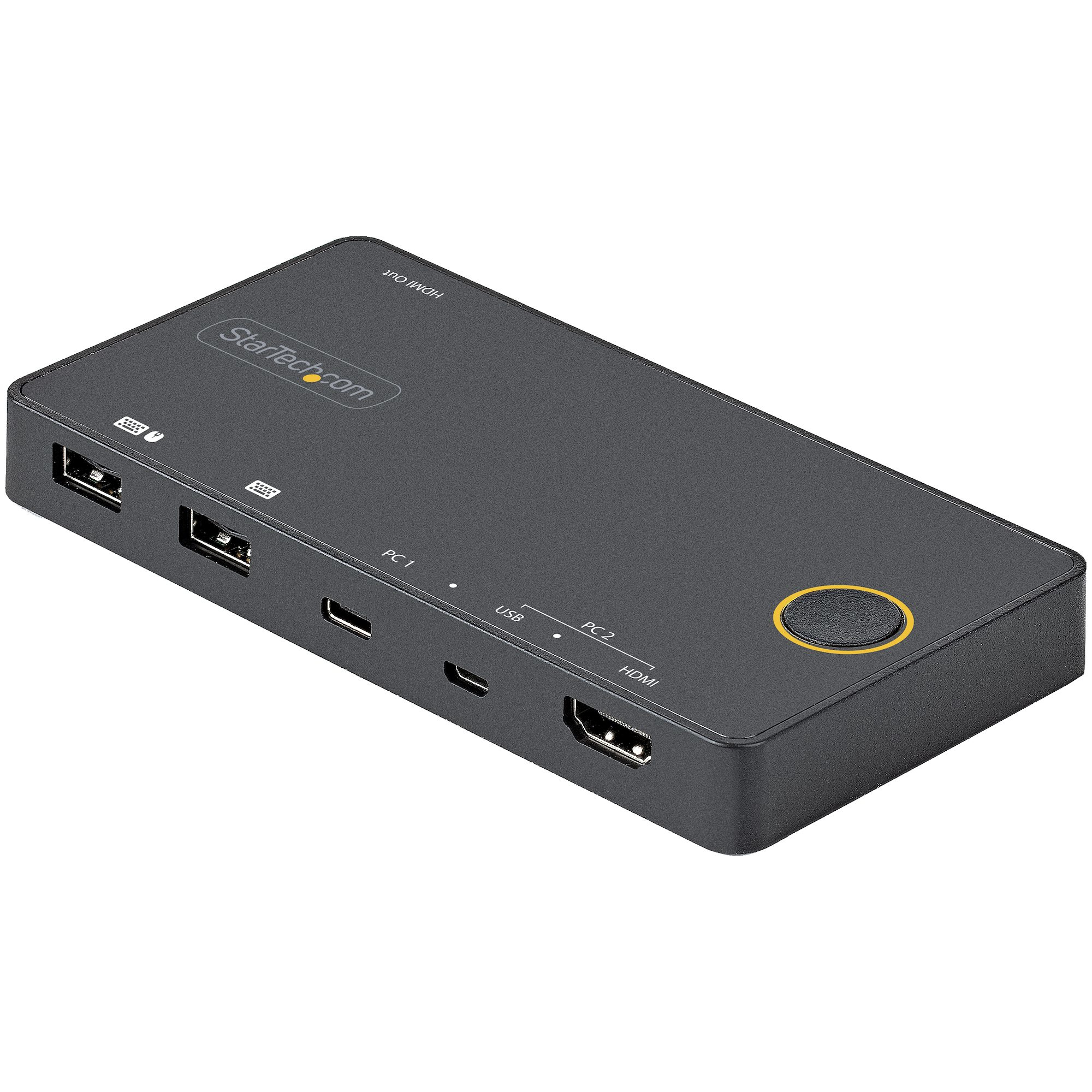
StarTech.com 2 Port Hybrid USB-A + HDMI & USB-C KVM Switch, Single 4K 60Hz HDMI 2.0 Monitor, Compact Desktop and/or Laptop HDMI KVM Switch, USB Bus Powered, Thunderbolt 3 Compatible - 2 Port HDMI KVM Switch (SV221HUC4K) - KVM / audio switch - 2 x KVM / audio - desktop
STARTECH
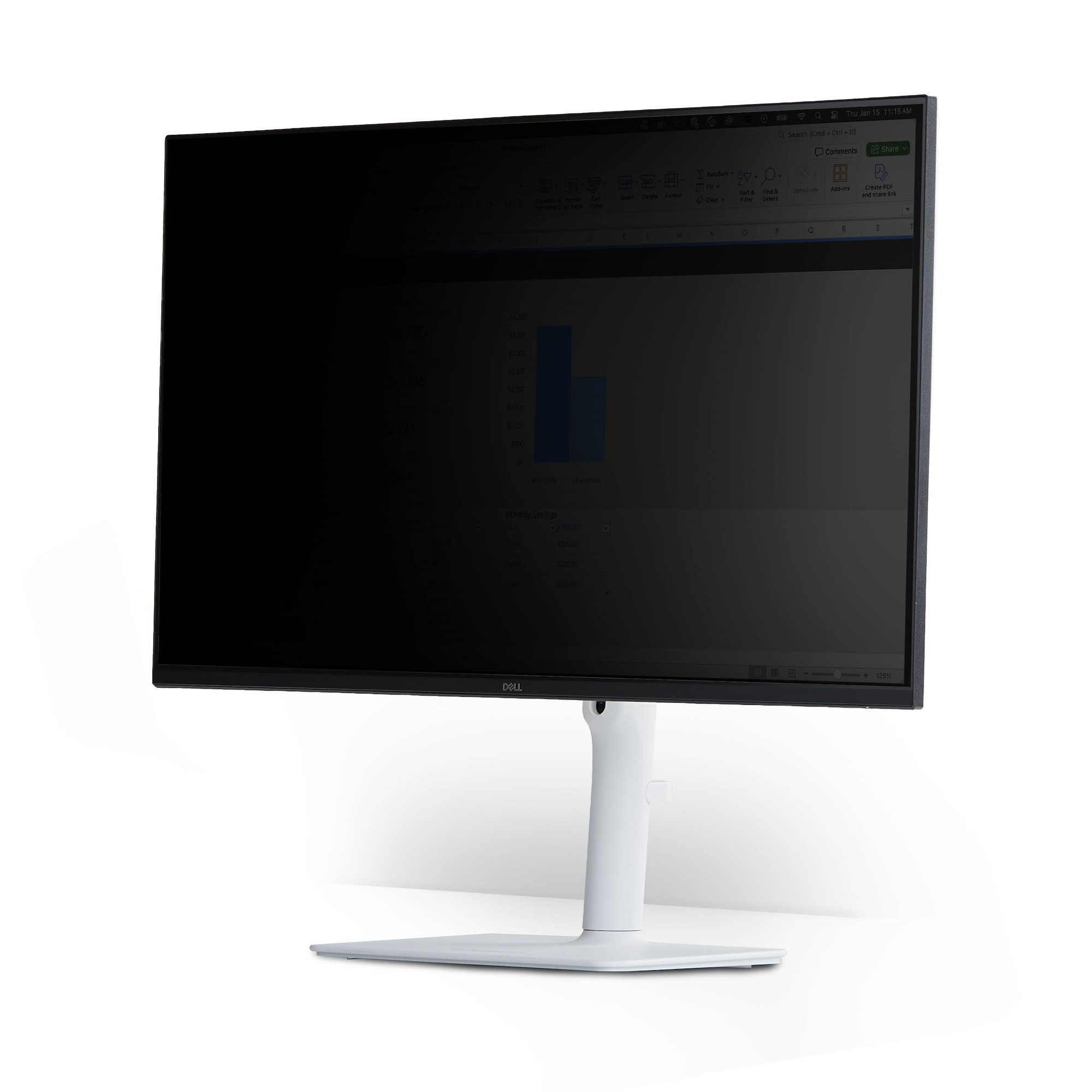
Magnetic Privacy Screen for 23" 16:9