ShopAll ProductsCategoriesBrands
Cart
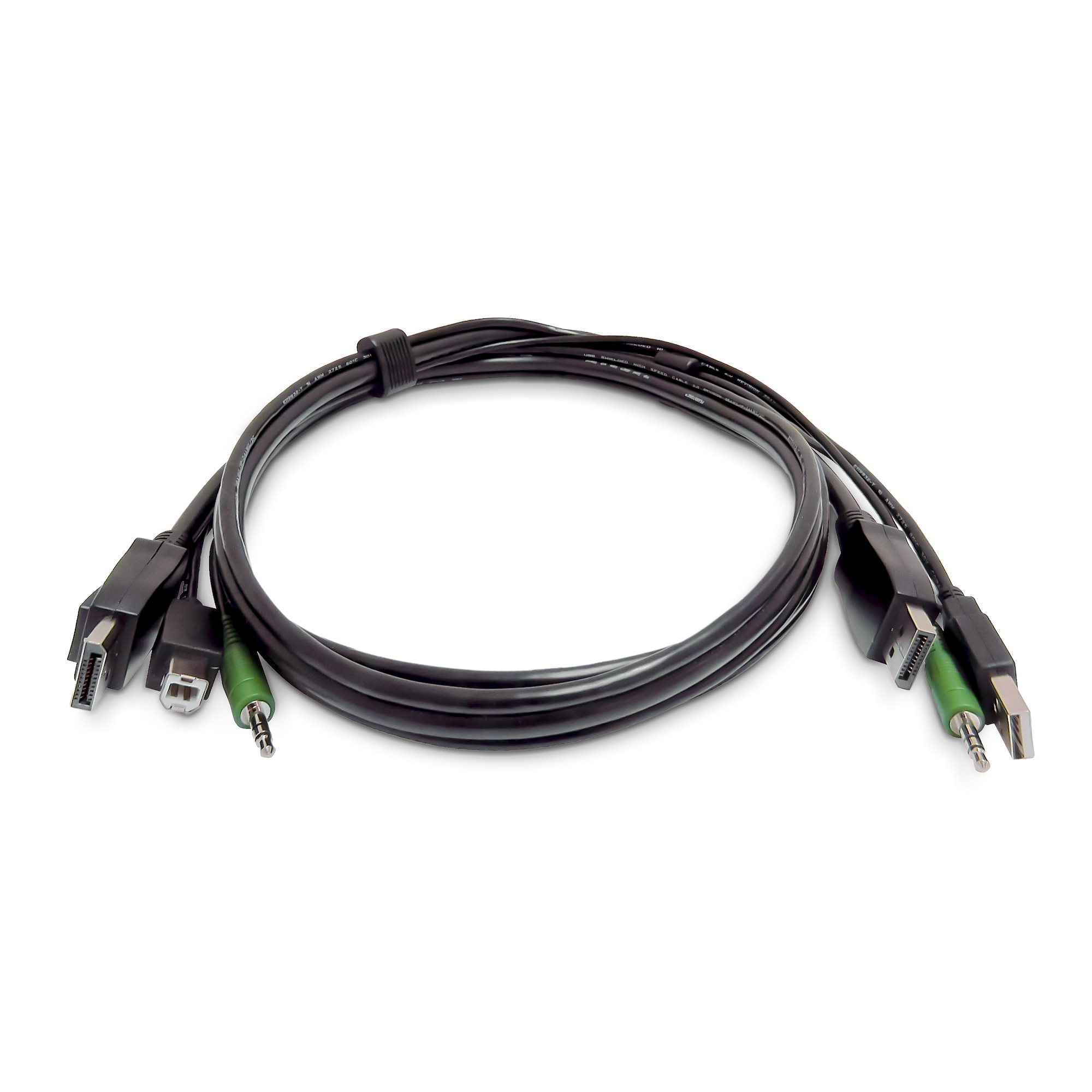
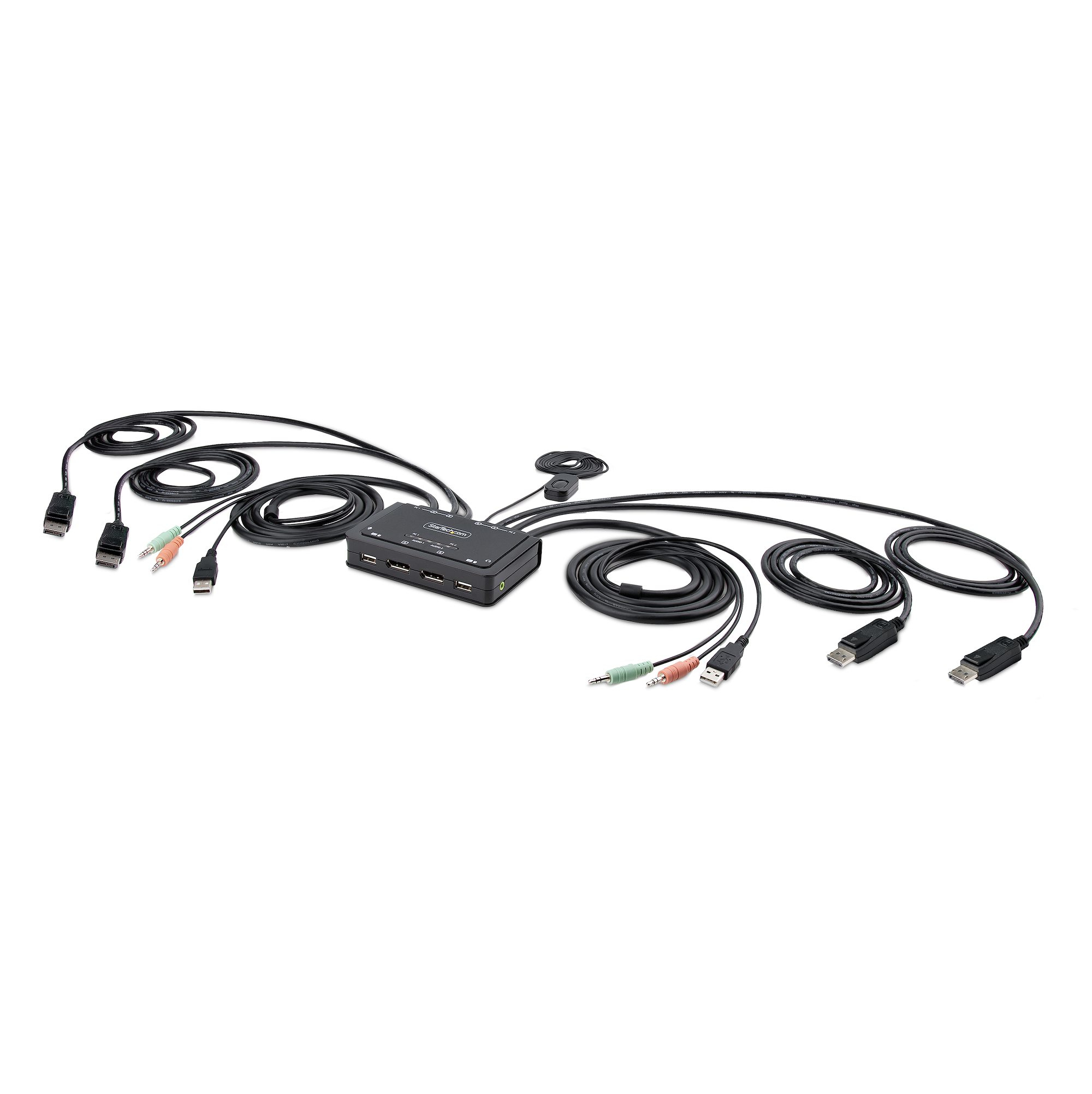
ShopKVM SwitchesStarTech.com 2-Port Dual-Monitor DisplayPort Cable KVM Switch, 4K 60Hz, Compact KVM with 5ft/1.5m USB-A/DisplayPort/Audio Integrated Cables, Bus Powered - Remote Push Button/Hotkey Switching
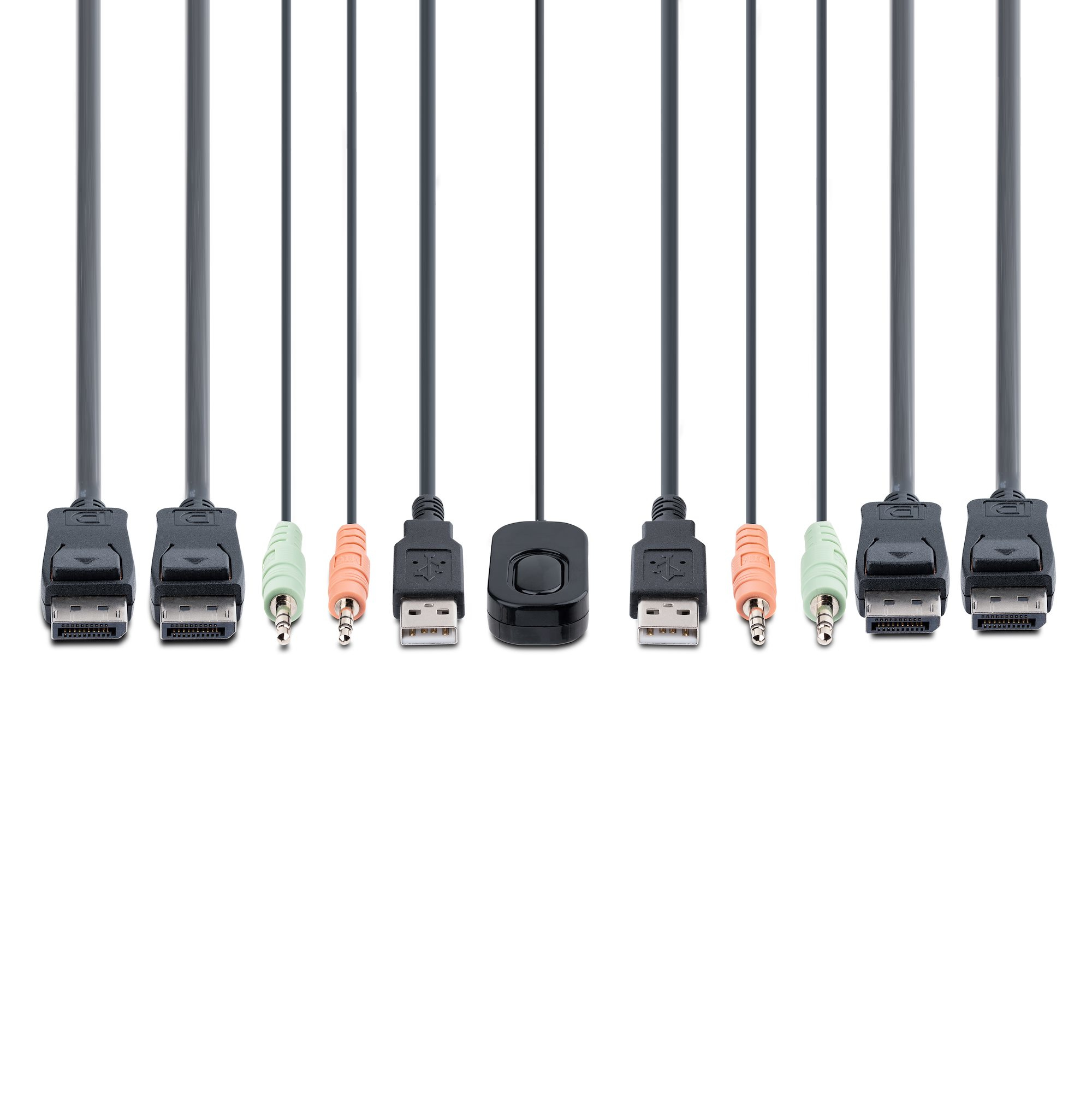
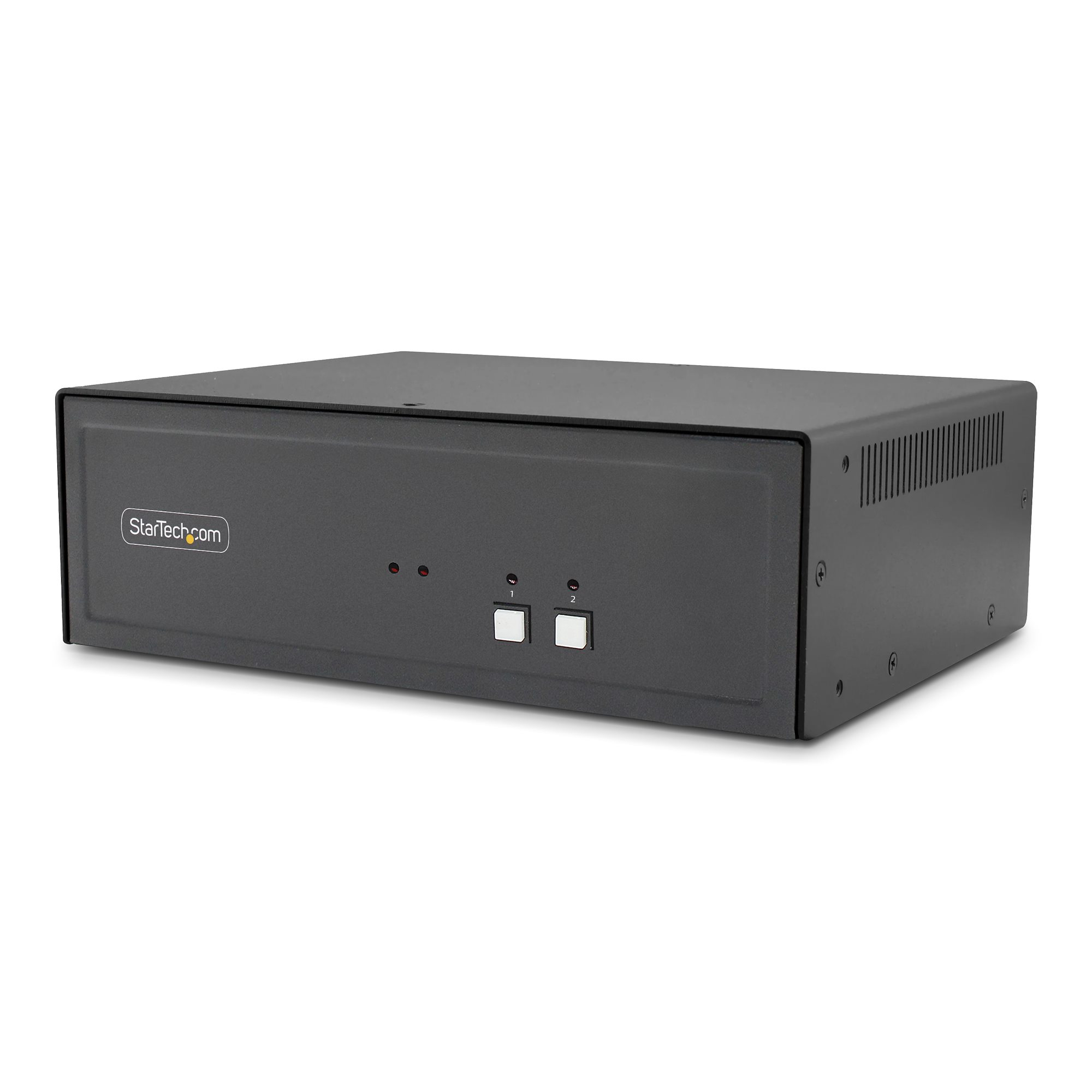
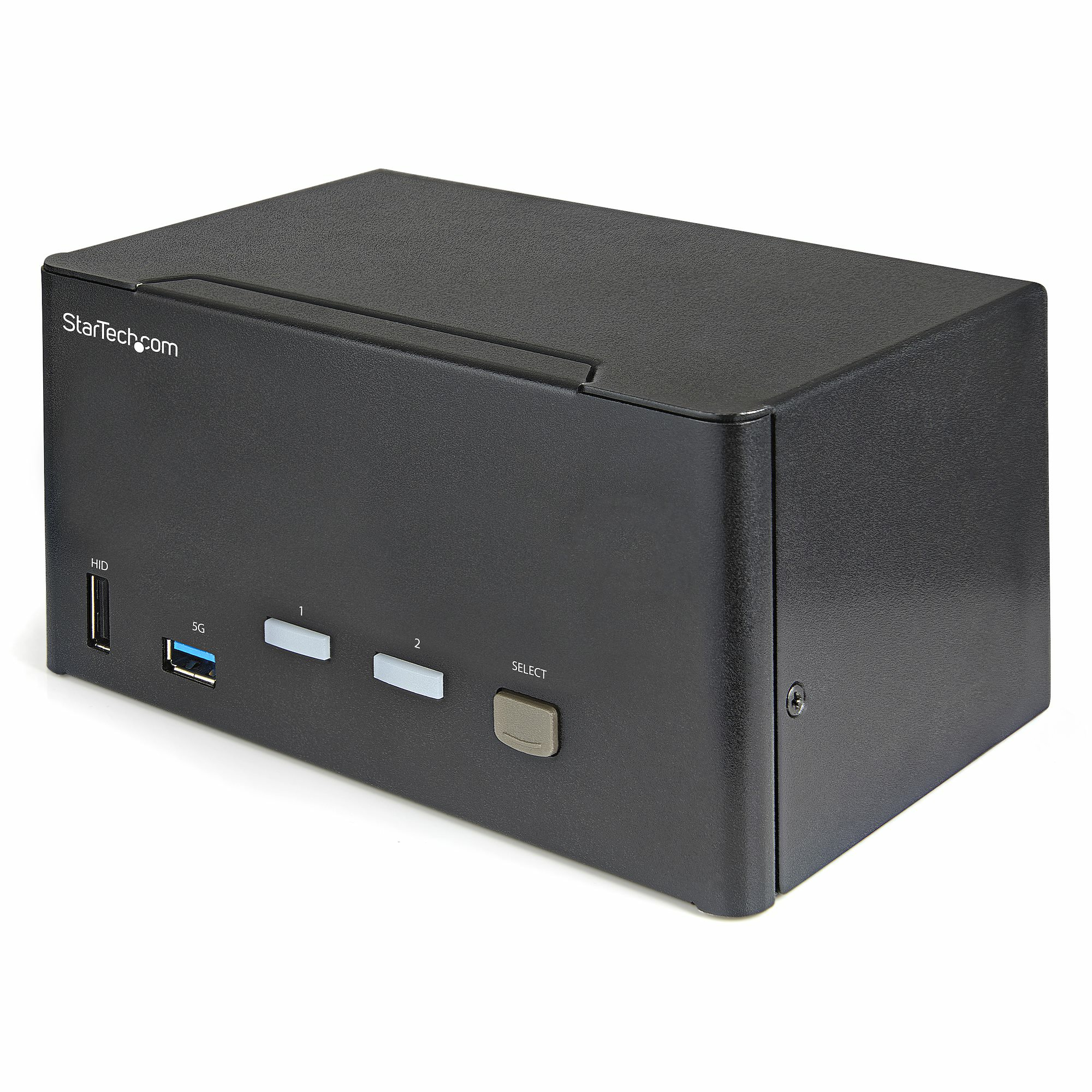
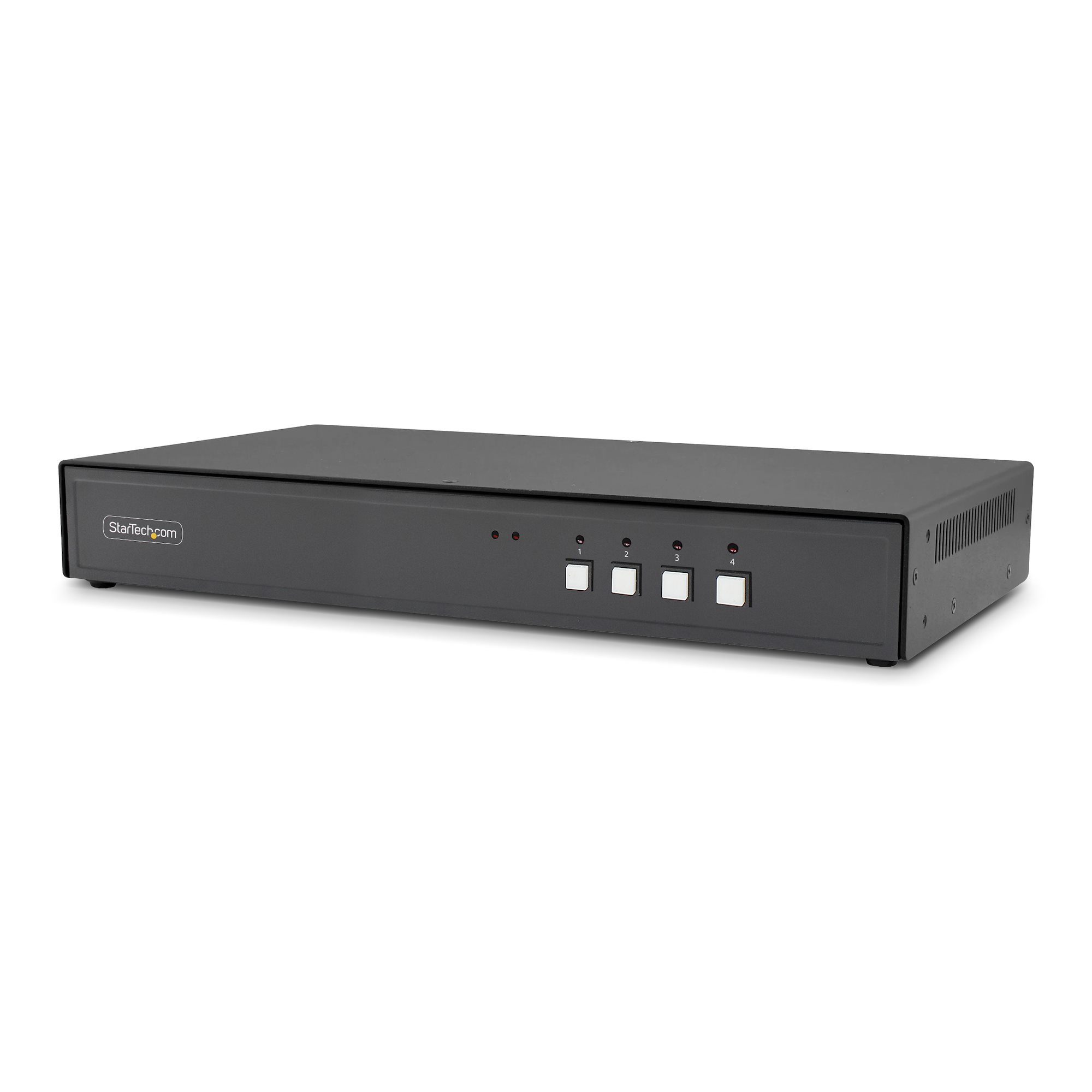
StarTech.com 2-Port Dual-Monitor DisplayPort Cable KVM Switch, 4K 60Hz, Compact KVM with 5ft/1.5m USB-A/DisplayPort/Audio Integrated Cables, Bus Powered - Remote Push Button/Hotkey Switching
View 1
View 2
View 3
View 4
View 5
View 6

StarTech.com 2-Port Dual-Monitor DisplayPort Cable KVM Switch, 4K 60Hz, Compact KVM with 5ft/1.5m USB-A/DisplayPort/Audio Integrated Cables, Bus Powered - Remote Push Button/Hotkey Switching

£165.36

£198.43 inc. VAT

Low Stock(5)MPN: C2-DD46-UA2-CBL-KVM
🚚 Next-day delivery £4.95
Quantity:1
1
2
3
4
5
6
7
8
9
10+

Key Features

StarTech.com 2-Port Dual-Monitor DisplayPort Cable KVM Switch, 4K 60Hz, Compact KVM with 5ft/1.5m USB-A/DisplayPort/Audio Integrated Cables, Bus Powered
Remote Push Button/Hotkey Switching (C2-DD46-UA2-CBL-KVM)
KVM / audio / USB switch
compact
2 x KVM / audio / USB
1 local user
desktop

Product Overview

AI-generated summary

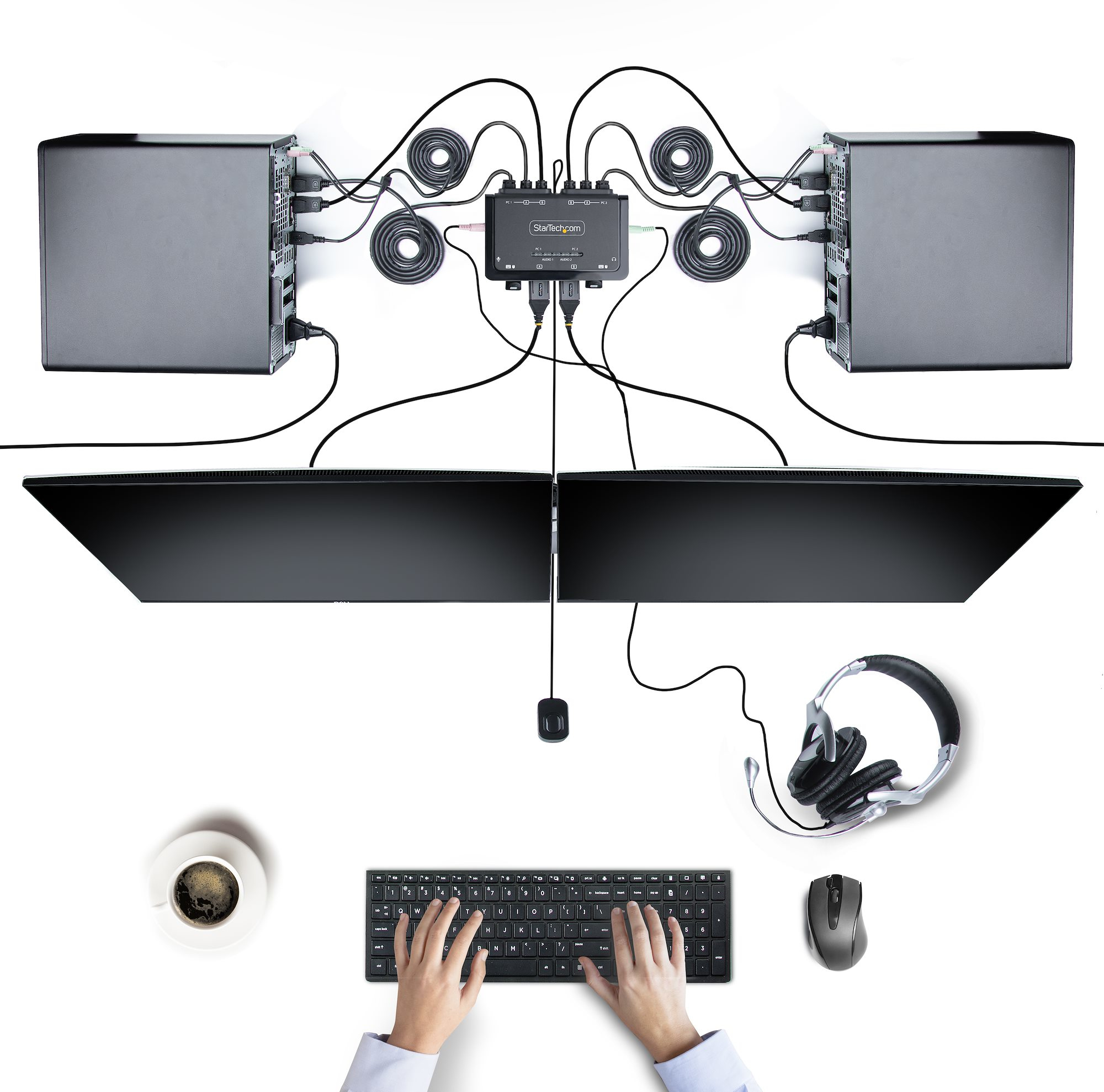
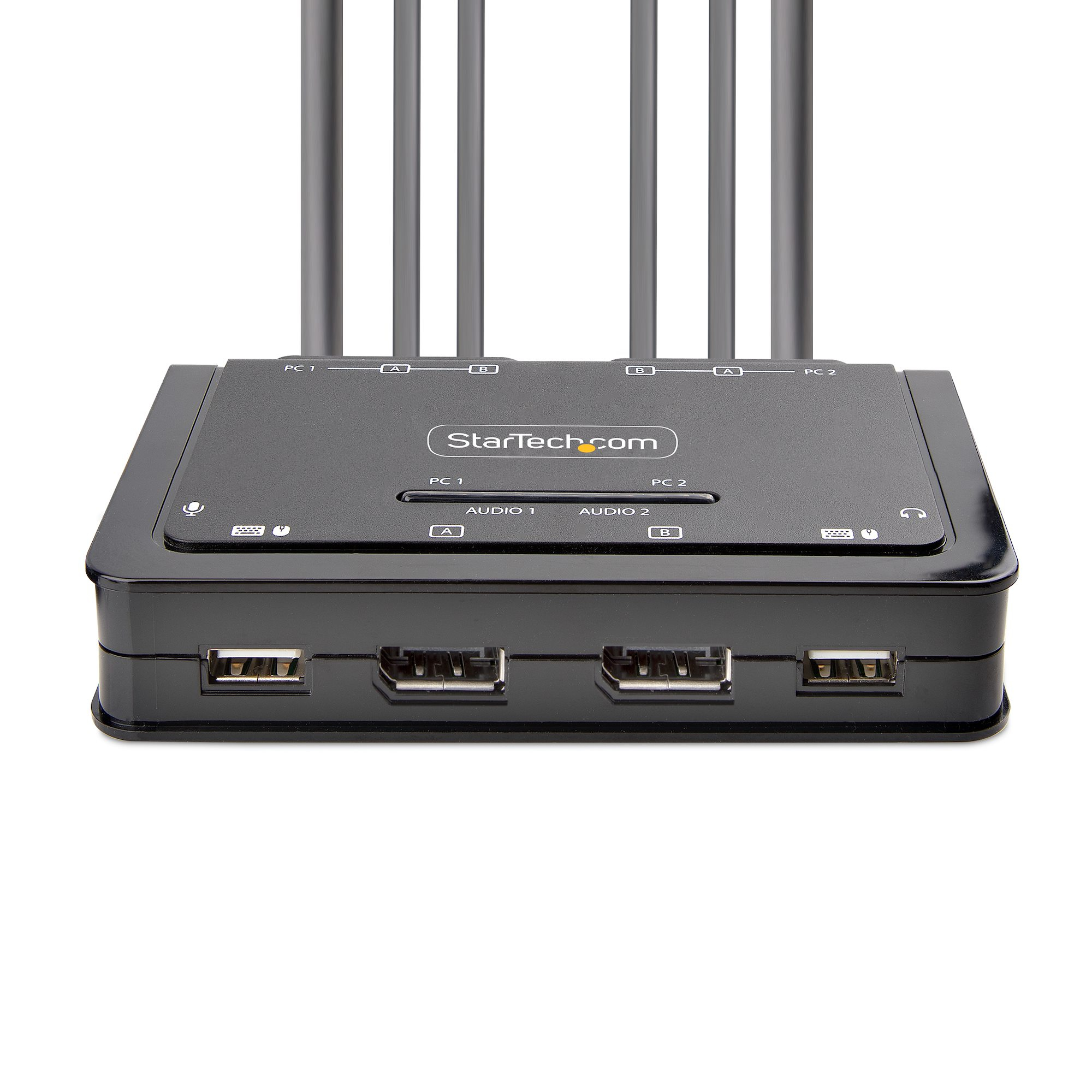
For £165.62 ex-VAT, this StarTech dual-monitor DisplayPort KVM feels like a decent “workhorse” option if you routinely switch between two computers on one desk and you just want it to get out of your way. StarTech’s integrated-cable, compact style is genuinely practical in cramped office setups—less faff, fewer loose cables, and the push-button/hotkey switching means you’re not hunting for controls every time. If you’re doing typical business stuff (spreadsheets, browser work, light design) and your monitors support the basics cleanly, you’ll likely appreciate the simplicity and the fact it’s bus powered.

Why I’d be a bit cautious: KVMs are only as reliable as the resolution/HDCP handshake between *your specific* monitor + GPU combinations, and DisplayPort switching can occasionally be fussy depending on docking/graphics settings. Also, because it’s a basic dual-monitor KVM, it’s not the “central command” style solution you’d pick if you need more advanced peripheral sharing or very specific multi-device workflows. I’d recommend it to small teams/contractors with two towers/laptops and two DisplayPort monitors who want a tidy, dependable desk switch. I wouldn’t buy it if you’ve got a complex AV chain (docks, extenders, weird refresh-rate setups) and you can’t afford trial-and-error on compatibility.

Specifications

Ports & interfaces

Number of computers controlled2
Keyboard port typeUSB
Mouse port typeUSB
Video port typeDisplayPort
DisplayPorts quantity4

Performance

HD type4K Ultra HD
Maximum resolution4096 x 2160 pixels
Video bandwidth60 Hz
Data transfer rate (max)0.48 Gbit/s
Scan interval10,20,30,40,50,60 s

Design

Rack mountingN
Product colourBlack
Housing materialAcrylonitrile butadiene styrene (ABS)
Cable length1.5 m
LED indicatorsY

Display

Built-in displayN

Power

Power sourceUSB

System requirements

Windows operating systems supportedWindows 10,Windows 10 Education,Windows 10 Education x64,Windows 10 Enterprise,Windows 10 Enterprise x64,Windows 10 Home,Windows 10 Home x64,Windows 10 IOT Core,Windows 10 IoT Enterprise,Windows 10 Pro,Windows 10 Pro x64,Windows 10 x64,Windows 11,Windows 11 Enterprise,Windows 11 Enterprise x64,Windows 11 Home,Windows 11 Pro,Windows 11 x64,Windows 7,Windows 7 Enterprise,Windows 7 Enterprise x64,Windows 7 Home Basic,Windows 7 Home Basic x64,Windows 7 Home Premium,Windows 7 Home Premium x64,Windows 7 Professional,Windows 7 Professional x64,Windows 7 Starter,Windows 7 Starter x64,Windows 7 Ultimate,Windows 7 Ultimate x64,Windows 7 x64,Windows 8,Windows 8 Enterprise,Windows 8 Enterprise x64,Windows 8 Pro,Windows 8 Pro x64,Windows 8 x64,Windows 8.1,Windows 8.1 Enterprise,Windows 8.1 Enterprise x64,Windows 8.1 Pro,Windows 8.1 Pro x64,Windows 8.1 x64
Mac operating systems supportedMac OS X 10.12 Sierra,Mac OS X 10.13 High Sierra,Mac OS X 10.14 Mojave,Mac OS X 10.15 Catalina,Mac OS X 10.15.3 Catalina,Mac OS X 11.0 Big Sur,Mac OS X 12.0 Monterey
Other operating systems supportedChromeOS

Sustainability

Sustainability complianceY
Compliance certificatesRoHS

Operational conditions

Operating temperature (T-T)0 - 40 °C
Storage temperature (T-T)-20 - 60 °C
Operating relative humidity (H-H)0 - 90 %

From Our Blog

30
  • Cloud Backup

Continuous Data Protection vs Scheduled Backups

30 Oct, 2025
Read more
12
  • Cloud Backup

Setting Up a Disaster Recovery Plan for Your New Office

12 Jan, 2026

Read more
4
  • IT Office Moves

What to Do with Old IT Equipment After an Office Move

4 Oct, 2025

Read more

Enquiry Received!

Thank you for getting in touch. A member of our team will review your enquiry and get back to you within 24 hours.