- Cloud Networking
How to Monitor Your Network with the Meraki Dashboard
11 Mar, 2026
£35.69 inc. VAT
AI-generated summary
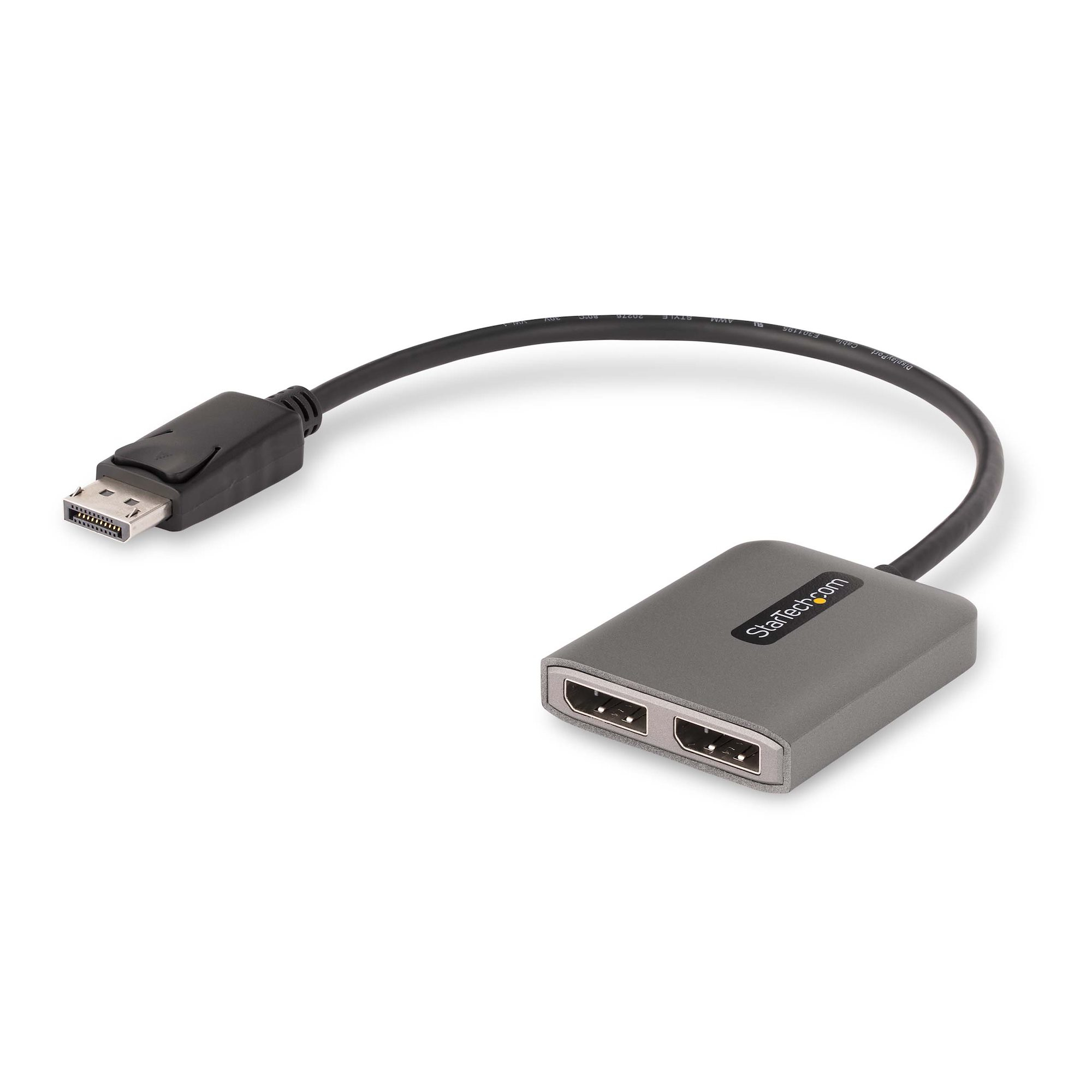
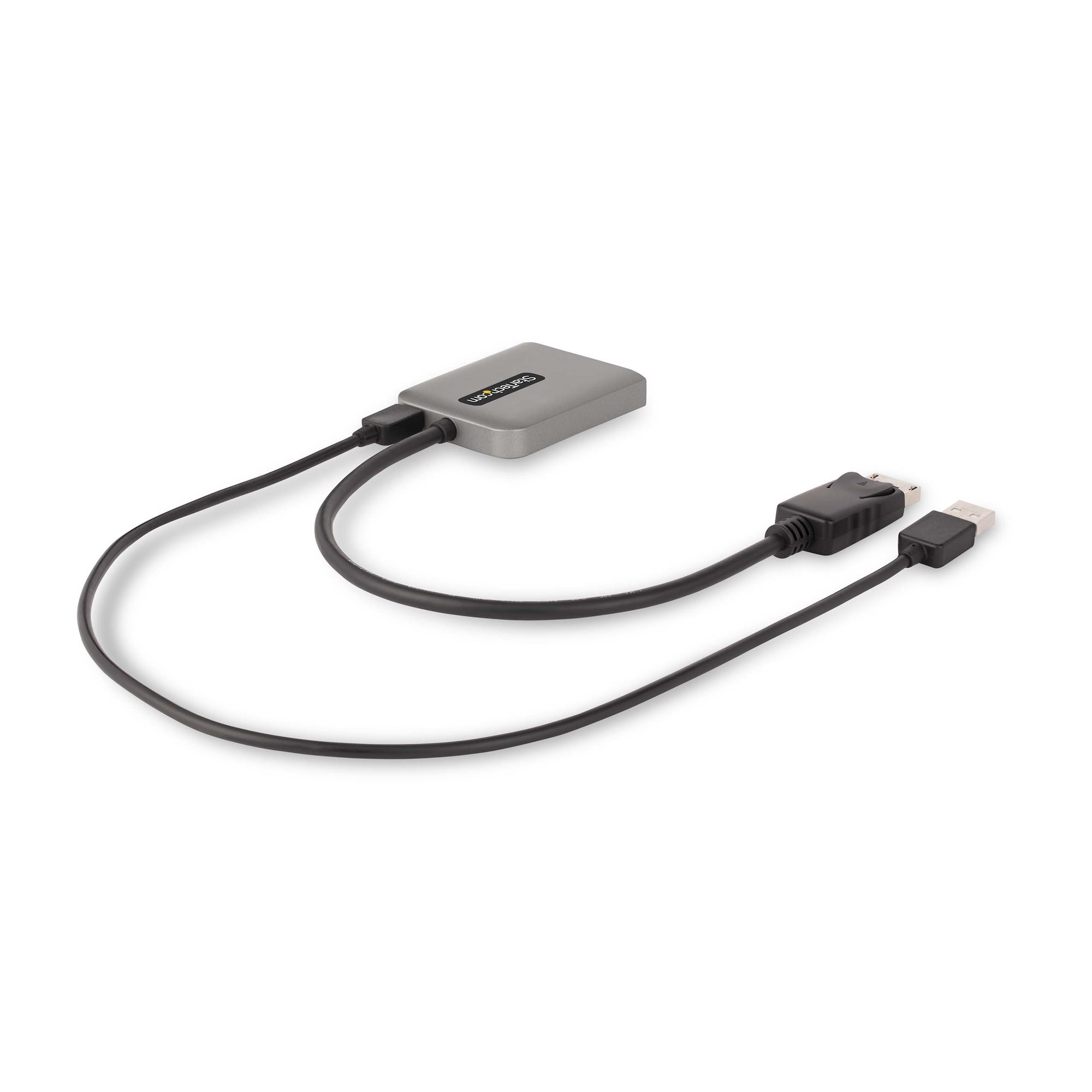
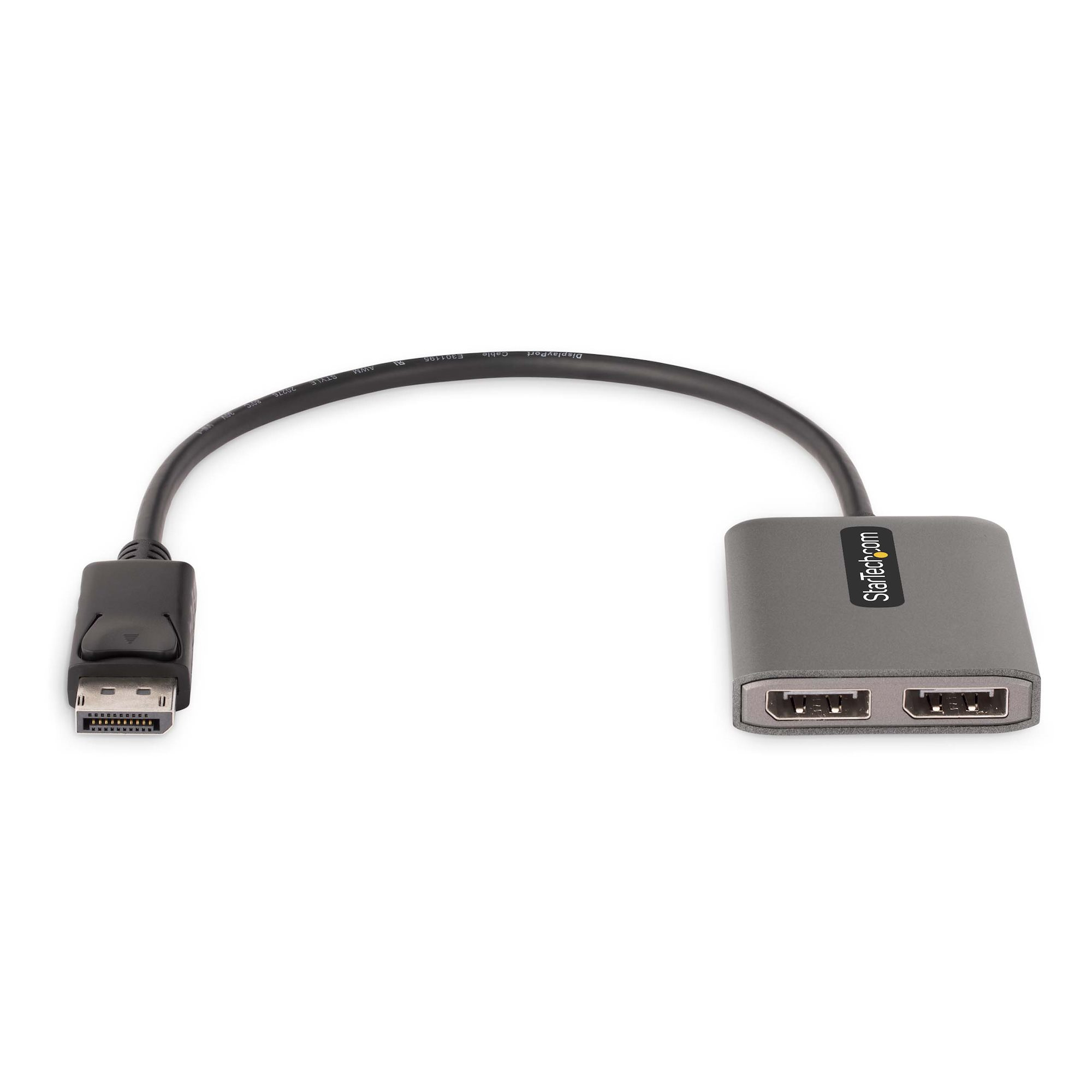
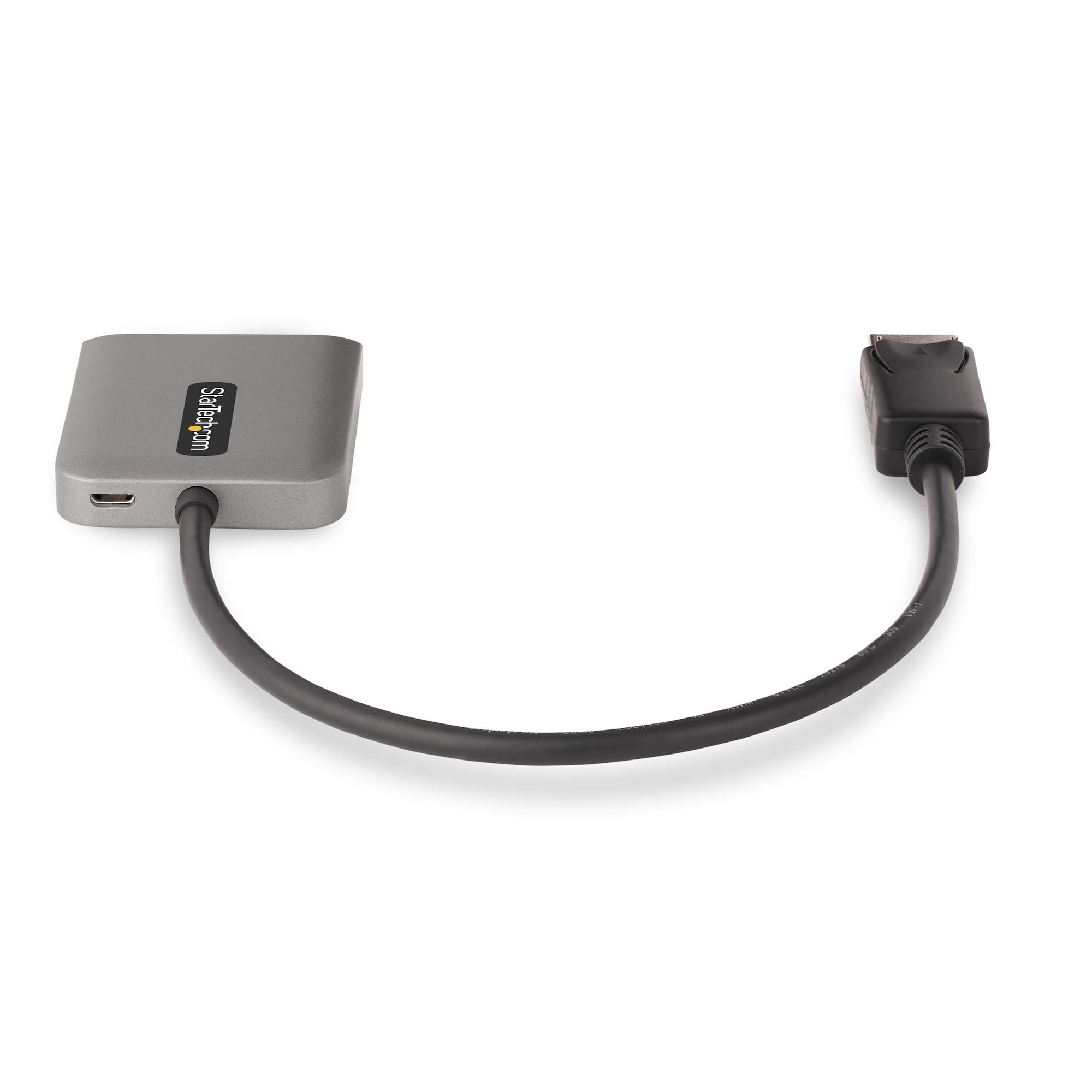
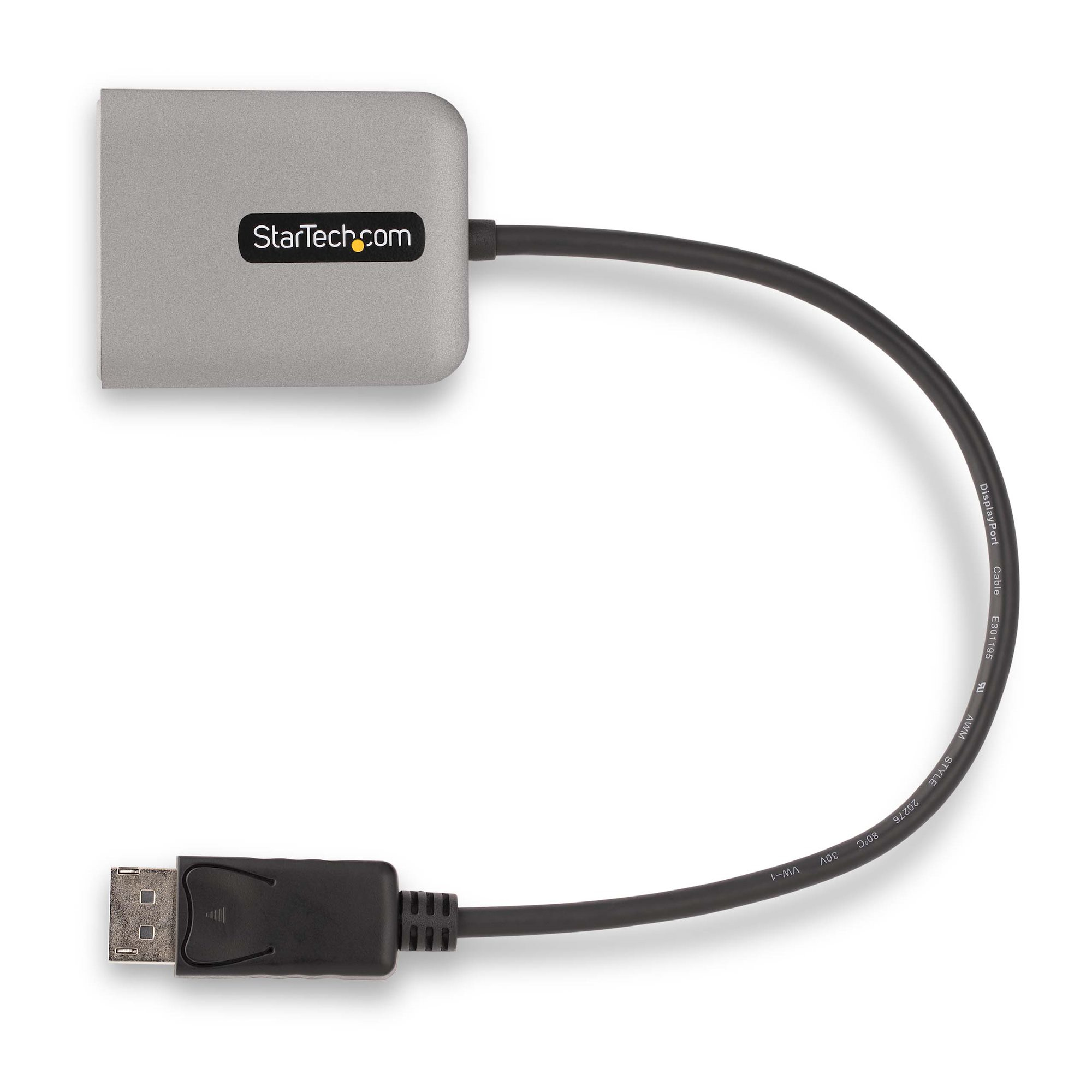
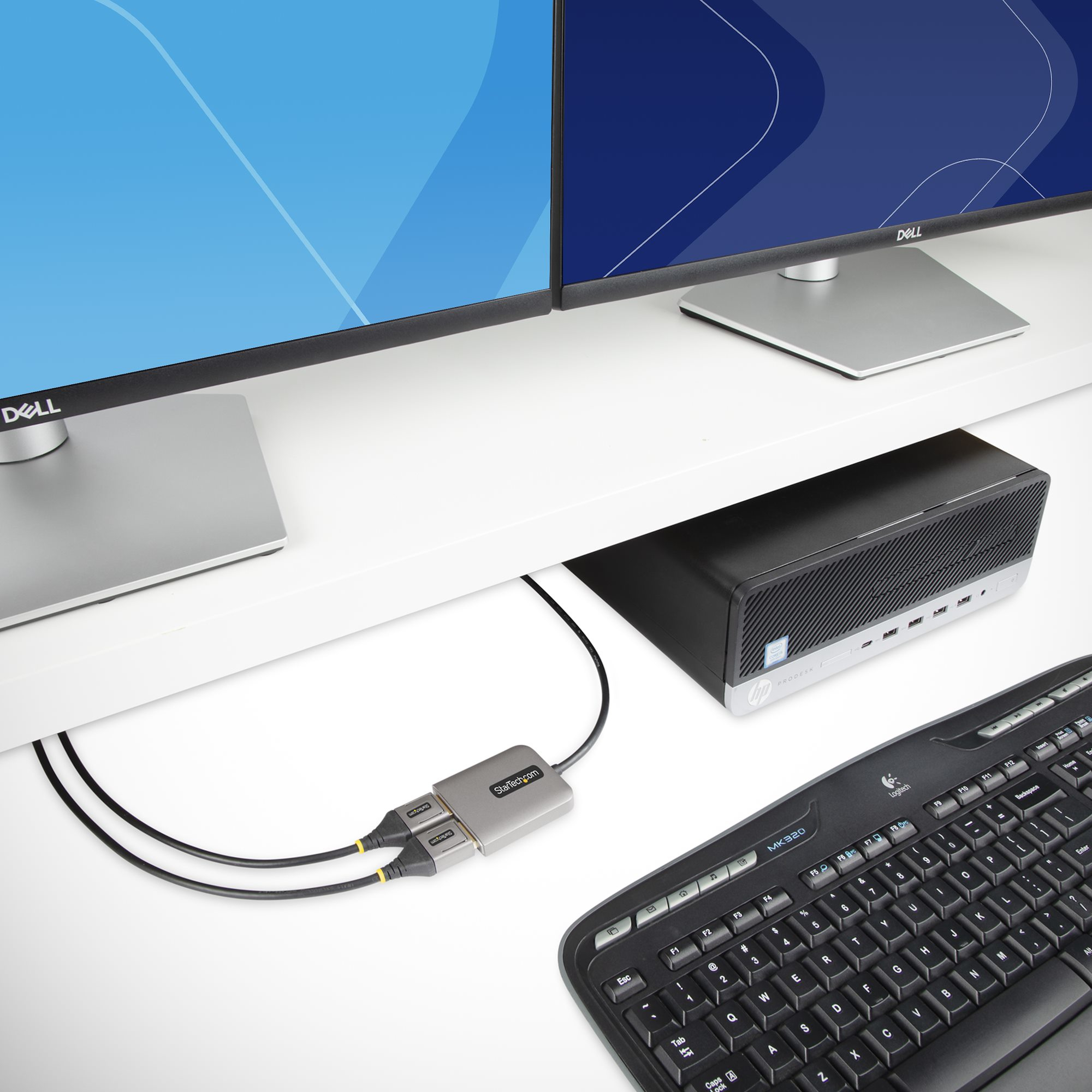
For £29.78 ex-VAT this is a sensible little “get-it-done” adapter if your goal is simple: turn one DisplayPort output into two DisplayPort monitors at up to 4K/60, without buying a whole docking station. It’s USB-powered, so you’re not usually hunting for extra power bricks in a cramped office setup, and the short built-in lead suits desk use where the hub can sit close to the PC. In a lot of day-to-day admin/office roles, that’s the real value—fast deployment with minimal faff.
That said, I’d be cautious about expectations. MST (multi-stream) on Windows can be picky depending on the exact GPU/driver combination and sometimes the monitor models. If you need guaranteed “plug in and everything just works” across a mixed fleet of monitors, a proper docking solution or a known MST-capable graphics setup is safer. Also, this is Windows-only, so it’s a no-go for Macs and most Linux environments. For a single workstation or a small rollout where you control the hardware and can test, it’s good value. For broad “enterprise standardise everything” deployments, I’d rather you spend a bit more on something you know will behave consistently.

STARTECH
StarTech.com Mini DisplayPort to HDMI Adapter Cable - mDP to HDMI Adapter with Built-in Cable - Black - 3 m (10 ft.) - Ultra HD 4K 30Hz (MDP2HDMM3MB) - Adapter cable - Mini DisplayPort male to HDMI male - 3 m - black - 4K support
Kensington
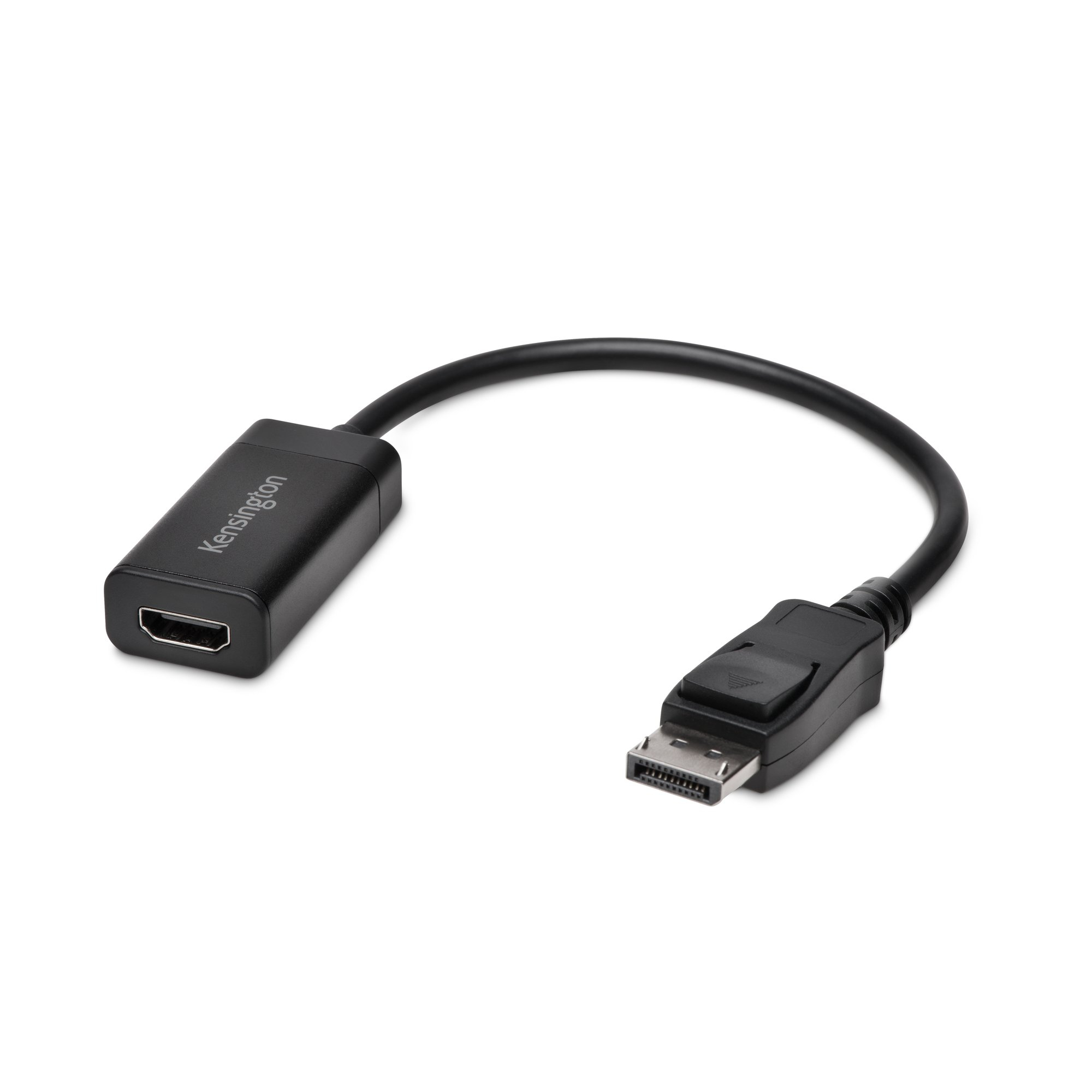
Kensington VP4000 4K Video Adapter - Adapter - DisplayPort male to HDMI female

STARTECH
StarTech.com Mini DisplayPort to HDMI converter cable - 3 ft (1m) - mDP to HDMI adapter with built-in cable - (M / M) Ultra HD 4K (MDP2HDMM1MB) - Adapter cable - Mini DisplayPort male to HDMI male - 1 m - black - 4K support

STARTECH
StarTech.com HDMI to VGA Cable - 10 ft / 3m - 1080p - 1920 x 1200 - Active HDMI Cable - Monitor Cable - Computer Cable (HD2VGAMM10) - Adapter cable - HDMI, Micro-USB Type B (power only) to HD-15 (VGA) male - 3 m - black - active, 1920 x 1200 (WUXGA) support