- Internet & Connectivity
Understanding Network Latency and How to Reduce It
25 Sep, 2025
£369.12 inc. VAT
AI-generated summary
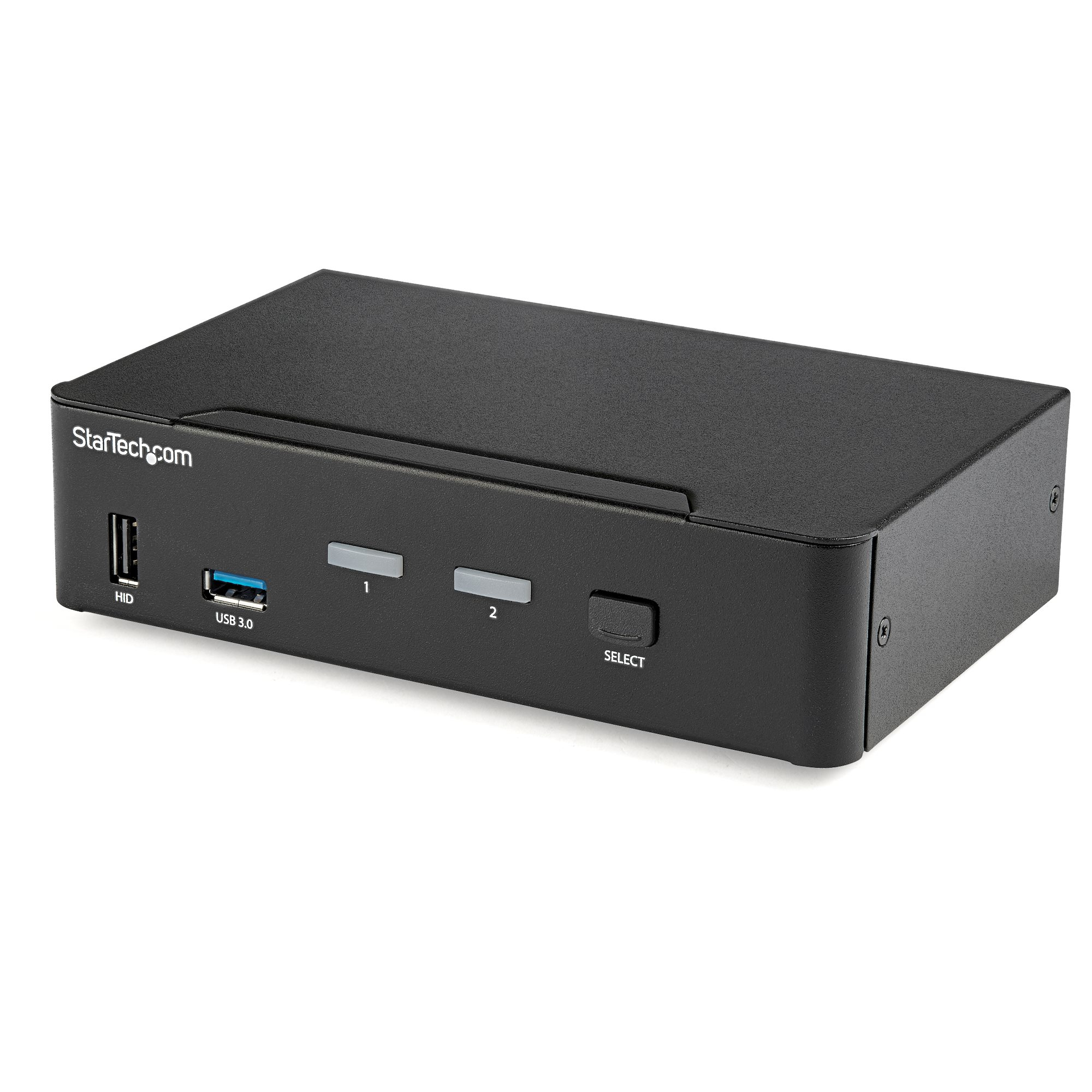
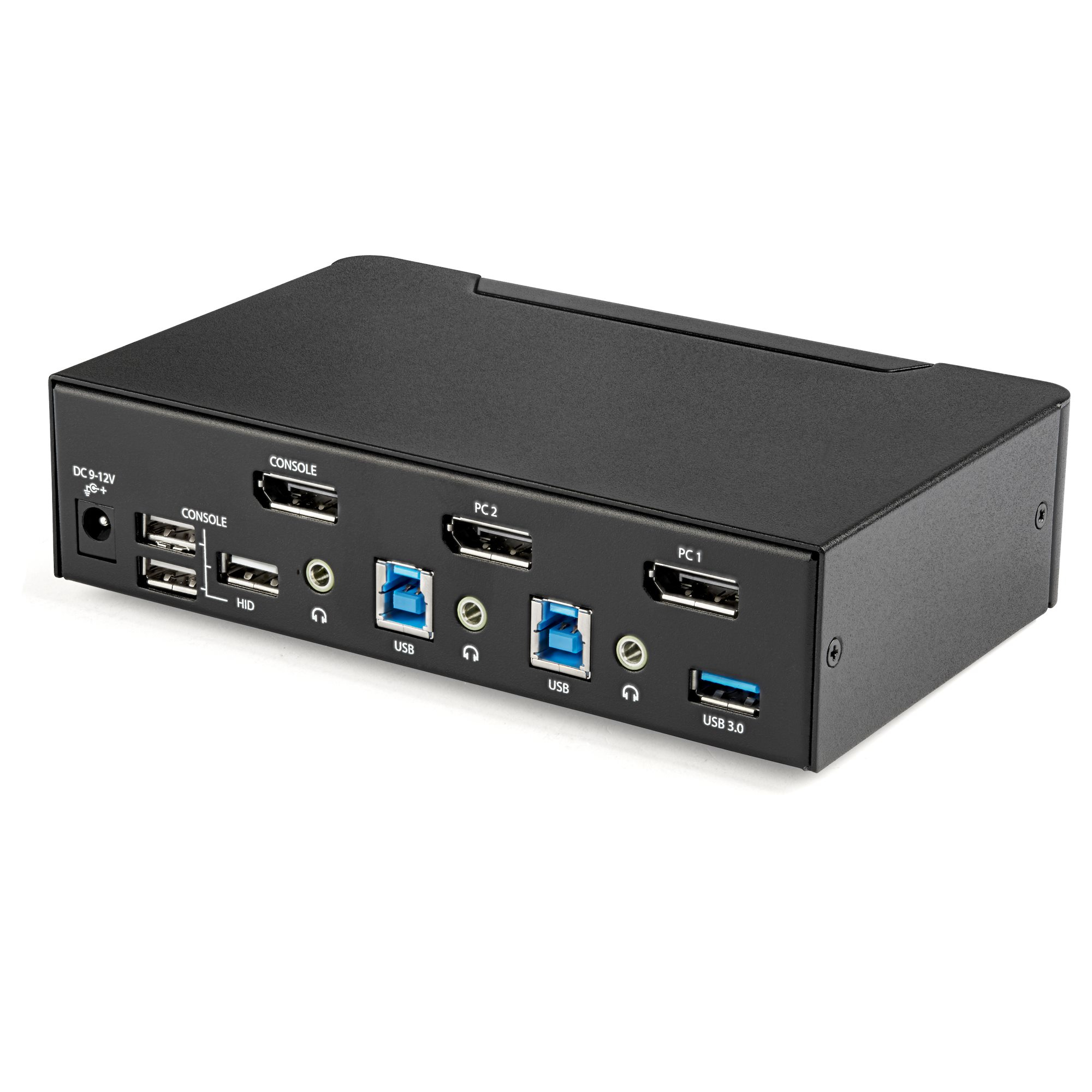
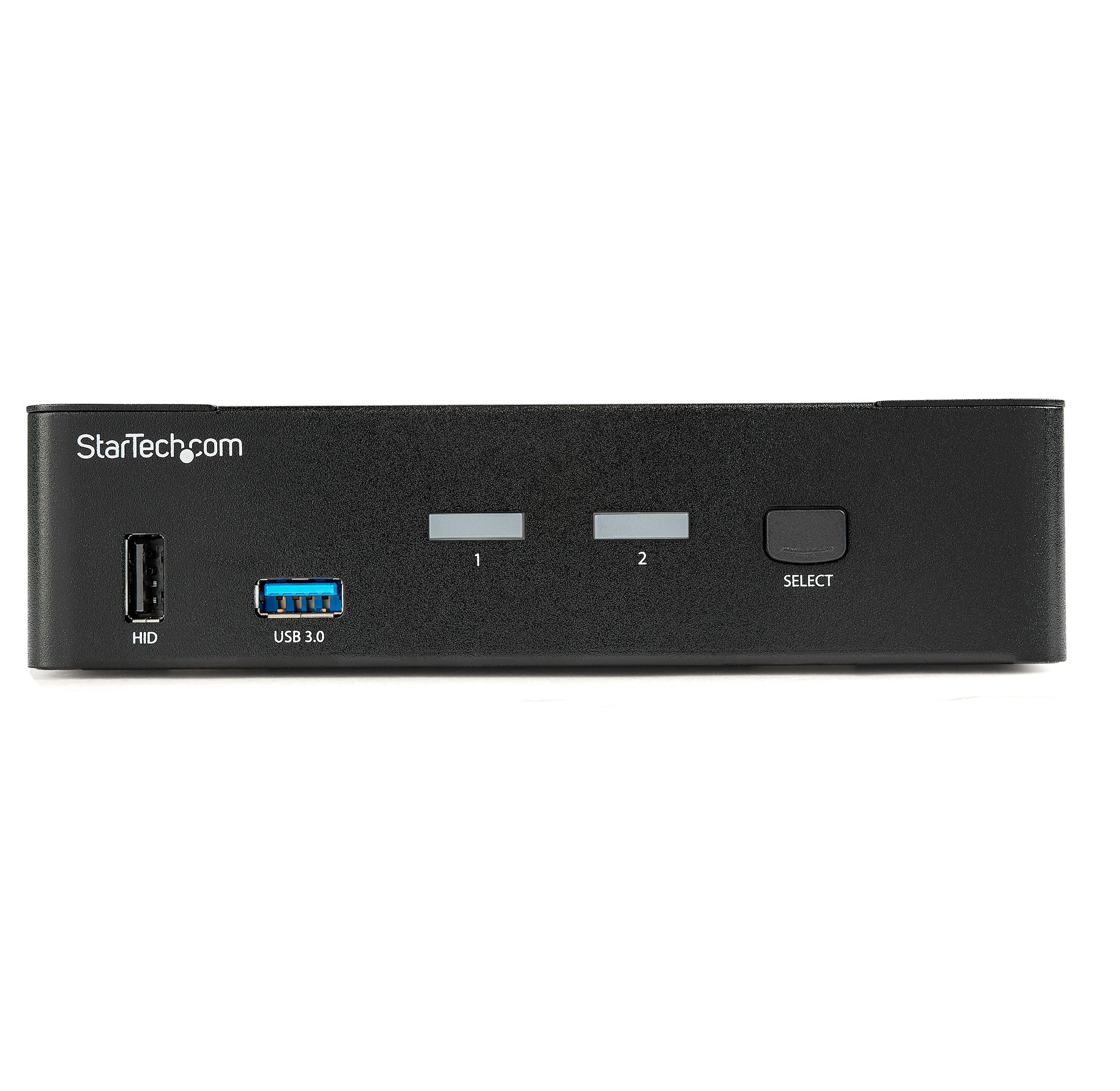
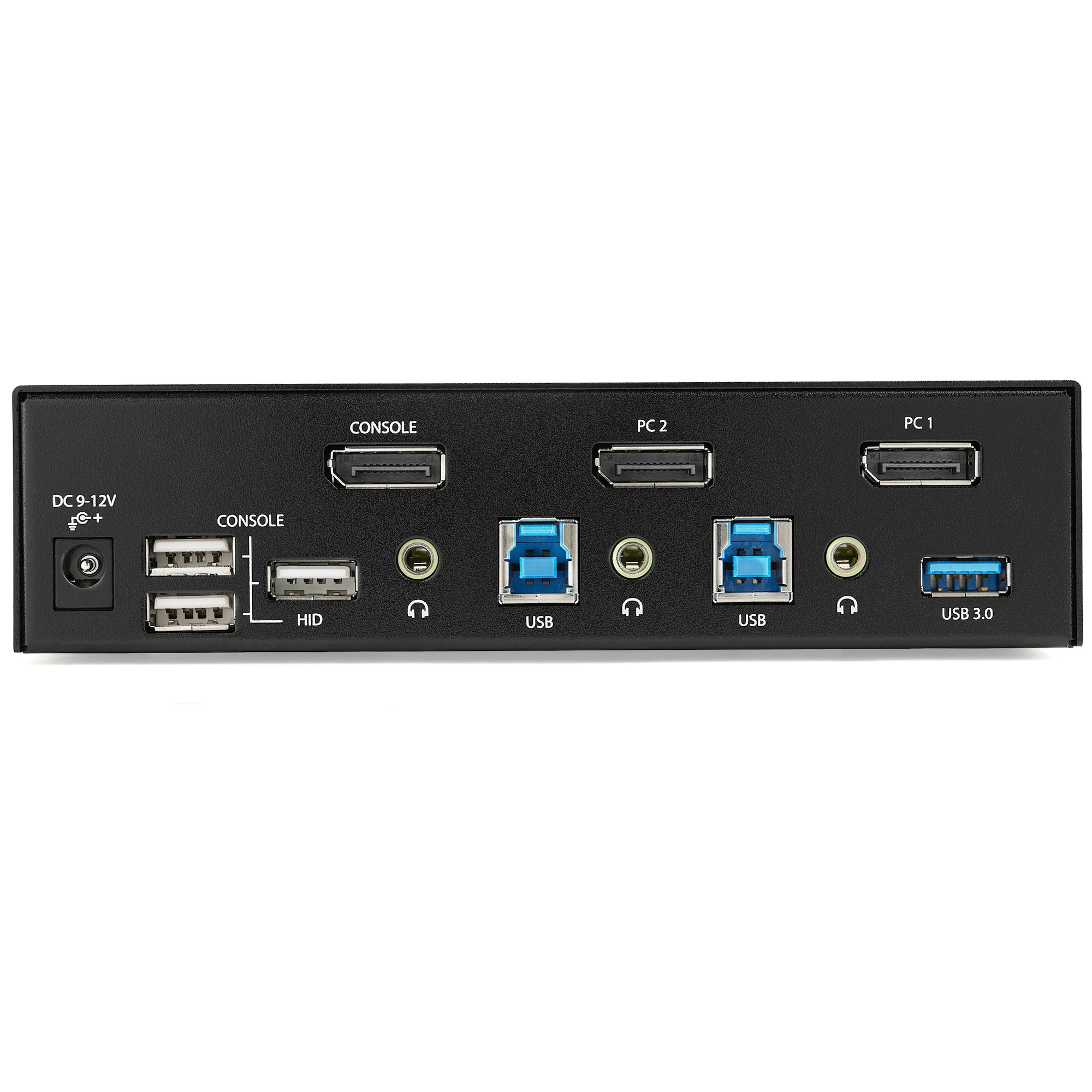
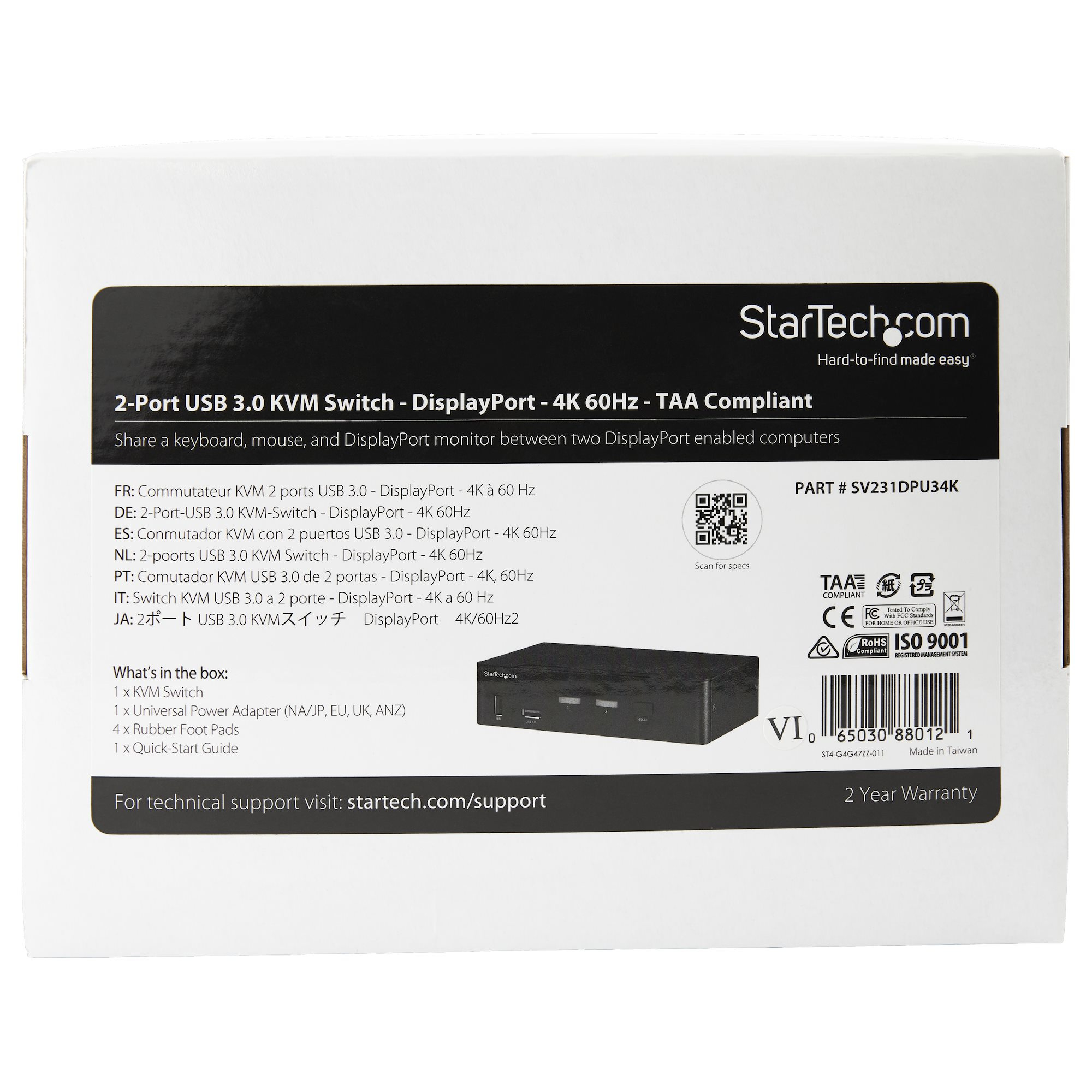
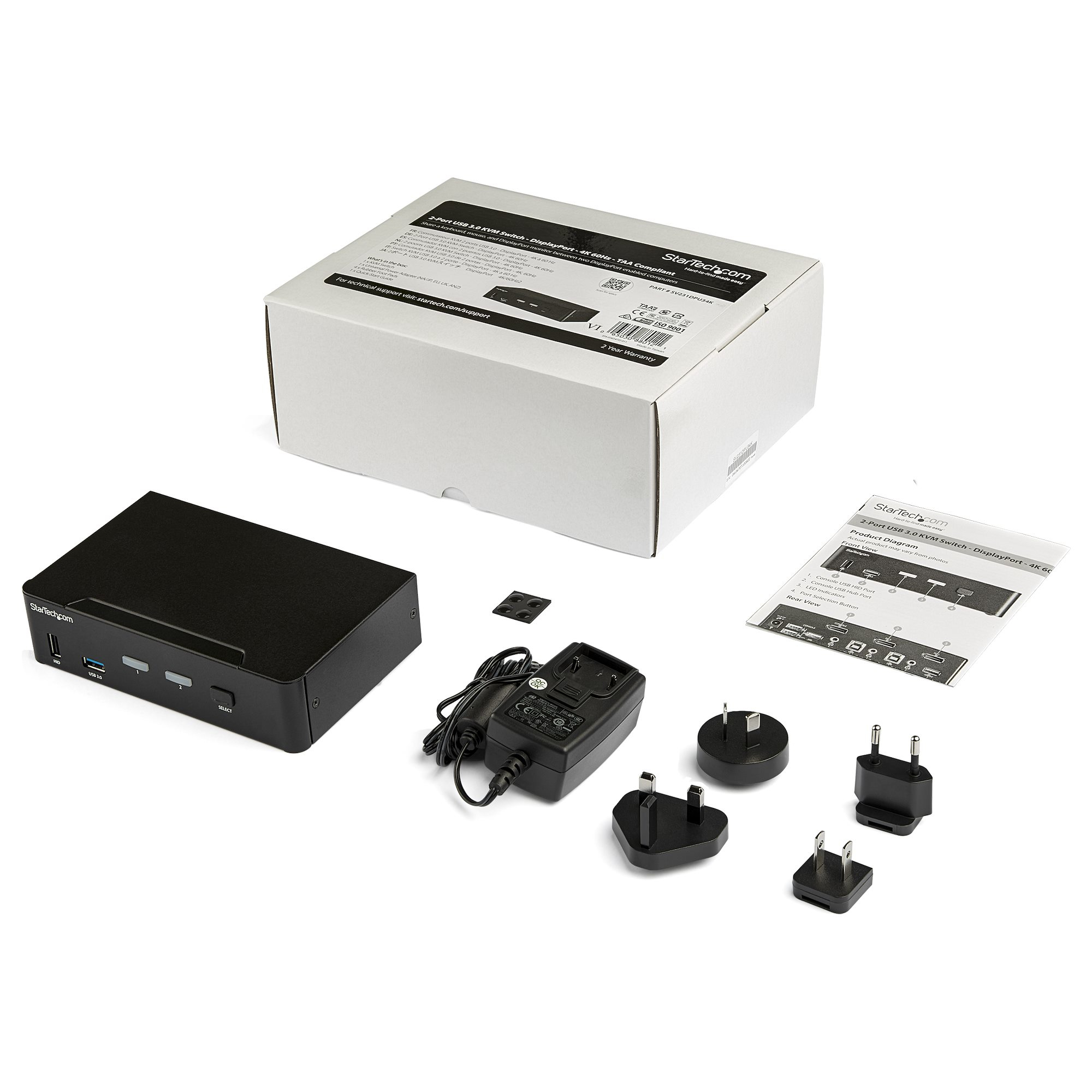
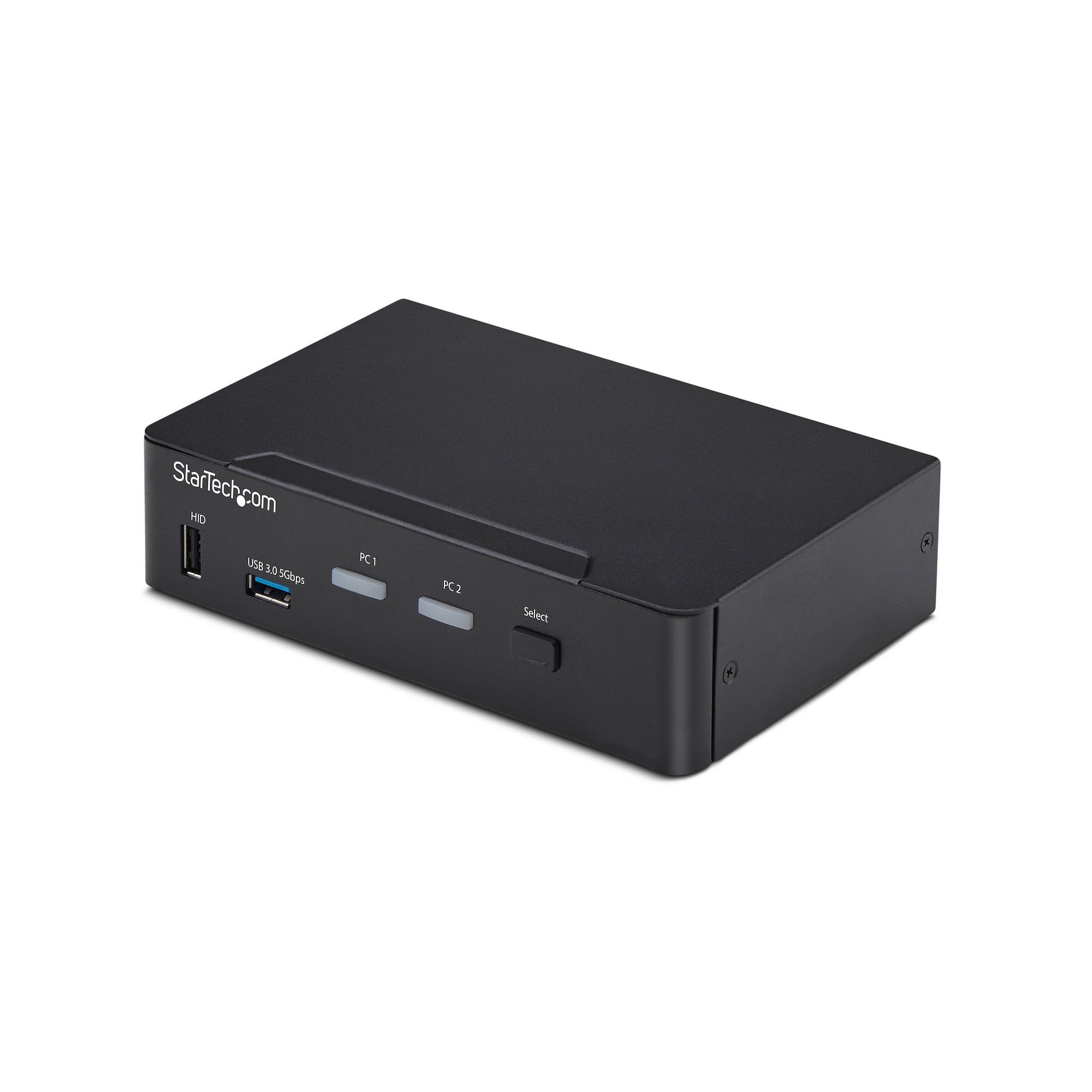
At ~£308 ex-VAT, this StarTech 2-port DisplayPort KVM is a “works reliably” kind of buy, not a bargain-bin one. If you’ve got one workstation and you switch between two machines that both output DisplayPort (and you need USB peripherals plus audio to follow), it’s a sensible, low-fuss way to tidy your desk and avoid the usual cable-swapping pain. StarTech’s value here is that it tends to behave predictably with enterprise-ish kit (Dell/HP/Lenovo setups are often a good match), and the integrated USB 3.0 hub is the difference between living with extra dongles versus having one clean switching point.
That said, I wouldn’t buy it if you’re hoping for smooth “everything just works” magic across unknown devices. KVMs always come with some real-world quirks—especially around USB devices that are picky with power states, docking setups, or audio routing—so if your peripherals are critical (USB dongles, headsets, capture devices), you should sanity-check compatibility. Also, it’s aimed at single-display users; if you need multiple monitors or frequent high-bandwidth workflows, you may be disappointed by the scope and you’d be better shopping for a multi-display model.
**Who should buy:** small offices, IT desks, dev/test labs, or any B2B environment where you switch between two DP PCs and want one keyboard/mouse/peripheral/audio setup shared with minimal hassle. **Who shouldn’t:** anyone needing multi-monitor switching, or users with very finicky USB/audio gear where time spent troubleshooting would cost more than the switch itself.
STARTECH
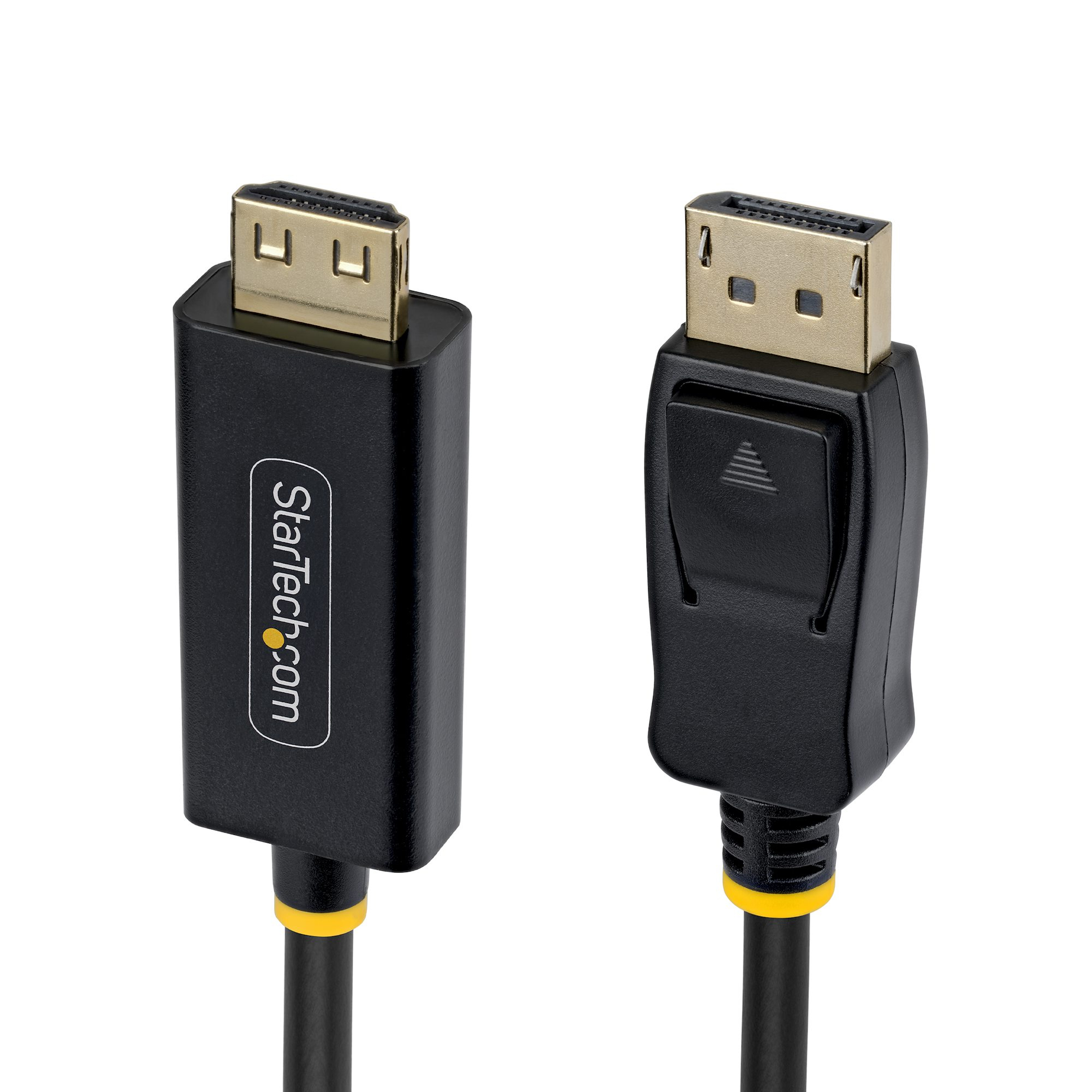
2m DP to HDMI Adapter Cable Gripping
STARTECH
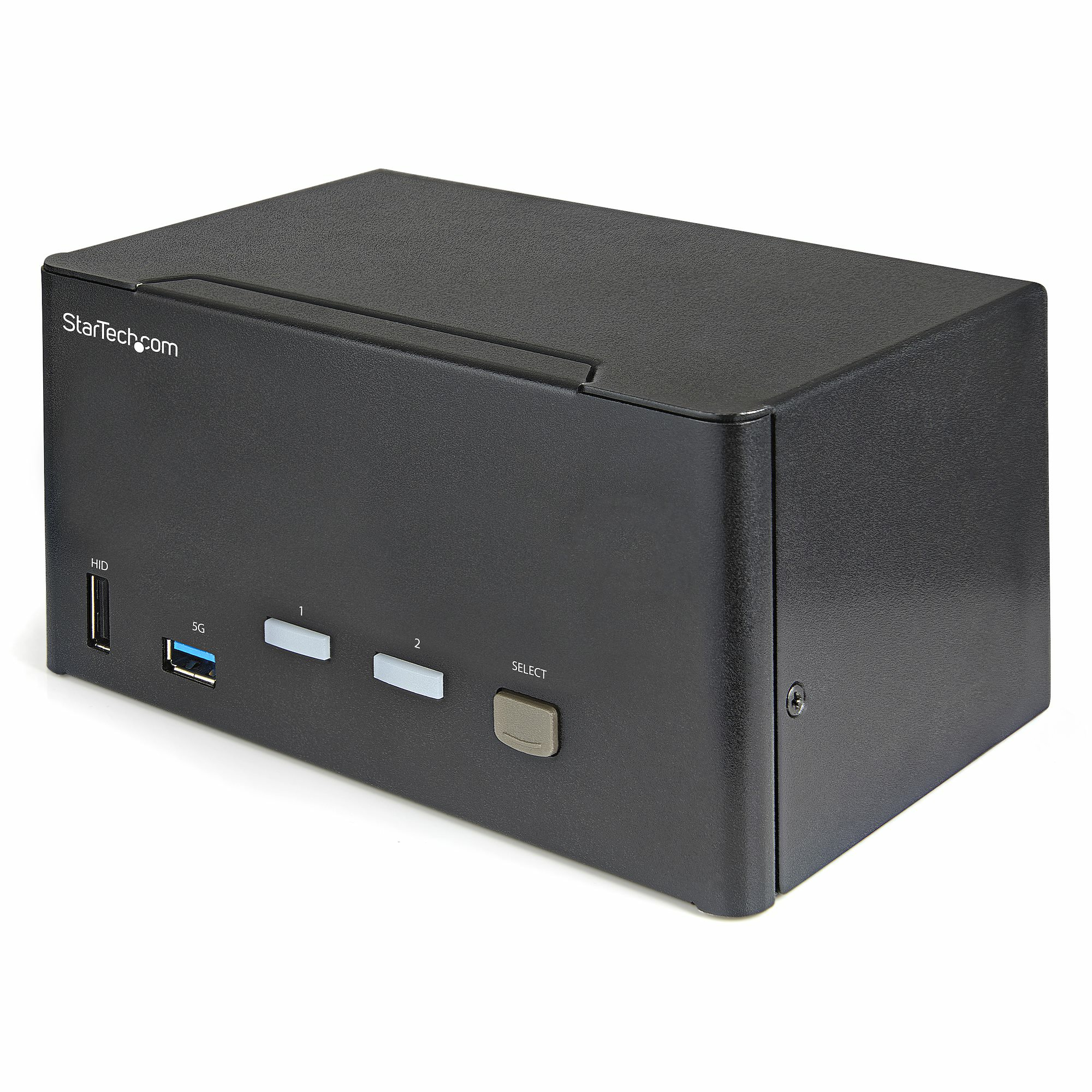
StarTech.com 2 Port Triple Monitor DisplayPort KVM Switch, 4K 60Hz UHD HDR, Desktop 4K DP 1.2 KVM with 2 Port USB 3.0 Hub (5Gbps) & 4x USB 2.0 HID Ports, Audio, Hotkey Switching, TAA - Keyboard/Video/Mouse Switch - KVM / audio switch - 2 x KVM / audio - desktop - TAA Compliant
STARTECH
StarTech.com - KVM / audio / USB switch - 2 x KVM / audio / USB - 1 local user - desktop - TAA Compliant
STARTECH
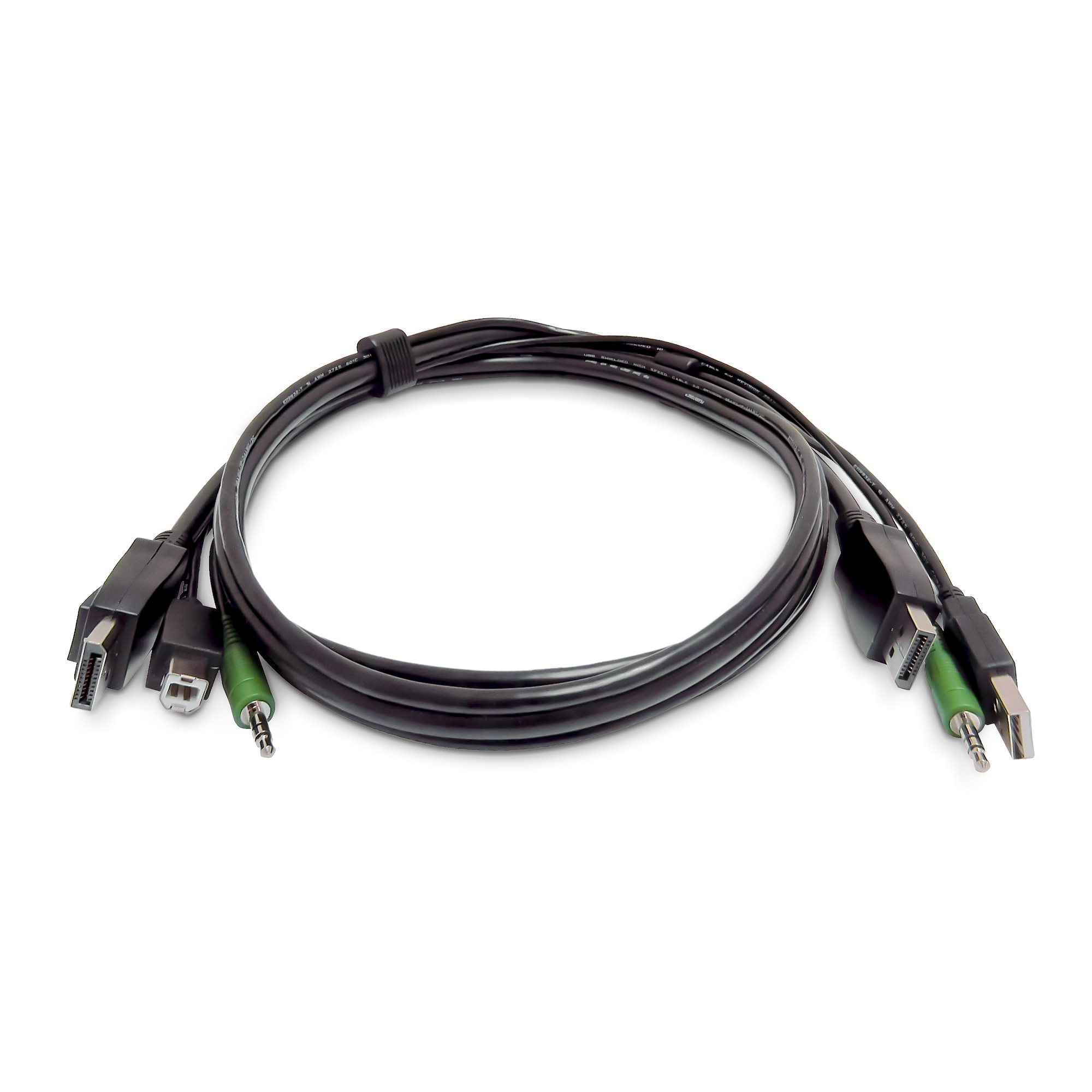
StarTech.com - Keyboard / video / mouse (KVM) cable - TAA Compliant - USB Type A, 3.5mm audio jack, DisplayPort (M) to USB Type B, 3.5mm audio jack, DisplayPort (M) - 91 cm