- Virtual CIO
Digital Transformation for SMEs: Where to Start
11 Mar, 2026
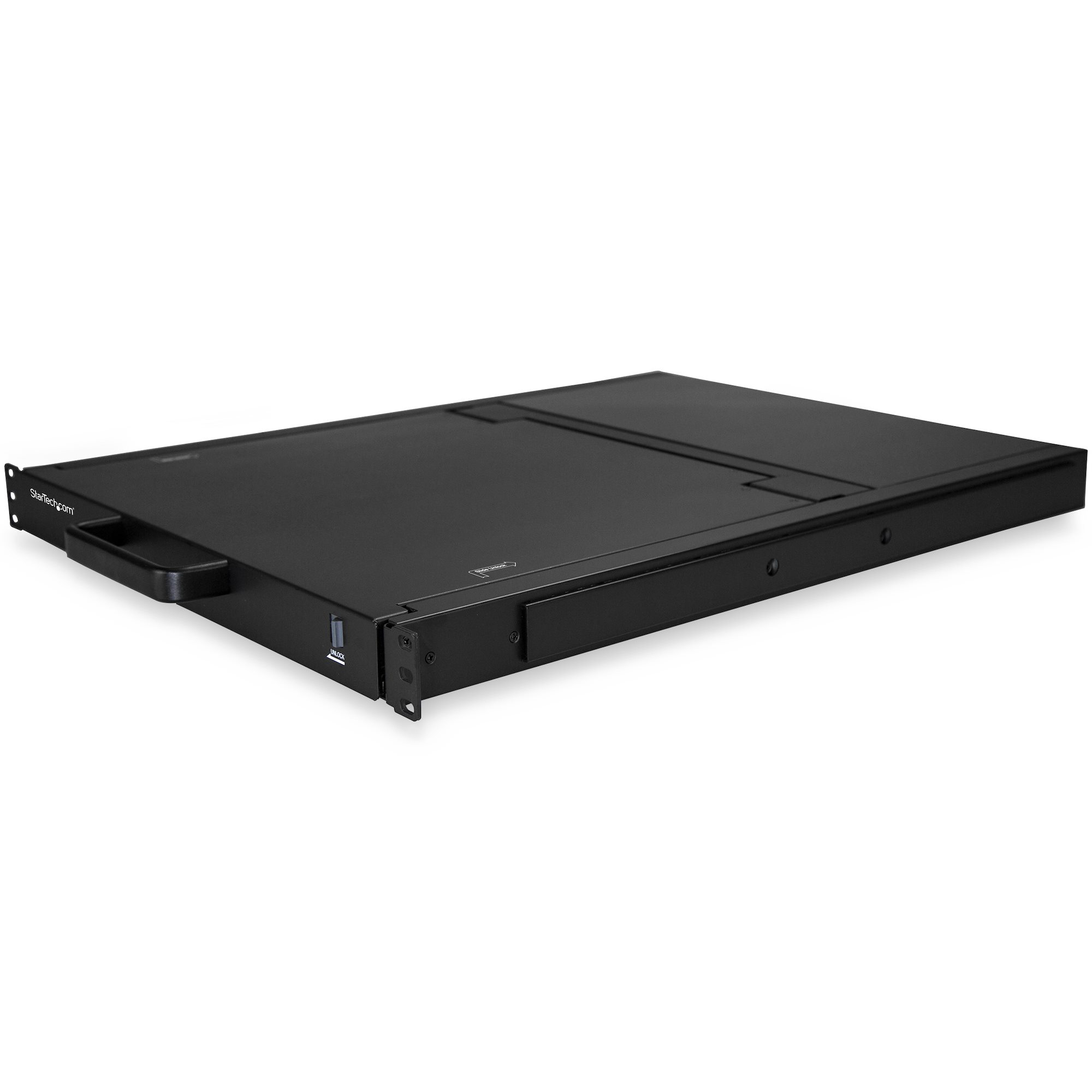
£1387.68 inc. VAT
AI-generated summary
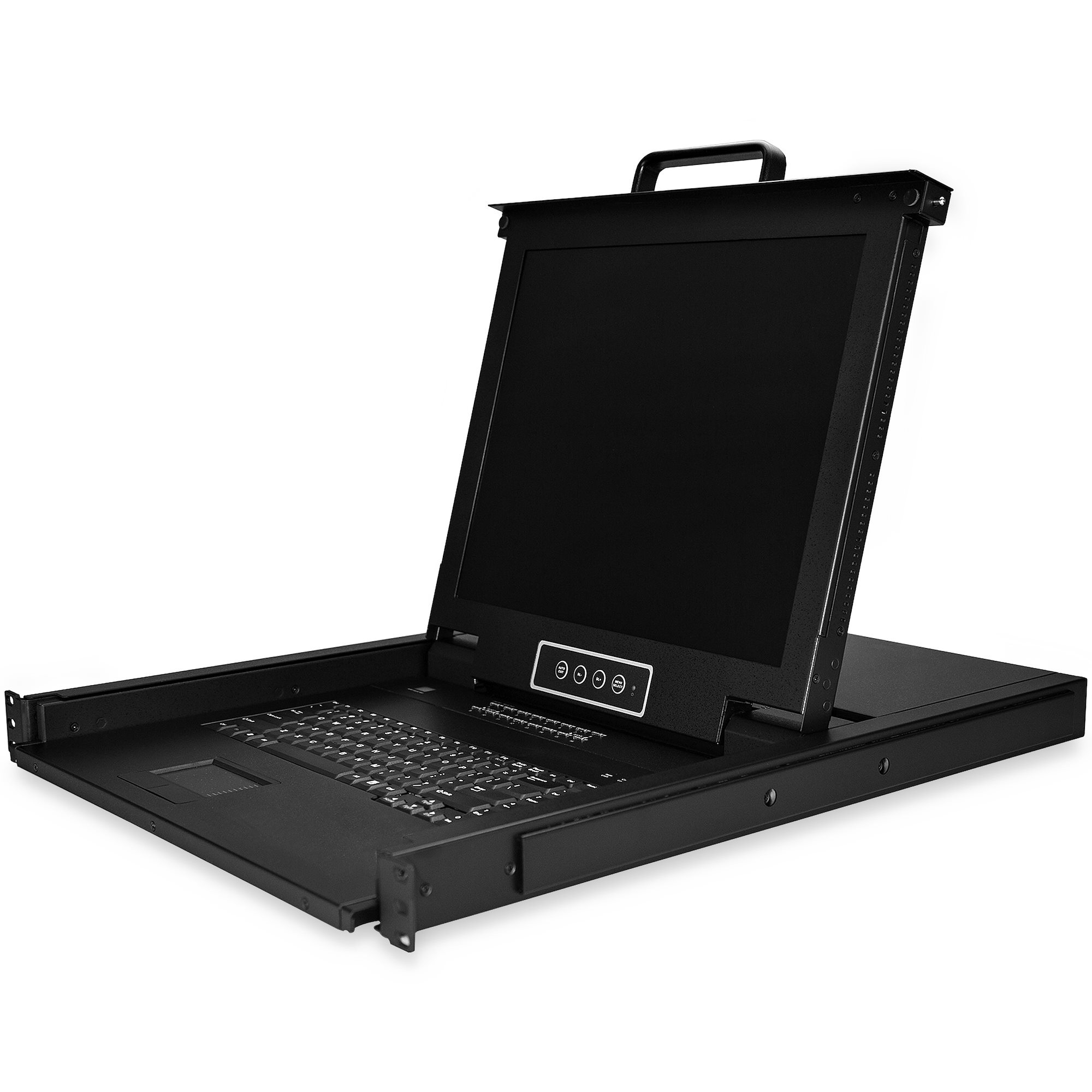
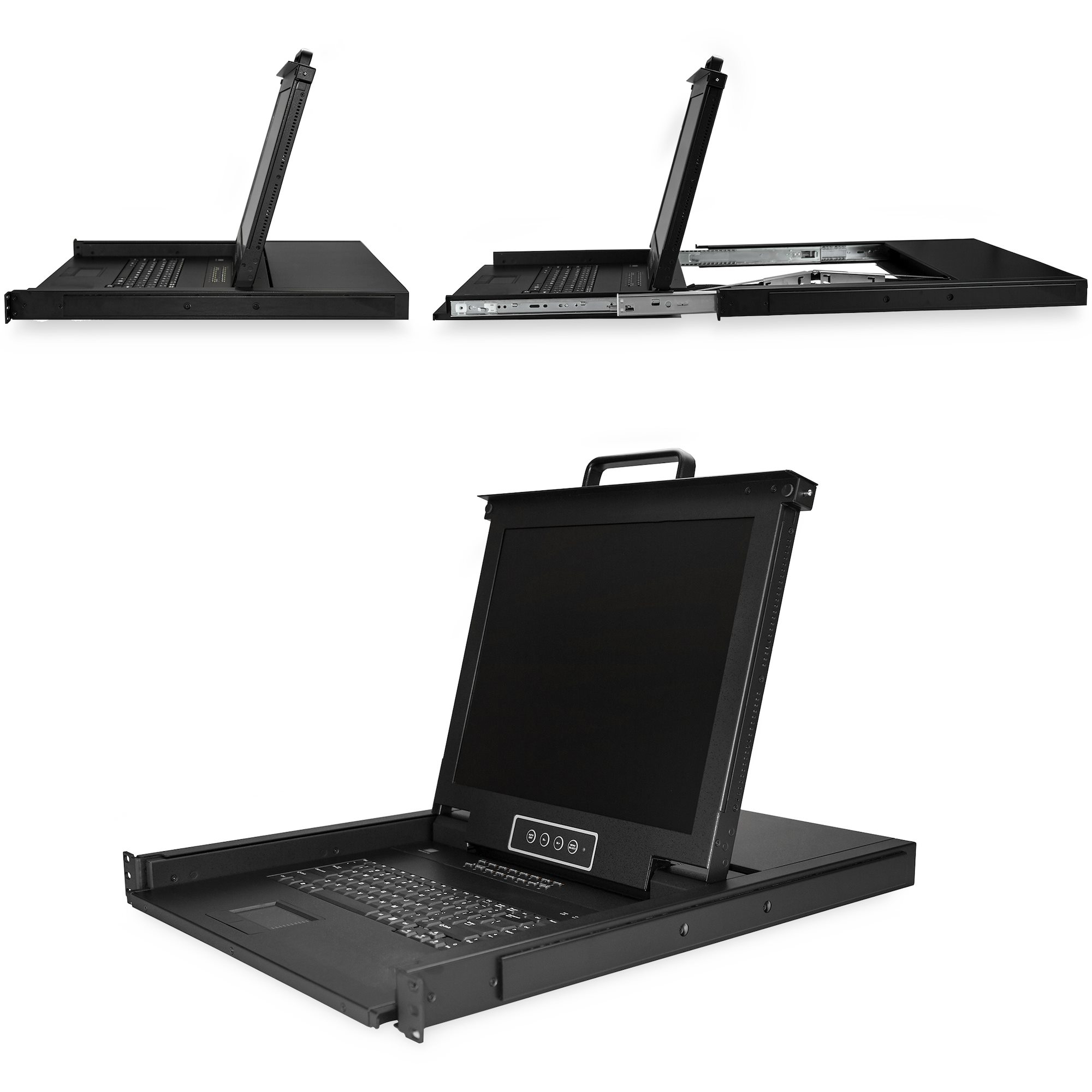
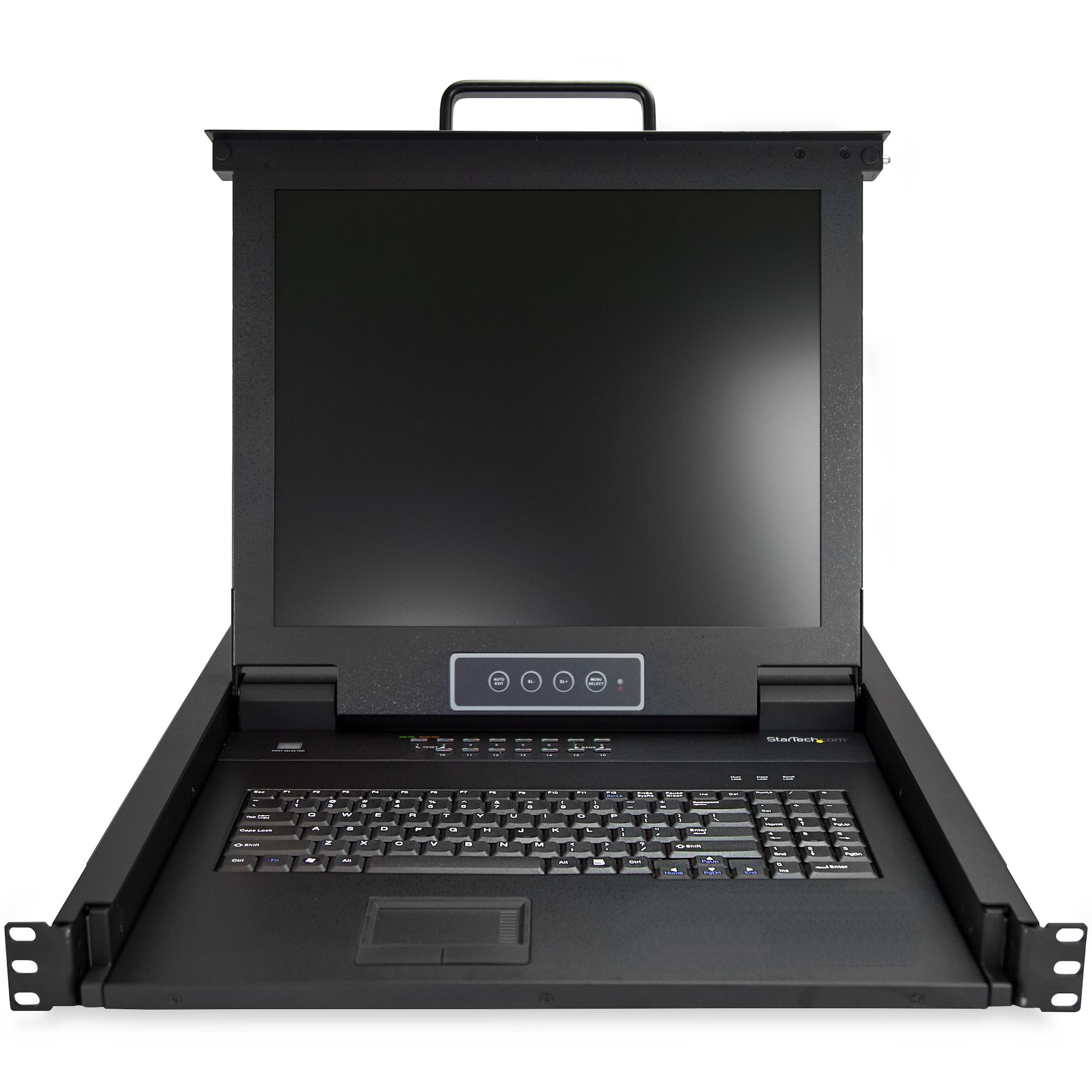
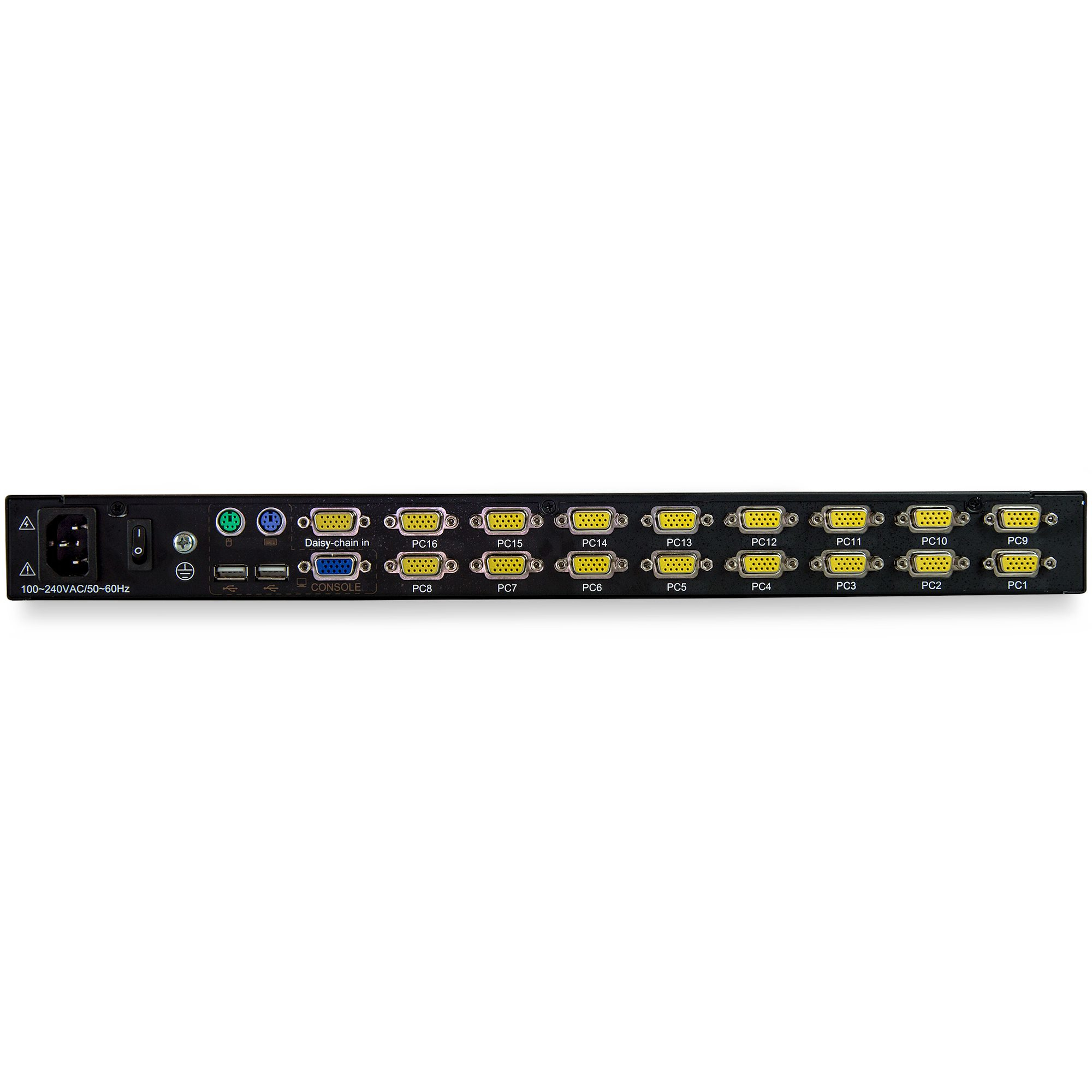
Honestly, this is one of those “get it installed and forget it” KVM drawer units — but at **£1,156 ex-VAT** it’s only good value if you genuinely need a **rack-ready LCD console in a single 1U drawer** for multiple servers and you don’t want messy cabling or a separate monitor/keyboard setup. StarTech generally builds these so they survive daily abuse in offices/SMBs that don’t want to babysit downtime tools. The integrated OSD control and console drawer format are exactly what you want in a server room where the KVM is used often but shouldn’t become another maintenance headache.
That said, I wouldn’t buy it if you’re just solving a one-off “need to access a server” problem or you don’t actually have a frequent need to switch across all 16 ports. In that case, the cost is hard to justify versus simpler KVM options or even a deployable remote management approach — especially because you’re paying for a dedicated physical console. Who should buy: MSPs, IT teams in rack-heavy environments, and businesses standardising on in-rack management for multiple machines where **local console access** matters (patching, BIOS/firmware work, recovery). Who shouldn’t: small teams with few systems, labs on tight budgets, or anyone who primarily relies on iDRAC/iLO/IPMI and only needs KVM as a backup.
STARTECH
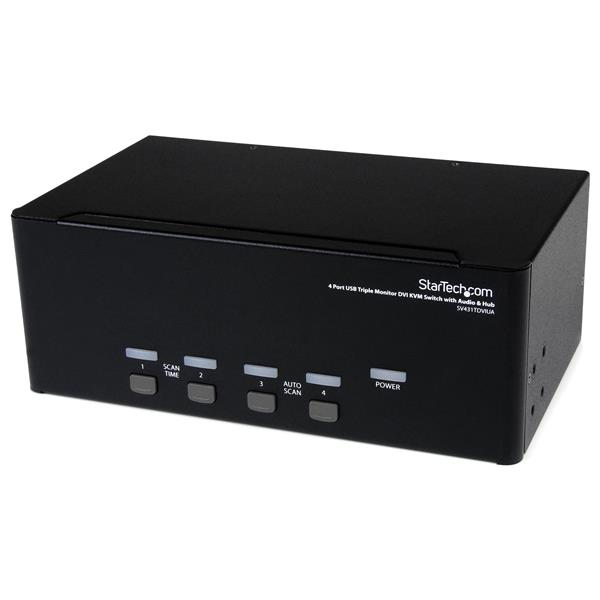
StarTech.com 4 Port Triple Monitor DVI USB KVM Switch with Audio & USB 2.0 Hub - Multi Monitor KVM - USB DVI KVM Switch (SV431TDVIUA) - KVM / audio / USB switch - 4 x KVM / audio / USB - 1 local user - desktop - for P/N: SV431RACK, SVA12M2NEUA, SVA12M5NA
STARTECH
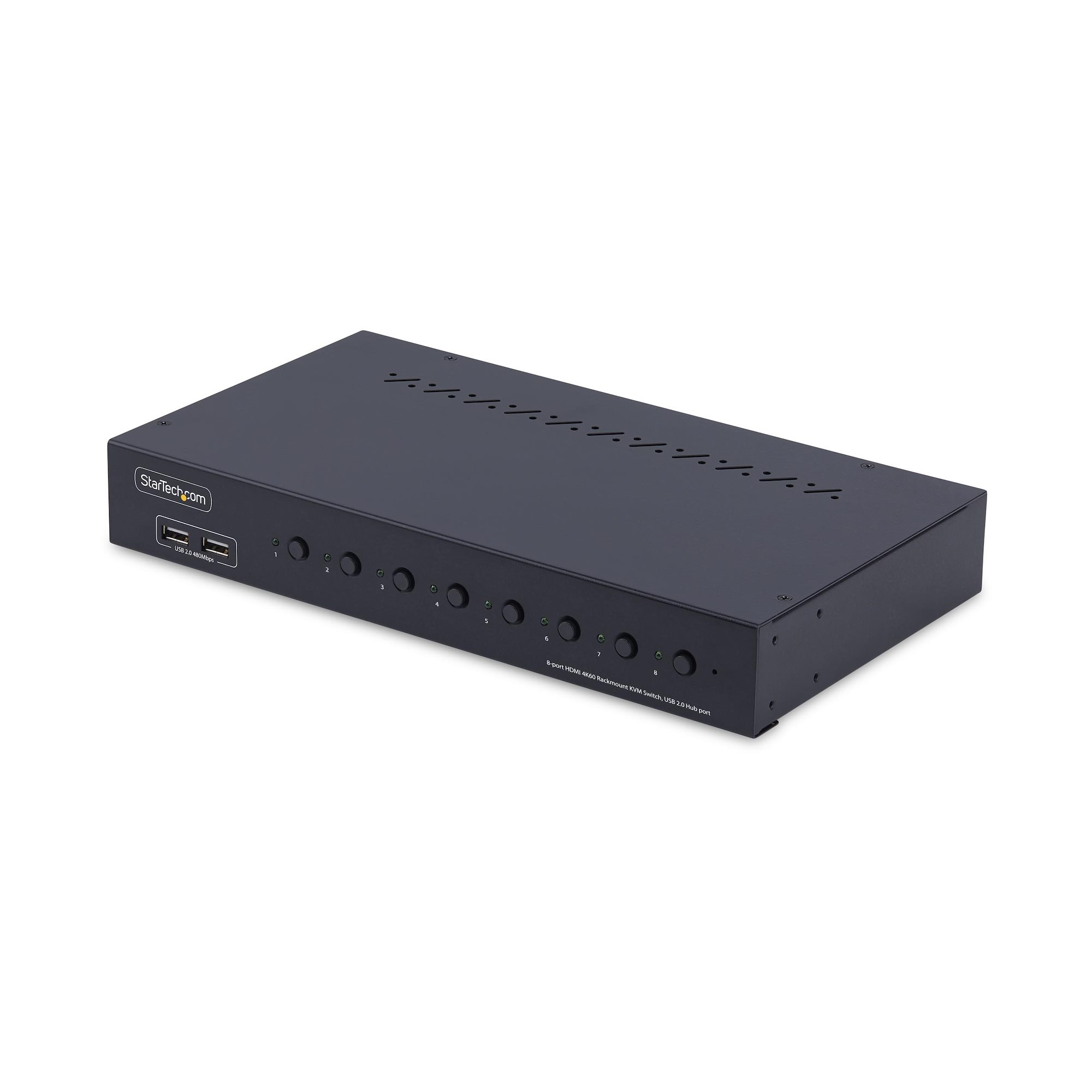
StarTech.com 8-Port HDMI KVM Switch w/1U Rack Mount Kit, 4K 60Hz - KVM switch - 8 x KVM port(s) - 1 local user - desktop - TAA Compliant
APC
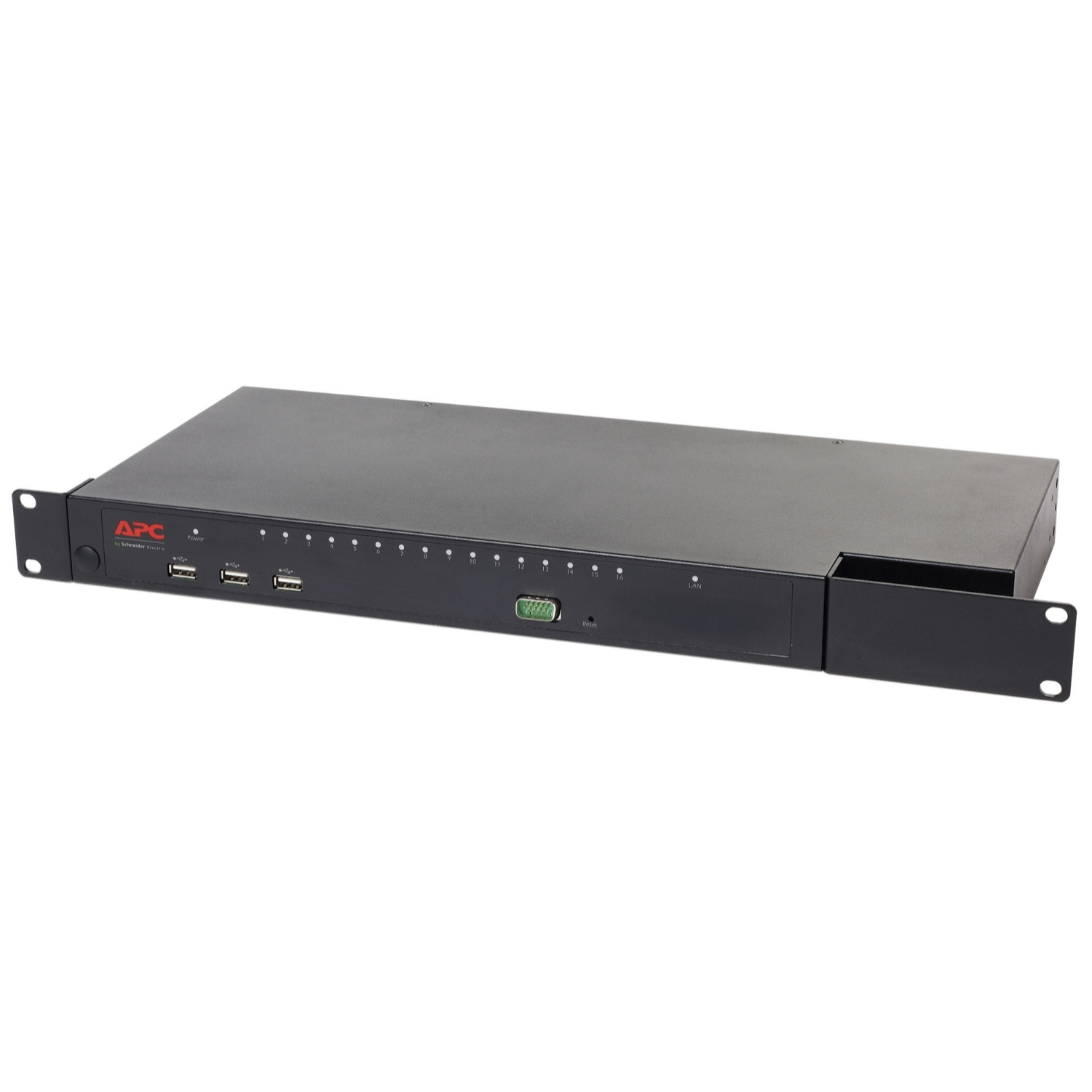
APC KVM1116R - KVM switch - 1 local user - 1 IP user - rack-mountable - for P/N: SCL500RM1U, SMX1500RM2UCNCUS, SMX1500RM2UCUS, SMX2KR2UX145, SMX3KR2UNCX145, SMX750CUS
STARTECH
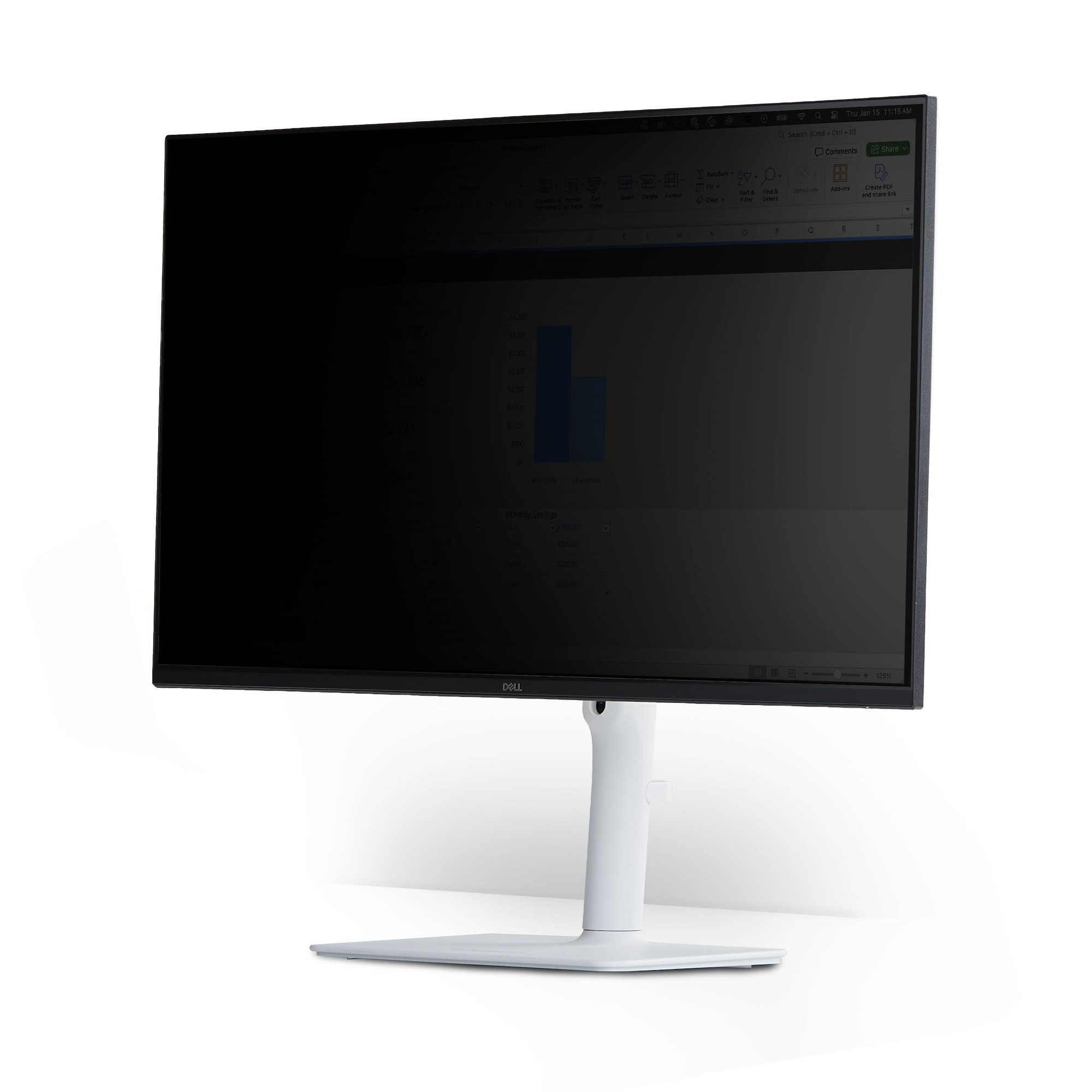
Magnetic Privacy Screen for 32" 16:9