- Cyber Security
The Five Technical Controls of Cyber Essentials Explained
2 Jun, 2026
£317.33 inc. VAT
AI-generated summary
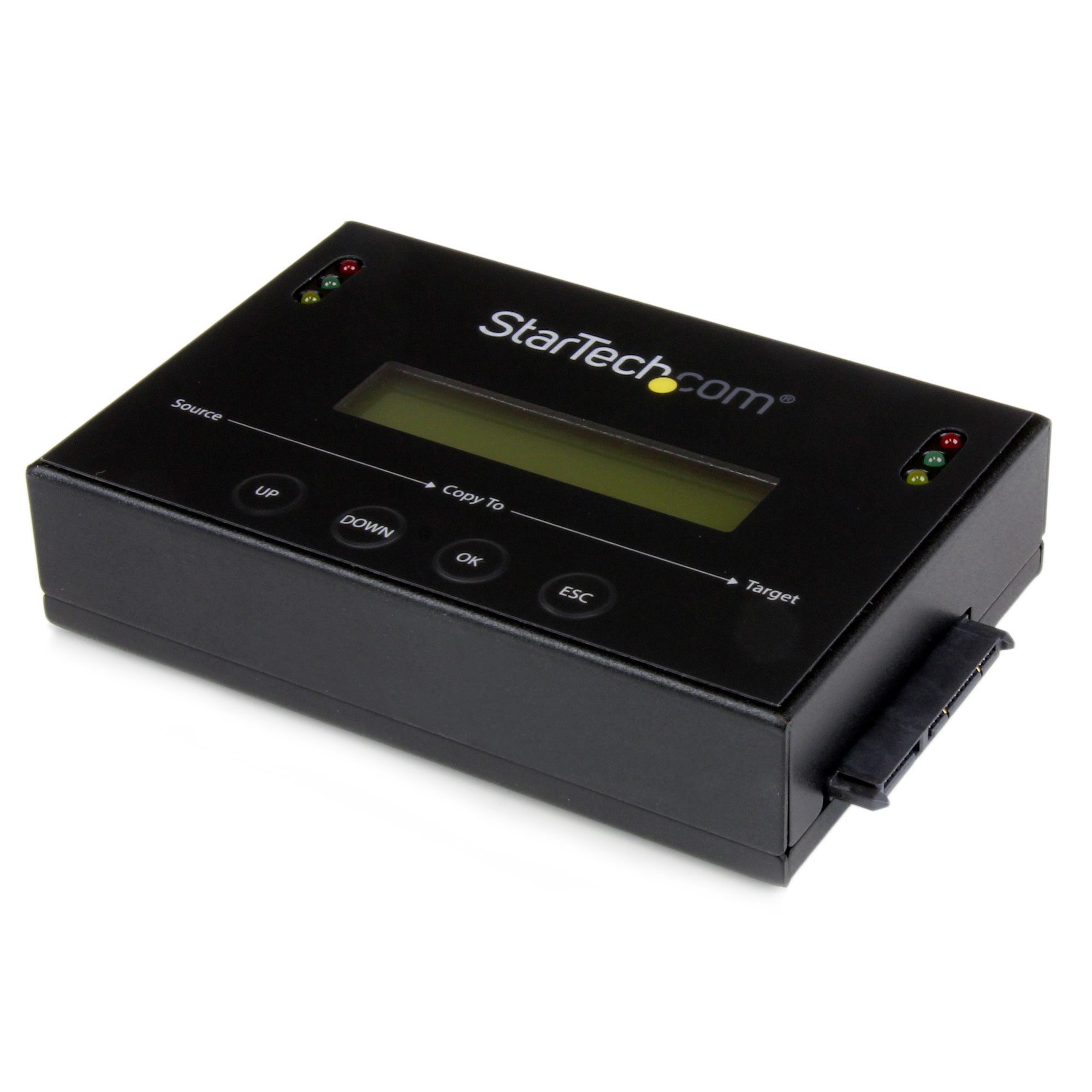
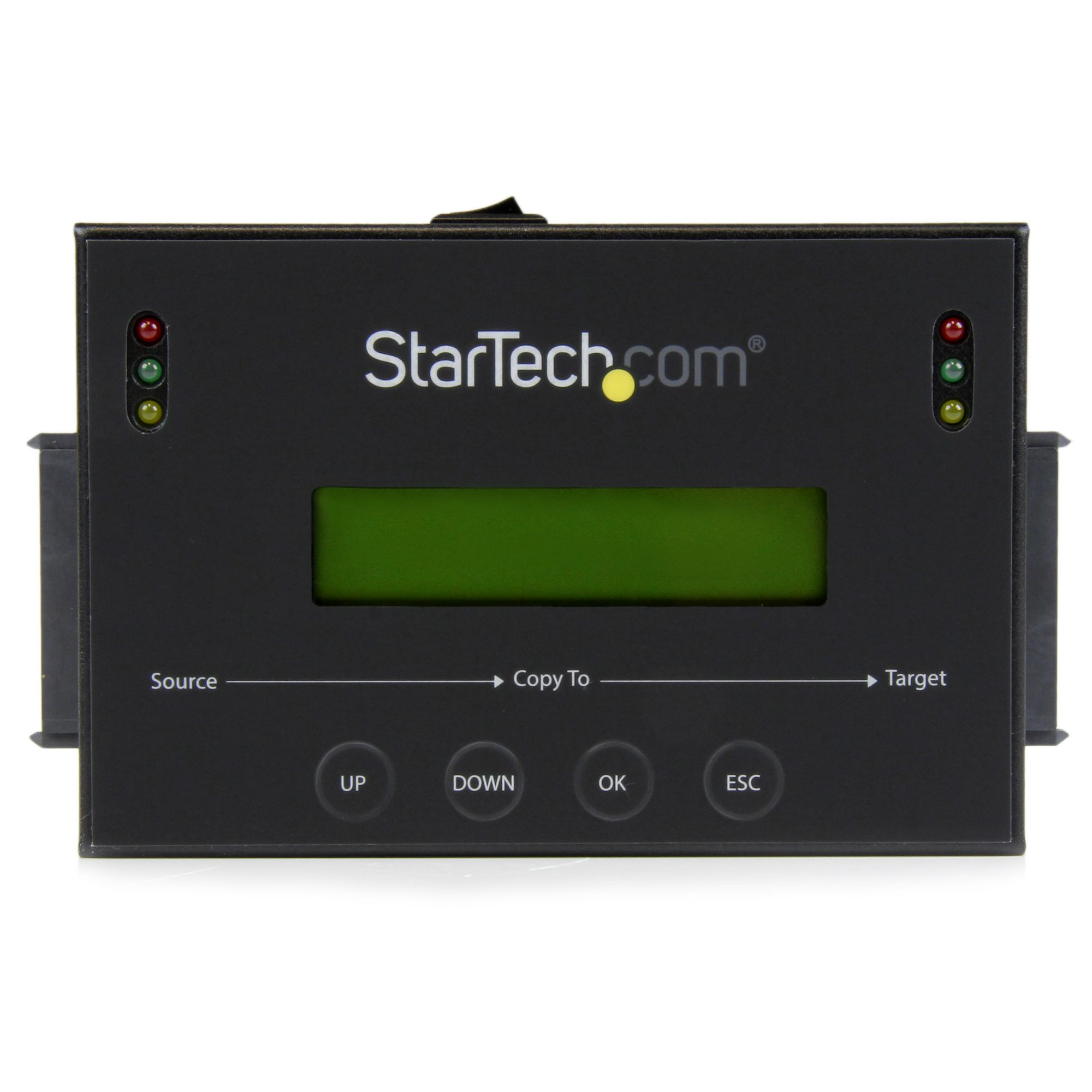
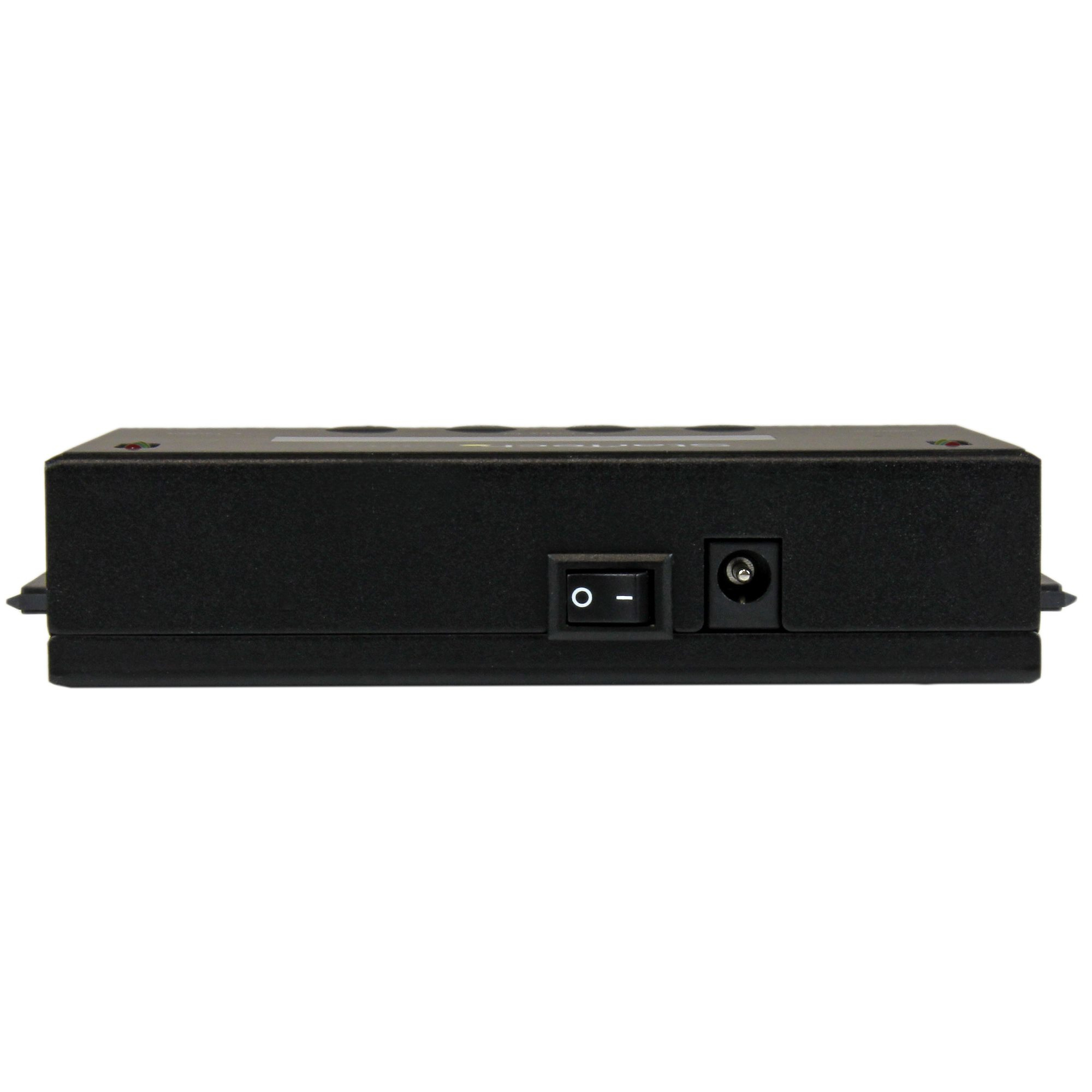
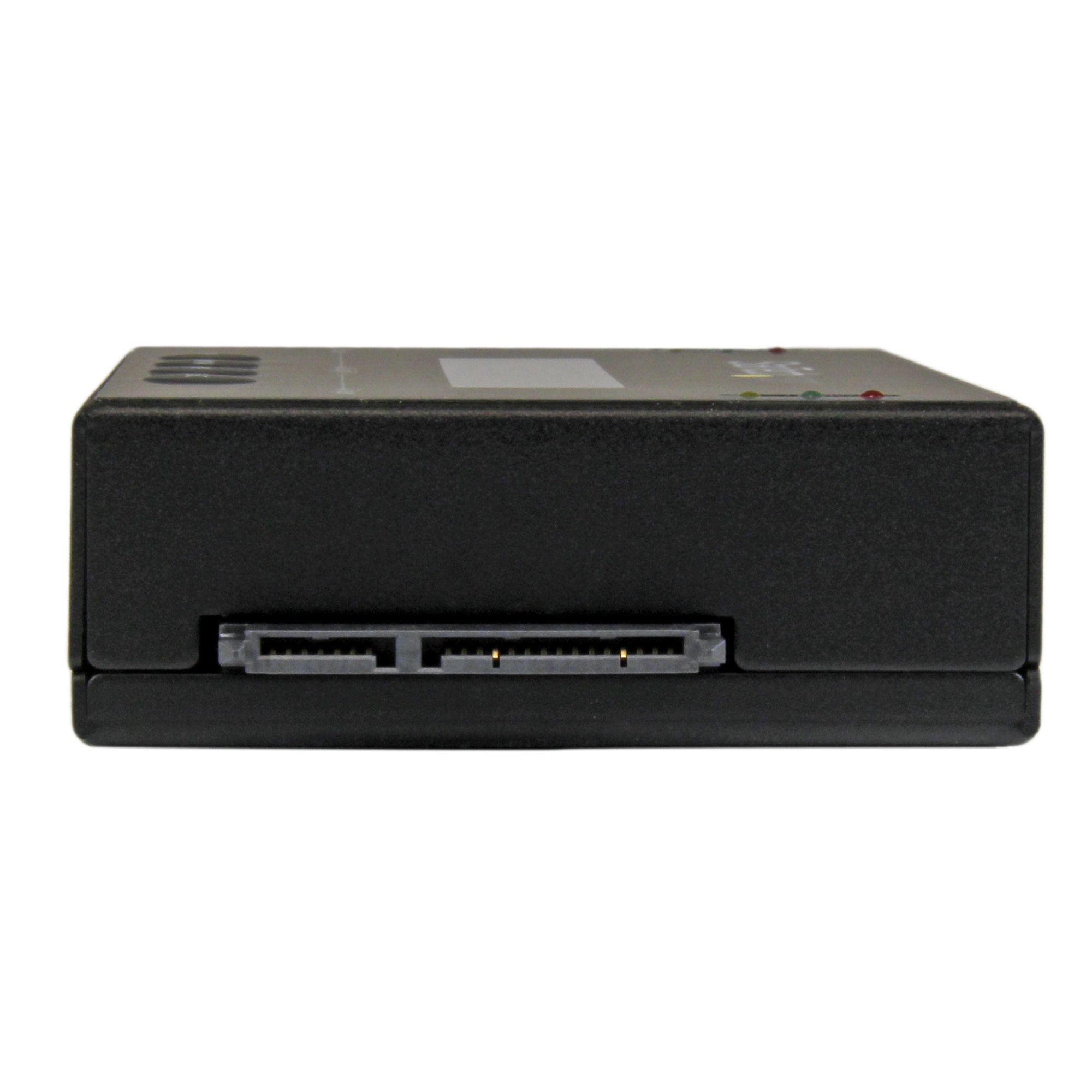
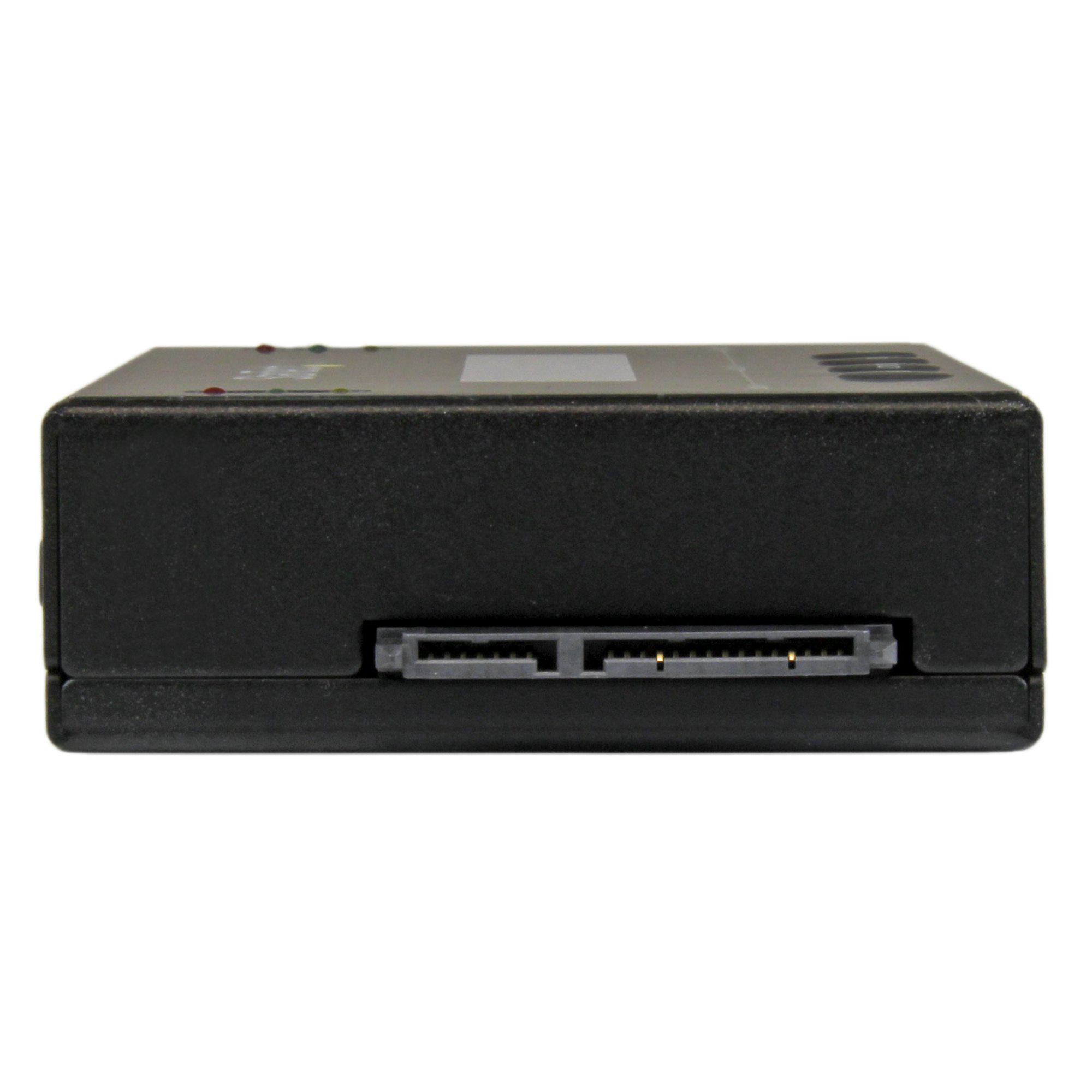
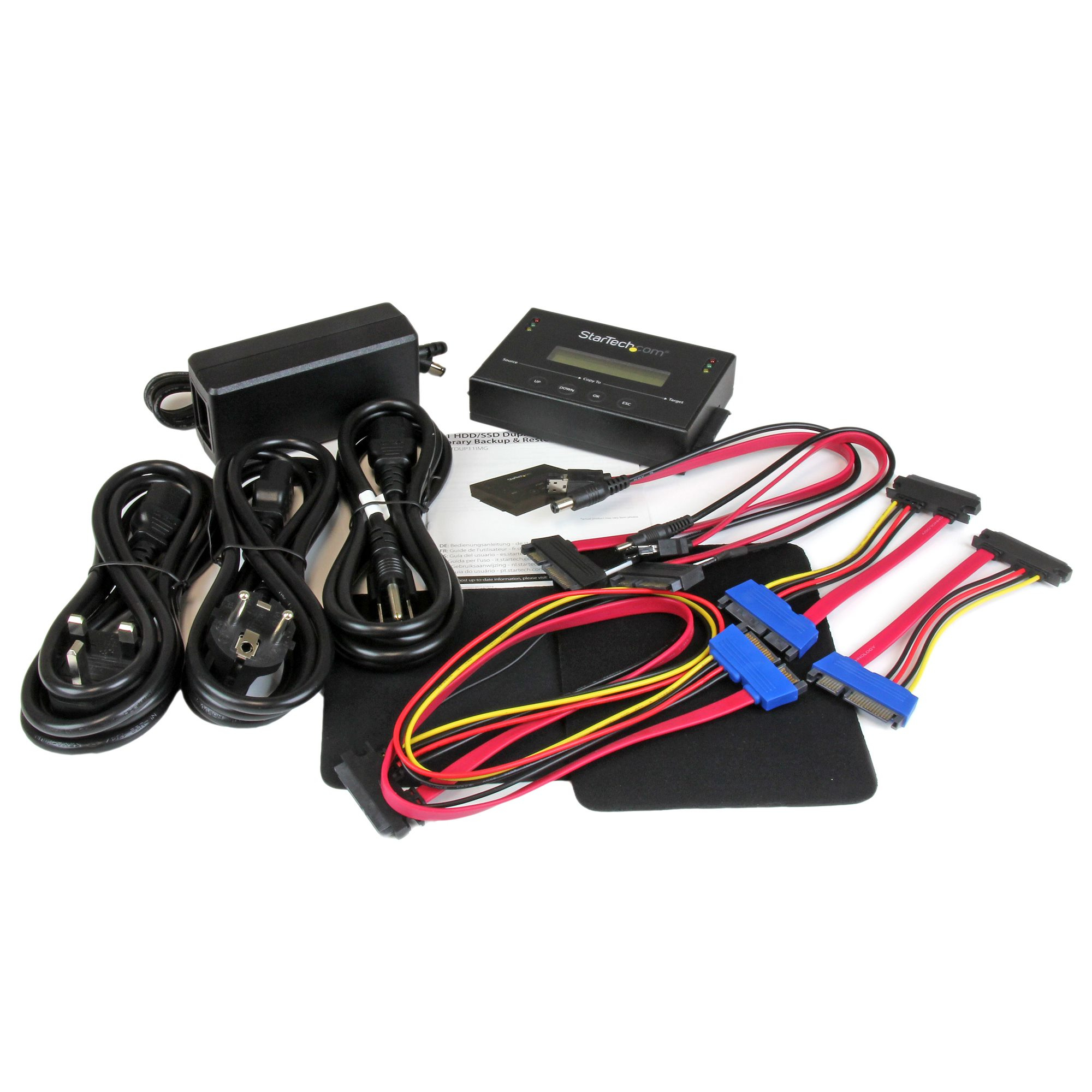
This is the sort of drive duplicator that makes sense if you’re repeatedly imaging the same set of machines and you want to remove the “PC in the middle” step. The big value isn’t that it’s magically better than a laptop-based clone workflow—it’s that it’s a standalone unit with a disk image manager, so you can keep your process consistent, cut down admin time, and reduce the risk of someone imaging the wrong thing because they skipped a step. At £264.88 ex-VAT, it’s priced like a practical tool for an IT team that does backups/repairs often enough to justify owning something dedicated.
That said, I wouldn’t buy it if you only image occasionally, or if you’re the kind of shop that already has a good imaging stack and spare imaging stations. These standalone cloners can also be a bit rigid depending on how your storage layout and image workflow needs to be controlled—so if you need lots of custom orchestration, central management, or very specific migration scenarios, you may end up fighting the tool rather than saving time. Who it suits: small-to-medium UK IT resellers/MSPs, IT support teams, and boot/repair benches that want a reliable “plug in, clone/restore, move on” process. Who it doesn’t: one-off users, very low-volume imaging, or teams with heavy imaging automation already in place.

STARTECH
StarTech.com USB-C 10Gbps to M.2 NVMe or M.2 SATA SSD Enclosure, External M.2 PCIe/SATA NGFF SSD Enclosure, Portable Aluminum Case, USB Type-C & USB-A Host Cables, For 2230/2242/2260/2280 - Works w/ Thunderbolt 3 (SM2E1BMU31C) - Storage enclosure - M.2 - M.2 Card - USB 3.2 (Gen 2) - black - TAA Compliant

STARTECH
StarTech.com 2.5" IDE Hard Drive Enclosure - Supports UASP - Aluminum - IDE and SATA - USB 3.0 HDD Enclosure - External Drive (UNI251BMU33) - Storage enclosure - 2.5" - ATA-133 / SATA 6Gb/s - USB 3.0 - black - for P/N: HB30A3A1CFB, HB30A3A1CSFS, HB30A3A1CST, HB30AM4AB, PEXUSB3S3GE, USB3VDOCK4DP
STARTECH
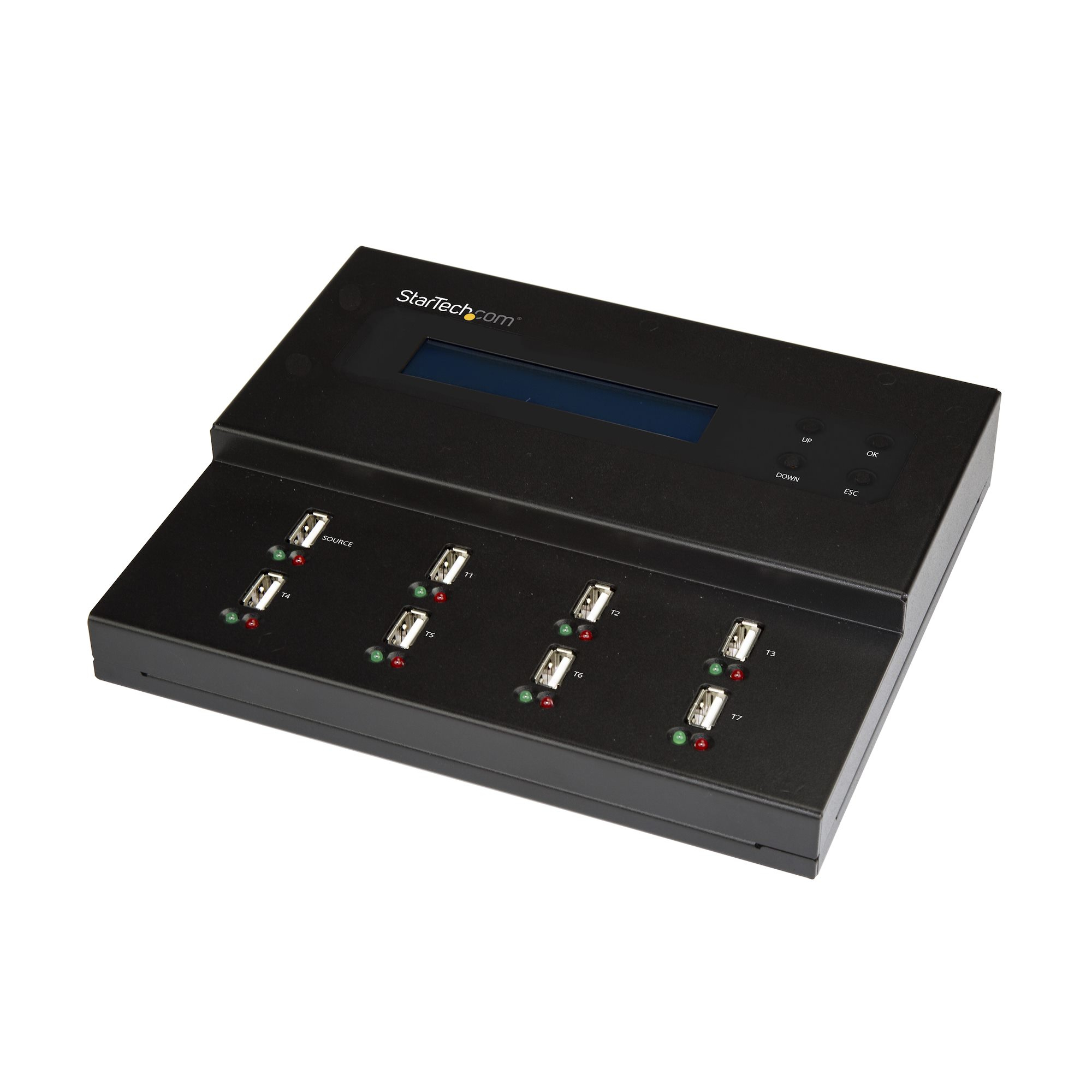
StarTech.com USB Duplicator - 1:7 - USB Flash Drives - Flash Drive Duplicator (USBDUPE17) - USB drive duplicator - 7 bays - TAA Compliant
STARTECH
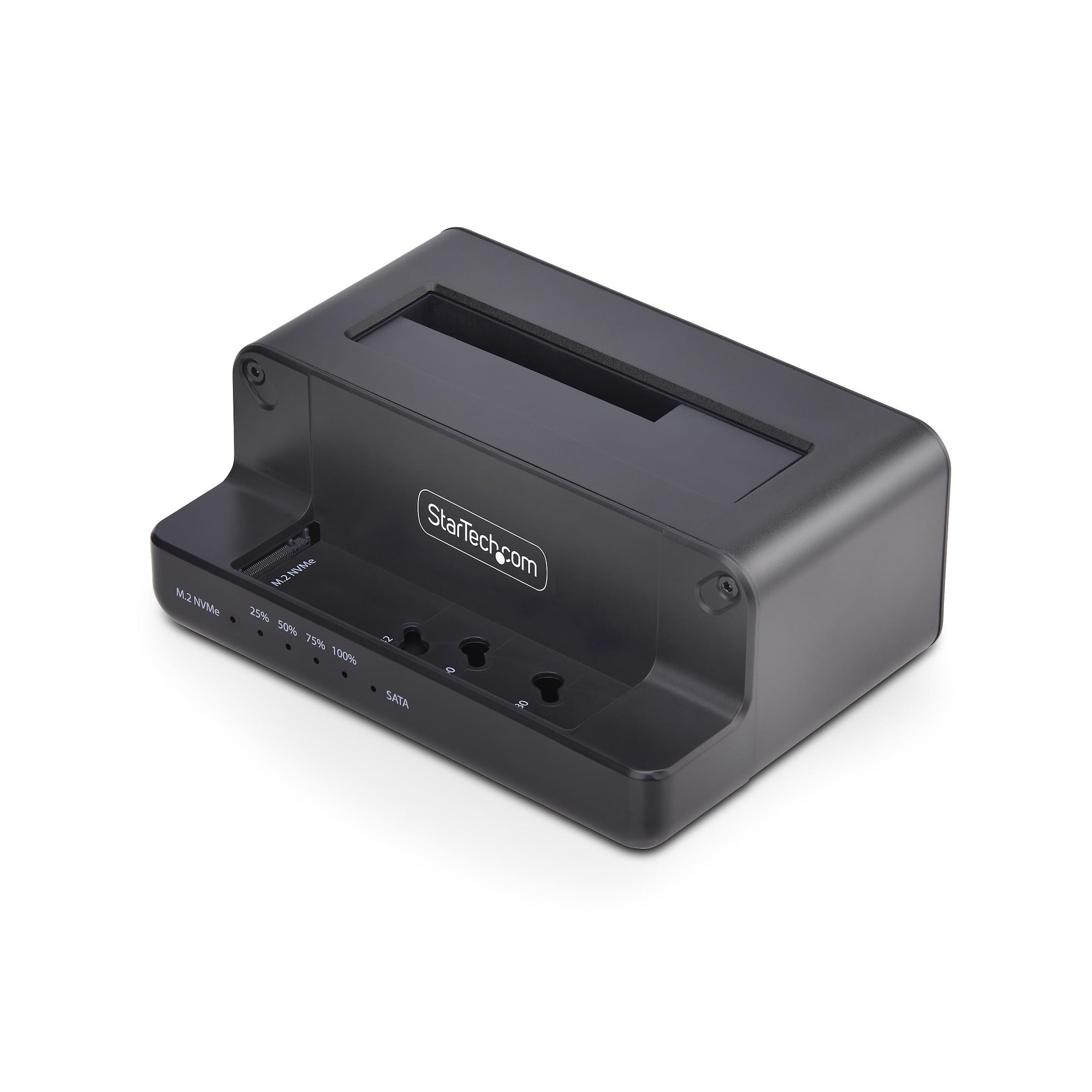
StarTech.com M.2 NVMe to 2.5/3.5" SATA Drive Duplicator, Dual Bay Cloner - Solid state / hard drive duplicator - 2 bays (SATA-600 / PCI Express (NVMe)) - TAA Compliant