- Azure Cloud
How to Automate Azure Resource Management
28 Sep, 2025

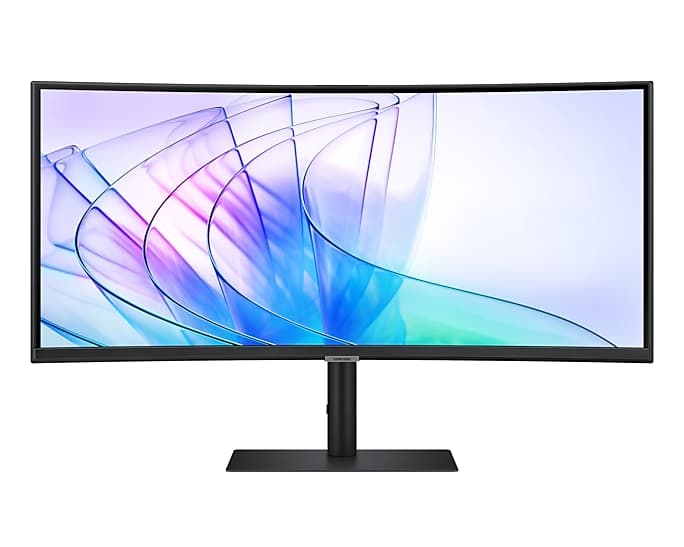


£489.89 inc. VAT
AI-generated summary
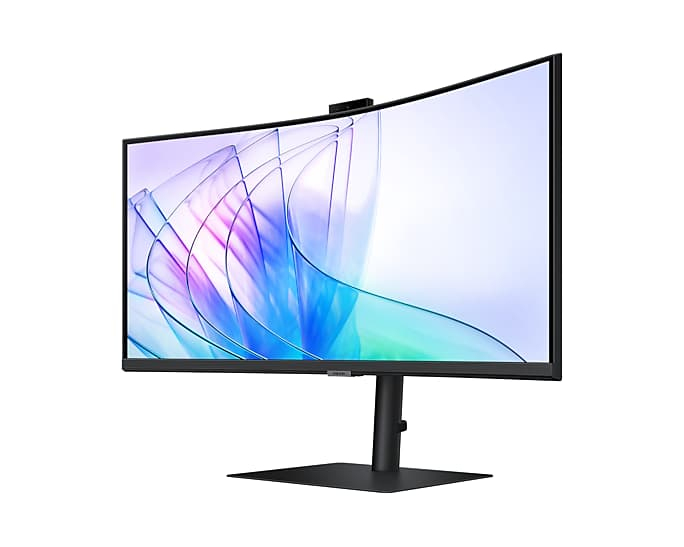
The Samsung LS34C652VAU is the sort of ultra-wide you buy when you actually want your workday to feel less “window juggling” and more like one big canvas. At 34" you get plenty of horizontal space for spreadsheets, side-by-side docs, and comfortable code/review workflows, and the 3440×1440 resolution is a sweet spot where text usually stays sharp without demanding a monster graphics card. If you spend your day in browser tabs, dashboards, and long documents, this will genuinely make your setup nicer—and for £408 ex-VAT, that’s not a bad price to get proper ultra-wide productivity rather than a premium gaming tax.
That said, I’d only recommend it if you’re buying primarily for desk work, not “multimedia flagship” performance. Samsung’s value-focused ultra-wides can be perfectly solid for everyday office use, but if you’re picky about colour accuracy, contrast, or fast-response gaming, you may end up wanting something more purpose-built (and typically more expensive). Also, check your workspace: ultra-wide is brilliant when you sit at a comfortable distance, and awkward when your desk is narrow or you’re too close—then the extra width becomes more annoying than helpful.
**Who should buy:** office power users, analysts, developers, and anyone tired of managing multiple monitors on one desk who wants a cost-effective ultra-wide. **Who should skip:** people chasing top-tier visual performance or competitive gaming, or anyone with limited desk depth/space.
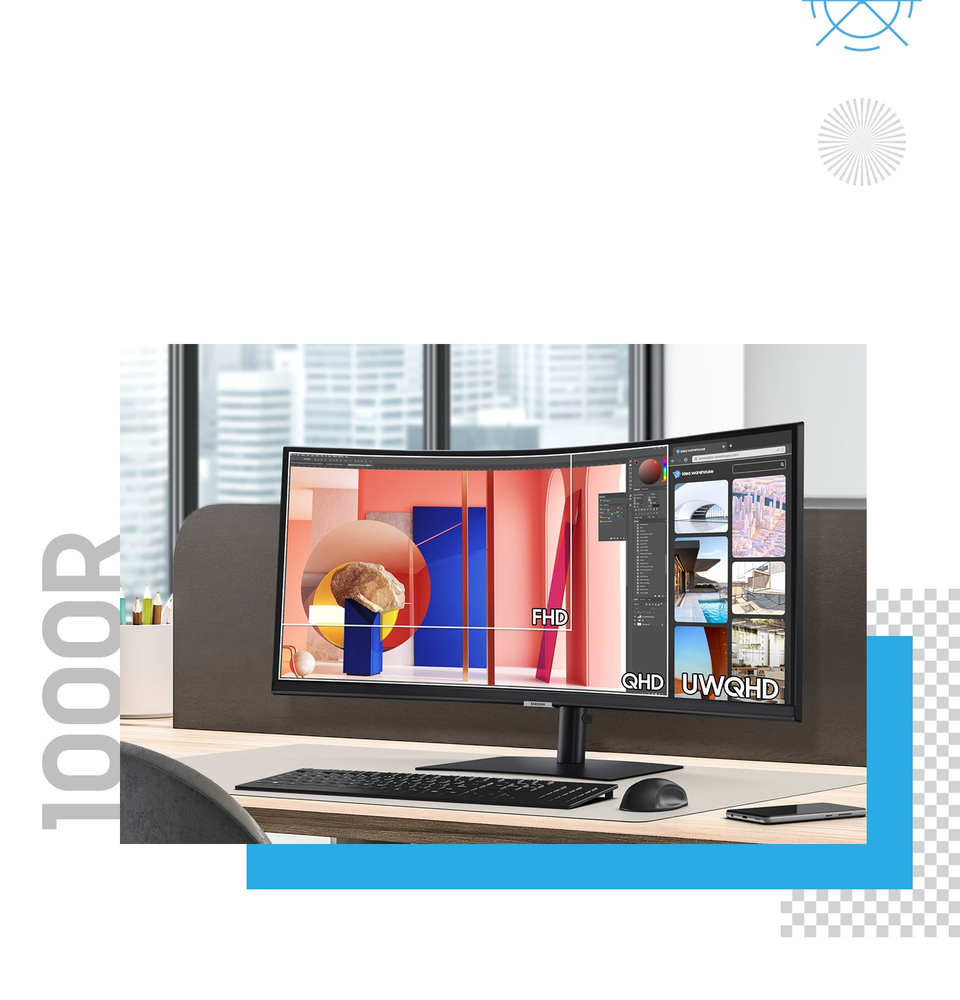
Ultra Wide immersion
Ultra-WQHD in 1000R curvature Immerse yourself in games, movies or design projects. A 34" 1000R curved display surrounds you with a 21:9 aspect ratio. The curve closely matches the human field of s...
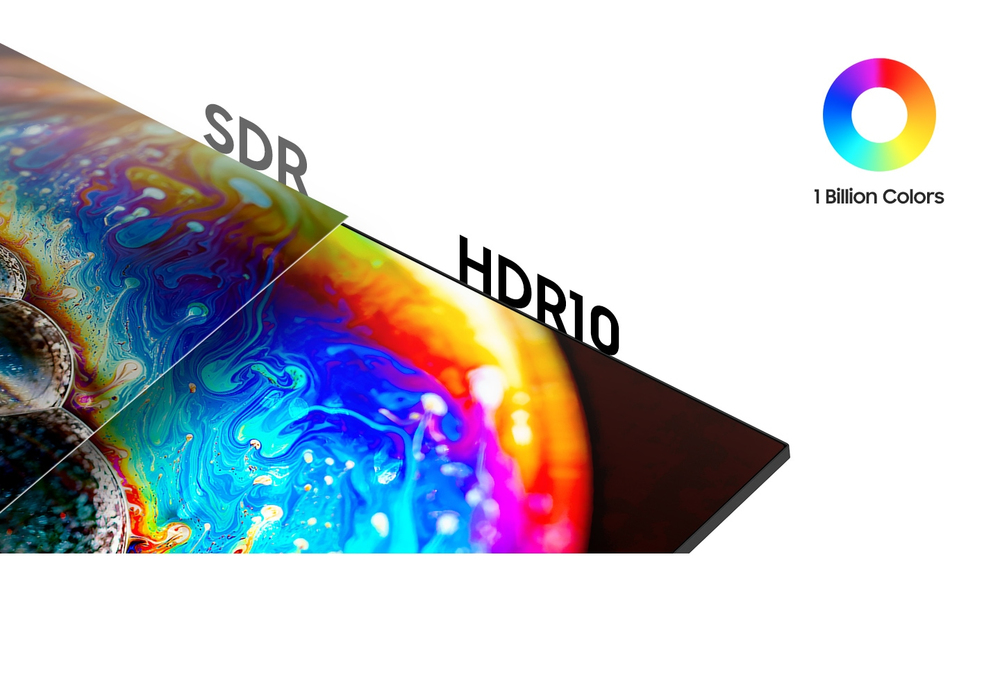
Enhanced realism through more colour
1 billion colours with HDR10 See a wider gamut of colours for stunning accuracy and detail. HDR10 provide near limitless hues and true-to-life colour representation, with darker darks and the brigh...
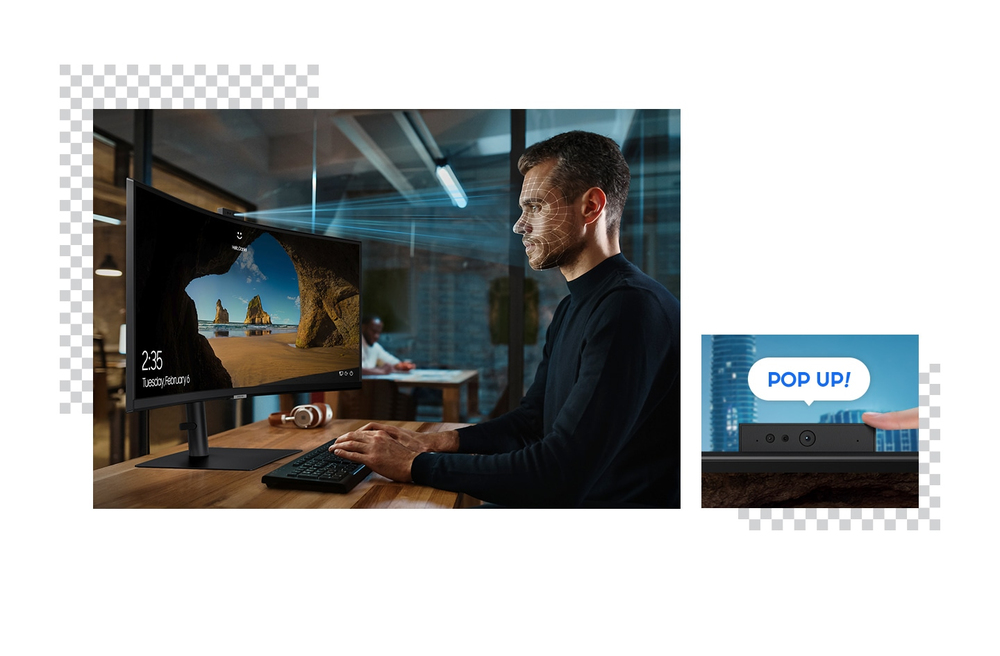
Pop up the camera to stay connected
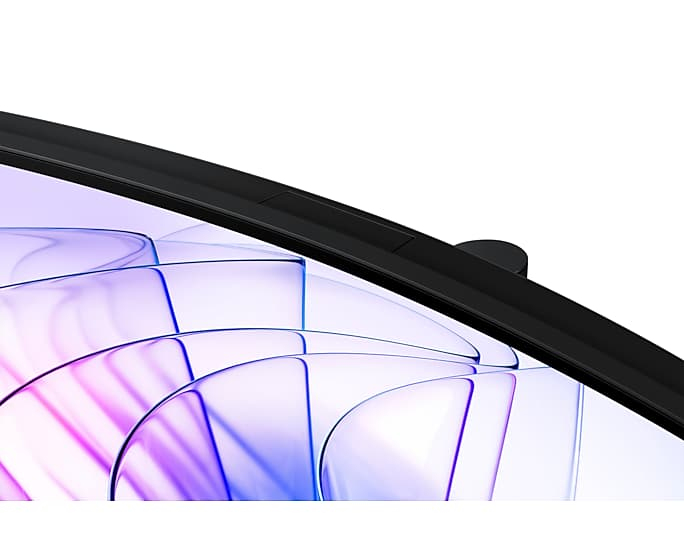
A built-in camera and Windows Hello Stay connected through video calls and streaming without any extra devices. When it's not needed, the camera can be pushed down into the monitor to keep a sleek ...
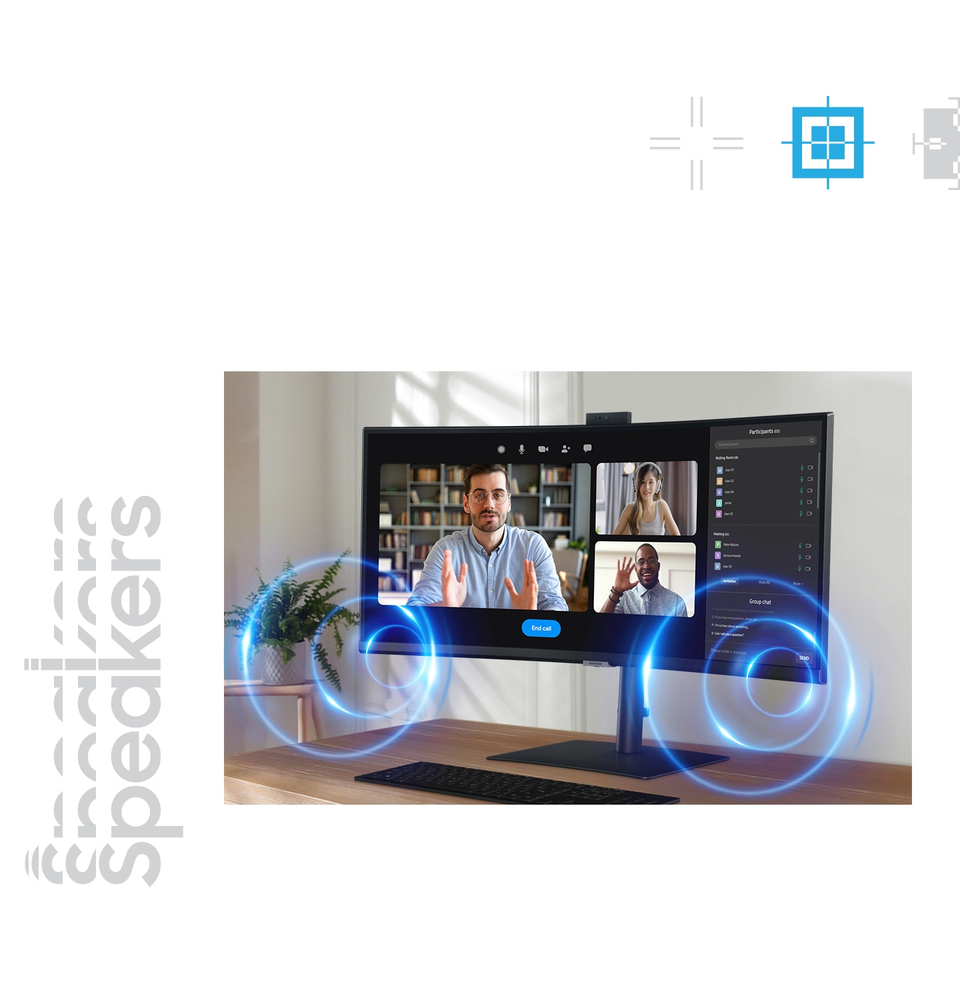
Sound without taking up space
Built-in speaker Work, learn and play without the need for additional peripherals. With built-in speakers, you can free up desk space by minimising the connections needed for a more efficient worki...
Master multiple sources in harmony
Built-in KVM Switch A built-in KVM switch lets you connect and control two sources to your monitor at once, with just one keyboard and mouse. You choose: split screen, Picture in Picture or Picture...
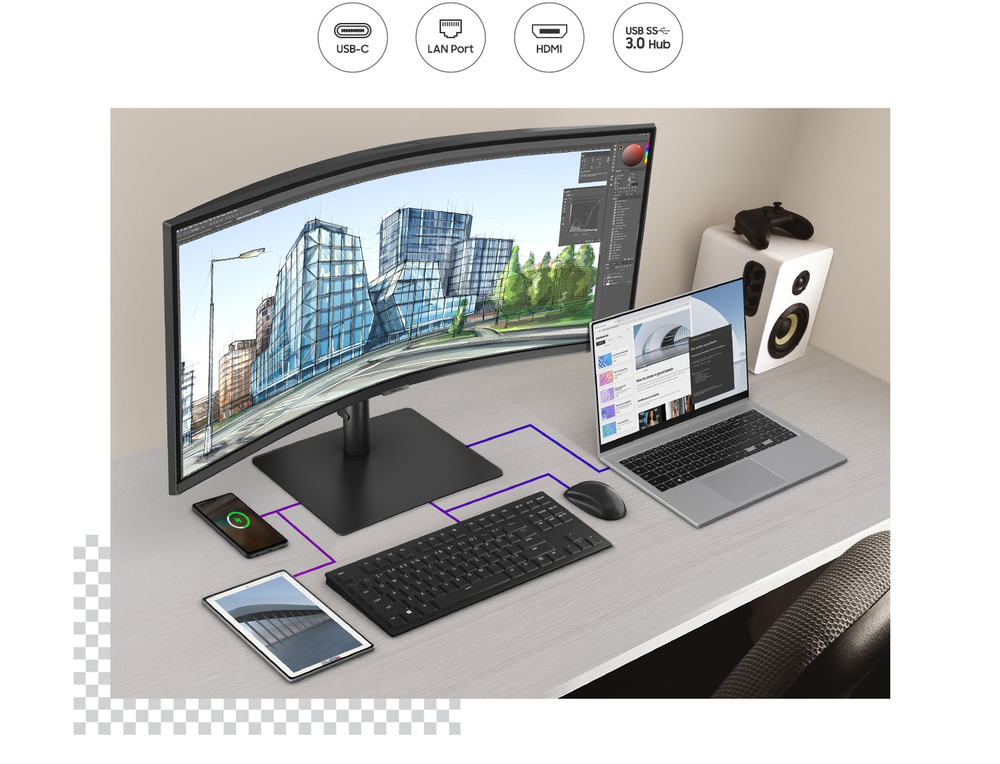
Connect and adjust to meet your needs
USB-C and LAN ports in an ergonomic design A USB-C port lets you power up your device and transmit data with just one cable, and a LAN port lets you connect to a LAN-less laptop for ethernet use. C...
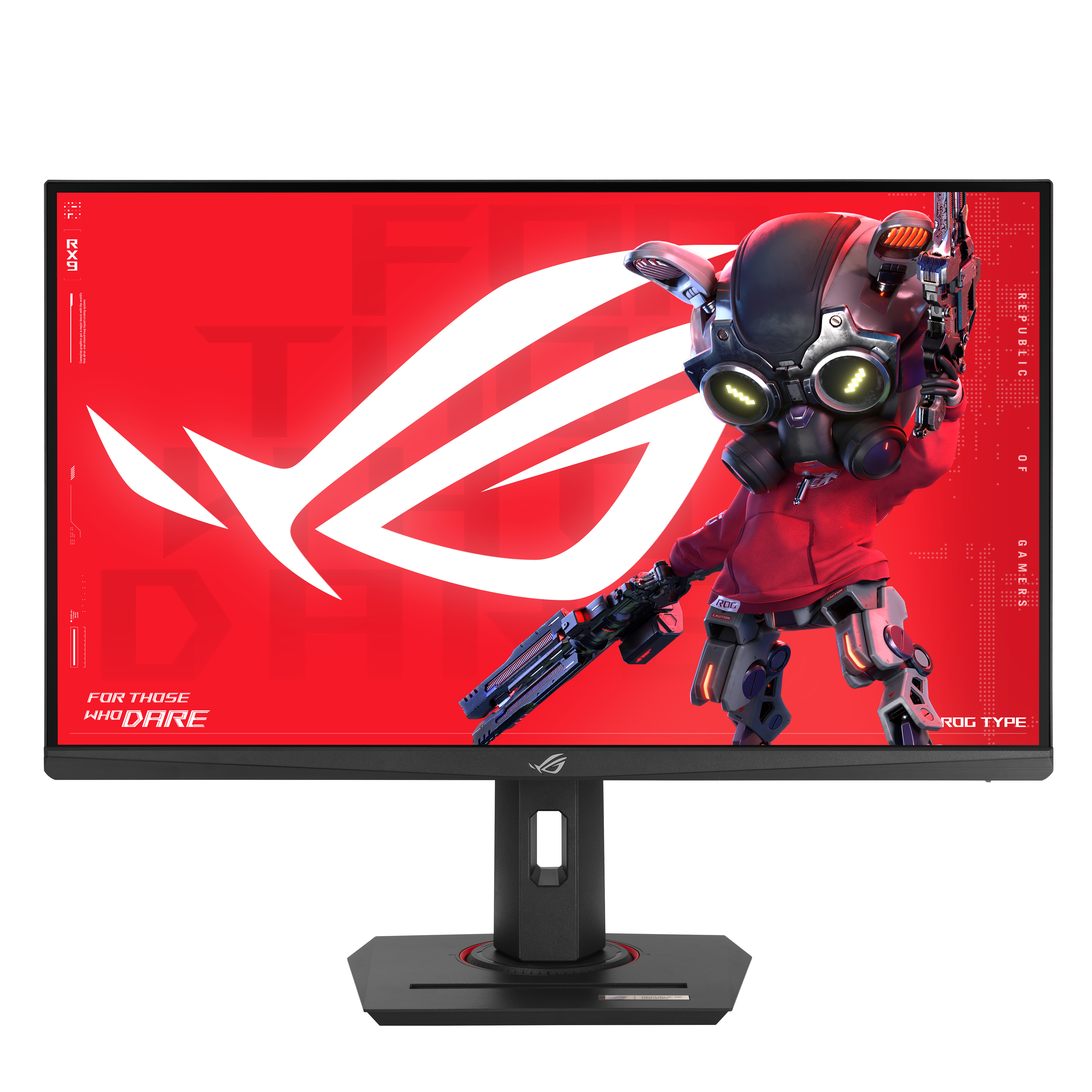
Asus
ASUS ROG Strix XG279CNS - LED monitor - gaming - 27" - 1920 x 1080 Full HD (1080p) @ 380 Hz - Fast IPS - 400 cd/m� - 1000:1 - DisplayHDR 400 - 0.3 ms - HDMI, DisplayPort, USB-C - grey
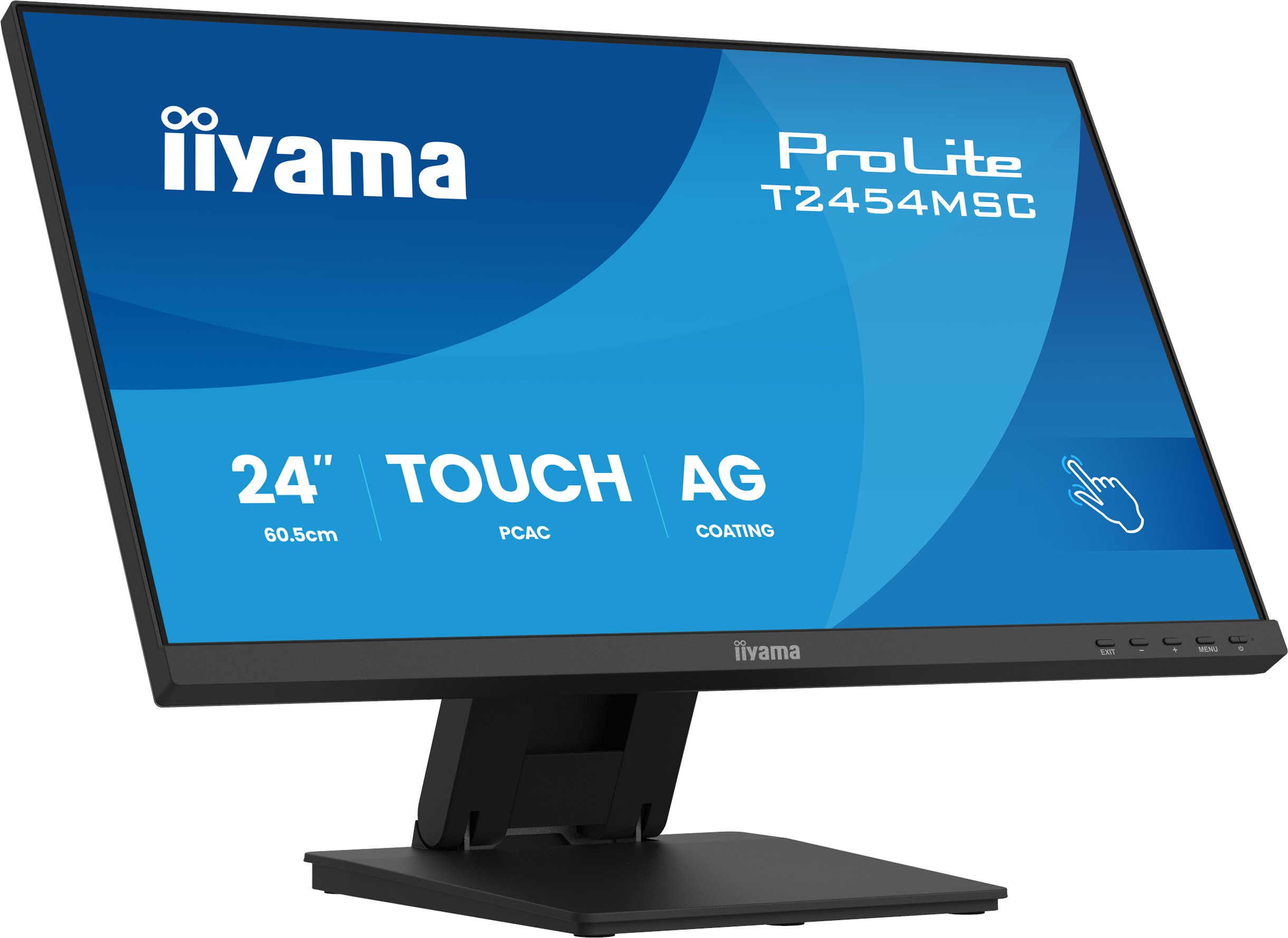
Iiyama
iiyama ProLite T2454MSC-B3AG - LED monitor - 24" (23.8" viewable) - touchscreen - 1920 x 1080 Full HD (1080p) @ 83 Hz - IPS - 300 cd/m� - 1000:1 - 4 ms - HDMI, DisplayPort - speakers - matte black
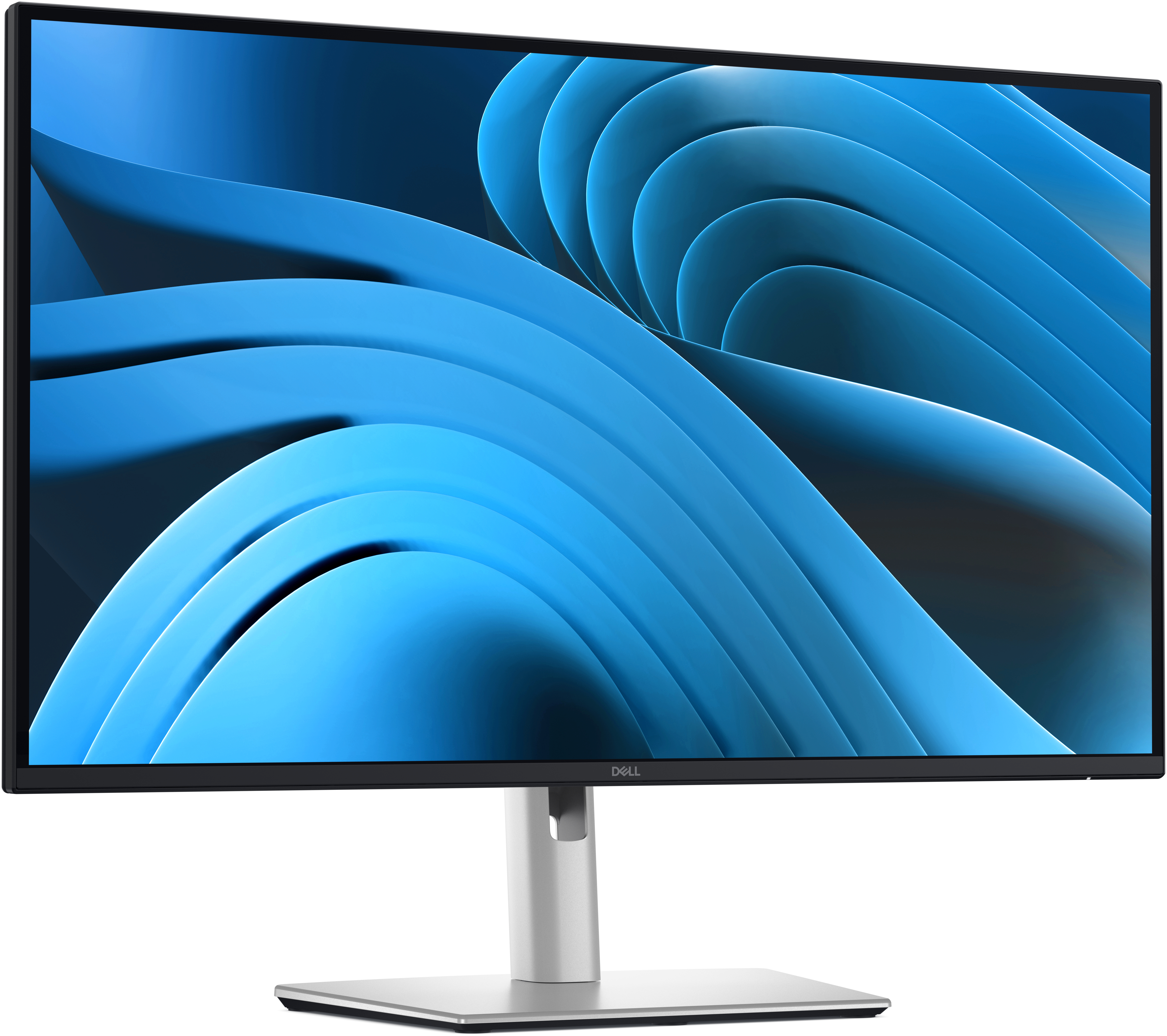
Dell
Dell Pro Plus P2725D - LED monitor - 27" - 2560 x 1440 QHD @ 100 Hz - IPS - 350 cd/m� - 1500:1 - 5 ms - HDMI, DisplayPort - BTO - with 3 years Advanced Exchange Service
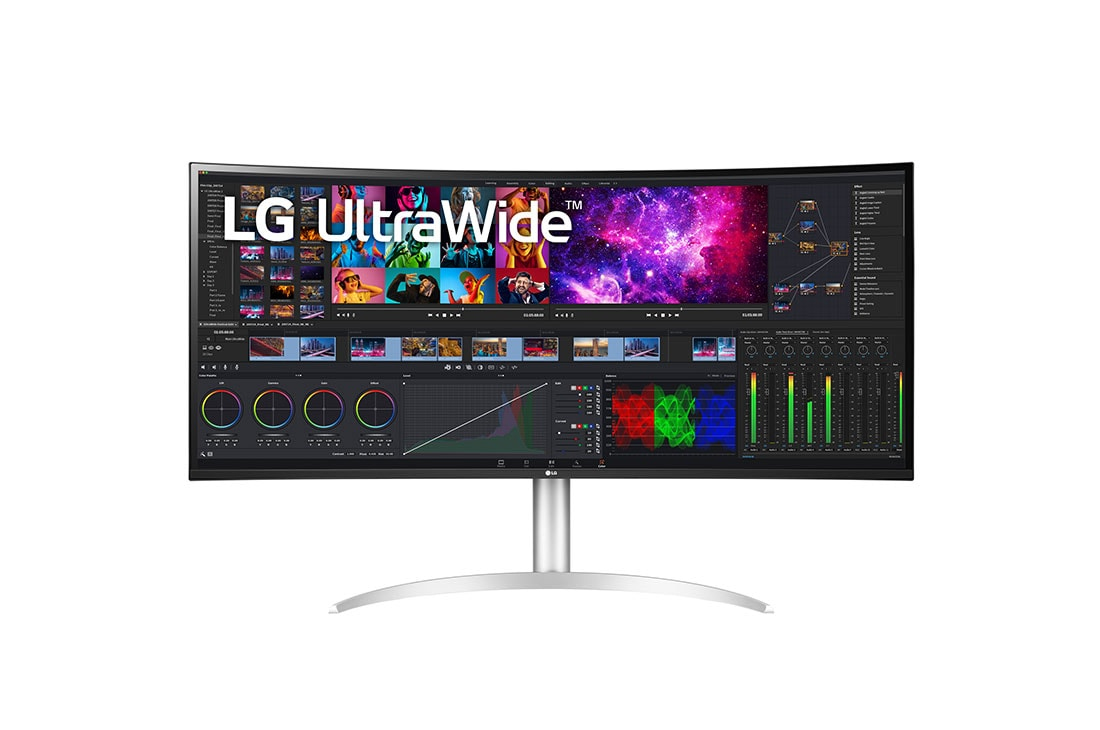
LG Electronics
LG UltraWide 40WP95CP-W - LED monitor - curved - 40" (39.7" viewable) - 5120 x 2160 5K2K UltraWide @ 72 Hz - Nano IPS - 300 cd/m� - 1000:1 - HDR10 - 5 ms - 2xHDMI, DisplayPort, USB-C, Thunderbolt 4 - speakers