- Database Reporting
Power BI Dashboard Guide for UK Businesses
20 Mar, 2026
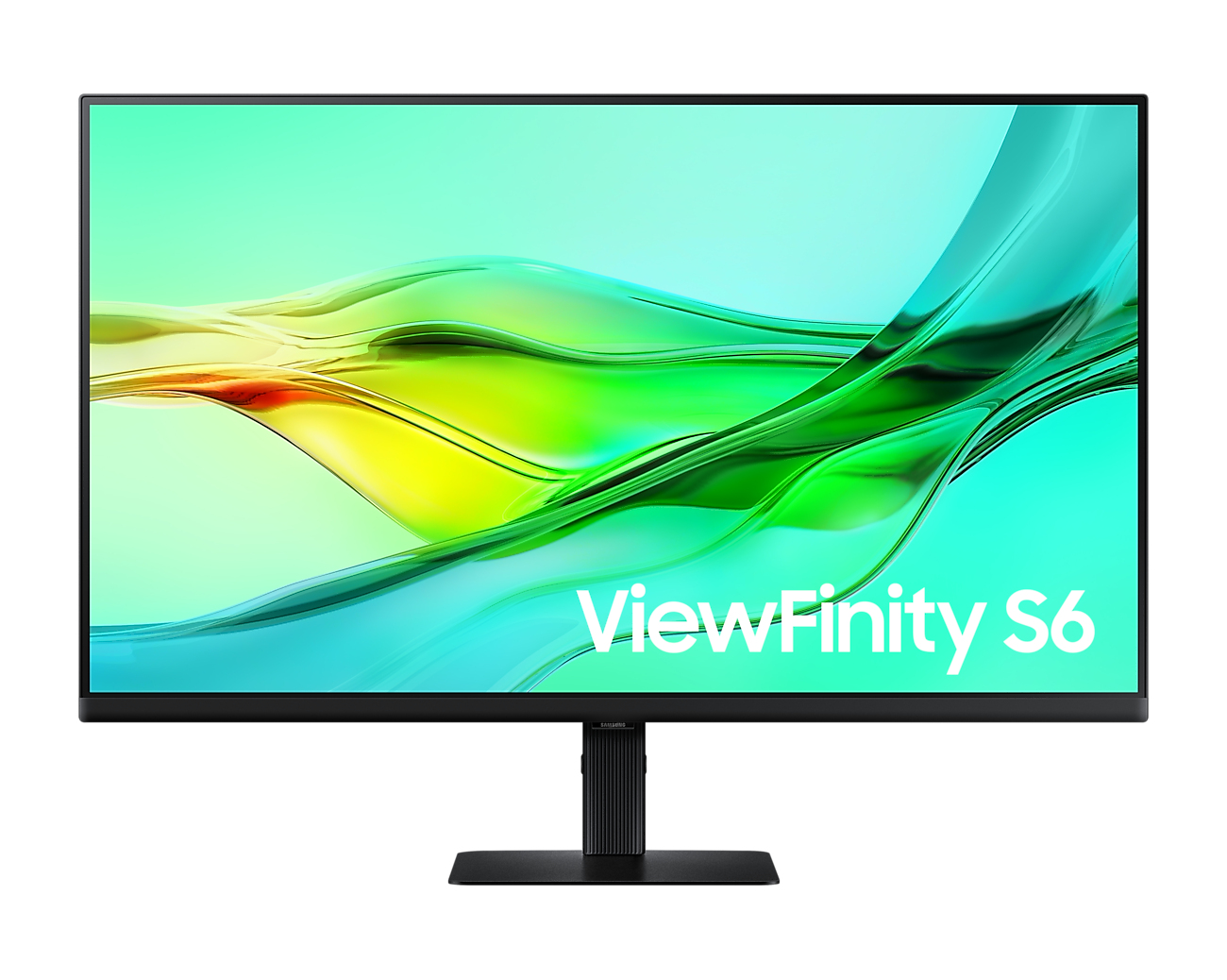
£368.88 inc. VAT
AI-generated summary
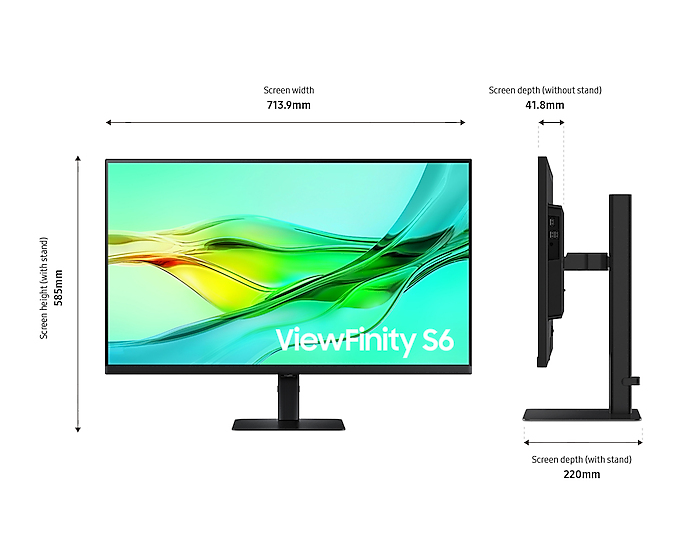
The Samsung LS32D600UAU is a solid “work-first” 32-inch option if you want a bigger screen without stepping into the more expensive, ultra-gaming brackets. At roughly £307 ex‑VAT for a 32in 1440p panel, the value is pretty sensible for office use: spreadsheets, admin work, dashboards, and side-by-side document comparisons all benefit from the screen real estate. Samsung generally also does a decent job with usability menus and day-to-day reliability, so this is the sort of monitor you can roll out to teams without constantly fiddling with settings.
That said, I wouldn’t buy it if you’re expecting it to be a standout for colour-critical creative work or heavy media grading. With this price point, you’re likely not getting the kind of premium calibration, contrast depth, or “wow” HDR performance you’d pay more for. Also, if your IT setup is lots of mixed devices, double-check connectivity and compatibility with your specific docking solution before committing—32-inch monitors can expose little quirks when you’re not running a clean, consistent source. Overall: good for general business productivity and value-minded deployments; not ideal if you need high-end visual performance.
If you tell me what your users do (office-only vs design/video, and whether they’ll plug into a dock), I can say whether this is a safe buy or a miss for your use case.
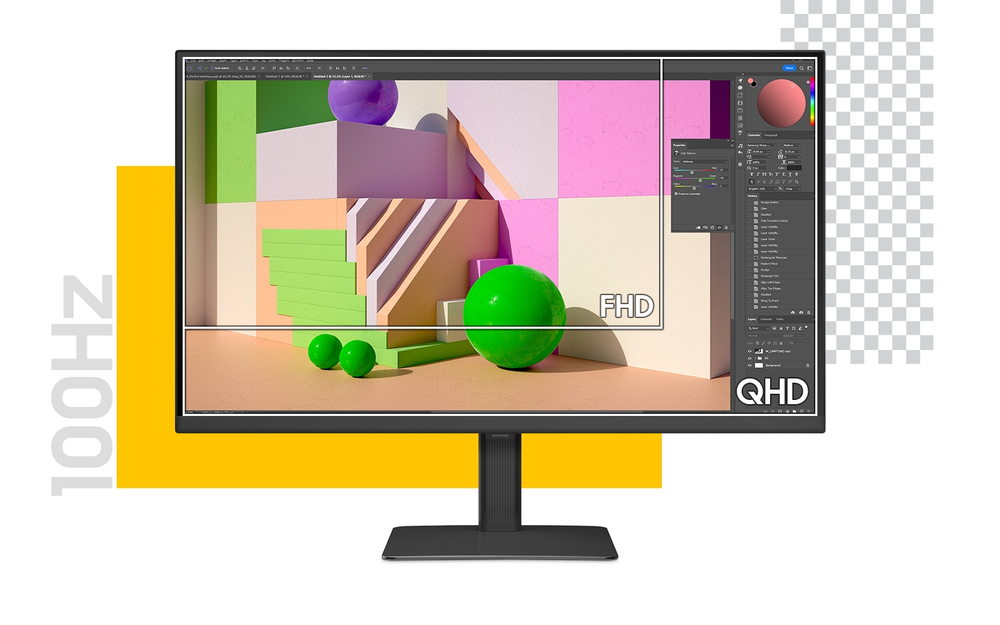
Savour smooth visuals and performance
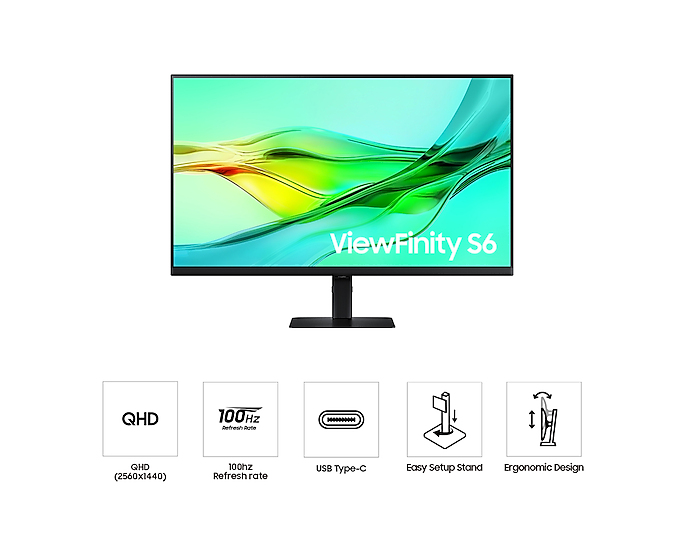
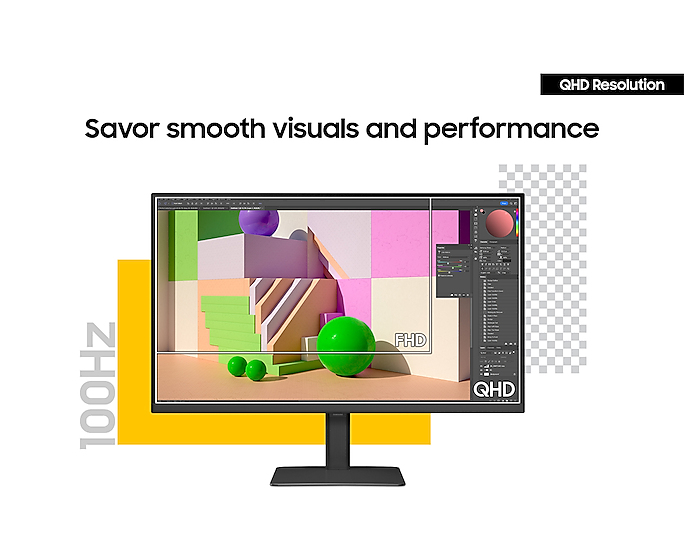
QHD resolution with 100Hz refresh rate Visual excellence that professionals demand. QHD(2560x1440) resolution and 100Hz refresh rate resolution work together to reveal hidden details through higher...
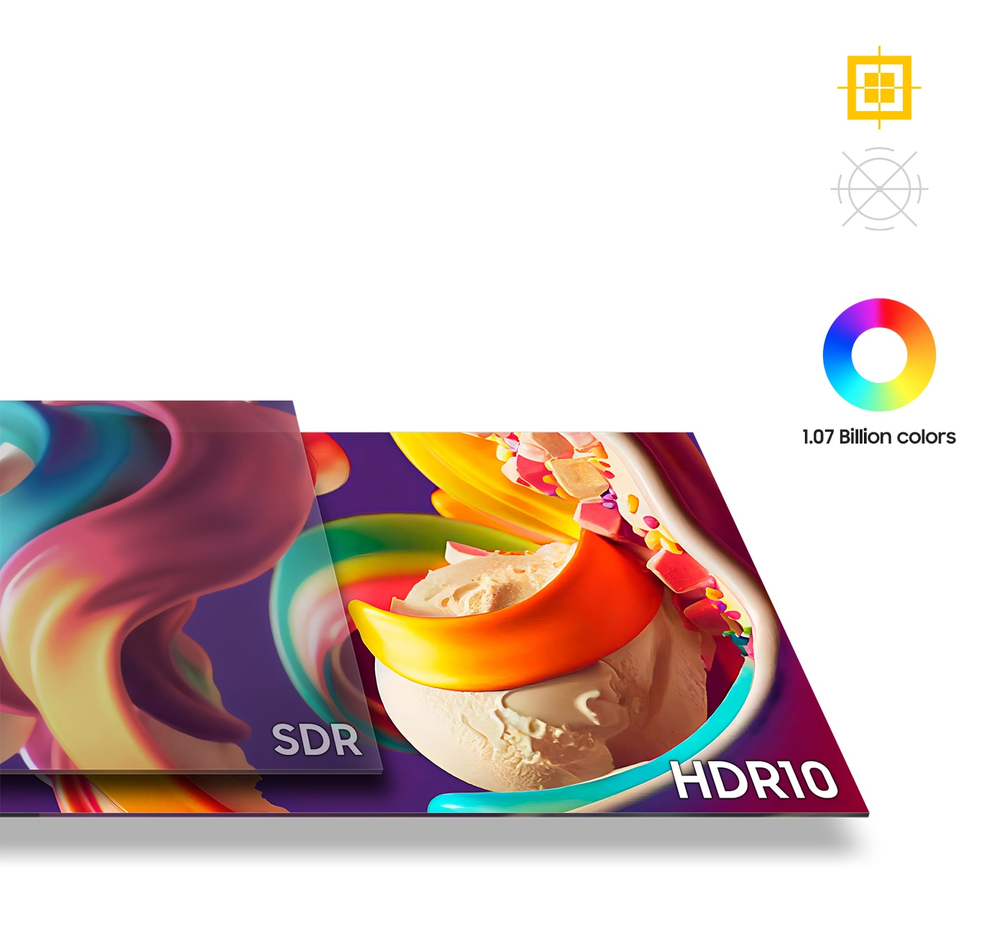
Enhanced realism through more colour
1.07 billion colours with HDR10 See a wider gamut of colours for stunning accuracy and detail. HDR10 provide near limitless hues and true-to-life colour representation, with darker darks and the br...
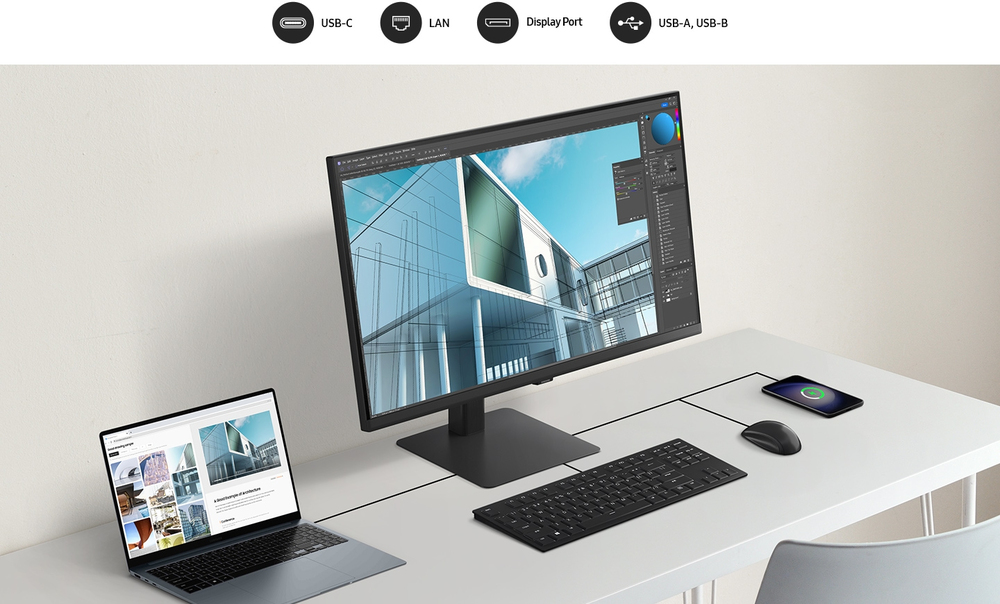
Connect and adjust to meet your needs
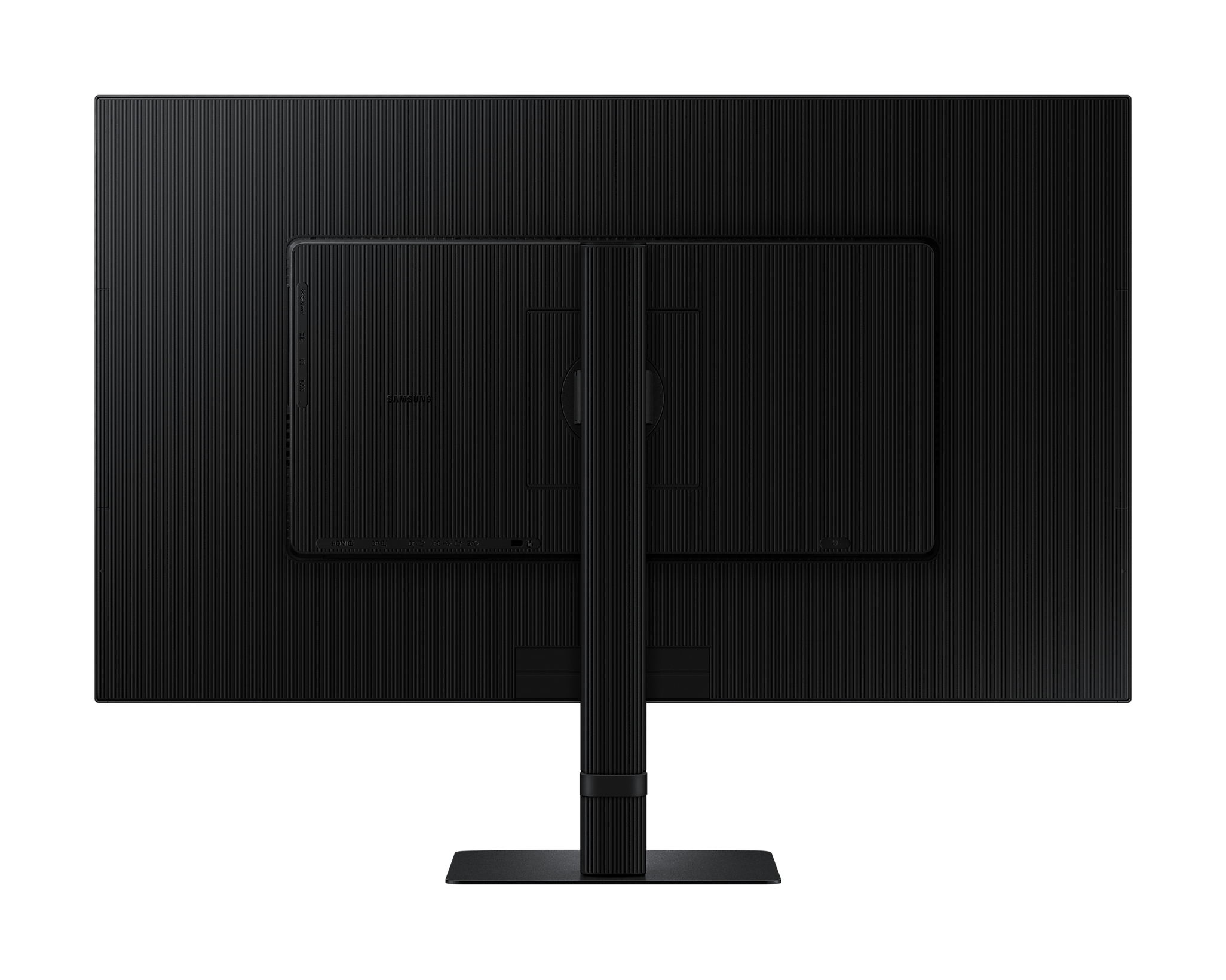
USB-C, LAN and Daisy Chain support Connect it all to elevate your workspace. A USB-C port allows for 90W charging and data transfer at the same time, while a built-in LAN port offers seamless Ether...
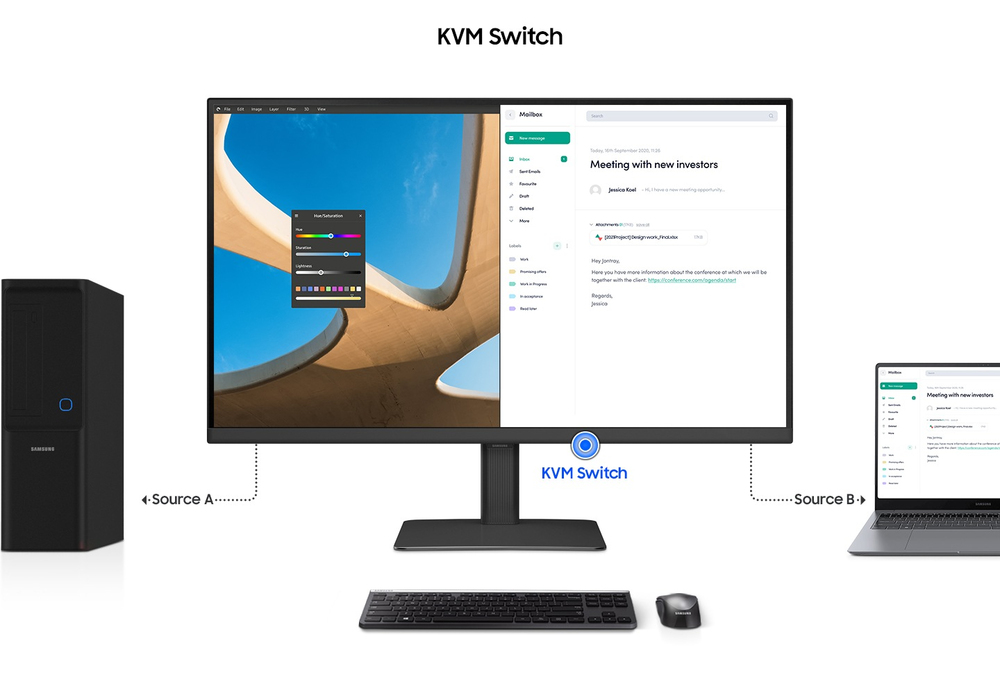
Master multiple sources in harmony
Built-in KVM Switch A built-in KVM switch lets you connect and control two sources to your monitor at once, with just one keyboard and mouse. You choose: split screen, Picture in Picture or Picture...
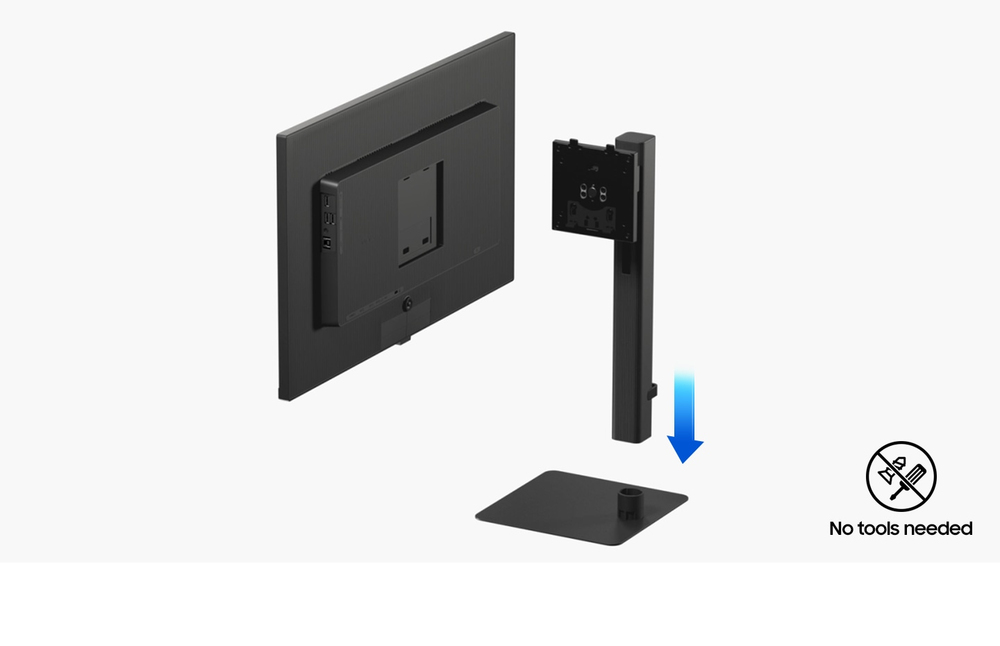
Effortless and instant setup
Easy Setup Stand The Easy Setup Stand effortlessly creates an ideal workspace without any tools or screws. When it's time to change things up, simply push a button and enjoy flexible convenience.
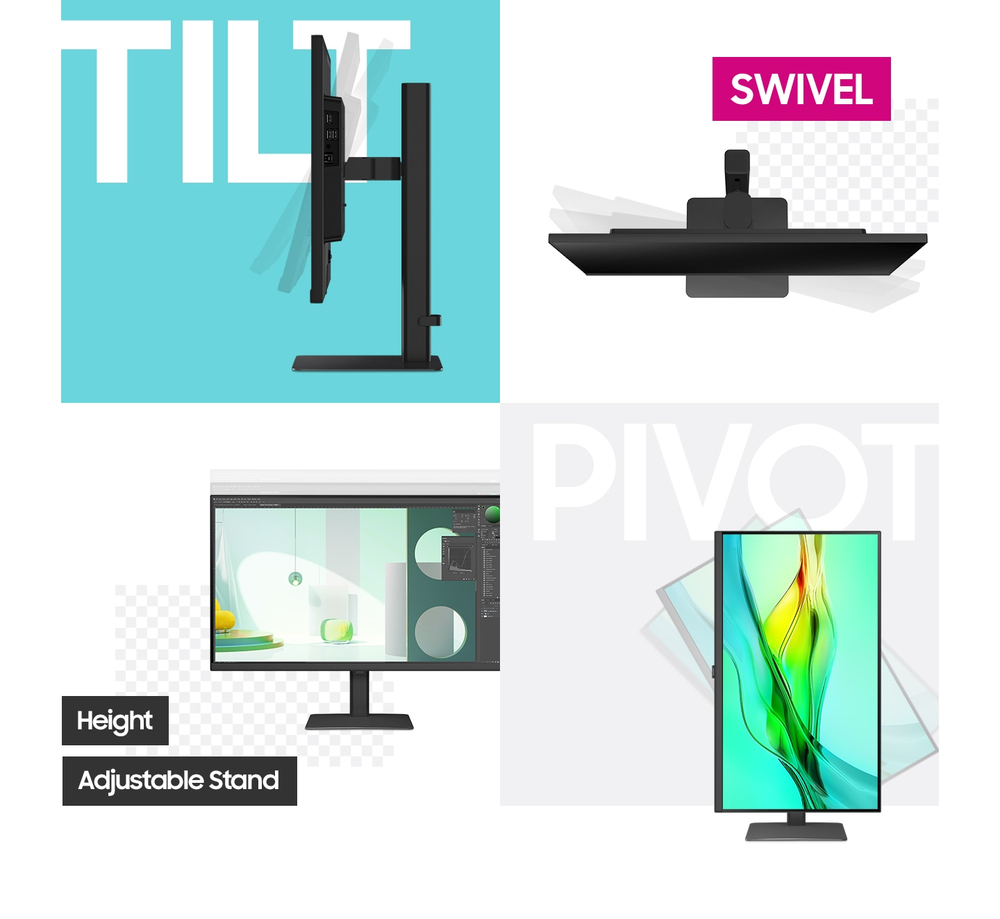
View with enhanced versatility
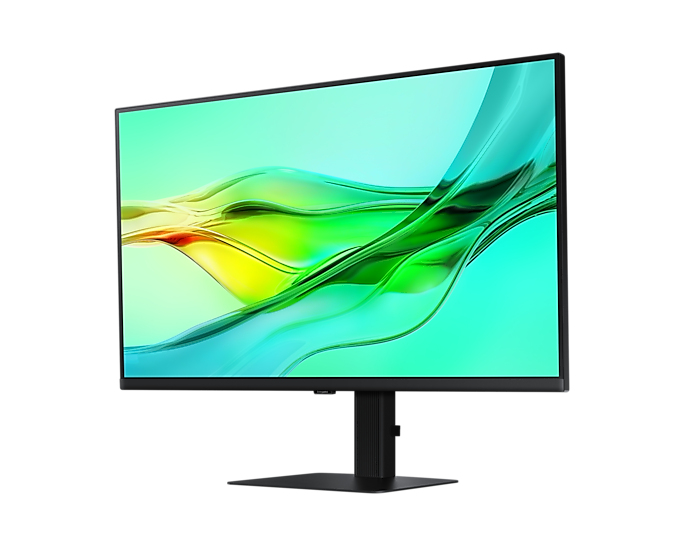
Ergonomic Design A height-adjustable screen that tilts gives you the best angle and ultimate utility. Now you can also pivot the screen 90 degrees, which is perfect for viewing long documents with ...
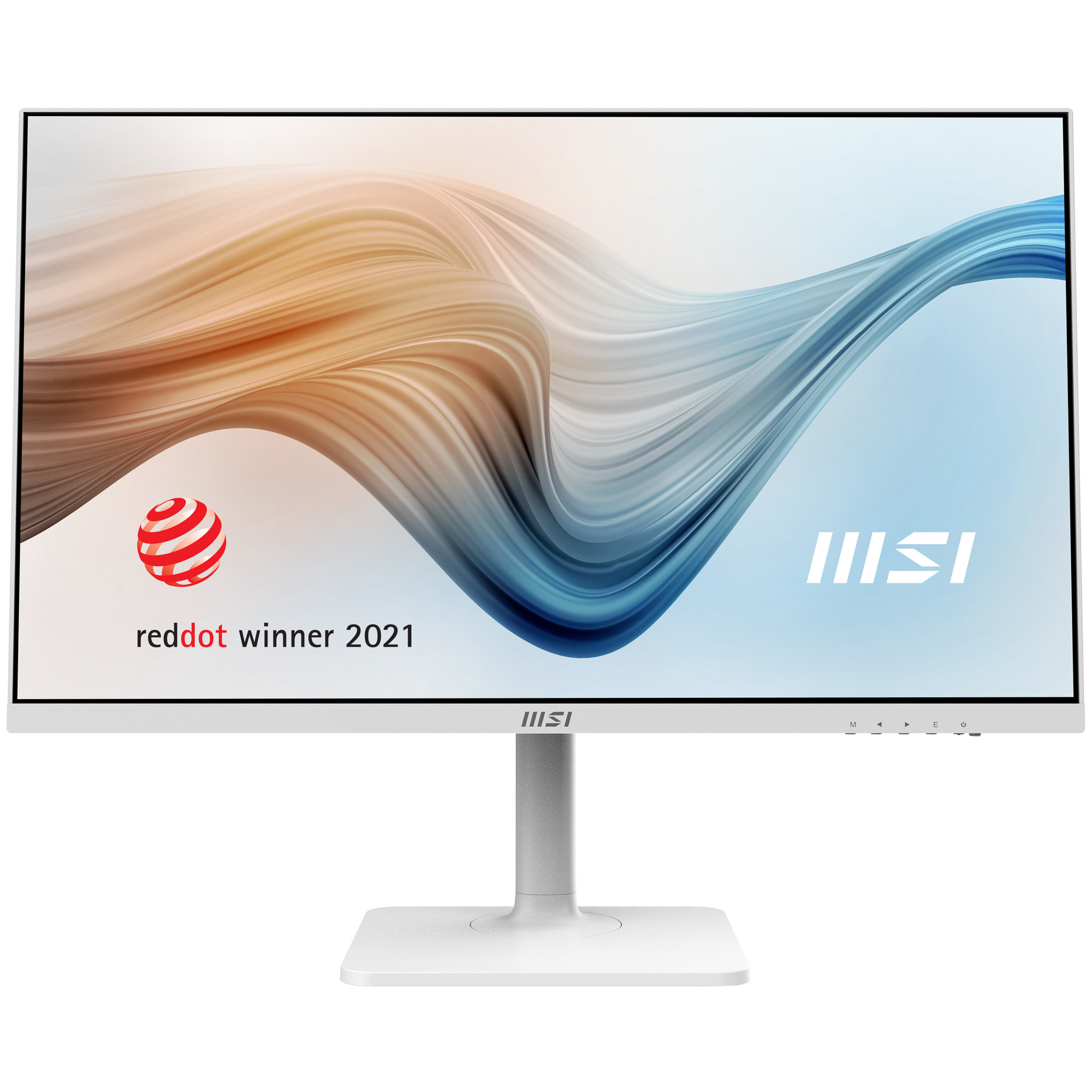
MSI
MSI Modern MD272QXPW - LED monitor - 27" - 2560 x 1440 WQHD @ 100 Hz - IPS - 300 cd/m� - 1000:1 - 1 ms - HDMI, DisplayPort, USB-C - speakers - white
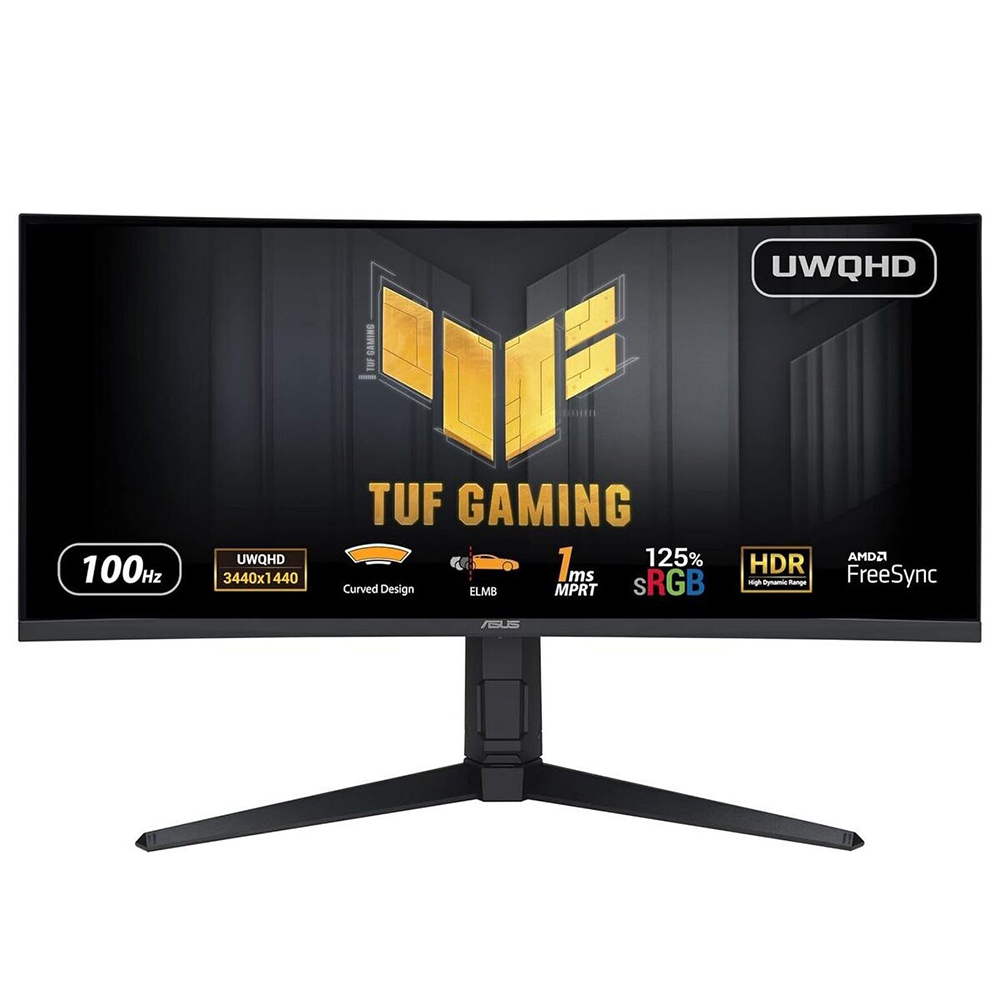
Asus
ASUS TUF Gaming VG34VQEL1A - LED monitor - gaming - curved - 34" - 3440 x 1440 UWQHD @ 100 Hz - VA - 300 cd/m� - 3000:1 - HDR10 - 1 ms - 2xHDMI, DisplayPort - speakers - black
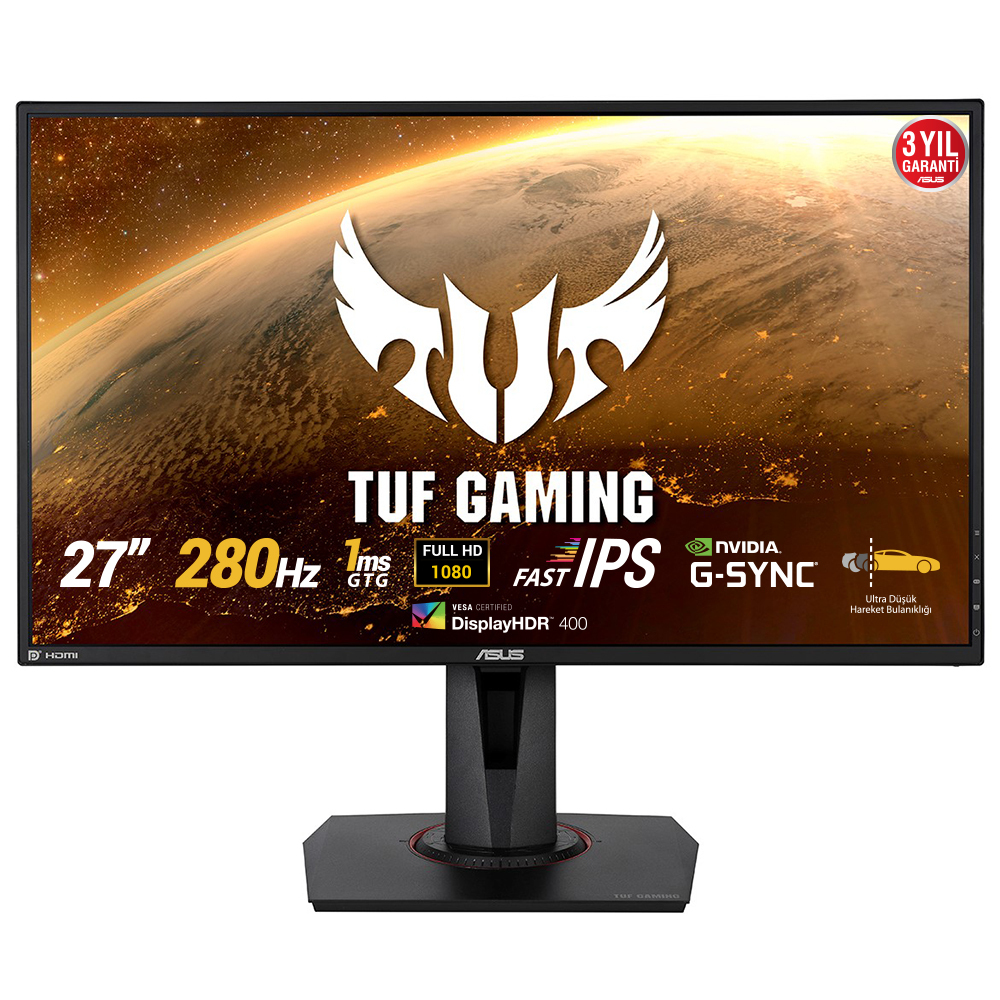
Asus
ASUS TUF Gaming VG279QM - LED monitor - gaming - 27" - 1920 x 1080 Full HD (1080p) @ 280 Hz - IPS - 400 cd/m� - 1000:1 - DisplayHDR 400 - 1 ms - 2xHDMI, DisplayPort - speakers
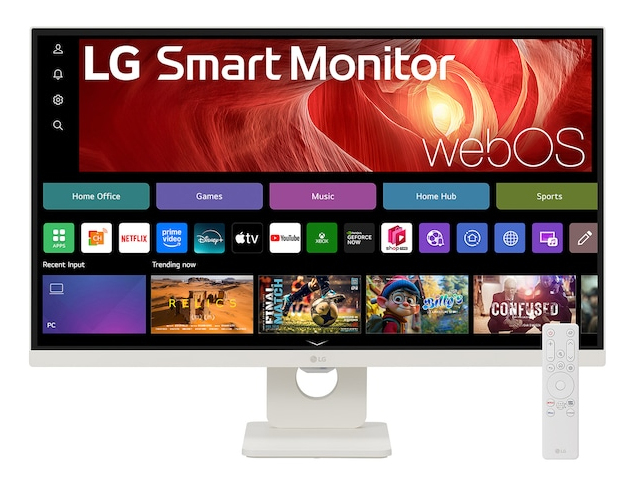
LG Electronics
27" 4K UHD IPS Smart Monitor with webOS