- Internet & Connectivity
How to Set Up Business Wi-Fi 6 for Maximum Performance
18 Mar, 2026
£31.62 inc. VAT
AI-generated summary
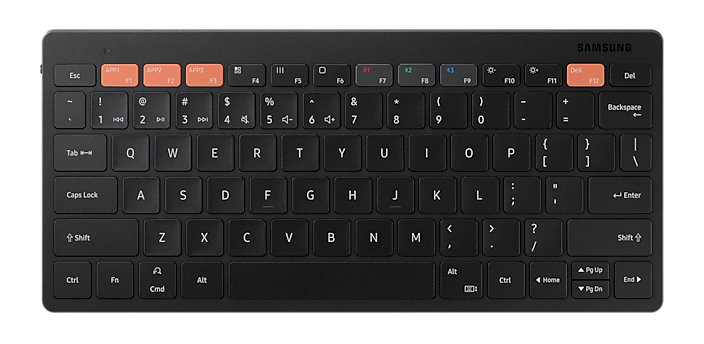
For £26.35 ex-VAT, the Samsung Smart Trio 500 is the kind of keyboard that makes sense if you want something simple, low-cost, and genuinely practical for everyday office work—especially if you bounce between devices. The big win with this class of “Smart Trio” keyboards is quick switching and avoiding the faff of pairing/unpairing every time you swap laptop/tablet/phone. If your job is mainly emails, docs, and light admin (and you don’t need mechanical-keyboard “feel”), it’s good value and it won’t feel like you’re overbuying for a desk setup that already has enough kit.
That said, don’t buy it if you’re picky about key travel, want a premium typing experience, or do heavy, long-form typing all day. Budget Bluetooth keyboards typically trade “comfort and durability” for convenience, and you may notice wobble or a slightly tinny feel compared to better-built full-size options. Also, if you’re deep into corporate IT control requirements, it’s worth double-checking how it behaves across your specific devices—some teams prefer wired or their own standard models to minimise Bluetooth quirks. Overall: buy it for mixed-device productivity on a budget; skip it if you’re hard on keyboards or want workstation-level ergonomics.
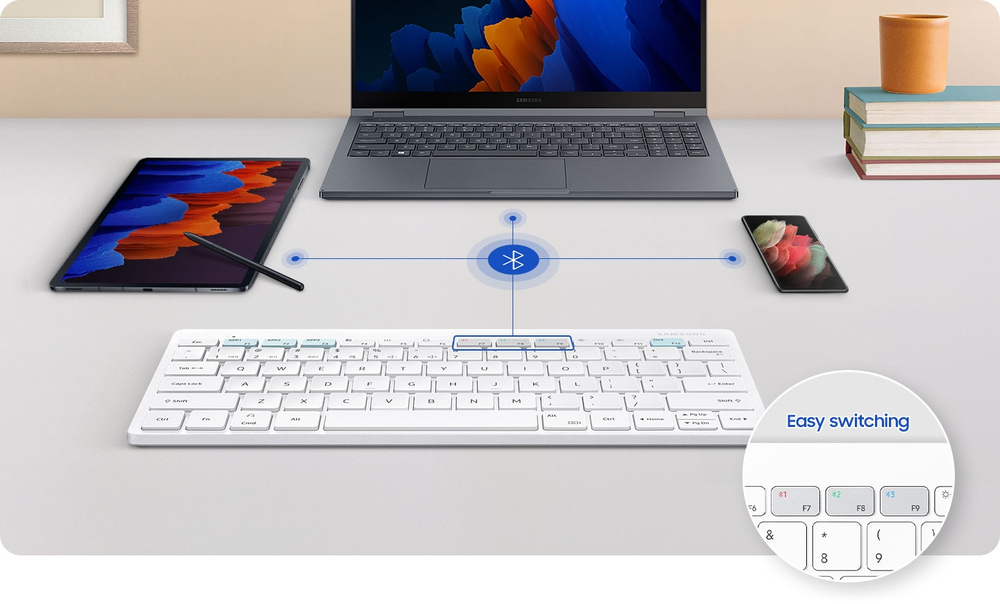
Pair multiple devices & switch with a click
Connect it up with three different devices at once. Enjoy wide compatibility and easy pairing, as a click is all you need to switch between smartphones, tablets and other devices paired with the Sa...
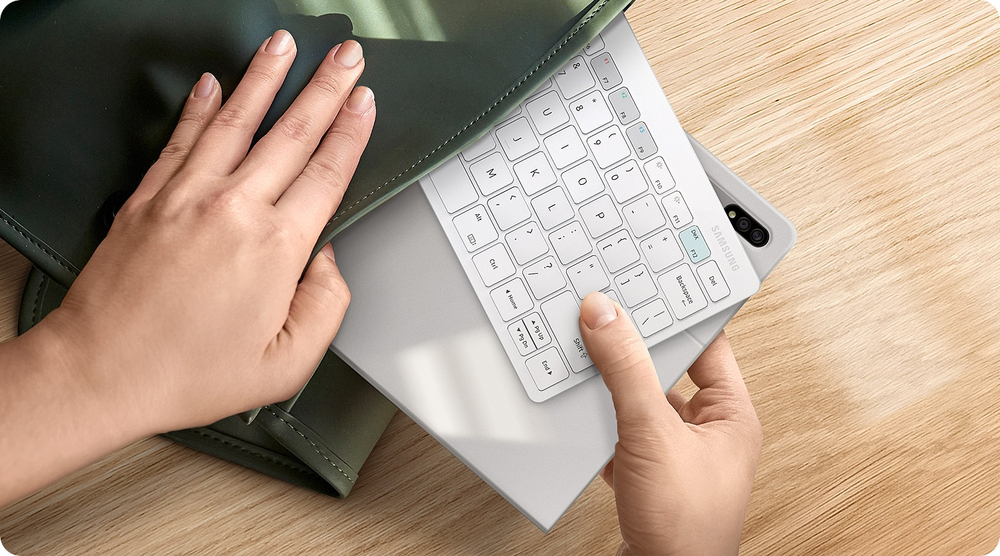
Wireless keyboard to-go for when you're on the go
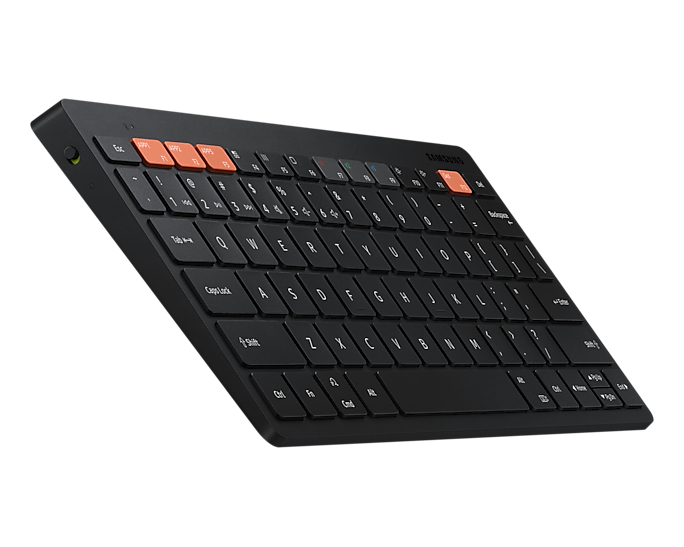
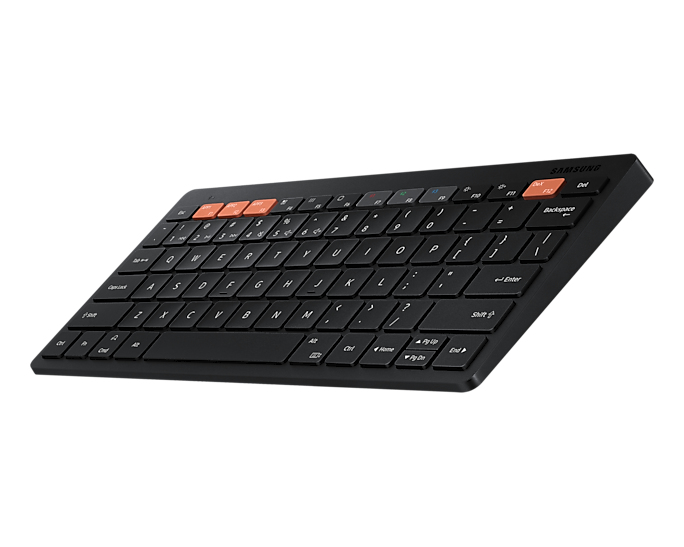
Always be ready to achieve. Compact, slim and tastefully designed yet packed with special functions for a boosted performance, the wirelessly connectable Samsung Smart Keyboard Trio 500 delivers a ...
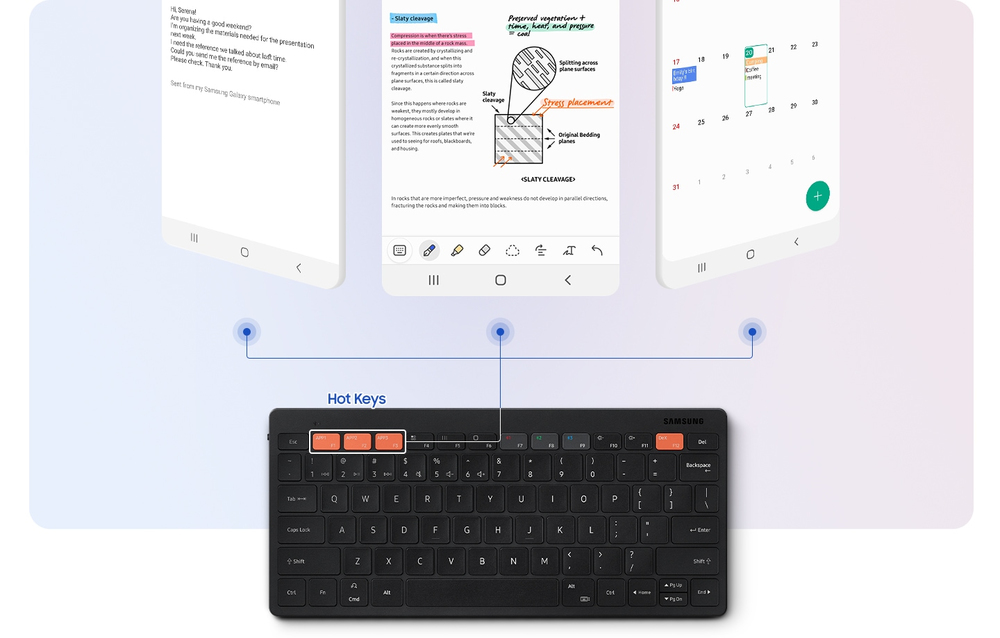
Assign custom Hot Keys to your favourite apps
Have shortcuts to the apps that you use the most and enjoy one-click access using 3 Hot Keys. Whether it's your favourite content streaming app or your most frequently used utility app, launching t...
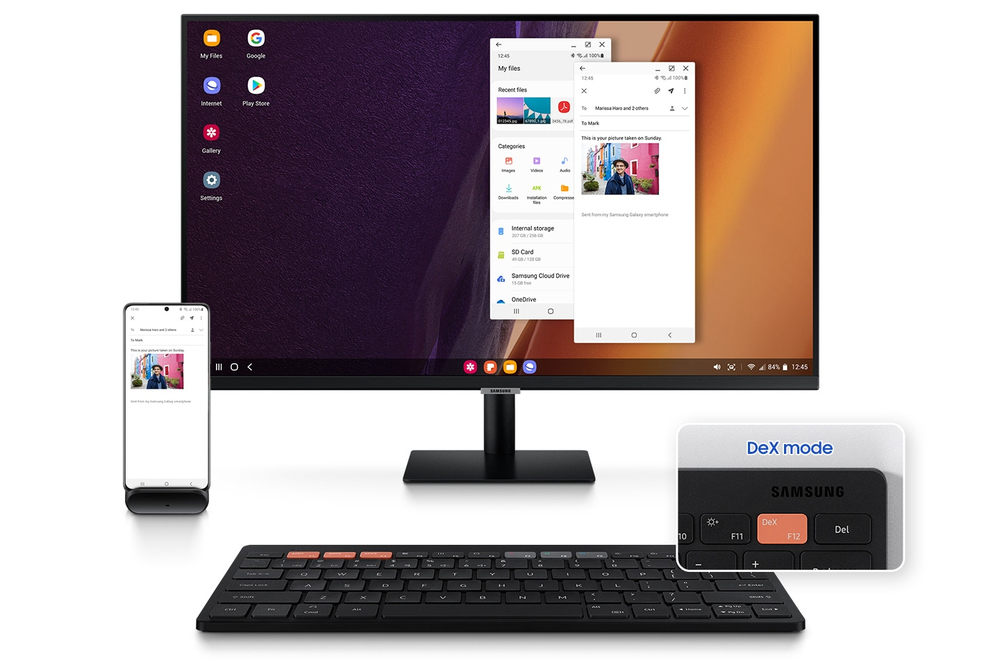
Enter into DeX for productivity
By accessing DeX via the Samsung Smart Keyboard Trio 500, reaching a desktop-like performance and productivity becomes a reality you can manifest from anywhere. Work with multiple windows at once, ...
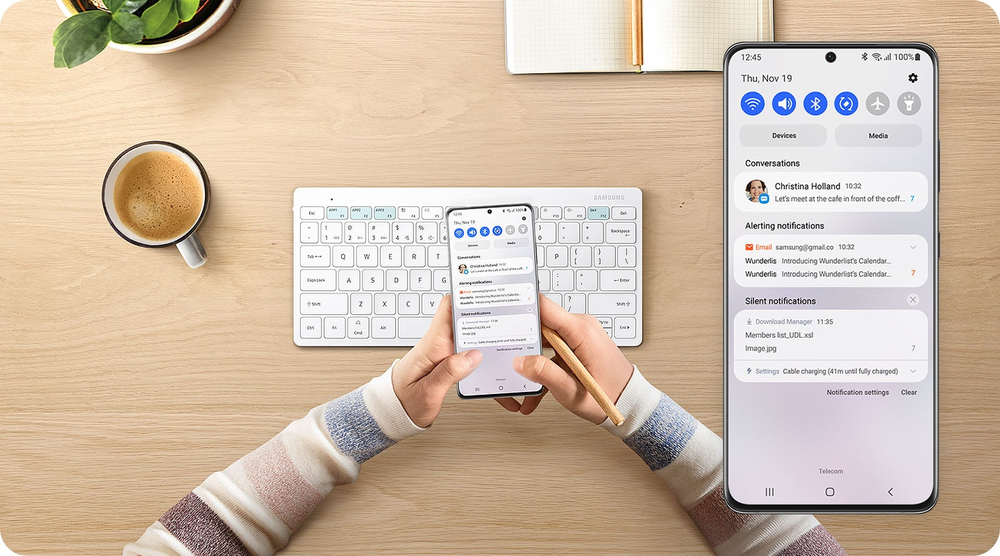
Step 1. Connect via Bluetooth
Pairing it with your mobile phone, tablet or other devices takes just a few simple steps. First, turn the power button on and long-press the Bluetooth key for instant recognition.
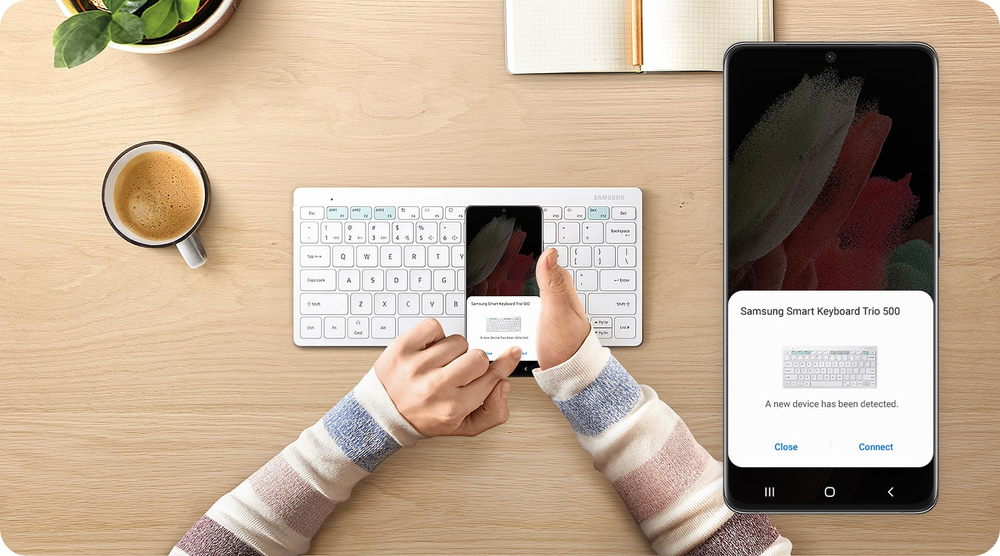
Step 2. Click on the pop-up
Once the easy-pairing pop-up appears on your devices screen, simply click on it. You can pair up to three devices at once.
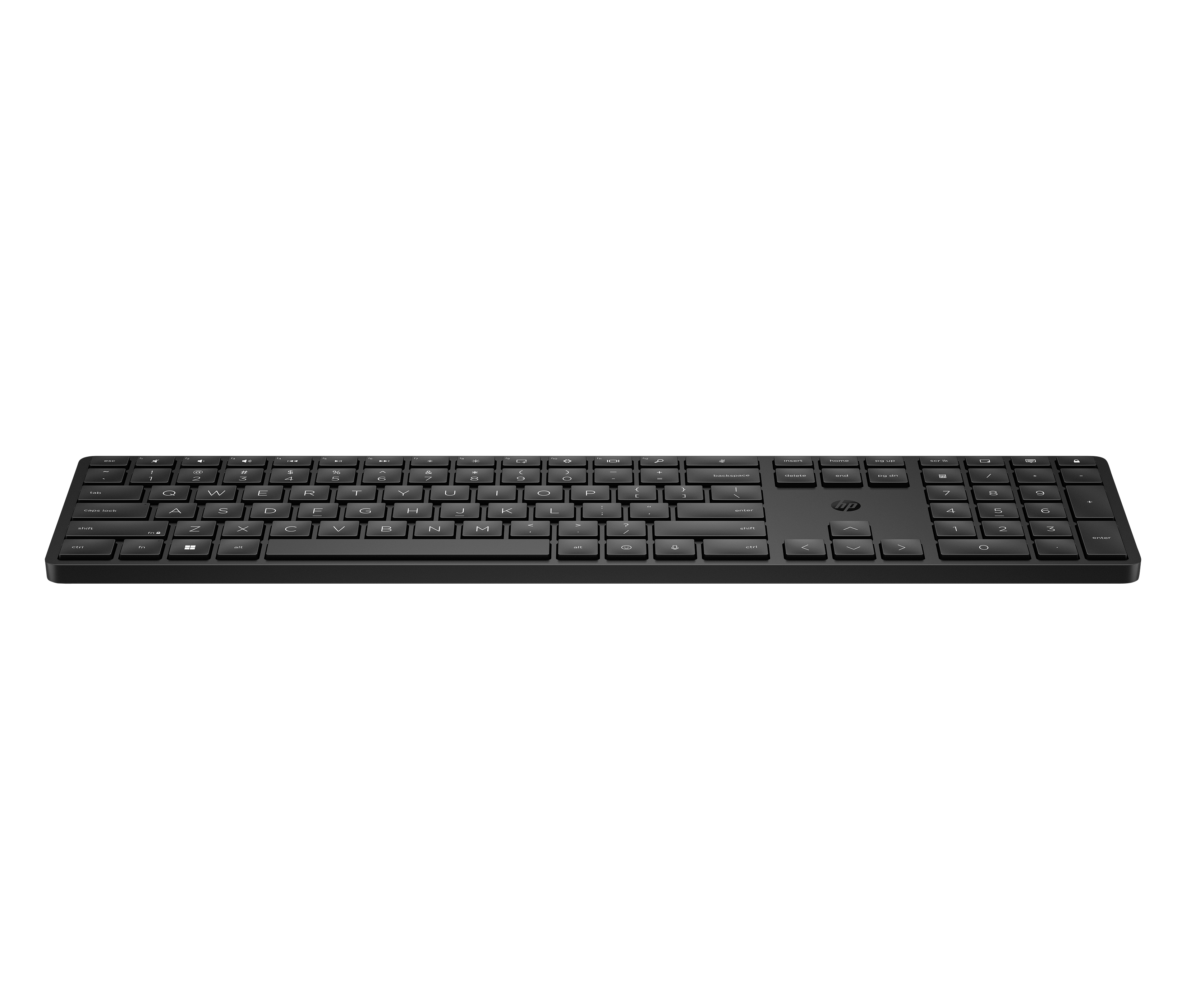
HP
HP 455 Programmable WL KBD United Kingdom - UK English localization
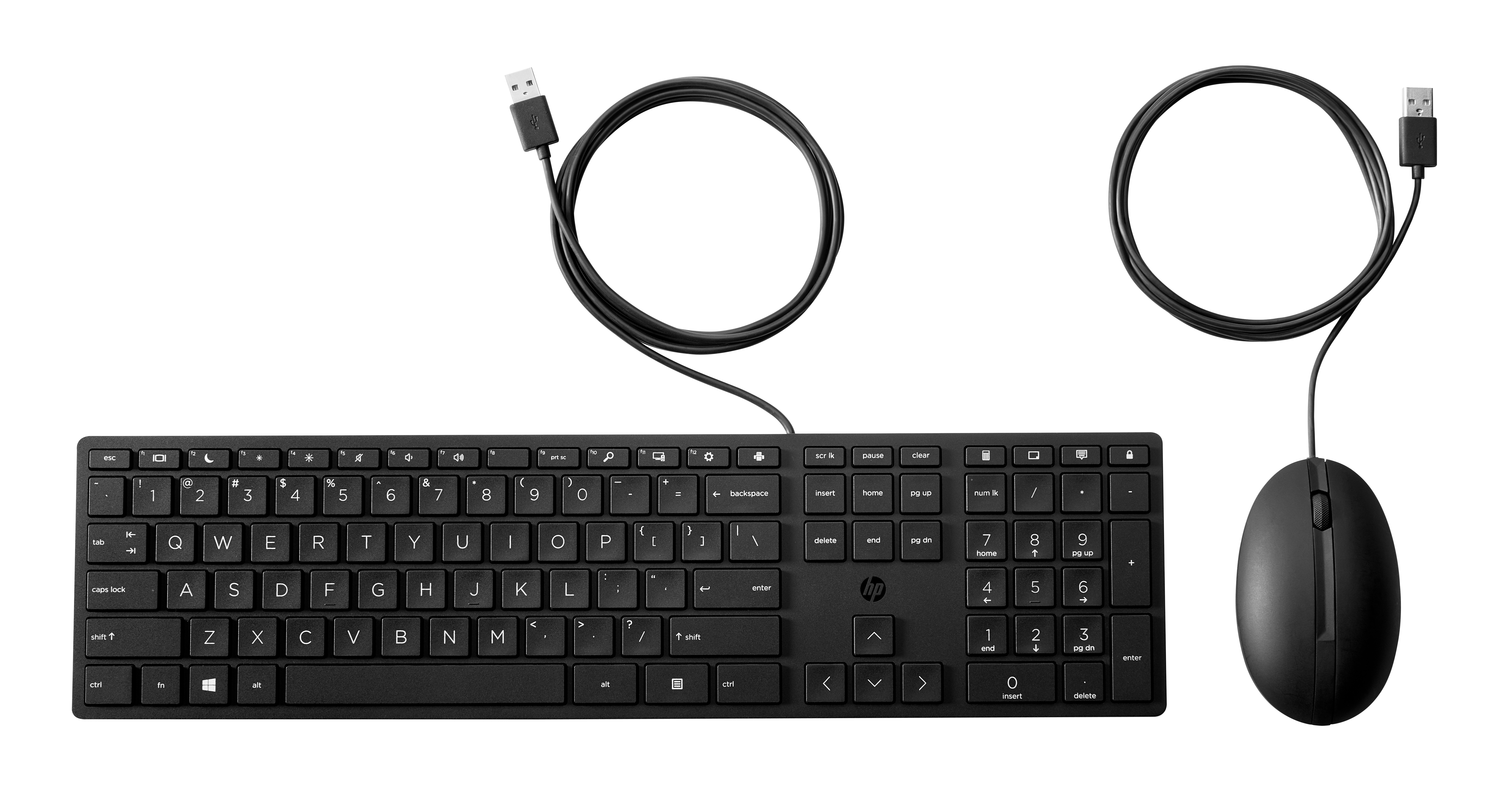
HP
HP Desktop 320MK - Keyboard and mouse set - full size - USB - UK - black
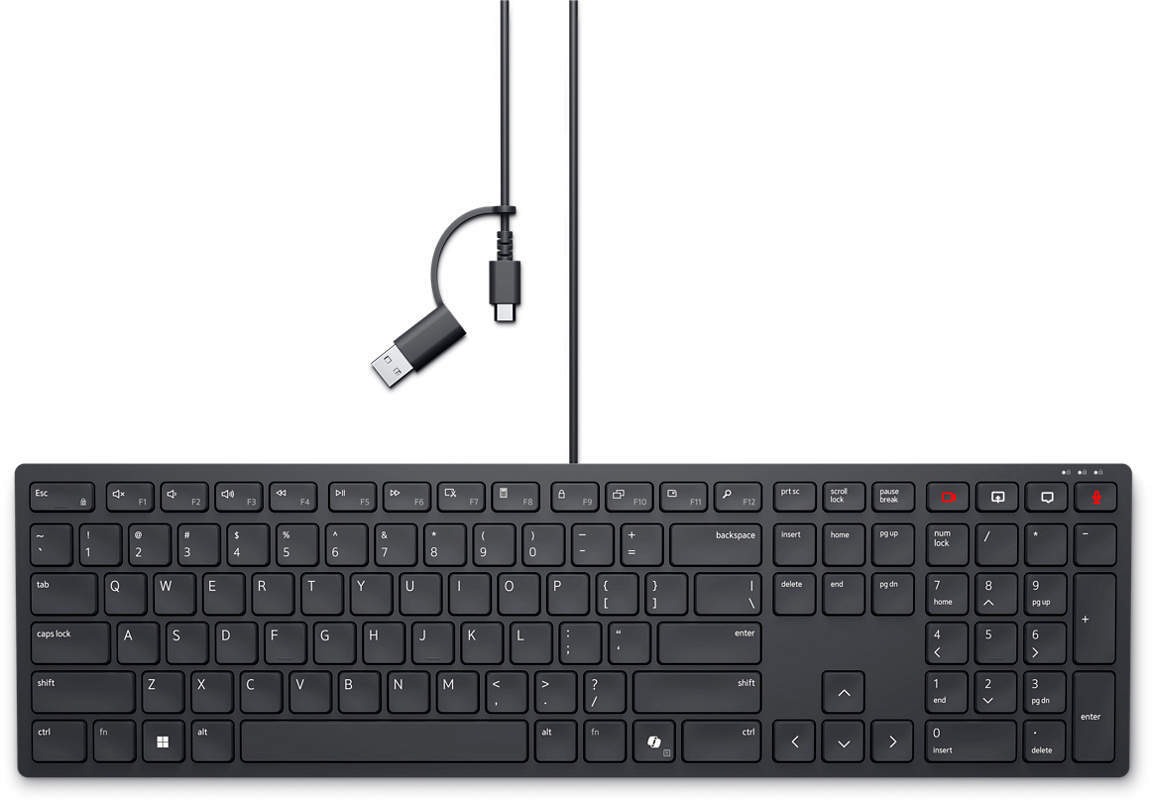
Dell
Dell Pro Silent Wired Collaboration Keyboard KB525C - Keyboard - USB, USB-C - QWERTY - UK - black - with 3 years NBD Advance Exchange
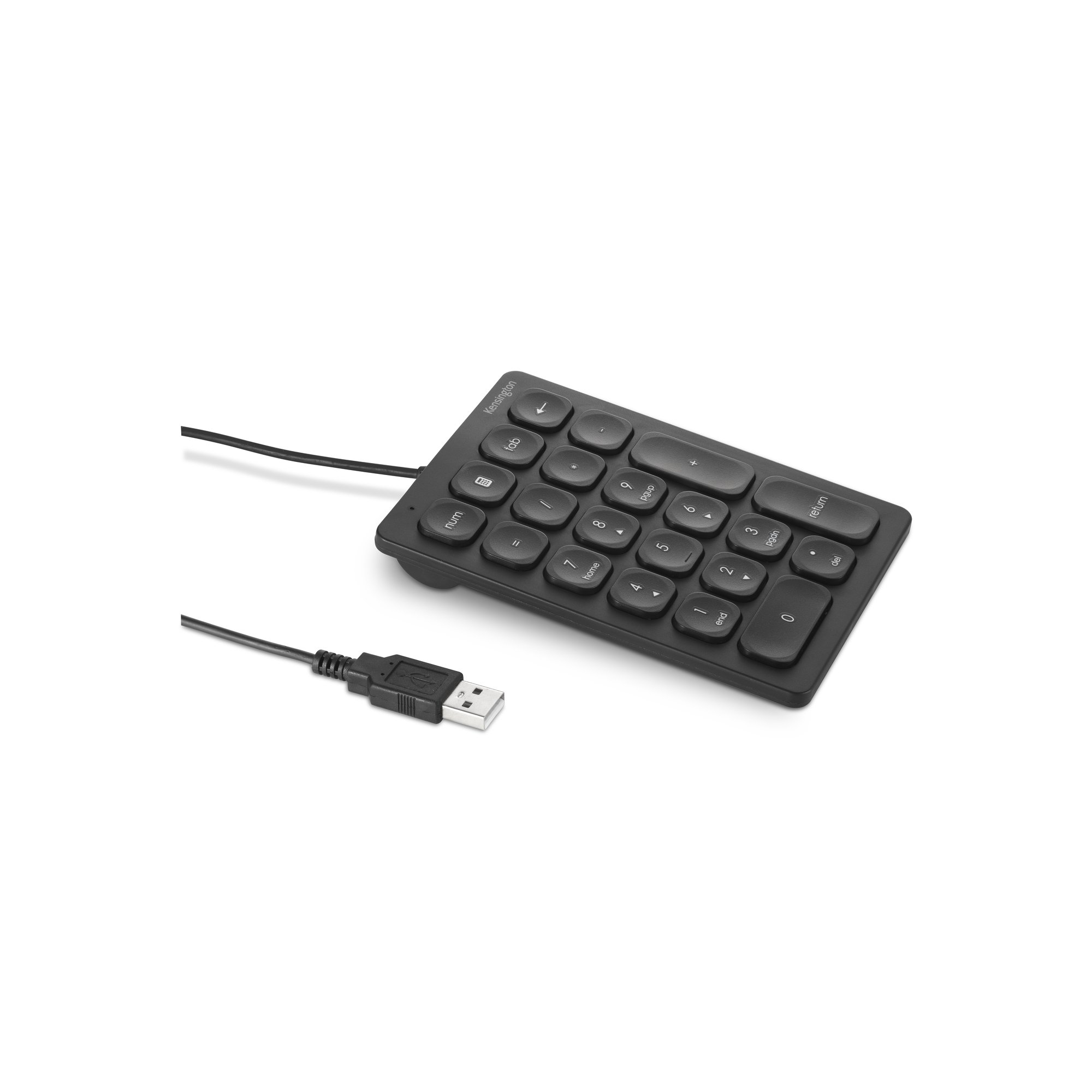
Kensington
Kensington - Keypad - USB